
Antivirus Comparisons 2026: 21 Evidence-Led Matchups
Twenty-one canonical head-to-heads answer different buying and setup questions. Each page keeps lab cycles, false alarms, performance, tier limits, renewal terms and regional restrictions separate instead of blending them into one vague score.
Quick answer: start with Bitdefender Total Security if protection and cross-platform breadth matter most; Norton 360 Deluxe for VPN/password manager/backup value; ESET HOME Security Essential for low task impact and control; Avast Free Antivirus when you want a capable free alternative; or Microsoft Defender if you use Windows 11 carefully and prefer no extra subscription. Use the head-to-head library when you already have two names.
Ten antivirus products compared by the job they do best
A lab percentage can't choose a subscription. Most established products block the overwhelming majority of the same test set; the purchase decision turns on false alarms, operating-system parity, first-year versus renewal price, VPN limits, backup, identity extras, interface pressure and whether the tested tier matches the plan in your cart.
| Product | Best role | Current strength | Watch before buying | Start here |
|---|---|---|---|---|
| Bitdefender Total Security | Best balanced paid protection | 99.5% real-world; 5 FP; AV-TEST 6/6/6 | VPN allowance/tier, renewal, 9.6 impact score | Review · vs Norton |
| Norton 360 Deluxe | Best feature-rich family bundle | 99.3% real-world; 5 FP; 6/6/6; impact 5.3 | Lab tested AV Plus, not every Deluxe extra; renewal | Review · vs Defender |
| ESET HOME Security Essential | Best low-impact paid control | 98.5% real-world; 2 FP; impact 4.2 | AV-TEST used Ultimate; fewer bundle extras | Review · vs Bitdefender |
| Avast Free Antivirus | Best free third-party choice | 99.3% real-world; 5 FP; impact 5.5; 6/6/6 | Product packaging changed in 2026; upsell/privacy fit | Review · vs AVG |
| Microsoft Defender Antivirus | Best built-in Windows baseline | 99.0% real-world; 0 FP; 6/6/6 | Impact 12.9; no consumer VPN/password/backup bundle | Review · vs Bitdefender |
| McAfee Total Protection / McAfee+ | Best broad household/identity bundle | 98.5% real-world; 4 FP; lowest impact 3.3; 6/6/6 | Exact plan, household fair use, identity-country limits, renewal | Review · vs Norton |
| Avira Prime | Best Avira privacy/performance suite | AV-TEST Avira Internet Security 6/5.5/6 | No direct Avira row in latest AV-C real-world/impact set; exact tier | Review · vs Bitdefender |
| Malwarebytes Premium | Best simple malware-focused alternative | 98.8% real-world; AV-TEST 5.5/6/6 | 39 false alarms and impact 17.6 in current AV-C tests | Review · vs Bitdefender |
| Trend Micro Internet Security | Scam/web-first alternative | 98.3% real-world; low impact 4.7 | 83 false alarms in the current real-world test | Review · vs Norton |
| Kaspersky Premium | Strong technical option outside the US | 99.8% real-world; 3 FP; impact 3.5; 6/6/6 | US sales/update prohibition; local trust/procurement rules | Review · vs Bitdefender |
Protection and false-alarm rows are AV-Comparatives February–May 2026; impact is April 2026; AV-TEST is March–April 2026. Exact lab product names can differ from the recommended subscription tier, and the difference is called out rather than silently merged.
Read the lab evidence without turning it into a fake league table
The AV-Comparatives February–May 2026 Real-World Protection Test used 400 live malicious web/download cases on patched Windows 11. The lab places statistically similar products in clusters and warns that small numerical differences may not represent a meaningful capability gap. Kaspersky scored 99.8%; Bitdefender 99.5%; Avast, AVG and Norton 99.3%; Microsoft and TotalAV 99.0%; Malwarebytes 98.8%; ESET and McAfee 98.5%; Trend Micro 98.3%; Sophos 97.8%.
False positives change the interpretation. Microsoft blocked none of the clean sites/files, ESET two, Kaspersky three, McAfee four, and Avast/AVG/Bitdefender/Norton five. Malwarebytes blocked 39 and Trend Micro 83, causing award downgrades. A product that interrupts legitimate installers and websites can train a user to ignore warnings; raw protection without clean-file accuracy isn't the whole outcome.
The April 2026 low-end performance test measured file copying, archives, application install/launch, downloads, browsing and UL Procyon Office—not gaming FPS. McAfee had the lowest total impact at 3.3, followed by Kaspersky 3.5, ESET 4.2, Trend Micro 4.7, Norton 5.3, Avast/AVG 5.5, Bitdefender 9.6, Microsoft 12.9, Malwarebytes 17.6 and Sophos 33.4. Your hardware and workload can differ, so use these as a shortlist signal and test the final product locally.
AV-TEST's March–April 2026 Windows 11 test used default settings and gave Avast, AVG, Bitdefender, Kaspersky, McAfee, Microsoft, Norton and TotalAV 6/6/6 for protection, performance and usability. ESET Ultimate and Avira Internet Security scored 6/5.5/6; Malwarebytes 5.5/6/6. That doesn't contradict AV-Comparatives: the labs use different samples, timing, settings and scoring models.
Compare the plan in your cart—not the brand name
Exact tier
Norton Antivirus Plus can validate Norton's Windows engine, but it doesn't test Deluxe's VPN, backup or parental controls. ESET Essential, Premium and Ultimate have different extras. McAfee Total Protection lab evidence doesn't validate every McAfee+ identity service.
First term and renewal
Record today's checkout price, normal renewal, number of devices, term, taxes and auto-renew rules. Compare a two-year total; a dramatic first-year discount can reverse the apparent winner at renewal.
Platform parity
Windows can have firewall, rollback, backup and deep scan features that are absent on macOS or mobile. iOS apps can't scan the whole device. Check the vendor's current per-OS feature matrix before counting a seat as equivalent.
Bundle duplication
A VPN, password manager, parental controls, cloud backup or identity monitoring adds value only if you'll replace an existing paid tool. Bundles can also create migration and lock-in costs; “more features” isn't automatically more savings.
False-positive workflow
Developers, gamers, mod users and people running uncommon utilities should weigh clean-file accuracy heavily. Prefer narrow reversible allow rules and vendor review over excluding an entire downloads, projects or game-library folder.
Uninstall and support
Check refund timing, removal tool, stored-card/auto-renew controls and support channel. Never run two resident real-time antivirus engines indefinitely; use a second-opinion on-demand scanner only when its vendor supports that model.
Popular antivirus head-to-head comparisons
Use one focused page when you have narrowed the list to two. We keep the comparison URL directional only for navigation; “A vs B” and “B vs A” should answer the same buying decision rather than create two conflicting winners.
McAfee vs Norton
The most-searched matchup of 2026: equal AV-TEST marks, very different offline detection, renewal math and bundles.
Bitdefender vs Norton
Balanced protection and platform controls versus the more complete family bundle. Start here if both are in your cart.
Bitdefender vs Kaspersky
Two technically strong products, with the non-negotiable US availability/update boundary stated first.
Microsoft Defender vs Bitdefender
Whether the built-in Windows baseline is enough or a paid, cross-platform layer earns its renewal.
Microsoft Defender vs Norton
Built-in, zero-extra-cost Windows protection versus a paid cross-device security and privacy bundle.
Microsoft Defender vs McAfee
The preinstalled-trial question: delete the countdown or keep the lightest suite of the April report.
Avast vs AVG
Two Gen Digital products with the same current AV-C protection/impact result; interface, packaging and extras decide.
Bitdefender vs Malwarebytes
Full prevention suite versus a simpler malware-focused product, with the current false-alarm gap made visible.
Malwarebytes vs Norton
A simple engine with a cleanup pedigree against the fuller bundle — and a lopsided accuracy table.
Malwarebytes vs Microsoft Defender
Do you still need Malwarebytes if Defender scores 17.5/18? The free-plus-free answer most PCs should run.
TotalAV vs Norton
The advertised $19 deal against the lab table: real engine, real renewal step, honest verdict.
Bitdefender vs Avast
What $59.99 buys over an excellent free engine: offline margin, suite depth and freedom from prompts.
Avira vs Avast
Two free engines from one owner — one with full 2026 paperwork, one with a useful updater and a Mac asterisk.
Bitdefender vs McAfee
Maximum protection evidence versus the lightest measured footprint of the year. Hardware decides.
Malwarebytes vs Avast
Two very different kinds of free: continuous protection versus on-demand cleanup — and why running both works.
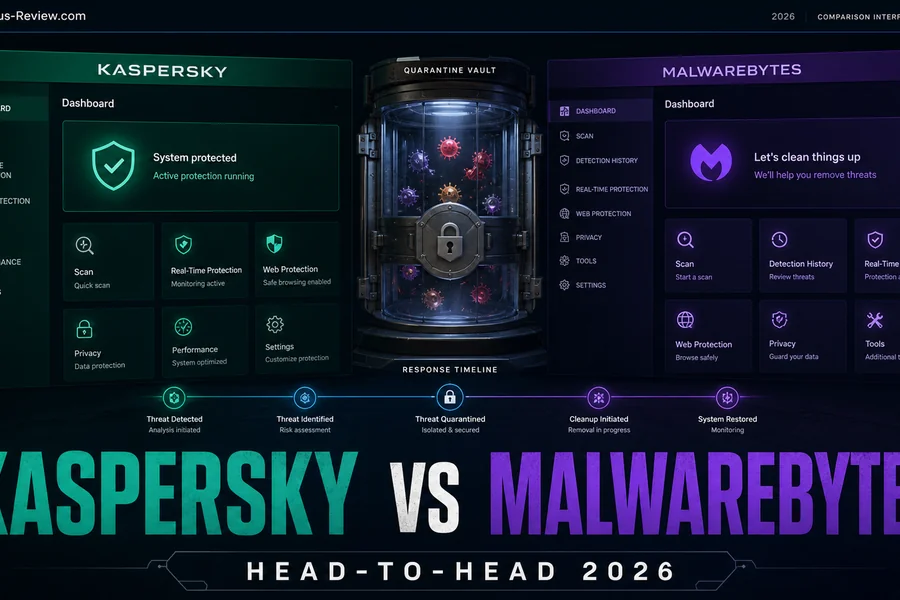
Kaspersky vs Malwarebytes
The year's best lab line meets the US ban; the cleanup king meets its false-positive record.
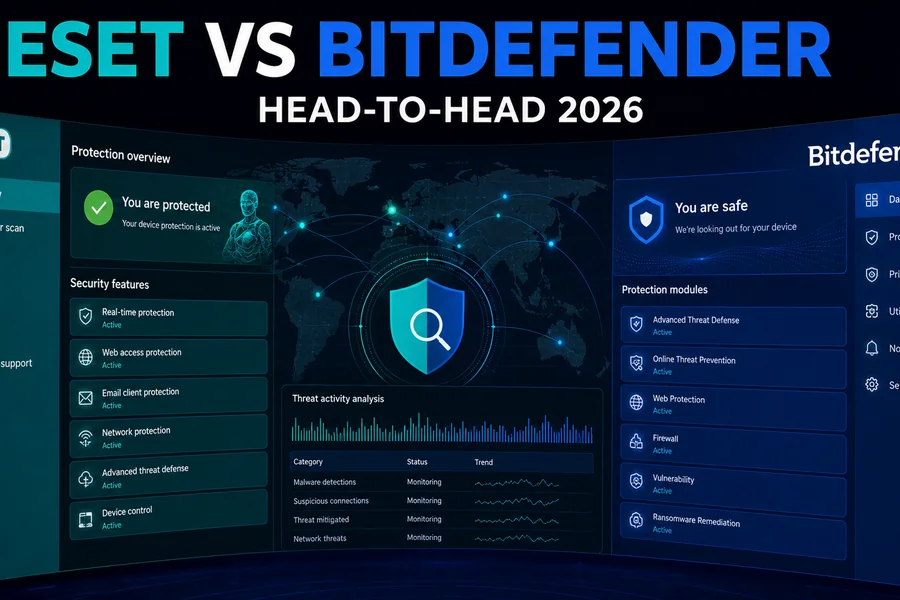
ESET vs Bitdefender
Low task impact and detailed configuration versus stronger current real-world percentage and broader bundle.
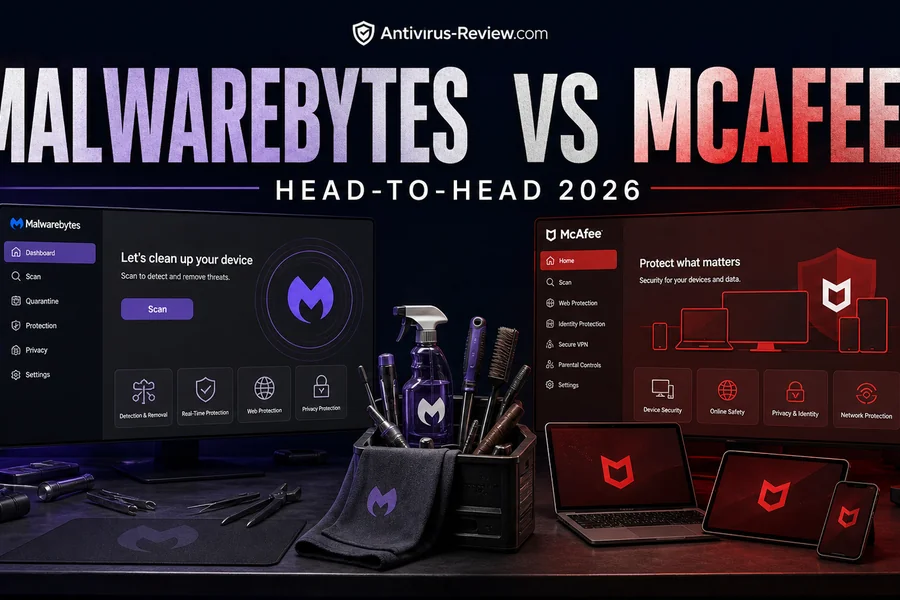
Malwarebytes vs McAfee
The specialist against the household suite — with 2015 reputations inverted by the current cycles.
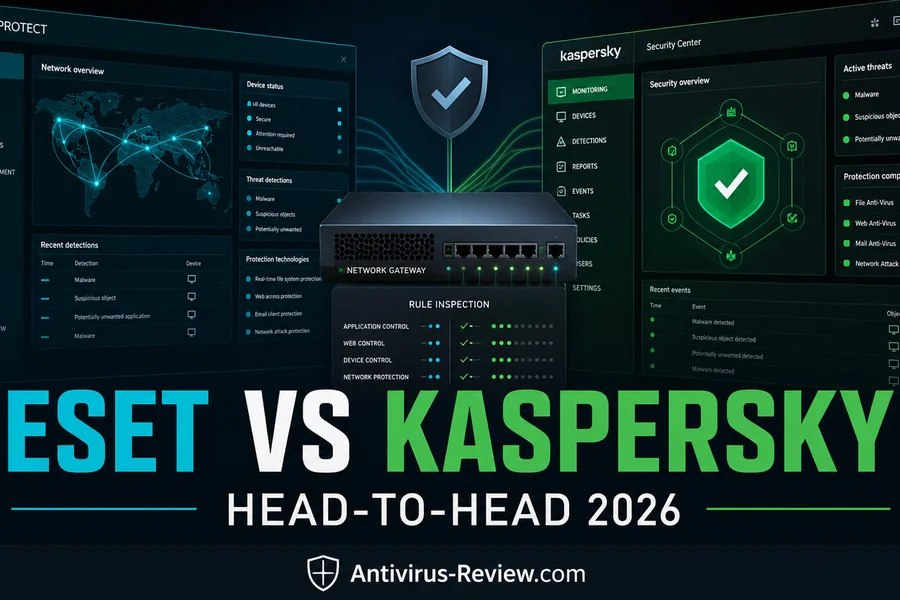
ESET vs Kaspersky
The two techie favorites, one ban apart: precision and availability versus the strongest 2026 numbers.
Avira vs Bitdefender
A good free engine against the fully verified paid leader — when $0 is enough and when it isn't.
Norton vs Trend Micro
One side kept its Top Product line; the other posted 83 false alarms. The 2026 gap, quantified.
Shared engines don't make two subscriptions identical
The current AV-Comparatives report documents that AVG and Norton use the Avast engine; TotalAV, Fortect and F-Secure use Avira technology; G Data, Total Defense and VIPRE use Bitdefender technology. That's useful context, not proof of identical protection. Our antivirus engine and ownership map lists every brand, its engine and its owner in one table. Each vendor can add different web filtering, behavior rules, cloud reputation, configuration, updater cadence, UI, VPN, identity tools, support and commercial policies.
Avast and AVG produced identical current real-world and impact numbers, so choosing between them on a fictional 9.3 versus 9.2 site rating would be dishonest. Compare their current app/package, advertising and extras. Norton also used the Avast engine in this test but delivered a different suite and account model. Engine lineage should explain similarities; it shouldn't erase the product.
Choose by device and risk instead of forcing one global winner
| Your situation | Best starting page | What decides |
|---|---|---|
| Windows 11, careful user | Microsoft Defender review | Built-in controls, SmartScreen/Smart App Control, account and backup habits |
| Need a free third-party antivirus | Best free antivirus | Real-time protection, ads/upsell, web protection and data/privacy fit |
| Family across Windows/Mac/mobile | Best internet security suites | True device count, iOS limitations, VPN activations, renewal and duplicated services |
| Mac-first household | Best Mac antivirus | Mac-specific lab results, permissions, native firewall and Windows-malware handling |
| Android | Best Android antivirus | Play Protect baseline, sideloading, web/scam layers and special-access permissions |
| iPhone/iPad | Best iPhone security apps | Web/account/settings tools; no fake whole-device antivirus scan claim |
| Gaming PC | Best gaming antivirus | Frametime/1% lows, notifications, anti-cheat/mod false positives and narrow exclusions |
| Linux desktop/server | Best Linux antivirus | Desktop versus mail/file server versus managed EDR; distro/kernel/architecture support |
| Business endpoints | Best business antivirus | Central console, EDR/MDR, responder, server licenses, retention and incident workflow |
| Suspected infection now | Best malware removal tools | Containment, second-opinion/offline scan, credential/session reset and reinstall threshold |
Kaspersky's score and US availability are separate facts
Kaspersky Premium led the current AV-Comparatives real-world table at 99.8%, with three false alarms and a low 3.5 impact score; AV-TEST gave it 6/6/6. Those technical results don't make it a viable US purchase. US Commerce restrictions prohibit Kaspersky sales and update delivery in the United States. US readers should choose another product rather than use a foreign account, reseller or VPN to work around the update chain.
Outside the US, buyers still need to consider local government/employer rules, vendor jurisdiction, telemetry and procurement policy. A comparison page shouldn't hide strong test data, and it shouldn't hide the operational/trust boundary either.
How to run a useful home pilot
- Record the current state. Save the existing license/renewal date, export password-manager data if changing suites and confirm a tested backup or restore point.
- Remove the old resident product cleanly. Use the vendor uninstaller/removal tool and reboot when required. Don't leave two real-time engines fighting for file/network hooks.
- Install the exact trial or refundable tier. Confirm every promised device/OS, VPN allowance, backup platform and family account before migrating data.
- Use normal work for several days. Observe boot, browser, file copy/archive, development/build, gaming, VPN, printing and any uncommon application—not only a quick scan.
- Validate safely. Use the harmless EICAR/AMTSO feature checks and vendor procedures, not live malware on the daily computer.
- Audit pressure and billing. Count upgrade prompts, identify auto-renew controls and write the next renewal price/date in the calendar before the refund window closes.
Antivirus comparison FAQ
What is the best antivirus in 2026?
Bitdefender Total Security is our best balanced paid choice, Norton 360 Deluxe is the strongest feature-rich family bundle, ESET Essential is the low-impact configurable pick, Avast is the practical free alternative, and Microsoft Defender is the built-in Windows baseline. Your devices, renewal budget and need for bundle extras can change the winner.
Is Bitdefender better than Norton?
Bitdefender has the slightly stronger current AV-Comparatives real-world result (99.5% versus 99.3%), while both produced five false alarms and AV-TEST 6/6/6. Norton is usually the better integrated family bundle; Bitdefender is our protection-first choice. Compare exact plans, VPN/backup limits and renewal.
Is Microsoft Defender enough for Windows 11?
For many careful Windows 11 users, yes: current Microsoft Defender scored 99.0% with zero false alarms in AV-Comparatives and 6/6/6 at AV-TEST. Keep Windows/browser protections, updates, MFA and backups enabled. A paid suite can still earn its cost for cross-platform management, VPN, identity, parental or support needs.
Which antivirus has the lowest system impact?
In AV-Comparatives' April 2026 low-end Windows task test, McAfee had the lowest total impact score at 3.3, then Kaspersky 3.5, ESET 4.2, Trend Micro 4.7 and Norton 5.3. This isn't a gaming FPS test, and your hardware/workload can differ, so pilot the final product.
Can I run two antivirus products together?
Don't run two resident real-time antivirus engines together unless both vendors explicitly support the arrangement. Their file, web and behavior hooks can conflict, slow the system or reduce stability. One primary real-time product plus a compatible on-demand second-opinion scanner is the safer pattern.
Do higher protection percentages always mean better antivirus?
No. Small percentage gaps can fall inside the same statistical cluster, and a product can raise protection by blocking more legitimate items. Consider false alarms, performance, exact tier, platform coverage, renewal, support and the features you'll actually use.
Why do different antivirus labs disagree?
AV-TEST, AV-Comparatives and SE Labs use different samples, months, settings, operating systems, interaction rules and scoring models. Treat each as a separate measurement and look for sustained results, not one isolated rank. Always match the exact tested product.
Is Kaspersky available in the United States?
No safe current recommendation can be made for US users: Commerce restrictions prohibit Kaspersky sales and update delivery in the United States. Strong independent test results don't remove that operational and legal boundary. Buyers elsewhere should check local policy and vendor-trust requirements.
Verdict: narrow the job, then compare two exact plans
Bitdefender, Norton, ESET, Avast and Microsoft are the most useful starting points for most US home users because each owns a clear role. McAfee is compelling for broad household/identity packaging; Avira for its Prime bundle; Malwarebytes for a simpler malware-focused approach, but current false alarms matter; Trend Micro's low task impact is offset by its 83 false alarms; Kaspersky remains outside the US shortlist despite excellent technical results.
Use the broad table to form a two-product shortlist, then open the focused comparison and verify the live cart. The winning antivirus is the one that protects the exact devices, avoids disrupting real work, includes only the extras you'll use and still makes financial sense at renewal.