
Antivirus buying guide · reviewed July 14, 2026
Find the Right Antivirus Guide for Your Device
The best security setup for a Windows gaming PC isn't the best answer for an iPhone, a Linux server or a 30-person company. Start with the device and job, then compare protection, performance, limits and renewal cost in the focused guide.
Fastest route: choose your primary platform first. Choose a task guide—free protection, malware removal, anti-spyware or internet security—only when that task is more important than the operating system.
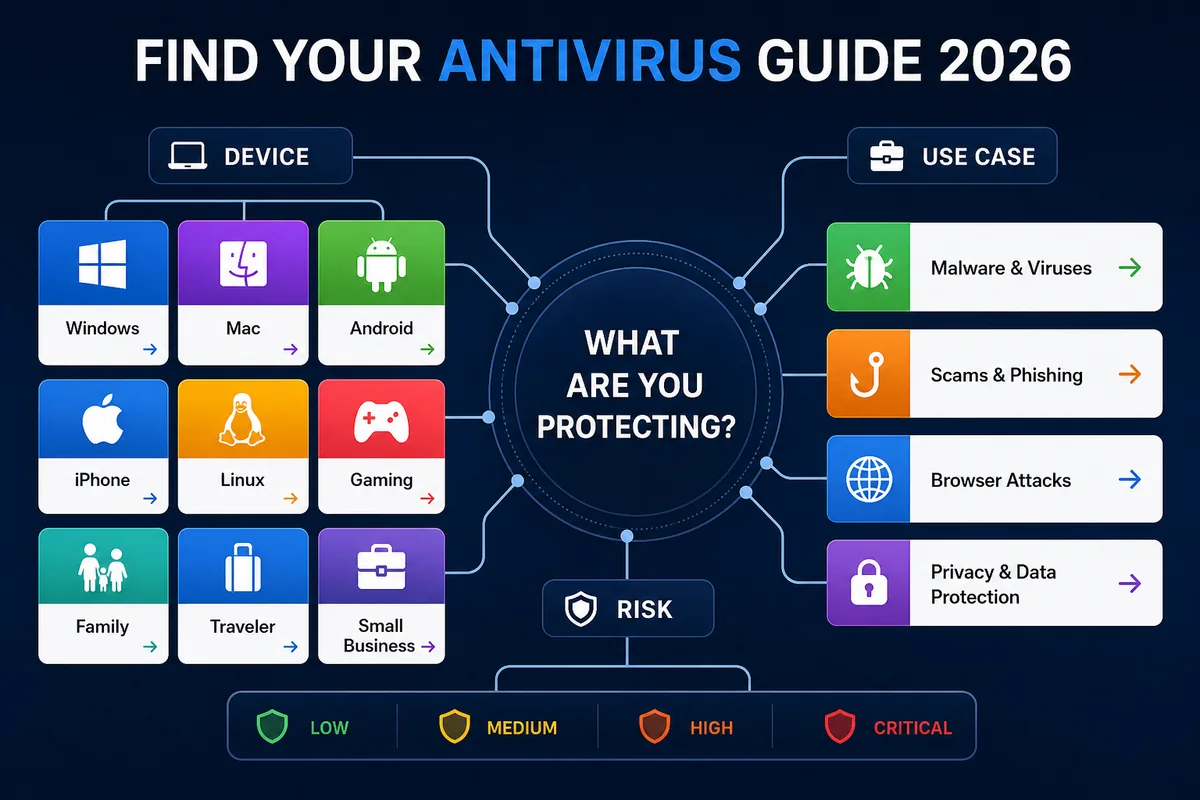
Which antivirus guide should I open?
| Your situation | Start here | The decision that matters most |
|---|---|---|
| Current Windows 11 home PC | Windows 11 antivirus guide | Built-in Defender versus paid web, identity, family and support extras |
| MacBook or desktop Mac | Mac antivirus guide | Native Mac protection quality, permissions and feature parity |
| Android phone or tablet | Android antivirus guide | Harmful-app detection, phishing protection and privacy controls |
| iPhone or iPad | iPhone security guide | Web/account/privacy tools—not a desktop-style system scan |
| Linux desktop or server | Linux security guide | Desktop versus server, file scanning, mail gateway and central management |
| Gaming PC | Gaming antivirus guide | Protection without intrusive alerts, scan spikes or game conflicts |
| Zero budget | Free antivirus guide | Core protection versus ads, upsells, support and missing extras |
| An infection may already exist | Malware removal guide | Cleanup and second-opinion tools rather than a normal buying decision |
| Spyware or stalkerware concern | Anti-spyware shortlist | Detection scope, second opinions and safe removal |
| Firewall/VPN/family bundle | Internet security suites | Whether bundled extras are useful and complete on your platforms |
| Company-owned devices | Business endpoint security | Central policy, deployment, visibility, response and support |
Households with several operating systems should begin with the most exposed or important device, then verify that a multi-device plan delivers the needed features on every platform. “Supports iOS” doesn't mean the iPhone app has the same controls as the Windows app.
Choose by platform
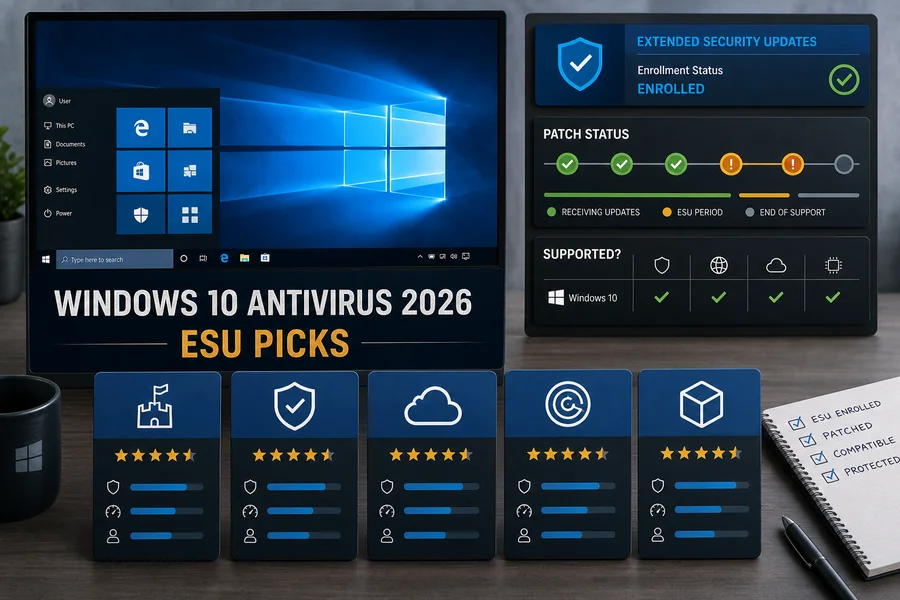 Windows antivirusCompare current protection, web defenses, ransomware controls, system impact and Defender alternatives.Open Windows guide →
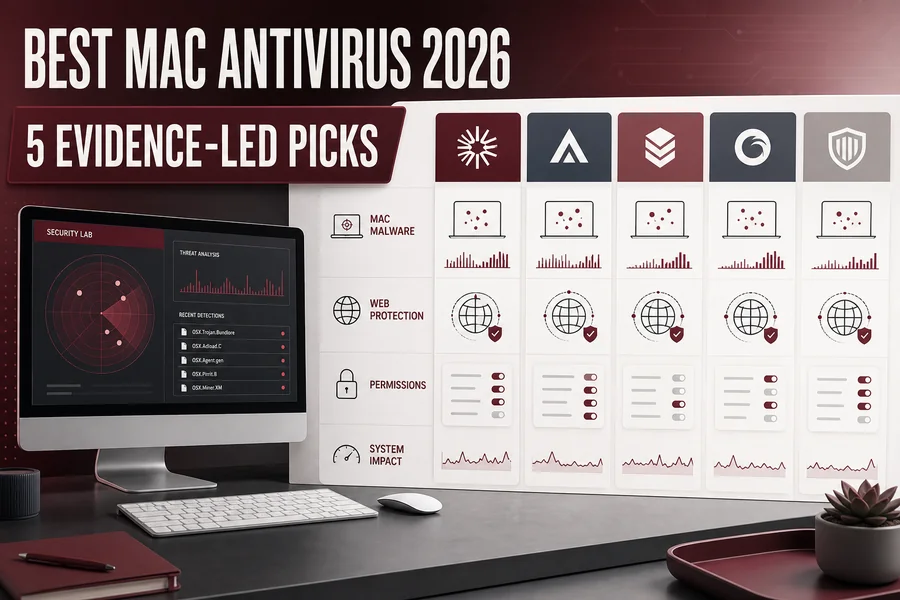 Mac antivirusCheck Mac-native detection, permissions, browser protection and whether a bundle keeps feature parity.Open Mac guide →
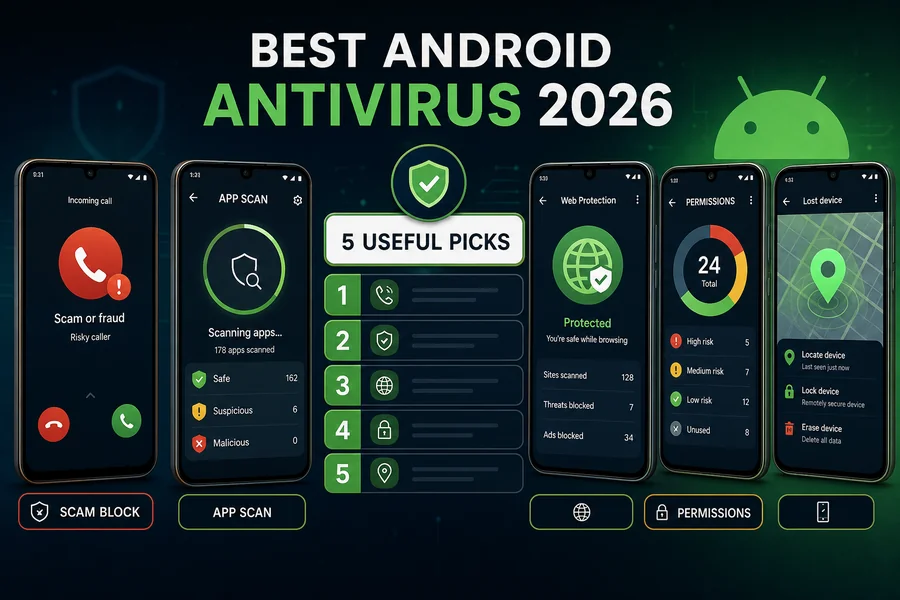 Android antivirusEvaluate harmful-app scanning, Play Protect overlap, anti-phishing, theft and privacy features.Open Android guide →
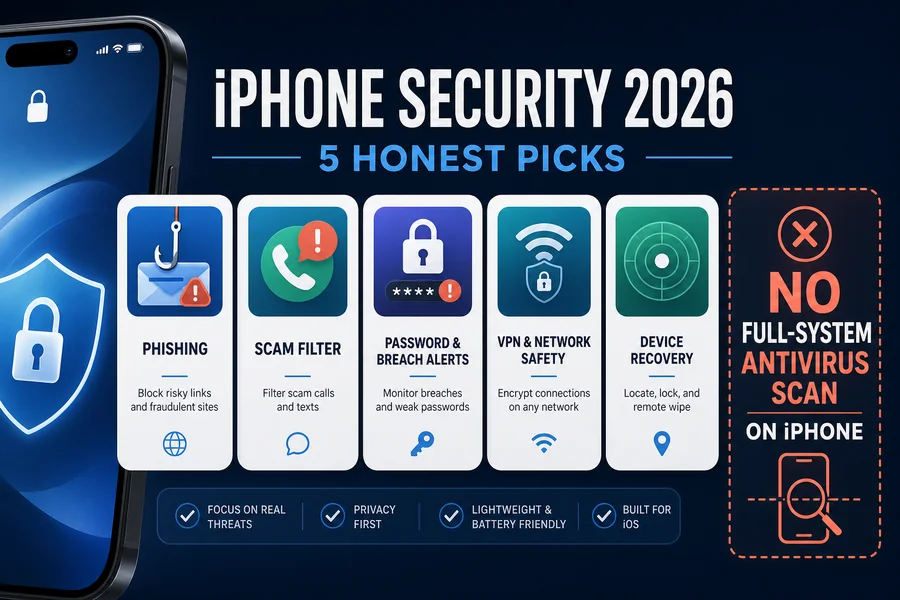 iPhone securityUnderstand iOS sandbox limits and compare useful web, identity, VPN and breach-alert tools.Open iPhone guide →
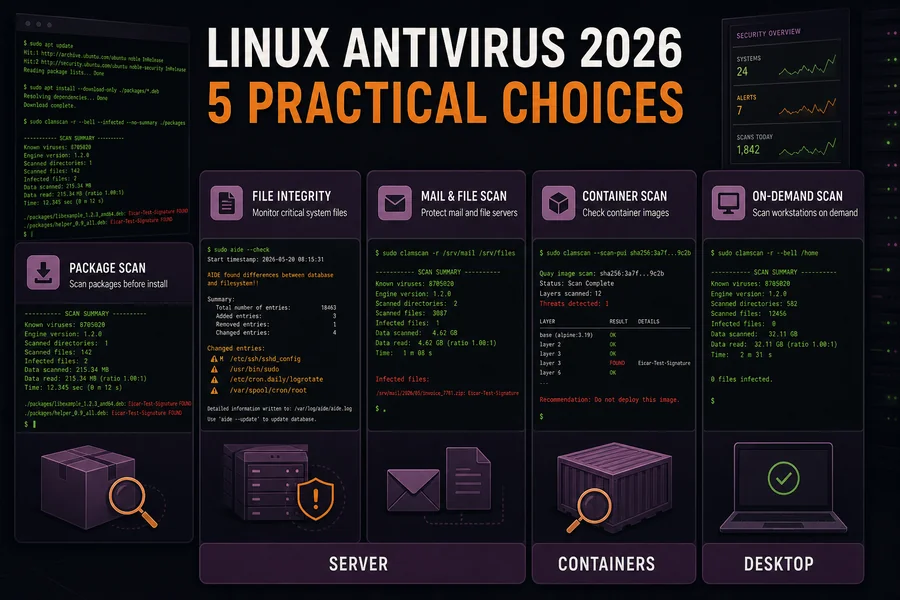 Linux securityMatch desktop, server, mail/file scanning and centrally managed endpoint needs.Open Linux guide →
 Gaming PC antivirusPrioritize low interruption, predictable scans, game mode behavior and mod/download risk.Open gaming guide →
Windows 11 includes Microsoft Defender Antivirus, SmartScreen and other platform controls; Microsoft describes third-party antivirus as a feature-and-use choice, not a universal requirement. macOS likewise layers Gatekeeper, Notarization and XProtect. Android uses Google Play Protect to check apps, while iOS limits what one app can inspect outside its own sandbox. A focused guide must begin from those different baselines.
Choose by need, budget or incident
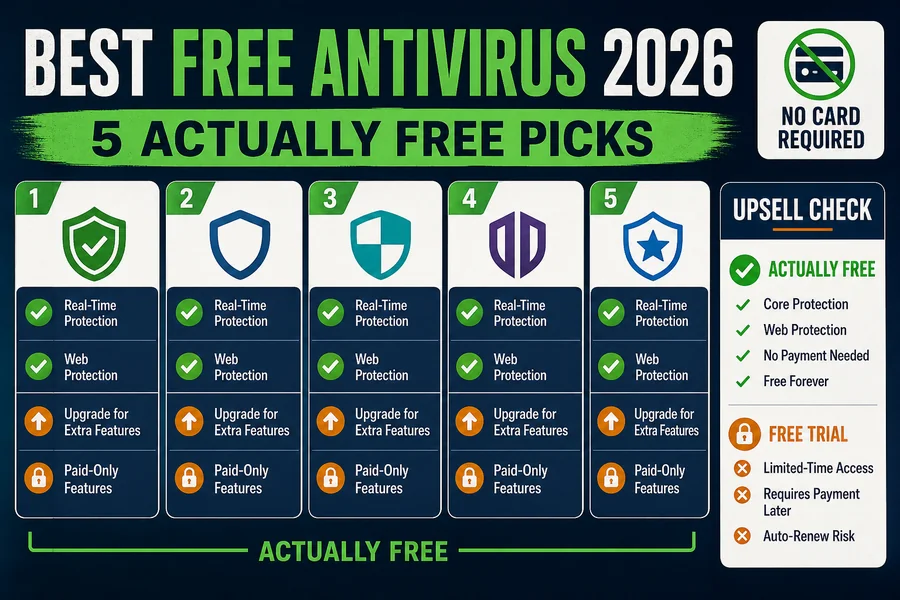 Free antivirusSeparate capable core protection from aggressive upsells, feature locks and weak support.Open free antivirus guide →
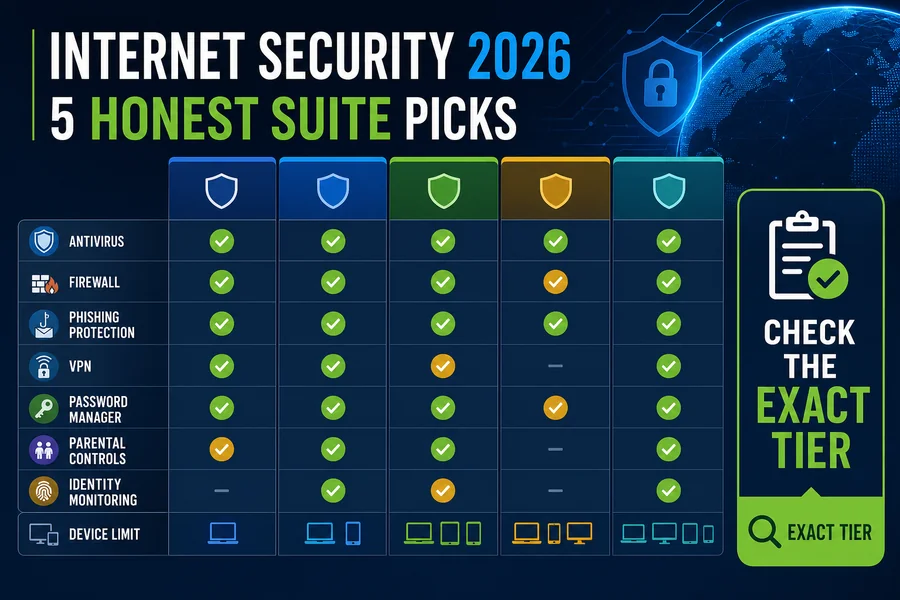 Internet security suitesCompare firewall, secure browsing, VPN, parental controls, identity and privacy extras.Open suite guide →
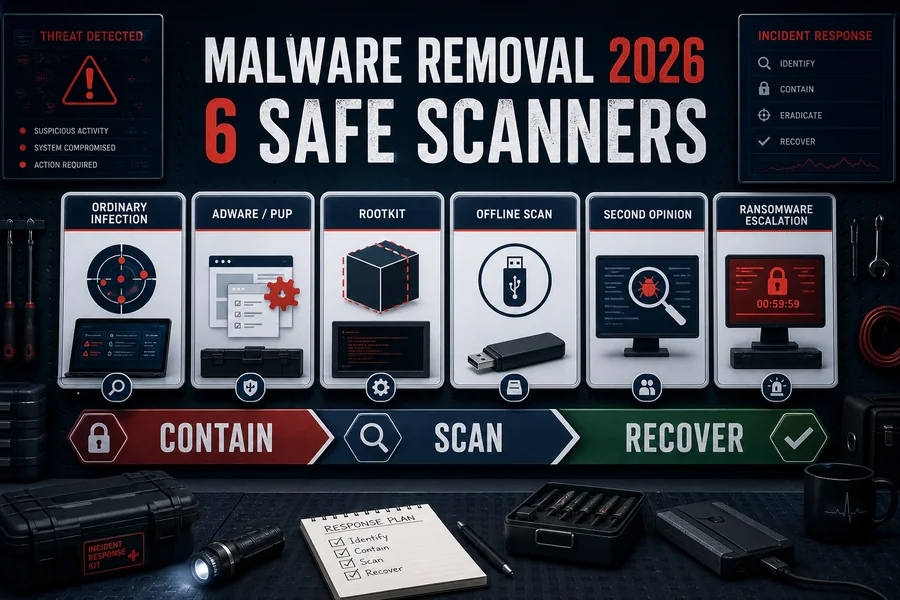 Malware removalUse when prevention failed and you need cleanup, offline scans or a compatible second opinion.Open removal guide →
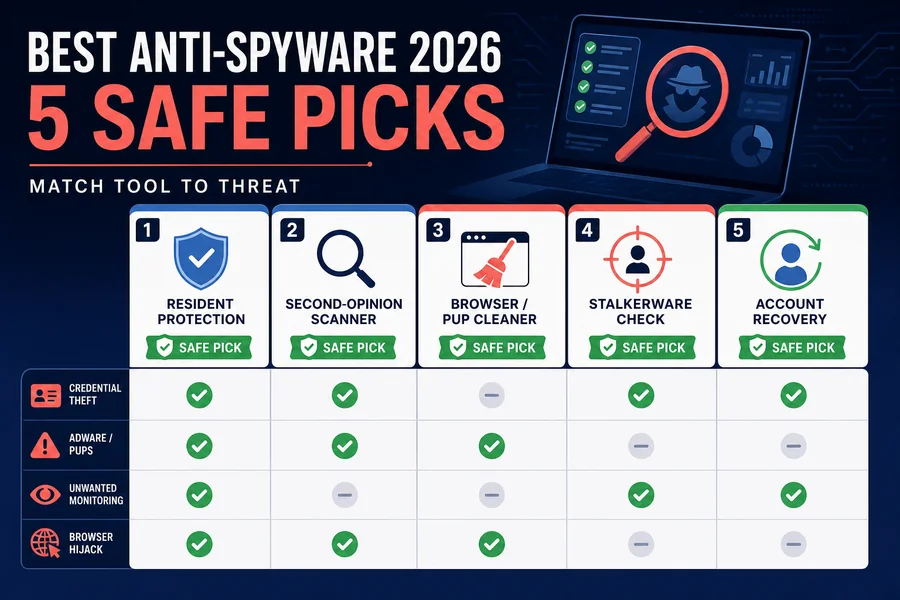 Anti-spyware toolsFocus on infostealers, browser hijackers, keyloggers, PUPs and stalkerware-aware detection.Open anti-spyware guide →
Focused 2026 device and threat guides
Use these when the broad platform guide isn't specific enough. Each page states the current test window, feature boundary and who shouldn't buy the top pick.
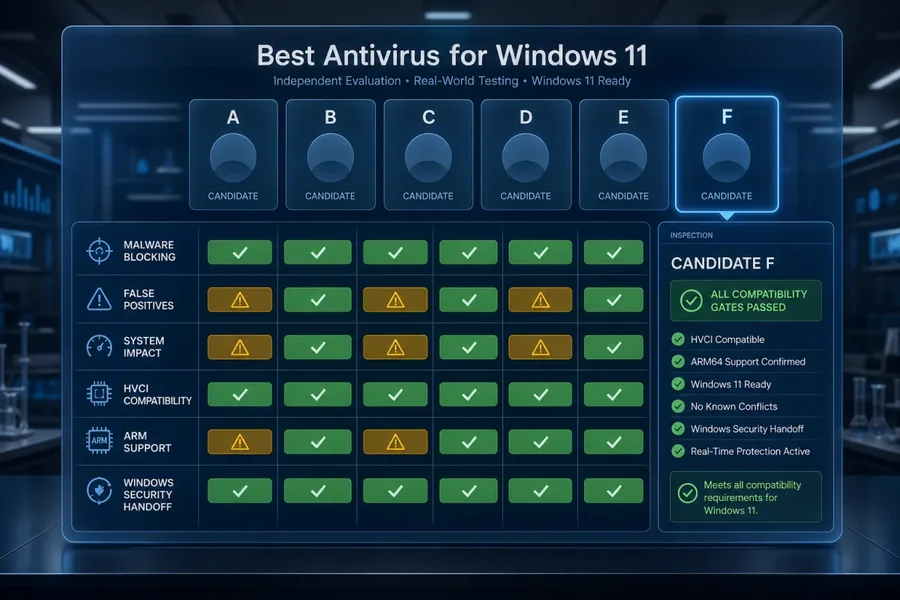 Windows 11Current Windows 11 lab evidence, Defender baseline, ARM and S mode compatibility.Open focused guide →
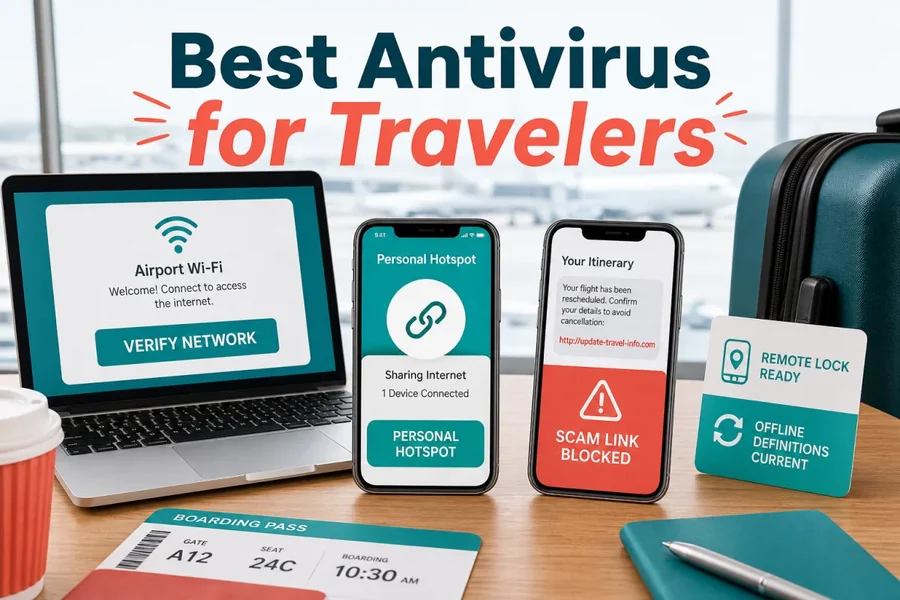 TravelersLaptop and phone protection for public Wi-Fi, scam links, offline use and device loss.Open focused guide →
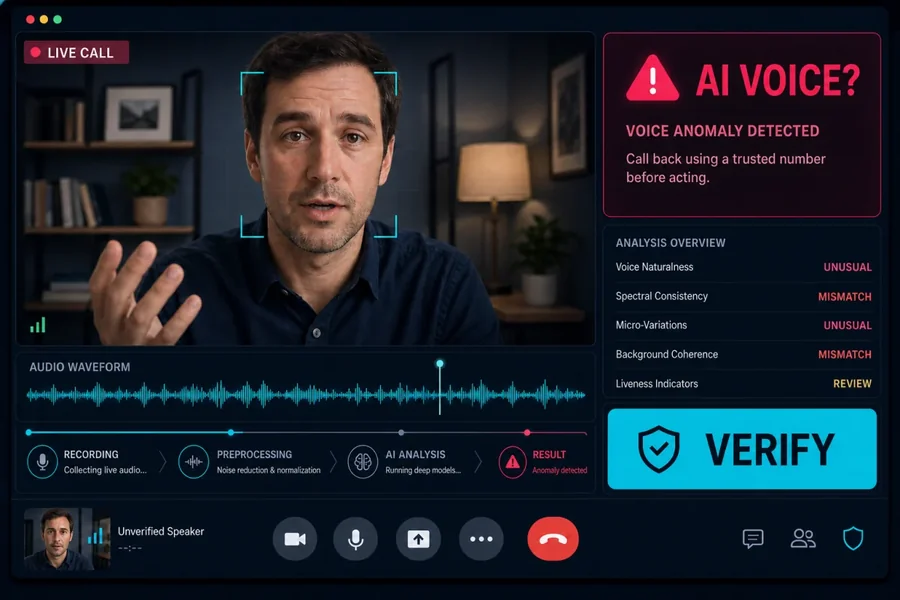 Deepfake protectionAutomatic and manual synthetic-media checks with exact hardware and platform limits.Open focused guide →
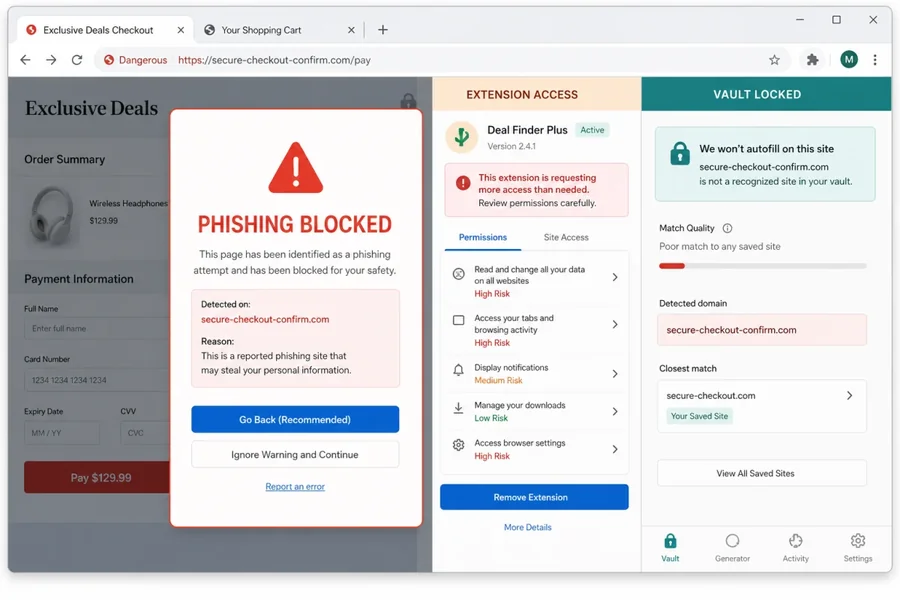 Browser security toolsA minimal stack for phishing, malicious extensions, payment sessions and credential theft.Open focused guide →
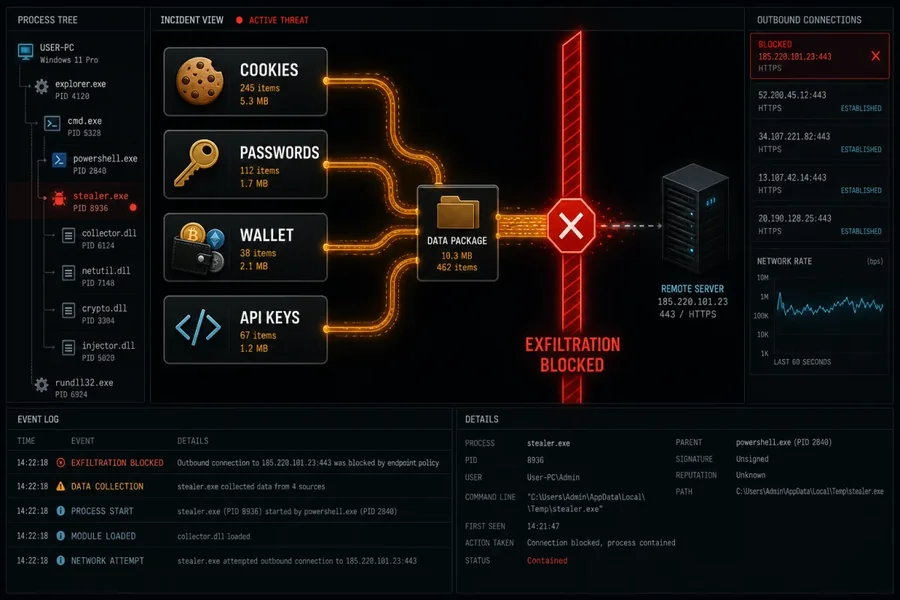 Infostealer protectionEndpoint and account layers that interrupt lure, loader, theft and session replay.Open focused guide →
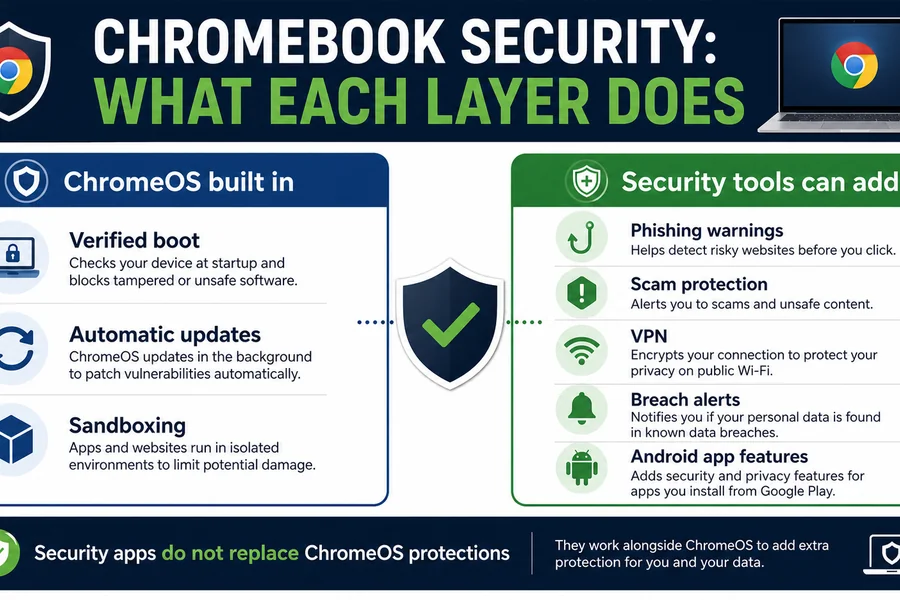 ChromebookChromeOS-aware web, account and Android-app protection without desktop-scan myths.Open focused guide →
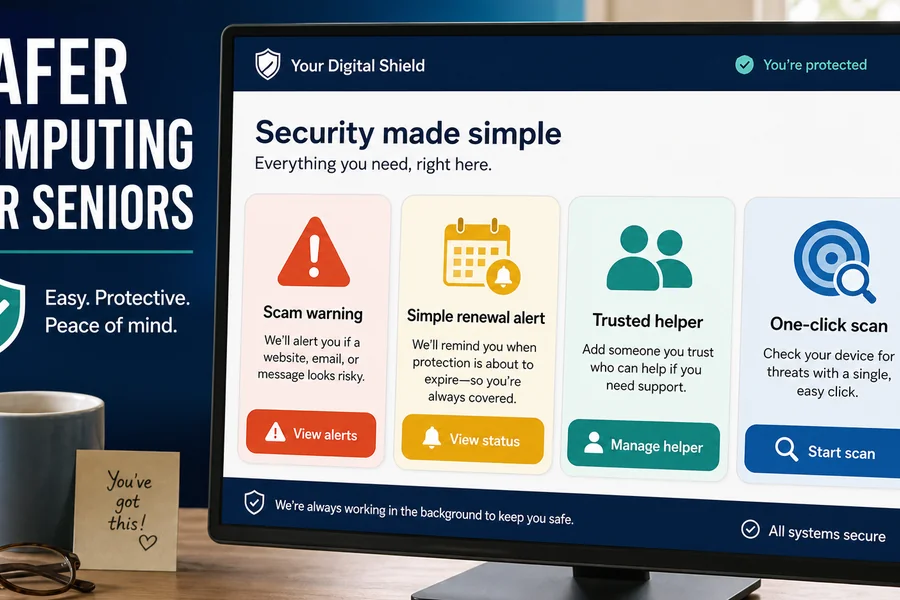 SeniorsLow-friction protection, scam defenses, support and renewal clarity.Open focused guide →
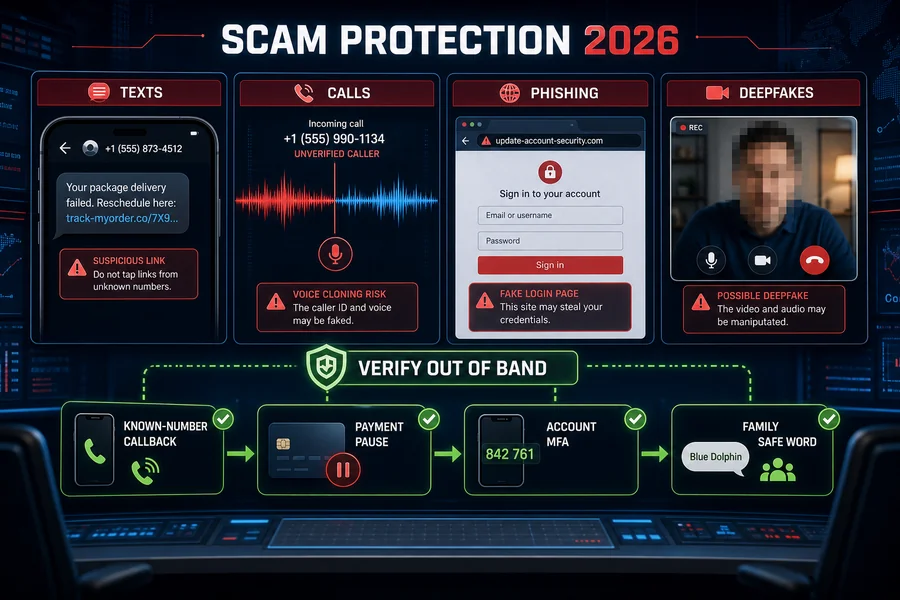 Scam protectionCross-channel protection for web, email, SMS, calls and remote-access fraud.Open focused guide →
Business antivirus is a different buying problem
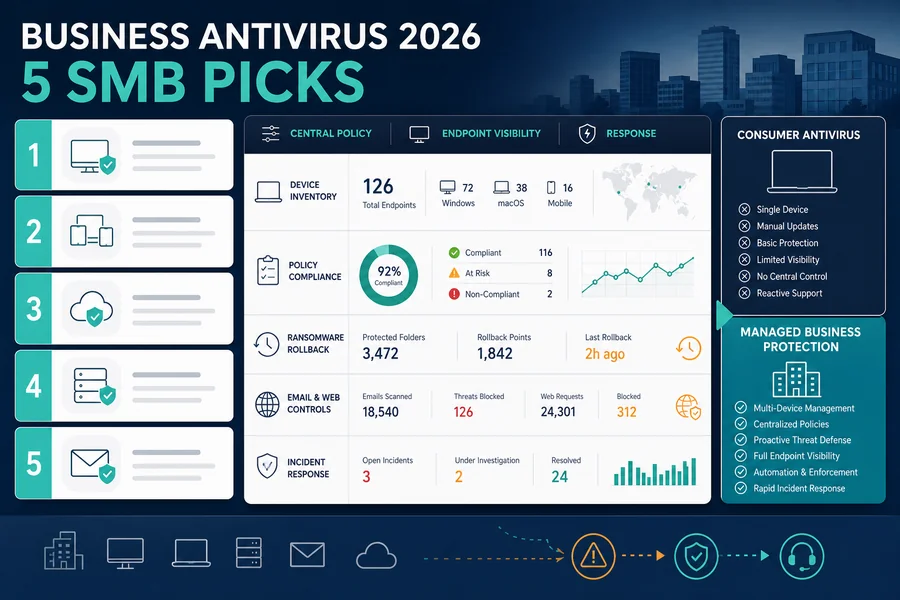 Business endpoint protectionCompare central policy, deployment, device inventory, role-based administration, threat investigation, isolation/response, reporting and support—not just a consumer malware score multiplied by employee count.Open business guide →
A company may need endpoint detection and response (EDR), mobile-device management integration, server coverage, tamper controls, audit logs or a managed service. Those requirements are absent from many household suites. The UK NCSC’s device-security guidance also frames antivirus as one control working with configuration, app-store screening and network defenses—not a complete security program.
How we decide whether an antivirus fits a use case
Protection evidence
Recent, platform-matched independent tests; web and behavior defenses; missed threats and false positives—not a vendor badge alone.
Platform reality
Supported OS versions, native feature list, browser requirements and whether the mobile app is a full security tool or a bundle companion.
Performance and friction
Install footprint, scan behavior, background impact, notifications, conflicts and the steps required to reach important controls.
Price over time
Introductory versus renewal price, taxes/region, device count, auto-renewal, refund rules and extras that require a higher tier.
Privacy and trust
Data collection, telemetry controls, ownership, material regulatory history and whether product claims are independently verifiable.
Support and recovery
Removal tools, documentation, human support, account recovery and what happens when protection fails or the subscription ends.
Every focused hub should state the test month and platform for lab claims, distinguish current US pricing from renewal, and explain who shouldn't buy the top pick. See the full testing methodology, ratings policy and affiliate disclosure.
Antivirus buying guide FAQ
Is there one best antivirus for every device?
No. Protection engines, features and operating-system access differ by platform. Start with the primary device and risk, then verify that any multi-device plan supplies the needed controls on Windows, Mac, Android and iPhone separately.
Do I need paid antivirus if my operating system has protection?
Not automatically. Built-in tools can cover everyday malware risk for many careful users. Paid products can add cross-platform management, stronger web/family tools, identity services, support or different detection behavior. Buy those benefits only when they solve a real need.
Can I use the same antivirus on Windows, Mac, Android and iPhone?
Many subscriptions include apps for all four, but the apps aren't equivalent. Check platform-specific features and device limits before buying; iPhone apps in particular can't perform the same whole-system scan as desktop antivirus.
Should a gaming PC use a different antivirus?
The protection requirement is similar, but interruption and performance matter more. Look for predictable background impact, controllable scans/notifications and no conflict with game launchers, anti-cheat systems or trusted mod workflows.
Is malware removal the same as antivirus protection?
No. Antivirus primarily aims to prevent and detect ongoing threats. Malware removal starts after compromise and may require offline scanning, a second-opinion tool, account recovery or a clean reinstall. Choose ongoing protection after cleanup succeeds.
Can a consumer antivirus protect a small business?
It may scan a few devices, but that doesn't provide central policy, inventory, role-based control, investigation, response or business support. Even a small company should evaluate a business endpoint product when devices or data are company-owned.