
Business Antivirus and Endpoint Security Reviews
A business product isn't consumer antivirus with a larger device count. The buying decision starts with management, deployment, response and recovery—then checks whether the protection engine fits the fleet.
Quick answer: start with our current business antivirus shortlist if you need a product recommendation. Use this directory when you're checking the operational fit: who manages alerts, which devices and servers are supported, whether you need EDR or 24/7 MDR, how policies deploy, and how the company recovers after an incident.
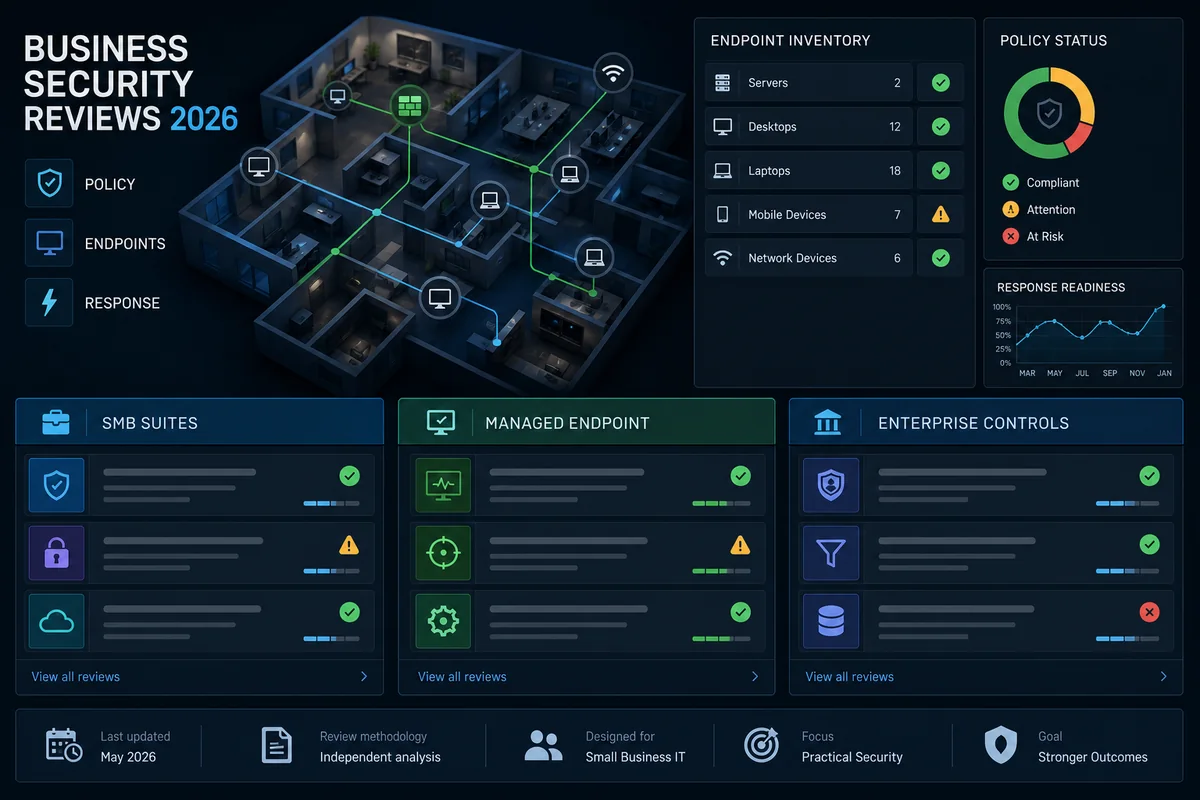
What “business antivirus” needs to do in 2026
Malware blocking remains necessary, but an administrator needs a fleet view: enrolled devices, policy status, protection health, alerts, software versions and an offboarding path. The current NIST CSF 2.0 Small Business Quick-Start Guide frames security as Govern, Identify, Protect, Detect, Respond and Recover. Endpoint software lives across several of those functions; it isn't the whole program.
The product also can't compensate for weak identities or unrecoverable data. CISA's ransomware prevention and response guide calls for measures including MFA, frequent protected backups and incident preparation. That is why this directory scores a suite on administration and response alongside prevention. A perfect-looking malware percentage with no alert owner, no tested restore and no offboarding process isn't business readiness.
EPP: prevention and policy
Endpoint Protection Platforms combine antivirus with behavior, web, firewall, device and policy controls. Verify what works on Windows, Mac and servers rather than accepting one marketing checklist.
EDR: investigate and respond
EDR should expose useful endpoint telemetry, group related activity and support actions such as device isolation or file quarantine. Ask how much history is retained and who investigates it.
MDR: people on the other side
Managed Detection and Response adds monitoring and analyst response. Check coverage hours, escalation contacts, containment authority, service-level commitments and what remains your responsibility.
Three detailed business security reviews
These pages are deep product reviews, not three interchangeable endorsements. Avast and AVG are current small-business options with different packaging. Kaspersky is preserved for supported-market readers and migration research; it isn't a normal US procurement choice.
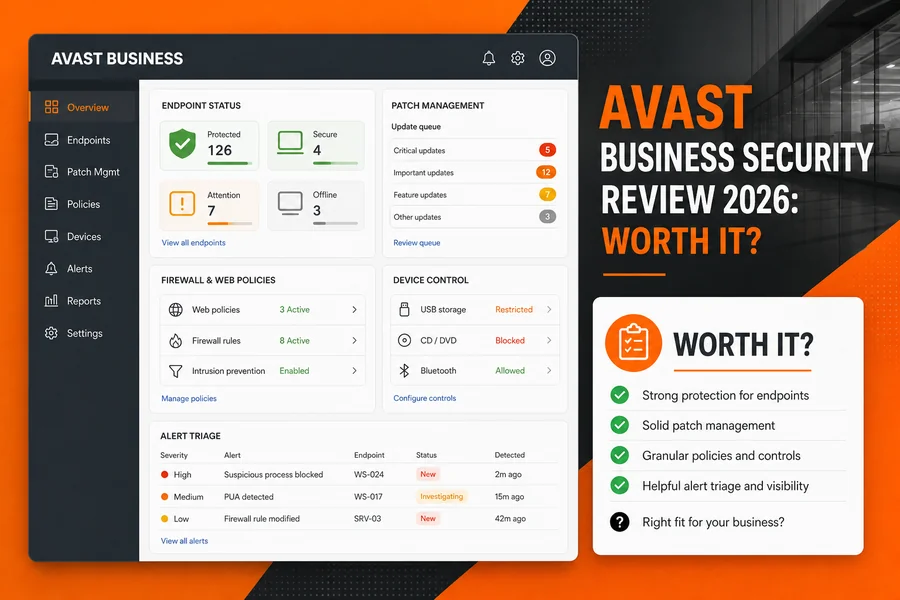 Current shortlist
Avast Business Security review
Essential, Premium and Ultimate plan differences, Business Hub administration, Windows and Mac limits, patch-management boundaries, pricing and independent business test evidence.
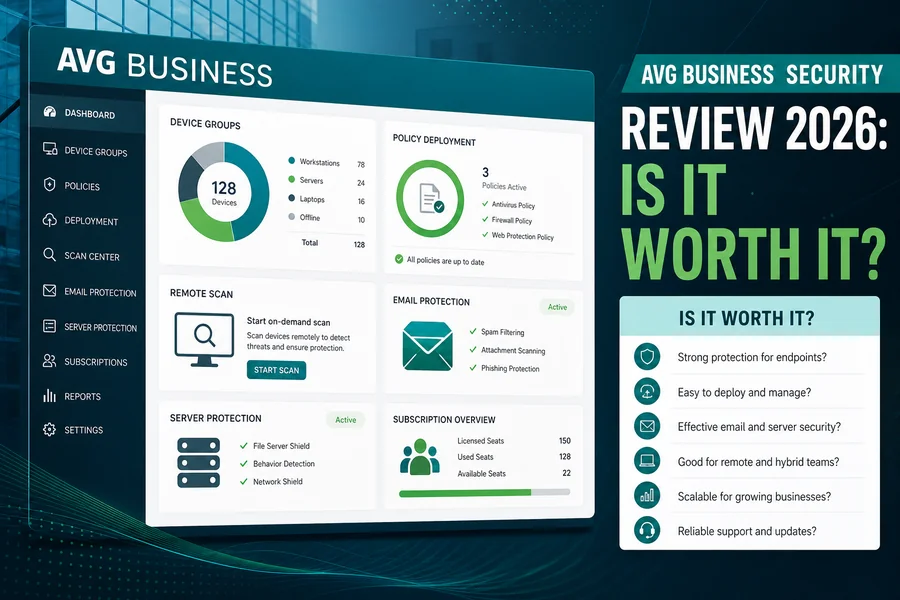 Windows-heavy teams
AVG Business Security review
Cloud and on-premises management choices, endpoint and server coverage, current per-device store snapshots, administration workflow and where the portfolio is narrower.
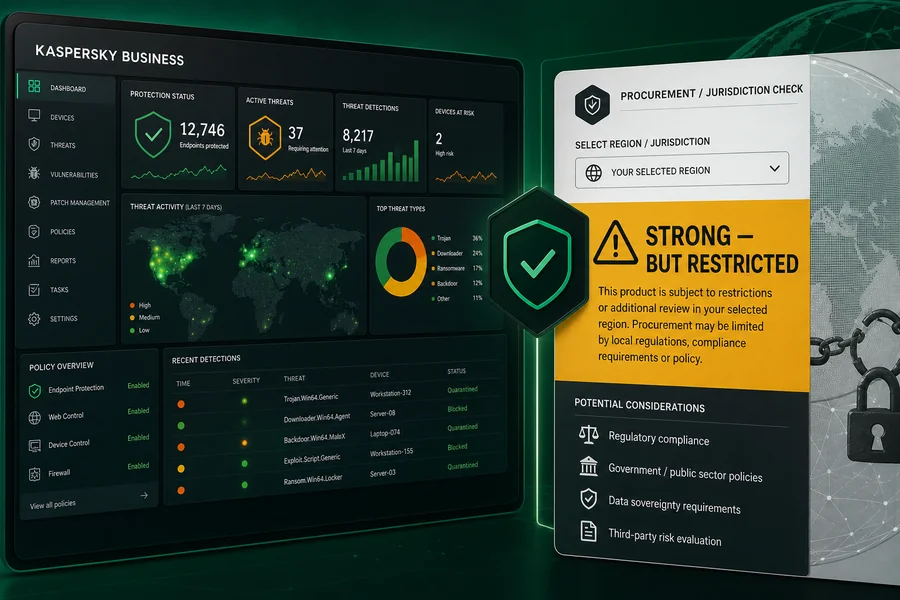 Restricted in the US
Kaspersky Business review
Current supported-market product evidence separated from the US Department of Commerce prohibition, with migration and procurement cautions.
The product pages change. Avast's current small-business matrix lists Windows, macOS and Windows Server, while noting Windows-only limits for several higher-tier tools. AVG's business store and management pages should be rechecked for the exact device, server and console path before purchase.
The admin-first buying checklist
| Decision | Evidence to request | Failure to test |
|---|---|---|
| Fleet coverage | Exact OS builds, servers, mobile/BYOD and end-of-life policy | An unprotected exception becomes the quiet entry point |
| Deployment | Installer method, MDM/RMM support, proxy behavior and rollback | A rushed rollout breaks line-of-business software |
| Policy and identity | Admin roles, MFA/SSO, audit log and least-privilege model | One stolen console account controls the whole fleet |
| Detection and response | Telemetry, retention, isolation, restore, escalation and API/export | Alerts exist but nobody can investigate or contain them |
| Patching and exposure | Supported apps, deployment windows, exceptions and reporting | The security agent is current while vulnerable apps aren't |
| Recovery | Offline/immutable backup, restore test, contacts and clean-room plan | Prevention fails and operations can't resume |
How to pilot endpoint security without gambling the fleet
- Inventory first. Select representative Windows, Mac and server devices, remote workers, VPN users and the applications that can't be interrupted.
- Define pass/fail before installing. Record acceptable boot/login impact, alert routing, false-positive restoration time, offline behavior, update windows and the response actions an administrator must prove.
- Run in stages. Start with IT and low-risk volunteers, then one operational group. Don't deploy two full real-time engines and call the resulting conflict a performance test.
- Exercise a safe response. Use vendor test files or a tabletop scenario—not live malware—to verify detection, device isolation, escalation, evidence capture and restoration.
- Prove the exit. Uninstall an agent, revoke an administrator, remove a device, export records and confirm protection hands off cleanly. The offboarding path is part of the product.
Microsoft's current Defender for Business documentation is a useful capability benchmark: it describes a product for organizations up to 300 users with EDR and vulnerability-management features. It isn't automatically the best fit, but it shows why “business antivirus” searches now mix traditional prevention with operational endpoint response.
Business antivirus FAQ
Is consumer antivirus enough for a small business?
Usually not once several people or devices are involved. A business product should add central policy, device inventory, alerts, deployment and an accountable support route; endpoint security still needs MFA, patching, backups and an incident plan.
What is the difference between antivirus, EPP, EDR and MDR?
Antivirus blocks known and suspicious malware. EPP combines preventive endpoint controls. EDR records and investigates endpoint behavior and supports response actions. MDR adds people who monitor and respond for you. Product labels vary, so verify the actual telemetry, retention and response actions.
Does every business device need endpoint protection?
Every supported endpoint that can reach business data needs a defined security control and policy. That may be a managed endpoint agent or a platform-native control, but unmanaged exceptions should be documented, isolated and reviewed.
Should a small business choose cloud or on-premises management?
Cloud management is usually simpler for distributed small teams, but data location, administrator access, outage behavior and contractual requirements still matter. On-premises management adds infrastructure and maintenance work that must be justified.
Is Kaspersky Business a normal US procurement option?
No. The US Department of Commerce prohibition covers Kaspersky antivirus and cybersecurity products and services for US persons. US organizations should use a supported alternative; organizations elsewhere must check their own law, procurement and update-support requirements.
How should we pilot business antivirus?
Use a representative group of devices, departments and critical applications. Test deployment, policy changes, false-positive restoration, VPN and line-of-business compatibility, offline behavior, alert routing, device isolation, uninstall and recovery before a fleet-wide rollout.
Continue with the right next page
Best business antivirus shortlist
Compare broader product options and the current buyer-facing ranking.
How we test and fact-check
See how lab evidence, product documentation, pricing and operational limits are separated.