
AVG Guides: Review, Buy, Set Up, Fix, Control or Leave Without Guesswork
Every AVG guide we publish — setup and activation, plans and renewal pricing, cancellation and refunds, feature reviews, fixes and clean removal and alternatives — grouped by task below.
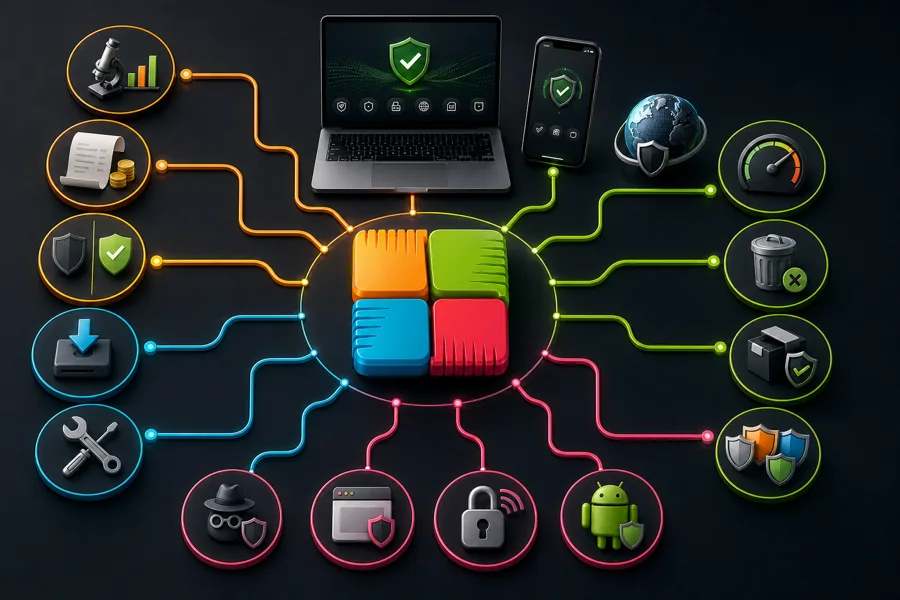
What do you need today?
Shortcuts to the most common jobs — the full catalog of every guide is right below.
Choose your route: deciding whether AVG fits? Start with the review, Free-versus-paid comparison or alternatives. Buying? Check the dated price and renewal mechanics before checkout. Already installed? Open the exact setup, performance, Web Shield, popup or privacy guide. Companion utilities have separate value decisions. When leaving, cancel billing first and remove the application second.
Guides in this hub
Each card opens one focused guide. The same article isn't repeated in a table or a second link list.
Set up and activate AVG
Clean first install, activation and account access, and moving AVG to another computer without buying again.
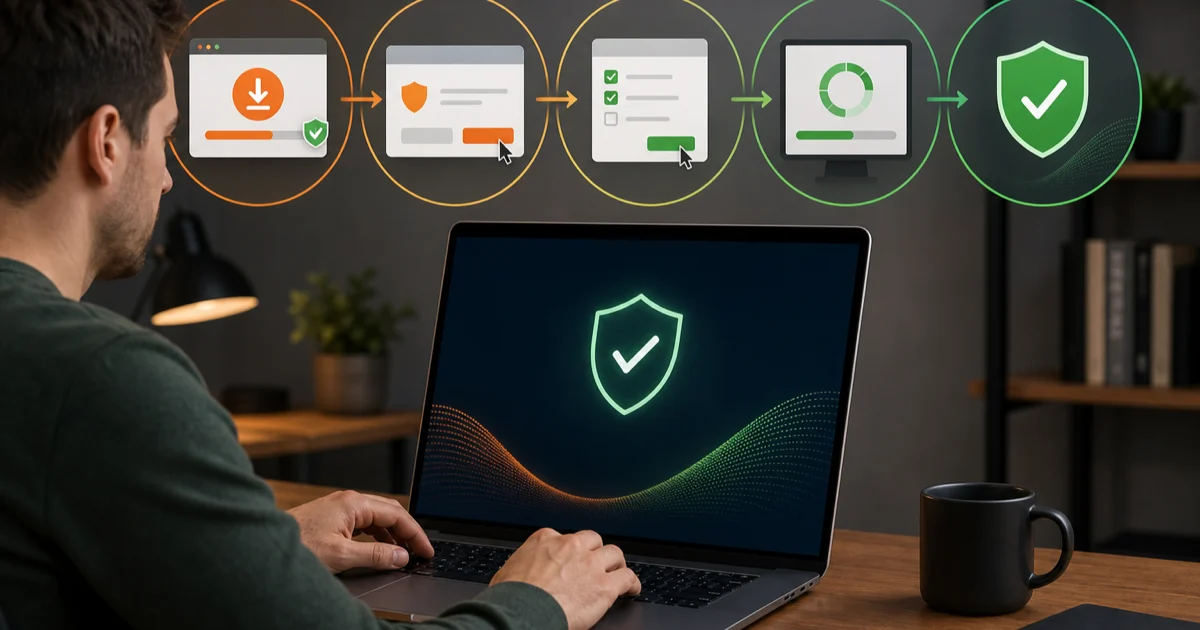
AVG pricing, renewal and cancellation
What AVG really costs at renewal — and how to cancel auto-renewal or claim a refund the documented way.
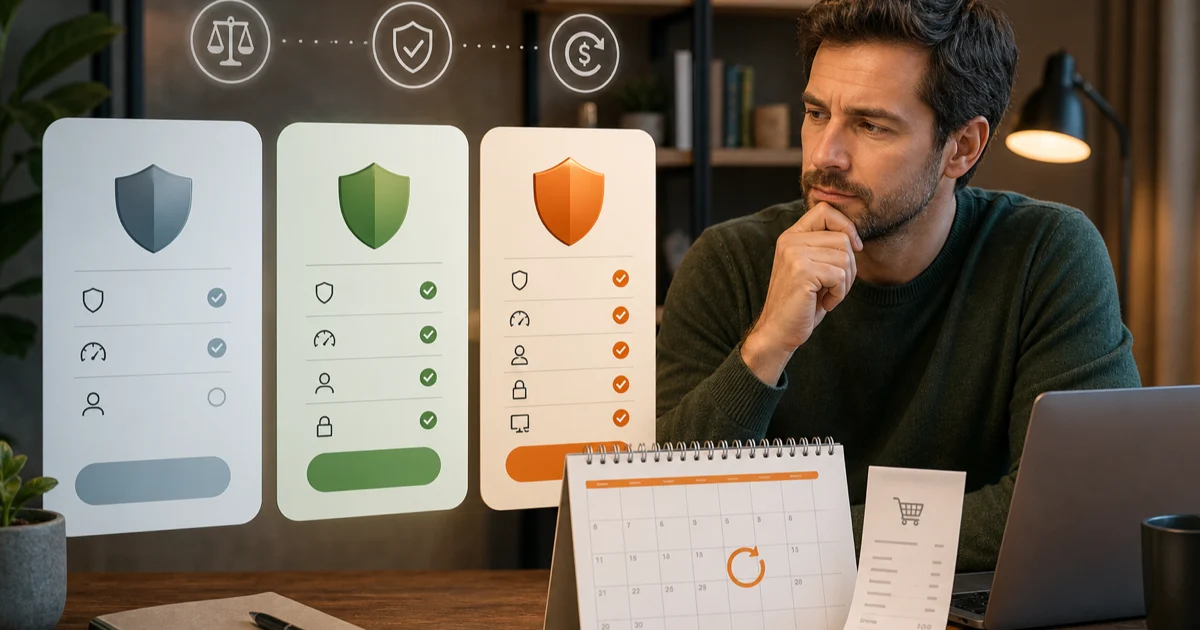
AVG Pricing 2026: Plans, Renewal Costs & Value
Compare AVG Free, Internet Security and Ultimate prices, renewal costs, device limits, billing dates, refund rules and real long-term value in 2026.
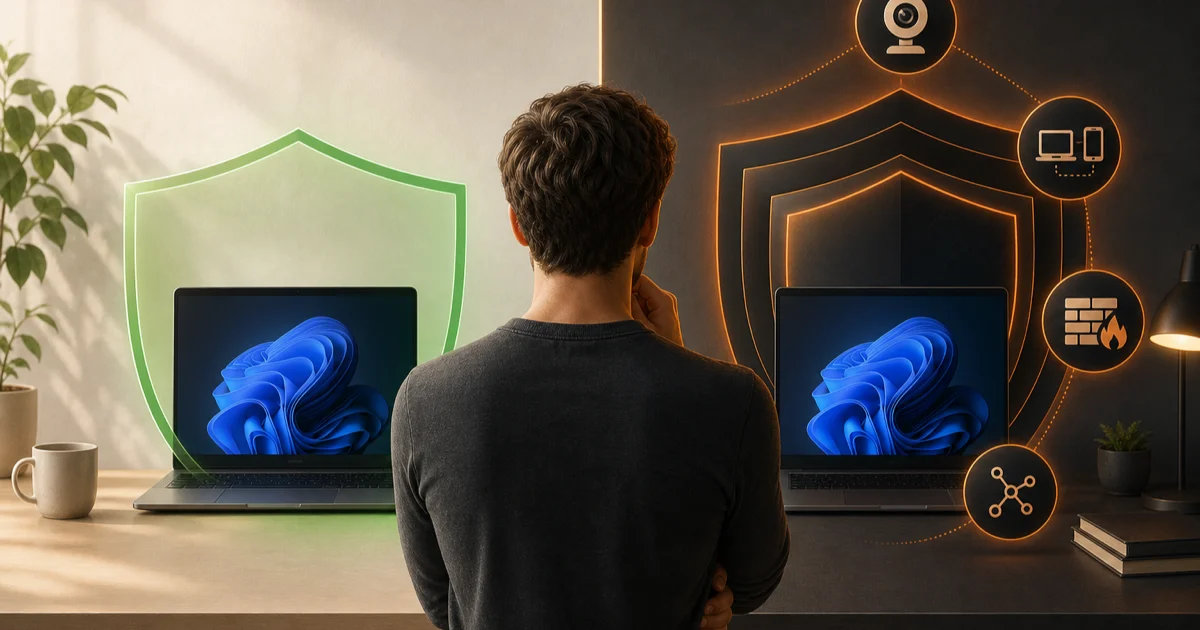
AVG Free vs Internet Security 2026: Which Is Better?
Compare AVG Free and Internet Security protection, paid features, device limits, popups and renewal costs to choose the right AVG tier in 2026.
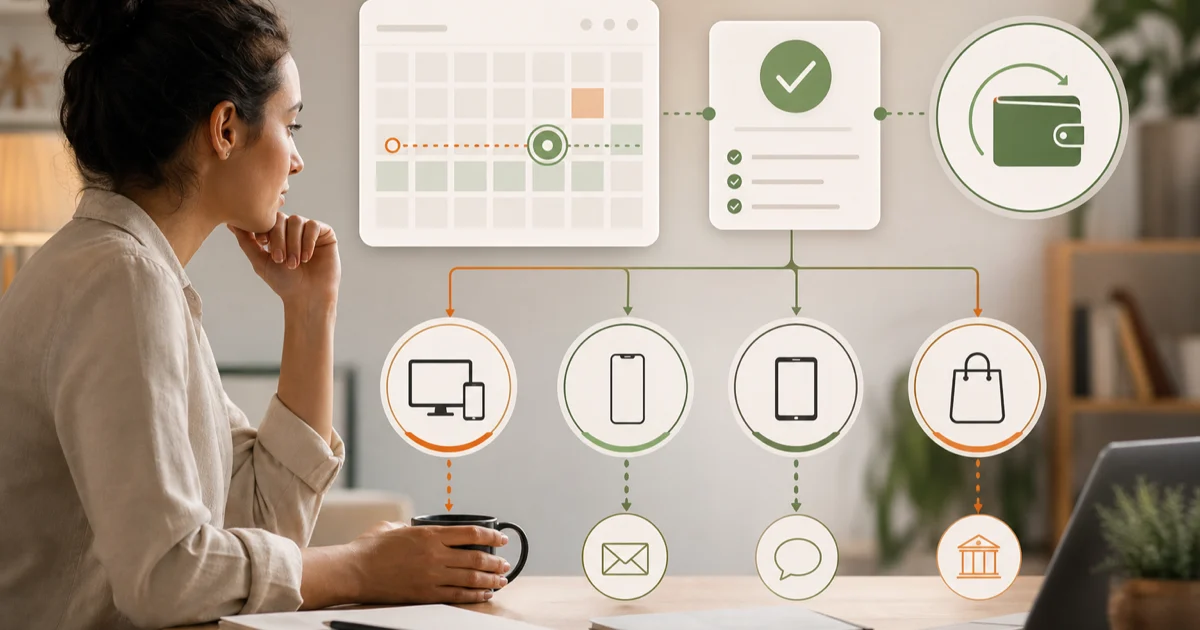
Cancel AVG Subscription & Request a Refund Safely
Cancel AVG renewal through the right billing channel, preserve confirmation, check the early payment date and request an eligible refund without scams.
AVG features and platform apps
What each AVG tool actually does — and whether you need it — across the platforms it genuinely supports.
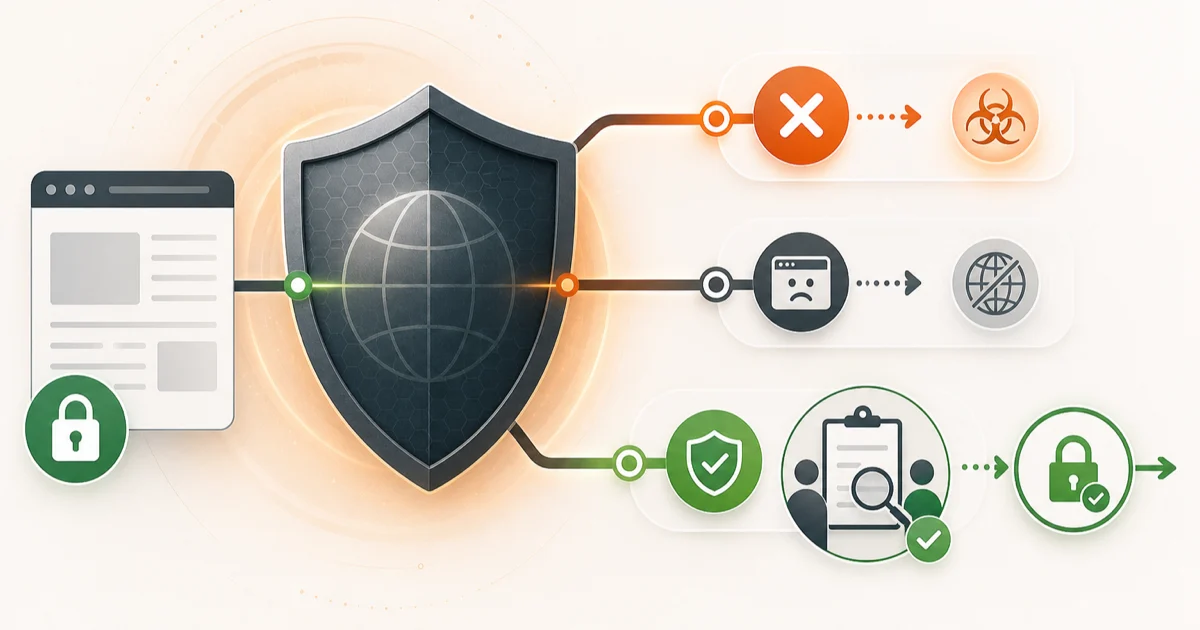
AVG Web Shield Blocking Websites? Fix It Safely
Tell a real AVG malicious-URL block from a browser error, report false positives, test HTTPS scanning safely and add only a narrow trusted exception.
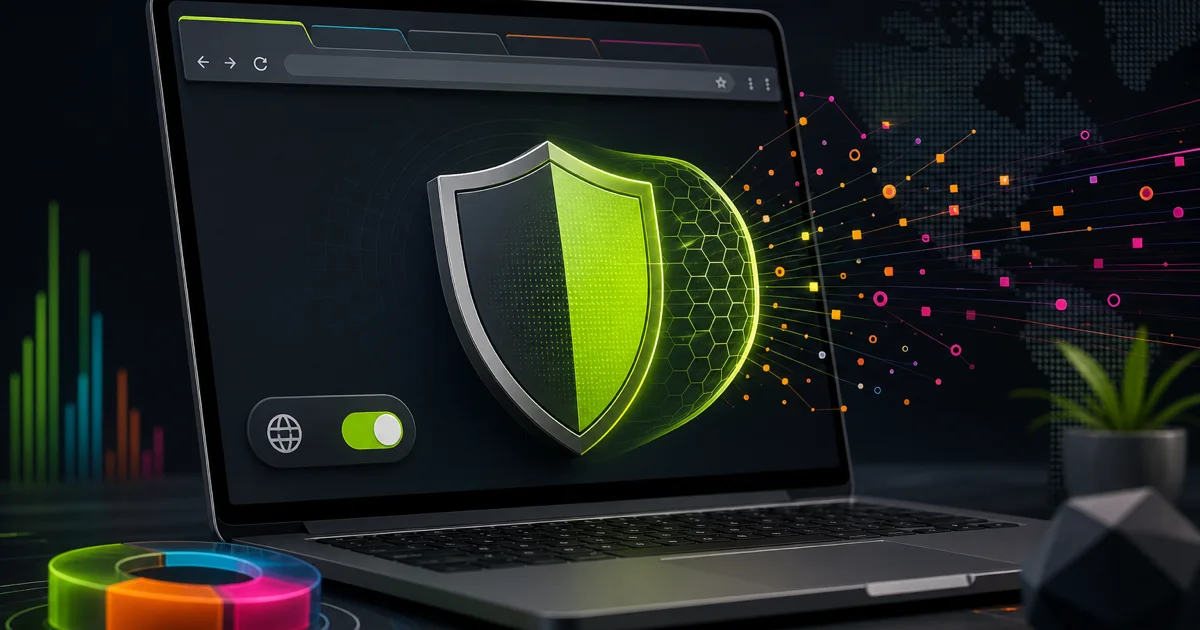
AVG Secure Browser Review 2026: Keep or Remove?
Test what AVG Secure Browser adds over Chrome, how its privacy tools and paid VPN work, why it may become default, and how to remove it cleanly.

AVG Secure VPN Review 2026: Worth the Renewal?
AVG Secure VPN review with current pricing, renewal, protocols, logs, device limits, streaming and privacy trade-offs versus specialist VPNs.
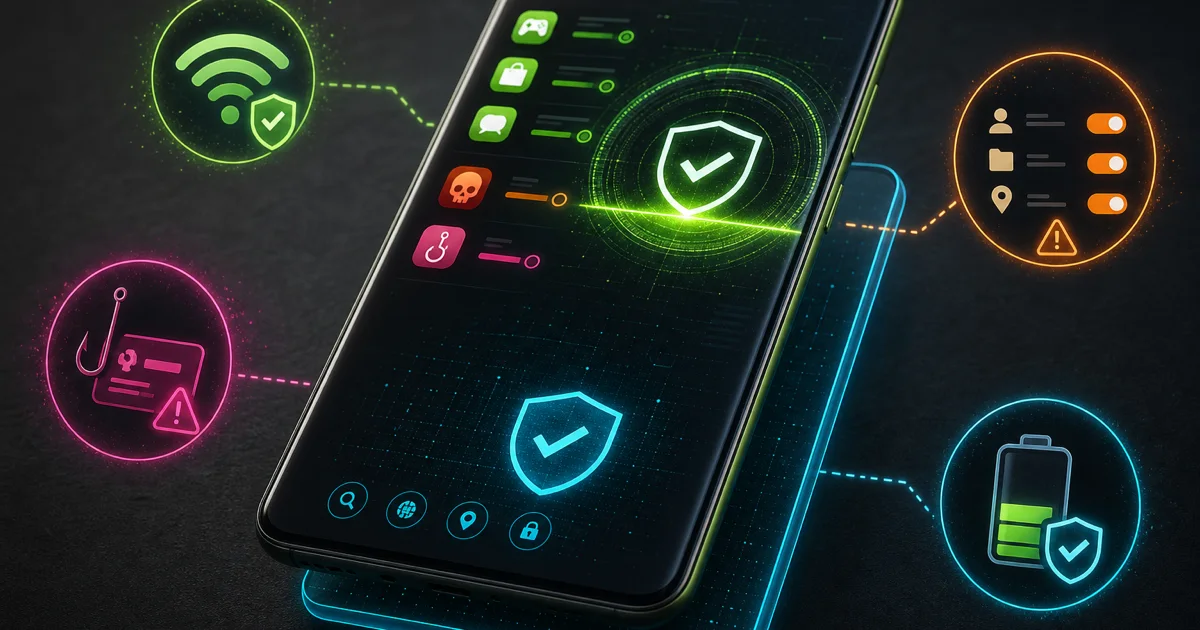
AVG Antivirus for Android Review 2026
AVG Antivirus for Android review using 2026 lab tests, free-versus-Pro features, Play Protect comparison, ads, permissions, battery and privacy.
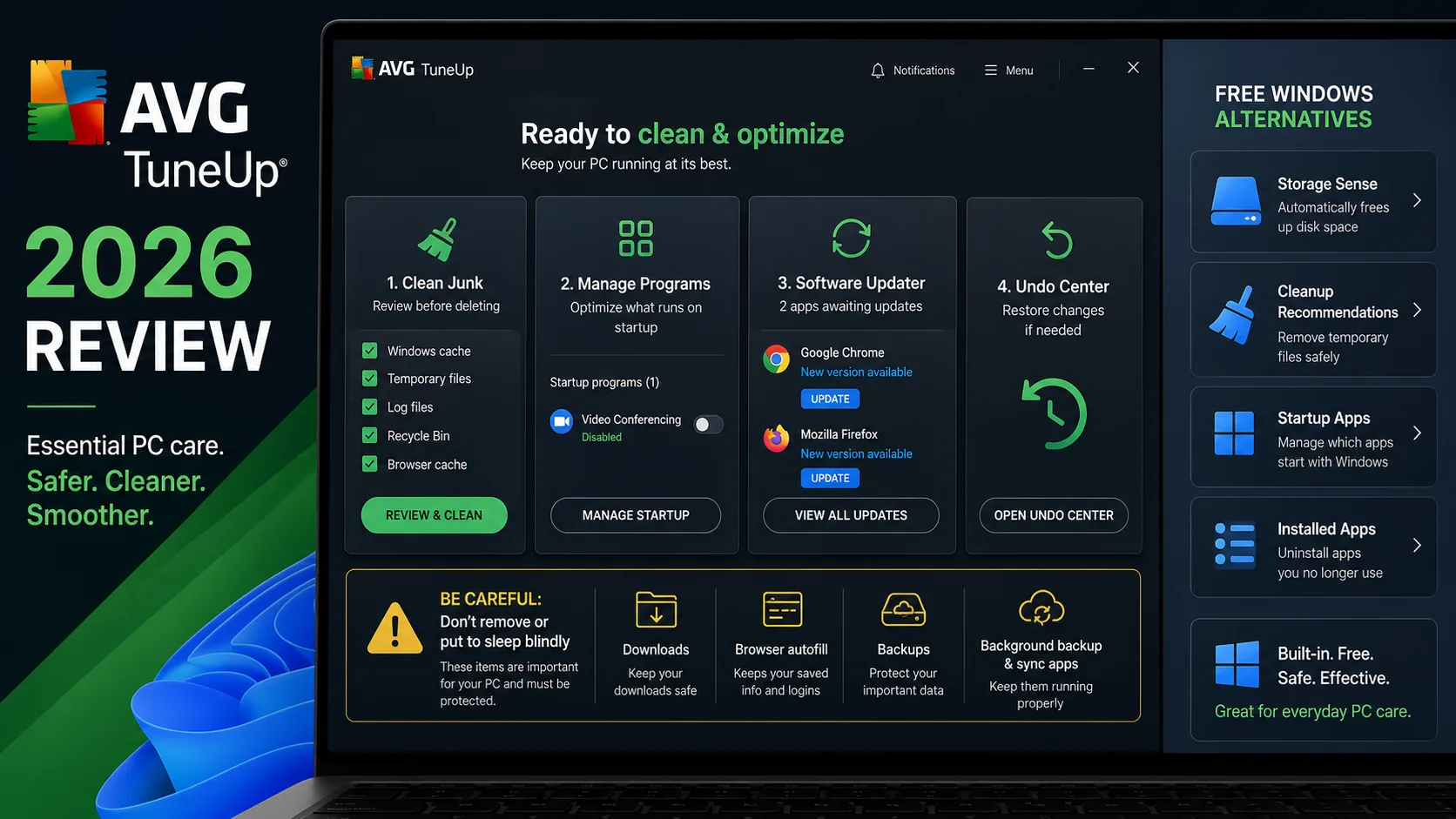
AVG TuneUp Review 2026: Worth the $79.99 Renewal?
AVG TuneUp can simplify cleanup and app management, but Windows covers the basics for free. See its $34.68 intro, $79.99 renewal, risks and verdict.
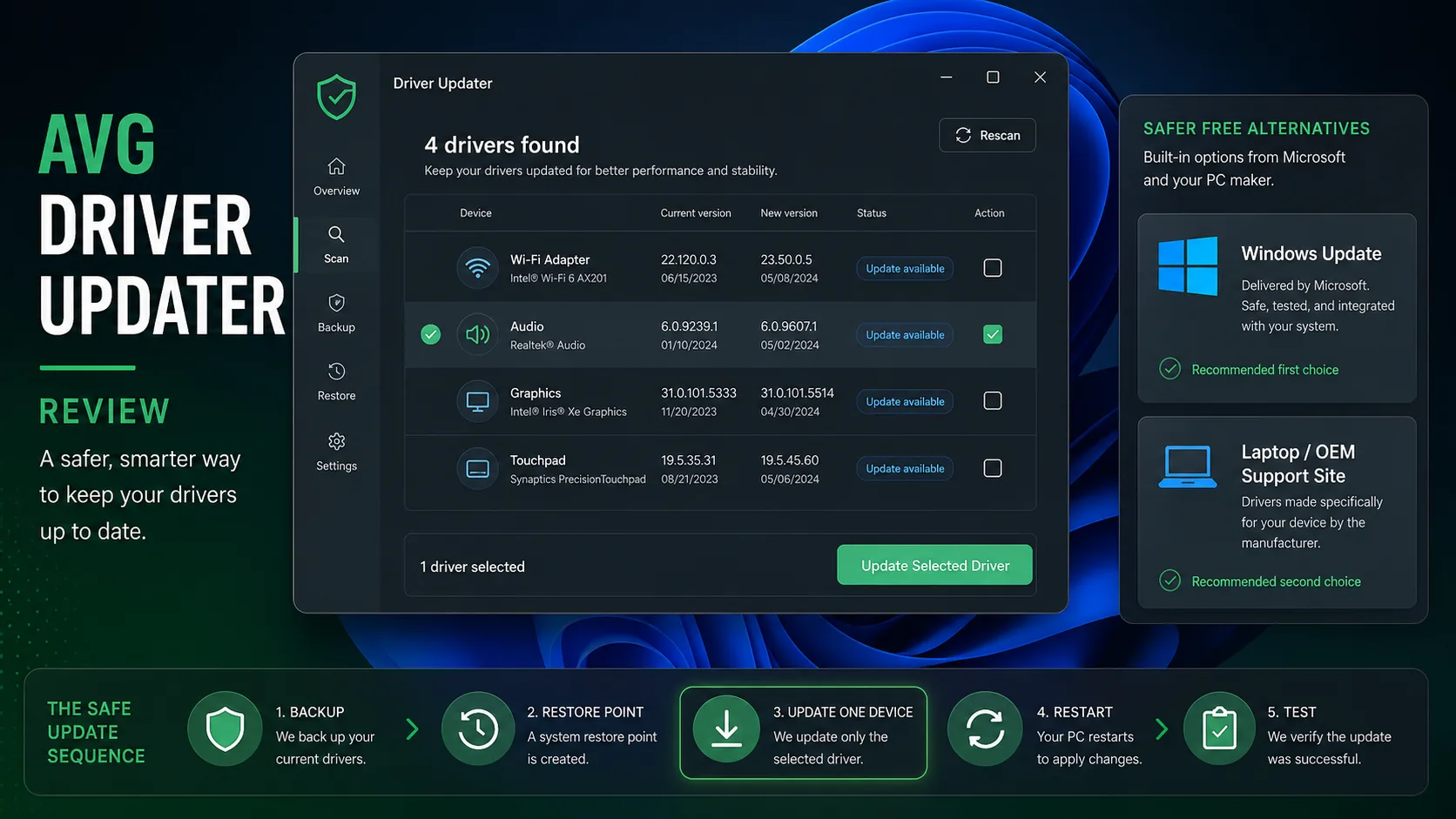
AVG Driver Updater Review 2026: Is $43.99 Worth It?
AVG Driver Updater is legitimate, but most Windows users should start with Windows Update. We test its $43.99 value, risks, rollback and alternatives.
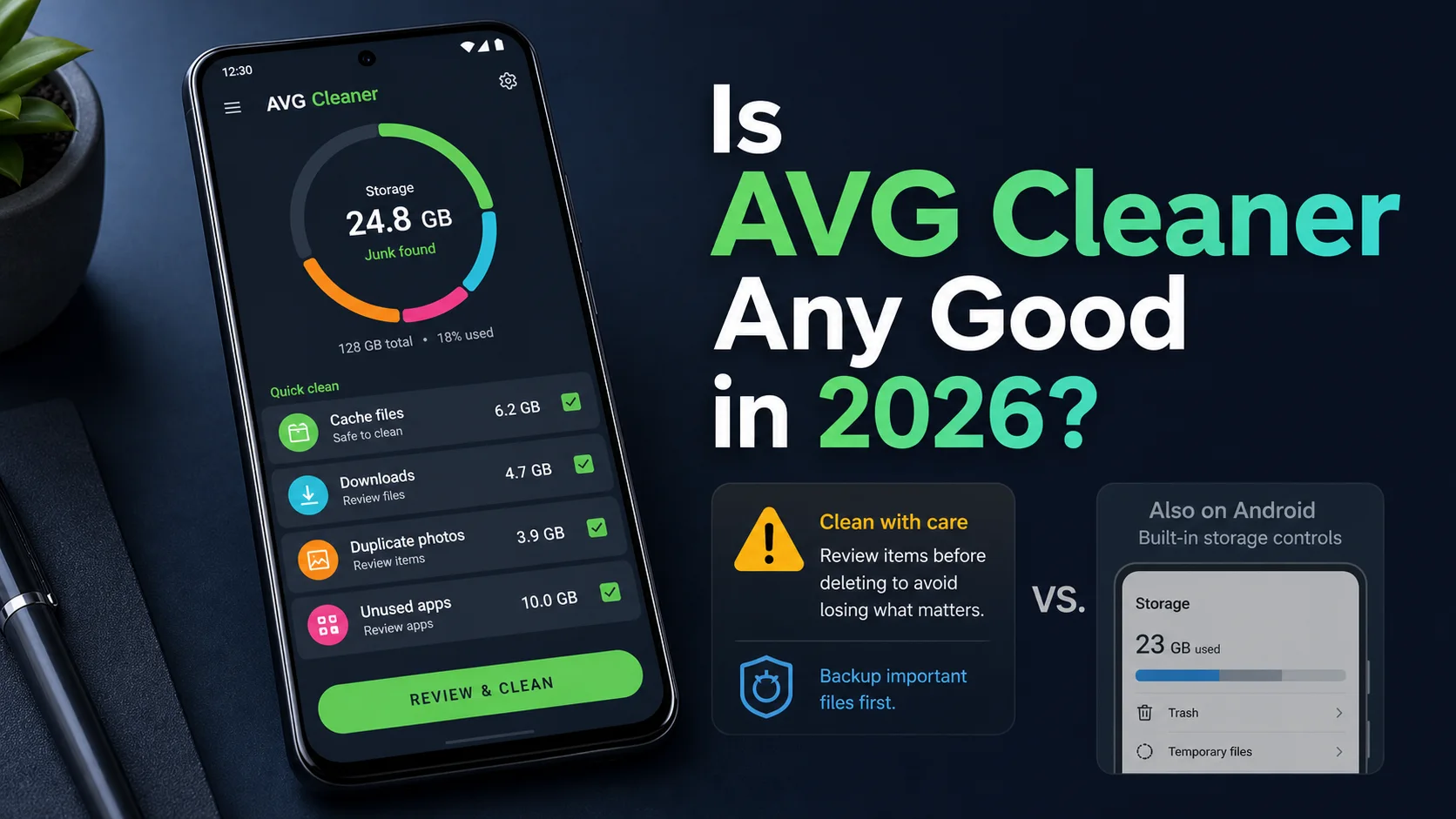
AVG Cleaner Review 2026: Is the Android App Worth It?
AVG Cleaner can free Android storage, but Premium is optional. See current features, deletion risks, permissions, Mac status and free alternatives in 2026.
AVG problems and fixes
Scans and quarantine, high CPU, errors and fake AVG pop-up scams — what is a real fault and what is normal behavior.
AVG Not Working or High CPU? Safe Fixes for 2026
Fix AVG not opening, stopped shields, failed updates, stuck scans, high CPU, memory or disk use with an evidence-first repair and reinstall workflow.
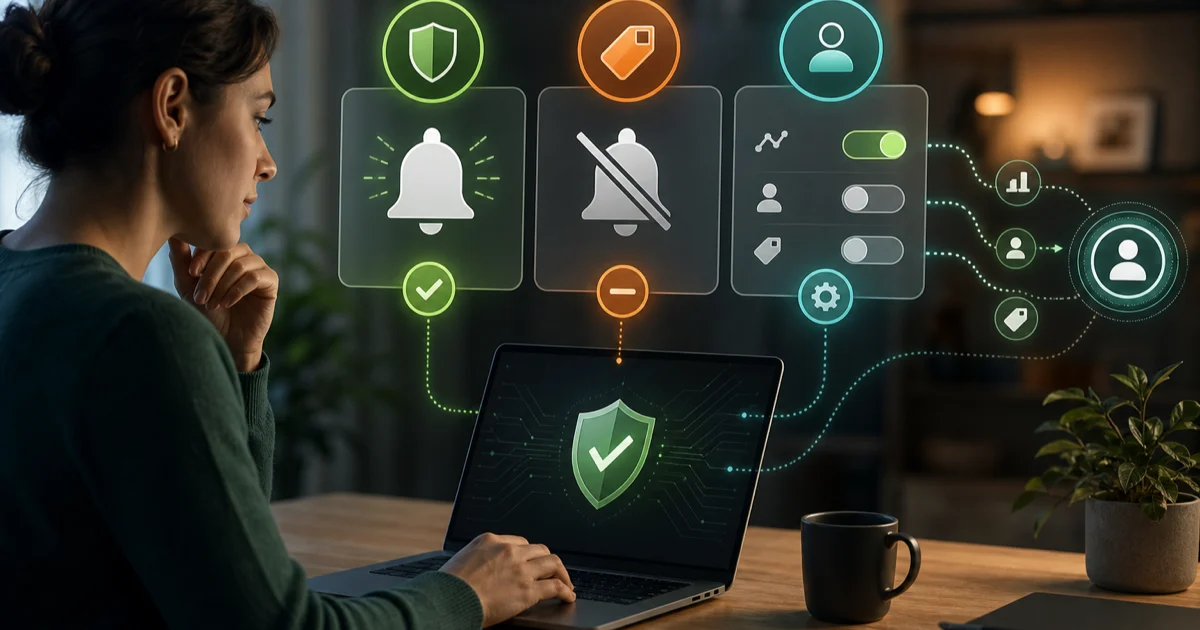
Stop AVG Popups & Review Privacy Settings Safely
Reduce AVG popups and product offers without hiding critical alerts, then review Community IQ, analytics and personalized-discount privacy controls.
Uninstall AVG or switch to an alternative
Uninstall AVG completely, and pick a tested alternative if you're leaving.
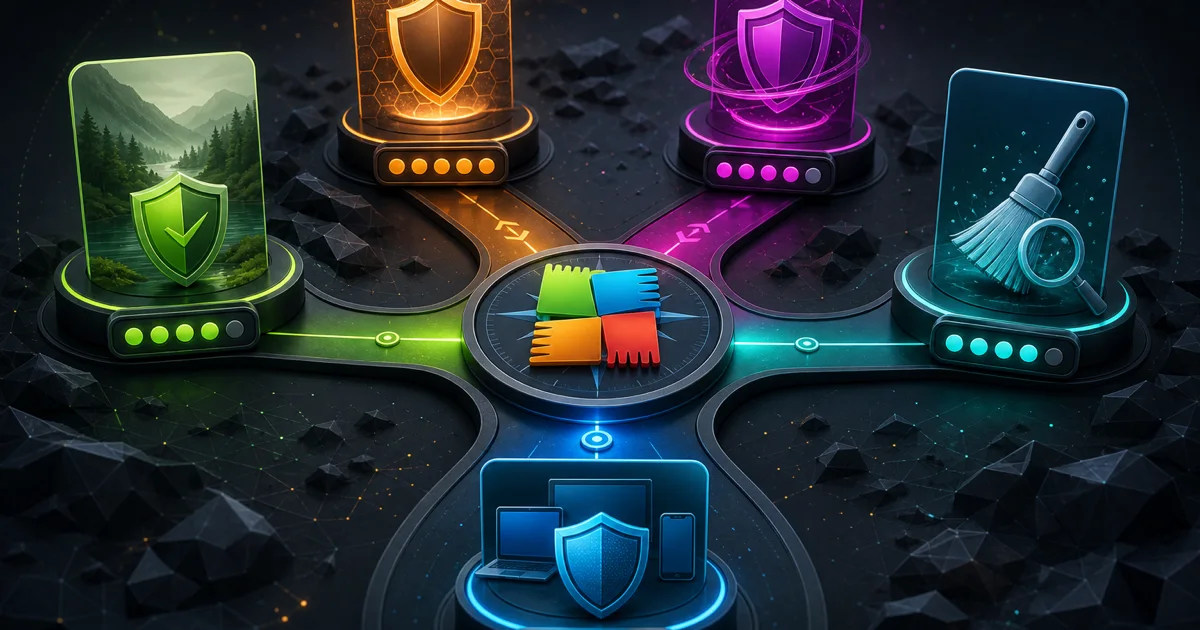
Best AVG Alternatives 2026: 6 Better-Fit Options
Compare six AVG alternatives by the real reason to switch: quieter free protection, lab results, light performance, bundles, cleanup or privacy.
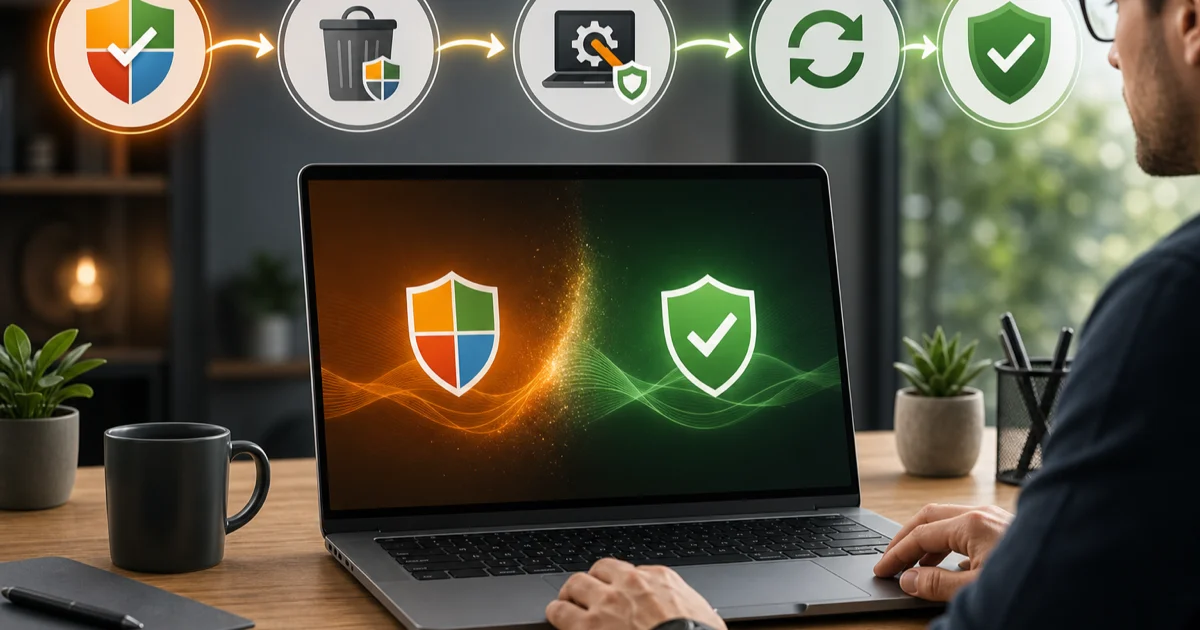
How to Uninstall AVG Completely on Windows & Mac
Remove AVG Antivirus safely with normal uninstall first, use the official AVG Uninstall Tool only if needed, and verify protection after restart.
AVG guide hub FAQ
Where should I start with AVG?
Start with the full review if you are deciding whether to keep or install AVG. Use pricing and Free-versus-Internet-Security before paying, setup after choosing, the exact troubleshooting guide for a reproducible fault, and separate cancellation and uninstall guides when leaving.
Is this the official AVG support website?
No. Antivirus-Review.com is an independent editorial publication. We interpret current lab evidence and official procedures, but installers, account changes, refunds, privacy requests and cleanup tools should begin on verified AVG or app-store domains.
Is AVG Free good enough in 2026?
For many compatible Windows PCs, yes. AVG Free earned excellent current lab results and provides real-time malware protection. Paid Internet Security makes sense only when its named web, webcam, remote-access or sensitive-file controls address a real household risk.
Why does AVG keep showing popups?
AVG can show threat alerts, protection-status messages, maintenance recommendations and product offers. Paid editions expose more offer controls, while AVG says Free cannot disable every offer. Classify the message before using Silent mode, which can also hide useful security alerts.
More on AVG
- Full AVG review — current lab results, pricing and our buy / skip verdict.
- Head-to-head comparisons — AVG against the other products we test.
- All vendor guide hubs — the same task-based libraries for the other products we cover.