Avira Guides: Choose, Install, Understand, Fix or Leave Safely
Fifteen focused resources cover the full Avira ownership path without turning one review into a dumping ground: plans, setup, recovery, VPN, passwords, browser tools, Android, performance, web blocking, billing and complete removal. Pick the job in front of you and move straight to the page built for it.

Choose your route: deciding whether Avira fits? Start with the review, Free-versus-Prime comparison and current pricing. Installing or recovering a damaged PC? Use setup or Rescue System. Evaluating a companion tool? Open its own VPN, password, speedup, browser or Android review. Fixing a symptom? Use the exact performance or web-protection guide. Leaving? Cancel billing and uninstall as separately verified actions.
Choose Avira by platform and plan—not by one old badge
Avira is still a credible free Windows antivirus, but the platform answer is not uniform. Its direct March–April 2026 AV-TEST result gave Internet Security 1.1 the full 6/6 for protection, 5.5/6 for performance and 6/6 for usability. The February performance score was only 4.5/6, so “lightweight” still needs a date, workload and trial on the actual PC.
The Mac result changes the recommendation. AV-TEST's March 2026 macOS Tahoe test measured 97.5% detection and awarded Avira 3.5/6 for protection, while eight consumer competitors reached 100% in that cycle. Android was much stronger at 18/18 in May. A five-device bundle should therefore be judged per operating system rather than from its Windows score.
AV-Comparatives' February–May 2026 Windows real-world test does not include Avira as a directly tested product. The lab discloses that F-Secure, Fortect and TotalAV used Avira's engine in current testing, but their scores belong to those products. Licensed-engine results cannot silently fill a direct-evidence gap.
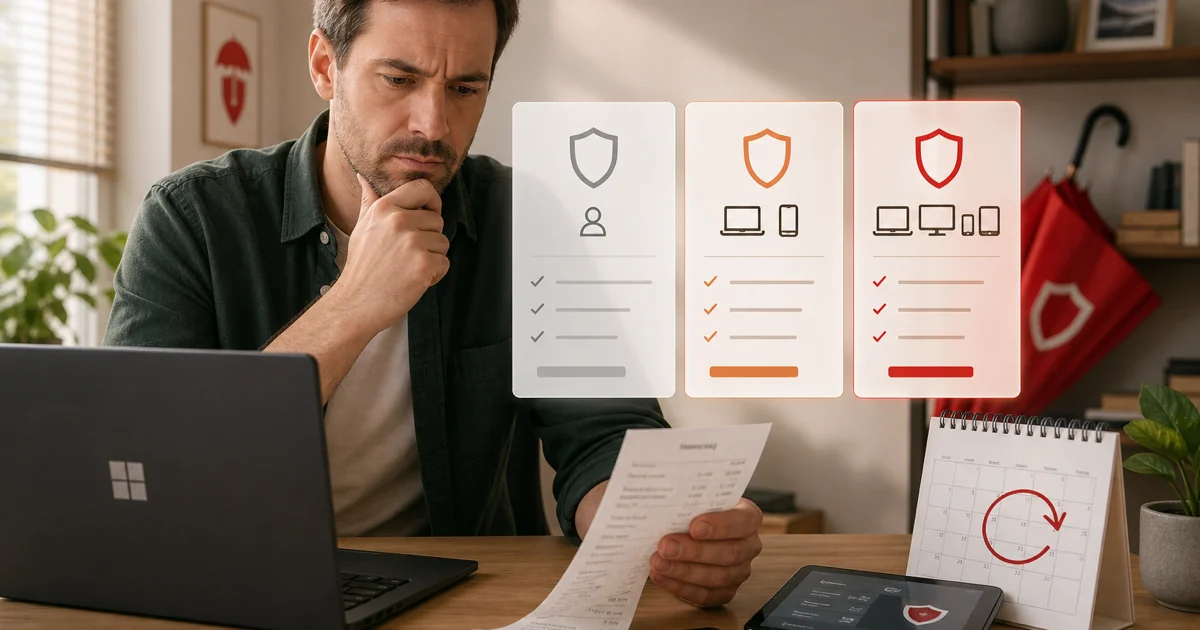
Price is equally specific. Avira Free supplies real-time antivirus for private use, while Antivirus Pro, Internet Security and Prime add different combinations of web, firewall, software-update, password, VPN and support features. The live Avira store controls the region, currency, device count and contract; our pricing page preserves the checked first-term and renewal comparison so the later bill is not hidden.
Install one clean security stack and keep a recovery path
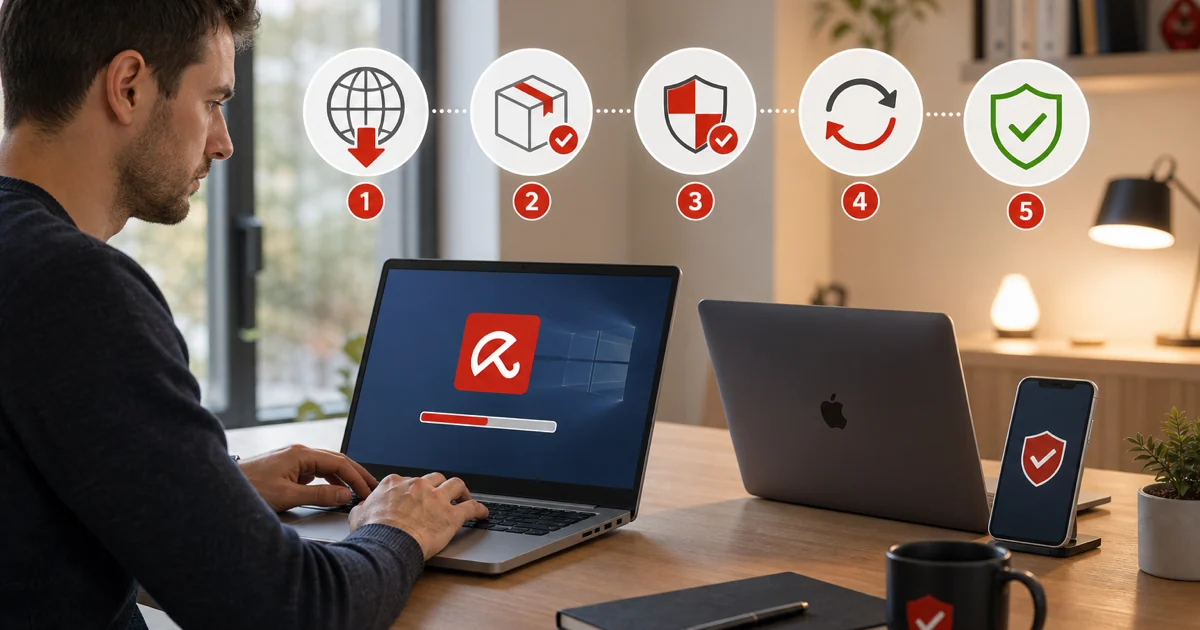
Normal setup begins before the installer opens. Remove another resident antivirus, restart, use the official Avira product or account path and verify that the downloaded file is signed. The official installation troubleshooting index separates failed downloads, installers that do not start, error messages and a completed installation that will not open; those are different faults and need different evidence.
Choose optional components deliberately rather than accepting every adjacent utility because it appears inside Security. Update the antivirus database and product modules, run the intended first scan, then open Windows Security and verify the expected provider. Keep Microsoft Defender Firewall or the intended firewall active. Two full real-time suites or overlapping network filters can produce slow file access, certificate errors and service instability.
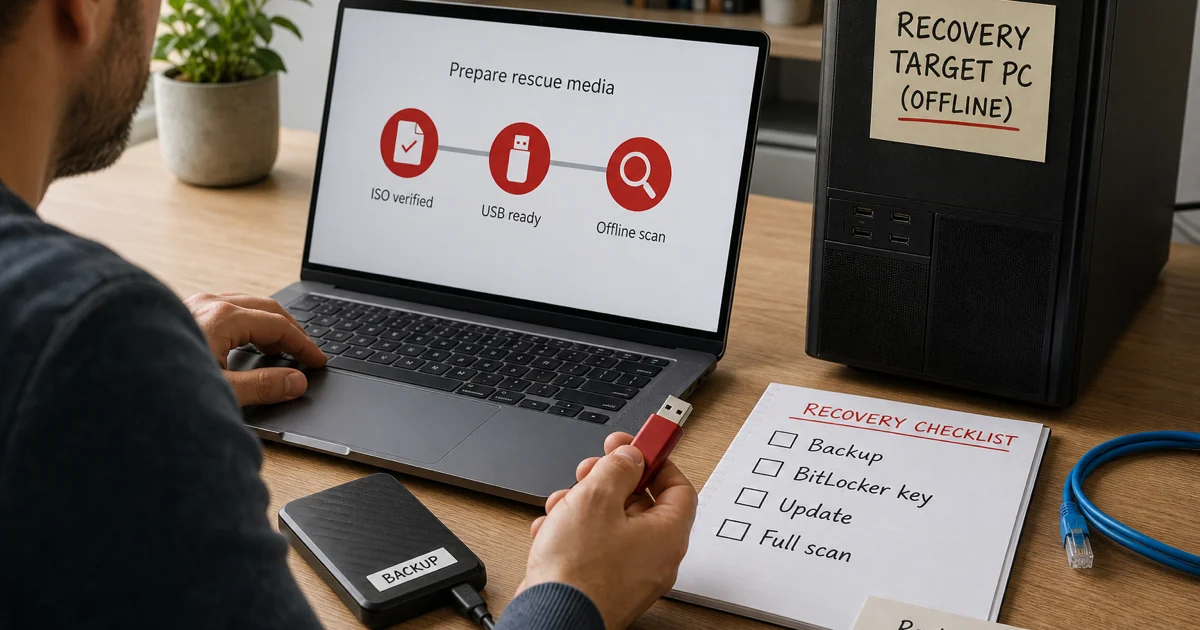
Rescue System is for a different state: Windows cannot boot reliably, malware interferes with local security or an offline second opinion is justified. Build the USB on a clean computer from Avira's verified image, record its checksum when available, boot through the firmware menu, update if the environment supports it and scan before deleting. Preserve logs and valuable files, because an offline scanner can remove evidence or quarantine a file needed for recovery.
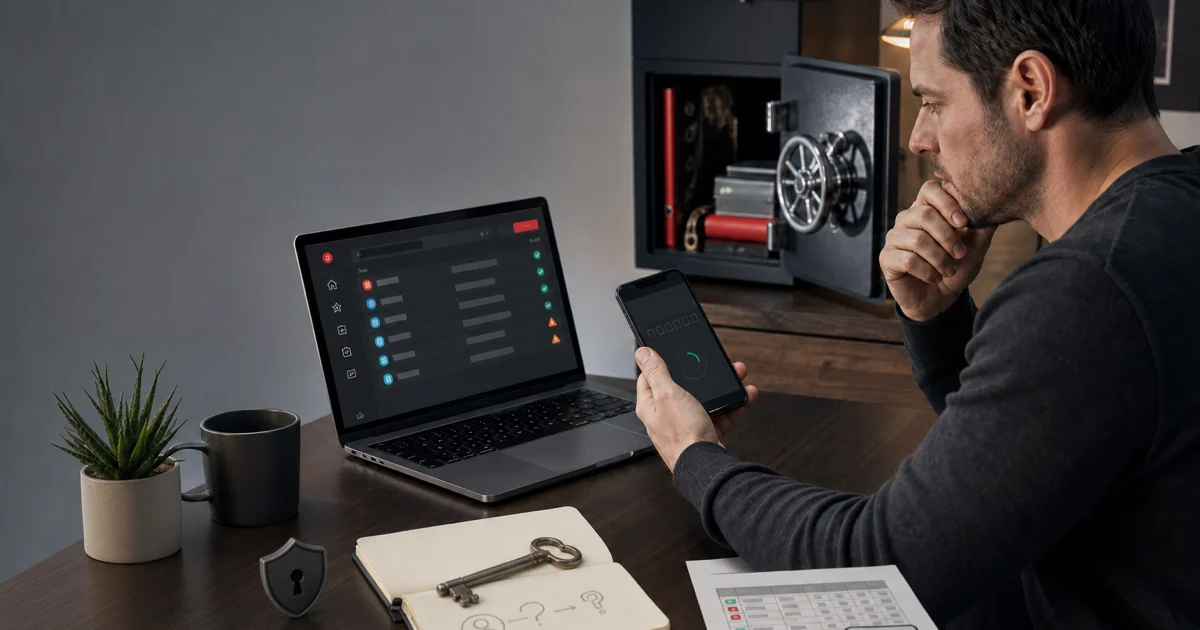
A rescue scan is not a clean bill of health for identity. If the machine may have exposed browser sessions, passwords, recovery codes or financial data, rotate credentials from a separate trusted device and review account activity. Reinstalling Windows from known-good media can be safer than returning a deeply compromised system to daily use.
Judge every Avira companion tool on its own job
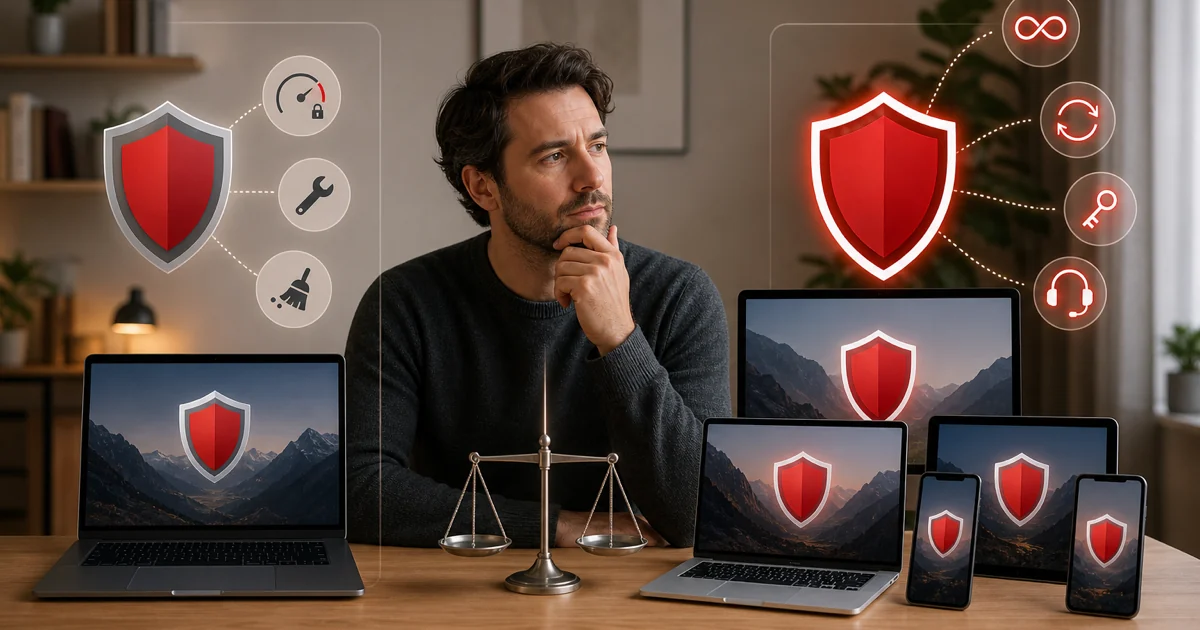
Prime looks simple because one subscription unlocks several products, but “included” is not evidence that each tool is the best choice. Phantom VPN needs its own data-limit, protocol, kill-switch, logging and server decision. Password Manager needs an export and recovery plan. System Speedup needs a backup and before/after measurement. The browser tools need clear names because three different controls can appear to block the same page.
Phantom VPN Free is a limited privacy tool, while Prime supplies the unlimited tier. A reader who already pays for a capable VPN should not count the bundle service twice, and someone buying Prime for VPN alone should compare the real renewal with dedicated providers. The VPN review keeps antivirus lab scores out of a network-privacy verdict.
Password Manager can be convenient inside the same account, but migration cost matters. Before relying on it, test recovery, two-factor authentication, autofill and exports on the actual browser and phone. If leaving, import into the new vault and verify several logins before removing the old extension, then delete any unencrypted export.
System Speedup's storage cleanup can be practical, while registry cleanup, startup changes and battery claims carry more risk and less certainty. Create a restore point or backup, review the exact items and measure a named outcome rather than accepting a global “health” score. The detailed guide separates temporary files from settings whose removal can break applications.
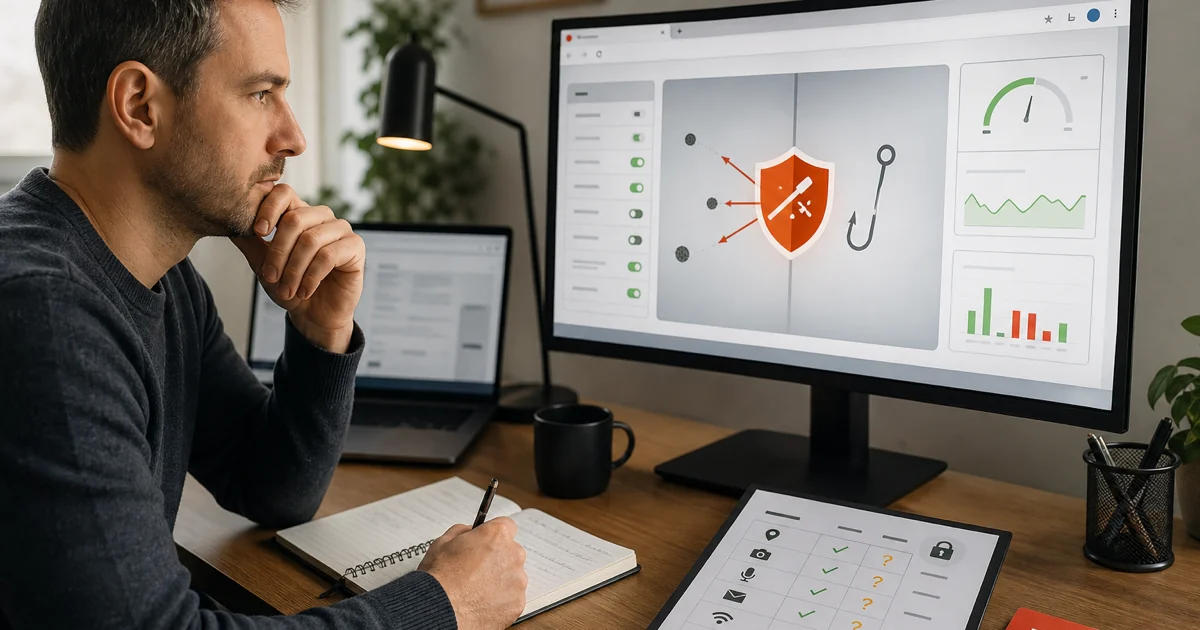
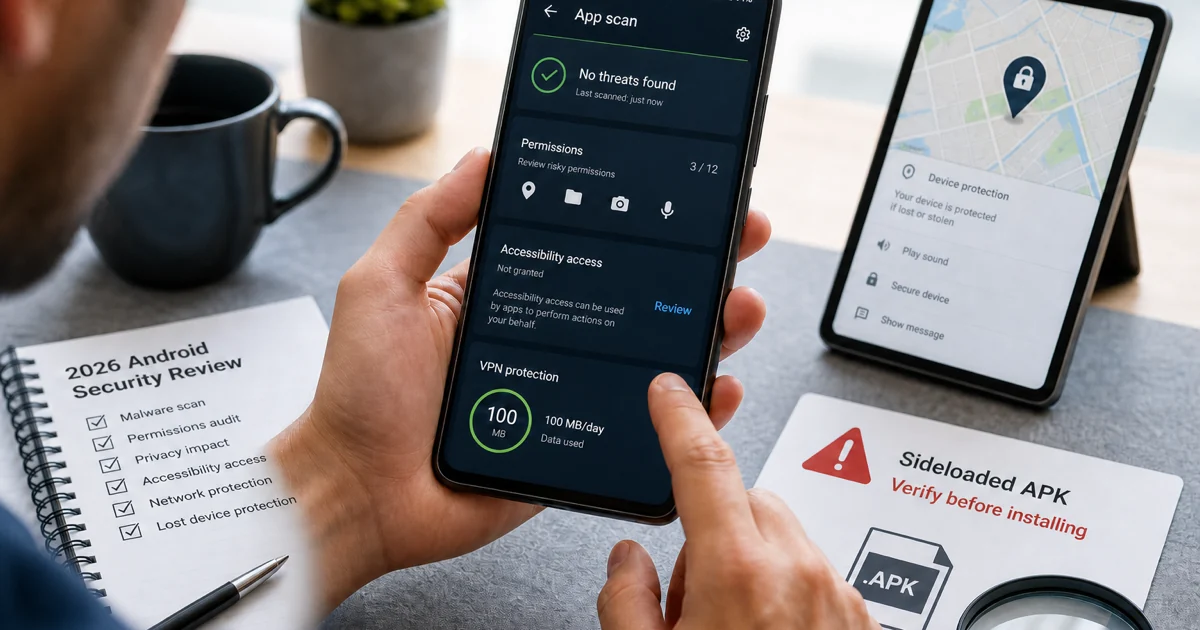
Browser Safety is an extension, Secure Browser is a full browser, its Web Shield and Privacy Guard are browser features, and integrated antivirus Web Protection is a paid edition function in the current support model. The Android product is another distinct application with platform permissions and an excellent May 2026 lab result. Keeping those products separate prevents a person from disabling the wrong layer or assuming a desktop feature exists on mobile.
Fix the named symptom before reinstalling the whole suite
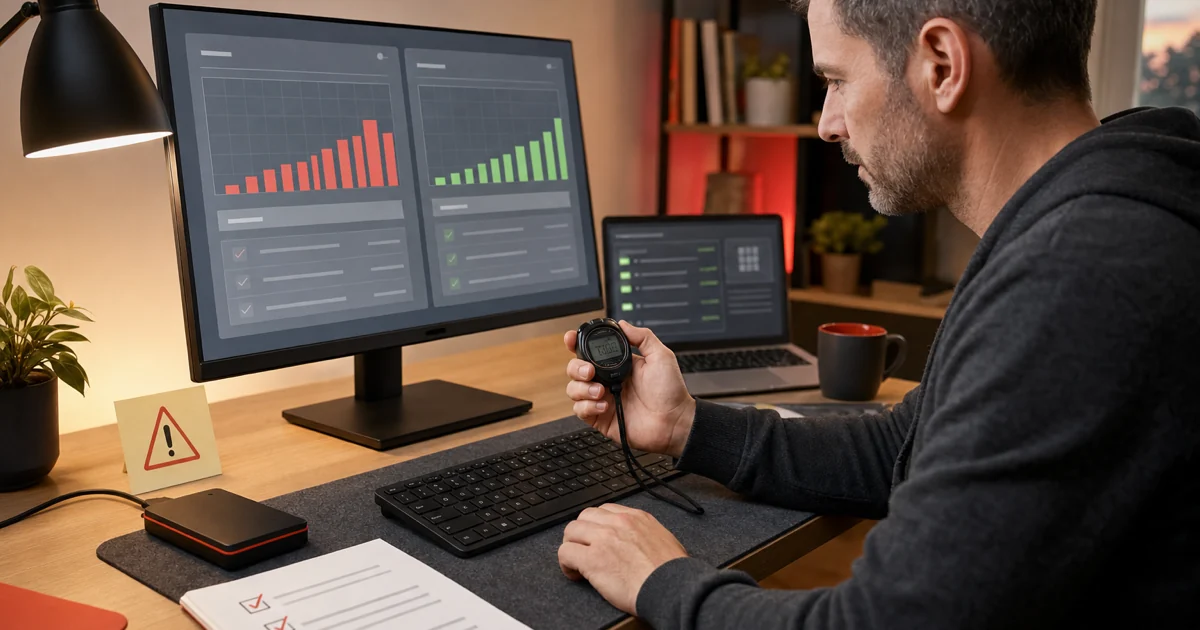
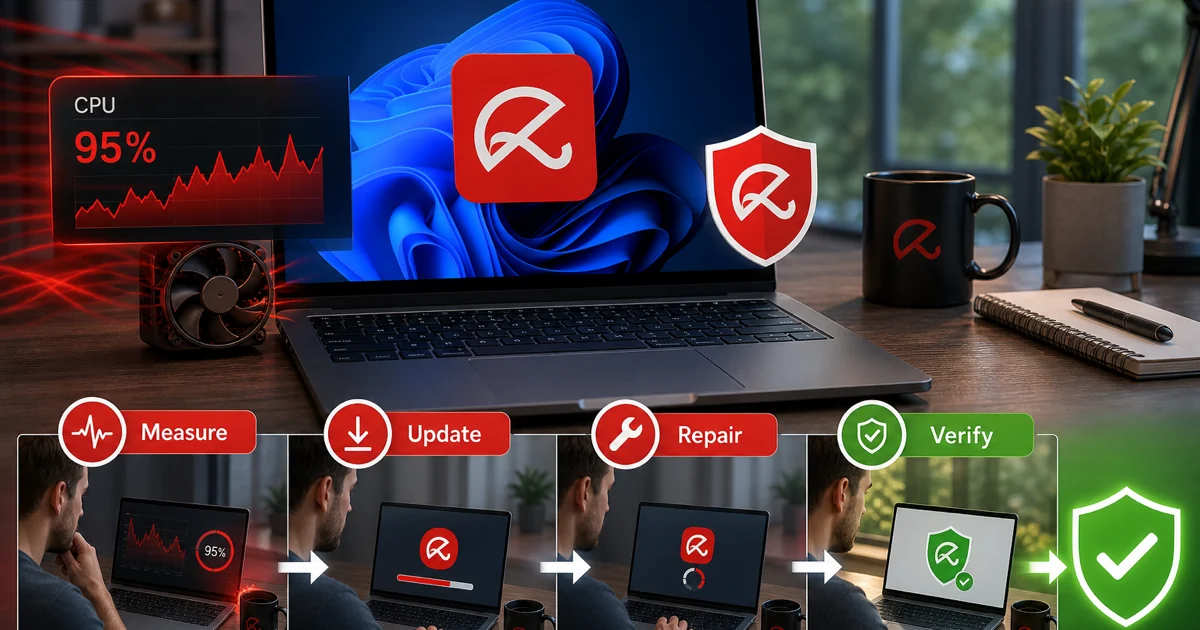
“Avira is slow” is not yet a useful report. Record the signed process, current task, duration, CPU, memory, disk and the event that starts it. A first full scan, product update, archive inspection or scheduled cleanup can be temporary. Sustained load after the task ends—or the same spike under a reproducible workload—justifies update, restart, conflict, storage and repair checks.
Do not solve a performance complaint by excluding an entire project, Downloads folder or user profile. If a legitimate file is repeatedly detected, verify its source, signature and hash, submit it for vendor review and create the narrowest temporary exception only when the risk is understood. Exclusions survive longer than the troubleshooting session and can become a predictable hiding place.
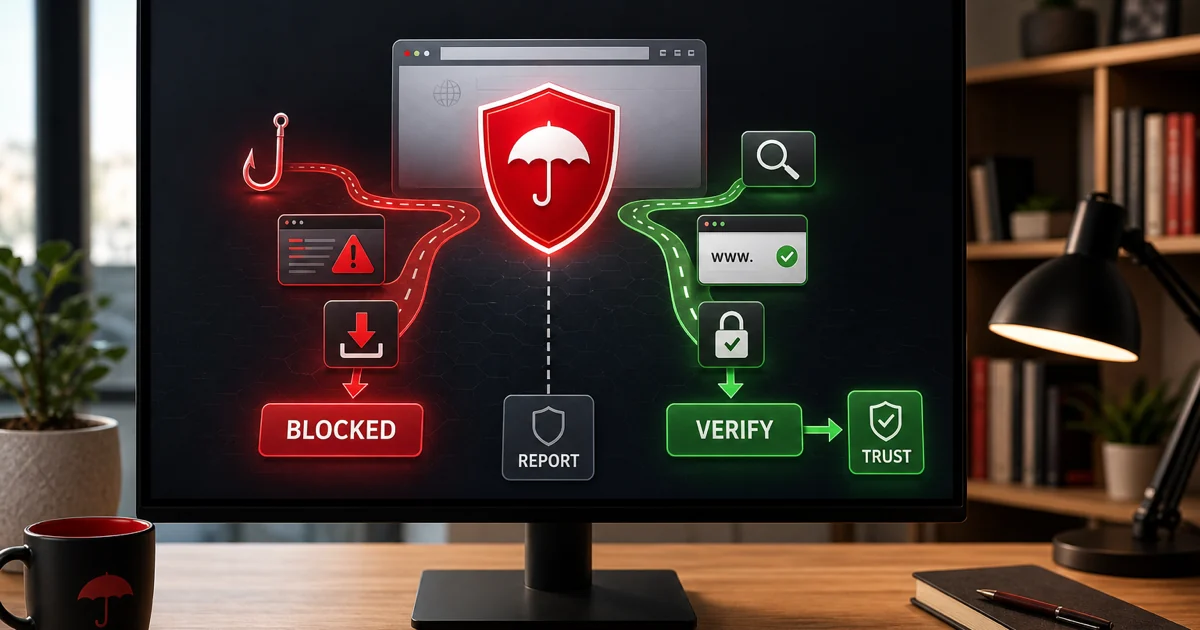
A blocked site needs the exact product name and alert. Antivirus Web Protection may classify malware, phishing or fraud; Browser Safety may block or annotate a result; Secure Browser Web Shield may act inside that browser; a certificate or DNS failure may not be an Avira detection at all. Update, reproduce once, verify the domain and certificate independently, and use the official false-positive or support route before allowing anything.
Community complaints are useful for the words people see, not for proving the fix. A July 2026 r/antivirus report describes Avira remaining registered in Windows Security after attempted removal. That is a reason to verify the active provider and use supported uninstall steps, not permission to delete Program Files or registry keys copied from a comment.
Cancel billing, migrate data and remove software as separate jobs
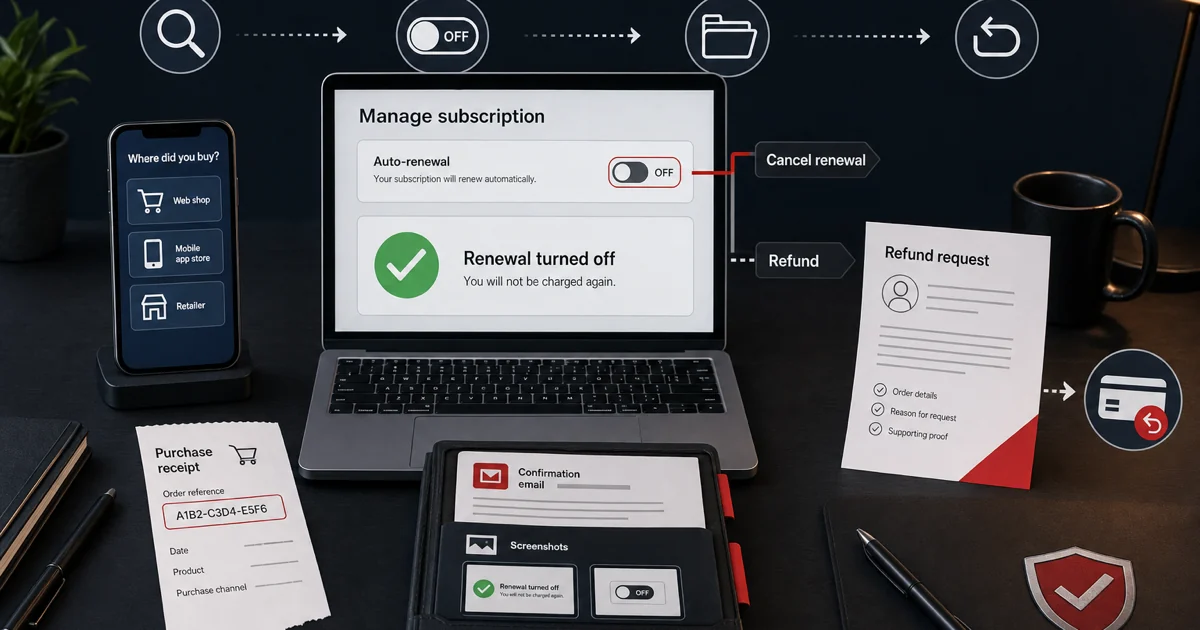
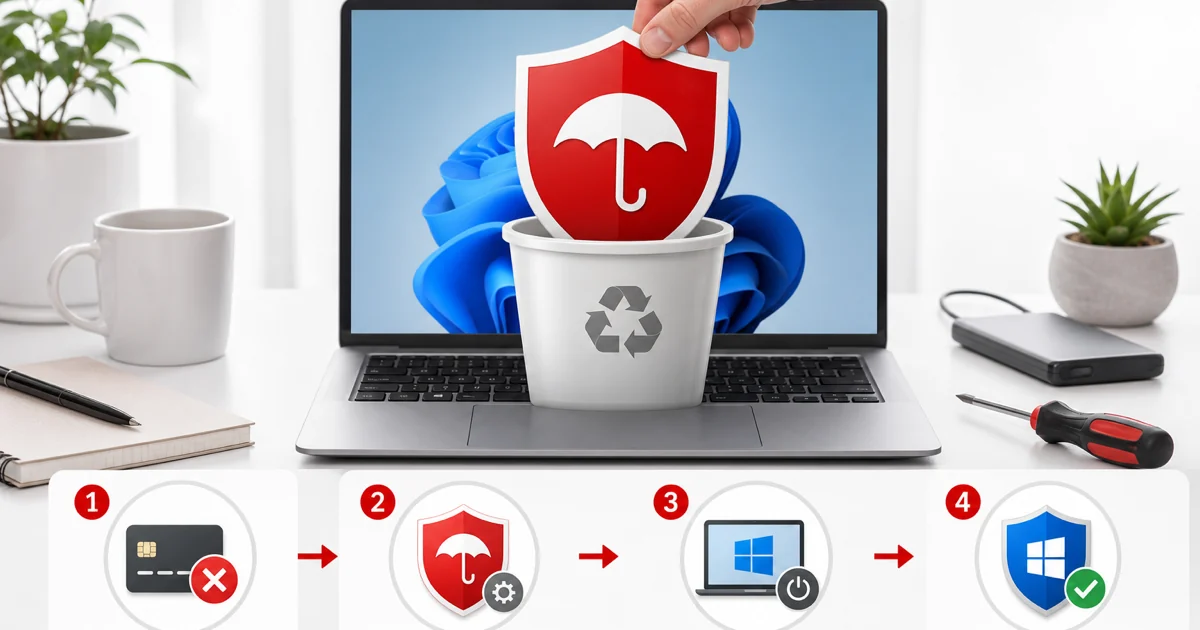
Turning off renewal changes a future charge. Requesting a refund asks a merchant to reverse an eligible payment. Uninstalling removes software from one device. None of those actions proves the other two happened, so the cluster keeps them on separate pages and asks for separate evidence: account status or merchant confirmation for billing, and an active security provider for the device.
Before removal, export anything stored in Password Manager, note Phantom VPN profiles, save receipts and prepare the official replacement installer. Remove Avira through the supported operating-system path, handle separate components in the documented order, restart and check Windows Security or the platform's expected protection state. Use a cleanup tool only when normal removal fails, and do not run a third-party registry cleaner as a substitute for the vendor route.
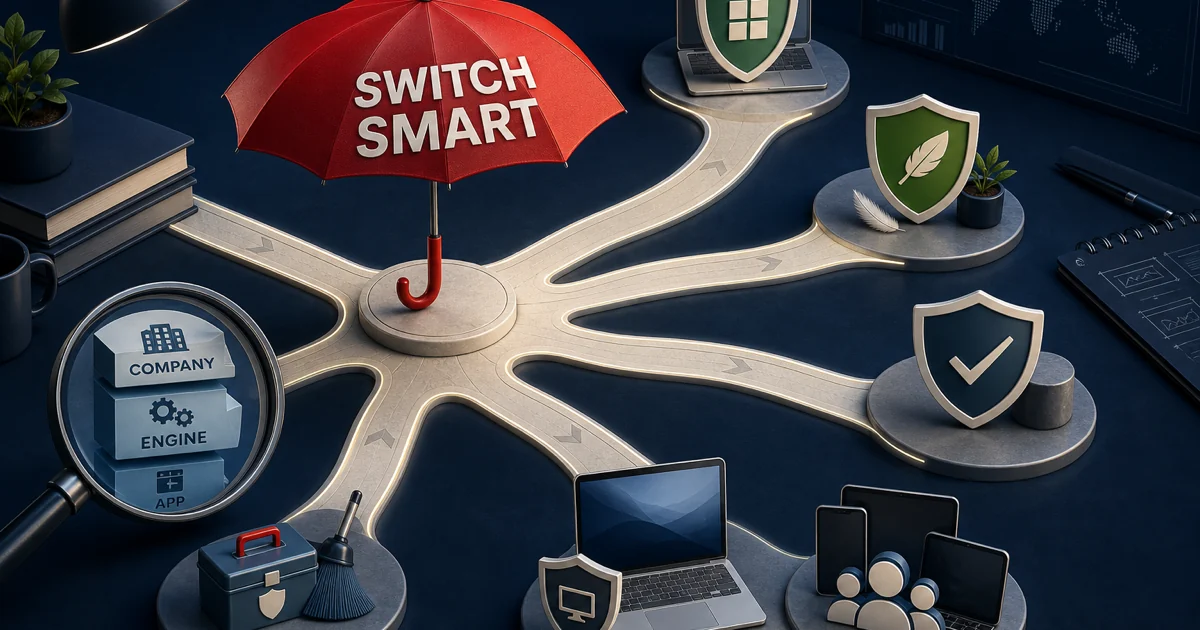
The alternatives guide adds another safeguard: changing the app, corporate owner and scanning engine are three different decisions. Norton changes the product and tested engine but remains under the same Gen Digital parent as Avira. F-Secure changes the company and interface but used Avira's engine in the cited 2026 Windows test. Microsoft, Bitdefender, ESET and Malwarebytes provide different owner-and-engine routes, with their own platform and feature trade-offs.
Use the shortest guide that answers the question
| Your question | Start here | Evidence that decides it |
|---|---|---|
| Is Avira good on my platform? | Full review | Direct current Windows, Mac or Android lab evidence |
| Which plan and ongoing price? | Free vs Prime + pricing | Official store, final cart, devices, first term and renewal |
| How do I install or recover safely? | Setup + Rescue System | Verified source, signer, boot media and one active provider |
| Is a companion product worth using? | VPN, password, speedup, browser or Android review | Product-specific behavior, terms, permissions and alternatives |
| Why is Avira slow or broken? | Not-working/high-CPU guide | Signed process, active task, duration, logs and trigger |
| Why is a site blocked? | Web Protection guide | Exact product, alert, domain, certificate and responsible layer |
| How do I stop paying and remove it? | Cancellation, then uninstall | Merchant confirmation and verified replacement protection |
Official documentation controls procedures, account actions, downloads and supported repair paths. Independent laboratories measure particular builds under controlled conditions. Community reports reveal recurring alert language, upgrade frustration and removal failures worth reproducing. No source type can answer every job, which is why the hub routes to narrow pages rather than flattening the whole product into one “ultimate” article.
Return to the hub when the job changes. A pricing page should not teach offline malware recovery, a VPN review should not inherit an antivirus score, a troubleshooting page should not become a sales pitch, and an uninstall guide should not imply billing stopped. These boundaries make the cluster clearer for a person and reduce search cannibalization between pages.
Avira guide hub FAQ
Where should I start with Avira?
Start with the full review if you are deciding whether Avira fits. Use the Free-versus-Prime and pricing guides before checkout, setup after choosing, the exact feature or troubleshooting guide during ownership, and cancellation plus uninstall as two separate exit jobs.
Is this the official Avira support website?
No. Antivirus-Review.com is an independent editorial publication. We interpret laboratory evidence, product terms and recurring failure patterns, while downloads, account changes, billing actions, refunds and support cases should begin on a verified Avira, Microsoft, Google or Apple domain.
Is Avira a good antivirus in 2026?
Avira remains a credible Windows and Android choice, especially for free protection. Its April 2026 Windows AV-TEST result was 17.5/18 and Android earned 18/18 in May, but the March macOS Tahoe result fell to 97.5% detection and 3.5/6 protection.
Is Avira Free really free?
Yes for private, non-commercial use, with real-time antivirus that does not expire. Paid tiers add or expand controls such as integrated Web Protection, automatic software updating, Password Manager Pro, unlimited Phantom VPN, priority cloud analysis and direct support; the interface also promotes paid features.
Why is Avira using high CPU or disk?
First identify the signed process and active task. A first scan, update, archive inspection or System Speedup job can be temporary; sustained load after the task ends needs update, restart, conflict, storage and repair checks before reinstalling or excluding anything.
Why is Avira blocking a safe website?
Capture the exact product, alert and URL because antivirus Web Protection, Browser Safety, Secure Browser Web Shield and a browser certificate error are not the same layer. Verify the domain independently, update and reproduce once, submit a suspected false positive, then use only the narrowest reversible exception.
Does uninstalling Avira cancel the subscription?
No. Uninstalling changes software on a device, while cancellation changes future billing with Avira, an app store or another merchant. Stop renewal and save confirmation first, request any eligible refund separately, then uninstall and verify Defender or one replacement becomes active.
What is the safest way to replace Avira?
Choose the replacement and official installer first, cancel renewal separately, export any Password Manager data and make a tested backup. Uninstall Avira, restart, verify the active provider, then install and update one replacement rather than running two full real-time suites.
One Avira question, one focused next step
This hub is the front door to the complete Avira cluster, not a second product review. Choose, install, recover, evaluate one companion tool, diagnose a named symptom or leave—then use the page built for that exact job and stop when the result is verified.
We update the cluster when lab cycles, plans, renewal terms, platform support or official procedures change. Downloads, account actions, billing changes and vendor support still belong on verified official domains; our role is to make the evidence, trade-off and safe route understandable.