VIPRE Guides: Choose, Install, Use Protection, Fix or Leave
A branded search can land on a current home-support article, a legacy page, a business endpoint manual or a fake phone-number listing. Start with the job in front of you. This hub routes buying, setup, devices, protection, companion apps, repairs, scams, billing and removal to sixteen deep guides.

Start here: open the current VIPRE review before buying or renewing, the setup guide when installing, and the exact task card below when something is already happening. Use the official Home Support page or the installed app for downloads and account help. Never call a number copied into an ad, pop-up, old PDF or user profile.
Choose the route before opening another search result
VIPRE's Home Support homepage separates General Info, Antivirus Plus/Advanced Security, macOS, Internet Shield VPN, Privacy Shield and Legacy Products. Search engines do not always preserve that boundary. A query for “VIPRE help” can mix a home app with Endpoint Security, a current article with a legacy screenshot, or official support with an impersonator.
This page is the map, not a compressed copy of sixteen articles. Price needs a live cart and receipt. Activation needs the product key family, account and seat state. A website block needs the exact warning owner. A scam needs exposure-based response. Avoid support-number shortcuts, pick the route first, then return when the task changes.

Choose what you are buying and what renews
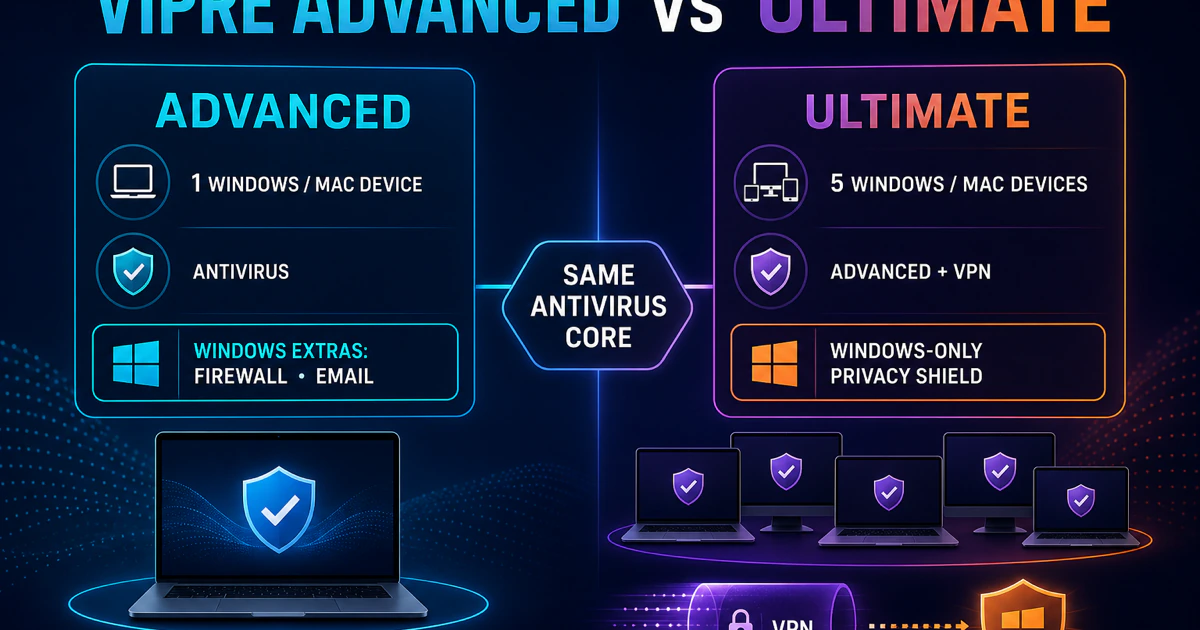
The review owns the overall verdict. It compares VIPRE Advanced Security 12.1 with current independent evidence and keeps shared-engine lineage separate from finished-product performance. The pricing guide owns current first-year, regular-price and device-count math; the Advanced-versus-Ultimate page owns the question of whether separate privacy and VPN apps add value.
Do not let the largest first-year discount choose the product. Record plan name, covered devices, seller, term, checkout total and renewal amount. Ultimate can be a purchase bundle while Windows displays multiple installed applications, so inventory both entitlements and components before deciding that a ten-device headline solves the household.
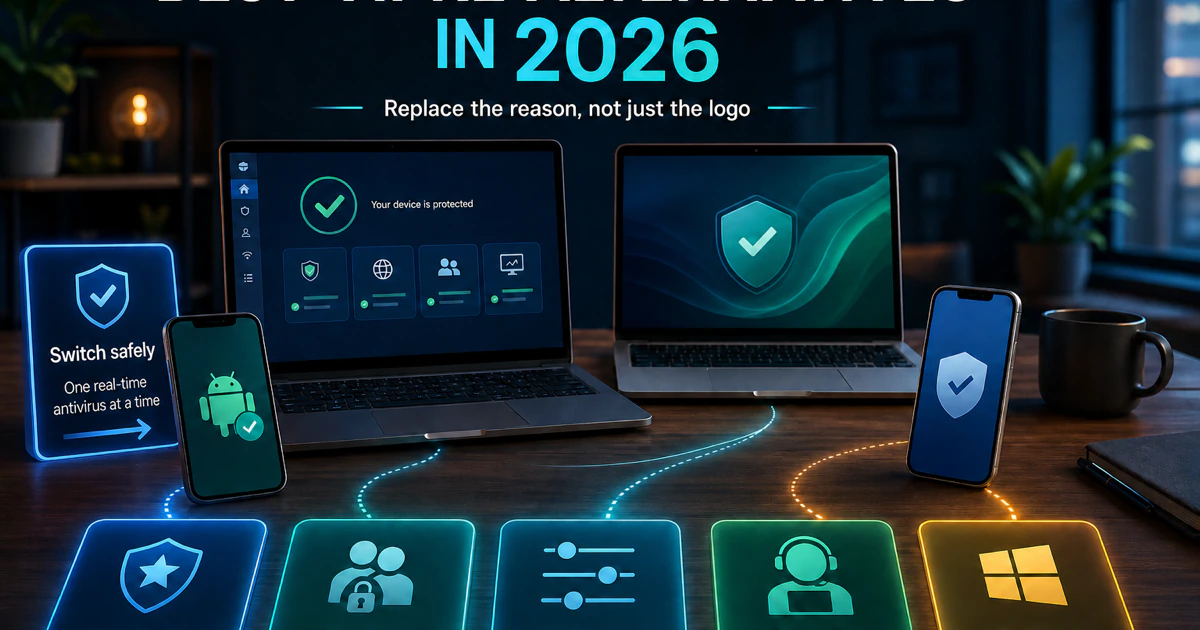
The alternatives route is not an automatic rejection of VIPRE. It starts with the reason for leaving and compares current lab evidence, platform breadth, family/scam tools, control, simplicity and no-extra-cost Windows protection. Staying is a valid outcome when VIPRE is stable and the narrow Windows scope fits.
Install, activate and cover the intended devices
VIPRE's support material distinguishes product-key families and applications. A key for Antivirus Plus should not be forced into Advanced Security, and an Ultimate receipt does not prove that every companion app was installed. Download from a known official domain or the verified account, inspect the publisher, remove an incompatible real-time antivirus and restart when the supported installer asks.
Account access, local product activation and seat management are related but not identical. Save the purchase email and product key privately, refresh the account status when the app provides that route, and release an old device only when the seat limit requires it. Never publish a key or paste it into a page reached through an ad or unsolicited message.
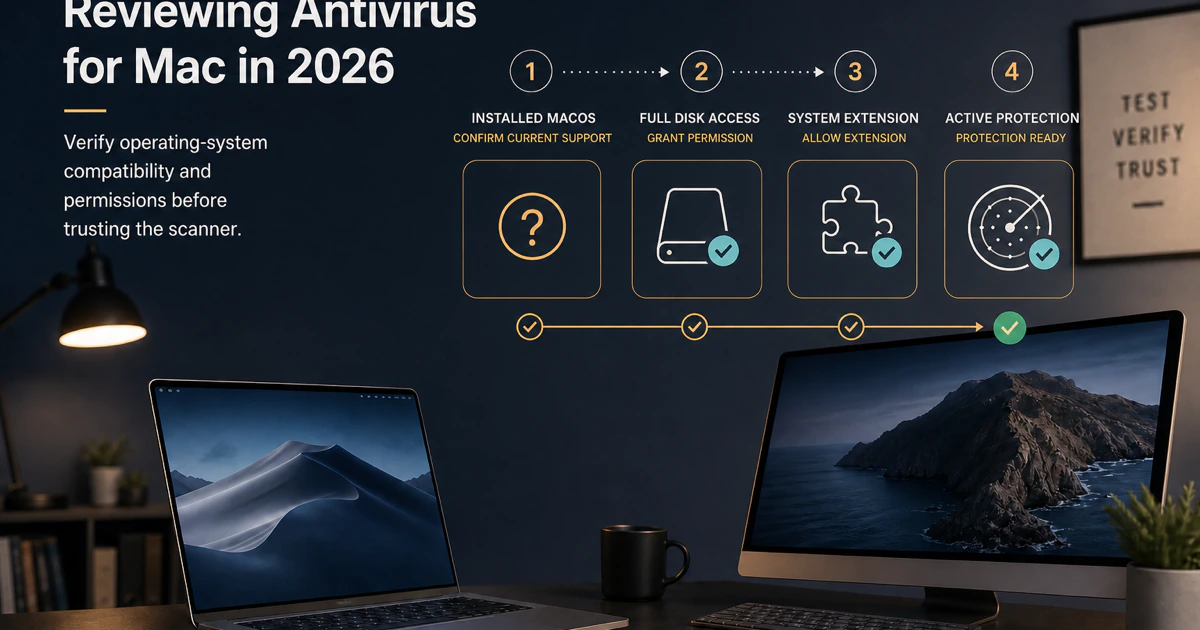
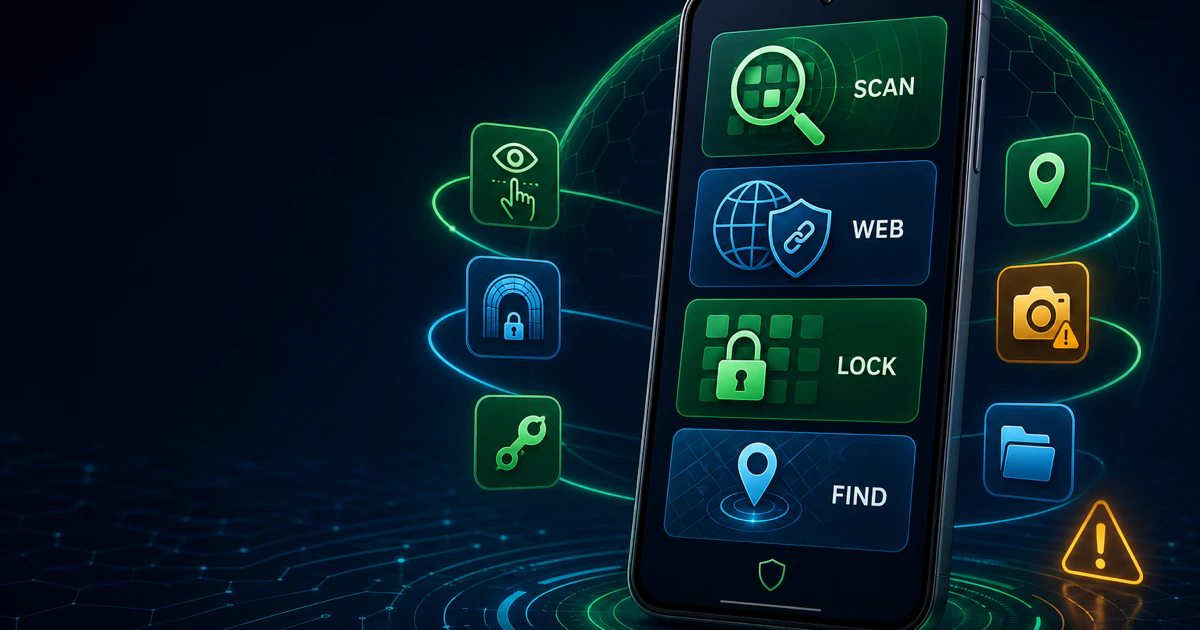
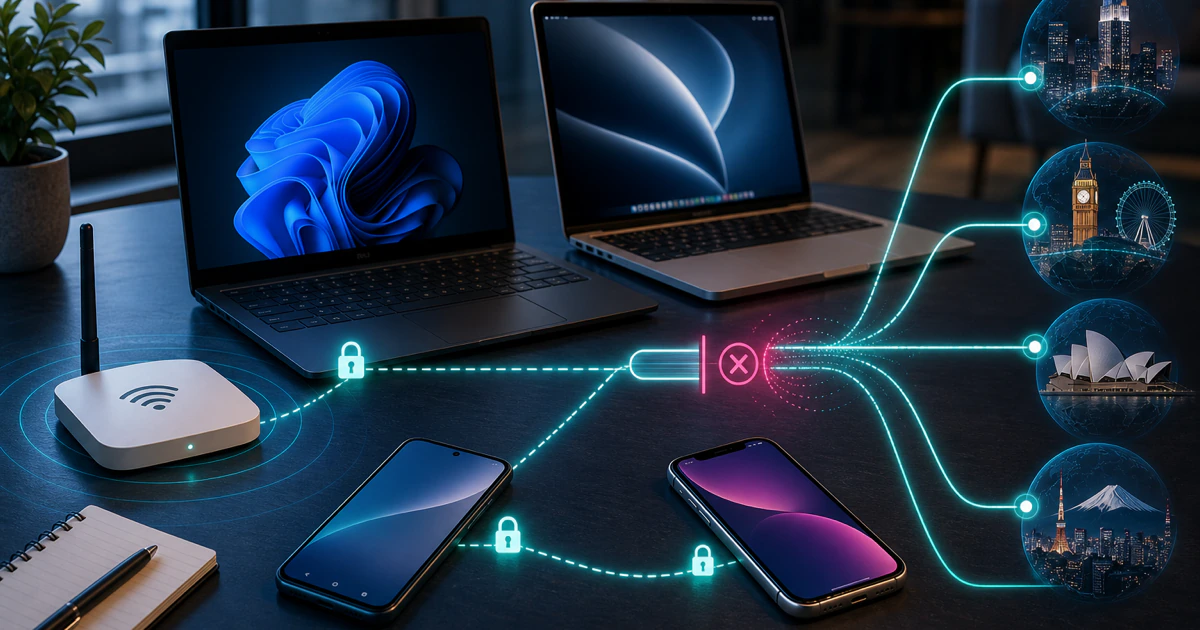
Platform names matter. VIPRE's Windows, Mac and Android apps use different operating-system permissions and do not expose one identical feature set. The Mac guide treats dated public evidence honestly, and the Android guide separates malware scanning from Play Protect, Find Hub and the single active VPN slot. Do not transfer a Windows firewall or Privacy Shield claim to a phone.
Use the protection layer that owns the task
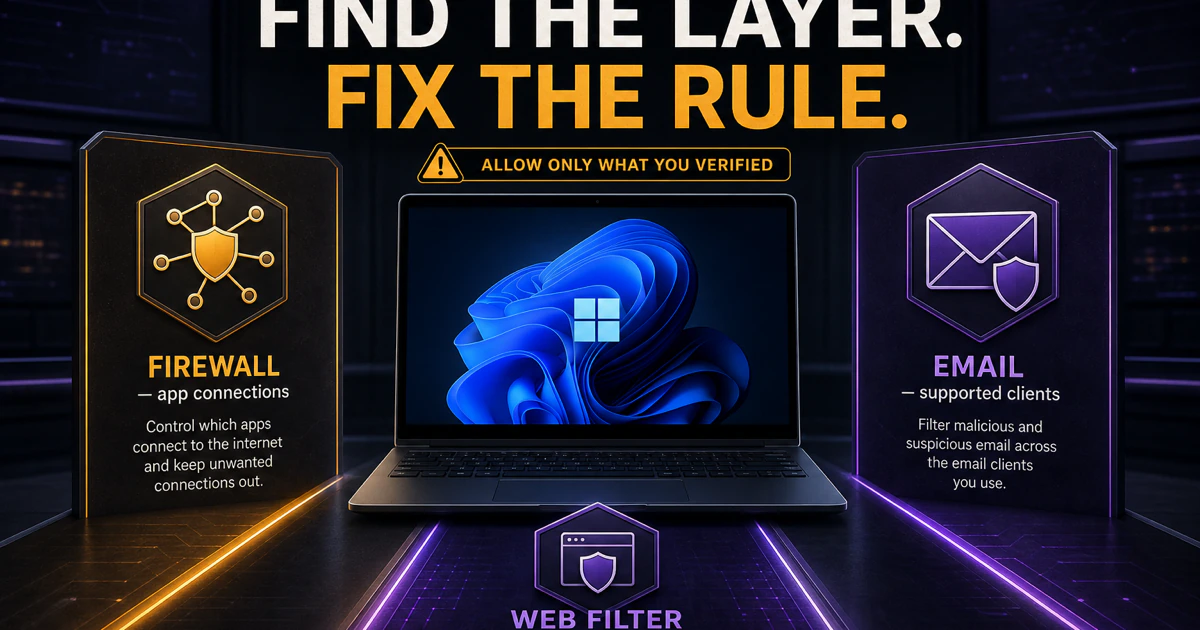
A scan result, firewall prompt, Web Filter block, email-client warning, Privacy Shield alert and Internet Shield network state belong to different layers. Record the exact message, path, URL, process and time before changing anything. A narrow verified exception is safer than disabling protection or excluding an entire browser, drive or Downloads folder.
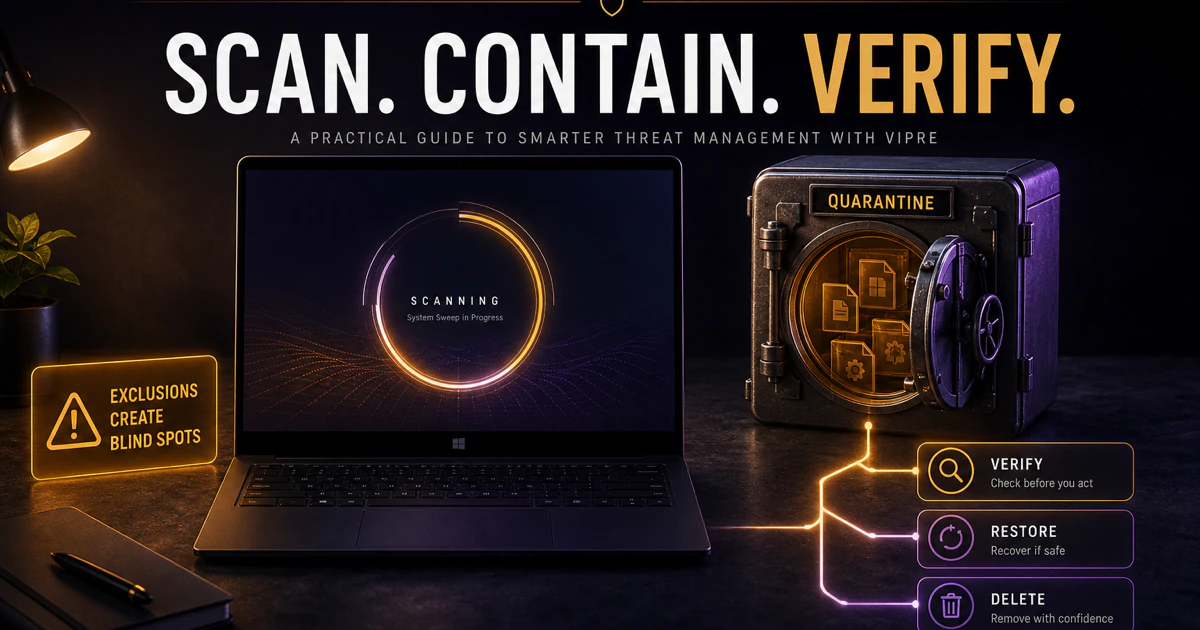
Quarantine is reversible containment. Review the detection name, original path, signature and source before deleting or restoring. Quick, Full and Custom scans answer different questions; repeated scanning without a new hypothesis does not create more certainty. The scans guide provides a completion test and a false-positive route.
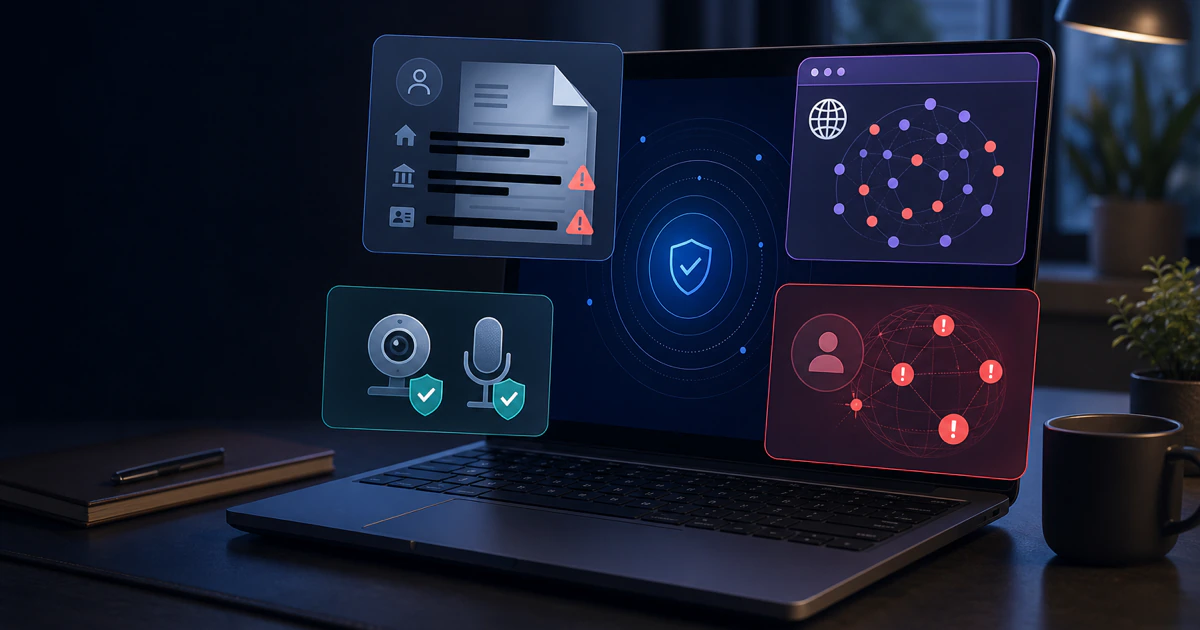
Privacy Shield and Internet Shield are companion products with their own installation, account, platform and evidence boundaries. A local privacy control is not identity recovery, and an installed VPN is not proof of its current protocol or logging claims. Use the dedicated reviews before assuming that Ultimate replaces an existing password, identity or VPN service.
Fix the symptom, stay safe, or leave cleanly
The troubleshooting guide classifies update, scan, service, resource and blocking symptoms before repair. A supported Repair or restart comes before force-removal tools, manual service deletion or broad exclusions. Capture versions and repeatable results so the repair can be evaluated instead of repeated by habit.
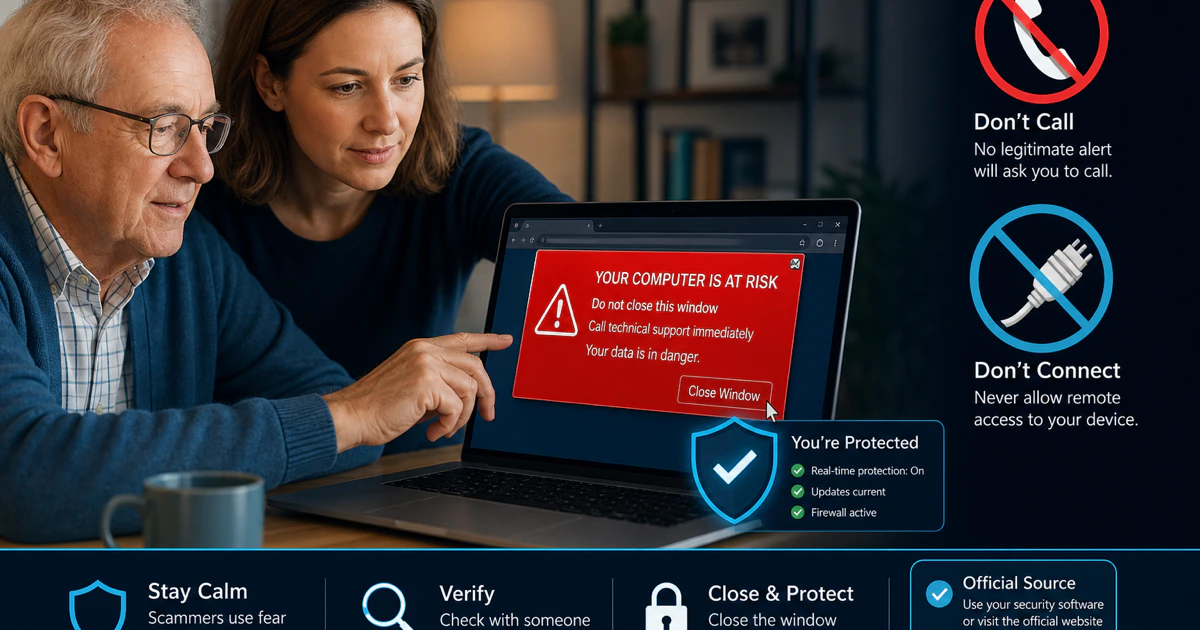
A frightening alert may not come from VIPRE at all. The scam guide separates a trapped browser tab, abusive site notification, genuine Web Filter block, fake renewal and remote-access incident. Never grant remote access or send payment to a stranger reached through the warning; no real product alert requires either action.
Billing and software are separate. Identify the merchant, stop renewal if intended, request a refund through the matching route and save confirmation. Then uninstall each installed antivirus, privacy and VPN component, restart and verify the active antivirus provider, firewall and ordinary network access. Removing the app never proves that billing stopped.
Keep six VIPRE boundaries visible
Consumer versus business: this hub covers home products, not Endpoint Security, EDR or a managed agent. Bundle versus app: Ultimate can contain separate applications. Windows versus other platforms: features and evidence do not transfer automatically. Engine versus product: a shared Bitdefender engine does not make VIPRE and Bitdefender identical. Alert versus source: browser, notification and product blocks need different actions. Software versus billing: uninstall, cancellation, refund and account state are separate.
Those boundaries prevent the most expensive mistakes: buying the wrong tier, exposing a key, weakening a firewall, trusting a fake support channel, installing two engines or assuming uninstall ended renewal. When a guide seems not to match the screen, stop and re-identify the product, platform and owner rather than forcing the instructions.
Use the right evidence source for the question
Official VIPRE pages control current product names, installers, menus, system requirements, account actions and support routes. Independent laboratories test named builds under controlled workloads. The AV-Comparatives February–May 2026 test provides current comparative context, while Microsoft's Windows Security overview controls the provider-handoff rule.
Community posts help identify failure modes, confusing language and real migration mistakes, but they do not establish prevalence or causation. Every spoke linked here was researched one task at a time, fact-checked against current primary sources, given useful visuals, and tested locally on desktop and mobile. Version-sensitive claims keep their checked date so the cluster can be refreshed.
The hub and spokes work in both directions
Each of the sixteen cards opens one page that owns a distinct search intent. The spokes link back to this hub so a reader can move from pricing to setup, from an alert to scans, or from cancellation to uninstall without starting another unsafe search. The hub does not duplicate full instructions and the spokes do not compete to be the brand overview.
The final cluster audit checks all seventeen routes, unique titles and canonicals, visible/schema FAQ parity, readable image files, every card target, reciprocal return links and broken internal URLs. No production release will use a page merely because it exists; the cluster must pass as one connected system.
VIPRE guide hub FAQ
Where should I start with VIPRE?
Start with the full VIPRE review if you are deciding whether to buy or keep it. Open the pricing guide before checkout, the exact product or platform guide for a current task, and the cancellation and uninstall guides as separate steps when leaving. This hub is an independent map; account changes and downloads should continue on a verified VIPRE or seller domain.
Is this the official VIPRE support site?
No. Antivirus-Review.com is an independent editorial publication. We research current product behavior, plans, laboratory evidence and support routes, but activation, account recovery, downloads, billing changes and support cases must continue through a verified VIPRE domain or the store that processed the purchase.
Which VIPRE product should I install?
Match the product key and purchase to the intended app before installing. VIPRE documents key families for Antivirus Plus and Advanced Security, while Ultimate can include separate Privacy Shield and Internet Shield applications. Use the setup and activation guides to identify the correct route, and do not paste a product key into an unofficial support page.
Does VIPRE protect Windows, Mac and Android the same way?
No. VIPRE Advanced Security on Windows has the broadest consumer feature set. Mac and Android use different apps, operating-system permissions and evidence, while iPhone protection is not equivalent to a Windows antivirus engine. Read the platform guide for every device instead of transferring a Windows feature claim across the household.
Does VIPRE use the Bitdefender engine?
AV-Comparatives says VIPRE uses the Bitdefender engine, but the finished products are not identical. In the February–May 2026 real-world test, Bitdefender Total Security scored 99.5% and VIPRE Advanced Security scored 96.0%. Web, behavior, cloud, firewall, configuration and response layers change whole-product outcomes.
Which VIPRE scan should I run?
Use Quick Scan for common active locations and Full Scan when broader file coverage is justified, such as after an unknown executable ran. Use Custom Scan for a defined folder, drive or file. Quarantine a detection before deciding to delete or restore it, and do not add a broad exclusion simply to make an alert disappear.
Why is VIPRE blocking a website or email?
Record the exact warning, URL, application and time, then identify whether VIPRE Firewall, Web Filter, email protection, Internet Shield VPN, the browser or another network layer owns the block. Verify the destination independently and submit a false positive before creating a narrow exception. Do not disable all web or firewall protection as a permanent fix.
Is every VIPRE pop-up real?
No. A genuine VIPRE product notice, a Web Filter block, a trapped browser tab and an abusive website notification are different layers. A page that displays a phone number, demands payment or asks for remote access is a scam signal. Close it without restoring the tab and use the fake-pop-up guide to match recovery to what was clicked, installed, shared or paid.
Does uninstalling VIPRE cancel the subscription?
No. Uninstall changes software on a device; cancellation changes future billing. Identify the merchant on the receipt, stop renewal and save confirmation separately, then remove the installed components and verify another supported provider is active. A refund request is a separate action again.
What is the best alternative to VIPRE?
Bitdefender is our best overall replacement in current evidence, Norton fits a family and scam-feature bundle, ESET favors granular control, Malwarebytes offers a simpler remediation-oriented route, and Microsoft Defender is the no-extra-cost Windows choice. Pick the product that solves the specific reason for leaving and install only one real-time replacement.
Bottom line: one brand, sixteen different jobs
VIPRE review, purchase, activation, platform support, scanning, network protection, companion apps, repairs, scams, billing and removal should not be forced into one giant answer. This hub is the map. Each card opens the guide that owns that task and its evidence.
Use independent labs for comparative performance, current official pages for product and account actions, the seller record for money, and a verified domain for support. If a result mixes product layers or offers a phone-number shortcut, step back and choose the correct route here.