We review products independently, but we may earn commissions if you make a purchase using affiliate links on our website. Also note that we are not antivirus software; we only provide information about some products.

Scanguard resource center · 20 task-specific guides · Every spoke QA-checked August 5, 2026

Scanguard Guides: Choose, Install, Protect, Fix or Leave

A search for Scanguard help can mix official setup, billing and account pages with an old review, a stale platform claim or a fake support number. Start with the job in front of you. This hub routes buying, installation, devices, protection, extras, platforms, repairs, scams, charges, cancellation and removal to twenty deep guides.

20 independent guidesProduct evidence separatedNo support-number shortcutsEvery route locally QA-checked

Start here: read the current Scanguard review before buying or renewing, the setup guide for a new computer, and the exact task card below when something is already happening. Treat cancellation, refund, uninstall and account deletion as separate actions.

Choose the route before changing the product or account

The official Scanguard Support Centre correctly separates technical, account and billing departments. A consumer problem often crosses those departments in sequence. A renewal surprise starts in pricing, can require charge reconciliation, may lead to cancellation and ends with uninstall only after the replacement is ready.

This page is the map, not a compressed copy of twenty articles. A detection needs the exact alert and file. High CPU needs a reproducible timeline. A blocked site needs its owning layer. A charge needs the merchant, invoice and subscription line. Avoid support-number shortcuts, choose the route first, and return here when the verb changes.

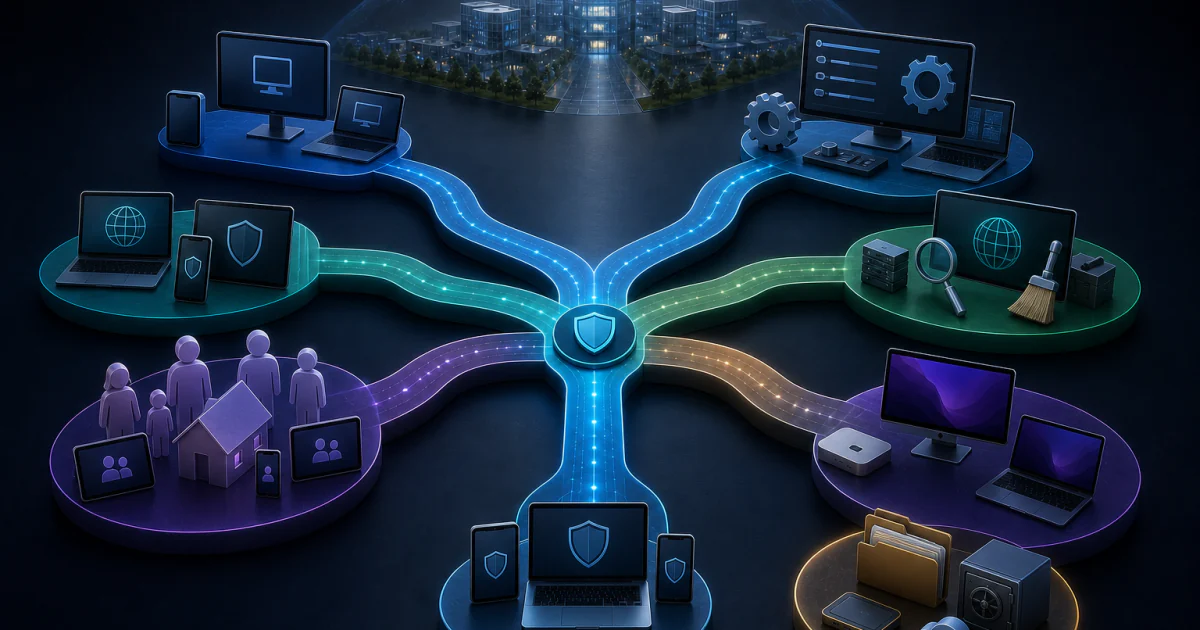
Six Scanguard task lanes for choosing setup protection platforms troubleshooting and billing removal
Six routes lead to twenty task owners. Switch routes when the goal changes—for example, identify a charge before cancelling, and cancel before uninstalling.

Decide, buy or replace Scanguard with the evidence visible

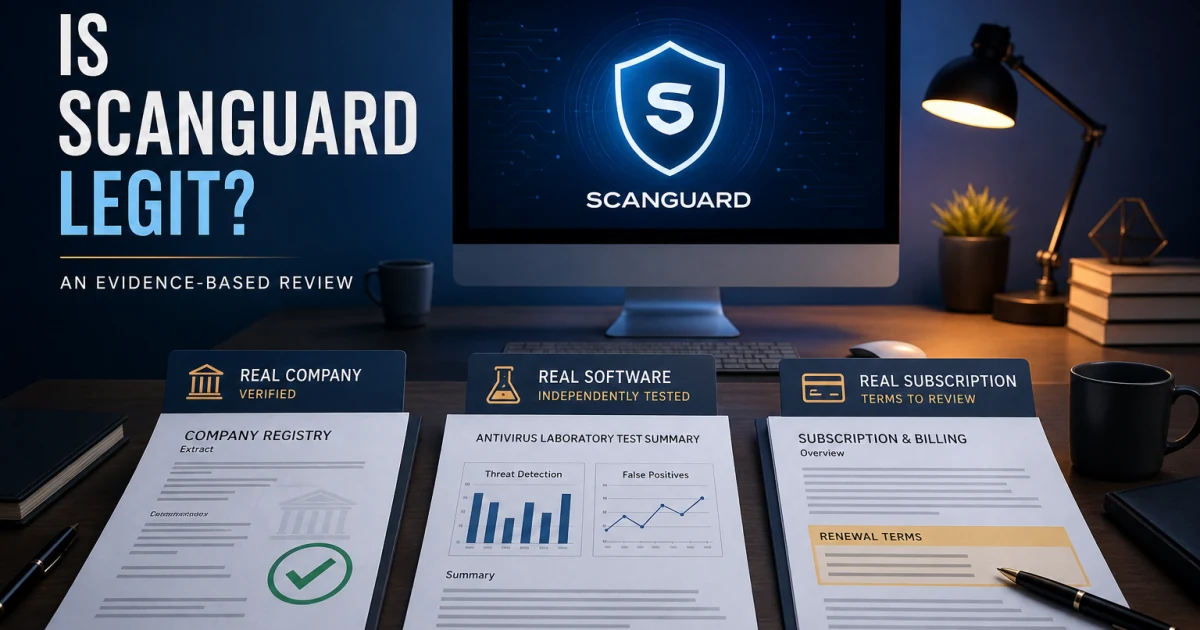
The review owns the overall verdict. It keeps Scanguard's current SE Labs result attached to Scanguard, exposes the narrower direct-lab scope and weighs features, ownership, renewal, platforms and community signals. The legitimacy page answers a different question: whether the product and company are real, what registration proves, and why a fake Scanguard-themed alert is not evidence about the installed application.

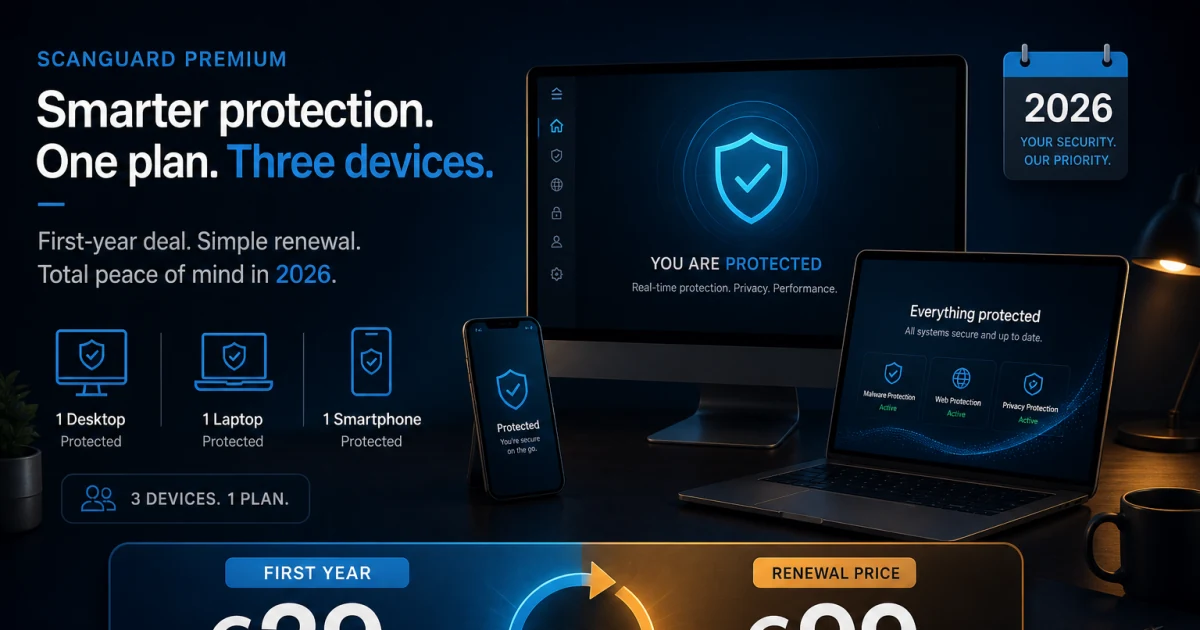
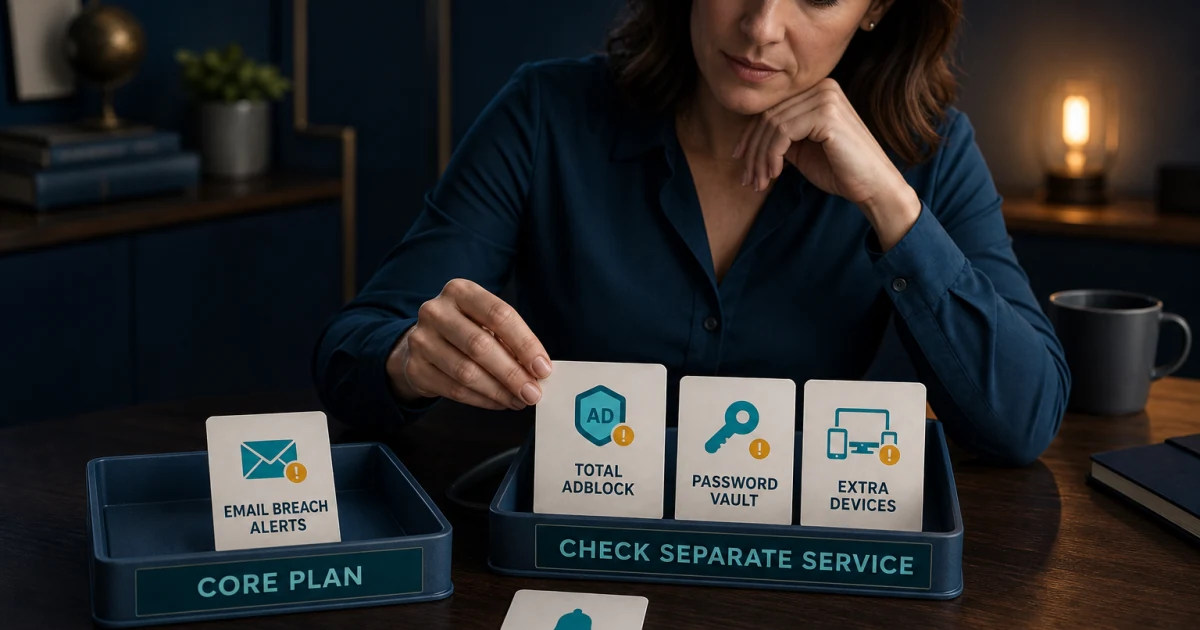
The pricing guide owns the observed €29 first year, €99 annual renewal, three-license core and separately managed services. The TotalAV comparison owns shared legal ownership without inventing technical identity. The alternatives page starts from the capability or commercial relationship the reader needs to replace. Keeping those jobs separate prevents a changing discount or sibling-brand claim from corrupting the product verdict.

If the reason for leaving is Total Security Limited, remove TotalAV from the shortlist before comparing features. If the reason is mobile distribution, devices or broader direct lab participation, TotalAV can still be compared on its own evidence. Corporate preference is a valid filter, but it never transfers one product's laboratory score to another.

Install, activate and manage the intended devices

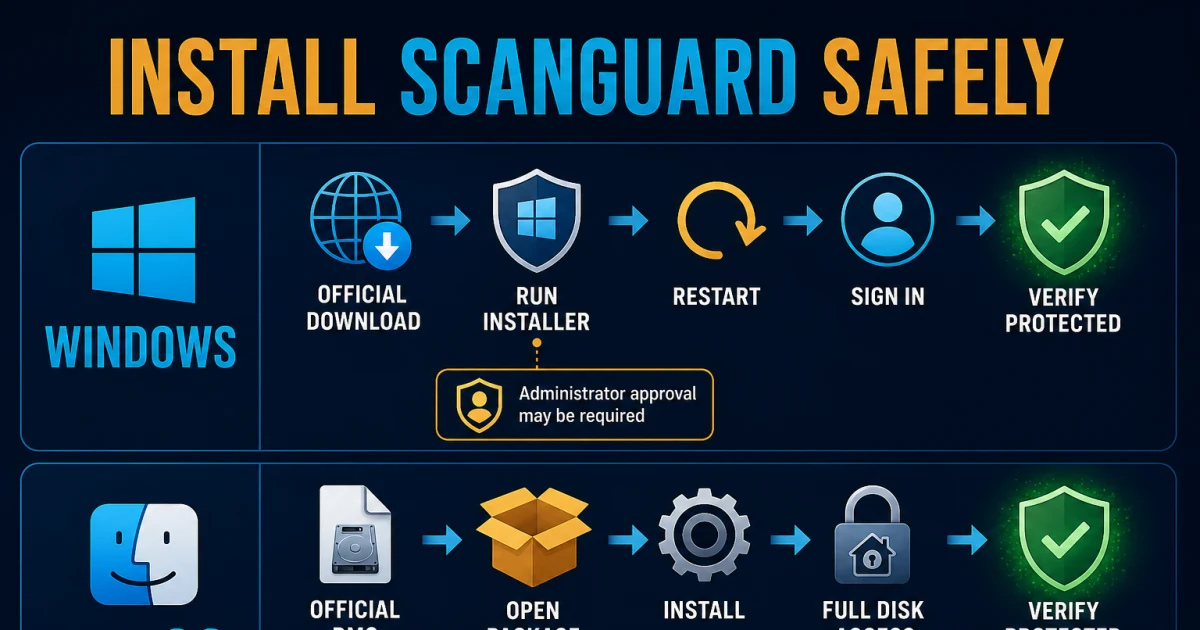
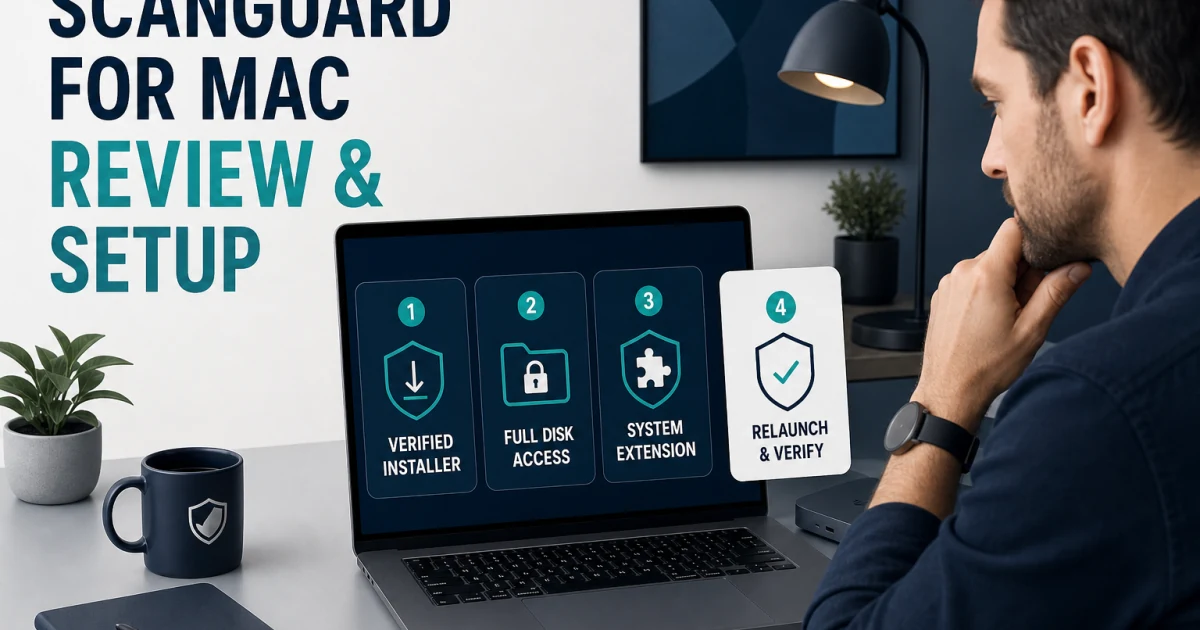
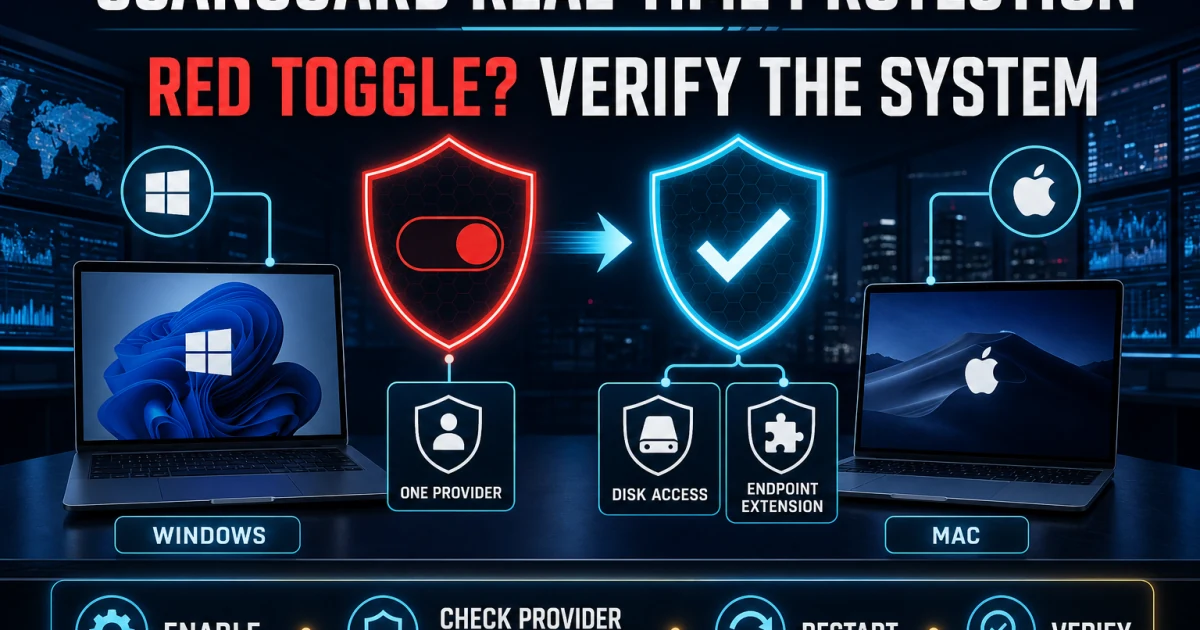
A clean setup begins before the installer. Check the current Windows or macOS requirement, update the operating system, remove another real-time antivirus and download only through the verified portal or vendor path. After installation, sign in to the account that owns the purchase and prove that real-time protection, definitions, WebShield and the operating system's provider state are healthy.

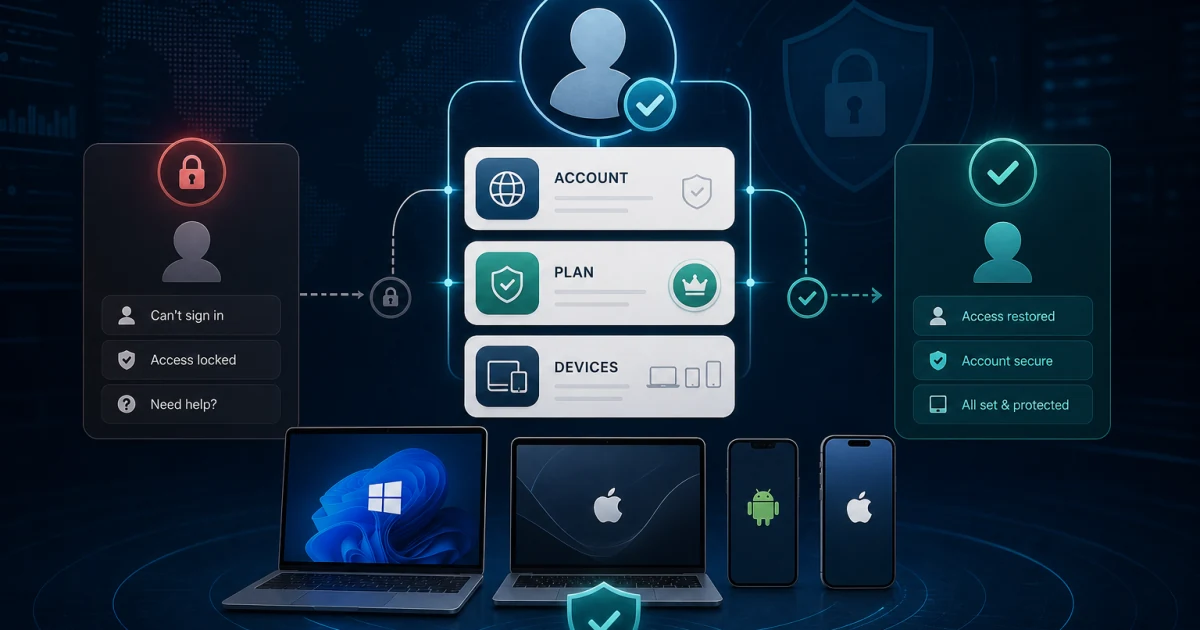
Scanguard activation is account-based, not a random product-key workflow. A password reset works while the registered mailbox is accessible; account recovery, Customer ID lookup and transaction search solve different identity failures. A purchase can exist under another email while the local app is signed into a free account, which explains many “paid features missing” symptoms.

Device transfer also has two layers. Uninstall the old installation and keep active devices within the entitlement, then verify the new device under the correct account. Do not invent a revoke button when the public support page does not document one, and do not buy another subscription merely because the first login failed.

Use the protection layer or paid service that owns the event

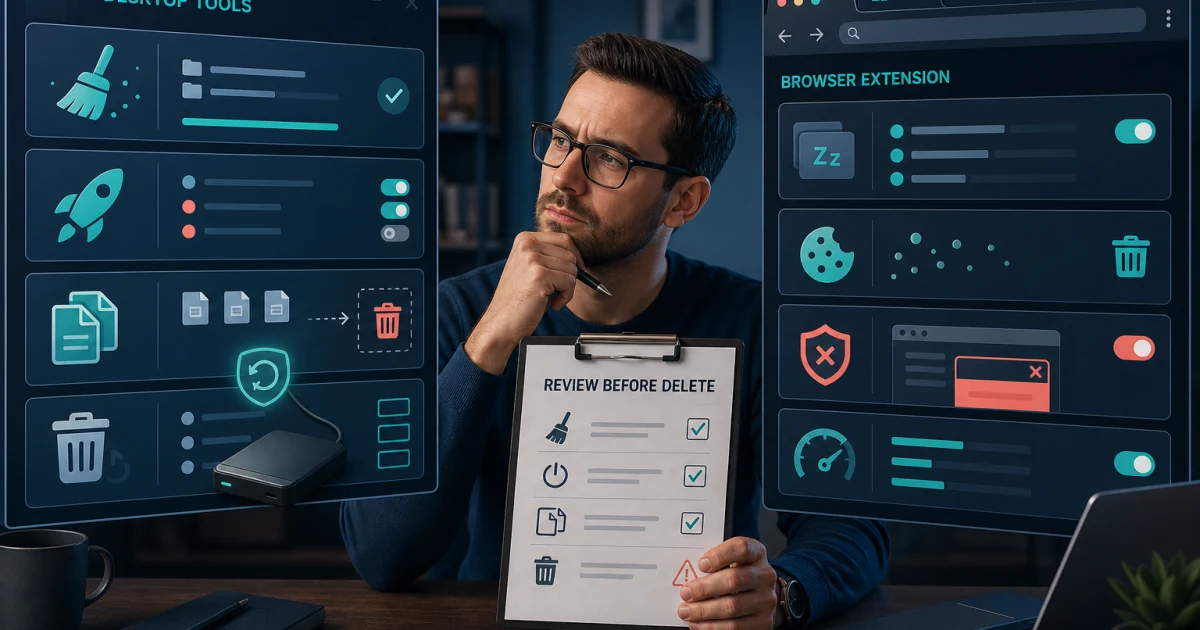
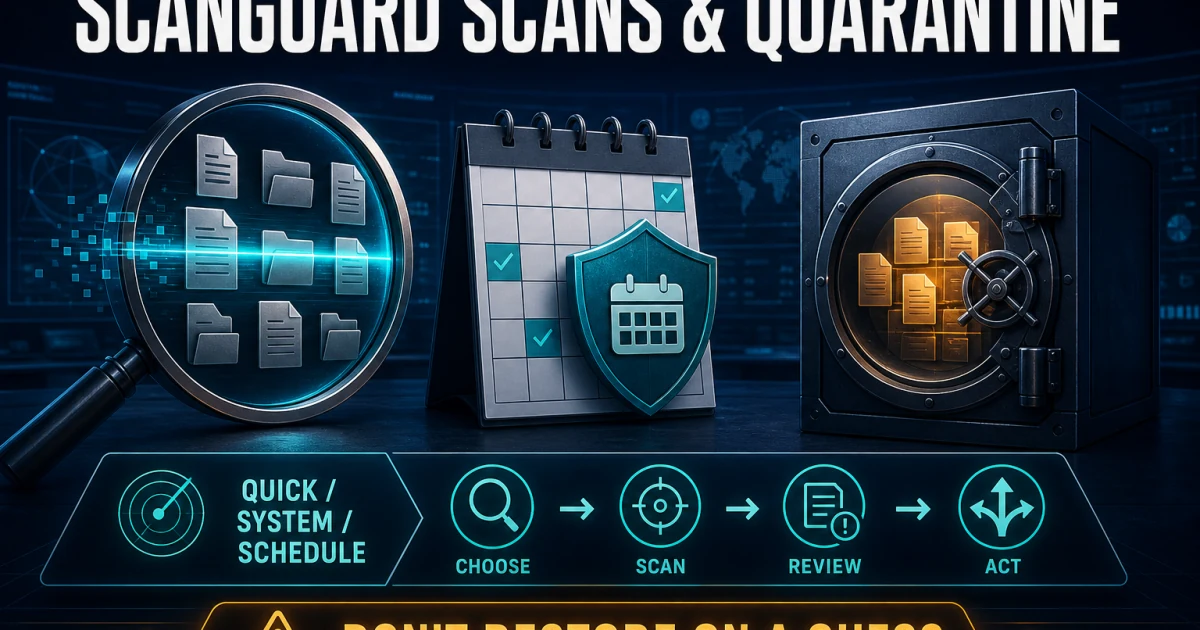
Smart, quick, full, custom and scheduled scans answer different questions. Quarantine is reversible containment, not proof that a file should be deleted or restored. Record the detection, original path, publisher, signature and source; update the product; verify independently; and keep any justified exception narrow, documented and temporary.

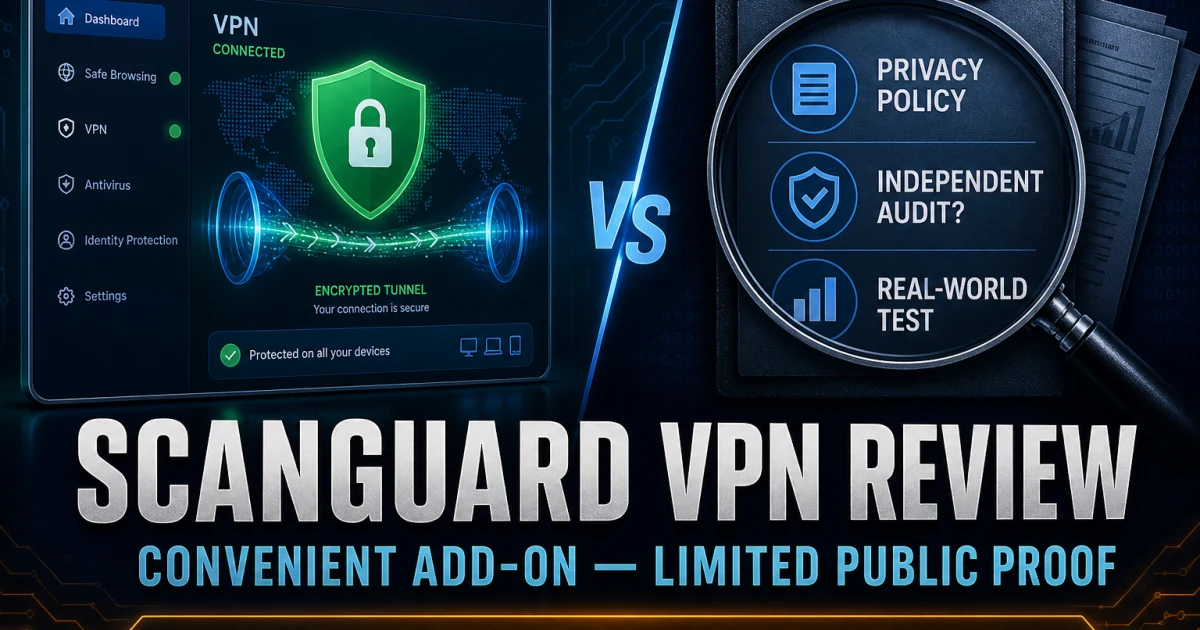
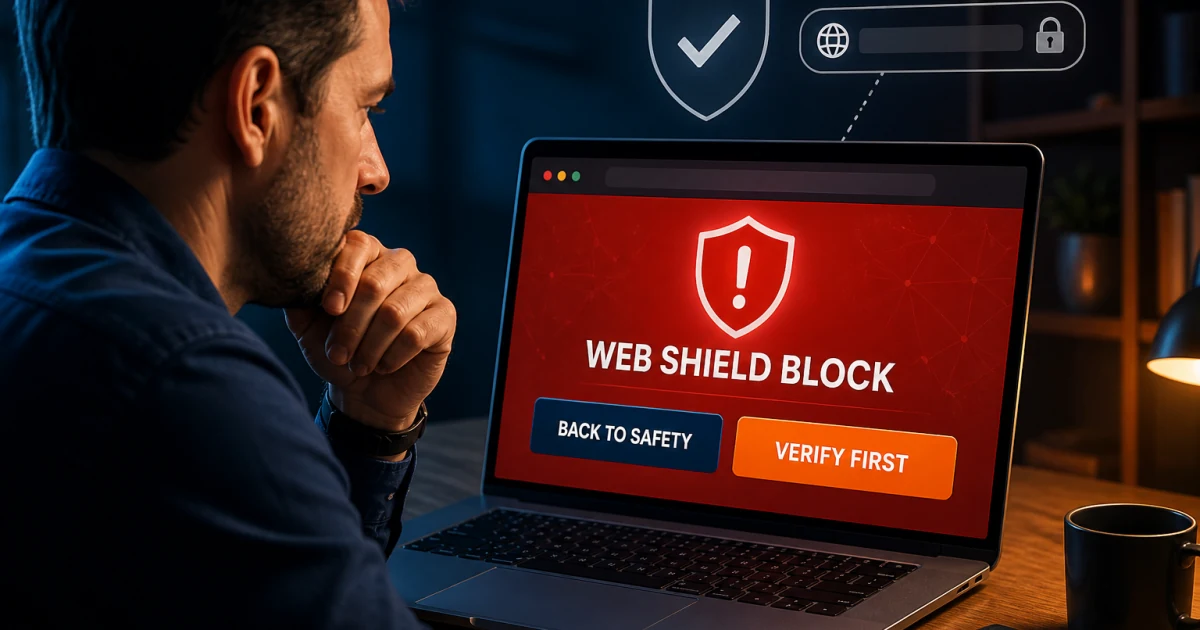
Real-Time Protection, WebShield and Safe Browsing VPN can surface near the same browser session while doing different work. A red provider state can be entitlement, service or permission trouble. A blocked page can come from Scanguard, the browser, DNS, router or operating system. A VPN failure is not fixed by disabling malware protection. The three guides identify the owner before changing a control.

Cleanup, Adblock, breach monitoring, password tools and identity services also need contract boundaries. A browser extension may have broader permissions than a one-off cleanup task requires, and a vault reset can destroy data. Inventory whether each service is included, trialled or separately billed before evaluating value or cancelling anything.

Use the Mac or mobile guide—not a copied Windows feature list

Windows and Mac do not share an identical implementation. macOS requires current system extensions and privacy permissions, Apple provides its own security layers, and current direct Scanguard lab evidence is not a Mac score. The Mac page checks requirements, safe permission flow, performance, known evidence limits and complete removal without presenting Windows results as platform parity.

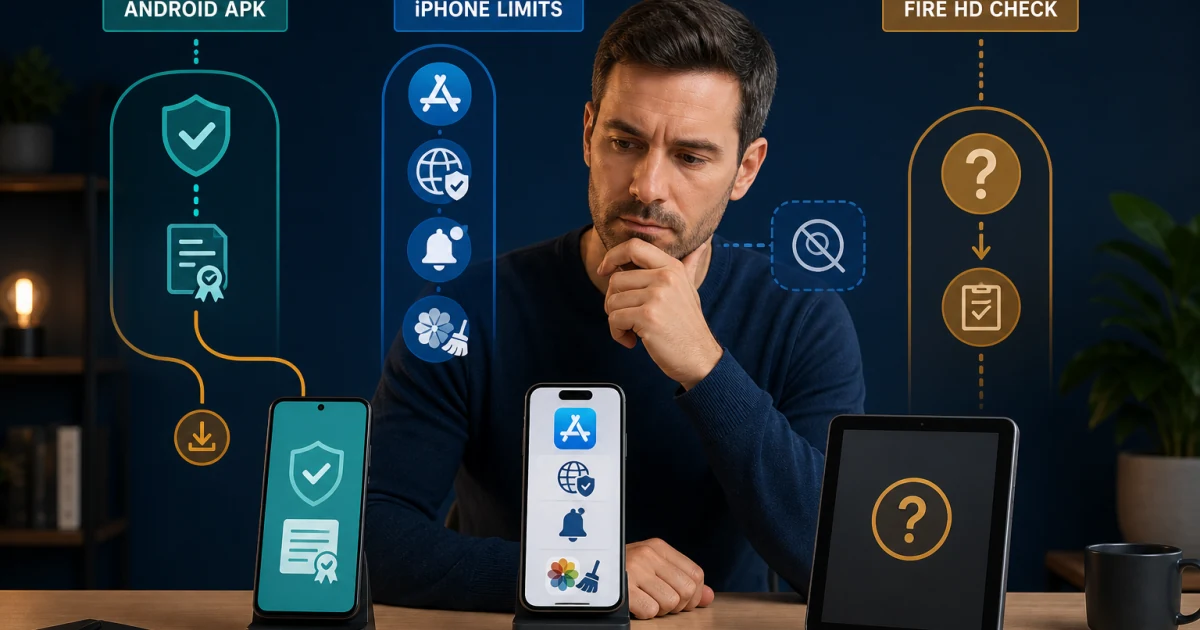
Mobile needs an even harder boundary. Our August audit verified a current iPhone listing but found an Android path involving an older vendor-hosted APK and stale store routing. That does not make every APK malicious; it means provenance must be verified before installation. Android permissions and Play Protect warnings need their own workflow, while iOS cannot continuously scan every other installed application.

Fire HD, ChromeOS and a work-managed phone are not ordinary extensions of a desktop license. Use the mobile page to check current support before paying or sideloading. If the vendor's live route and a review disagree, the store owner, package signature and current support response matter more than an old feature table.

Diagnose a real failure or recover from a fake warning

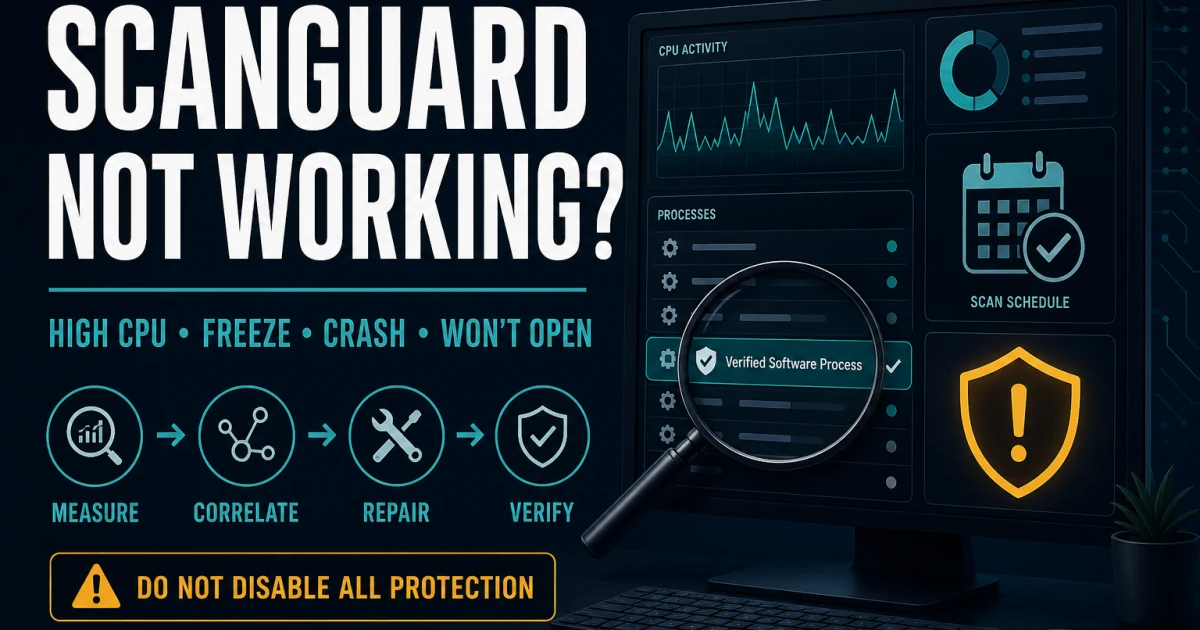
The troubleshooting route begins with classification. An update loop, disabled provider, scan spike, browser slowdown, crash and sustained idle CPU use need different evidence. Capture the operating system, app version, process name, timing, active task and the action that reproduces the symptom. Restart, current updates and supported repair come before broad exclusions or manual service deletion.

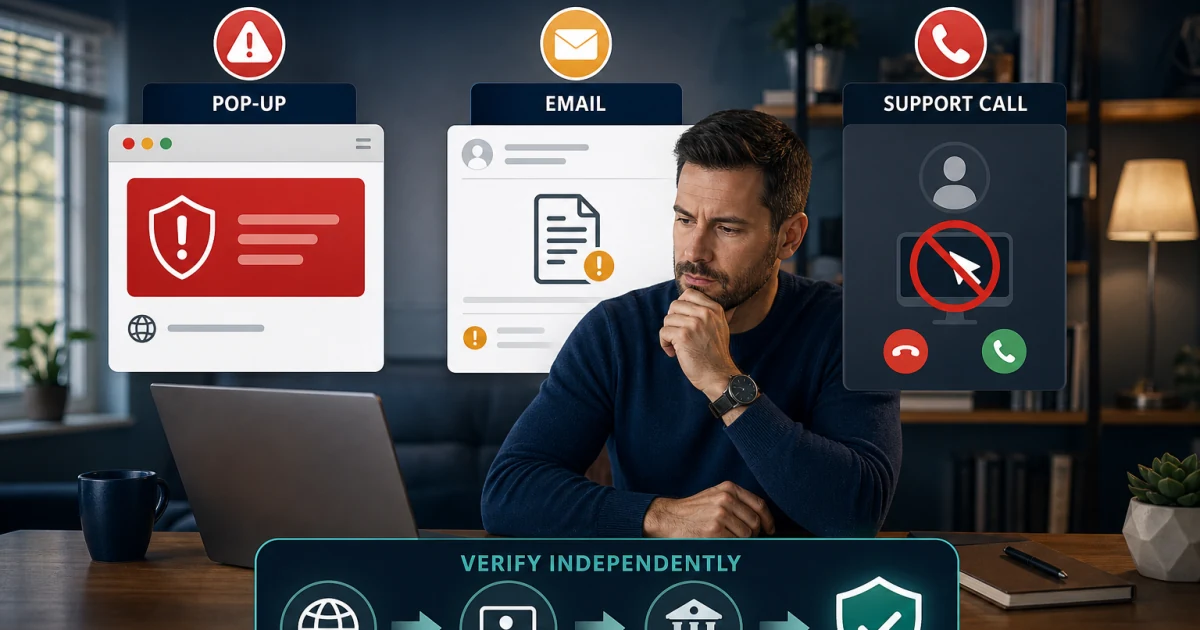
A frightening Scanguard message may not come from Scanguard at all. The scam guide separates application notifications, browser tabs, abusive site notifications, email, renewal impersonation and remote-access traps. Do not call a number displayed in a warning, install a support tool or share a one-time code. Recovery follows exposure: seeing, clicking, downloading, installing, sharing credentials, granting remote access and paying are different incidents.

Community reports can reveal confusing failure modes but cannot establish how often every Scanguard installation behaves that way. Use a report to form a testable symptom, then anchor action to current official documentation and local evidence. If the screen stops matching the guide, stop and identify the product, platform and message owner again.

Identify the money, cancel renewal and remove software in order

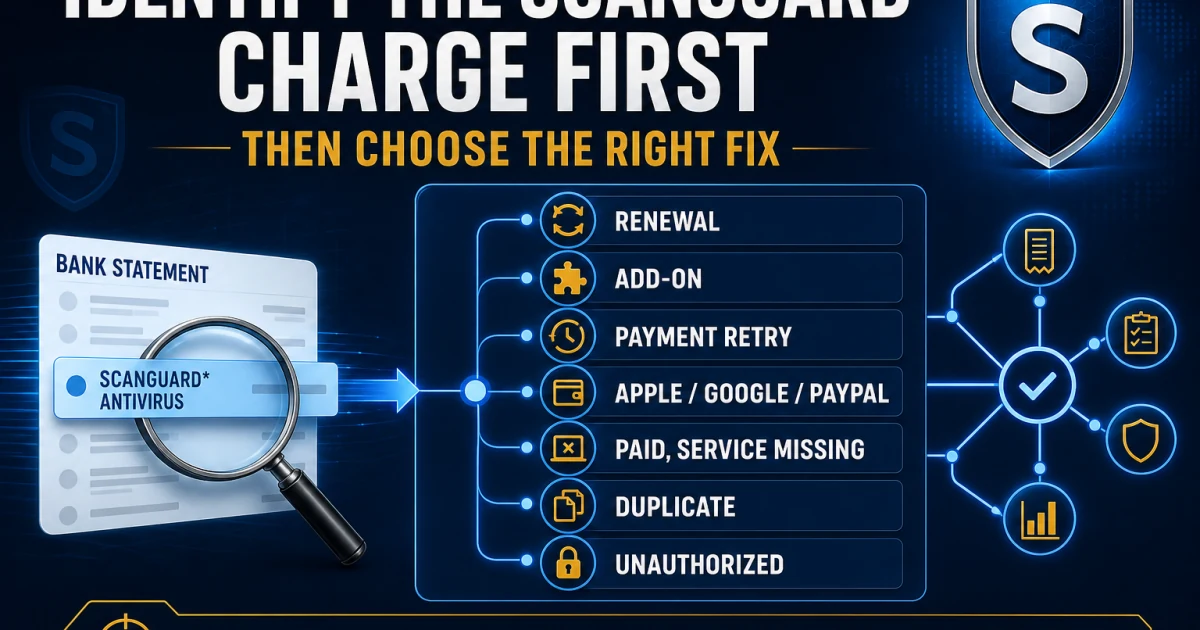
A bank descriptor, invoice, core plan, add-on, upgrade and payment retry can create more than one legitimate-looking line. Reconcile the merchant and portal first without sharing a full card number, CVV or PIN. An unfamiliar charge can still require a fraud route, while a recognized but unexpected renewal follows the account and refund process.

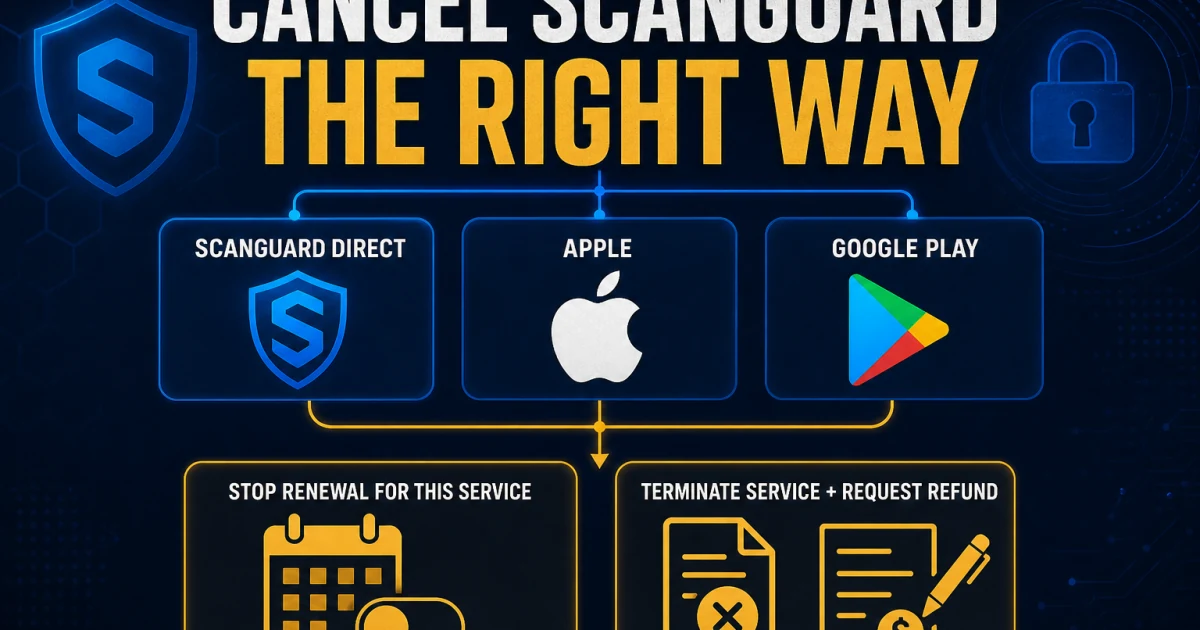
Cancellation does not necessarily terminate immediate access and does not itself request a refund. Direct core annual plans, shorter billing cycles, add-ons and store purchases can have different windows or owners. Preserve receipts, service names, confirmation and the date before removing the application, because deleting local software changes nothing about billing.

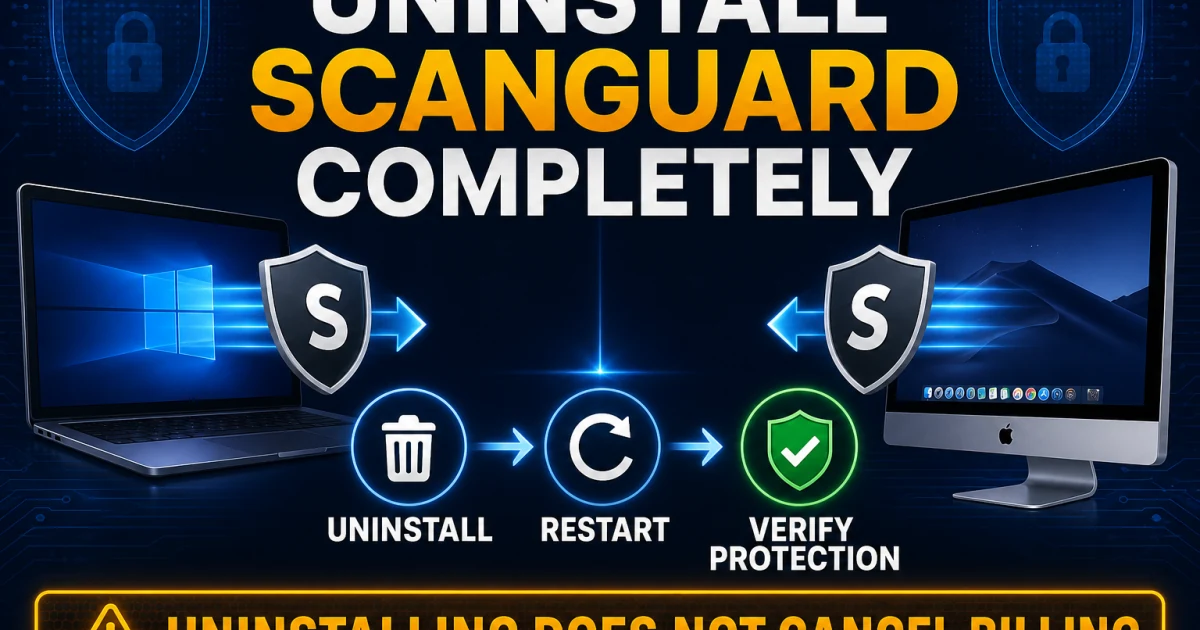
Uninstall through the supported Windows or Mac route, restart and verify background components and the active protection provider. Microsoft Defender normally returns after another antivirus is removed, but expected behavior still needs verification. Install one replacement, update it and test normal work before removing the next household device.

Keep nine Scanguard boundaries visible

Legitimacy versus recommendation: a real product can still be poor fit. Owner versus product: Total Security Limited ownership does not transfer engines, apps or scores. Core versus service: VPN, unlimited devices and other extras can renew separately. Account versus installation: paid entitlement and local provider state are different proof layers. Detection versus diagnosis: an alert is evidence, not a complete incident narrative.

Windows versus Mac: permissions, features and evidence differ. Desktop versus mobile: Android and iOS cannot inherit desktop claims. Software versus billing: uninstall, cancellation, refund and deletion are separate actions. Real warning versus impersonation: a brand name on a browser page does not establish message ownership.

Those boundaries prevent the expensive mistakes: buying twice, trusting a fake number, restoring malware, weakening WebShield, sideloading an unverified package, deleting services, losing vault data, leaving a device unprotected or assuming a removed app ended every renewal. When the guide and screen disagree, identify the exact product, platform, account, merchant and desired outcome before continuing.

Use the evidence source that owns the question

Official Scanguard pages control current names, downloads, account actions, billing procedures and advertised feature limits. The Setup collection owns current installation support, while the Billing Help Centre owns subscriptions, charges, renewal and refunds. A live saved checkout and original receipt control what one buyer actually purchased.

Independent laboratories control results for their named product, build, date and methodology. The current SE Labs Scanguard factsheet belongs to Scanguard Essential Antivirus and cannot be replaced by a TotalAV or Avira result. Its January–March 2026 test recorded 95% Protection Accuracy, 100% Legitimate Accuracy, 98% Total Accuracy and an AAA result. Missing coverage in another laboratory is an evidence limit, not an invented failure.

Each spoke was researched one article at a time against search intent, official material, independent evidence and credible community signals where useful. Version-sensitive claims carry a checked date, sources sit in contextual anchors, visible FAQs match JSON-LD and generated editorial visuals use GPT Image 2. The cluster separates verifiable facts from our judgment about who should buy, keep, repair or leave.

The hub and its twenty spokes work as one system

Each card opens one page that owns a distinct intent. The spokes return to this hub so a reader can move from price to charge reconciliation, from a false positive to safe exclusions, from a fake renewal to exposure recovery or from cancellation to uninstall without restarting an unsafe search. The hub does not compete with the review for “Scanguard review,” and the review does not pretend to be a complete support manual.

The cluster audit checks all twenty-one routes, unique titles and canonicals, single H1s, visible/schema FAQ parity, responsive image assets, every card target, reciprocal hub links and broken internal URLs. Every spoke has already passed its own source, content, schema, image and desktop/mobile gate. The cluster becomes complete only when it also passes as a connected system.

Production remains unchanged during this work. The completed Scanguard cluster joins fifteen earlier green clusters in one scoped, immutable and rollback-ready release after the remaining brands and global technical, sitemap and visual QA are finished. A locally green URL is not treated as published merely because it looks final.

Scanguard guide hub FAQ

Where should I start with Scanguard?

Start with the full Scanguard review if you are deciding whether to buy, keep or replace it. Use the installation guide for a new device, the pricing guide before renewal and the task card whose verb matches the visible problem. This hub is the map; each of the twenty linked pages owns its detailed evidence and completion test.

Is this the official Scanguard support site?

No. Antivirus-Review.com is an independent editorial publication. We research current product behavior, plans, laboratory evidence and official support routes, but downloads, sign-in, payment changes, cancellation and support conversations should continue only through a verified Scanguard or platform-store domain.

Is Scanguard a legitimate antivirus?

Yes, Scanguard is a real commercial security product and its current legal terms identify Total Security Limited as the contracting company. Scanguard Essential Antivirus also earned an AAA result in SE Labs' January–March 2026 evaluation. Legitimacy does not guarantee that its renewal, platform support or add-on model suits every buyer.

What does Scanguard cost after the first year?

Our European snapshot on August 5 showed €29 for the first year and €99 annual renewal for three licenses. Currency, market and offer can change, so the saved checkout and account are authoritative for one purchase. VPN, unlimited-device coverage and other services can have separate subscription lines.

Does Scanguard include a VPN and password manager?

Do not assume every advertised service is inside the core antivirus plan. Scanguard's current pricing and billing material can treat Safe Browsing VPN, password tools, unlimited-device coverage and other services as separate subscriptions. Check every cart, receipt and portal line before deciding what renews.

Does Scanguard work the same on Windows, Mac, Android and iPhone?

No. Windows and Mac require different setup and permissions, and the current public lab evidence is not symmetrical. Android distribution needs an exact current-store or vendor-APK provenance check, while iOS restrictions prevent desktop-style scanning of every installed application. Use the platform-specific cards rather than a copied feature list.

What should I do when Scanguard quarantines a file I trust?

Do not restore the file only because its name looks familiar. Record the detection, path, source, publisher and signature; update Scanguard; verify the object independently; and submit a false-positive report when appropriate. If an exclusion is justified, keep it narrow, documented and removable.

Is every Scanguard renewal warning or support pop-up real?

No. A genuine application notification, browser tab, abusive site notification, email and fake remote-support prompt can look related while belonging to different systems. Do not call a number shown in a frightening pop-up or grant remote access. Verify through a saved official domain and use the scam guide to match recovery to what was viewed, clicked, installed, shared or paid.

Does uninstalling Scanguard cancel the subscription?

No. Uninstall changes software on one device; cancellation changes future billing; a refund request changes a transaction outcome; and account deletion is another action. Stop every unwanted core or add-on renewal and preserve confirmations before removing the application.

Can Scanguard and another antivirus run together?

Do not leave two full real-time antivirus products active. They can inspect the same files, downloads and network events, creating conflicts, duplicate alerts and misleading performance symptoms. Remove the old provider through its supported route, restart and verify one intended replacement.

Bottom line: one brand, twenty different jobs

Scanguard review, legitimacy, price, setup, accounts, scans, protection, WebShield, VPN, cleanup, add-ons, platforms, repair, scams, charges, cancellation and removal should not be forced into one answer. This hub is the map. Each card opens a human-readable guide with the evidence, boundaries and completion test for that job.

Use independent labs for comparative evidence, current official pages for product actions, the original seller record for money and a verified domain for support. If a result mixes TotalAV with Scanguard, desktop with mobile, an account with local software or uninstall with cancellation, step back and select the correct route here.