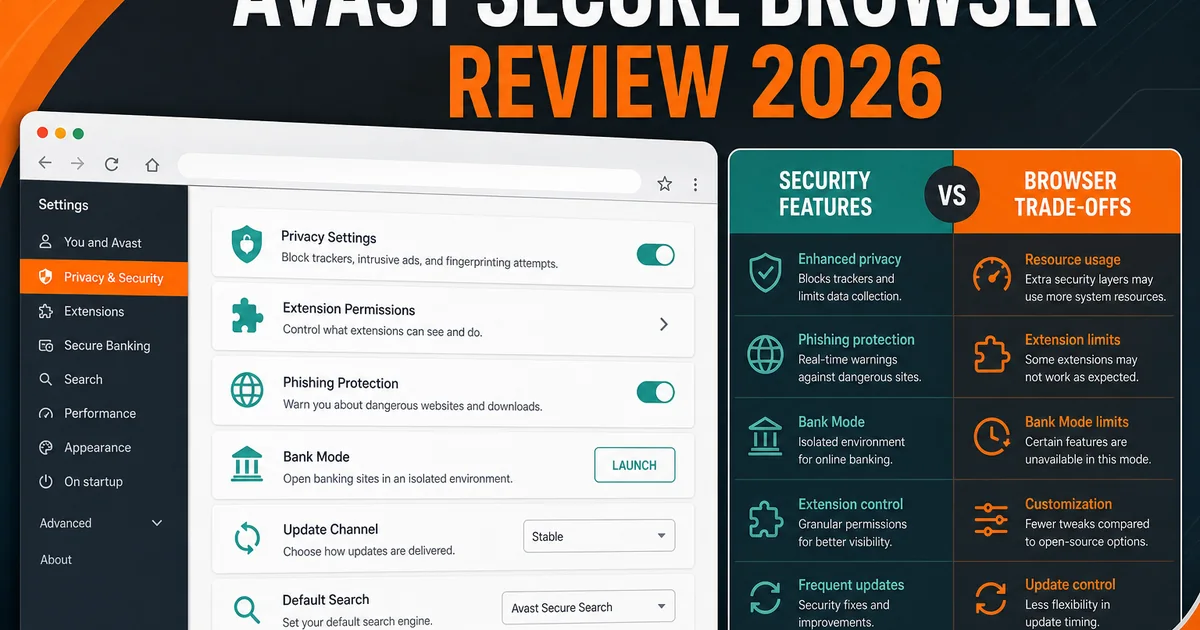
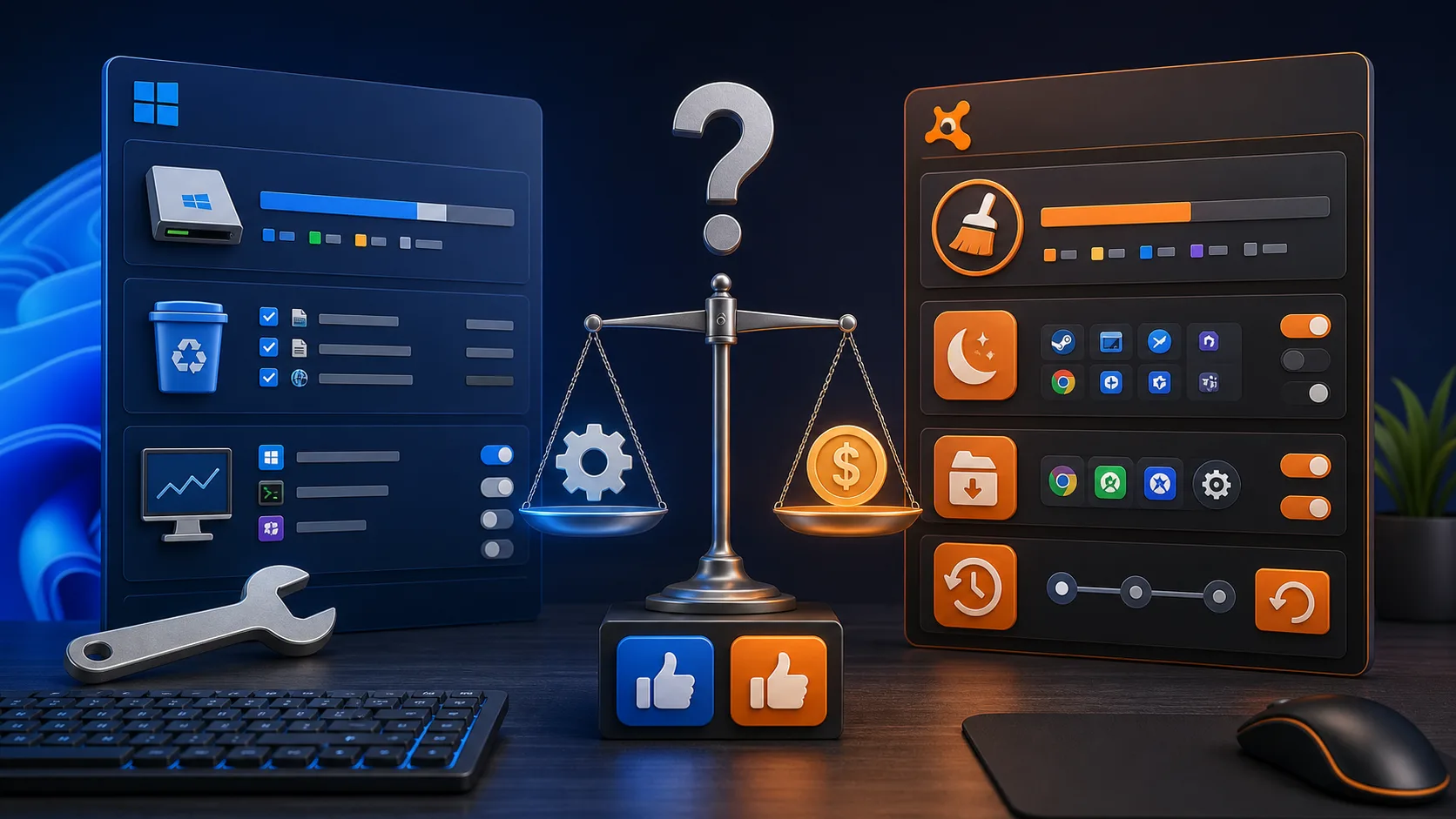
We review products independently, but we may earn commissions if you make a purchase using affiliate links on our website. Also note that we are not antivirus software; we only provide information about some products.

Independent Avast resource hub · Updated July 29, 2026

Avast Guides: Decide, Set Up, Fix, Control or Leave Without Guesswork

Fourteen focused resources cover the whole ownership path—from current protection evidence and pricing to safe setup, performance diagnosis, privacy choices, cancellation and complete removal.

14 focused resourcesNew and old Avast One pathsIndependent—not vendor support

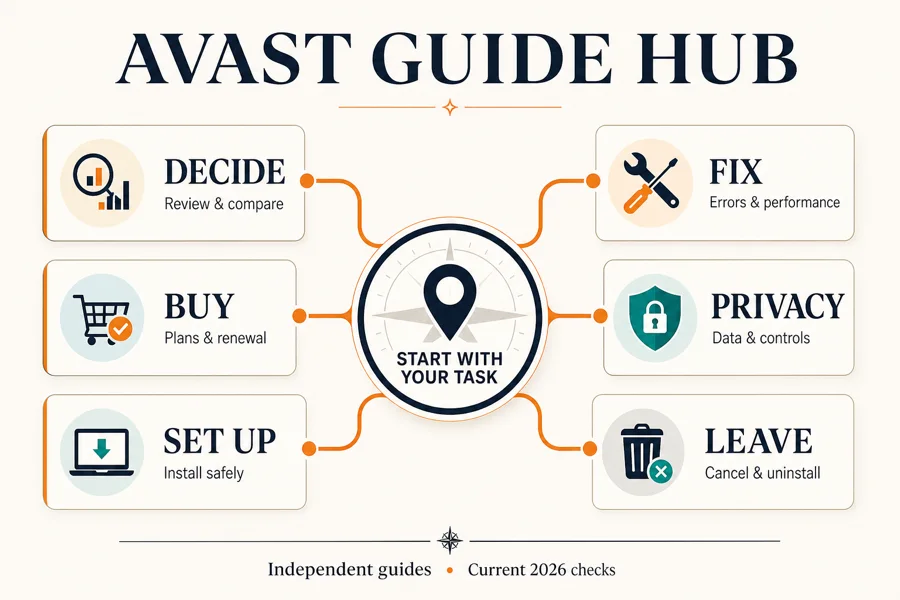
Choose your route: deciding whether Avast fits? Use the review, Free-versus-Premium comparison or alternatives. Buying? Check the dated price and renewal path before checkout. Already installed? Use setup, feature and privacy guides. A crash, high resource use or slow website belongs in troubleshooting. Stopping payment and removing software are separate actions—complete both when leaving.

Decide whether Avast fits before counting features

Avast now spans Free Antivirus, Premium Security, Avast One, Ultimate and separate tools. That makes a giant feature checklist less useful than a job inventory. Write down the devices, operating systems, people, VPN use, browser protection, privacy tolerance and support expectations. Then compare only the products that solve those jobs.

The protection evidence is current: Avast Free Antivirus 26.4 and 26.5 earned 6/6 for protection, performance and usability in AV-TEST's May–June 2026 Windows 11 evaluation. AV-Comparatives' February–May 2026 real-world test reported 99.3% protection, three compromised cases and five false alarms. Those results support the engine; they do not answer whether the interface, offers, privacy choices or bundle are a good fit for one person.

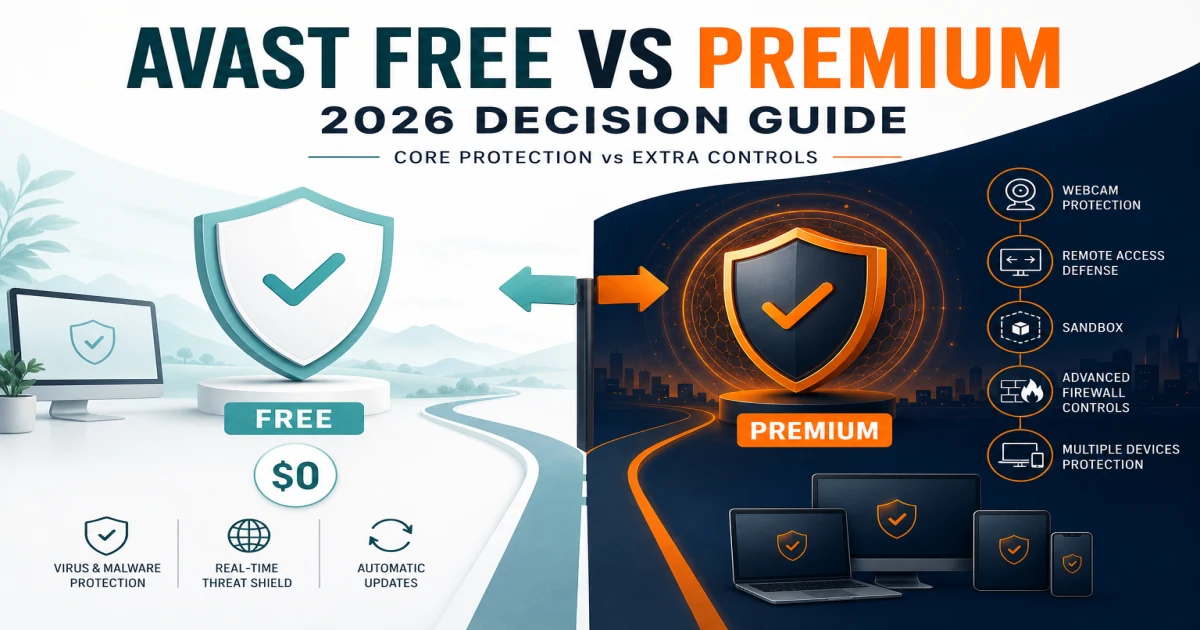
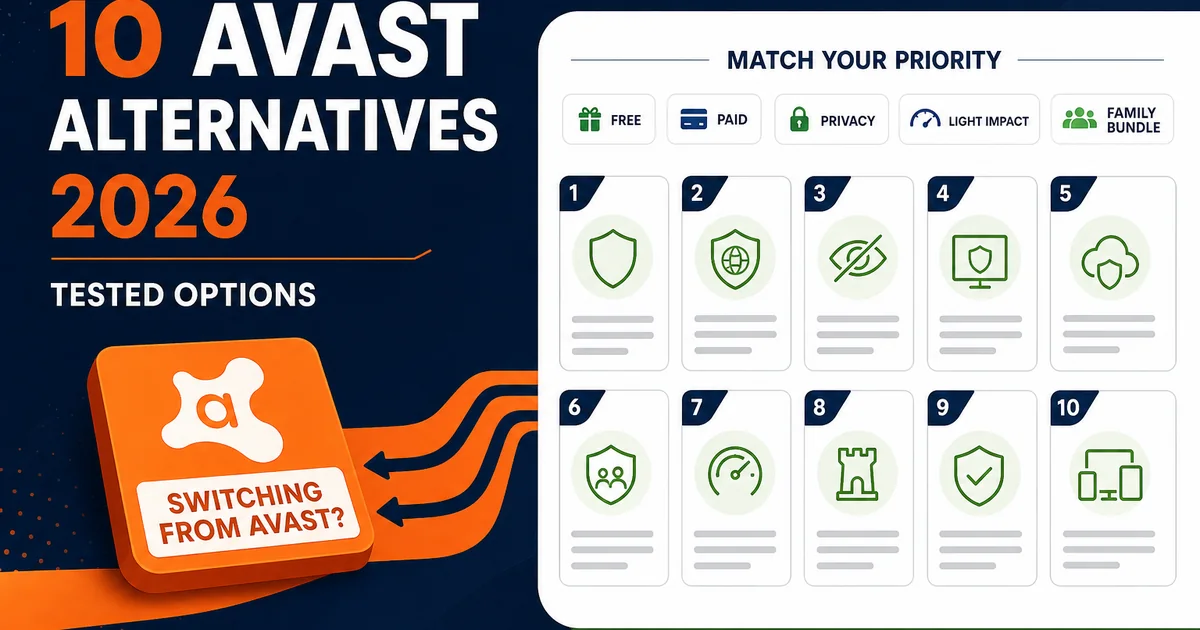
Use the review for the broad judgment and the Free-versus-Premium page for entitlement. Use alternatives only when the reason for switching is clear. Replacing Avast because one website fails before running a controlled Web Guard test creates a new installation without proving the original cause.

Buy the plan you can explain, then install only what you intend to use

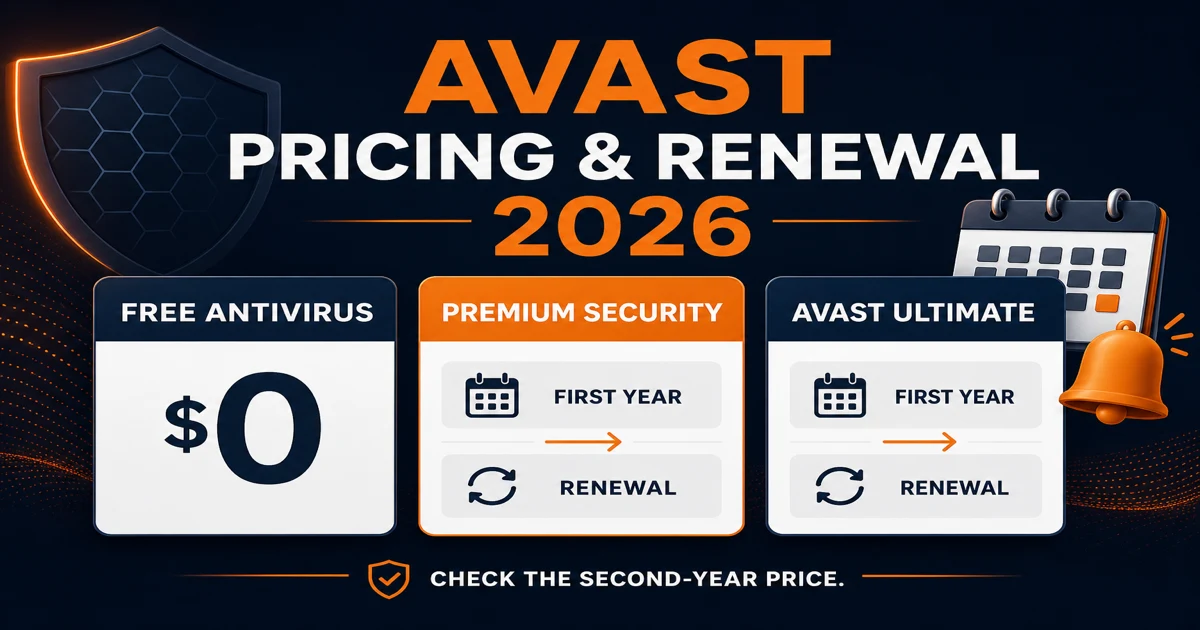
Promotional pages can differ by session, region and channel. Checked July 29, 2026 on the US store, a ten-device Premium Security offer showed $69.48 for the first year with a displayed $99.99 renewal, while ten-device Avast Ultimate showed $69.48 and $139.99. Avast's discounts page could display $69.99 instead. The cart, term and merchant at checkout control the purchase—not a rounded number copied into a review.

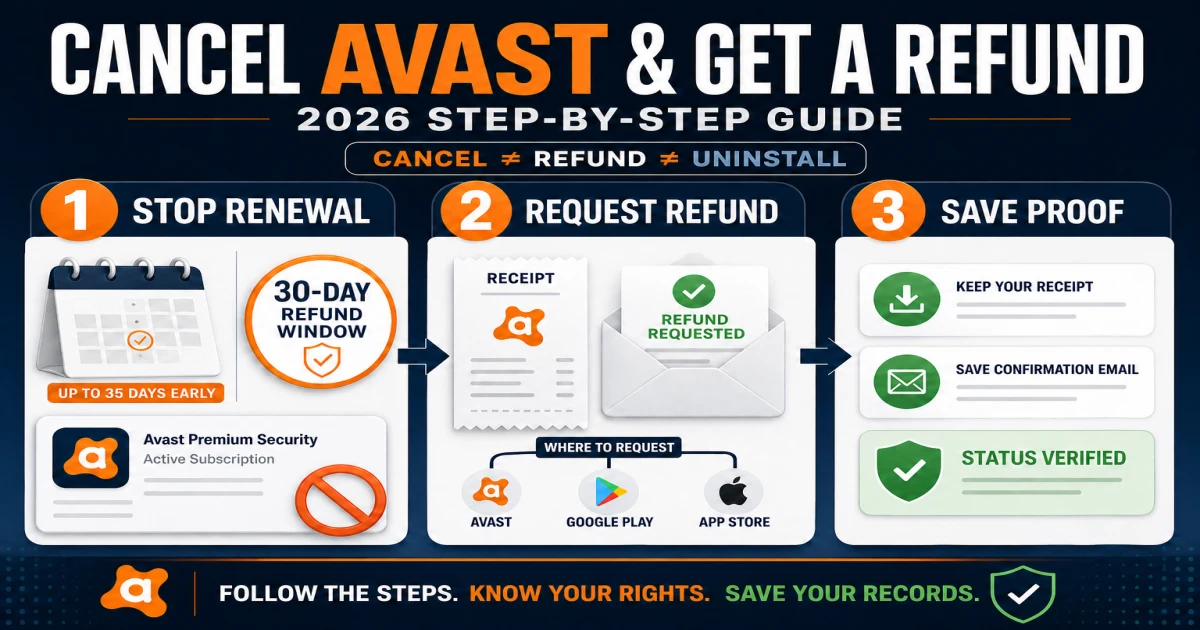
Avast says annual subscriptions can be billed up to 35 days before the anniversary, so record the next payment date rather than assuming it is exactly one year after purchase. The current comparison page and account cart are the final commercial reference; our guide explains the renewal and refund implications in plain language.

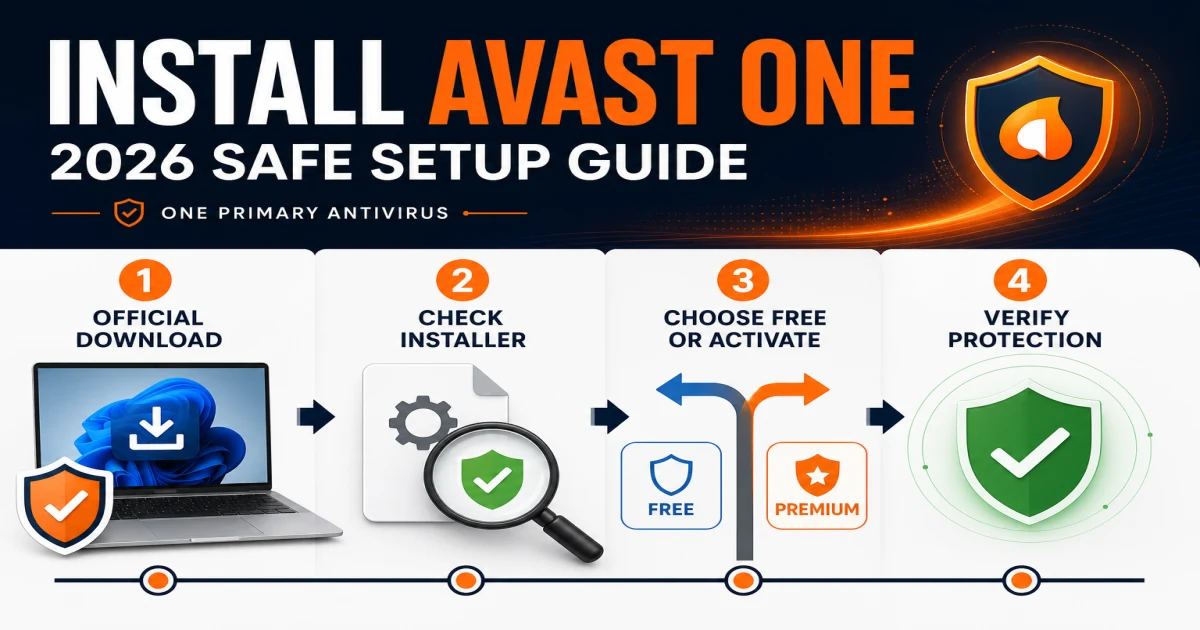
During setup, download from Avast, inspect bundle choices and note whether New Avast One installs a modular hub. Remove another full real-time antivirus before activating Avast, restart, update, run one scan and verify File/Web protection. Add VPN, Cleanup, browser or privacy modules only after the core is stable. A tidy installation is easier to diagnose and later remove.

Fix the symptom without leaving the PC permanently unprotected

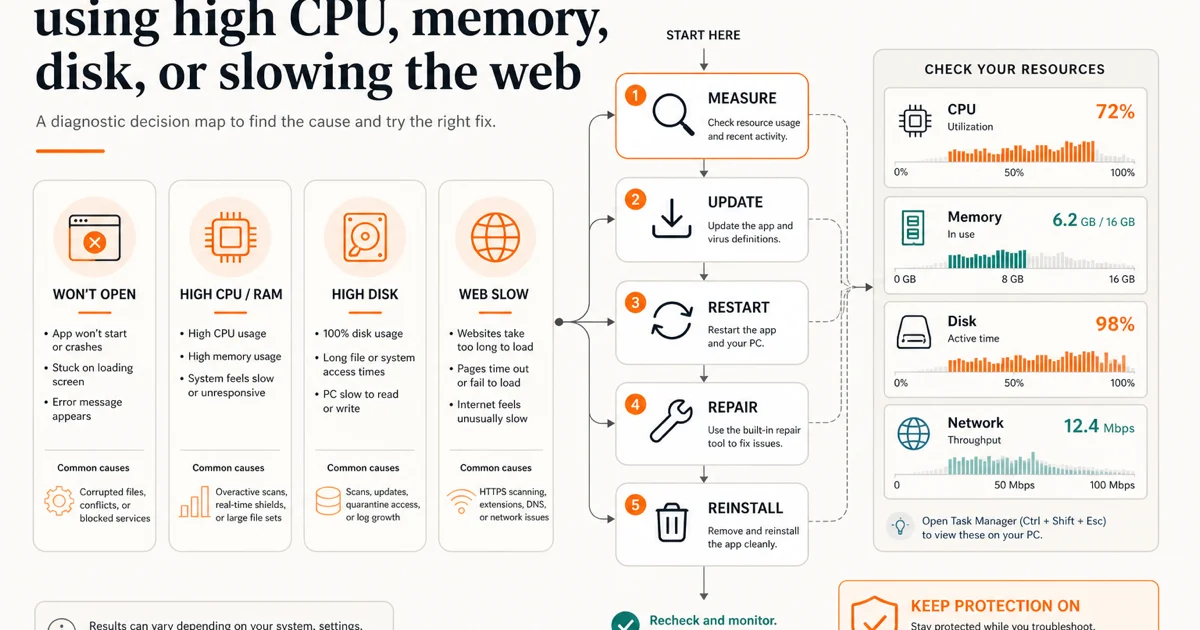
Open Task Manager and record the signed Avast process, resource and active task. Installation, definitions, a first scan, archive extraction or heavy file writes can legitimately raise CPU or disk use. The meaningful case is a repeatable load after the task ends and during an otherwise quiet period. There is no honest universal percentage that diagnoses every CPU, drive and workload.

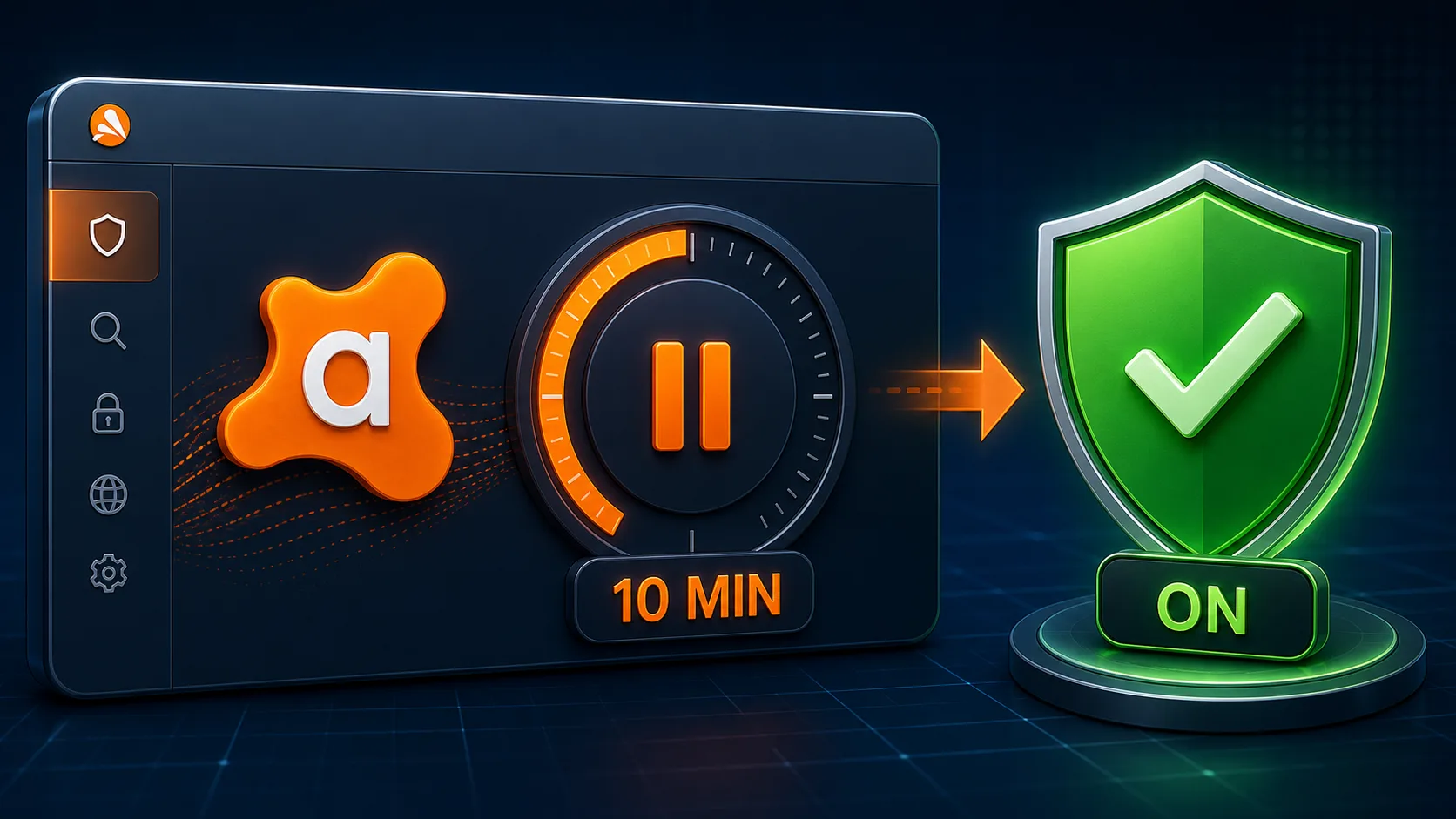
Update the app and definitions, restart and reproduce once. If the interface does not load, a shield stays off, a scan stalls or an application update fails, Avast documents repair through Windows Installed apps. If a website changes only when Web Guard is briefly disabled, restore the shield and test HTTPS scanning or hardware network acceleration as the current Avast procedure directs. Do not end AvastSvc.exe, disable services or exclude an entire drive.

Clean reinstall belongs after repair. The official Avast Uninstall Tool can remove and reinstall in Safe Mode; it is safer than deleting drivers or registry keys manually. Save the product/version, Windows build, process, trigger and before/after screenshots before cleanup so the evidence is not lost.

Control optional sharing, then inspect every enabled feature and companion app

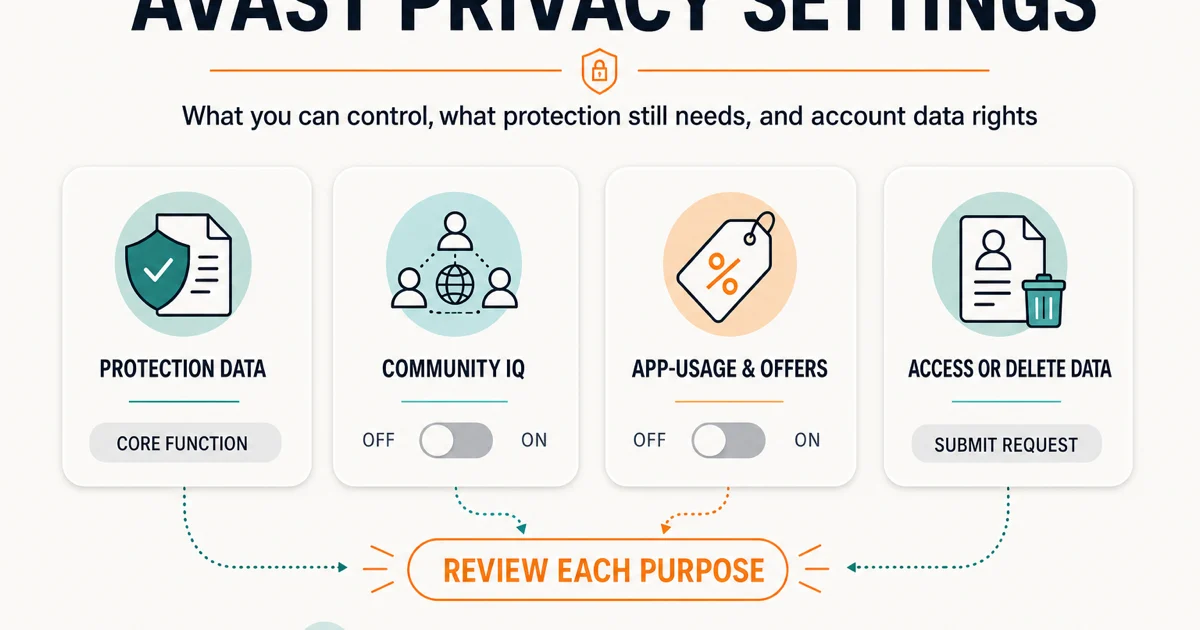
New Avast One exposes Community IQ, app-usage analysis and personalized-discount choices under Personal Privacy; offers and Silent mode live separately under Notifications. A balanced configuration can keep Community IQ for suspicious-sample contribution while turning optional analytics, personalization and third-party offers off. Silent mode changes interruptions, not consent.

The current Product Privacy Notice, updated July 10, 2026, still lists service data required by enabled protection. Malware, web, email, breach and scam features do not become “zero data” because analytics is off. Review the exact feature and platform, then disable the feature if its function is not worth its processing. SecureLine, the browser extension, Secure Browser, Cleanup and AntiTrack have their own controls.

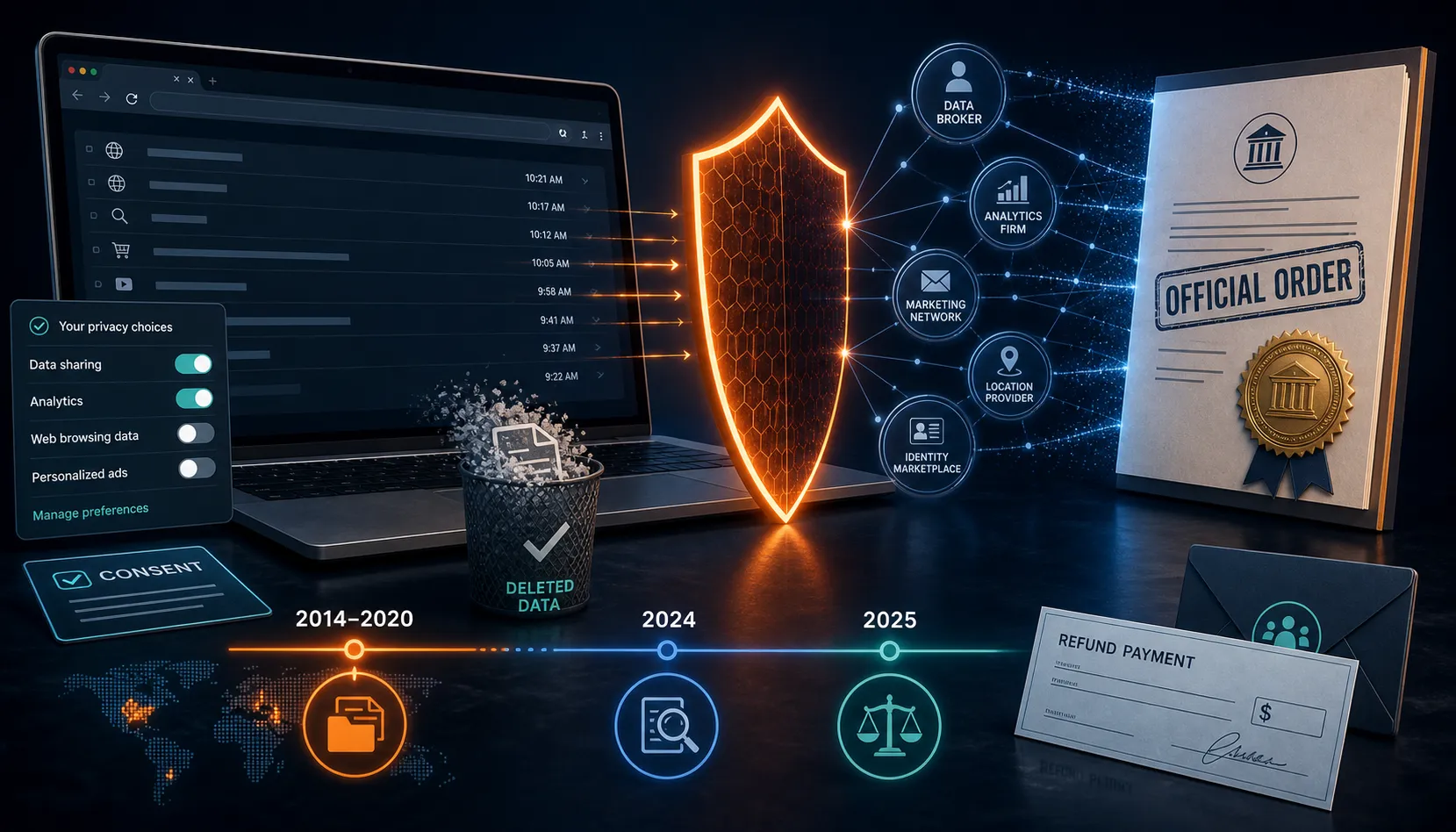
The Jumpshot history remains relevant: the FTC's case concerned browsing data from 2014 through January 2020, and its June 2024 final order imposed redress, deletion, consent and privacy-program duties. It does not support a claim that the same sale is currently happening. Our history page and current settings page are deliberately separate so a reader can evaluate both the record and today's controls.

Stop renewal and remove Avast as two verified jobs

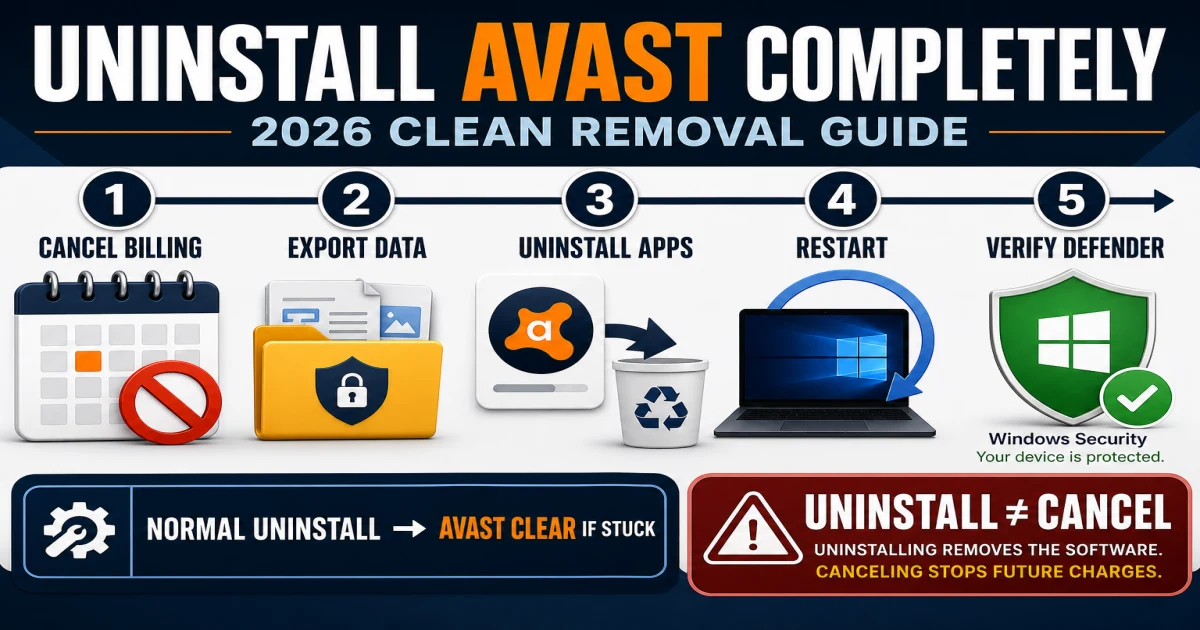
Uninstalling does not cancel a subscription. Find whether Avast, Google Play, Apple or a reseller controls the charge, cancel there, and preserve the confirmation and order ID. Avast's current refund instructions describe a 30-day route for eligible consumer subscriptions purchased through its website, a Windows/Mac app or Google Play; Apple and resellers control their own refunds.

Then remove software. Use Windows Installed apps and the Avast setup window first. New Avast One can offer module selection; choose the exact apps or everything and restart. Use the official avastclear.exe Safe Mode tool when normal removal fails or setup is stuck, not as the opening move. Export Photo Vault files on mobile before deleting the app.

After restart, check Windows Security for one active antivirus and firewall. Microsoft Defender can re-enable after another provider is removed, but verification is required. Also inspect separate Secure Browser, SecureLine, Cleanup and BreachGuard installations and their subscriptions rather than assuming the hub removed them all.

Avast platform and evidence map

ContextPrimary guidesCheck before acting
Windows 11 / 10Review, setup, troubleshooting, privacy, uninstallNew versus old Avast One, other antivirus, ARM feature limits
macOSSetup, privacy, browser, uninstallSystem extensions, Full Disk Access, dedicated uninstaller
Android / iPhoneSetup, privacy, cancellation, uninstallOS permissions, store merchant, Photo Vault export, legacy app transition
Free userFree versus Premium, privacy, prompts, alternativesOffer controls may be unavailable; no billing cancellation needed
Paid userPricing, feature reviews, cancellation/refundMerchant, next payment, devices, separate module subscriptions
Broken installationTroubleshooting, disable briefly, uninstall/reinstallPreserve error, version, process, logs and replacement protection

Current Avast Free Antivirus and Premium Security 26.x Windows requirements include 4 GB RAM, 3 GB free disk space and internet access. The new mobile Avast One is replacing legacy mobile products in 2026, so old screenshots and reinstall assumptions can fail. Always match the guide section to the product and platform shown in About.

Independent lab results provide a strong protection baseline, official documentation controls procedures, the current policy controls stated data processing, and community reports help identify failure language. None replaces the others. A Reddit complaint is not incidence data; a vendor page is not an independent verdict; a lab score does not explain renewal or privacy.

We update the spokes when a price, interface, platform rule, lab cycle or support flow changes. Account sign-in, downloads, support tickets, privacy requests and payment actions must still begin on a verified Avast or merchant domain. Antivirus-Review.com does not take Avast payments or offer remote support.

Avast guide hub FAQ

Where should I start with Avast?

Start with the review if you are deciding whether to install or keep Avast. Use the pricing and Free-versus-Premium guides before paying, setup after choosing, troubleshooting for a reproducible fault, privacy settings for data controls, and the separate cancellation and uninstall guides when leaving.

Is this the official Avast support website?

No. Antivirus-Review.com is an independent editorial publication. We interpret current evidence and official procedures, but account sign-in, installers, billing changes, refunds, privacy requests and removal tools should begin on Avast's verified domains.

Is Avast Free good enough in 2026?

For a compatible Windows PC that needs core malware and web protection, Avast Free can be enough. May–June 2026 AV-TEST results were excellent, but prompts, privacy choices, household devices and paid features still affect fit. Compare the exact job rather than assuming paid is automatically safer.

What is the difference between Avast One and Avast Free Antivirus?

New Avast One is a modular hub that can install or expose antivirus and other Avast applications. Avast Free Antivirus is the free core product name in current documentation. Interfaces and available controls differ, so identify the installed product and version before following a guide.

What should I do if Avast uses high CPU or slows websites?

Record the signed Avast process and active task, let an update or scan finish, update and restart, then run one narrow comparison. Restore any disabled shield, repair the installation and clean-reinstall only if the same reproducible problem remains.

Should I change Avast privacy settings?

Review them intentionally. A balanced setup keeps Community IQ if suspicious-sample contribution is acceptable, turns optional app analytics and personalized offers off, and keeps security alerts. Enabled protection features still process service data under the current product notice.

Does uninstalling Avast cancel the subscription?

No. Uninstalling changes software on a device; cancellation changes future billing. Cancel through Avast, Google Play, Apple or the merchant on the receipt, preserve confirmation, then remove the app and verify Microsoft Defender or another provider.

How do I avoid fake Avast support or renewal scams?

Open Avast Support or the account portal from a typed or saved official address. Do not call numbers in unsolicited pop-ups, attachments, uploaded PDFs or search-result pages, and never grant remote access or provide a card to an unverified caller.

One Avast question, one focused next step

The cluster is designed to keep a buying decision, a broken shield, a privacy choice, a billing action and a device cleanup from collapsing into one risky sequence. Start with the job, follow the focused guide and stop when the result is verified.

A slow website does not automatically require uninstall. Turning off analytics does not make enabled protection local-only. Deleting the app does not stop renewal. Those boundaries are the reason this hub exists—and the quickest route to a result a human can actually check.