TotalAV Guides: Choose, Set Up, Fix or Leave Without Guesswork
Start with the job in front of you. This hub routes pricing, setup, platform, scan, WebShield, companion-product, repair, cancellation and removal questions to their own evidence-checked pages—and keeps account actions on verified official domains.

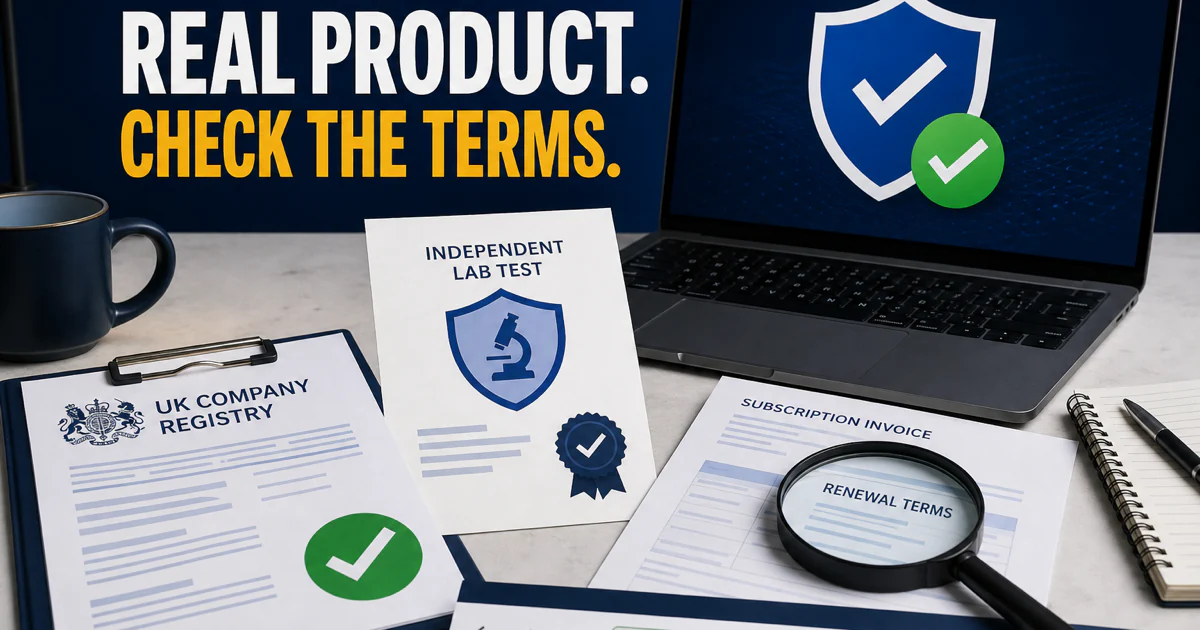
Start here: open the full TotalAV review before buying, the pricing guide before trusting a first-year discount, and the exact task card below when something is already happening. For downloads, account recovery, billing or support, move from this independent guide to a verified official domain; do not call numbers printed in ads, pop-ups or PDFs on unrelated sites.
Choose the route before opening another tab
A broad “TotalAV help” search mixes official support, reviews, community complaints, old instructions and pages that impersonate support. The fastest safe path is to name the job first. Buying needs prices and renewal; a blocked site needs the warning owner and URL; an unexpected charge needs the merchant and account; removal needs cancellation and a replacement provider.
This hub keeps those jobs separate while making the boundaries visible. It does not repeat twenty-one full articles or pretend that every Total-branded service is the antivirus. Use the route map, open the narrow guide and return here when the task changes.

Decide what you are buying—and what renews
TotalAV’s current protection evidence is strong enough that the decision cannot be reduced to “works” or “does not work.” In AV-Comparatives’ February–May 2026 web test, TotalAV protected 99.0% of 400 cases with five false alarms and received the highest award level. In the March file test, it reached 99.98% online protection with 19 false alarms.
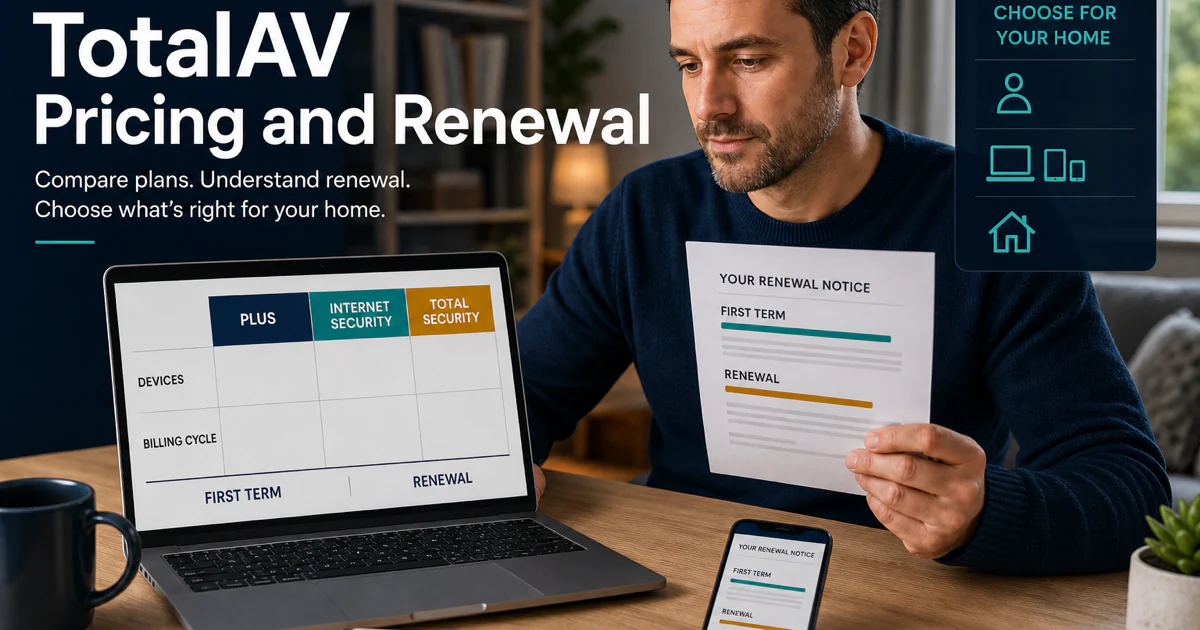
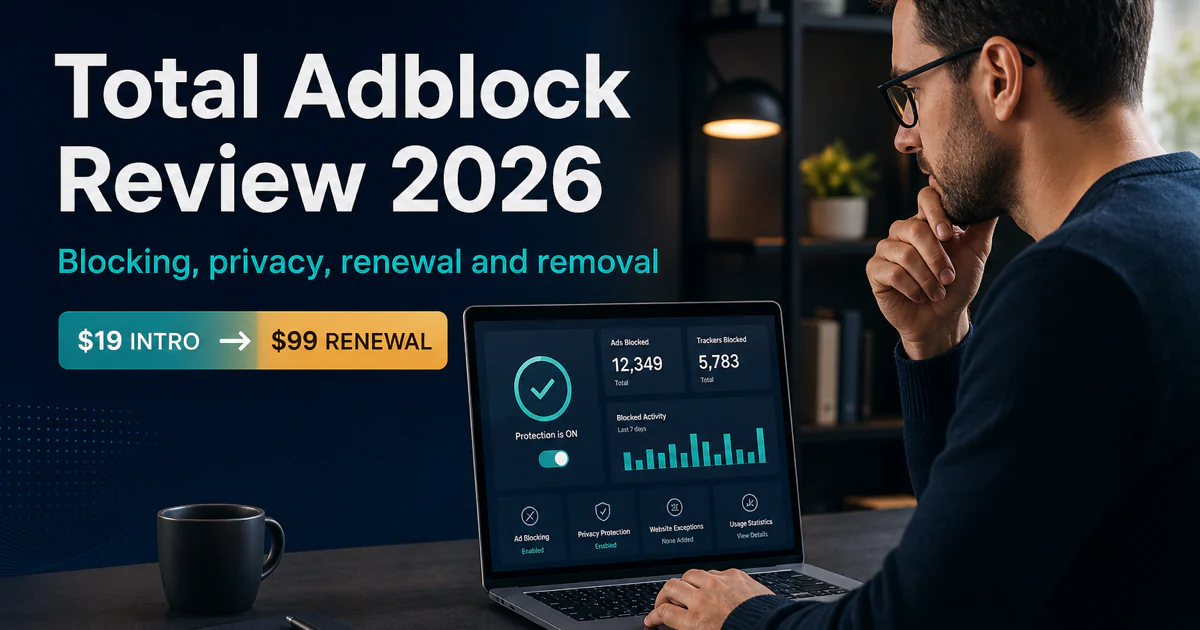
The commercial question is harder. The checked US first-term offers were $19 for Plus, $39 for Internet Security and $49 for Total Security, while displayed regular annual rates were $99, $129 and $149. Compare the regular figure, used devices and services you will actually keep. A six-device plan is not a bargain for one laptop simply because four unused seats make the unit price look low.
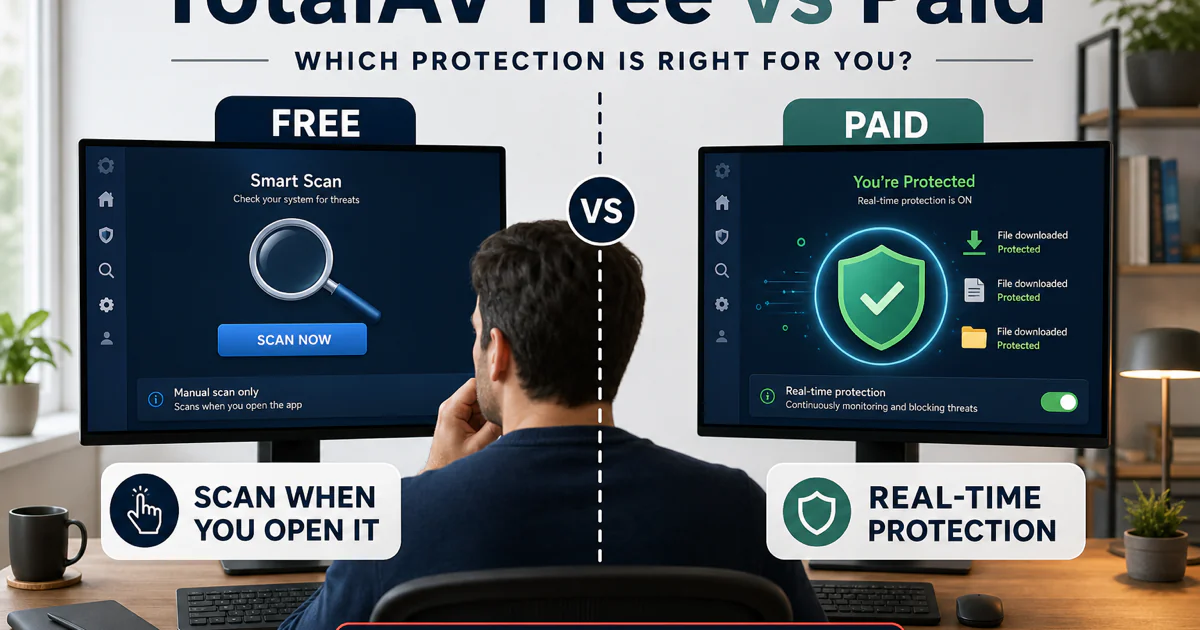
Free and paid also need separate ownership. The free app can scan and remove, but continuous real-time protection is a paid entitlement. Open Windows Security and identify the registered provider rather than treating a clean manual scan as proof that every new file is monitored. The legitimacy guide owns the seller and marketing question; the alternatives guide owns the decision to replace the product for a named reason.
Community discussions help explain why these pages exist. A May 2026 free-user question described frequent popups and asked for a less intrusive alternative. That report does not prove every installation behaves the same way, but it identifies a real decision branch: check whether the message belongs to the signed app, a browser notification or marketing inside a free tier, then compare a free Defender or Avast route without calling the antivirus fake.
Install from a verified source, then prove the layer works
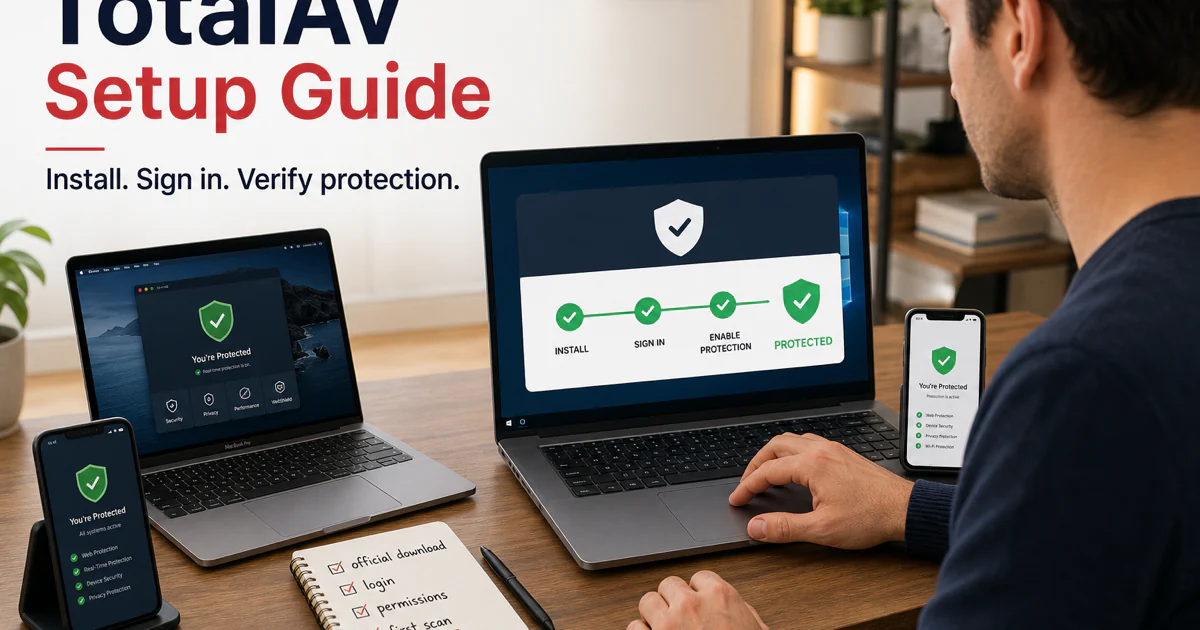
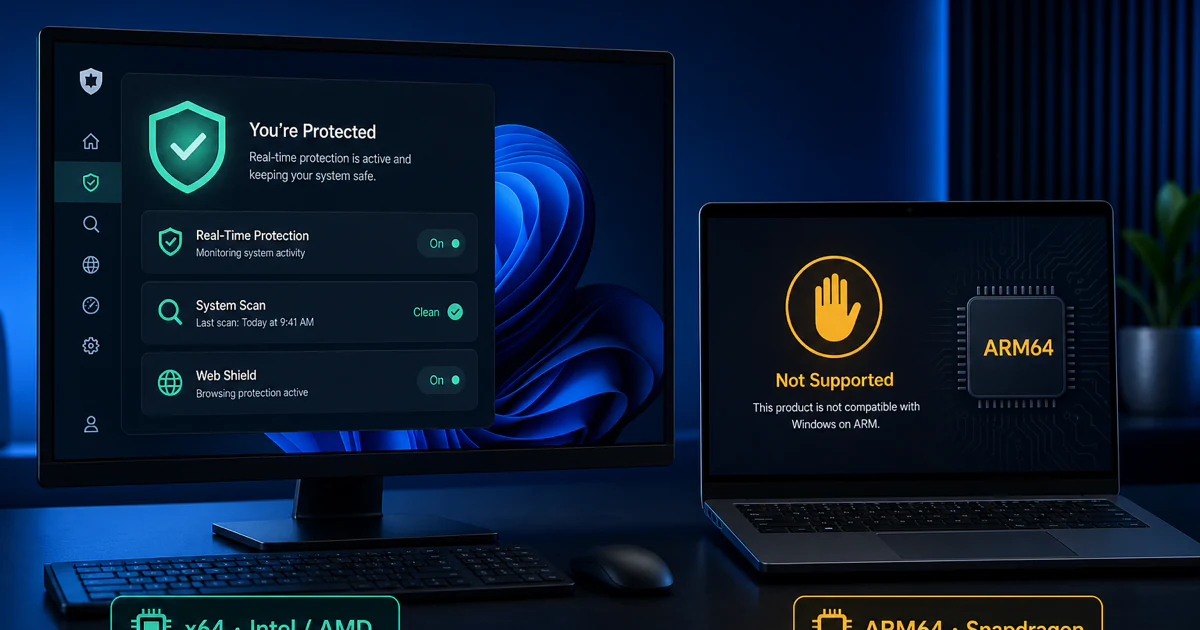
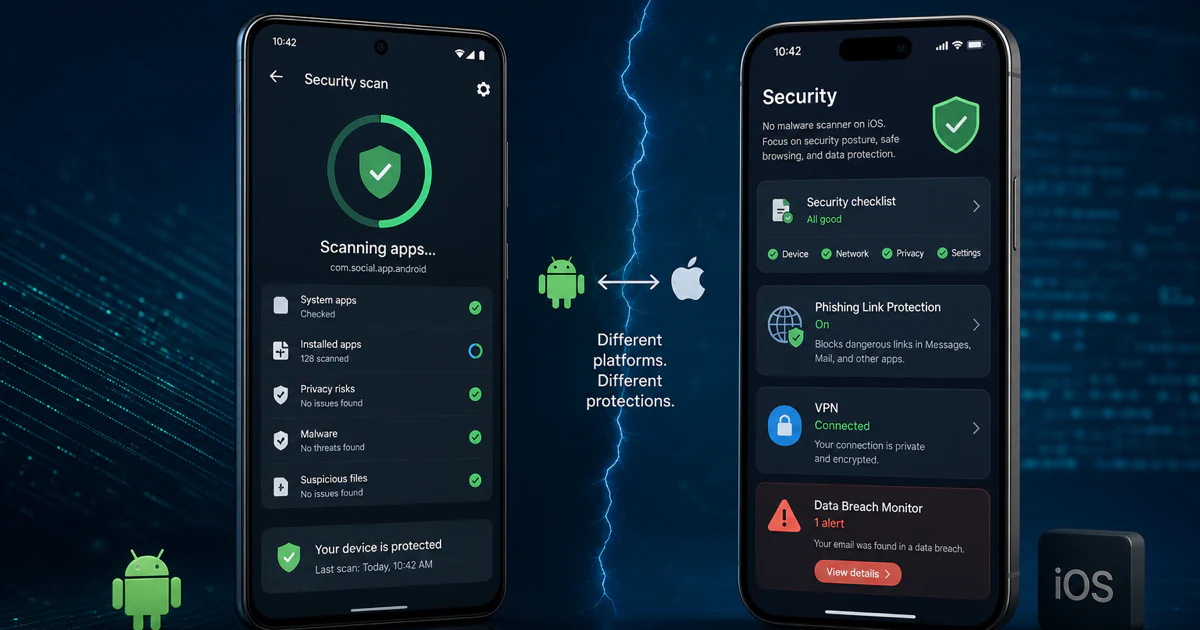
The current official TotalAV install guide has distinct Windows v6/v5, macOS, Android and iOS branches. That matters because the apps do not expose identical security mechanisms. Use an authenticated TotalAV download or verified app store, inspect the publisher and avoid mirrors promoted through ads or copied PDFs.
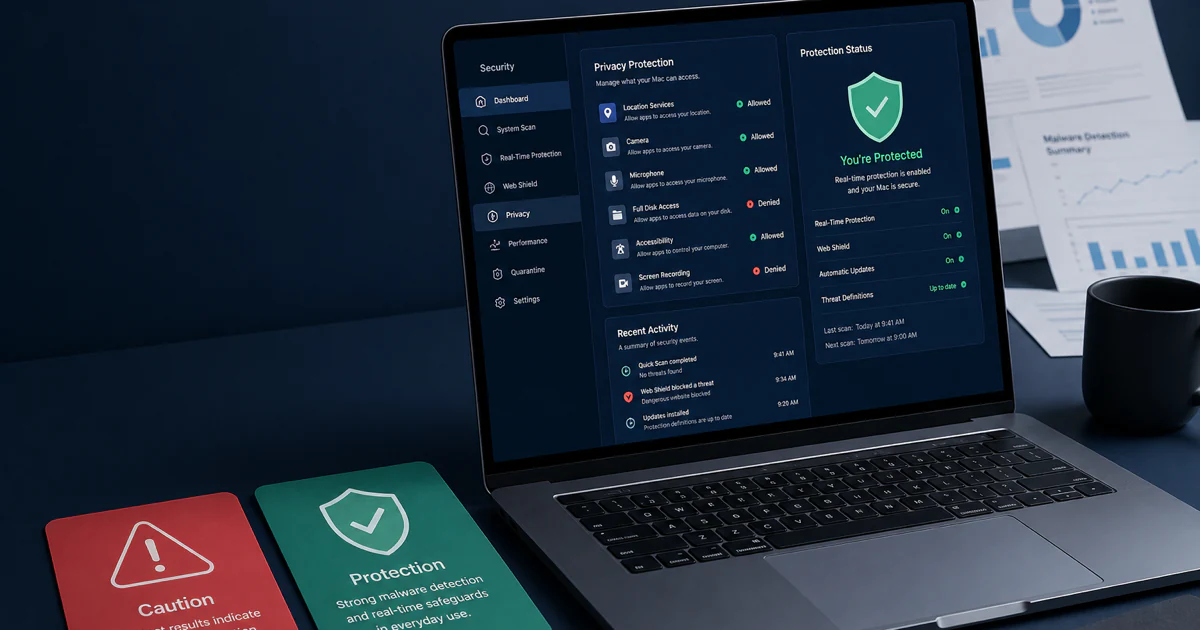
Installation is not complete when an icon appears. Update the engine, run a quick scan, open the expected web protection, confirm the plan seat and verify the active security provider. On Windows, check Security Center registration. On Mac, confirm the named permissions actually granted. On Android and iOS, review the specific accessibility, VPN/profile, web or notification permissions rather than accepting every prompt without context.
Windows x64, Windows ARM, macOS, Android and iOS remain separate guides because a shared design does not create feature parity. Android can scan installed applications; iOS works through Apple-permitted web, network, breach and call/message controls rather than a conventional system-wide antivirus scan. A platform checkmark is the start of the answer, not the end.
Keep one full-time real-time engine. If another antivirus is installed, identify which provider owns real-time protection before adding exceptions or forcing both to run. Microsoft’s Windows Security overview explains that Defender turns off when another antivirus is active and returns after that product is removed.
Identify the alert before changing protection
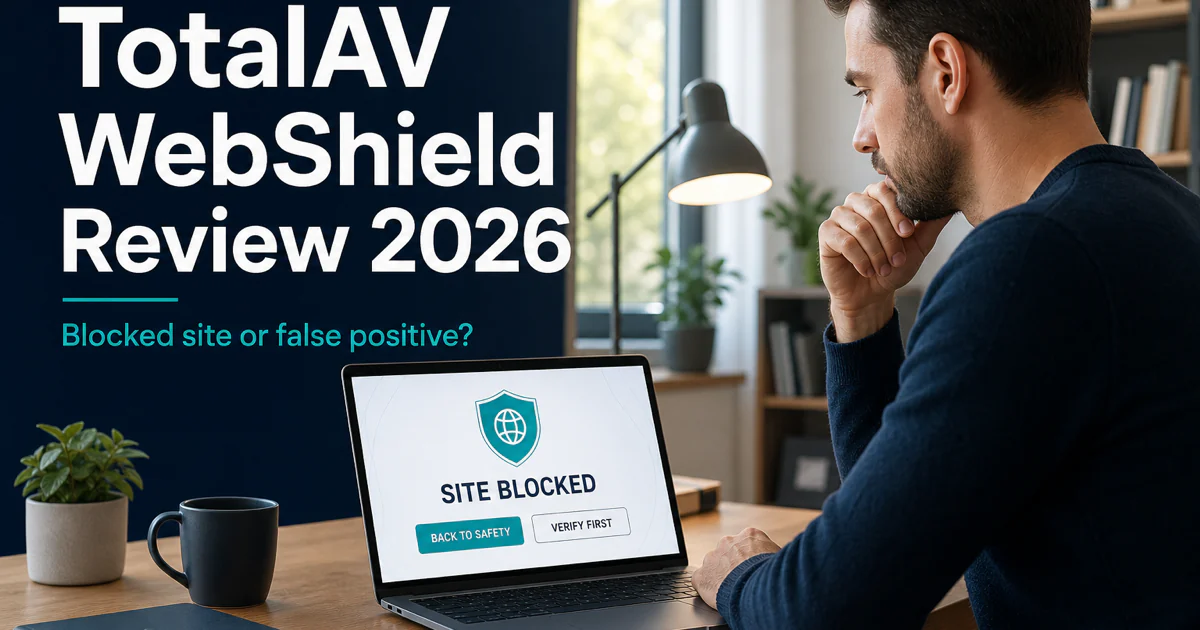
WebShield inside TotalAV is not automatically the same surface as the standalone Total WebShield product. The current official WebShield guide says the integrated feature checks visited sites against a cloud block list and has separate platform instructions. Capture the exact warning, URL and product surface before whitelisting anything.
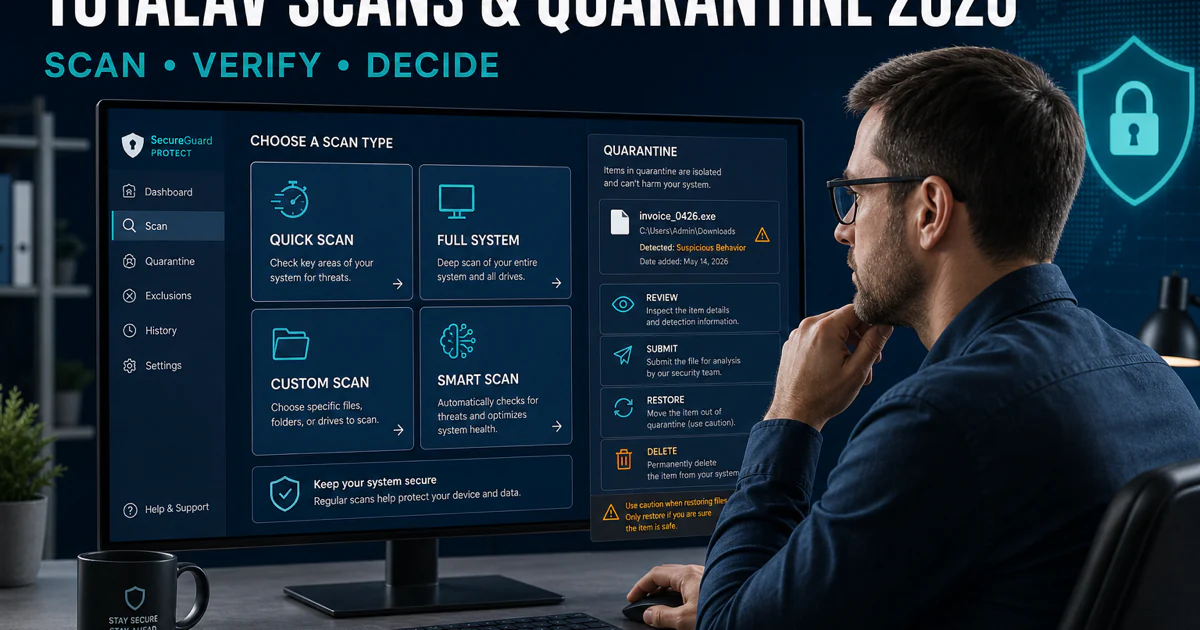
Scan depth should match the incident. Use a quick scan for active locations and a system or custom scan after a credible compromise, persistent symptom or named drive question. Quarantine is reversible containment, not proof of guilt. Review the detection name, path, signature, download source and surrounding activity before restoring or deleting, and never exclude the whole Downloads folder or system drive to make one warning disappear.
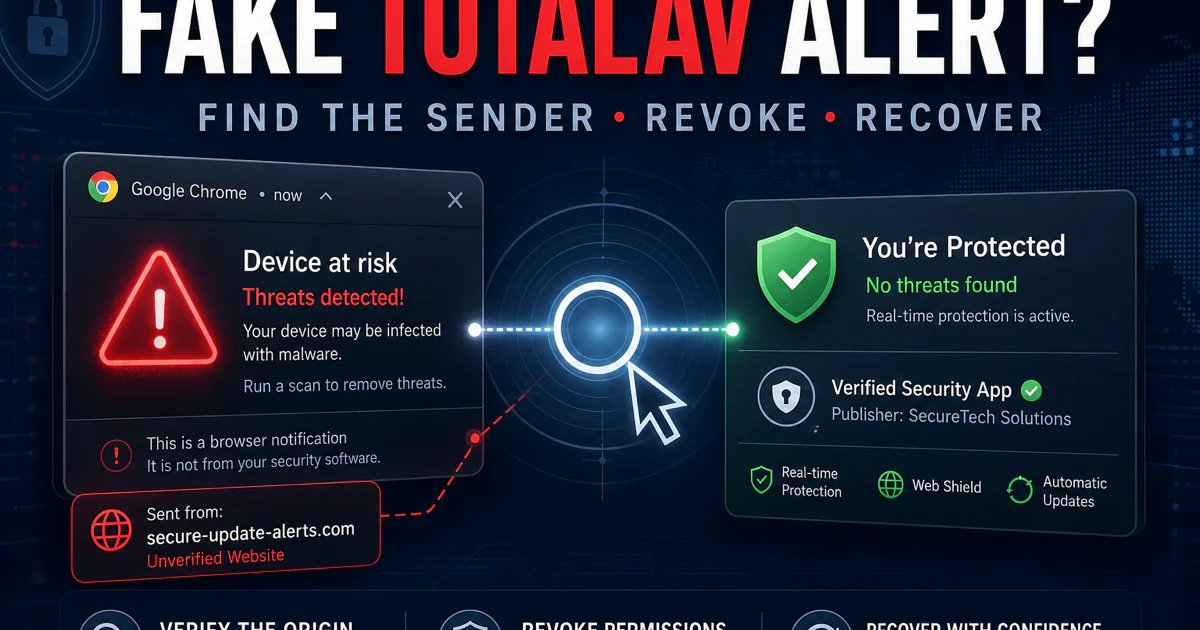
A fake TotalAV pop-up may belong to a website that obtained browser-notification permission, a malicious ad, an extension or an impersonation page. It may appear even when TotalAV is not installed. Open the browser’s notification settings and identify the website owner; do not press a “scan,” “renew” or “call now” button inside the warning. A recent r/antivirus thread correctly routed a frightening TotalAV-themed message to browser notification abuse, but the exact device evidence still controls each case.
Treat every companion product as its own contract and security surface
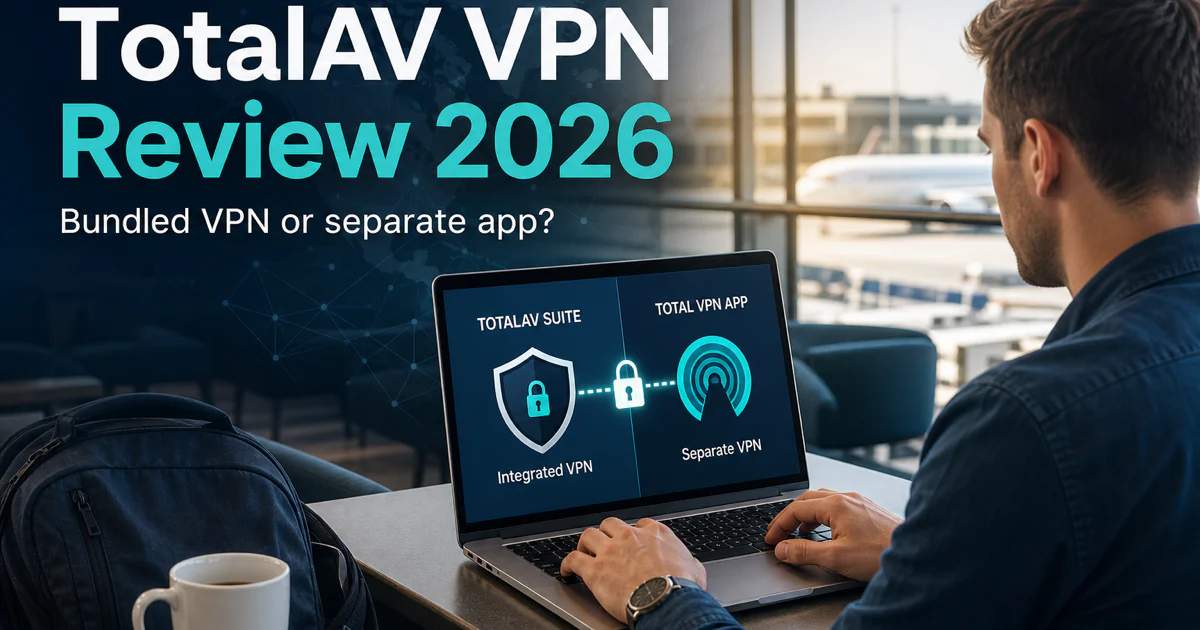
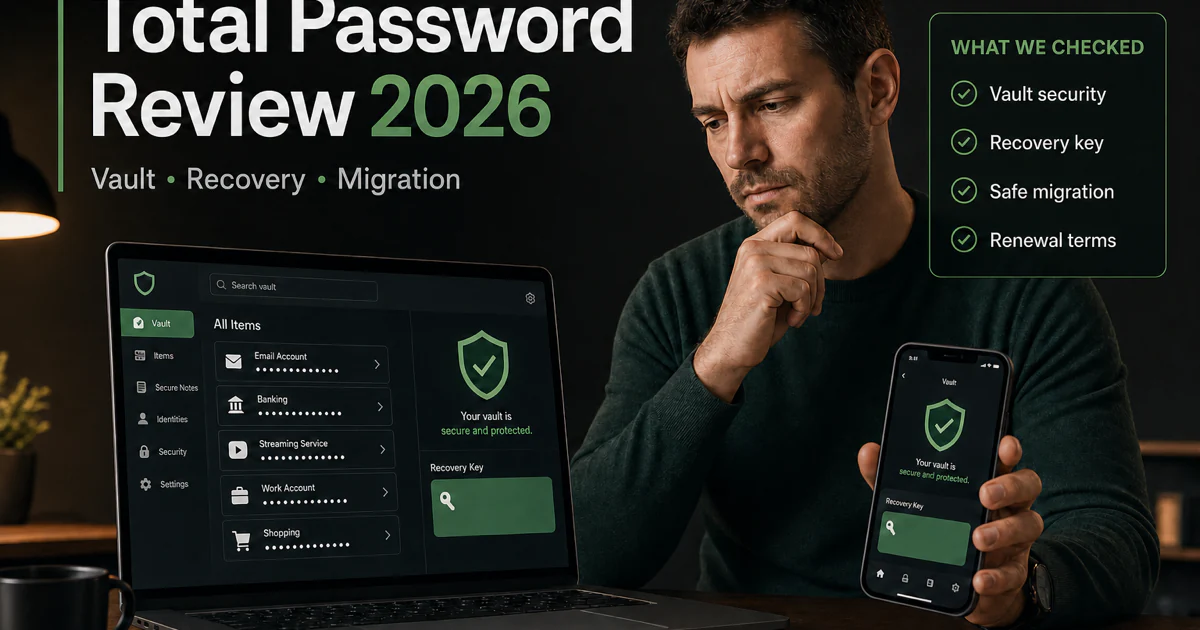
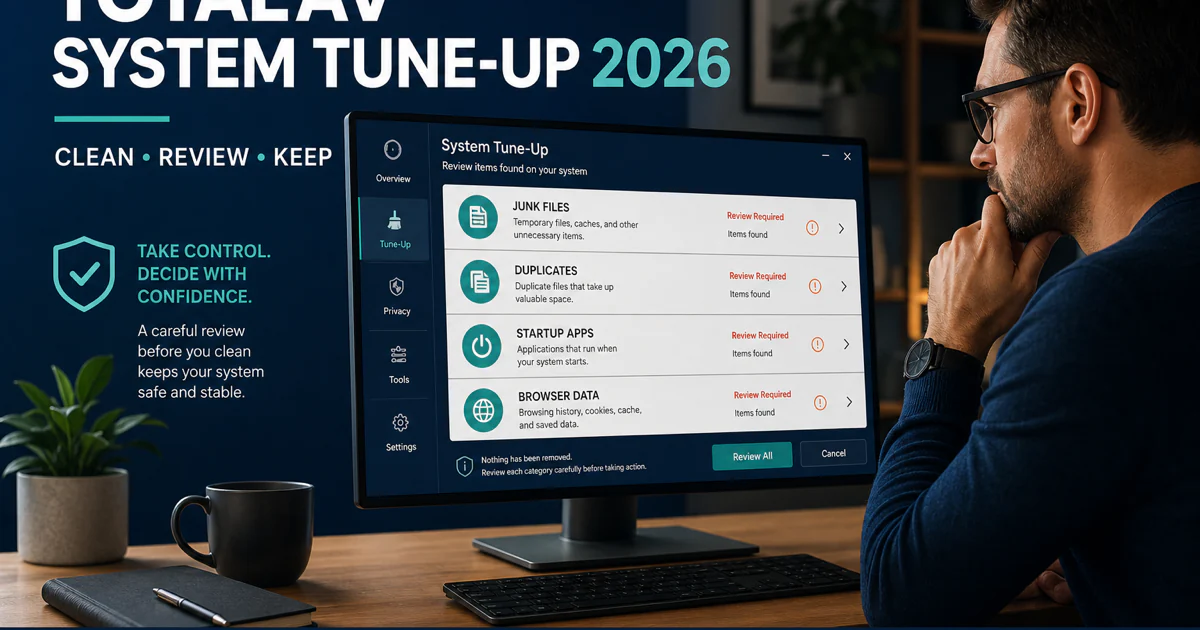
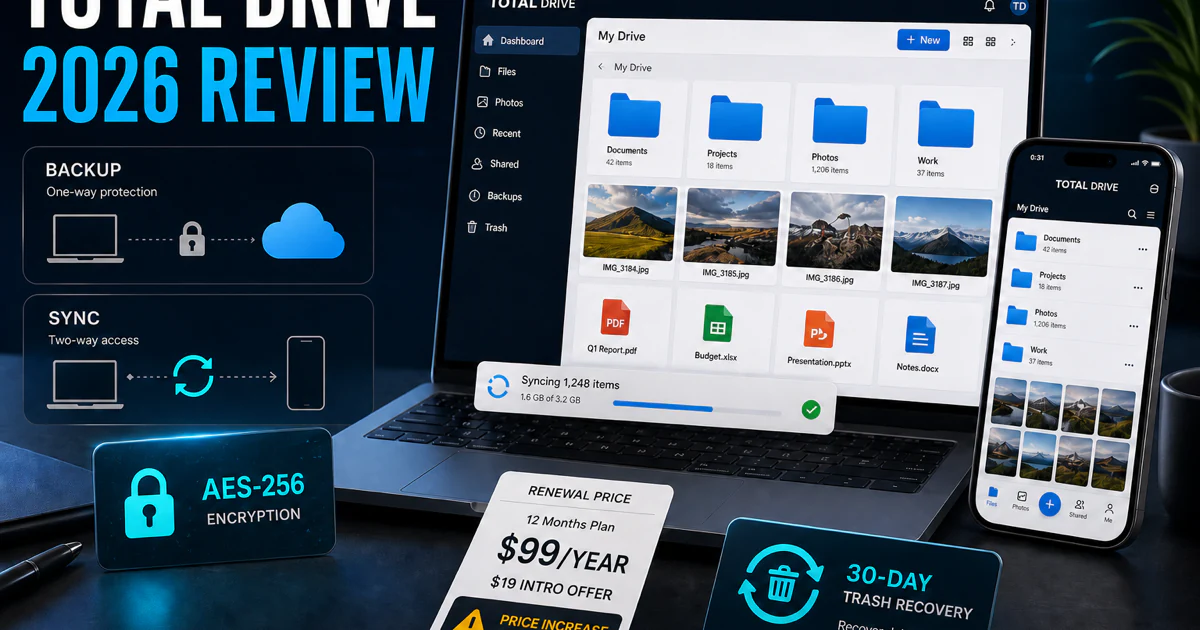
Total VPN, Total Adblock, Total Password, Total Drive and Total Browser share branding and related account infrastructure, but they do not become one technical product. Each has its own app or extension, permissions, privacy boundary, device support and value test. Cleaner tools live inside the security bundle yet can still delete data, so they also need a narrower review than “included feature.”
The current TotalAV billing centre makes the commercial boundary explicit: related services may appear together in the portal, while each subscription is billed and managed separately unless the customer is told otherwise. Inspect every line under My Subscriptions and the original merchant before assuming one cancellation reaches all products.
A bundle is valuable when it replaces tools the household actually needs. Total VPN must be judged on protocol, kill switch, logging evidence, performance and supported platforms. Total Password must be judged on vault encryption, recovery, autofill, export and migration. Total Drive needs capacity, sync, recovery, sharing and encryption evidence. An antivirus lab score cannot be borrowed to certify any of those jobs.
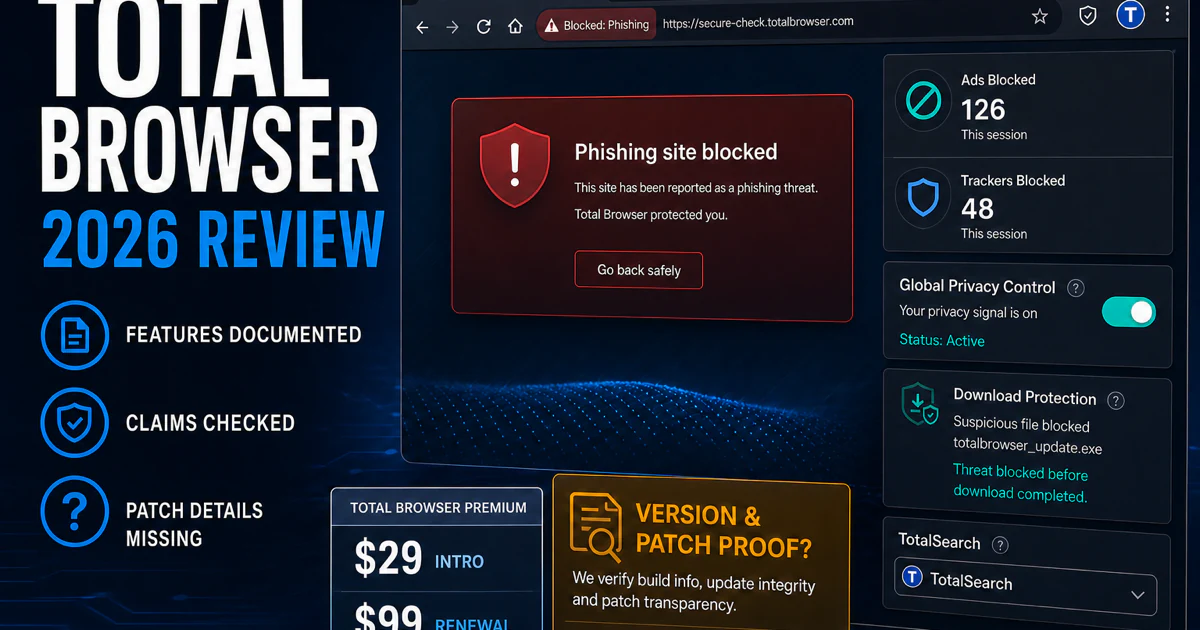
Total Browser is a particularly clear boundary. Web filters, ad blocking, GPC and referrer controls can help, but they do not prove the browser engine, current build or patch latency. A “secure browser” label is weaker than a public version history and security advisory trail. The dedicated review keeps that patch question out of the antivirus verdict.
Repair one layer—or leave in two separate steps
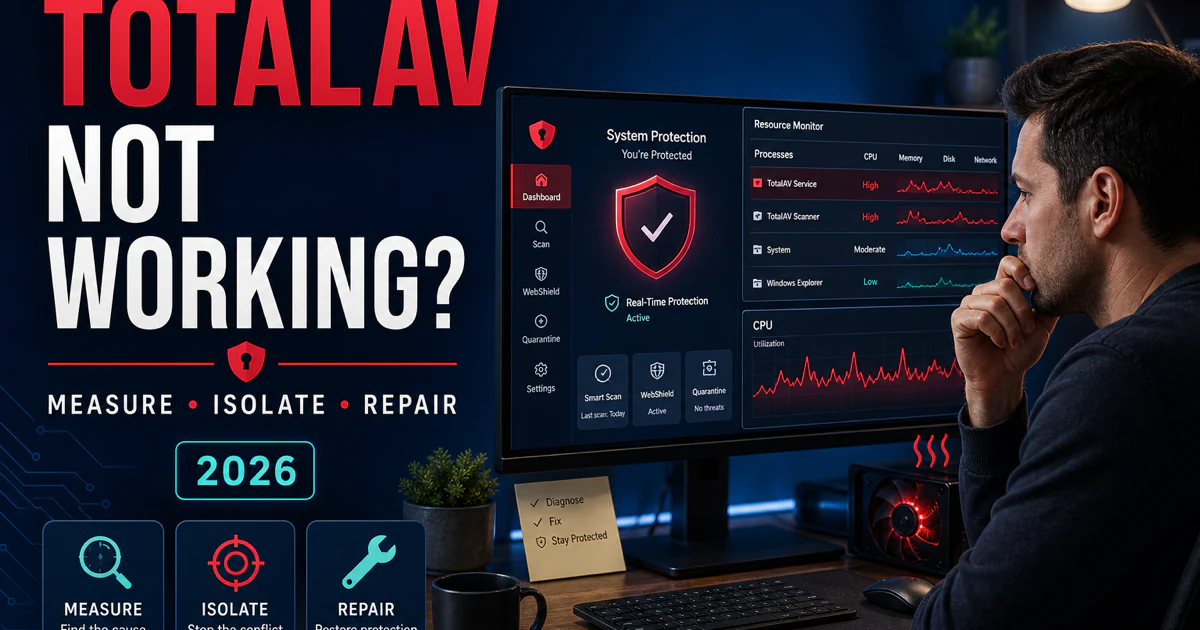
“TotalAV is not working” can mean a missing service, stalled update, activation mismatch, frozen scan, failed WebShield layer or high CPU during a legitimate first scan. Record the signed process, exact message, active task, time and reproducible trigger. Update the operating system and app, restart, let a named scan finish and reproduce once before reinstalling or creating exclusions.
Performance needs a workload, not a feeling. In AV-Comparatives’ April 2026 low-end Windows test, TotalAV’s Total Impact Score was 18.2, where lower is better. That is enough to justify measurement and alternatives, not enough to predict every gaming PC or blame the antivirus for a Wi-Fi problem without checking the active network layer.
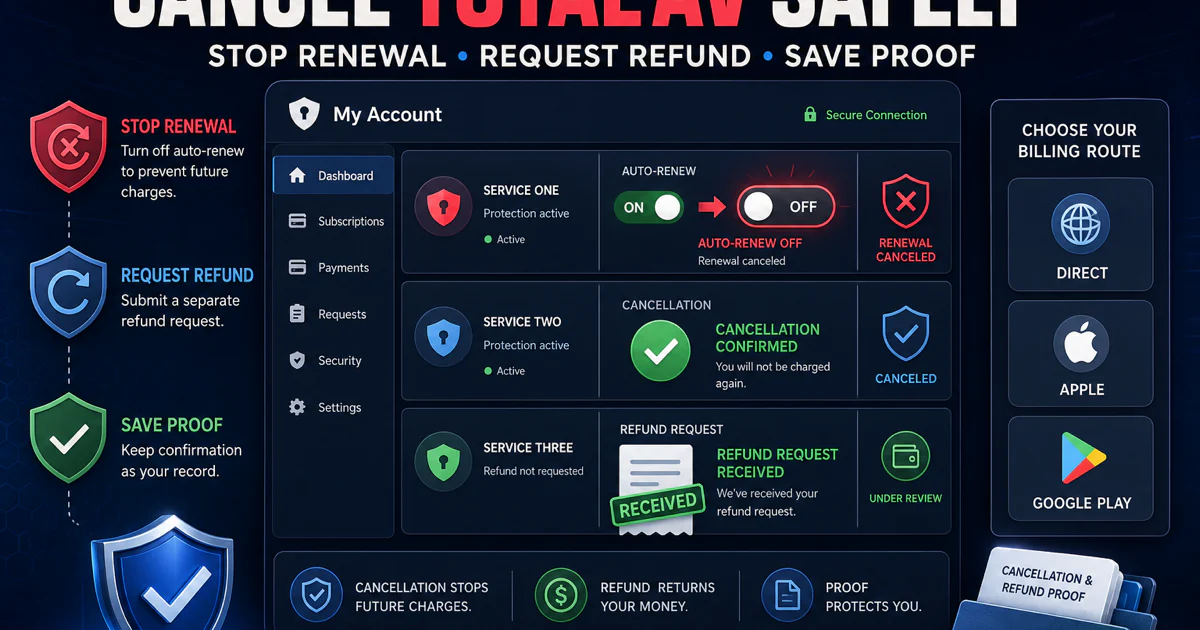
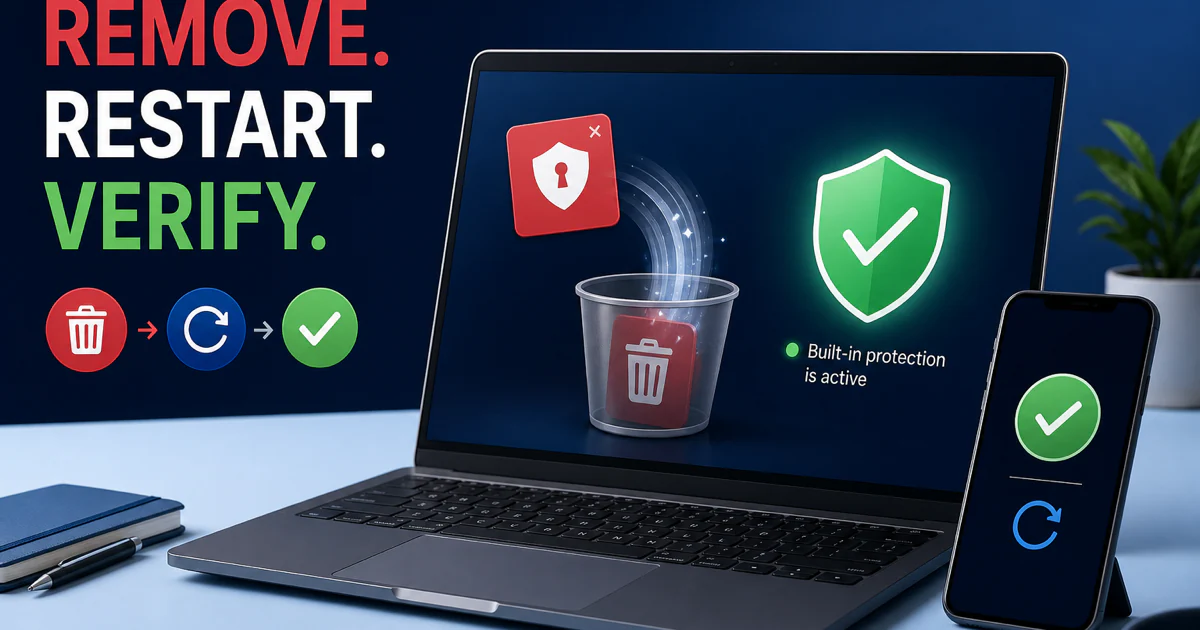
Leaving always has two control planes. Cancellation stops future billing; uninstall removes software from a device. Turn off renewal through the verified account or the app store that processed the purchase, save the confirmation and inspect sibling subscriptions. Then uninstall, restart and verify another supported real-time provider is active. Reversing the order can erase evidence while leaving the charge untouched.
A refund has a third owner: the merchant and terms on the receipt. Direct TotalAV orders, Apple, Google and another reseller can require different procedures. Preserve the invoice, account email, transaction date, plan, renewal disclosure and cancellation confirmation before deleting the app or account.
Ignore phone numbers in ads, pop-ups and unrelated PDFs
Current TotalAV support searches expose PDFs on unrelated organizations’ domains that copy generic instructions and insert telephone numbers. Some present themselves as “official” or “support” even though the hosting domain has no legitimate relationship to TotalAV. We do not repeat those numbers because repetition would help the impersonation travel.
For account, billing or technical help, type or follow a verified TotalAV help-domain route and use the portal, transaction search, password recovery or support-request flow. The official billing support page exposes those options and says Apple or Google purchases must be managed through the same store. A number printed in a search-result PDF is not safer because the document looks formal.
Use the source that can answer the exact question
| Your question | Open this route | Evidence that controls the answer |
|---|---|---|
| Is TotalAV good or legitimate? | Review + legitimacy | Current labs, seller, policy, false alarms, performance and value |
| Which plan should I buy? | Pricing + Free vs paid | Live cart, real-time entitlement, devices, merchant and regular renewal |
| How do I install it? | Setup + platform guide | Verified installer, publisher, seat, permissions, update and provider state |
| Why is a site blocked? | WebShield guide | Exact alert, URL, owning layer, independent reputation and narrow exception |
| What did the scan find? | Scan and quarantine guide | Name, path, signature, source, behavior and reversible containment |
| Is a Total-family add-on worth it? | Dedicated product review | Permissions, platform, audit evidence, separate renewal and actual use |
| Why is the PC slow? | Repair guide | Signed process, active task, baseline, reproducible trigger and logs |
| How do I stop paying and remove it? | Cancellation + uninstall | Merchant, account confirmation, app removal and active replacement protection |
Official documentation controls current menus, supported platforms, account actions, downloads and product lifecycle. Independent laboratories measure named builds under controlled threat and performance workloads. App stores control mobile distribution and purchase management. Community posts identify confusing language and failure states, but a post cannot prove incidence, causation or that a detection is safe.
This cluster uses one URL for one dominant task. The overall review owns the product verdict; the pricing page owns money; the legitimacy page owns seller and trust; WebShield owns website blocks; the fake-pop-up guide owns impersonation; each companion service owns its own permissions and contract. That separation gives Google a clear intent and gives the reader a safe next action.
Every page linked here has been checked against current SERPs, official sources and credible community signals where useful, then passed fact, content, schema, image, desktop and mobile QA. The cluster linking pass returns every spoke to this hub, so a reader can move from diagnosis to the adjacent task without searching again.
TotalAV guide hub FAQ
Where should I start with TotalAV?
Start with the full review if you are deciding whether to buy or keep TotalAV. Open the pricing and Free-versus-Paid guides before checkout, the exact feature or troubleshooting guide for a current task, and the cancellation and uninstall guides as two separate steps when leaving.
Is this the official TotalAV support site?
No. Antivirus-Review.com is an independent editorial publication. We explain current evidence and safe next steps, but installers, account recovery, billing changes, app-store purchases, support tickets and false-positive submissions must start on a verified TotalAV or Total Security domain or the store that processed the order.
Is TotalAV a legitimate antivirus?
Yes. TotalAV is a legitimate consumer security product and appears in current independent laboratory testing. Its commercial model, renewal increases and sibling subscriptions deserve scrutiny, but those issues are not proof that the antivirus is fake or unable to protect a device.
Is TotalAV really free?
The free product can scan and remove detected threats, but continuous real-time protection is a paid entitlement. Check the provider state in Windows Security rather than assuming that a completed free scan means files are monitored continuously.
How much does TotalAV renew for?
In the US snapshot checked July 31, 2026, the regular annual rates displayed for Plus, Internet Security and Total Security were $99, $129 and $149 after $19, $39 and $49 first-term offers. Your cart, receipt, account, country, tax and merchant control the actual amount.
Why is TotalAV blocking a website?
Record the exact warning and URL, then identify whether the owner is TotalAV WebShield, the standalone Total WebShield product, a browser extension, VPN, DNS or a certificate error. Verify the domain independently and submit a false positive before creating a narrow temporary exception.
Are Total VPN, Total Adblock and Total Password part of TotalAV?
They are related Total Security products or plan components with their own apps, permissions, device limits and possible subscription lines. Inspect the final cart and every service under My Subscriptions instead of assuming one cancellation or one price covers the whole family.
How do I know whether a TotalAV pop-up is real?
Identify the owner before clicking. A browser notification normally names the browser and website in its settings; an installed TotalAV alert should map to a signed app and account state. Do not call a phone number or download a repair tool from an ad, pop-up or PDF on an unrelated domain.
Does uninstalling TotalAV cancel the subscription?
No. Uninstalling changes software on a device; cancellation changes future billing. Turn off renewal through the verified account or the app store that processed the purchase, save confirmation, then remove the application and verify one supported real-time antivirus is active.
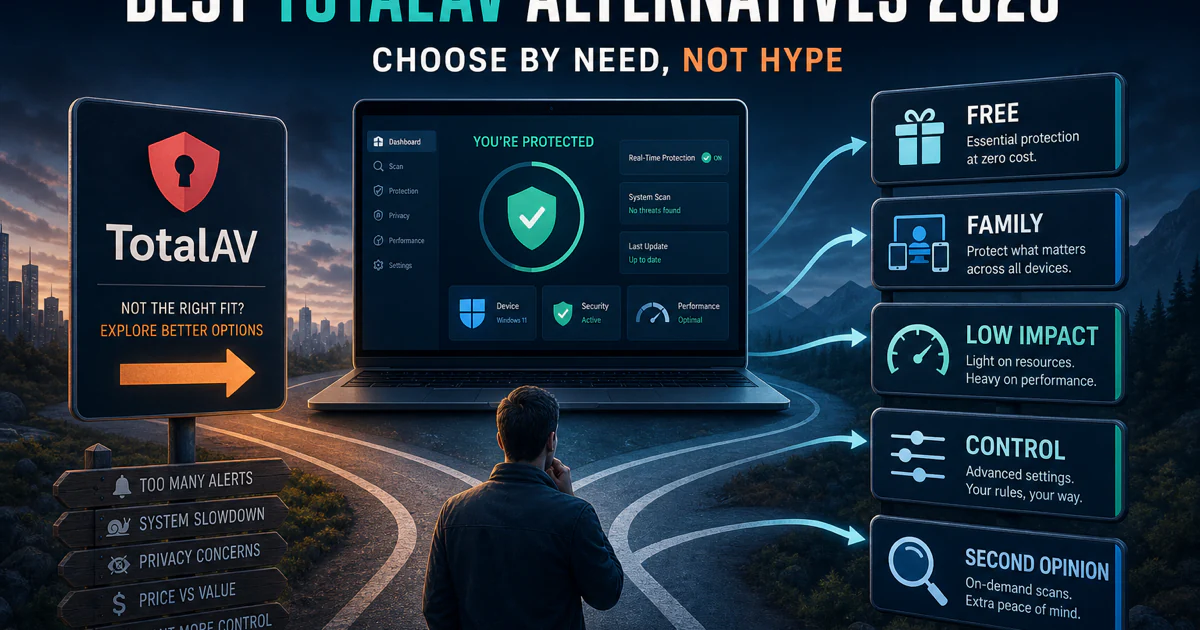
What is the best alternative to TotalAV?
Bitdefender is our best paid balance, Microsoft Defender the cleanest free Windows default, ESET the low-impact control choice, Norton the family bundle, Avast the free third-party route and Malwarebytes Free an on-demand second opinion. Choose the product that solves the reason you are leaving.
Bottom line: one brand, twenty-one different jobs
TotalAV’s antivirus, billing, browser protections, companion products and removal process should not be forced into one giant article. This hub is the map: decide and pay, set up a platform, protect and investigate, evaluate an add-on, or repair and leave. Each card opens the page that owns that task.
Use current independent evidence for the product, the live cart for money and verified official domains for downloads, account and support. Never let a phone number in an ad, pop-up or unrelated PDF become the shortest path. The safe route is specific, dated and reversible.