We review products independently, but we may earn commissions if you make a purchase using affiliate links on our website. Also note that we are not antivirus software; we only provide information about some products.

Independent Bitdefender resource hub · Updated July 29, 2026

Bitdefender Guides: Choose, Set Up, Fix or Leave Without Guesswork

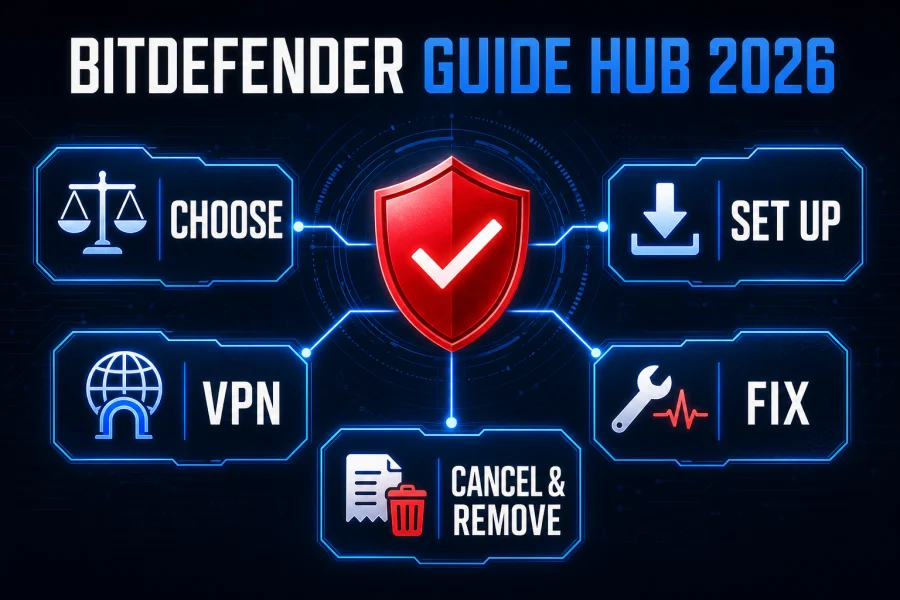
This is the front door to our complete Bitdefender cluster. Start with the job in front of you—compare a plan, install the right subscription, understand the VPN, diagnose one symptom, stop renewal or remove the software—and move straight to the focused guide.

10 focused resourcesCurrent App and Central flowNo fake support numbers

Start here: deciding whether Bitdefender is worth paying for? Open the review, pricing or Free-versus-paid guide. Already bought it? Use installation and setup. A privacy question belongs in the VPN review. A grey service icon, failed update or blocked site belongs in functional troubleshooting; sustained resource use belongs in the performance guide. Cancellation and uninstalling are separate jobs.

Choose or compare Bitdefender before features and discounts blur together

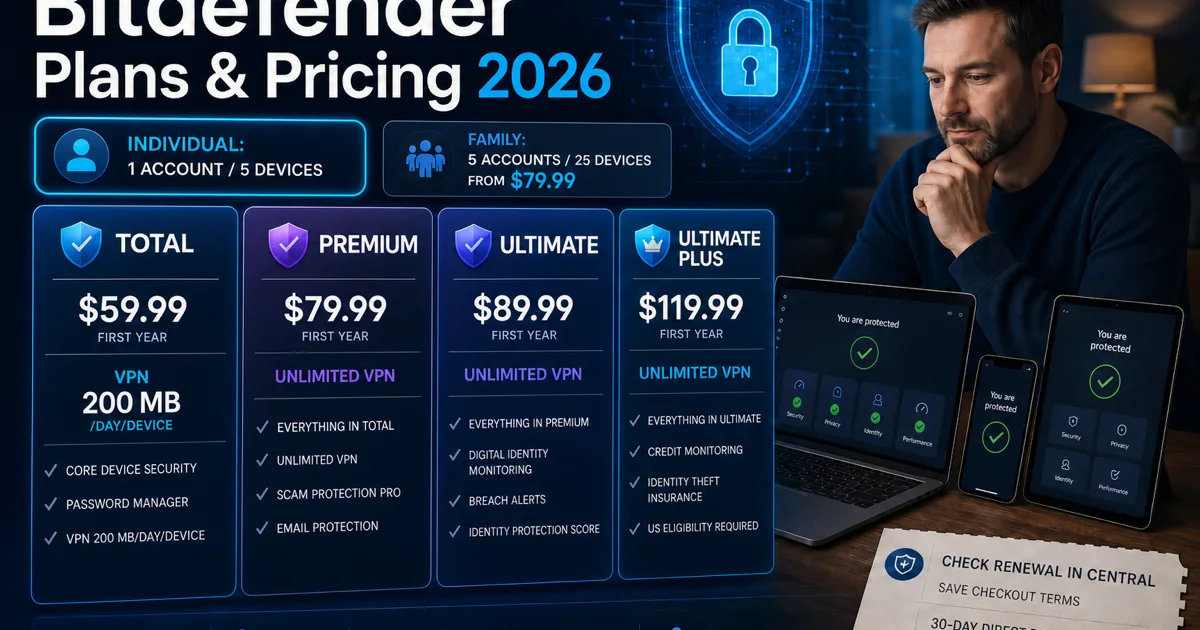
Bitdefender is a family of overlapping products, not one antivirus with one price. The current Individual line uses one Central account and covers up to five devices; Family plans support five accounts and up to 25 devices. Total Security is the practical reference point, Premium adds unlimited VPN, and the Ultimate tiers add identity services whose availability and value depend on the country and the person who will actually use them.

Our current review finds excellent protection evidence, but protection is only one part of the buying decision. Total Security Individual was $59.99 for the first year in our July 2026 US check, while the Family version was $79.99. Those are dated observed offers, not permanent promises. Record the merchant, term, device count, first charge and future terms in the cart, then compare them with Bitdefender's current US renewal centre.

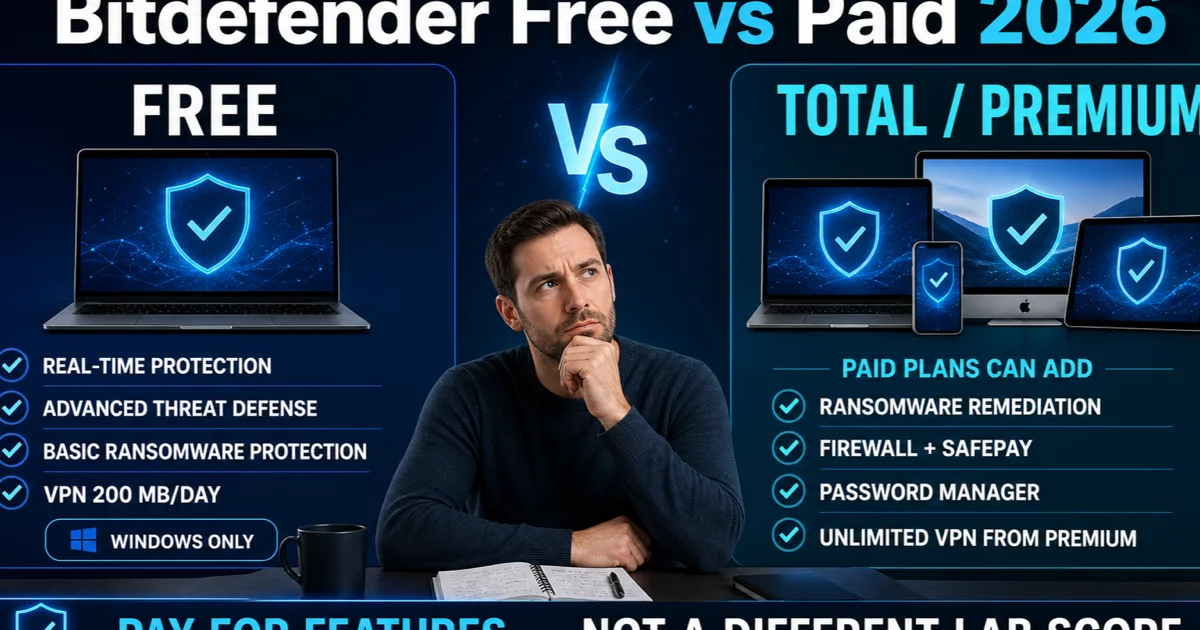
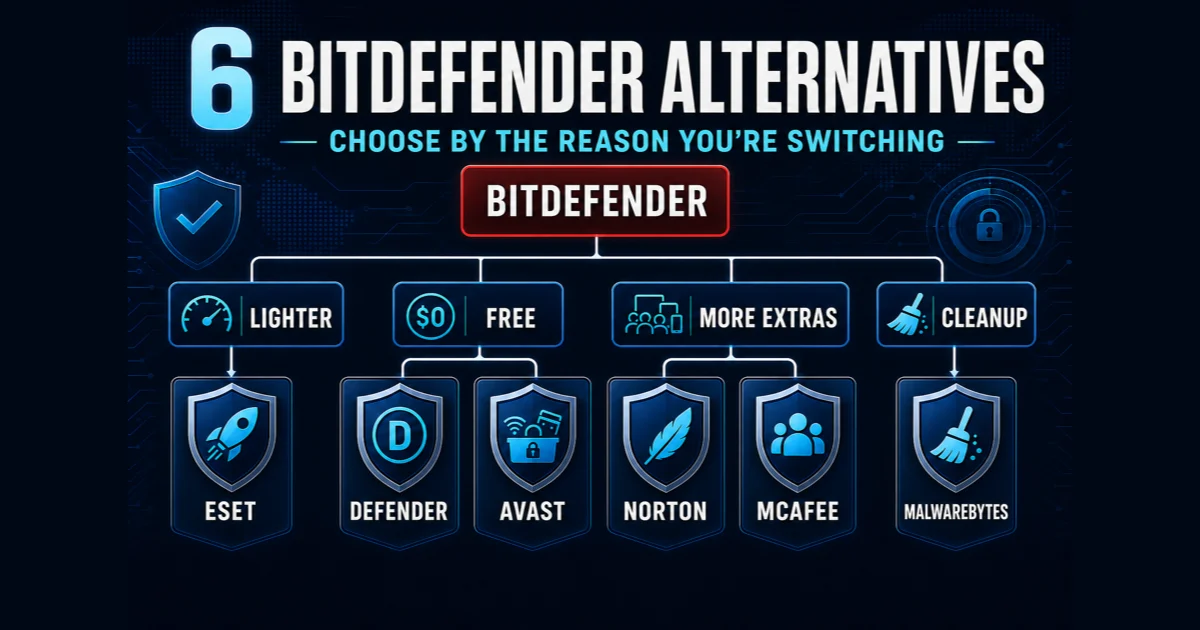
The free product deserves a real comparison rather than being dismissed as a trial. It can cover the core Windows malware job without a subscription, while the paid suite adds web, ransomware, firewall, cross-platform and account-managed layers. If those extras duplicate tools you already trust, Microsoft Defender or another lighter product may be a cleaner fit. If you need the layers, value the exact paid plan rather than the biggest feature count.

Install the entitlement you own, then verify the protection you expect

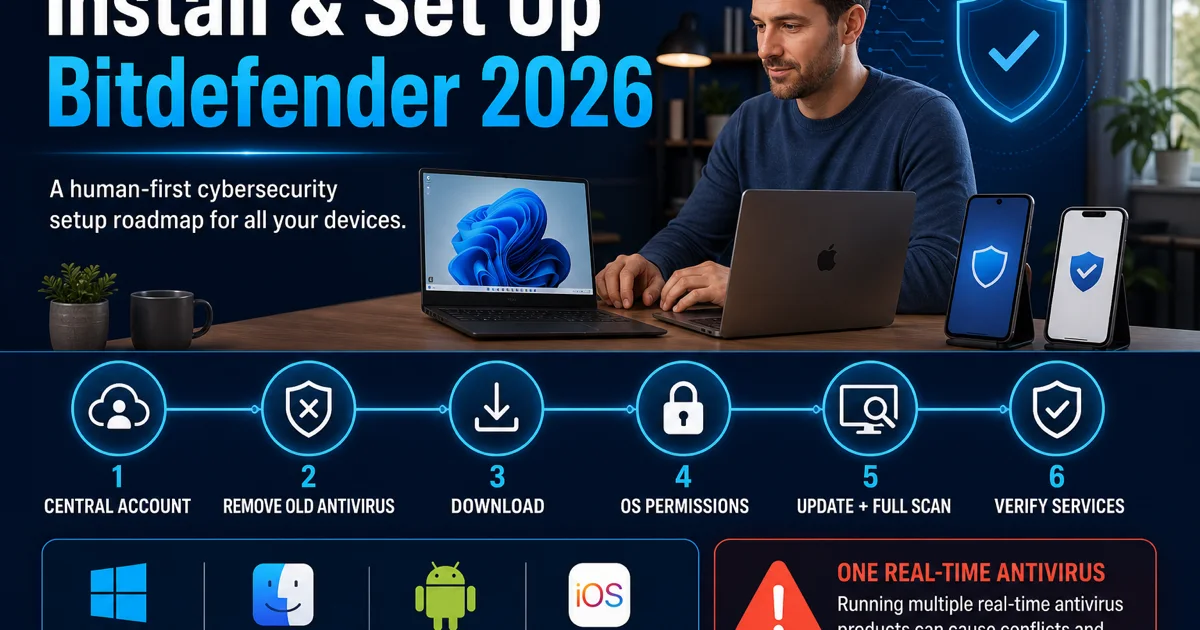
Begin in the Central account named on the purchase or activation record. The current Bitdefender App setup flow for Windows attaches active subscriptions from that account and then configures eligible services. On another device, use the official Download or Protect other devices route; do not email an old installer or download a repackaged kit from a mirror.

Remove another third-party real-time antivirus before installing, restart, and add Bitdefender components in a sequence you can test. First confirm the security module and updates, then the first scan, web protection, VPN, SecurePass or identity services that the plan actually includes. Save the SecurePass recovery key somewhere independent of the device. A virtual machine consumes a device seat, while reinstalling on the same Windows device should not create an extra seat.

Account ownership is part of security. A Family plan can support five Central accounts; it should not mean five people share the purchaser's password. Keep billing authority, recovery methods and device ownership understandable before sending an installation link.

Decide whether Bitdefender VPN is a small convenience or a service you will rely on

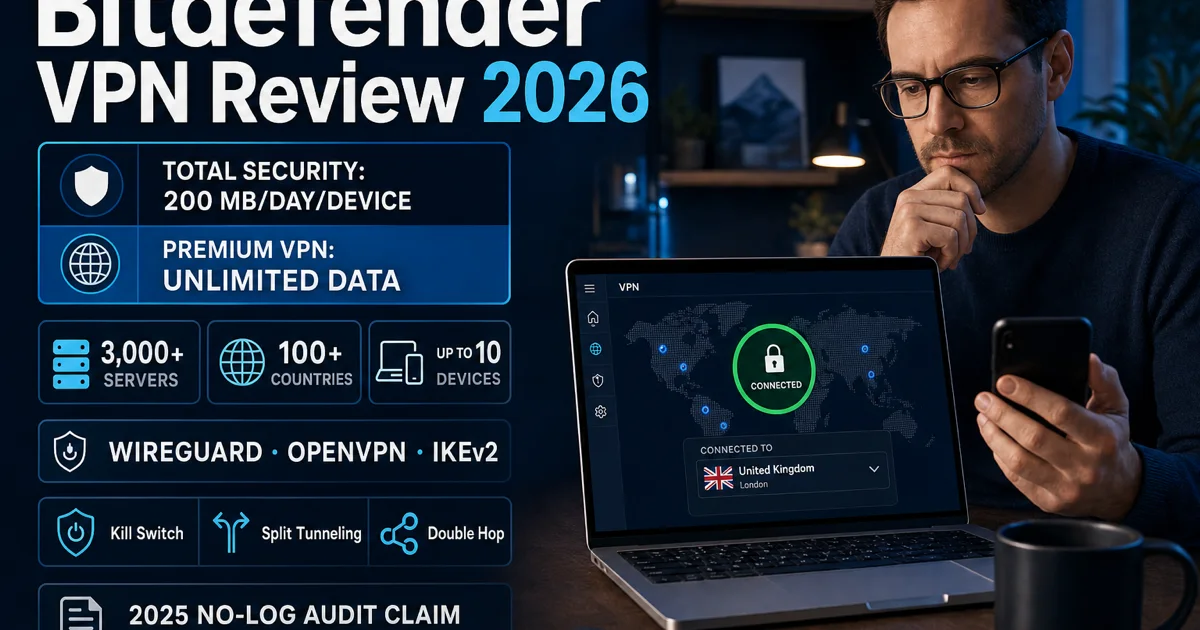
Total Security's Standard VPN allowance is 200 MB per day per device. That can protect a short session on public Wi-Fi, but it is not a realistic allowance for routine video, large downloads or all-day tunnelling. Premium Security and the current Ultimate bundles include unlimited VPN for the covered devices; the standalone Premium VPN follows its own price and entitlement.

Our VPN review separates the current product from older descriptions. It checks WireGuard, OpenVPN and IKEv2 availability, kill switch, split tunnelling, Double Hop, traffic optimisation and the June 2026 privacy-policy language. It also explains the evidence limit: Bitdefender says its no-log posture was independently audited in 2025, but the cited support page does not publicly identify the auditor or expose the report.

Test the actual route you need. Confirm that a kill switch works after an abrupt disconnect, check DNS and WebRTC exposure, measure latency to the real destination, and reproduce the websites or apps that matter. On mobile, web protection and VPN-style network extensions can interact within platform limits, so a failed site is a troubleshooting event, not proof that the antivirus engine failed.

Fix the failing function without trading away the protection layer

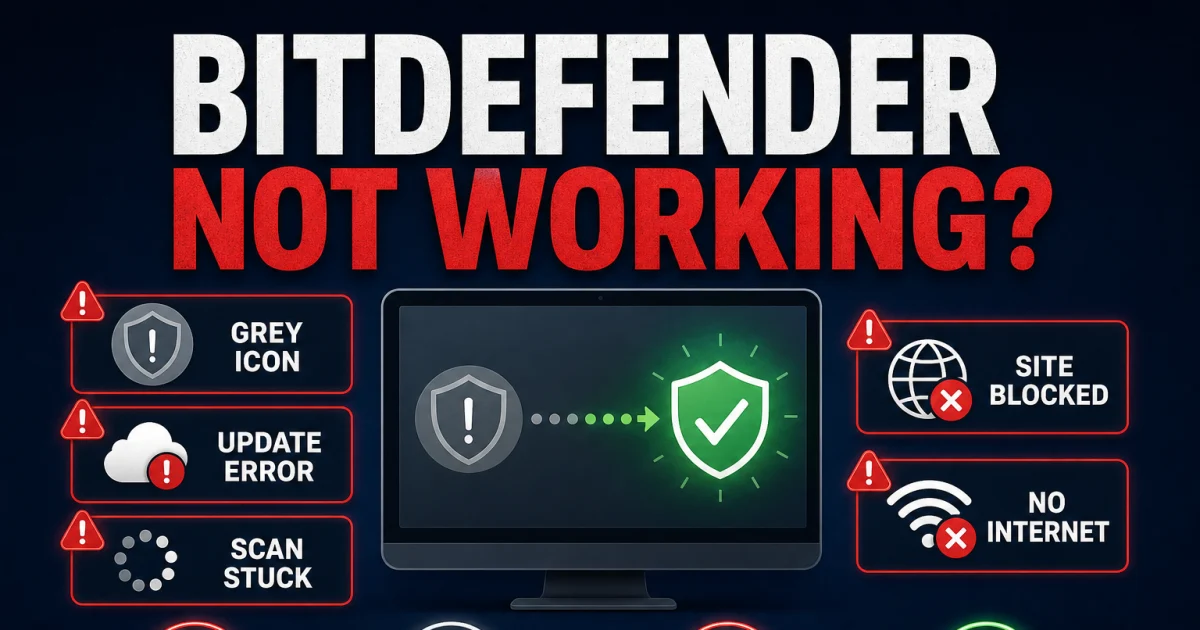
A grey icon or “services are not responding” message is different from a short resource spike. For functional failures, preserve the exact error code, last successful update, blocked URL or scan path, restart once and follow the matching branch. Bitdefender's current service-recovery sequence starts with restart and update, then removes conflicts and repairs or reinstalls when necessary.

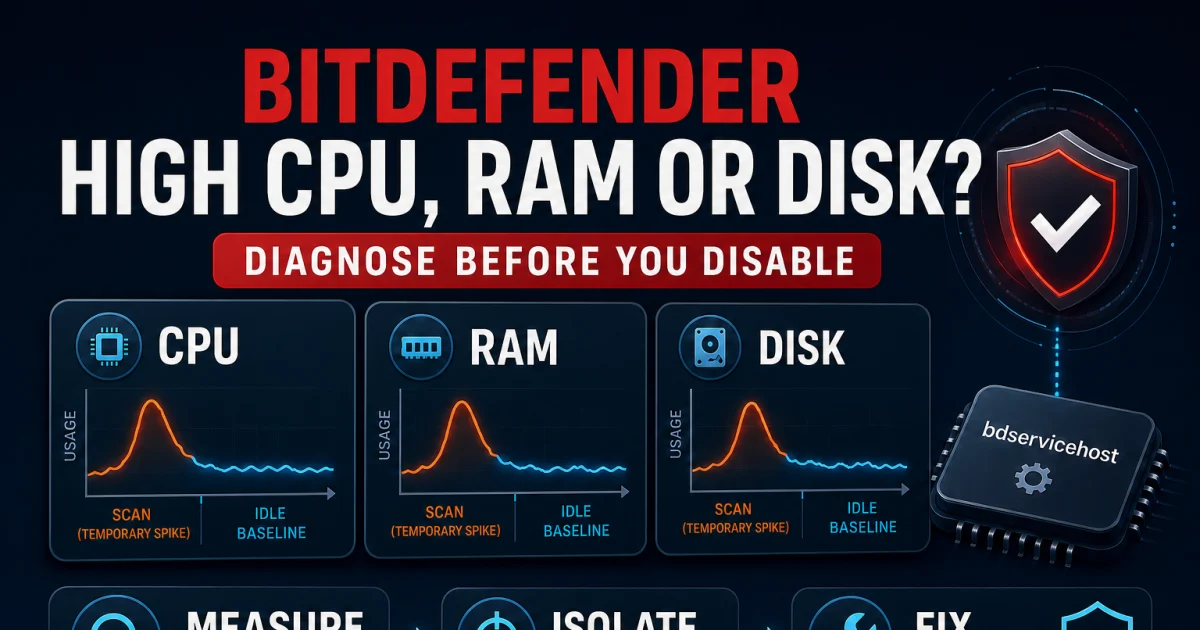
For performance, compare the same machine in the same state. Capture Task Manager during idle, update, a known scan and the workload that feels slow. Bitdefender documents `bdservicehost.exe` as its protected security service and says CPU should be effectively idle when no scan or automatic task is running; a temporary scan spike is therefore not the same case as sustained idle use. Schedule heavy scans, test Auto or Low priority and isolate one module briefly before creating any narrow exception.

Reddit and Bitdefender community threads help us name the paths people actually search for—old McAfee or AVG components, an uninstaller that appears stuck, VPN conflicts, false positives and resource complaints. They do not tell us how often a problem occurs. The guides use those reports to improve the decision tree, then anchor the fix to current vendor and operating-system documentation.

Cancel the commercial relationship and remove the software as separate actions

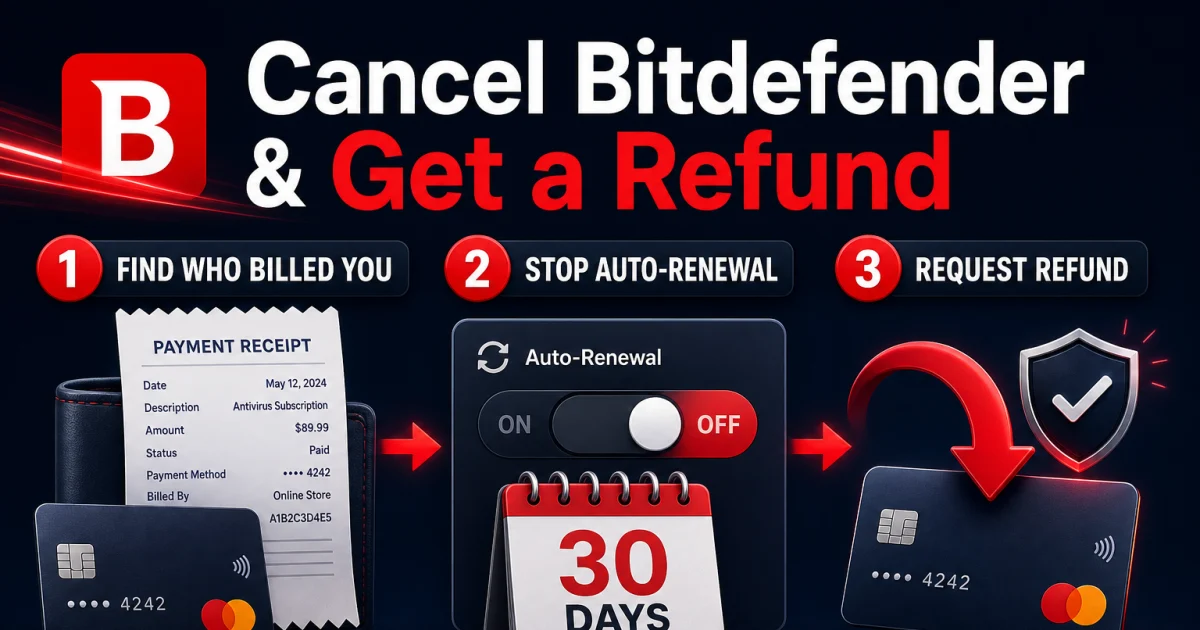
Deleting the app does not stop automatic renewal, and removing a device from Central does not uninstall the local software. Find the merchant on the receipt—Bitdefender/Verifone, Apple, Google or another retailer—then use that merchant's route. Bitdefender's current auto-renewal instructions cover Central and the payment-processor path, while the direct refund policy describes a 30-day window for eligible initial purchases and automatic renewals.

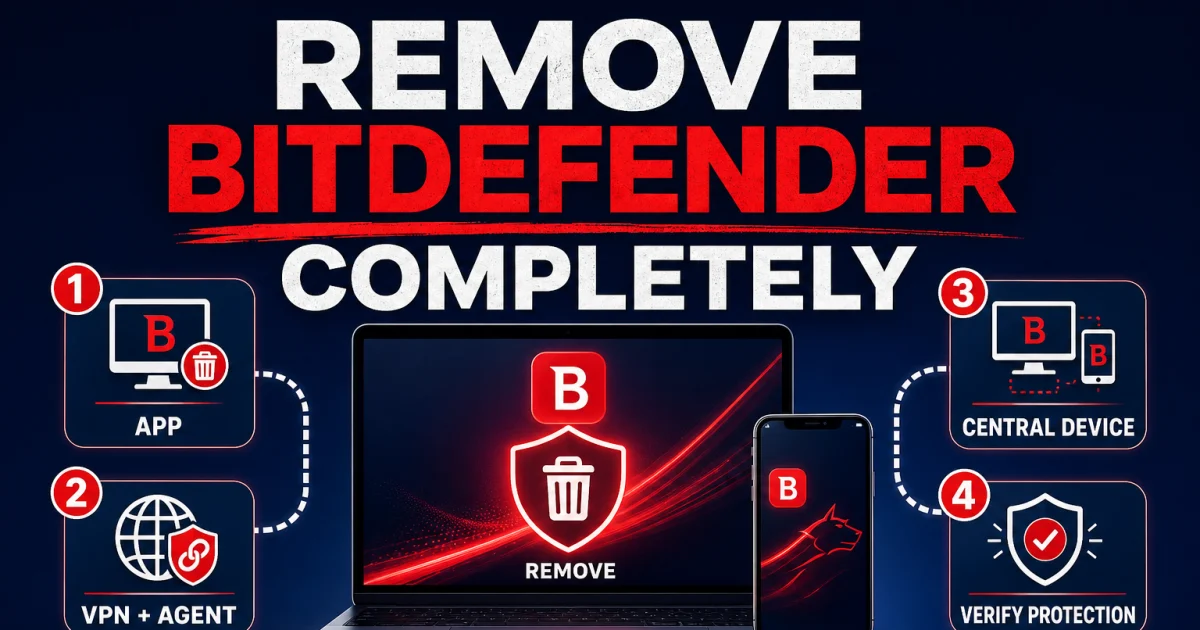
After billing is handled, remove the product through the supported platform sequence. On Windows, start with Installed apps and use the current official remover only when normal uninstall fails or the installation is damaged. On macOS, remove the security product and VPN through their documented routes rather than deleting random system extensions. Restart, verify that Microsoft Defender or the intended replacement is active, and remove a stale Central device only after identifying it.

Renewal-themed phishing makes the separation useful. Bitdefender publishes an official warning about fake renewal messages. Do not trust a support number or remote-access request from a pop-up, attachment, uploaded PDF or search ad. Open the verified account directly and compare the claimed charge with the original merchant record.

Bitdefender platform map: one account does not create four identical products

PlatformBest-supported jobsCheck before relying on it
Windows 10 64-bit / 11Broad security suite, firewall, Safepay, ransomware layers, scans and diagnosticsOld antivirus conflicts, S mode, scan load, VPN allowance and extension choices
macOS 12+Malware and web protection, account-managed installation and VPNSystem extension and Full Disk Access approvals; security app and VPN remove separately
Android 7+Malware scanning, web protection, scam tools, account and VPN featuresAccessibility and battery permissions, VPN interaction and device-owner account
iOS 14+Web/network protection, breach/account features and VPNApple sandbox limits, local VPN-style profiles and no desktop-style file scanning

Prices reflect the official-site check on July 14, 2026 and can change at the cart.

The current cross-device App/Hub route lists those platform minimums, but older product-specific pages can still show legacy requirements. Use the requirement attached to the exact installer and plan in Central. A supported operating-system version does not guarantee feature parity: Windows receives the broadest local security controls, while iPhone protection works through Apple's permitted network and account mechanisms.

Before buying, write one line per device: owner, operating system, required protection job, VPN need and recovery fallback. That inventory exposes whether five devices are enough, whether the Family account structure is useful and whether a premium feature exists on the platform that needs it. During the trial or refund window, test the slowest computer and the most constrained phone rather than only the newest Windows PC.

Keep the owner account protected with MFA and current recovery details, but do not give every family member the billing login. Central is the control plane for subscription state and device allocation; the local app is the evidence for whether a particular device is protected. When those views disagree, record both before removing a seat or reinstalling.

Bitdefender guide hub FAQ

Where should I start with Bitdefender?

Start with the independent review if you are deciding whether to buy or keep Bitdefender. Use the pricing and Free-versus-paid guides before checkout, the setup guide after purchase, and the symptom-specific troubleshooting page only when something is actually failing.

Is this the official Bitdefender support website?

No. Antivirus-Review.com is an independent editorial publication. We explain current plans, evidence and supported procedures, but account recovery, downloads, billing changes and removal tools should begin on Bitdefender's verified official domain.

Which Bitdefender plan is best for most people?

Total Security is the sensible baseline when five devices, cross-platform protection, a password manager and a small VPN allowance fit the household. Premium Security makes more sense when unlimited VPN is genuinely needed; identity tiers should be valued only where their services are available.

How many devices can Bitdefender protect?

Current Individual consumer plans use one Central account and cover up to five devices. Family plans support five Central accounts and up to 25 devices. Check the exact cart because product, region and promotional terms can change.

Does Bitdefender Total Security include unlimited VPN?

No. Total Security includes Standard VPN traffic capped at 200 MB per day per device. Current Premium Security, Ultimate and Ultimate Plus bundles include unlimited VPN, while a standalone Premium VPN subscription is a separate commercial route.

What should I do if Bitdefender stops working?

Confirm whether real-time protection is actually down, save the exact message or update code, restart once and run the supported update or repair branch. Use the functional-failure guide for services, scans and blocked sites; use the performance guide for sustained CPU, memory or disk load.

Does uninstalling Bitdefender cancel the subscription?

No. Uninstalling changes one device but does not stop automatic renewal or request a refund. Handle billing through Bitdefender, an app store or the merchant on the receipt, save the confirmation, then remove the software and clean up the device seat separately.

How do I avoid fake Bitdefender renewal or support messages?

Open Central or Bitdefender support from a typed or saved official address, verify the domain and compare any charge with the merchant on the original receipt. Do not call a number from an unsolicited pop-up, email attachment, uploaded PDF or search ad, and never grant remote access to an unverified caller.

One Bitdefender question, one focused next step

The cluster is built to prevent a reader from mixing a sales decision, a broken service, a billing action and a device cleanup into one risky afternoon. Pick the job, use the focused page and stop when that job is verified. A failed website does not require a full uninstall; removing the app does not prove renewal is off.

We update this hub when product names, prices, platform requirements, laboratory evidence or official procedures change. Account actions, downloads, payment processing and removal tools still belong on Bitdefender's verified domains. Our role is to explain the trade-offs, the evidence and the safest next step in plain language.

Antivirus-Review.com does not recover Bitdefender accounts, take payments or operate vendor support. If a guide reaches a licence, refund, identity or repair-tool step, follow its descriptive link to the verified vendor and confirm the domain before signing in. That boundary is part of the security advice.