We review products independently, but we may earn commissions if you make a purchase using affiliate links on our website. Also note that we are not antivirus software; we only provide information about some products.

Independent Malwarebytes resource hub · Updated July 30, 2026

Malwarebytes Guides: Buy, Set Up, Fix or Leave

Twenty-two focused resources cover the Malwarebytes ownership path without forcing review, billing, scanning, privacy products, troubleshooting and removal into one impossible article.

22 focused guidesWindows, Mac, Android and iOSIndependent—not Malwarebytes support

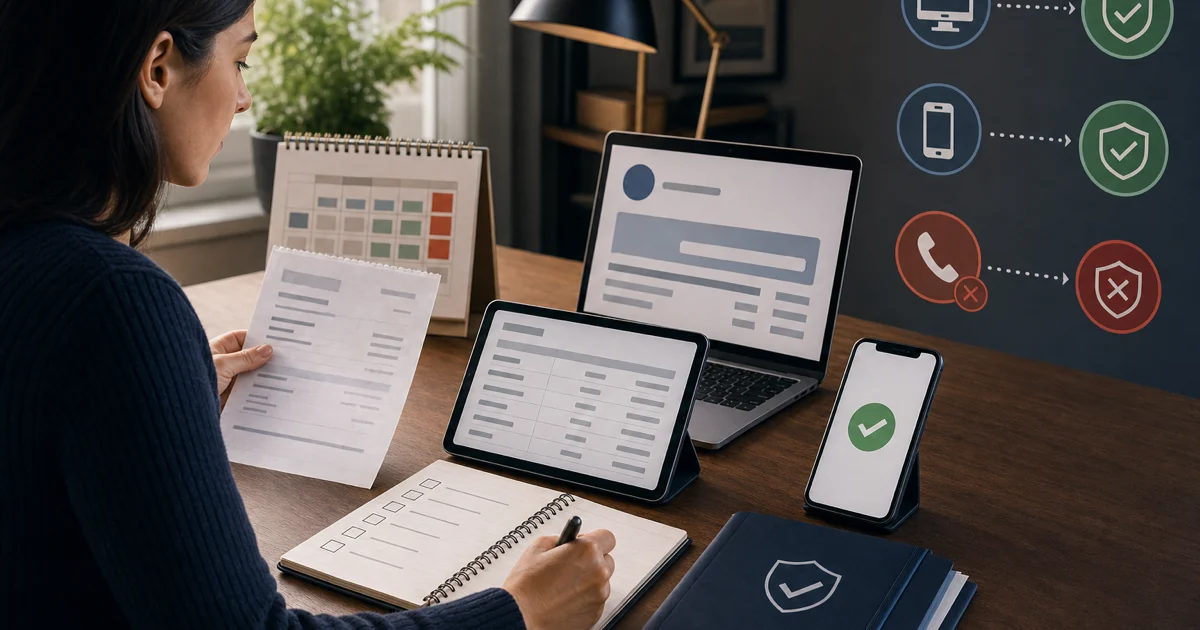
Choose your route: deciding whether Malwarebytes fits? Start with the review, Free-versus-Premium comparison or alternatives. Buying? Record the live price, renewal and merchant. Already installed? Open the exact platform, scan, quarantine, browser, VPN, identity or troubleshooting guide. Leaving? Cancel billing first, preserve proof, then uninstall and verify replacement protection.

One brand, five different kinds of question

Malwarebytes is no longer just the small Windows cleanup scanner many people remember. The current consumer family spans real-time device protection, on-demand cleanup, Browser Guard, Privacy VPN, Scam Guard, identity monitoring and personal-data removal, while ThreatDown serves business endpoints. A single page cannot answer all those intents without burying the action a reader actually needs.

This hub therefore behaves like a router. The first route decides whether to buy. The second controls installation, billing and removal. The third evaluates privacy and browser services as separate products. The fourth handles platforms, scan depth, quarantine and specialist cleanup. The fifth diagnoses failures and maps retired tools to supported replacements.

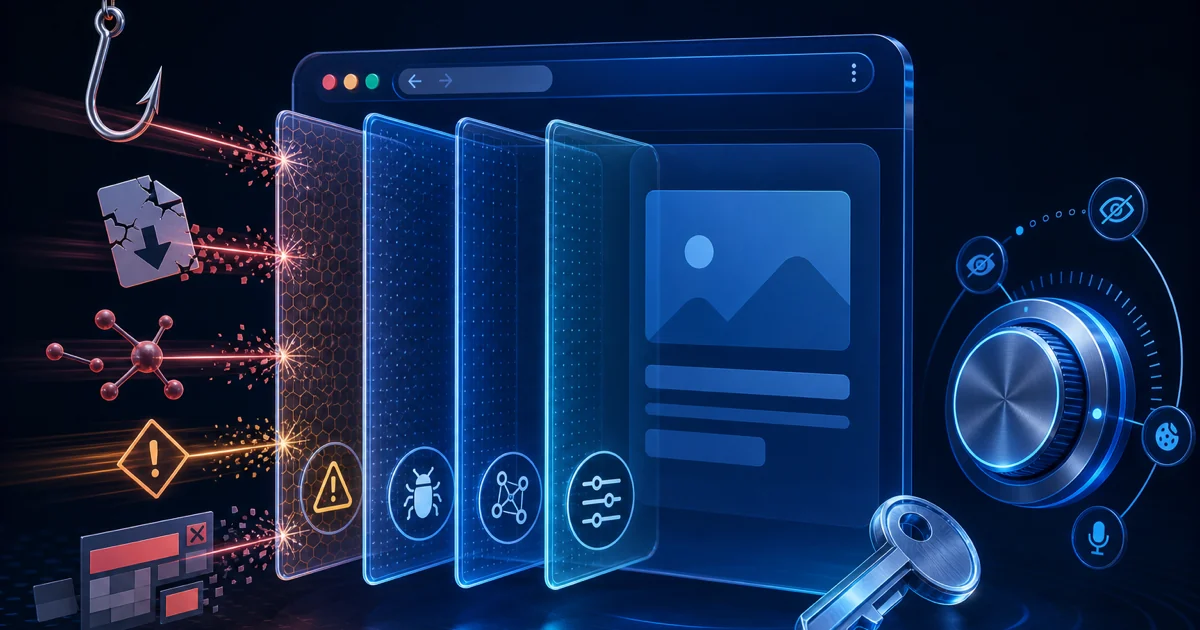
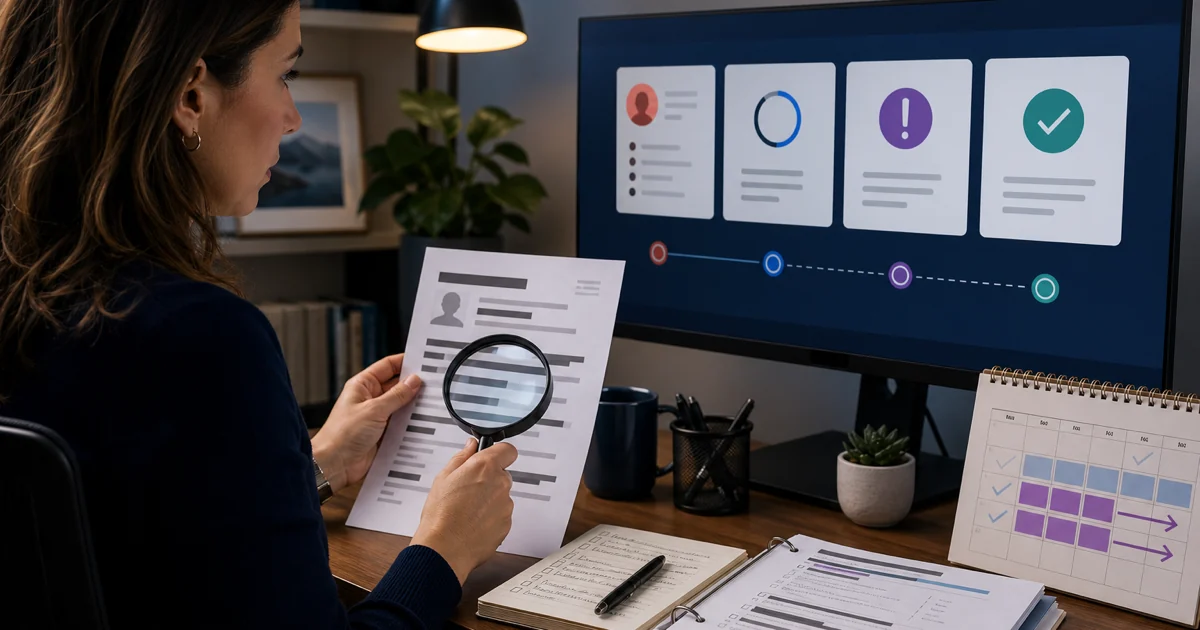
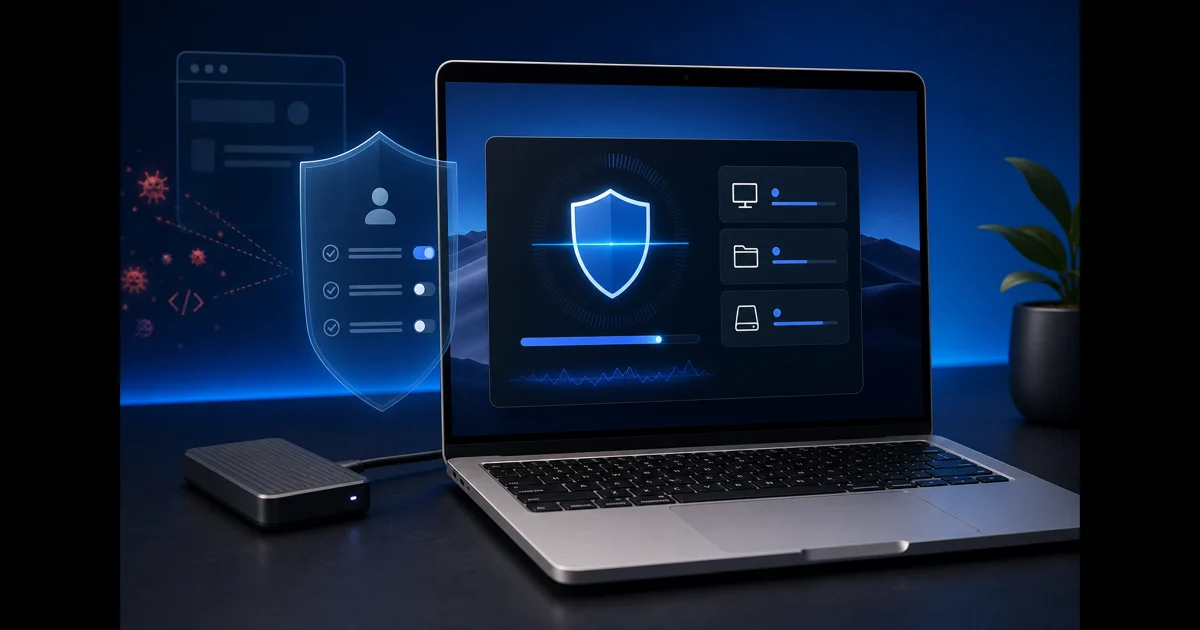
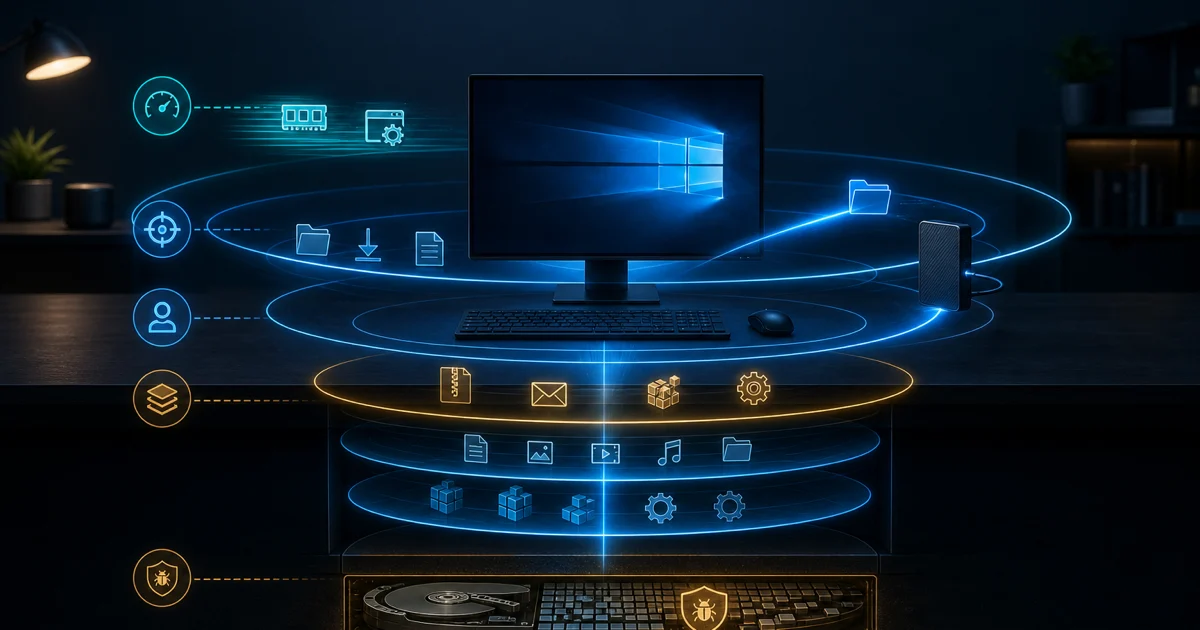
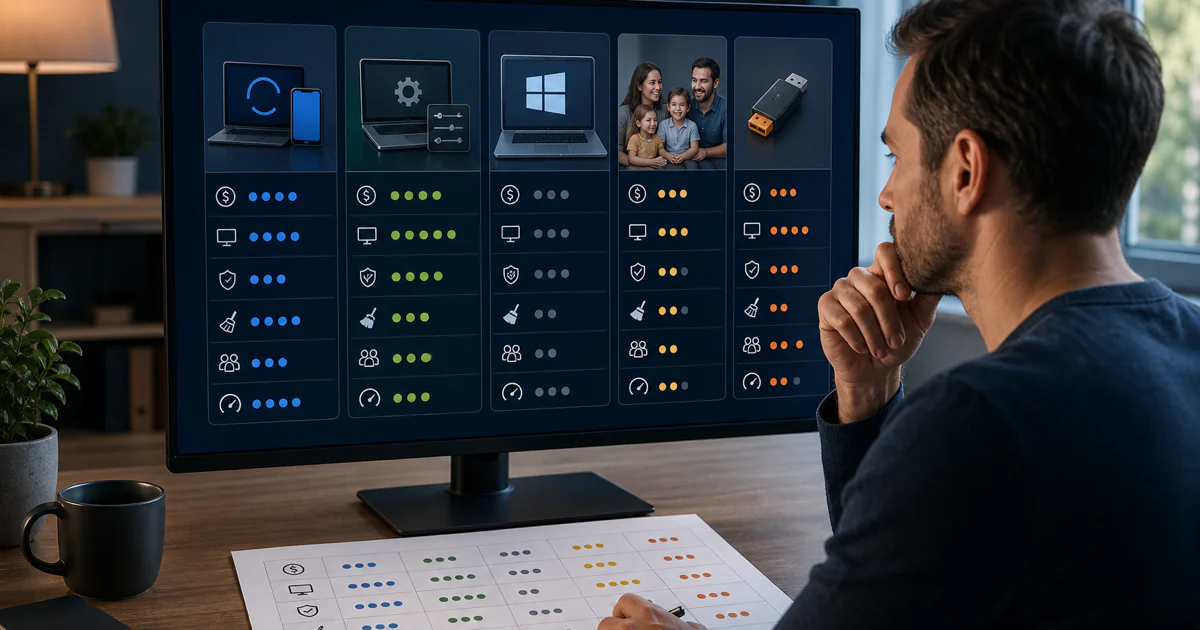
Five Malwarebytes guide routes for buying setup privacy scanning and troubleshooting
Five visual routes correspond to the live HTML guide groups below. The image contains no imitation Malwarebytes interface and no generated product claims.

Choose Malwarebytes by protection job, not brand memory

The broad Malwarebytes review is the canonical answer to “is it good?” Paid Malwarebytes returned to current Windows testing with 17.5/18 at AV-TEST in March–April 2026: 5.5 for protection, 6 for performance and 6 for usability. In the completed AV-Comparatives February–May real-world cycle, it blocked 98.8% of 400 threats but produced 39 false alarms. That combination makes it a credible primary antivirus, not an automatic winner.

Free and paid editions solve different jobs. Malwarebytes’ current Free-versus-Paid feature matrix reserves desktop real-time protection for a subscription. Free remains useful for a second opinion, cleanup and potentially unwanted programs, but Microsoft Defender or another supported real-time provider must stay active. Standard is the sensible paid starting point when Malwarebytes will become the resident antivirus.

Plus is a VPN decision, while identity tiers add monitoring, recovery services and data-removal components. None of those additions improves the antivirus engine merely because the checkout total is higher. Write down the devices, people, operating systems, VPN need, identity exposure and renewal budget first. Then buy the smallest plan that covers those jobs and ignore bundle features the household will never configure.

Independent reviewers disagree in useful ways. PCWorld’s May 2026 review found a clean interface and low impact in several local workloads, but questioned value and the limited breadth of independent performance evidence. Tom’s Guide praised usability and modern extras while recording larger gaming and deep-scan costs. Those are different machines and workloads, so our performance and high-CPU guides focus on the reader’s reproducible task rather than borrowing one universal slowdown number.

ThreatDown belongs on a separate business route. It adds cloud administration, policy, endpoint response and managed-service choices that a home review cannot judge. A family subscription is not a business endpoint platform, and a ThreatDown quote should be assessed against deployment, operations, response ownership, integrations and contract terms rather than the consumer product’s store price.

Install, control billing and remove in the right order

Start only from Malwarebytes.com, a signed installer already tied to your account or the correct Apple or Google store listing. Check the operating system, available subscription seat and previous antivirus before installation. After activation, update the application and protection data, run the appropriate first scan and verify Windows Security or the platform’s own status shows the intended provider. Do not assume a tray icon proves every protection layer is active.

The official Malwarebytes help center now organizes consumer material under Device Protection & Antivirus, with quick starts, platform instructions, scan and detection workflows, real-time controls, tools and troubleshooting. Our setup guide translates that documentation into a verification sequence, but the vendor’s current page controls menu names and supported procedures when the app changes.

Billing ownership matters just as much as the plan name. A subscription purchased from Malwarebytes, Apple, Google or another seller must be canceled through the merchant named on the receipt. Malwarebytes’ current auto-renewal procedure covers eligible direct subscriptions; app-store and reseller purchases follow their own account. Save the renewal state, confirmation email, order ID and date before closing the page.

A refund is not guaranteed by a cancellation click. The current personal-products policy describes a potentially eligible 60-day route for qualifying direct home purchases, but merchant, country, product, purchase type and timing control the outcome. The refund guide separates a clear eligibility request from a promise we cannot make. It also warns against search-result phone numbers because Malwarebytes does not publish a general inbound support phone route for these account cases.

Uninstalling never cancels future billing, and canceling never removes software from a device. After the account is handled, use the operating system’s normal removal path. Escalate to the Malwarebytes Support Tool only when ordinary uninstall or repair fails, preserve logs if support needs them, restart, and prove Microsoft Defender or another intended real-time product becomes active and updated.

Evaluate VPN, browser, scam and identity services separately

Privacy VPN should be judged as a network service, not as an antivirus feature. Check the protocol available on each platform, kill-switch behavior after an abrupt disconnect, DNS and WebRTC exposure, split tunneling, location coverage and the exact devices in the subscription. Malwarebytes commissioned a 2026 white-box audit of the Azire/Malwarebytes VPN code and infrastructure; that is meaningful evidence within its stated scope, not a permanent guarantee about every future app, operational event or endpoint.

Browser Guard is a free extension with protection and blocking controls that vary by browser, while paid Access Control currently has a narrower Windows and Chromium boundary. Treat its permissions and telemetry as part of the product decision. When one site breaks, identify whether Ads/Trackers, scams, malware, PUP blocking or another extension is responsible. Allow-list the narrowest relevant layer for a verified domain rather than disabling the extension everywhere.

Scam Guard is a conversation aid. It can analyze suspicious text, links or screenshots and suggest questions, but its answer does not authenticate a bank, seller, recruiter or support agent. Remove unnecessary personal data before submitting material, verify the sender through a channel you found independently, inspect the real domain and refuse remote access or payment pressure. The correct success metric is a safer decision, not whether the model sounded certain.

Identity Theft Protection is an insurance-and-recovery purchase as much as a monitoring product. Check the covered adult, monitoring categories, recovery support, insurance exclusions and limits, family expansion, antivirus device seats, VPN inclusion, data-removal scope and renewal amount in the live contract. A monitoring alert can shorten discovery time; it cannot prevent every account takeover, tax fraud event or misuse of data already circulating.

Personal Data Remover has a different boundary. The service needs enough identifying information to search data brokers and submit removal requests, and listings can reappear as brokers refresh their sources. Review country eligibility, broker coverage, required identifiers, reporting, re-scan cadence and the deletion path for the account itself. A completed request is evidence of a workflow, not proof the person disappeared from the internet.

Match the platform, scan depth and cleanup tool to the incident

Windows, Mac, Android and iPhone do not expose the same security controls. Windows receives the broadest resident protection and scan options. macOS protection depends on current system permissions such as Full Disk Access for named layers. Android can scan applications and use web or anti-scam controls, while iOS works through Apple-permitted web, call, message and network mechanisms rather than a conventional system-wide malware scanner.

Choose scan depth from the question. Malwarebytes’ current file and folder scan guidance distinguishes an efficient Quick scan from Custom scanning of a named file, folder or external drive. A Deep scan is reasonable after a credible compromise, persistent behavior or a shorter scan that did not explain the evidence. Rootkit scanning is a targeted escalation, not a box that must stay enabled for every routine scan.

Before an aggressive cleanup on a machine holding the only copy of fragile evidence or recovery data, stop and make a defensible backup. A May 2026 community question about scanning without immediate removal exposed a real user need: inspect findings before quarantine when OneDrive, Office caches or incident artifacts may matter. Community threads do not define product behavior, but they help us write the safe branch that generic “click Scan” articles omit.

Quarantine is reversible containment. Review the detection name, path, signature, download source and relationship to a known application before restoring anything. A potentially unwanted program is not automatically a credential-stealing Trojan, while a file that looks familiar can still be malicious. After a credible detection, update, restart if requested, rescan, inspect persistence and accounts, and consider an offline or second-opinion scan based on the incident.

An allow-list entry suppresses future protection for the exact scope it covers. Submit a false positive when possible and use the narrowest temporary exception: one verified file, process, website or application path. Never exclude the entire Downloads folder, user profile, system drive or browser because one niche installer triggered an alert. Remove temporary exceptions after the vendor decision or corrected build arrives.

AdwCleaner remains a specialist Windows tool for adware, PUPs, browser hijackers and unwanted preinstalled software. It is portable, but that does not make every detection disposable. Review the scan report, close work, preserve browser data and use Basic Repair only for a named network or system symptom. AdwCleaner complements a primary antivirus; it is not the normal replacement for resident protection.

Name the failing layer before weakening protection

“Malwarebytes is broken” can describe a missing service, an update failure, an endless mobile scan, an activation mismatch, a real-time layer that turned off, a web block, high CPU during a scan or a conflict with another resident antivirus. Record the signed process, exact message, active task, time and reproducible trigger. Update Malwarebytes and the operating system, restart, and reproduce once before changing exclusions or deleting anything.

Real-time protection deserves an explicit check. Malwarebytes’ June 2026 protection-layer instructions confirm that the feature requires a paid subscription and that macOS malware protection and app blocking need Full Disk Access. If a toggle will not stay on, verify the subscription, permissions, provider state and conflicts before reinstalling through the supported route.

High resource use must be tied to a workload. A first scan, Deep scan, large archive, update or post-install optimization can legitimately consume CPU and disk. Sustained use after the named task ends, repeated spikes under the same trigger or a conflict with another scanner is a repair case. Stagger scheduled scans, verify mutual provider status and exclude only signed program components when the conflict is proven.

A blocked website has several possible owners. Desktop Web Protection may block an address or connection, Browser Guard may block content inside one browser, Privacy VPN may change routing or DNS, and a certificate or proxy failure may not be a Malwarebytes detection at all. Capture the exact warning and URL, verify the domain independently, test another browser or network where safe, and submit a false positive rather than creating a broad permanent exception.

Recent community reports show why the branch matters. Users have described recurring quarantined detections, a July 2026 Android scan that did not finish and confusion after product updates. Those posts identify language and failure states worth reproducing; they do not establish prevalence or prove the product caused the incident. Our guides route the reader to logs, current official procedures and support evidence instead of turning a post into a diagnosis.

Old names in search results create a separate risk. Chameleon was built to help Malwarebytes run under interference, Junkware Removal Tool was retired, and older cleanup or anti-rootkit utilities occupy narrow historical roles. Do not download an archived executable because a decade-old forum post ranks well. The legacy guide maps the original job to current Malwarebytes, Safe Mode, rootkit scanning, Support Tool, AdwCleaner or business Toolset routes.

Use the source that can answer the exact question

Your questionOpen this routeEvidence that matters
Is Malwarebytes good?Full reviewCurrent labs, false positives, workload impact and feature fit
Which version should I buy?Free vs Premium + pricingLive cart, real-time boundary, devices, merchant and renewal
How do I install or leave?Setup, cancellation, uninstallVerified installer, account proof and an active replacement provider
Is the VPN or identity bundle worth it?Dedicated product reviewAudit scope, permissions, contract, covered people and renewal
Which scan should I run?Scan typesIncident, target, recovery risk, duration and review workflow
Can I restore a detection?Quarantine guideName, path, signature, source, vendor decision and narrow exception
Why is the PC slow or a site blocked?Exact troubleshooting guideSigned process, active layer, reproducible trigger, logs and restored settings
What replaces an old tool?Legacy replacementsOriginal job, current lifecycle and supported official route

Official documentation controls supported platforms, current menus, account actions, downloads, lifecycle and repair procedures. Independent laboratories measure selected product builds under controlled threat and performance workloads. App stores define distribution and permissions. Community discussions reveal confusing language and recurring user journeys, but a post cannot prove incidence, causation or safety.

Competitor reviews are useful for coverage gaps. The current top results concentrate review, pricing and a few performance anecdotes on one commercial page. They rarely separate quarantine from deletion, cancellation from uninstall, browser blocking from desktop Web Protection, or consumer Malwarebytes from ThreatDown. This cluster covers those intents on their own URLs, then returns every spoke to this hub so the reader can change jobs without restarting at Google.

Every version, price, lab result, refund statement, platform requirement and feature boundary in the narrow guides is dated and linked in context. When a label moves after an update, use the live official page named in that guide. Avoid unsigned mirrors, old registry edits and phone numbers surfaced by ads or popups. Our role is to make the evidence and safe next step understandable, not to impersonate Malwarebytes support.

Malwarebytes guide hub FAQ

Where should I start with Malwarebytes?

Start with the full review if you are deciding whether to buy or keep Malwarebytes. Open the pricing or Free-versus-Premium guide before checkout, the exact scan or troubleshooting guide for a current task, and the cancellation and uninstall guides as two separate steps when leaving.

Is this the official Malwarebytes support site?

No. Antivirus-Review.com is an independent editorial publication. We explain current evidence and safe decision paths, but installers, account changes, billing actions, downloads, support tickets and false-positive submissions should start on a verified Malwarebytes, Apple or Google domain.

Is Malwarebytes Free enough for protection?

Malwarebytes Free is useful for on-demand cleanup and a second opinion, but it does not replace an active real-time antivirus on Windows or Mac. Keep Microsoft Defender or another supported real-time provider active unless a paid Malwarebytes subscription is deliberately configured as the primary product.

Can Malwarebytes run with Microsoft Defender?

Malwarebytes Free can remain an on-demand scanner while Defender stays primary. Paid Malwarebytes can register as the primary security provider, but two resident real-time engines can conflict. Check Windows Security, avoid duplicate scheduled scans and use mutual exclusions only for a verified conflict.

Which Malwarebytes scan should I run?

Use a Quick or Threat-style scan for the common active locations, a Deep scan after a credible compromise or when the shorter scan misses a persistent symptom, and a Custom scan for a named drive, folder, archive or rootkit question. Back up fragile recovery data before aggressive cleanup.

What should I do after Malwarebytes finds something?

Review the detection name, full path, digital signature, source and surrounding activity before restoring or deleting. Quarantine is a reversible containment step, not proof the whole incident is over. Restart when required, update, rescan and check accounts, persistence and backups when the event was credible.

Why is Malwarebytes using high CPU or blocking a website?

Record the signed process, active task, exact alert, URL and time. Let a legitimate first scan or update finish, then reproduce once. For a blocked site, identify whether the cause is desktop Web Protection, Browser Guard, VPN, DNS or certificates before making a narrow temporary exception.

Does uninstalling Malwarebytes cancel the subscription?

No. Uninstalling changes software on one device; cancellation changes future billing. Turn off renewal through Malwarebytes or the merchant named on the receipt, save confirmation, then remove the application and verify another real-time provider is active.

Are Malwarebytes Privacy VPN and identity tools part of the antivirus?

They are separate services or plan components with their own device, account, privacy, regional and renewal boundaries. Buy Plus for the VPN only when it replaces a service you need, and treat identity monitoring, recovery support and data removal as distinct contracts rather than stronger malware detection.

What replaced Malwarebytes Chameleon and Junkware Removal Tool?

There is no universal one-for-one replacement. Current Malwarebytes, rootkit scanning, Safe Mode, the Support Tool, AdwCleaner and business Toolset cover different parts of those old jobs. Use the legacy-tools guide to match the original failure mode to a supported current route.