
Best Antivirus for Travelers in 2026: 5 Practical Picks
The best travel security suite protects the laptop and phone, blocks scam links, works on unfamiliar networks and stays usable when connectivity is poor. Bitdefender Premium Security is our best overall pick; Norton 360 is the stronger guided family bundle.
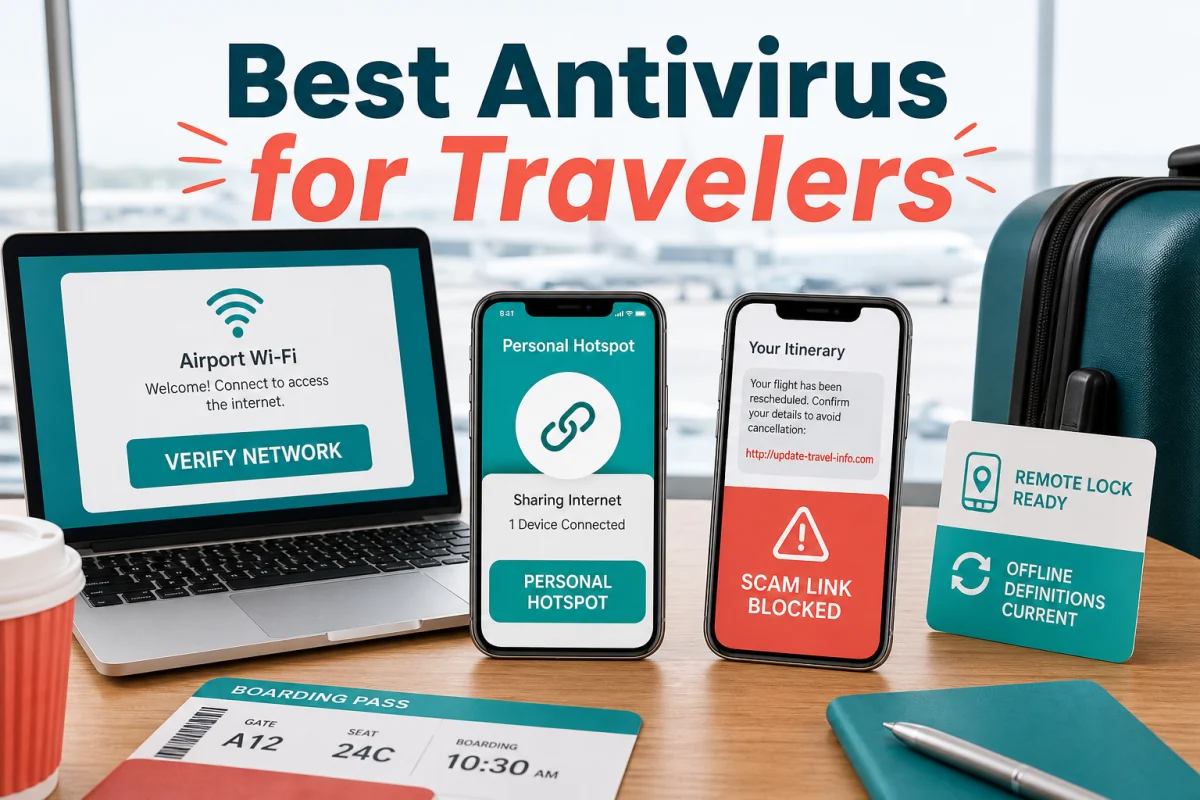
Quick answer: choose Bitdefender Premium Security for a balanced multi-device antivirus, scam protection and unlimited VPN bundle. Choose Norton 360 Deluxe for a more guided household package. A careful traveler can also use built-in antivirus plus a separately vetted VPN and password manager.
Travel changes the attack surface, not the definition of malware
Unfamiliar networks
Airport and hotel Wi-Fi can be legitimate yet misidentified; fake captive portals and lookalike network names target hurried users.
Scam timing
Fake airline messages, missed-delivery links, visa sites and booking support exploit itinerary stress.
Physical loss
A stolen unlocked laptop or phone can expose sessions even when no malware is present.
Limited recovery
Weak roaming, blocked services and time-zone differences make updates, MFA and support harder.
The FTC's current public Wi-Fi guidance explains that widespread HTTPS makes normal encrypted browsing safer than it once was, but a lock icon doesn't prove the site itself is honest. CISA's travel security tip card recommends confirming the network name with staff, avoiding sensitive transactions on public wireless when a mobile connection is available, disabling automatic connections and keeping devices physically secured.
Best antivirus for travel: the shortlist
| Rank | Product | Best for | Travel caveat |
|---|---|---|---|
| 1 | Bitdefender Premium Security | Best overall multi-device travel bundle | Check whether five devices or a family plan fits the trip |
| 2 | Norton 360 Deluxe | Families wanting guided security and VPN | Features and VPN availability vary by platform and country |
| 3 | ESET HOME Security Premium | Light, configurable laptop protection | Pair with a separately evaluated VPN if needed |
| 4 | McAfee+ | Large household and identity monitoring | Identity services are market-specific |
| 5 | Microsoft Defender + chosen VPN | Best modular budget setup for Windows | You manage separate apps, bills and support |
1. Bitdefender Premium Security — best overall
Bitdefender’s current US plan combines multi-platform device security, scam and email protection, password management and unlimited VPN traffic. The official Premium Security page lists Windows, macOS, Android and iOS and distinguishes the five-device individual and larger family configurations.
- Travel strength: one account covers the laptop and phones, with phishing and connection layers in the same stack.
- Check first: configure the VPN auto-connect behaviour and verify each mobile permission before departure.
- Don't assume: every desktop anti-malware feature exists on iOS; mobile platforms impose different security models.
2. Norton 360 Deluxe — best guided family bundle
Norton suits a family that values one familiar dashboard, device security, VPN and plan-dependent identity or parental tools. Its current Windows compatibility documentation includes Windows 11, but features differ on Mac, ARM and S mode. Norton also notes country restrictions for VPN availability, so install and test before crossing a border.
- Travel strength: guided warnings and household management.
- Check first: renewal amount, device allocation and the exact identity benefits in your country.
- Best fit: travelers who prefer vendor support over assembling separate utilities.
3. ESET HOME Security Premium — best for a workhorse laptop
ESET is a good fit for a Windows laptop whose owner wants granular network and application controls without a sprawling bundle. It works best for the technically comfortable traveler who can interpret a firewall or network alert.
- Travel strength: configurable endpoint and network protection.
- Check first: the current macOS and mobile feature set if the licence must cover more than Windows.
- Pair thoughtfully: use one VPN and one web-protection extension to avoid confusing overlap.
4. McAfee+ — best for many family devices
McAfee emphasizes household device coverage, scam assistance and identity monitoring. That can be useful when several people travel with a mix of phones and laptops and one person must help the others remotely.
- Travel strength: centralized household visibility and identity-oriented guidance.
- Check first: product naming, device limits and identity services change by market.
- Privacy task: decide which identity data you're comfortable providing before enabling monitoring.
5. Microsoft Defender plus a separate VPN — best modular value
Defender provides the Windows 11 antivirus baseline and currently performs competitively in independent testing. Adding a dedicated password manager and carefully evaluated VPN can cost less or provide clearer privacy boundaries than an all-in-one suite.
- Travel strength: no antivirus licence expiry and tight Windows integration.
- Trade-off: separate apps, renewals and support channels.
- Required habit: confirm Defender updates before leaving and after long periods offline.
A VPN and antivirus solve different travel problems
| Tool | Helps with | Doesn't guarantee |
|---|---|---|
| Antivirus | Malicious files, behaviour, some phishing and scam links | Privacy from the Wi-Fi operator or safety on a fake website |
| VPN | Encrypting traffic between the device and VPN provider; limiting local network visibility | That a download, message or destination site is honest |
| HTTPS | Encrypting the connection to the named website | That the website owner is legitimate |
| Password manager/passkey | Unique credentials and origin-aware login | A clean device after malware execution |
| Device encryption | Protecting data on a powered-off, locked, lost device | Protection while an attacker has an unlocked session |
For banking or a critical admin task, cellular data or a personal hotspot avoids uncertainty about the local Wi-Fi. A VPN shifts trust to the VPN provider; it doesn't make any provider automatically trustworthy.
Travel security checklist: do this before the airport
- Update every device and browser. Open the apps once after updating.
- Run a full scan. Don't discover a broken antivirus installation after departure.
- Enable device encryption and a strong lock. Confirm Find My or the platform recovery feature.
- Back up and minimize. Leave unnecessary customer files, keys and admin sessions at home.
- Prepare MFA. Carry recovery codes securely and add more than one approved method.
- Install and test the VPN. Verify auto-connect, captive-portal behaviour and any country restriction.
- Turn off auto-join and sharing. Disable file sharing, AirDrop/nearby sharing and Bluetooth when not needed.
- Record support and recovery routes. Keep them outside the protected device.
During the trip, verify the network name with staff, avoid unknown USB charging data connections, lock the device whenever it leaves your hands and treat urgent itinerary messages as untrusted until checked in the official airline or booking app.
Don't let one lost phone lock every account
Travel plans often fail at the recovery layer. If the only MFA method is a home-country SIM inside the phone that was lost, stolen or unable to roam, antivirus can't restore access. Before departure, add a second approved factor where the service allows it, store single-use recovery codes away from the phone, and confirm that the password manager can be opened on a replacement device. A spare hardware security key can help with high-value accounts, but only after it has been enrolled and tested.
Keep the recovery copy small and protected: don't place an unencrypted master-password note, passport scan and every recovery code in the same bag or cloud folder. The goal is controlled redundancy—enough to recover a locked account without creating one package that unlocks the whole trip. Our password manager guide explains the storage trade-offs in more detail.
Frequently asked questions
What is the best antivirus for travelers in 2026?
Bitdefender Premium Security is our best overall bundle for multi-device malware, scam and VPN protection. Norton 360 Deluxe is the stronger guided family alternative.
Do I need antivirus on public Wi-Fi?
Keep antivirus active, but it doesn't secure the network by itself. HTTPS, correct network selection, device updates and sometimes a VPN address different risks.
Is a VPN the same as antivirus?
No. A VPN encrypts network traffic to its provider; antivirus detects malicious files and behaviour. Neither guarantees that a destination site is honest.
Is airport Wi-Fi always unsafe?
No. HTTPS protects most normal web traffic, but fake networks, captive portals, phishing sites and exposed device settings remain practical risks.
Can antivirus work without internet?
Local signatures and behaviour controls can work offline, but cloud reputation and updates are limited. Update before travel and reconnect through a trusted route when possible.
Should I use a public charging station?
Use your own wall charger or a charge-only cable. If a device asks to trust a connected computer or enable data access, refuse unless you control the equipment.
What should I do if my travel laptop is stolen?
Use the platform's locate or remote-lock feature, revoke important sessions, change high-value credentials and report the device according to insurer, employer and local requirements.
Final verdict
Bitdefender Premium Security is the most complete one-account travel fit. The larger lesson is that travel protection is a stack: updated devices, secure accounts, physical control, cautious networking and one active antivirus.