We review products independently, but we may earn commissions if you make a purchase using affiliate links on our website. Also note that we are not antivirus software; we only provide information about some products.

Independent PC Matic help hub · Product, support and evidence checks updated August 9, 2026

PC Matic guides: buy, install, fix or switch safely

Nine focused pages cover the real job: product choice, plans, setup, SuperShield, billing, removal, patch and driver scope, troubleshooting and alternatives—without mixing Home, legacy and managed instructions.

Nine focused pagesSix task routesHome vs managed visibleOne resident provider
PC Matic guides routes for buying installation blocked apps slow scans cancellation and switching
Independent editorial help-center scene, not a PC Matic interface. Choose the task, verify the product and finish with one proof.

Quick route: choose by the job in front of you

Start with the task and the product label. Use the review and pricing pages before buying or renewing; installation after purchase; SuperShield for a blocked executable; troubleshooting for a slow or stuck scan; cancellation before uninstalling; and alternatives only when the protection model or household fit is wrong. PC Matic Home, current PC Matic, PC Matic 5, older PC Matic 4, VPN and Pro/MSP management don't share one safe instruction path.

Start with the job, not the PC Matic logo

“PC Matic” can mean the current Home security app, an older PC Matic 5 or 4 interface, a separate VPN, a Customer Account page, or a Pro/MSP device managed through a web console. Two people asking “How do I stop PC Matic?” may need different actions: pause one verified block, cancel future billing, free a Home device, remove a managed endpoint or replace the resident antivirus. A catch-all answer can turn a reversible incident into lost protection or an unwanted renewal.

Use the six routes below. Shopping belongs with the exact tier, devices, first payment and year two. Installation belongs with the official download and proof after restart. A blocked app belongs with the exact executable, not a blanket folder exception. Performance belongs with scan stage, process and logs. Leaving begins by identifying the billing owner. Switching ends only when one real-time provider is active.

PC Matic question router with proof for plans setup blocked apps slow scans cancellation and switching
Editorial question router, not a vendor screen. Each route ends with a completion proof instead of another speculative change.
Your jobOpen firstCompletion proof
Buy or renewReview and pricingPlan, devices, seller, first payment and year two saved
Install or activateSetup guideAccount recognizes the device and protection stays healthy after restart
Allow a blocked appSuperShield guideExact source, signature, hash and permission scope checked
Fix slow or stuck behaviorTroubleshooting guideOriginal task works and the responsible layer is isolated
Cancel or removeBilling, then uninstallRenewal confirmation saved and the provider handoff verified
Switch or keepAlternatives guideThe missing job is solved with one active real-time provider

Use official PC Matic domains for support, downloads and accounts

This hub is independent. Use it to understand a claim, choose a route and preserve evidence; use PC Matic's systems for downloads, password recovery, subscription changes, refunds and support tickets. The current official Welcome page separates PC Matic Security onboarding from PC Matic VPN and routes each operating system to its own installer. The official Home knowledge base separates current PC Matic, PC Matic 5, VPN, additional protection, account/billing and legacy collections.

Search results currently include an unaffiliated page that brands itself “Official PC Matic Support,” publishes a fake-looking 555 number and recommends generic repairs such as registry cleaning and broad reinstall sequences. The title isn't proof of ownership. Open the current PC Matic support page from a typed or saved address and confirm the domain before sharing an email, order ID, payment detail or granting remote access.

Support access is also plan-sensitive. The current March 2026 support article lists email for Basic, limited phone access for Advanced, chat for Complete and broader remote/24-hour help for Ultimate. Those entitlements and contact details can change, so we link the current official route instead of freezing a telephone number into this page. A real account issue survives ten minutes of verification; a remote-access scam depends on urgency.

Identify current, legacy, Home, VPN or managed PC Matic first

The official taxonomy is unusually helpful here. The current PC Matic collection contains device installation, protection status, security scans, PC Matic 6 logs, Browser Security, Scam Blocker, Performance and SuperShield. PC Matic 5 still has its own prominent collection, while PC Matic 4 sits under Legacy Apps. A screenshot can be genuine and still be the wrong generation.

Home and managed products diverge further. The official resource library publishes separate Home, Business, MSP, Federal and install guides. A Pro/MSP console can remove SuperShield, restart a service or apply a device policy remotely; a Home owner shouldn't infer those controls exist locally. Conversely, a consumer account toggle isn't a managed policy change.

What you seeLikely routeDon't transfer
Current PC Matic / PC Matic 6Current Home collection and our focused guidesPC Matic 4 menu paths or screenshots
PC Matic 5 labelPC Matic 5 official collection, then compare the named controlAssume every current article uses the same interface
PC Matic 4 labelLegacy documentation only when the installed app truly matchesOld lab, price or support state into a 2026 decision
PC Matic VPNSeparate VPN install, login and connection workflowAntivirus scan or SuperShield controls
Pro / MSP portalManaged console, tenant policy and business supportHome device, refund or local-uninstall assumptions
Privacy, Delist or Support UnlimitedNamed add-on entitlement and its own support routeAssume the antivirus plan includes every add-on

Before following any step, record the product label, app version, operating system, account or tenant owner and seller. If a guide can't state which of those objects it changes, it isn't ready to change the machine.

Choose or renew with the review and pricing routes

Begin with our PC Matic review when the decision is whether default-deny fits. SuperShield uses an allowlisting model that can stop an unknown executable before it runs. That's a deliberate control, not simply another malware signature. The trade-off is owner judgment when legitimate specialist, newly released or frequently changing software hasn't yet been classified.

The review keeps current evidence honest. PC Matic doesn't appear in the same current 2026 consumer cohorts used for the alternatives in our comparison, so absence becomes an evidence limitation—not a zero score and not proof of failure. Old PC Matic 4 reviews and 2021 lab results remain historical. They can't establish how the current build behaves or what a current plan includes.

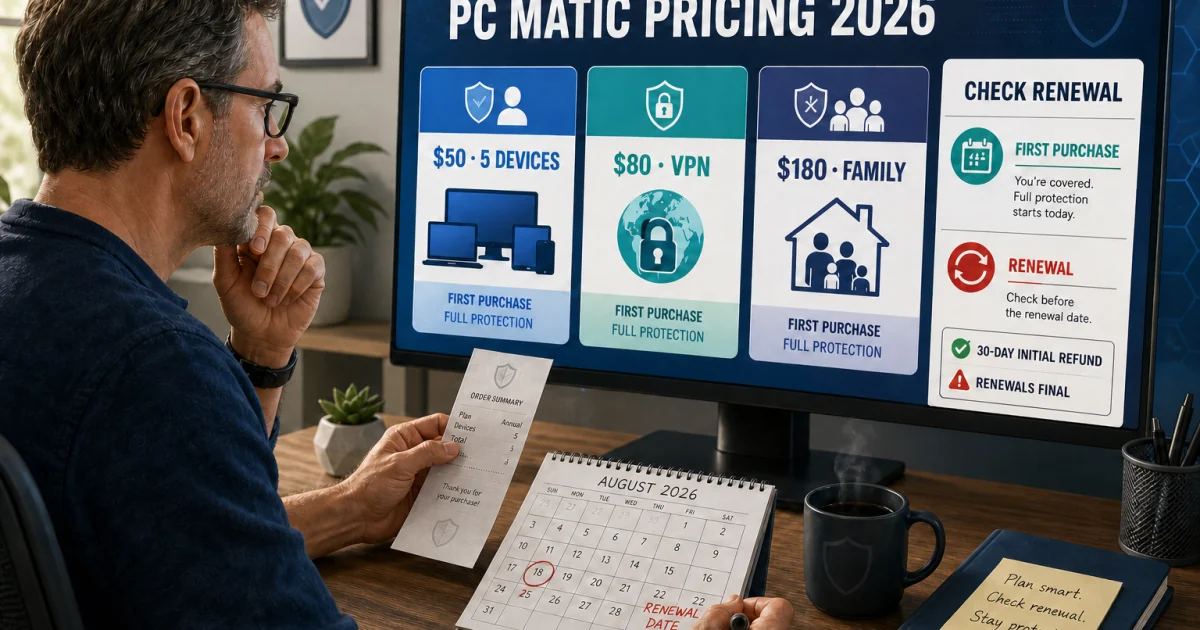
Use the plans, pricing and renewal guide for exact tiers, devices, Lifetime, add-ons and renewal. It separates a dynamic checkout from stable product scope and treats the first payment and year-two obligation as two lines. The official March 2026 subscription-management article shows that renewal, device increases, new-license activation, automatic renewal and cancellation are separate account actions.

QuestionUseProof before paying
Is PC Matic a fit?Main reviewDefault-deny trade-off, current evidence and platform fit understood
Which plan?Pricing guideTier, devices, add-ons and support entitlement recorded
Annual or Lifetime?Pricing and ownership mathExact covered product, upgrade boundary and break-even assumption saved
Renew or cancel?Account owner and current termsSeller, next charge and confirmation route identified
Need VPN or support?Named add-on/plan matrixSeparate entitlement and renewal are visible in the cart

Install, activate and prove protection after restart

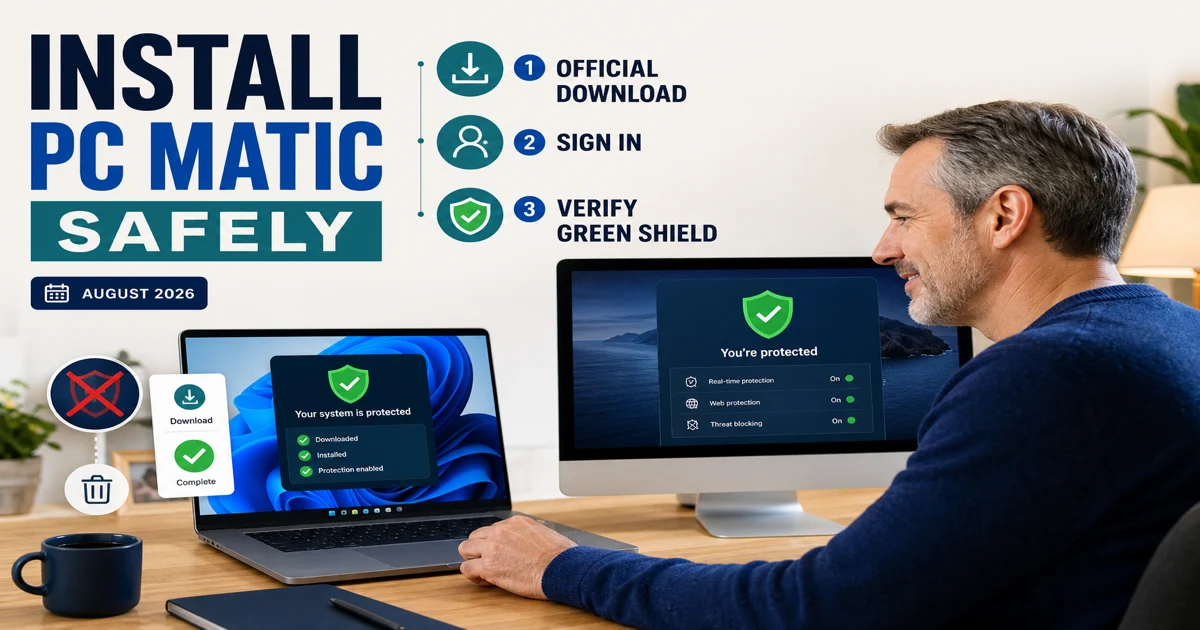
Use the installation and setup guide for the official download, account login, device seat, Windows or Mac permissions, initial scan and protection check. PC Matic's current Welcome page uses install → login → scan, but completion is stronger than a launched app. The account must recognize the device, the expected shield state must survive restart and scan history must record a finished task.

Remove the previous third-party resident antivirus through its supported route before activating PC Matic. Windows Defender can move into passive or provider-handoff behavior when a registered third-party antivirus becomes active; that's different from manually disabling Windows security services. Don't maintain overlapping real-time engines as insurance. Conflicting file and web filters can create load, missed handoffs and ambiguous alerts.

StageEvidence to keepCompletion proof
IdentifyProduct, plan, seller, account email, OS and deviceThe entitlement matches this device and workflow
DownloadTyped official domain and installer timestampThe installer came from PC Matic, not a support ad
Remove conflictPrevious vendor and supported uninstall resultRestart leaves one expected resident provider
Install and permitExact prompts and requested OS permissionsOnly documented components are enabled
Update and scanVersion, definitions, scan type and historyA completed result is visible, not merely a green button
Restart and verifyShield/provider state after rebootProtection remains healthy and ordinary work still functions

Route blocked applications to the SuperShield evidence workflow

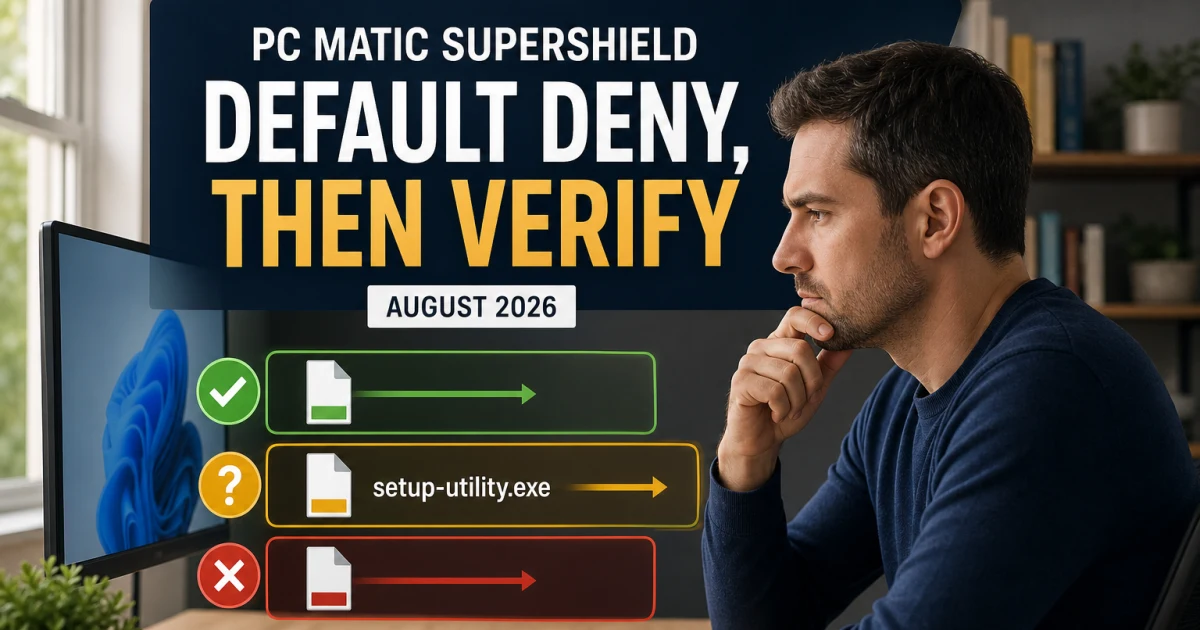
A SuperShield prompt asks a file-specific question. Use the SuperShield allowlisting guide when an installer, updater, game, meeting client, script host or internal tool is denied. The safe route records the exact executable, path, source, publisher, signature and hash before choosing one-time or persistent permission. A product name such as “GoTo Meeting” or “Steam game” isn't the executable's identity.

The official knowledge base now gives current SuperShield its own real-time protection collection. Older PC Matic 5 or 4 screenshots may expose different menus and status language. Our guide labels those boundaries instead of redrawing a modern-looking fake interface.

Community posts prove that repeated unknown-app prompts and legitimate game/meeting-software blocks are real search intents. They don't prove that the file is safe or that every block is a false positive. A narrow exact-file decision is reversible; allowing a folder, publisher or unknown script ecosystem to make work continue can remove the control that made default-deny useful.

Separate scan trouble, persistent load and patch or driver questions

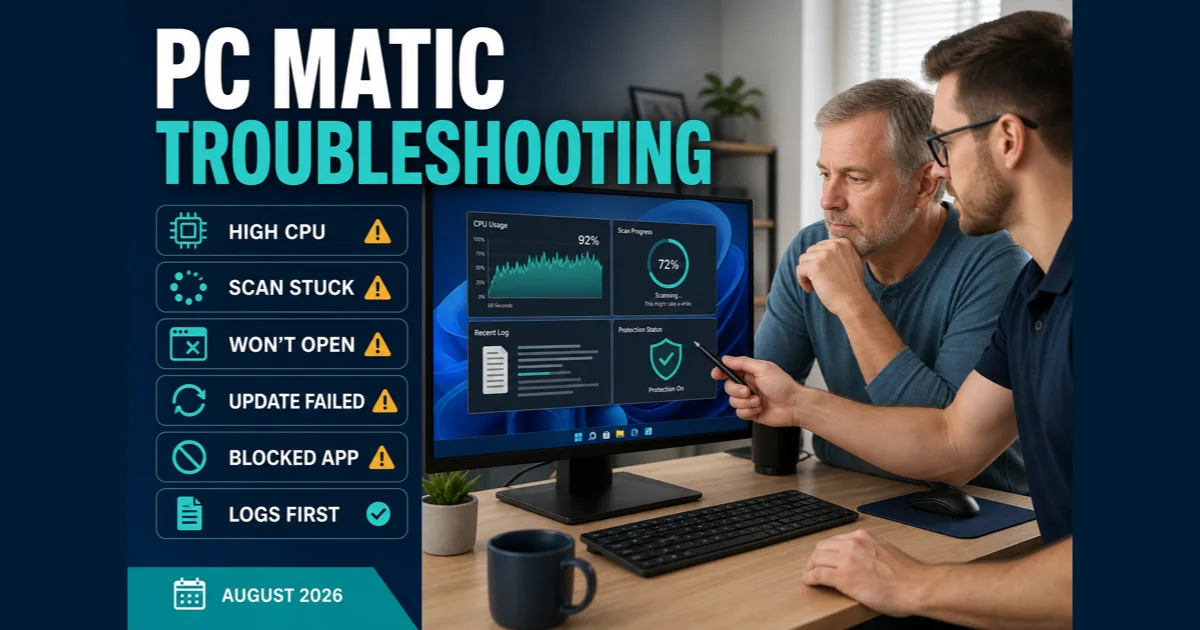
Use the PC Matic troubleshooting guide for a scan stuck at a percentage, missed schedule, persistent CPU, failure to open or update, yellow/red shield, another-antivirus conflict, Browser Security block or PC Matic 6 log packet. It routes by symptom and layer, because a scan that appears stuck and an executable blocked by SuperShield can occur on the same screen without sharing a cause.

The official scan article distinguishes scan preferences and shows that the current stage has its own progress. Record stage, scan type, percentage, time, affected path and whole-system CPU, memory and disk before changing settings. A percentage alone can't identify the bottleneck. Reinstall belongs after logs and one isolated hypothesis, not before evidence.

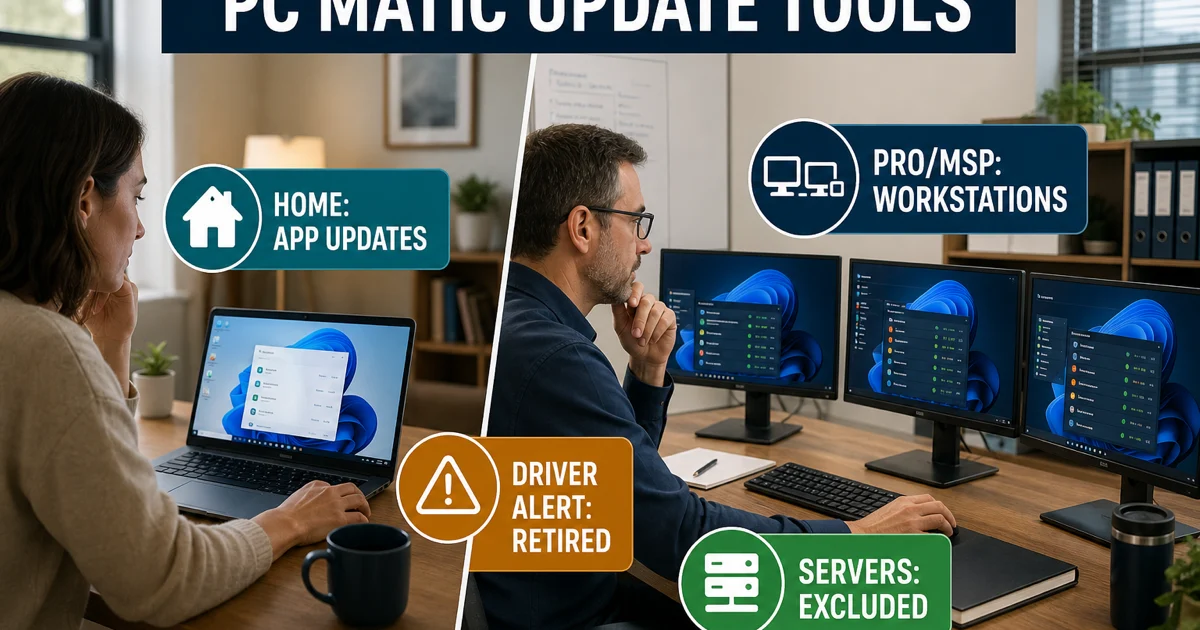
Use the patch and driver guide when the question is whether PC Matic updates applications, drivers or managed endpoints. It separates current Home application-update scope, the retired Driver Alert product and current Pro/MSP workstation controls, including server exclusions. A vulnerability list isn't proof that a patch was deployed, and an old driver-marketing page isn't a current Home entitlement.

Symptom or claimCorrect routeUnsafe shortcut
Scan percentage stops movingStage, path, history, resources and logsPower off immediately or delete scan databases
CPU remains high after scanProcess ownership, path, signature and time windowKill every PC Matic service or add broad exclusions
App won't launchIdentify SuperShield, Browser Security, firewall or unrelated OS layerPause all protection until the app opens
Red or yellow shieldCurrent shield meaning, restart and log routeReuse a PC Matic 4 screenshot as a current fix
“Driver updater” expectedPatch/driver scope and OEM/Windows sourcesInstall a generic driver tool from an ad
Managed endpoint failsPro/MSP console, policy, tenant and business supportApply Home registry or local-uninstall advice

Cancel, remove and switch as three separate state changes

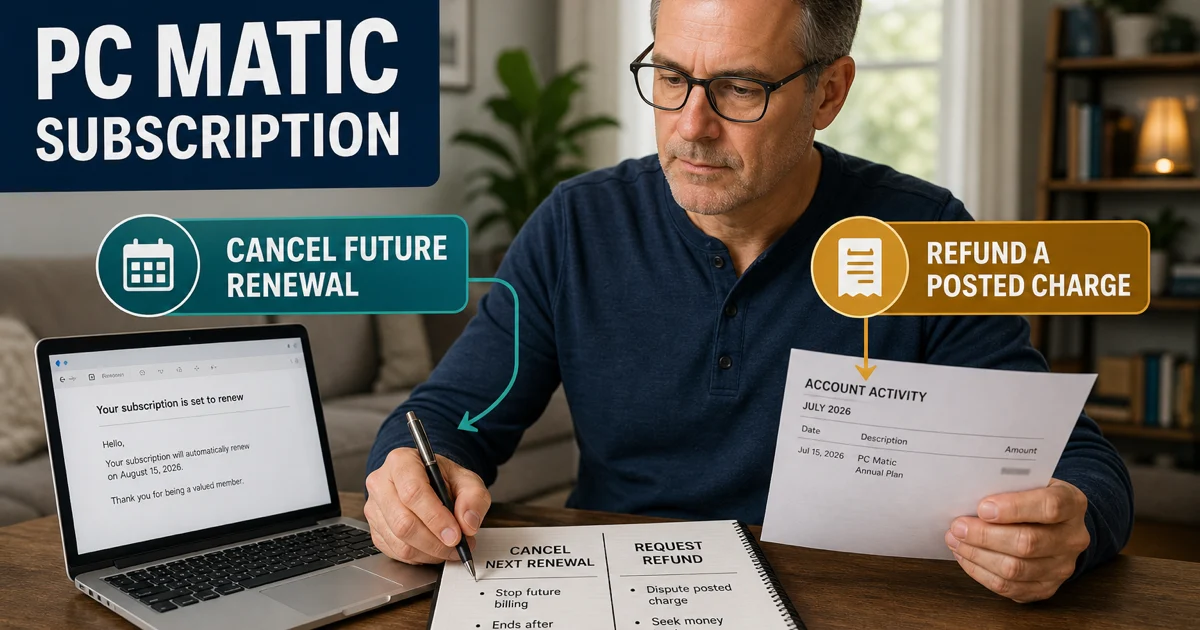
Use the cancellation and refund guide to identify the seller, turn off renewal, preserve the charge timeline and request a refund through the correct route. Uninstalling the program doesn't stop billing. Turning off automatic renewal doesn't immediately remove active protection. A refund request doesn't prove approval or a bank posting date.

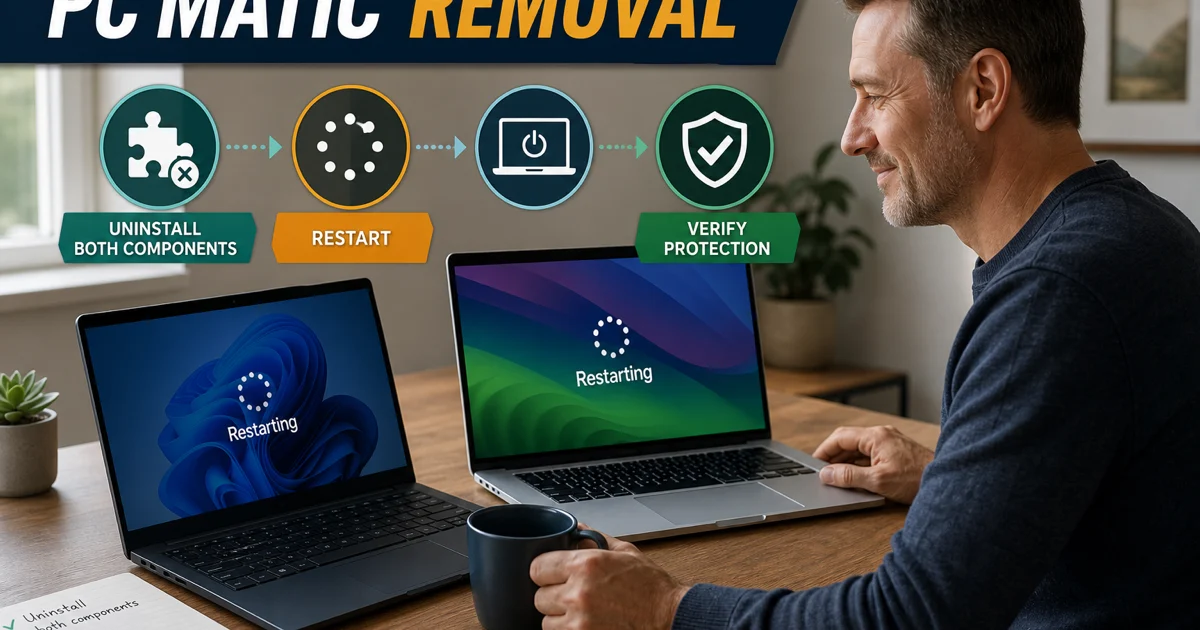
Then use the complete uninstall guide. It separates Home Windows, Home Mac, account devices and managed Pro/MSP removal. Don't delete services, drivers or registry keys because a search snippet says “clean uninstall.” Restart and verify the active security provider, remaining network behavior and whether the old device seat needs separate management.

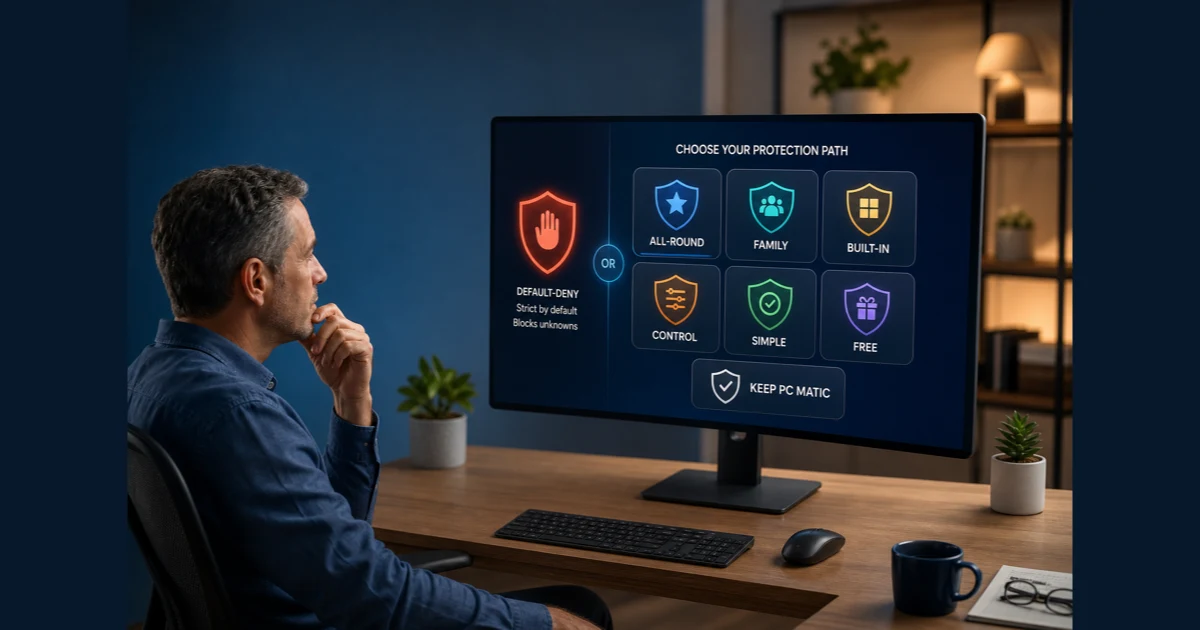
If the product model no longer fits, use the alternatives guide. Bitdefender wins the conventional all-round route, Norton the family/VPN bundle, Microsoft Defender the no-new-subscription Windows route, ESET the configurable route, Malwarebytes the simple paid/cleanup route and Avast Free the free third-party route. It also keeps an explicit PC Matic route when default-deny remains the feature rather than the problem.

StateWhat changes itEvidence of completion
Future billingPC Matic or the actual seller accountCancellation/auto-renew confirmation and next-charge state
Refund casePolicy-eligible request with charge evidenceCase ID and written decision; not a verbal promise
Device seatHome account or managed consoleOld device no longer consumes the intended seat
Local softwareSupported Home or managed uninstall pathRestarted machine no longer loads the old provider/components
Replacement protectionOne installed, updated resident productWindows Security or the platform shows the intended active provider

All nine PC Matic guides by job

Every completed cluster page appears below and in the structured ItemList. The hub owns broad navigation; each spoke owns one detailed intent and links back here when the reader needs a different task. That keeps pricing out of troubleshooting, managed controls out of Home removal and old default-deny screenshots out of current setup.

JobGuideUse it when
ChoosePC Matic reviewYou need the current verdict, evidence boundary and default-deny trade-off.
Plans, pricing and renewalYou need tier, devices, Lifetime, add-ons or year-two cost.
Set upInstall, activate and set upYou're downloading, assigning a device, scanning or proving protection.
Decide a blockSuperShield allowlistingAn exact executable is unknown, denied or repeatedly prompting.
LeaveCancel and request a refundYou need to stop renewal, challenge a charge or preserve a case.
Uninstall completelyYou need Home or managed removal and provider handoff.
Scope a featurePatch management and driver updaterHome updates, retired Driver Alert or Pro/MSP controls are confused.
RepairNot working, high CPU or stuck scanScans, schedules, processes, shields, updates or logs need diagnosis.
Replace or keepBest PC Matic alternativesYou need a different protection job—or a reason to keep default-deny.

Escalate with a small evidence packet that support can use

Official support can act faster when the case states the product and version, operating system, Home or managed ownership, plan, device, exact error, time, repeatable trigger and the one safe repair already attempted. For scans, add type, stage and affected path. For a block, add the exact executable, source and alert layer. For billing, add seller, order ID, charge date and redacted confirmation. For PC Matic 6 technical failures, preserve the current log packet before reinstalling.

Don't publish a license key, password-reset link, full email, payment card, private log or sensitive detected file in a public forum. Redact screenshots and transmit broader logs only through the verified official ticket route. If a caller or pop-up asks for remote access, stop and reopen support from the vendor domain. The fact that a person knows the product name or error message doesn't prove affiliation.

A repair is complete only when the original task works after restart and protection remains healthy. A disappeared prompt isn't enough if SuperShield is paused. A faster machine isn't enough if the resident provider is missing. A cancellation screen isn't enough without written confirmation. The hub's purpose is to keep that proof attached to the task.

Use community reports as a test list, not a defect rate

Current owner discussions ask whether PC Matic is legitimate, whether another antivirus must be removed before install, why SuperShield repeatedly blocks a meeting or game executable, and why a scan appears stuck at 90%. Those questions help us choose the routes and test cases. They don't establish how often a current build fails, whether one file is safe or how a controlled malware cohort would score.

Community evidence is most useful when it names an observable state: exact alert text, executable path, scan stage, account seller or the action that restored service. It's weak when it becomes “this product always does that” or recommends allowing an unknown file because the application name sounds familiar. We don't fabricate a named quote, infer prevalence from votes or transfer an old interface into current guidance.

PC Matic help FAQ

Where should I start with PC Matic?

Start with the main review if you're deciding whether to buy or keep PC Matic. Use the pricing guide before checkout or renewal, the installation guide after purchase, the SuperShield guide for a blocked executable, and the troubleshooting guide for scans, performance, updates or shield-state problems. The six-route map sends each job to one focused page.

Is this the official PC Matic support website?

No. Antivirus-Review.com is an independent editorial publication. We explain product boundaries, evidence and safe routes, but downloads, account recovery, subscription changes, refunds and support tickets should begin on pcmatic.com, knowledgebase.pcmatic.com or with the seller named on the receipt.

How do I know which PC Matic instructions apply to me?

Record the product name, app version, operating system and whether the device is managed through Home, Pro or MSP. The official knowledge base keeps current PC Matic, PC Matic 5, PC Matic VPN, account/billing and legacy collections separate. Don't reuse a PC Matic 4 or managed-console screenshot simply because the logo looks familiar.

Is PC Matic legitimate or a support scam?

PC Matic is a real security vendor, but search results and pop-ups can impersonate its support. Verify the domain before sharing account details, calling a number or granting remote access. Open the current official support page yourself; don't trust a page merely because its title says Official PC Matic Support.

What should I do when SuperShield blocks a legitimate app?

Don't allow it just to stop the prompt. Identify the exact executable, source, path, publisher, signature and hash, then use a privacy-aware second opinion and the focused SuperShield guide. Permission should be exact and reversible; a familiar app name or a community reply isn't enough evidence.

What should I do if a PC Matic scan is stuck or CPU stays high?

Record the scan type, stage, percentage, process, time and whether load continues after the scan. Check history and current protection state, update the product, restart once and isolate one path or conflict before reinstalling. Preserve PC Matic 6 logs if escalation is needed; don't disable every layer or delete services as a first step.

Does PC Matic still include a driver updater?

Don't treat old Driver Alert references as a current Home promise. The patch-and-driver guide separates current Home application-update scope, the retired Driver Alert product and current Pro/MSP workstation controls. Windows Update and the device maker remain the normal driver sources unless a managed policy says otherwise.

Does uninstalling PC Matic cancel the subscription?

No. Billing cancellation, device-seat management and local removal are separate actions. Stop renewal with PC Matic or the actual seller and save confirmation, then use the correct Home or managed uninstall route, restart and verify that Windows Security or the intended replacement is active.

Can I run PC Matic with another antivirus?

Don't keep two full real-time antivirus products active. Their drivers, scans and web filters can conflict or obscure which product handled an event. Prepare the replacement, remove the previous resident product through its supported path and finish with one active real-time provider.

When should I replace PC Matic instead of troubleshooting it?

Replace it when default-deny itself conflicts with the software you need, the platform or household services no longer fit, or one bounded evidence-led repair doesn't solve a recurring problem. Keep it when SuperShield is the control you deliberately chose and the incident is repairable. The alternatives guide maps six replacement jobs without inventing a current head-to-head lab score.

One task, one focused page and one verified result

Identify the product and version before changing anything. Keep purchase decisions with current evidence and renewal math, installation with official sources and protection proof, blocked files with exact-file verification, performance with one isolated cause, and leaving with separate billing, device, local-software and replacement checks.

If one bounded repair fails, compare alternatives by the missing job. If you leave, save cancellation evidence, use the correct uninstall path and finish with one active replacement. If you stay, keep software current, respect SuperShield's deny decision until the file is verified and return to this hub only when the next question is genuinely different.