Kaspersky Guides: Choose, Set Up, Fix or Leave Safely
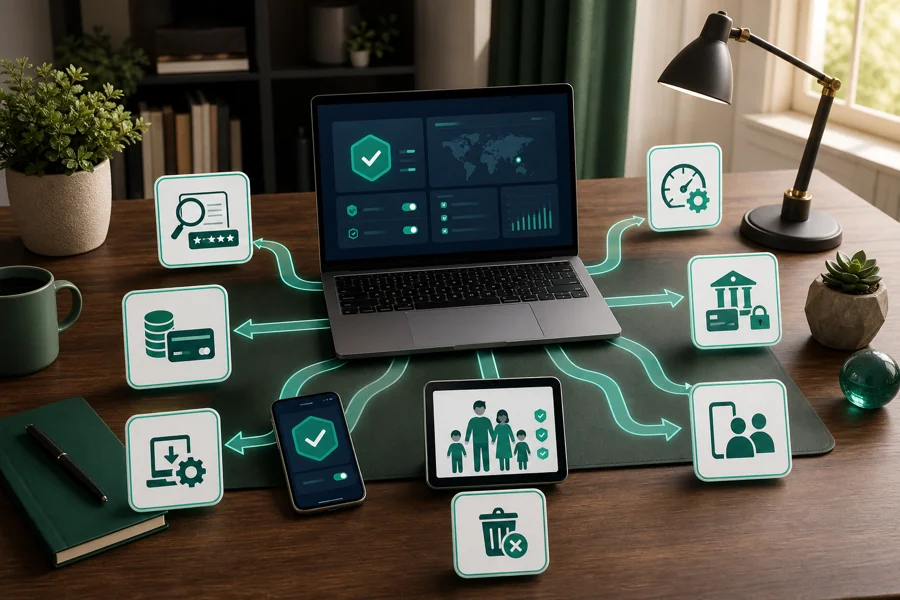
Fifteen focused resources cover the full ownership path: current protection evidence, plans and renewal, setup, US migration, troubleshooting, banking, VPN, family tools, cancellation and complete removal.

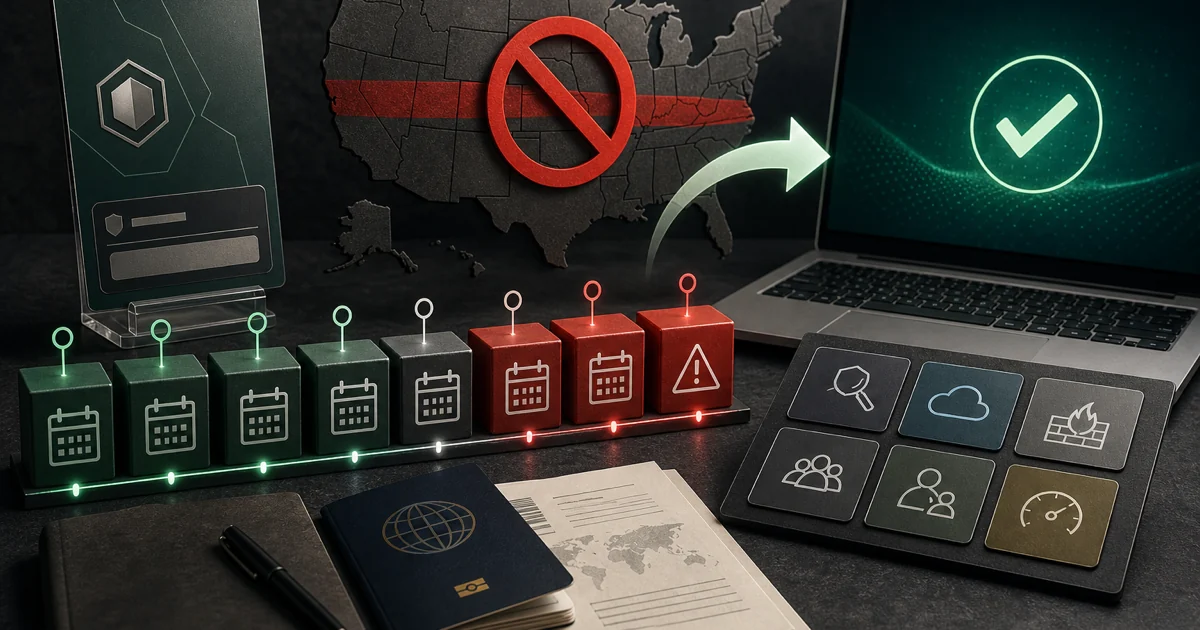
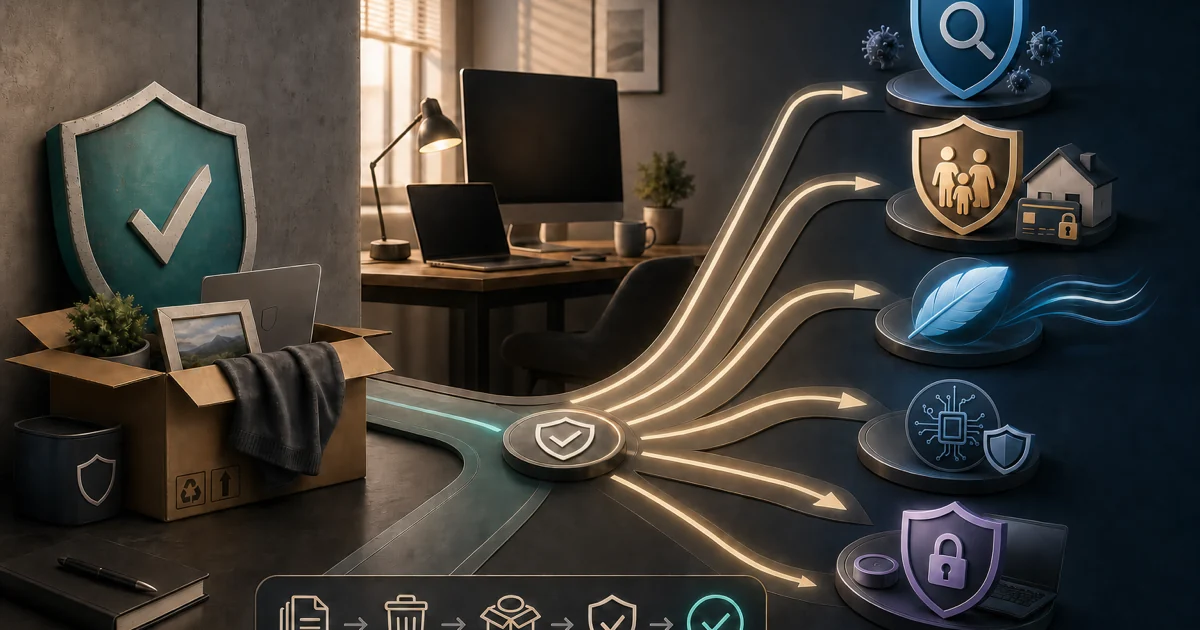
Choose your route: deciding whether Kaspersky fits? Start with the independent review and check your country before comparing features. Buying in a supported market? Read the plan and renewal guide, then install from the verified regional source. Already using it? Open the exact performance, website, banking, VPN, Android, Safe Kids or password guide. Leaving? Cancel future billing and remove the program as two separately verified tasks.
Country comes before the feature list
Kaspersky presents a technically unusual decision in 2026. The Windows product is one of the strongest performers we can measure, yet the correct answer changes before anyone compares Standard, Plus and Premium. A US person should not buy or rely on the consumer antivirus. A buyer elsewhere still needs to check the official local store, employer policy, client contracts and the sensitivity of the device.
The current technical evidence is excellent. AV-TEST's May–June 2026 Windows result gave Kaspersky Premium 21.24 the full 6/6 for protection, performance and usability. Both malware sets were blocked at 100% in both months, and the lab recorded no false warnings or blocks for Kaspersky.
In AV-Comparatives' completed February–May 2026 real-world test, Kaspersky stopped 399 of 400 cases for 99.8% protection, with one compromise and three false positives. The March file test ended at 99.97% final protection, while the April performance test placed Kaspersky second-lightest with an impact score of 3.5. Those results establish engine quality; they do not overrule law or supplier policy.
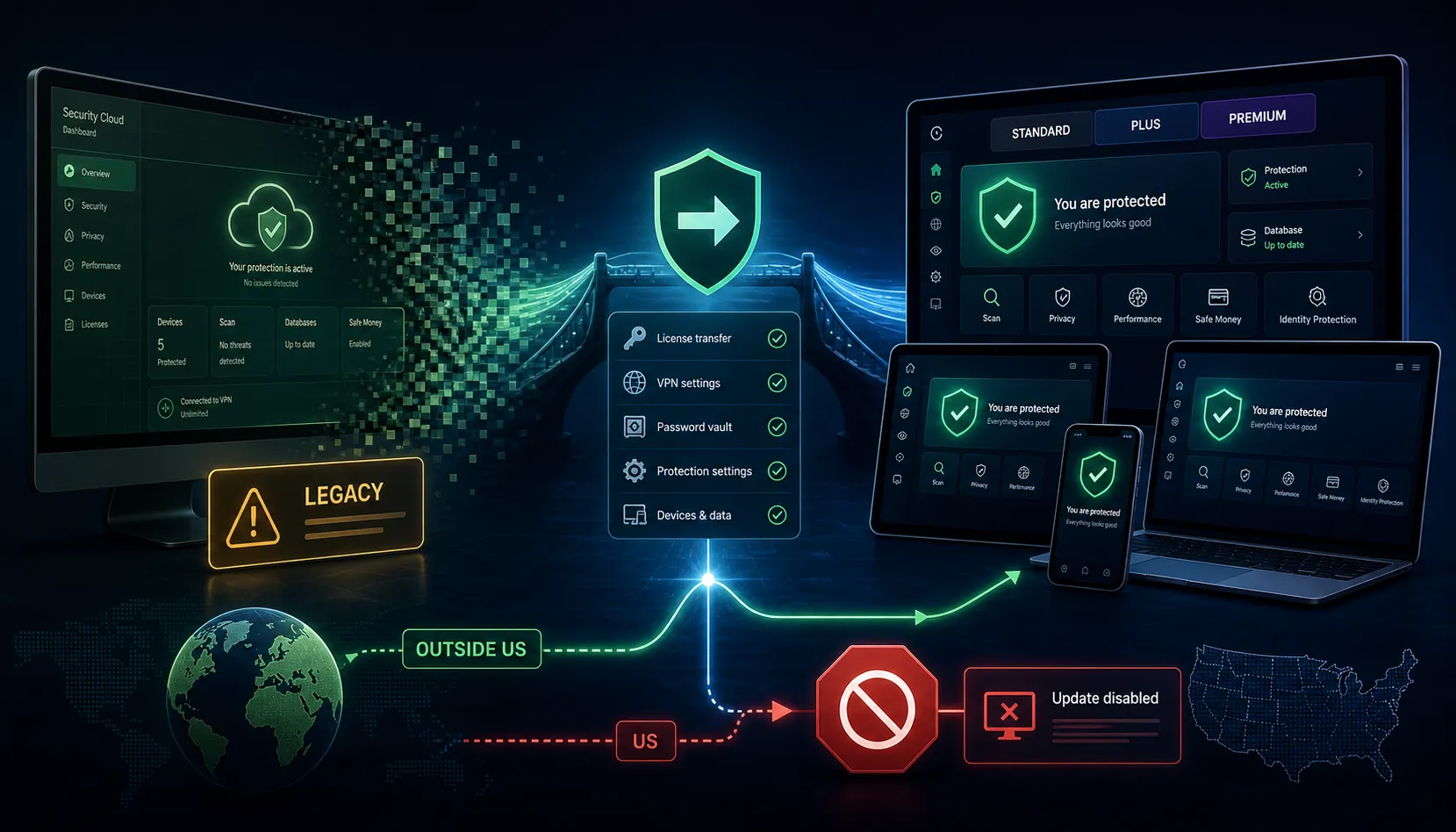
The US Commerce Department's Kaspersky guidance says new covered agreements with US persons stopped on July 20, 2024. Signature updates, codebase updates and Kaspersky Security Network operation were prohibited from September 29, 2024. An old executable that still opens is not evidence of a current supported antivirus. That is why the US route appears beside the review rather than hidden in a footnote.
Price the supported product, then install one clean security stack
Standard, Plus and Premium share the core malware engine. Standard is the rational security-only choice: real-time malware, ransomware and web protection, firewall and payment protection on supported platforms. Plus adds the unlimited VPN, Password Manager and privacy tools. Premium adds country-specific identity features, expert support and Safe Kids benefits. Paying more does not buy a different malware scanner.
Our UK snapshot, checked July 23, 2026, used a concrete three-device, one-year configuration because no honest “global price” exists. The store showed £15.99 introductory and £45.99 renewal for Standard, £19.99 and £55.99 for Plus, and £20.99 and £59.99 for Premium. Promotions, tax, currency, devices and local bundles change. The live regional plan page and final checkout—not an undated review—control the purchase.
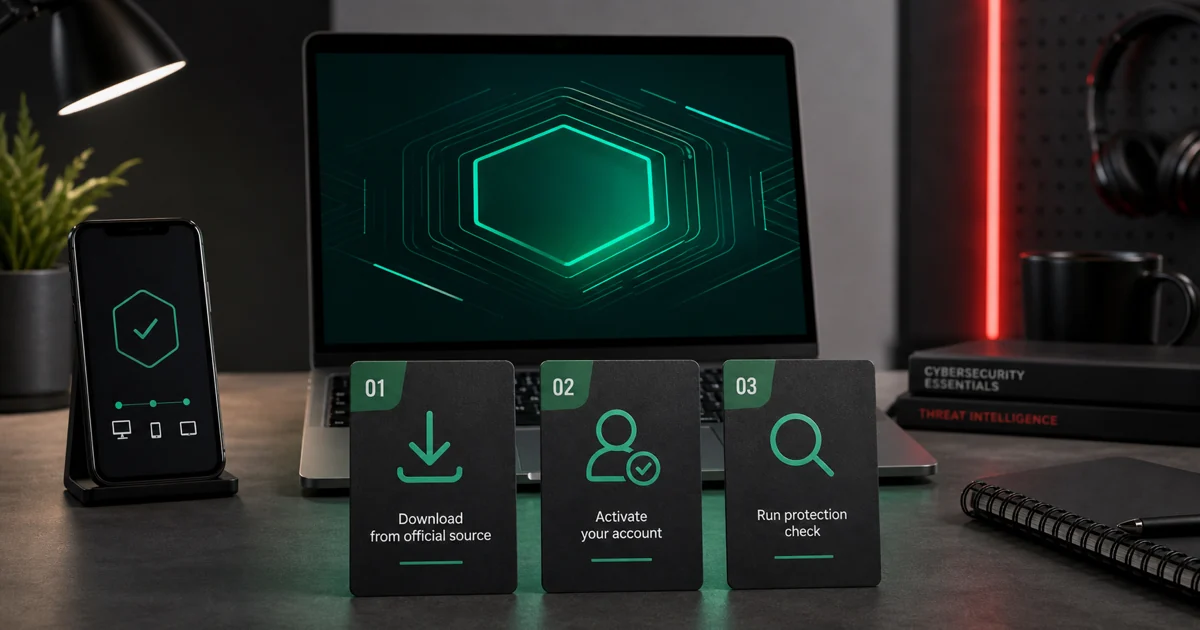
Before installation, remove another resident antivirus and restart. Download through the verified regional product or My Kaspersky account, confirm the signer, activate the intended subscription, update databases and modules, then run one full scan. Open the operating system's security-provider page and verify that exactly one real-time engine is registered. A second suite can hook the same files, TLS sessions and network filters, creating the very stalls or connection failures the troubleshooting guides are meant to solve.
Identify the responsible layer before weakening protection
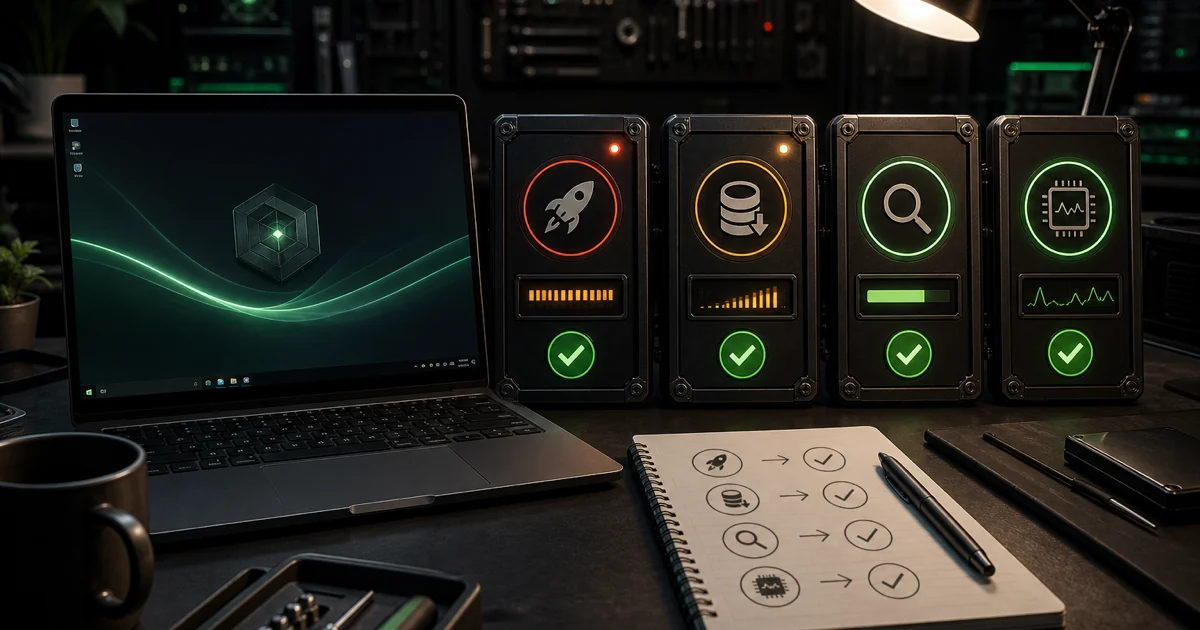
“Kaspersky is slow” is not yet a diagnosis. Record the signed process, active task, time, device state and reproducible trigger. A first scan, database update or large archive can temporarily use CPU and disk. The useful fault is sustained after the named task ends or returns under the same conditions.
Update Kaspersky and the operating system, restart, then reproduce once. If the app still will not open or update, check service status, disk space, system time, proxy and account state before reinstalling. Preserve logs and subscription access. Deleting services, drivers or Program Files folders by hand can leave network and filesystem filters behind.
A blocked website needs a different decision tree. Capture the exact alert and URL, verify the certificate and domain independently, and check whether the failure also occurs in another browser or network. A July 2026 community report about Microsoft services exposed an SSL-certificate path, while other reports involve reputation blocks or browser incompatibility. Community reports identify failure language; they do not prove a site is clean. Use Kaspersky's official false-positive or support route and keep any temporary exception exact and reversible.
Judge Safe Money, VPN and Password Manager as separate products
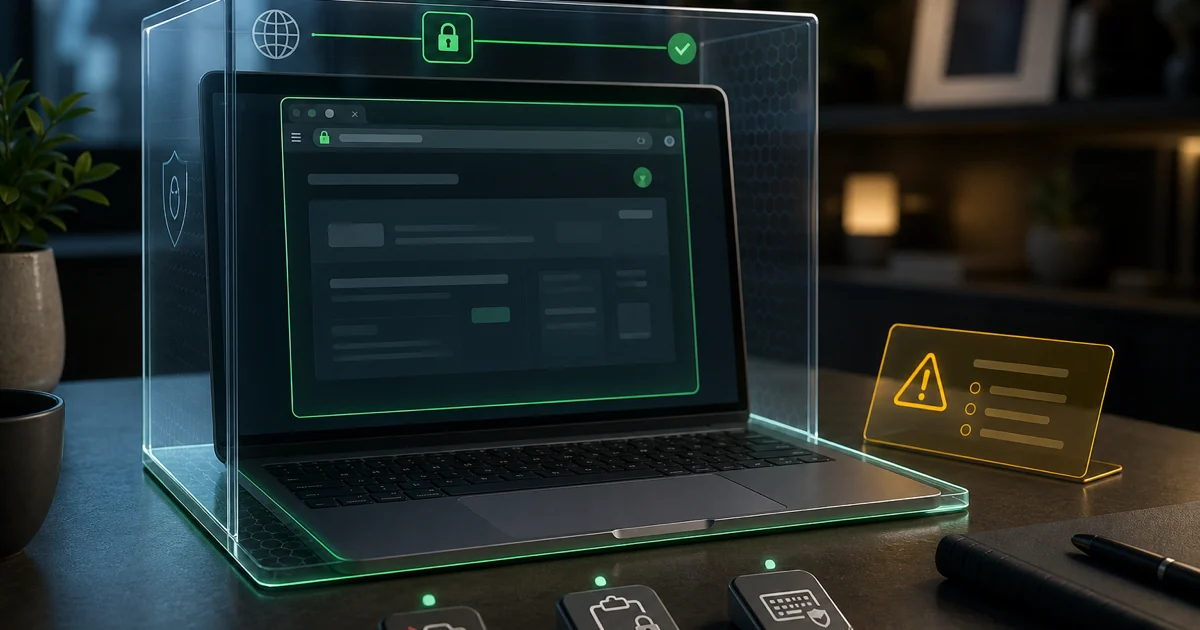
Safe Money creates a hardened local browser path for supported payment sites and checks the address and certificate. It can reduce local interception and simple phishing risk, but it cannot validate a transfer recipient or reverse authorized fraud. Test it before an urgent payment and keep the bank's own authentication and a second verification channel.
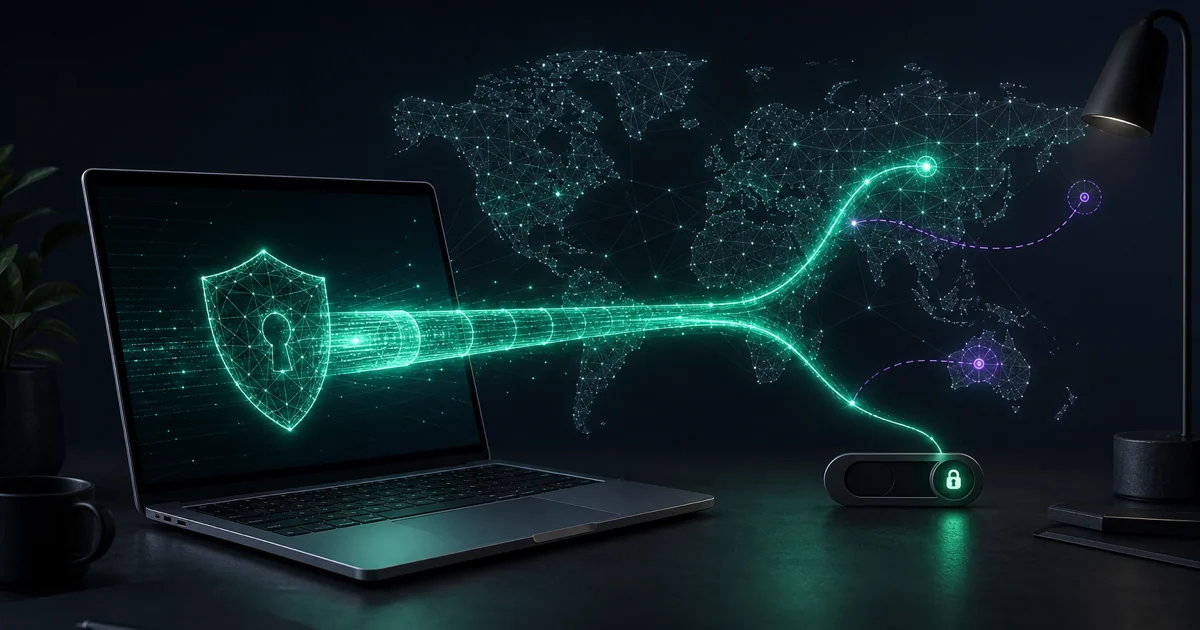
The VPN is included without a data cap in Plus and Premium, but “unlimited” describes traffic volume—not jurisdiction, every streaming service or every network. Compare supported locations, protocols, kill switch, split tunneling, device behavior and the separate privacy terms. If VPN is the only reason to upgrade, compare its renewal value and trust model against dedicated providers rather than treating the bundle price as zero.
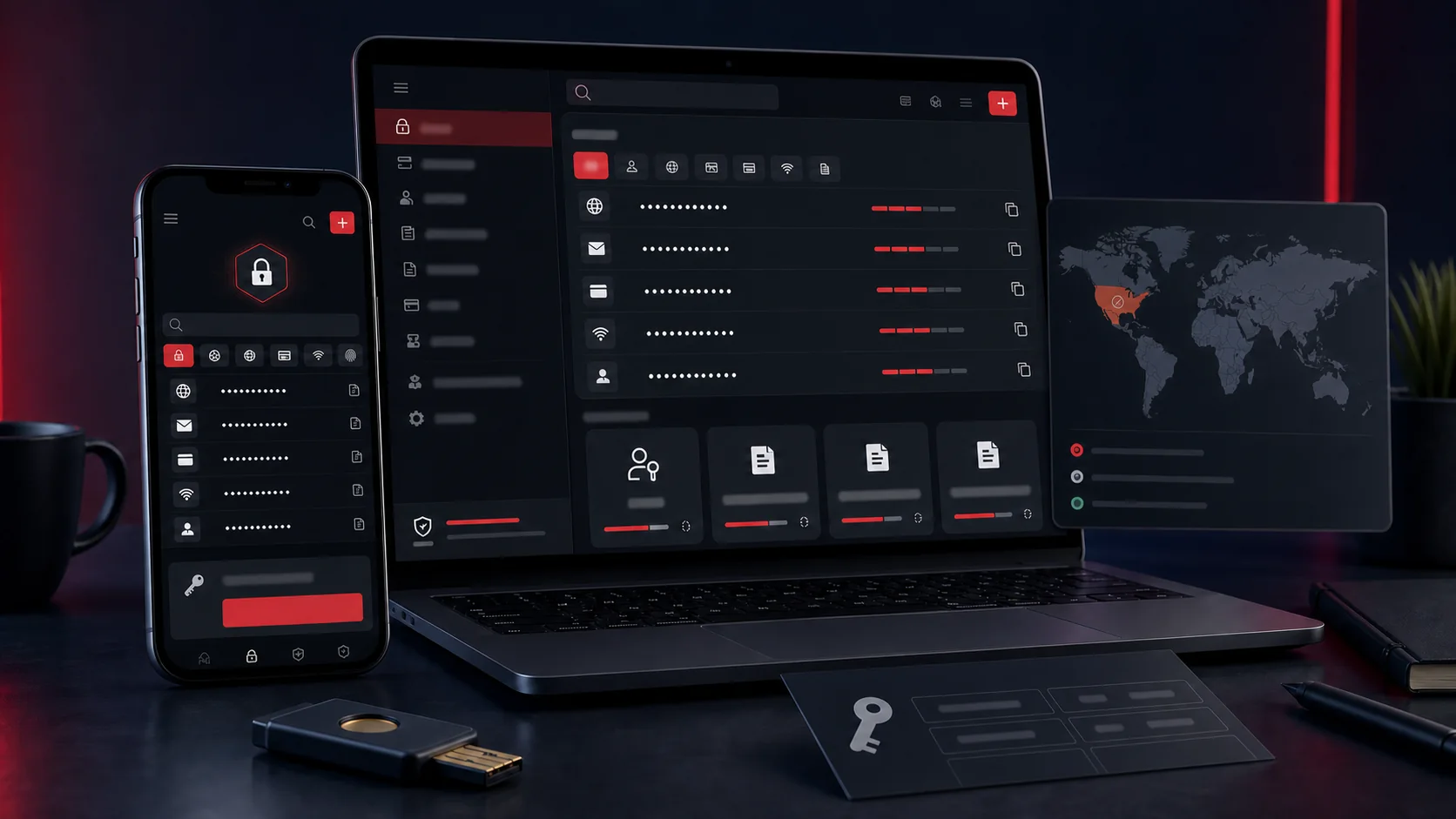
Password Manager makes a Plus subscription convenient, but convenience is not the whole migration cost. Check passkey and authenticator support, shared-vault needs, recovery design, supported import sources and what can be exported before moving. The dedicated review also keeps historical security context and regional availability visible instead of converting a bundle checkbox into an automatic recommendation.
Mobile and family protection need platform-specific expectations
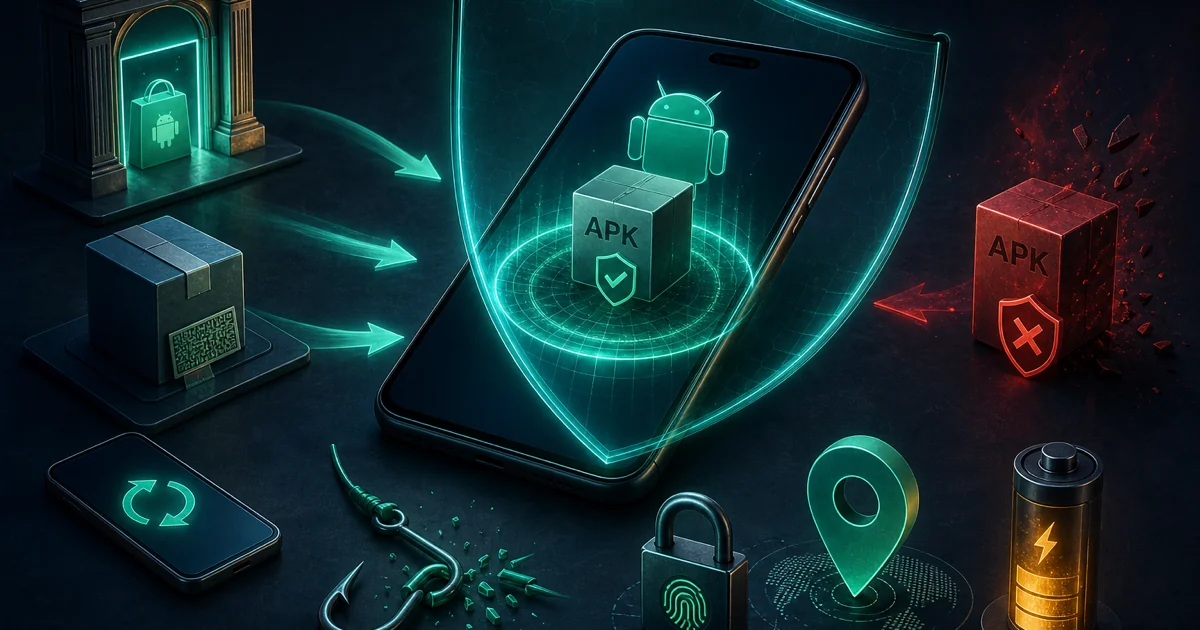
Android can support app and file scanning, web filtering, anti-phishing and anti-theft features, but delivery varies by country and store. Kaspersky's current Android installation guidance discusses alternative stores and direct packages. That does not make an APK from a mirror or forum safe. Begin at an official regional page, verify the signer and package, keep Android and Google Play system components current, and grant only permissions tied to features you will use.
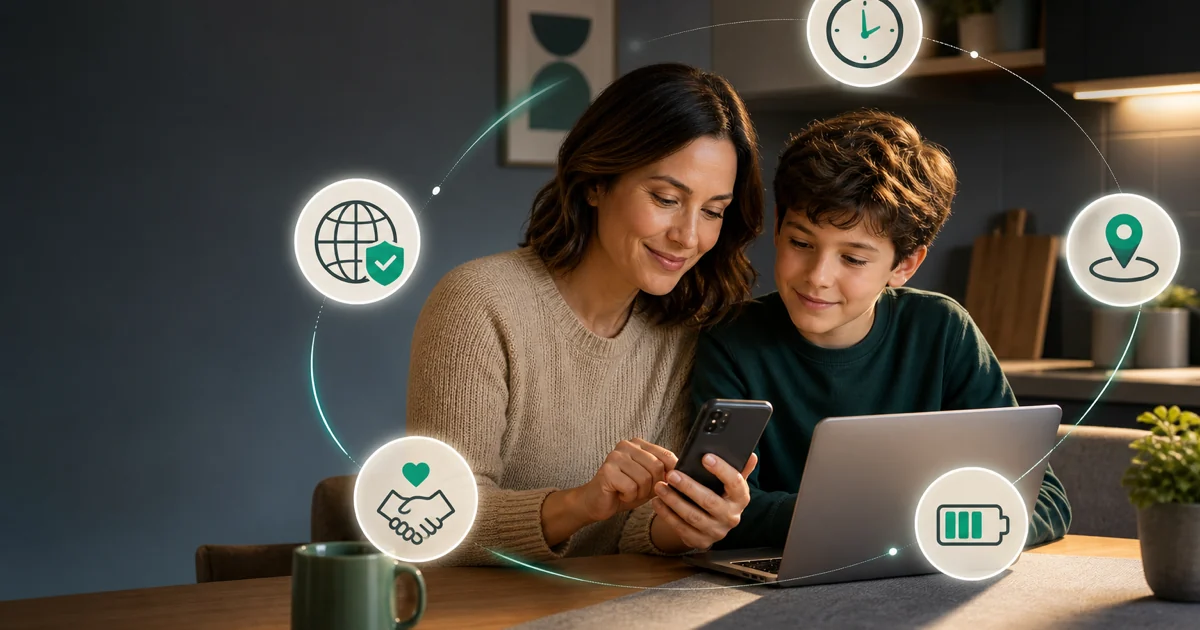
Safe Kids is a parental-control product, not an antivirus tier. AV-Comparatives' April 2026 parental-control test recorded 96.5% blocking of adult sites with no false positives in its clean-site set. A separate AV-TEST report found stronger adult-category filtering than broader category accuracy, so families should expect to tune rules and review requests rather than treating one switch as perfect.
Explain the rules to the child, use a parent-controlled account, test location and web filtering on each actual device, and preserve an emergency communication path. Android accessibility and restricted-setting controls, iOS platform limits and battery policies can all change enforcement. We do not publish bypass steps; the review explains the account and device boundaries a parent needs to secure.
Migrate legacy products, cancel billing and remove software as distinct jobs
Security Cloud, Internet Security, Total Security and Anti-Virus still appear in old licenses, search results and installed-product screens. They should not be treated as current plan names. Kaspersky's legacy support page says certain older products outside restricted markets can still receive the newest virus databases and the latest available legacy download. That makes the transition less urgent than a dead product, but it does not turn a retired line into the best current purchase path.
Inventory the subscription, seller, renewal date, devices and companion products. Choose Standard, Plus, Premium or another vendor based on the jobs you still need. Export passwords first if relevant, install no second resident engine until migration day, and keep one active protection provider throughout.
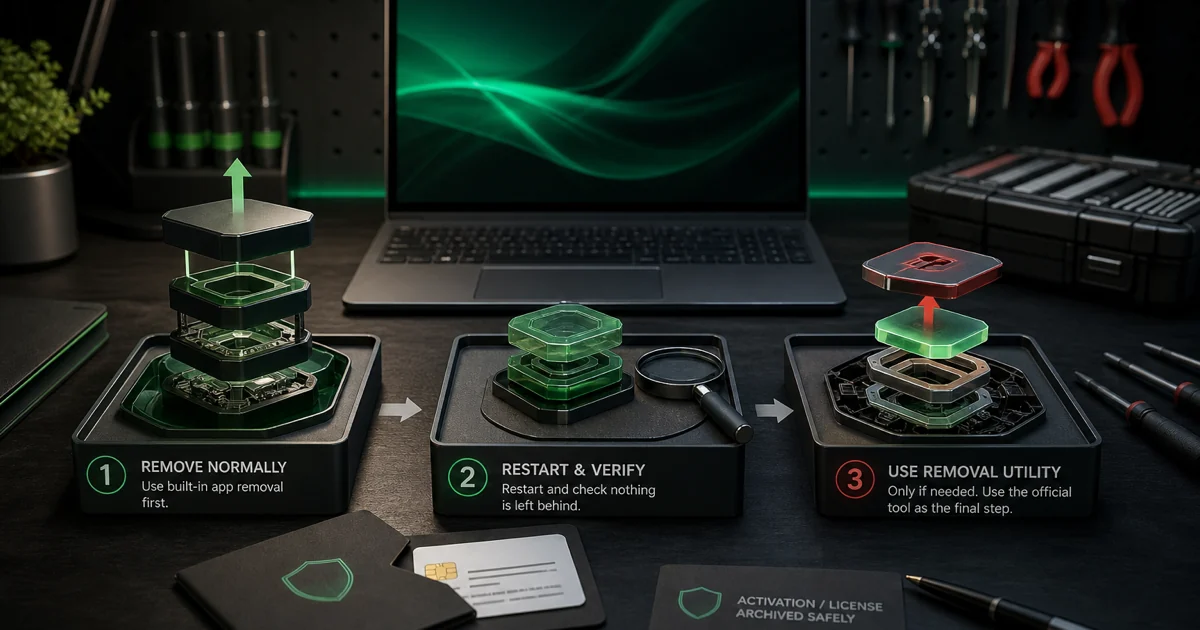
Cancellation and uninstall solve different problems. Kaspersky's current cancellation page directs eligible direct buyers through My Kaspersky and treats refunds as a separate support request. App stores and resellers control their own billing. Save the confirmation, then remove the application normally and restart. Confirm Microsoft Defender or the chosen replacement is active, current and able to complete a scan before deleting old receipts or recovery information.
Use the shortest route that answers the actual question
| Your question | Start here | Evidence that decides it |
|---|---|---|
| Is Kaspersky good and allowed for me? | Review + US migration | Current labs, BIS rules, local availability and employer policy |
| Which plan and price? | Pricing guide | Regional store, final cart, devices and renewal total |
| How do I install safely? | Setup guide | Verified signer, current updates and one registered provider |
| Why is the PC slow or the app broken? | High-CPU guide | Signed process, active task, logs and reproducible trigger |
| Why is a site or bank page blocked? | SSL guide + Safe Money | Exact alert, domain, certificate and responsible protection layer |
| Are the bundle tools worth it? | VPN, password and Safe Kids reviews | Platform behavior, privacy terms, family needs and alternatives |
| How do I leave? | Cancellation, then uninstall | Merchant confirmation and active replacement provider |
Official documentation explains controls and account procedures. Independent laboratories measure controlled protection, false positives and performance. Law and policy establish availability. Communities reveal confusing wording and failure states worth reproducing. No one source type can answer all four jobs, which is why the cluster separates review, commerce, troubleshooting and exit intent rather than packing them into one page.
Use the narrow guide, follow its current primary links and return to this hub when the job changes. A pricing page should not teach registry cleanup; a troubleshooting page should not pretend one anecdote measures detection; an uninstall guide should not imply billing stopped. Those boundaries make the cluster easier for a person to use and harder for its pages to cannibalize one another.
Kaspersky guide hub FAQ
Where should I start with Kaspersky?
Start with the full review if you are deciding whether to buy or keep Kaspersky. US persons should go directly to the ban and migration guide. Elsewhere, use the pricing guide before checkout, the setup guide after choosing, and the exact troubleshooting page for a reproducible fault.
Is this the official Kaspersky support website?
No. Antivirus-Review.com is an independent editorial publication. We interpret laboratory evidence, law, product documentation and real failure patterns, but downloads, account changes, refunds and support cases should begin on a verified Kaspersky, Google Play or Apple domain available in your country.
Is Kaspersky good in 2026?
Technically, yes: Kaspersky Premium earned 18 out of 18 in AV-TEST's May–June 2026 Windows test and led the completed AV-Comparatives February–May real-world cycle at 99.8%. That does not make it a valid US choice, and sensitive organizations elsewhere may reject it for supplier-risk reasons.
Can someone in the United States use Kaspersky?
A US person should not rely on Kaspersky consumer antivirus. New covered transactions stopped in July 2024, and signature updates, codebase updates and Kaspersky Security Network operation were prohibited from September 29, 2024. Use the migration guide and choose a supported replacement.
Which Kaspersky plan should I choose outside the US?
Standard contains the core malware, ransomware, web, firewall and payment protection. Plus is usually the practical bundle when you will use the unlimited VPN and Password Manager. Premium is worthwhile only when its country-specific identity, Safe Kids and expert-support benefits solve a real need.
Why is Kaspersky blocking a website or breaking HTTPS?
First identify whether the alert is malware classification, encrypted-traffic inspection, a certificate fault, firewall filtering or the VPN. Update and reproduce once, verify the exact domain and certificate, then repair the responsible layer or create the narrowest temporary exception. Do not turn off all web protection.
Does uninstalling Kaspersky cancel the subscription?
No. Uninstalling changes software on one device; cancellation changes future billing. Turn off renewal with Kaspersky or the merchant shown on the receipt, save the result, then uninstall and verify Microsoft Defender or another primary antivirus becomes active.
What happened to Kaspersky Security Cloud?
Security Cloud is a legacy consumer product line. Existing support and database availability can vary by product and country, but it is no longer the clean current purchase path. Inventory the active license and components, choose a current supported plan or alternative, and migrate without running two resident antivirus engines.