Panda Dome Guides: Choose, Install, Use, Fix or Leave
Panda Dome is not one simple antivirus screen. It is a family of plans, platform-specific apps, protection layers, privacy tools, recovery utilities and account decisions. Start with the job in front of you: this hub routes buying, setup, scanning, network protection, VPN, family tools, repairs, scams, billing and removal to twenty-three focused guides.

Fastest route: read the current Panda Dome review before buying or renewing, use the installation guide on a new device, and open the exact task card below when a warning or failure already exists. A page that publishes a phone number, demands remote access or asks for payment is not made trustworthy by using Panda's name.
Choose the correct route before opening another result
Panda's official Panda Dome knowledge base is the right starting point for current downloads, activation, licence transfer, system requirements and uninstall instructions. Search results do not keep those tasks neatly separated. A query can mix a current consumer article with older product help, WatchGuard business software, an independent review or a compromised PDF advertising an unofficial support number.
This hub fixes the routing problem without support-number shortcuts. It does not compress twenty-three articles into a wall of shallow advice. The review owns the product verdict; pricing owns checkout and renewal math; the scan guide owns quarantine evidence; the scam guide owns exposure-based recovery; cancellation owns the merchant record; uninstall owns the local software. When the verb changes, return here and choose a new route.

| If the reader says… | Open this route | Completion test |
|---|---|---|
| “Should I buy, upgrade or switch?” | Choose & buy | The plan, device count, seller, current total and renewal amount are known. |
| “I need protection working correctly.” | Install & protect | The right app is active, updated and verified without a competing real-time engine. |
| “I need the VPN, family or utility tool.” | Privacy & tools | The exact entitlement, platform, permissions and limits are understood. |
| “What does Panda do on this device?” | Mac & mobile | The answer uses platform-specific features and evidence. |
| “It broke, looks fake, or I want out.” | Fix or leave | The symptom, exposure, merchant or removal state is independently verified. |
Choose the product and understand the bill
Start with evidence, not the size of the introductory discount. In the AV-Comparatives February–May 2026 test, Panda Dome Advanced 23.0 protected against 96.5% of 400 real-world cases and produced 27 false alarms. That is useful comparative evidence, not a claim that every device will experience the same outcome. The full review combines it with the April performance test, product scope and our editorial verdict.
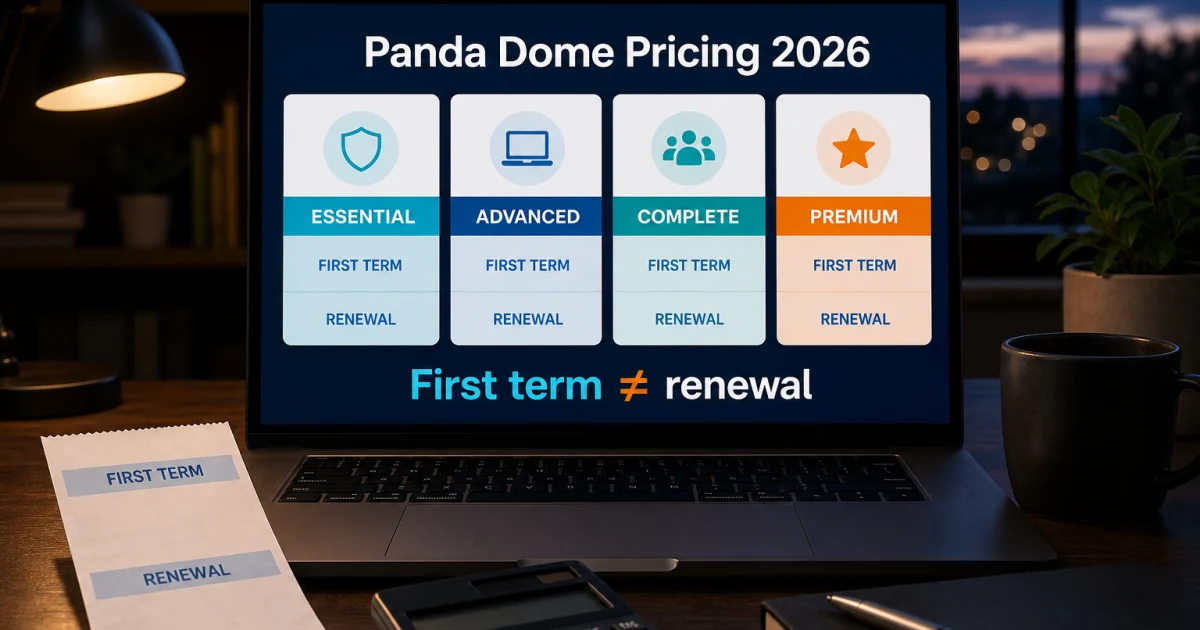
The live Panda portfolio offers many combinations of Essential, Advanced, Complete and Premium, device counts and terms. A headline price cannot tell you the future bill. Before paying, record the exact plan name, number of devices, operating systems, term, seller, checkout total, automatic-renewal state and displayed renewal amount. Keep the receipt because the correct cancellation route follows the merchant, not merely the logo in the installed app.
Free versus paid is a need question. A paid tier is not automatically safer for every reader, and an included tool is not valuable if it duplicates a better service already in the household. Compare plans by the narrowest capability you genuinely need, then verify that it exists on the target platform. If current lab evidence, alert volume, platform coverage or renewal economics no longer fit, the alternatives guide starts with that reason and gives a safe migration order.
Install and use the core protection safely
A successful installer is not the completion test. Download from a verified Panda route, inspect the publisher, remove an incompatible real-time antivirus, restart when required, activate the intended licence, update the engine and definitions, and run a first scan. On Windows, confirm the active provider in the operating system rather than trusting only the Panda dashboard. Microsoft's Windows Security overview explains the operating-system protection center that shows this handoff.
Account access, an activation code, a local app and a licence seat are related but distinct. A successful sign-in does not prove the current device consumed the right seat, and deleting a device from an account does not necessarily uninstall its software. Keep the purchase email and code private, release old devices only when needed, and never paste a credential into a form reached through an advertisement or unsolicited message.
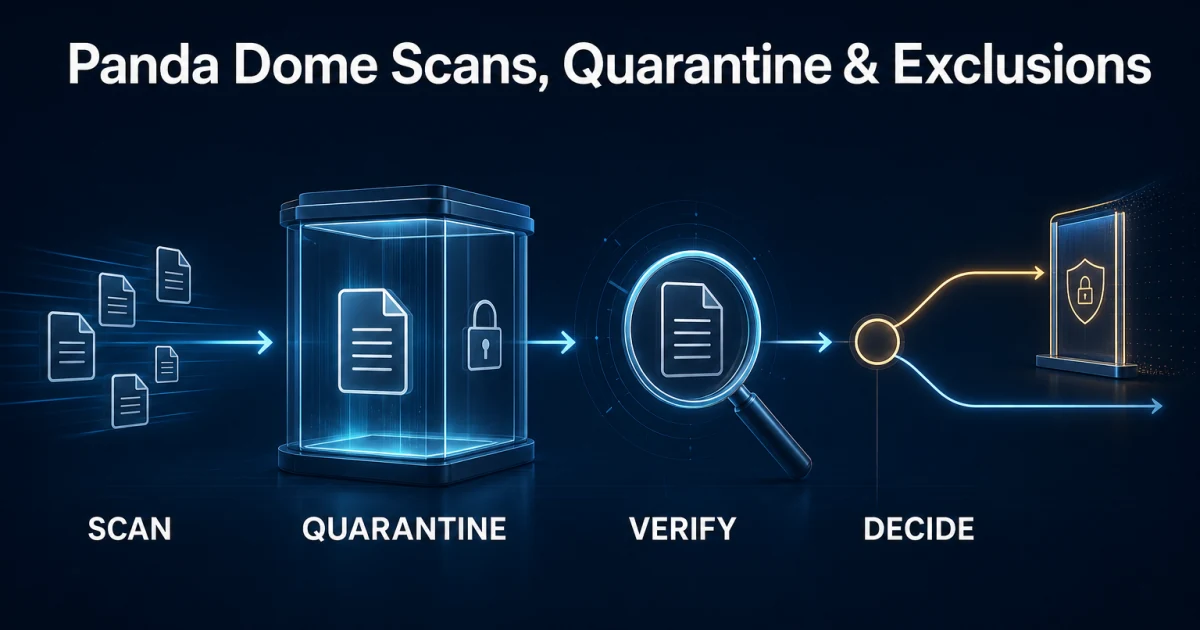
Scanning also needs a question. Use a fast scan for common active locations, a broader scan after credible exposure, and a custom scan for a defined file, folder or drive. Quarantine is reversible containment, not proof that deletion is correct. Record the detection and original path before restoring anything; update and submit a suspected false positive rather than excluding an entire drive, browser or Downloads folder.
Panda's firewall, Wi-Fi checks, web filtering, ransomware controls and Update Manager own different layers. A blocked connection may belong to an application rule, network profile, browser, VPN or router. A protected-data alert is not the same as a backup. A failed third-party patch is not permission to ignore an operating-system update. The separate guides preserve those distinctions so a local fix does not silently weaken the whole machine.
Use privacy, family and recovery tools by their real limits
The current Panda Dome portfolio places different privacy and performance tools in different tiers. Lower plans include a VPN allowance measured at 150 MB per day, while Premium includes the unlimited VPN; password management, Cleanup and Update Manager also sit at specific plan levels. Treat the portfolio as the current vendor boundary and the receipt as the entitlement that applies to the account.
A bundle label does not answer a specialist-product question. The VPN review separates data allowance and server access from protocols, privacy evidence, streaming and kill-switch behavior. The password guide separates vault migration from dark-web monitoring. A breach alert can tell you that an identifier appeared in known data, but it cannot rotate a password, recover an account or prove that every leaked record belongs to the reader.
Cleanup and Gaming Mode solve narrower problems than their names imply. Gaming Mode can suppress interruptions while a full-screen task is active; it does not increase the antivirus detection rate or guarantee more frames per second. A cleanup utility can remove selected temporary data and change startup behavior, but a large deletion total is not automatically beneficial. Review every category before applying it, keep the browser's saved data and active work in mind, and prefer reversible changes.
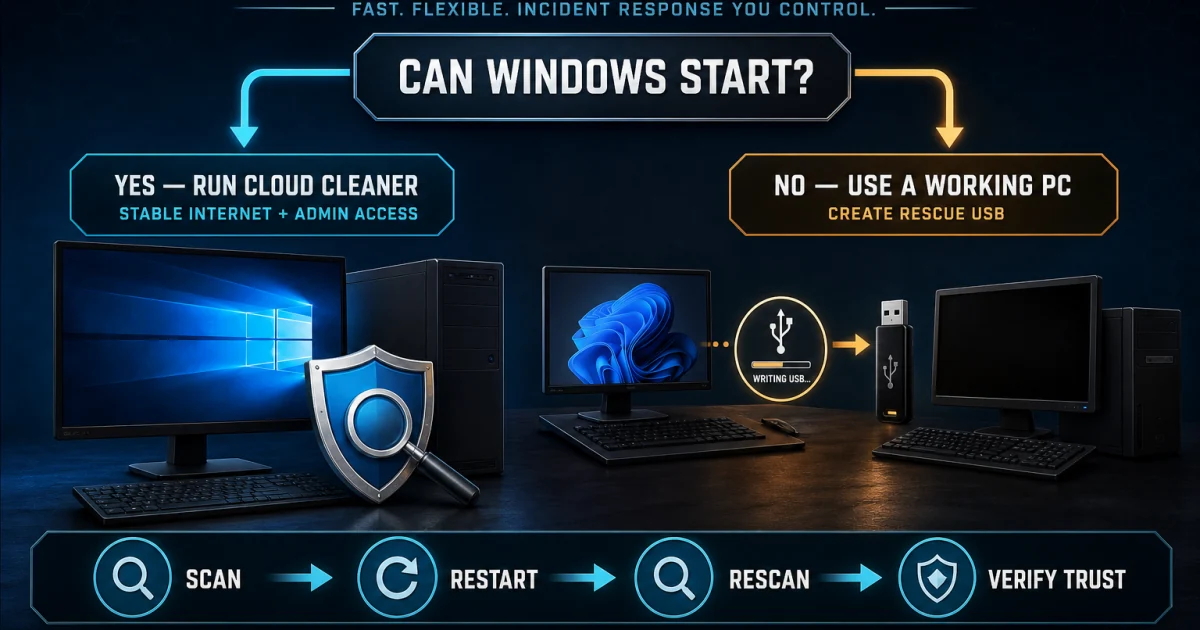
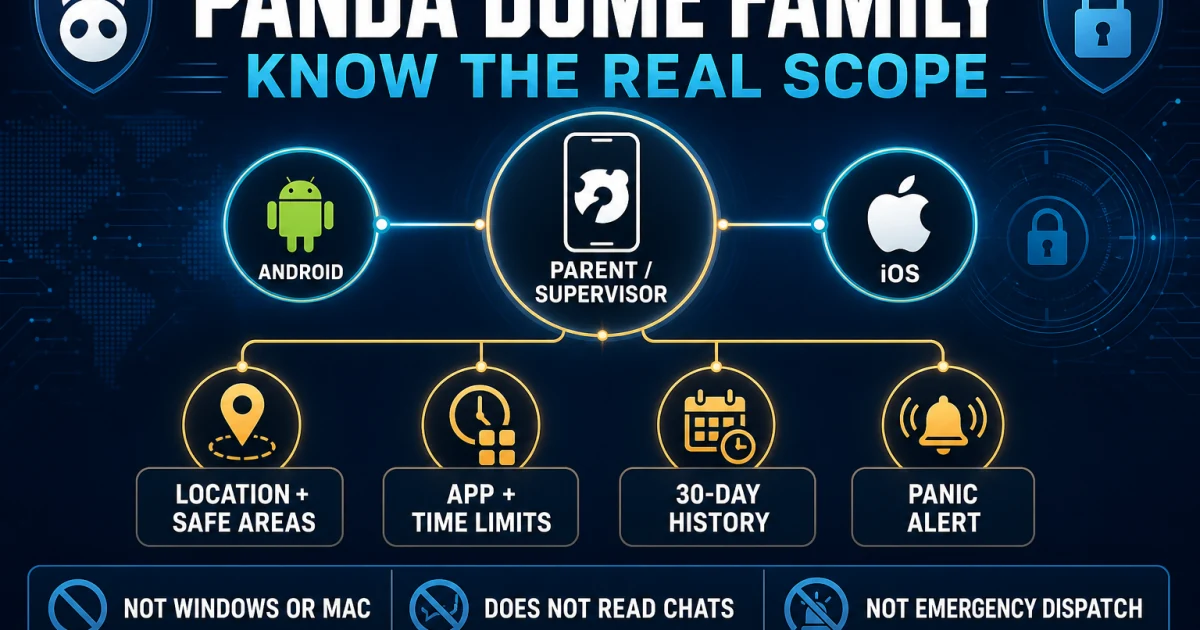
Cloud Cleaner and Rescue Kit are escalation tools. A second-opinion scanner can be useful when a credible symptom remains unexplained, and a rescue environment can help when Windows cannot start normally, but running multiple aggressive tools at once destroys evidence and complicates recovery. Panda Dome Family and parental controls have another boundary: supervision depends on platform permissions, family consent, age and a recovery plan, not merely a toggle in the parent account.
Check what changes on Mac, Android and iPhone
Windows has the broadest Panda Dome feature set, so a portfolio table can make cross-platform coverage look more uniform than it is. Firewall controls, protected data, Update Manager and several utility functions are Windows-first or Windows-only. macOS uses different security permissions and has a different independent-test history. Read the Mac review before buying a multi-device licence primarily for Apple computers.
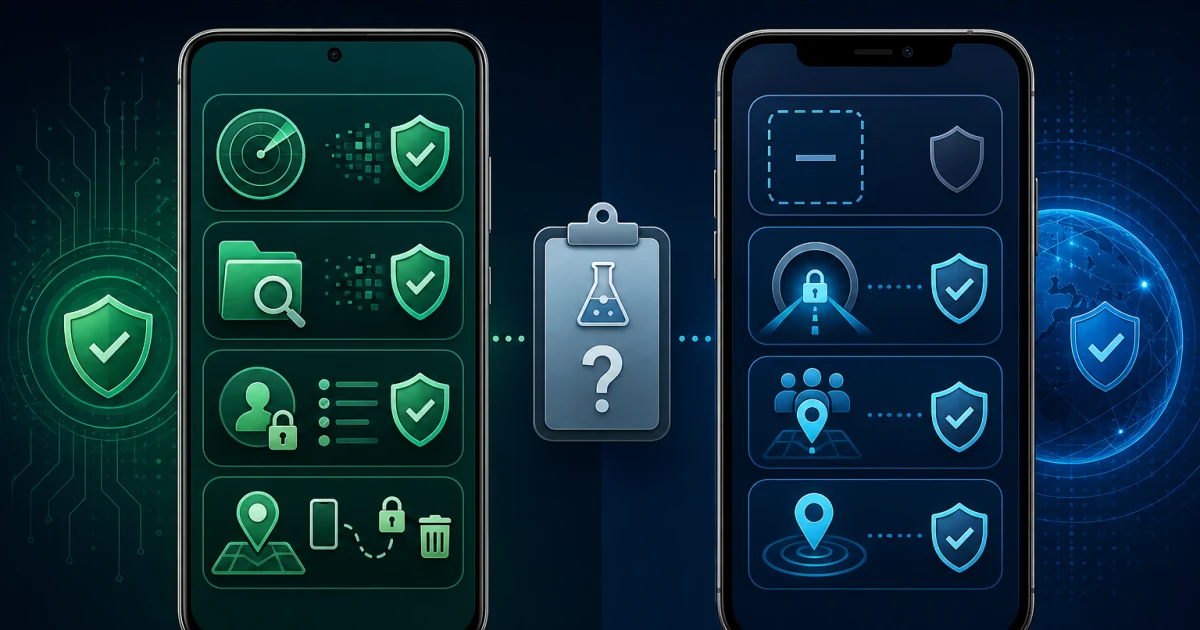
Mobile security needs equally careful language. Android allows malware scanning and broader device-control permissions, but Google Play Protect and Android's own security model remain part of the system. iOS does not permit a third-party app to behave like a traditional Windows antivirus engine; useful functions are more likely to involve network protection, breach information, account tools or device guidance. Location, usage and anti-uninstall permissions also deserve an explicit family agreement rather than silent enrollment.
A household can still use one Panda subscription across platforms, but the value must be calculated per device. List the operating system and job for every seat, mark which promised feature actually exists there, and count the separate VPN-device boundary. If most of the value is tied to Windows while the household is mainly Mac or iPhone, a platform-first alternative can be more coherent than a larger nominal device allowance.
Fix the symptom, avoid a scam, or leave cleanly
Troubleshooting begins by naming the symptom: update failure, inactive service, scan stall, interface problem, repeated URL alert, blocked connection, high CPU or a machine that no longer starts normally. Record the exact message, Panda version, Windows version, time and repeatable trigger before changing anything. Restart, update and a supported repair path come before service deletion, registry editing, broad exclusions or a third-party force uninstaller.
The source of a warning matters as much as its wording. A real Panda detection, a browser page pretending to scan the computer, an abusive website notification and a fake renewal message are four incidents. A page that locks the tab, publishes a phone number, demands payment or asks for remote-control software is a scam signal. Close it without restoring the session, revoke the correct permission and match recovery to what was clicked, installed, shared or paid.
Cancellation and uninstall are separate jobs. Use the receipt to identify Panda or another seller, stop automatic renewal through that route and save confirmation. Request a refund separately while the applicable window is still open. Only then should software removal be treated as complete: uninstall normally, use Panda's official cleanup tool only when the supported path fails, restart, verify ordinary networking and confirm that another maintained protection provider is active.
Community reports are useful here as failure-mode discovery, not statistics. Users have described broken removals, repeated alerts and network trouble after aggressive third-party cleanup. Those stories justify conservative sequencing and clear completion tests; they do not prove that the same cause applies to another computer. Preserve evidence and make one reversible change at a time.
Keep seven Panda Dome boundaries visible
Consumer versus business: this hub covers Panda Dome home products, not WatchGuard endpoint software managed by an employer. Plan versus app: a subscription can include several tools with separate interfaces and device limits. Windows versus other platforms: features and evidence do not transfer automatically. Detection versus diagnosis: an alert names what the engine saw, not the whole incident. Privacy tool versus account recovery: a VPN, vault or breach checker does not repair a compromised account. Software versus billing: uninstall does not cancel. Support identity versus search visibility: appearing above the official result does not make a phone number or PDF legitimate.
These boundaries prevent the expensive mistakes: buying a plan for a feature missing on the target device, exposing an activation code, restoring malware from quarantine, disabling the firewall to fix a browser, trusting an impersonator, deleting security services by hand or assuming a removed app ended a renewal. When a guide does not match the screen, stop and re-identify the product, platform, entitlement and owner instead of forcing the instructions.
Use the evidence source that owns the question
Official Panda pages control current product names, downloads, support routes, account actions, menus, system requirements and advertised feature boundaries. Independent laboratories control the results of their named builds, dates, samples and methods. Operating-system vendors control platform behavior. Receipts and live carts control what a specific purchase costs and who processed it. None of those sources can replace all the others.
Every spoke in this cluster was researched one article at a time against current search intent, official material, independent evidence and credible community signals where useful. Version-sensitive claims carry a checked date. The pages use contextual source links instead of an end-of-article dump, visible FAQs mirrored in JSON-LD, and task-specific desktop and mobile visuals. When evidence is old, missing or platform-limited, the text says so rather than filling the gap with confidence.
The cluster also separates a current fact from an editorial decision. A protection rate, impact score, price or feature boundary can be verified. Whether that tradeoff suits a family, gamer, older PC, Mac household or reader leaving after a billing problem requires judgment. Our role is to show the evidence and the decision rule, not to disguise an affiliate-style ranking as a universal answer.
The hub and its 23 spokes work as one system
Each card opens the one page that owns a distinct search intent. The spokes return to this hub so a reader can move from price to installation, from a false positive to safe exclusions, from a suspicious renewal to scam recovery, or from cancellation to uninstall without beginning another unsafe search. The hub does not compete with the review for “Panda Dome review,” and the review does not pretend to be a full troubleshooting manual.
The local cluster audit checks all twenty-four routes, unique titles and canonicals, single H1s, visible/schema FAQ parity, readable image assets, every card target, reciprocal return links and broken internal URLs. Each changed spoke is validated independently before the cluster receives a green status. Production will receive the cluster only as part of the final scoped, immutable and rollback-ready site release after all remaining brand work and global QA are complete.
Panda Dome guide hub FAQ
Where should I start with Panda Dome?
Start with the full Panda Dome review when deciding whether to buy, keep or replace it. Use the pricing or plan comparison before checkout, the installation guide for a new device, and the card whose verb matches the task when something is already happening. This page is the map; the 23 linked guides own the detailed evidence and instructions.
Is this the official Panda Security support site?
No. Antivirus-Review.com is an independent editorial publication. We research current product behavior, laboratory evidence, plans and support routes, but downloads, activation, account recovery, cancellation and payment changes should continue only through a verified Panda Security domain or the store that processed the purchase.
Is Panda Dome a good antivirus in 2026?
It is a conditional choice rather than our default recommendation. Panda combines many Windows security and utility tools, but Panda Dome Advanced protected 96.5% of 400 cases in AV-Comparatives' February–May 2026 test and had 27 false alarms. Read the full review for the complete lab and performance context before translating one result into a household decision.
Which Panda Dome plan should I choose?
Choose by the narrowest feature that you will actually use on a supported platform. Essential covers the core suite, Advanced adds stronger Windows protection and parental-control layers, Complete adds privacy and cleanup tools, and Premium adds the unlimited VPN, Update Manager and premium support. Confirm current boundaries and renewal price in the live cart because combinations and promotions change.
Is Panda Dome Free enough?
It can be enough for a Windows user who wants basic real-time antivirus and accepts the free product's limits, while Windows Security remains the no-extra-cost baseline already integrated into supported Windows. Paid Panda tiers make sense only when their added protection or tools solve a specific need. The free-versus-paid guide walks through that decision without treating an upgrade as automatic.
Does Panda Dome work the same on Windows, Mac, Android and iPhone?
No. Windows has the broadest Panda Dome feature set. macOS uses different permissions and has different independent evidence; Android can provide malware scanning and device-control functions; iPhone security is constrained by iOS and is not equivalent to a Windows antivirus engine. Use the platform guide for every device rather than copying a feature list across the household.
Is the Panda VPN unlimited?
The VPN included with lower Panda Dome tiers has a 150 MB-per-day limit in the current portfolio, while Panda Dome Premium includes the unlimited VPN for a limited number of devices. Check the live entitlement and platform before relying on it. Unlimited data does not by itself answer protocol, privacy, streaming or account-recovery questions, which belong in the dedicated VPN review.
What should I do when Panda quarantines a file I trust?
Do not restore it just because the filename looks familiar. Record the detection, original path, publisher, signature and source; update Panda; rescan only with a defined purpose; and submit the file through the vendor's false-positive route when appropriate. If an exception is justified, exclude the smallest verified file or path and document why so the decision can be reversed.
Does uninstalling Panda Dome cancel the subscription?
No. Uninstalling changes software on one device; cancellation changes future billing. Identify the merchant on the receipt, stop renewal and save confirmation separately, then uninstall the app and verify another supported security provider is active. A refund request is another separate action with its own eligibility and deadline.
What is the best alternative to Panda Dome?
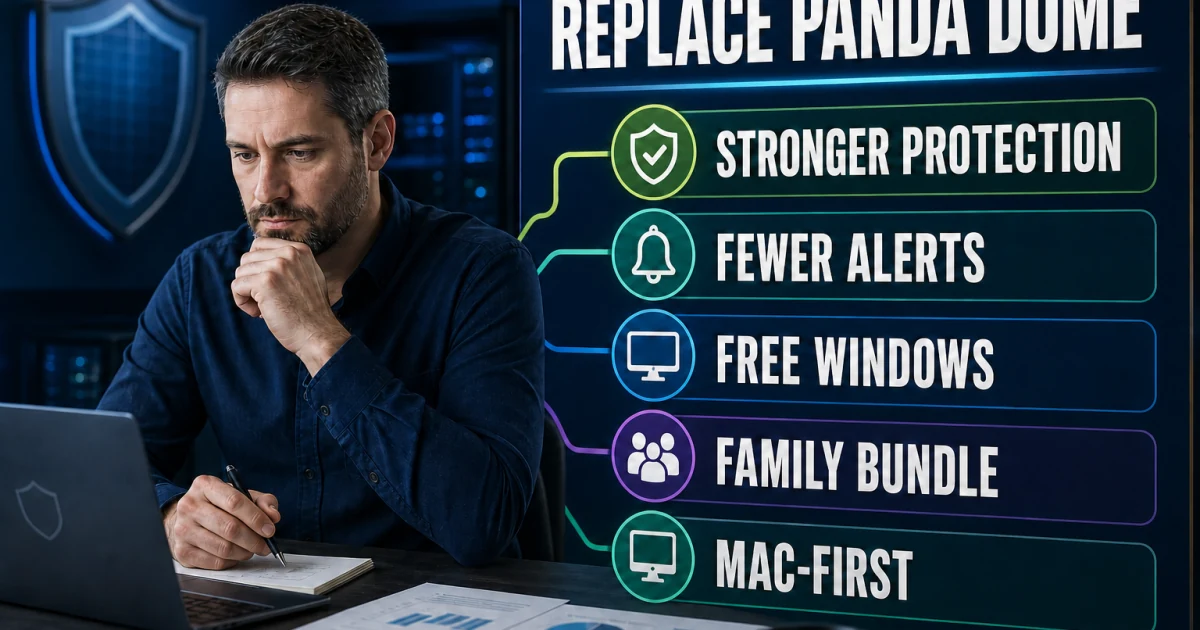
Bitdefender is our best paid replacement in current Windows evidence, Microsoft Defender is the built-in no-extra-cost option, ESET suits users who want fewer alerts and granular control, Norton fits family and identity bundles, Avast is the third-party free route, F-Secure favors simpler predictable packaging, and Intego is the Mac-first choice. Pick by the reason for leaving, not by one universal ranking.
Bottom line: one brand, 23 different jobs
Panda Dome review, plan choice, activation, scanning, network controls, VPN, utilities, platform coverage, repairs, scams, billing and removal should not be forced into one oversized answer. This hub is the map. Each card opens a human-readable guide with the evidence, boundaries and completion test for that job.
Use independent labs for comparative performance, current official pages for product actions, the original seller record for money and a verified domain for support. If a result mixes platforms, promises a shortcut or leads with a phone number, step back and select the correct route here.