Trend Micro Guides: Choose, Set Up, Protect, Fix or Leave
A Trend Micro search can land on a current help article, an old PDF, an enterprise manual or a fake support page. Start with the job in front of you. This hub routes plans, platforms, features, scans, family safety, billing and removal to 28 independent guides that have already passed fact, schema, image, desktop and mobile QA.

Start here: open the full Trend Micro review before buying, the pricing and renewal guide before trusting a discount, and the exact task card below when something is already happening. Use the official account or Help Center for downloads, activation, billing and support. Never call a number copied into an ad, pop-up or unrelated PDF.
Choose the route before opening another search result
Broad searches such as “Trend Micro help” mix home antivirus, mobile apps, stand-alone tools, retired products and business security. The current Trend Micro Help Center sitemap makes that scope visible: install, activate, renew and remove branches sit beside dozens of feature and product routes. A useful independent hub has to separate those jobs before it explains them.
This page is the map, not a compressed copy of 28 articles. Buying needs current lab and price evidence. A blocked site needs the exact warning owner. An activation failure needs the account and seat state. A ransomware event needs containment and evidence preservation before any cleanup tool is opened. Pick the route whose verb matches what you are doing now, then return here if the task changes.

Decide what you are buying, what it protects and what renews
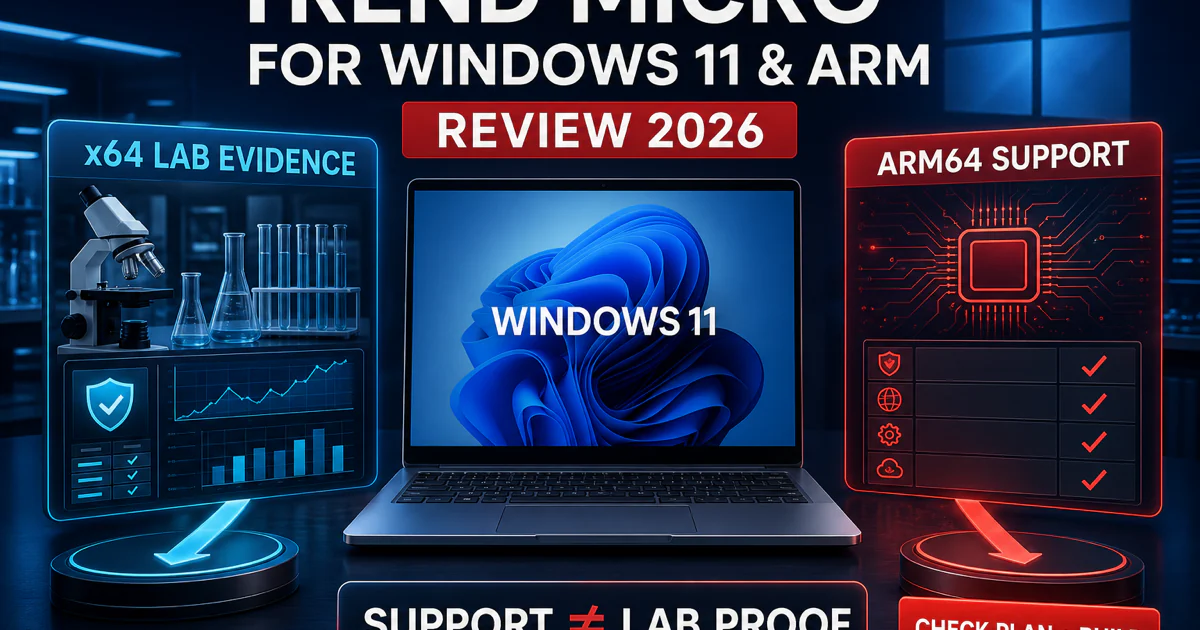
The overall review owns the product verdict. It uses the current 17.9 Windows evidence rather than recycling an old perfect score: AV-TEST's January–February 2026 result was 16.5/18, with 4.5/6 for protection and full performance and usability points. Trend Micro remained certified, but the protection dip matters when a sales page quotes only older awards.
AV-Comparatives tells a more complicated story. Its February–May 2026 real-world test recorded 98.3% protection and 83 false positives, while the March malware-file test reached 99.09% final protection but left 91 systems compromised. The April performance test was a genuine strength. That combination supports a conditional recommendation, not a blanket “best” or “bad” label.
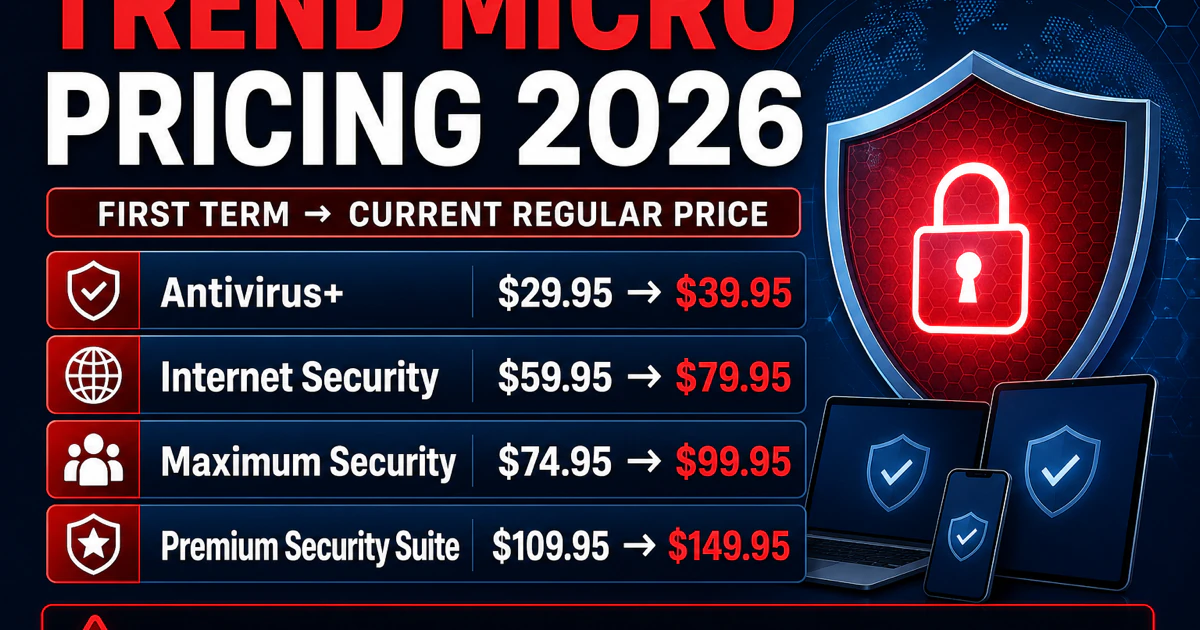
Price is a separate decision because the current US home catalog includes antivirus suites and companion services with different device limits, trial terms and renewal paths. Record the plan name, covered devices, term, merchant and regular renewal before paying. A cheap first year can still be the wrong buy if the household needs a Mac, Chromebook or companion service that the selected plan does not cover.
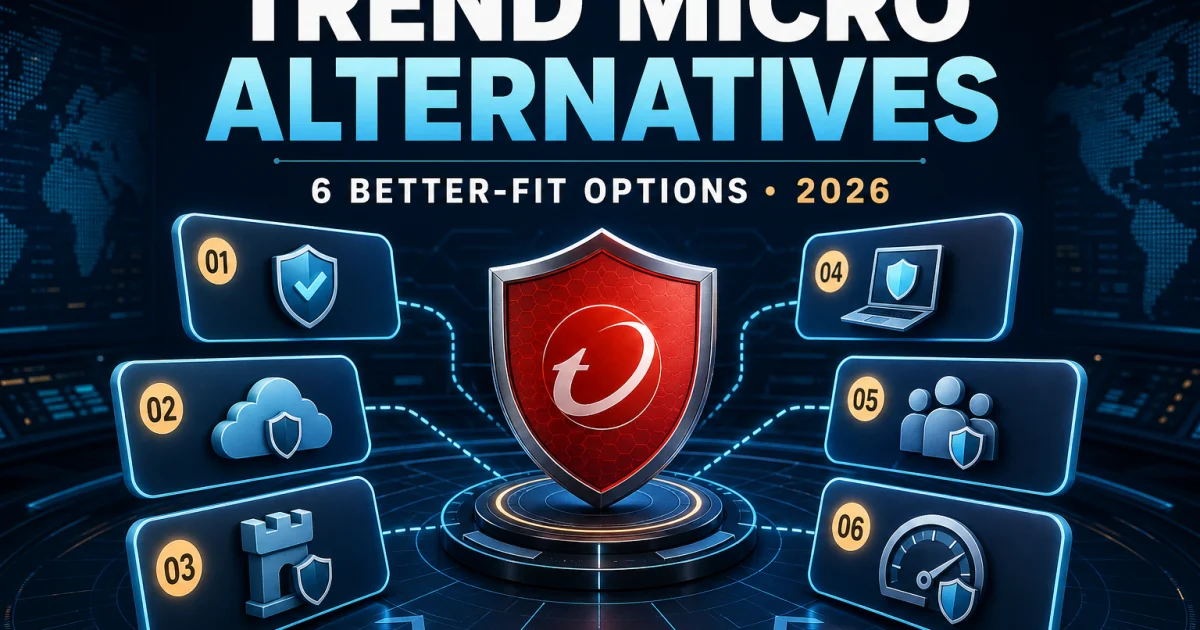
The alternatives page is not an automatic rejection of Trend Micro. It preserves the outcome “keep it” when low background impact, Pay Guard or a familiar interface matters more than the false-positive burden. If the reason for leaving is specific, compare replacements against that reason rather than choosing the highest affiliate rank.
Install the right product, then prove its protection layer works
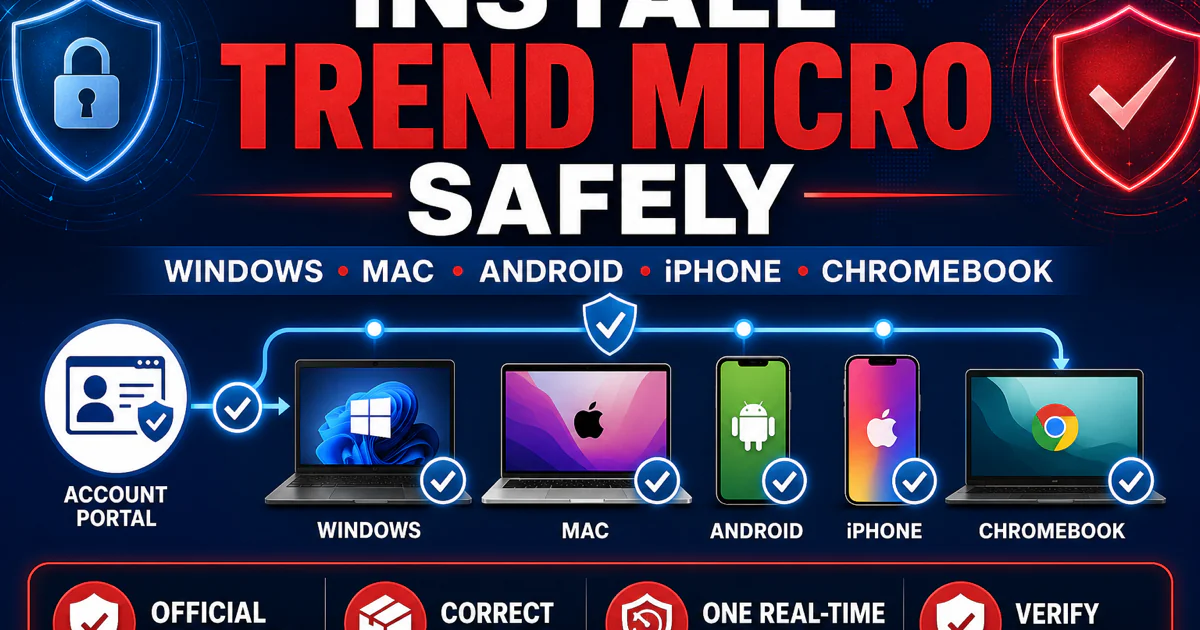
Start with a verified Trend Micro account, Help Center route or official app store. Search ads and software mirrors can place convincing branding around the wrong installer. Check the domain, publisher signature, product name and operating system before running anything, then remove an incompatible real-time antivirus instead of forcing two engines to compete.
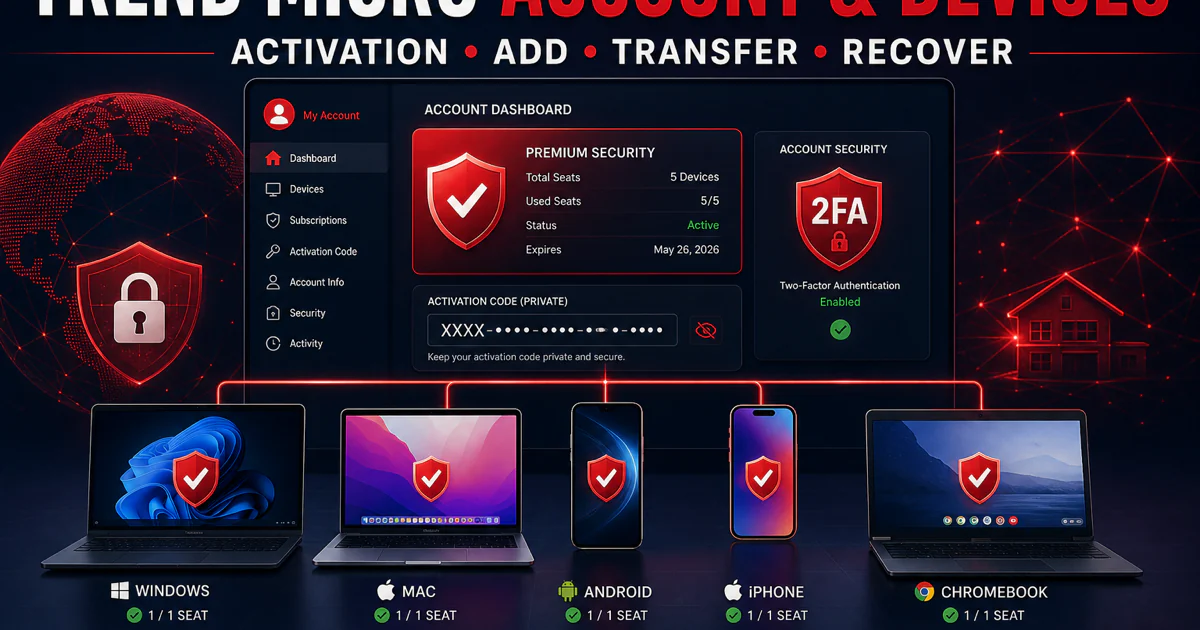
Activation codes are credentials, not screenshots for a public forum. Redeem the code inside the verified account, confirm which subscription it joined and release an old device only when the seat limit requires it. A transfer changes entitlement; it does not necessarily move local settings, quarantine history or family rules to the new computer.
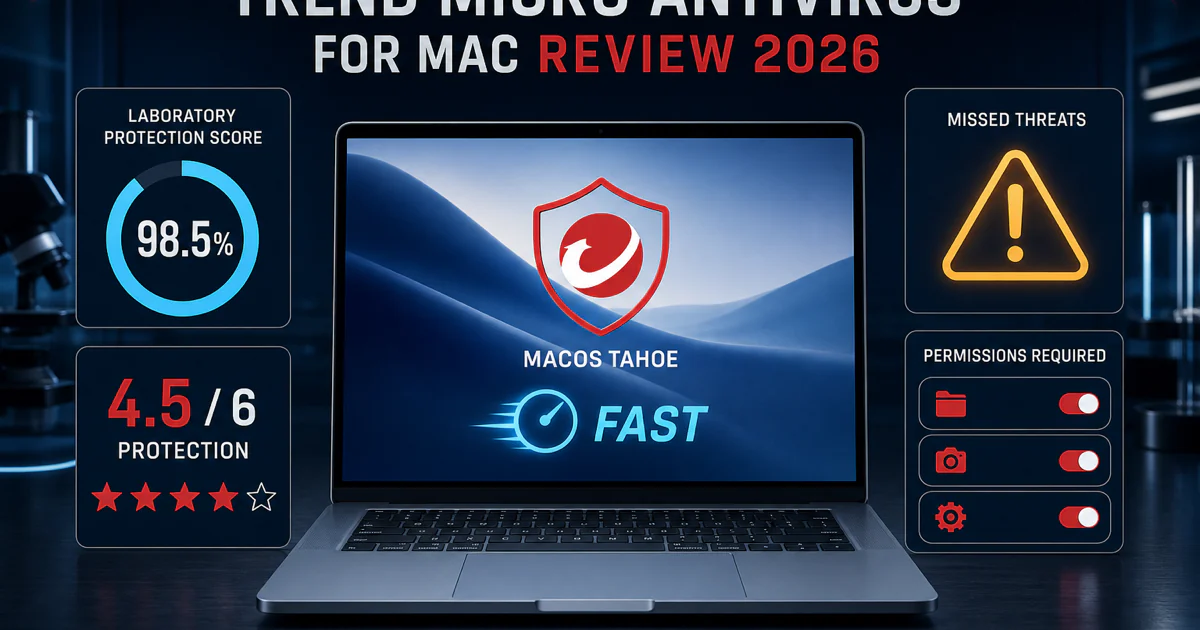
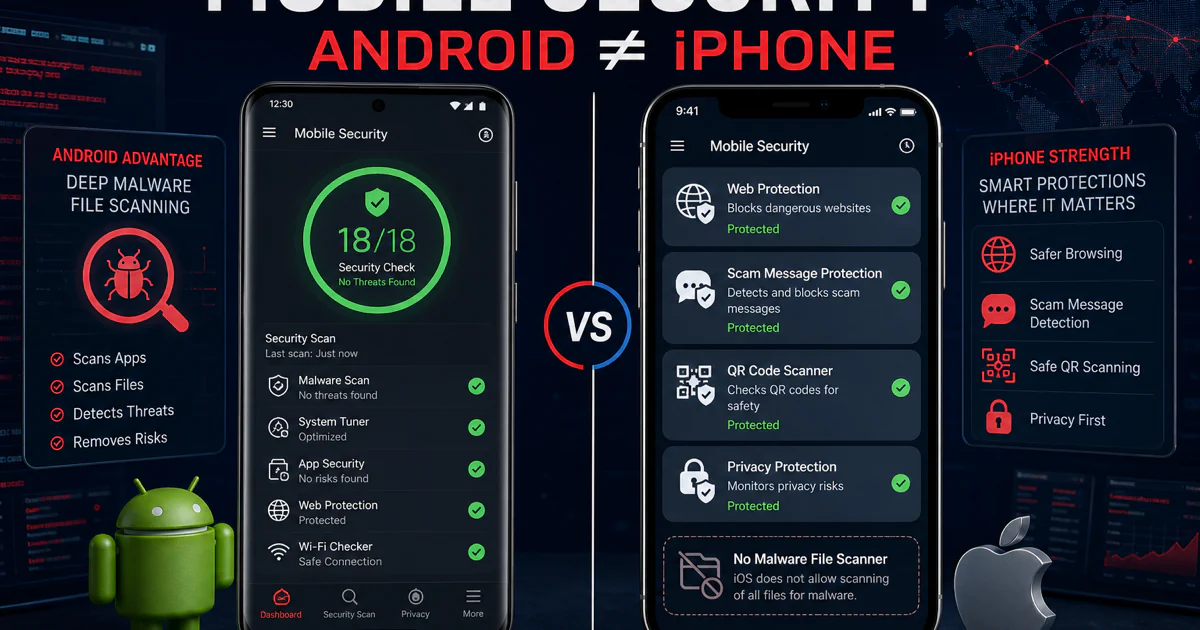
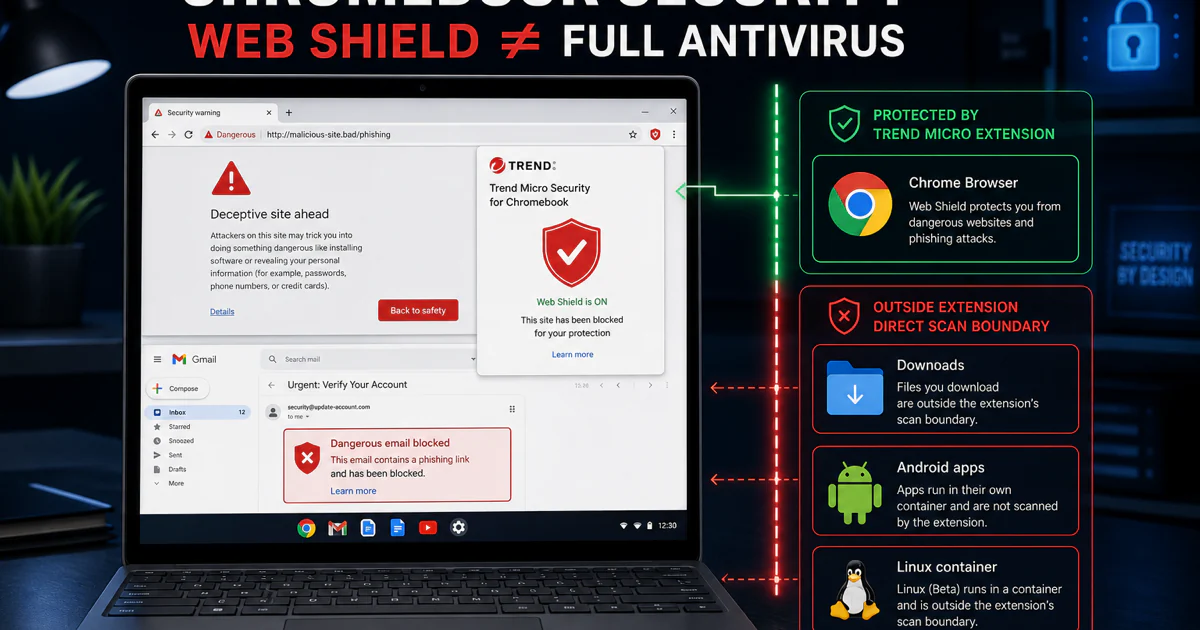
Platform names matter. Windows Security 17.9, Antivirus for Mac, Mobile Security and Chromebook routes do not expose identical controls. Android can inspect installed apps under its permission model, while iPhone and iPad protection works through Apple's permitted web, network, privacy and scam surfaces. A Chromebook may use an extension, an Android app or both, but neither turns ChromeOS into Windows.
Installation is complete only after the app updates, the expected account and device appear, a safe test action works and the operating system shows the intended provider. If a menu differs, open Help → About and compare the product and build against a current support article. Old screenshots often rank longer than the feature they depict.
Identify the owner of an alert before weakening protection
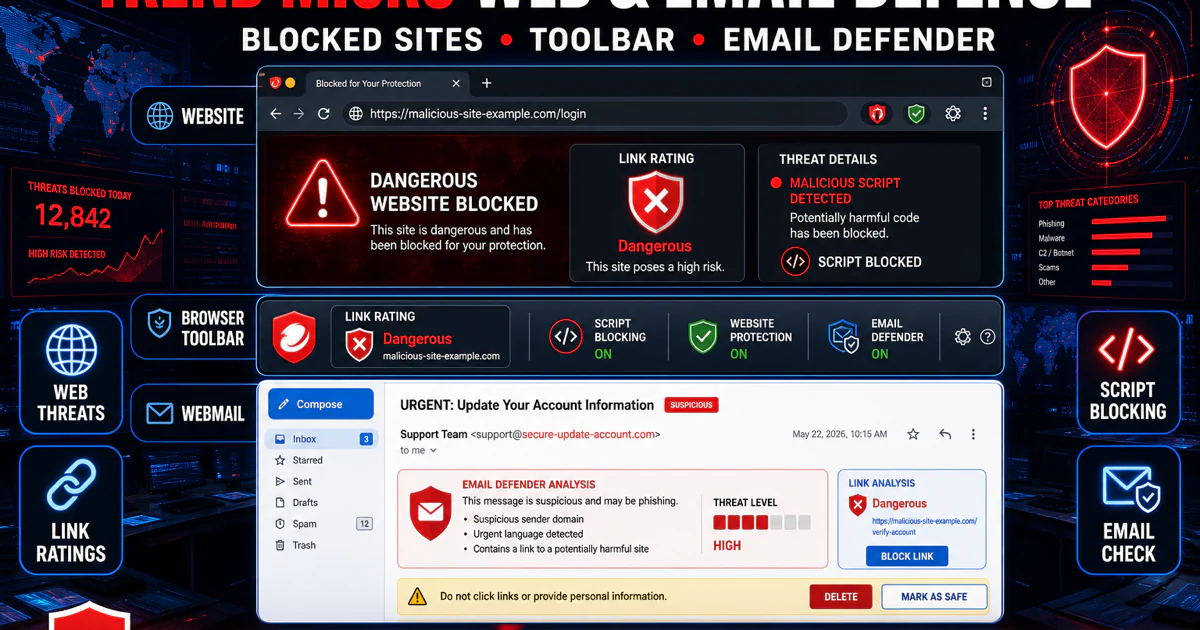
A web warning can come from Trend Micro Web Threat Protection, its toolbar, Pay Guard, Mobile Security, a VPN or DNS filter, or the browser itself. Capture the full URL and exact message, identify the owning layer, and verify the domain independently. A narrow temporary exception is safer than excluding an entire browser, drive or Downloads folder, and a false-positive submission is safer than teaching the product to ignore future lookalikes.
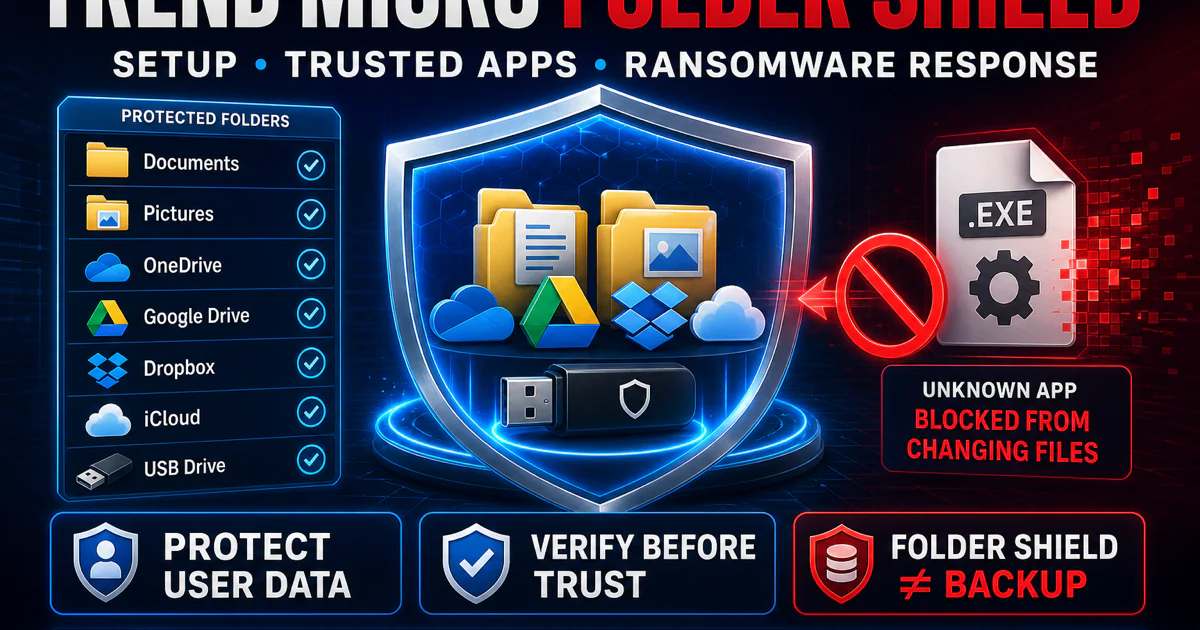
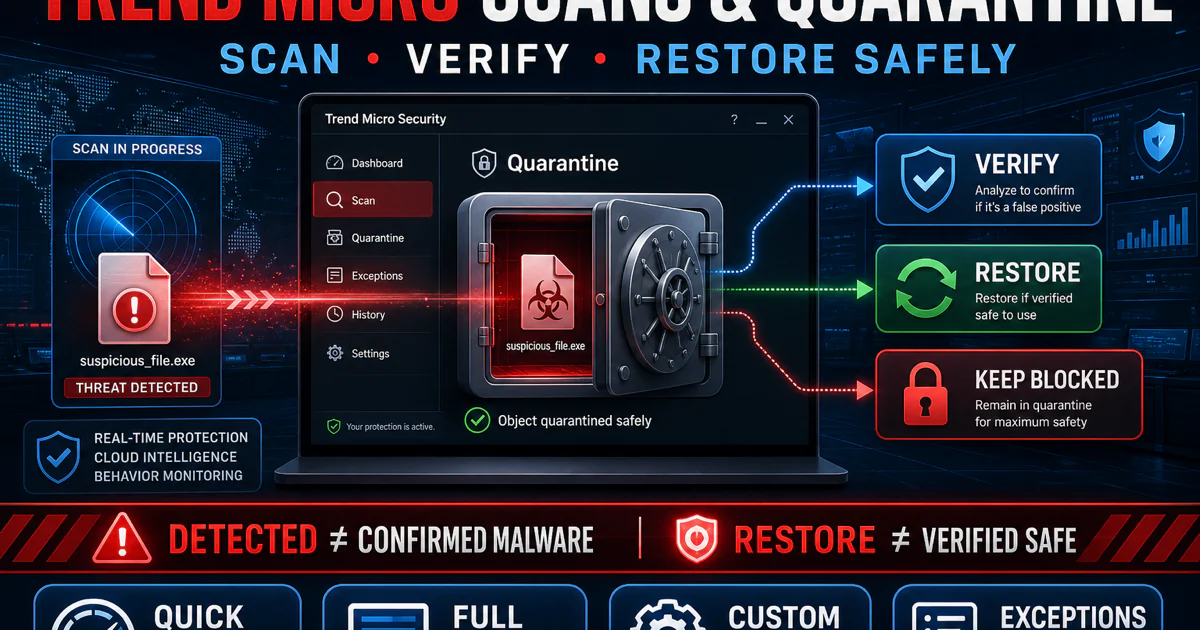
Quarantine is reversible containment, not proof that a file is malicious. Review the detection name, path, signature, source and surrounding activity before restoring or deleting. Folder Shield needs the same discipline: trust the known signed application that needs to write to a protected folder, not every process in a broad directory.
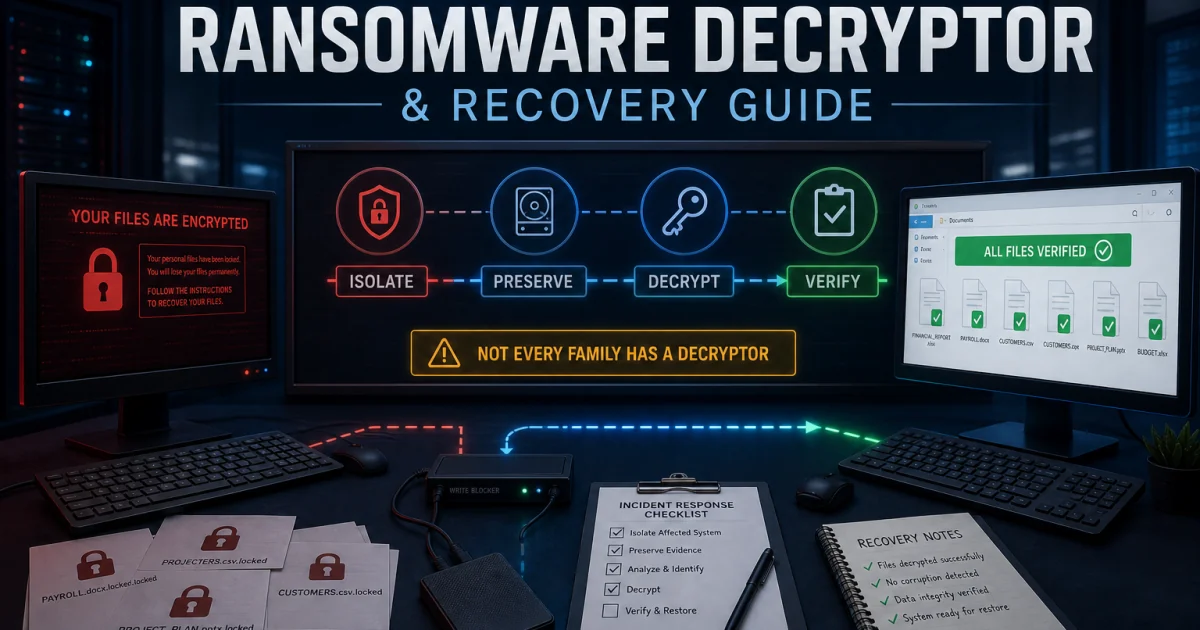
Ransomware changes the order. Disconnect affected storage and network shares, preserve the ransom note and sample safely, identify the family, check backups and only then consider a decryptor. Trend Micro tools can help with named families and recovery attempts, but a “decrypt” button cannot promise success and should never be tested first on the only copy.
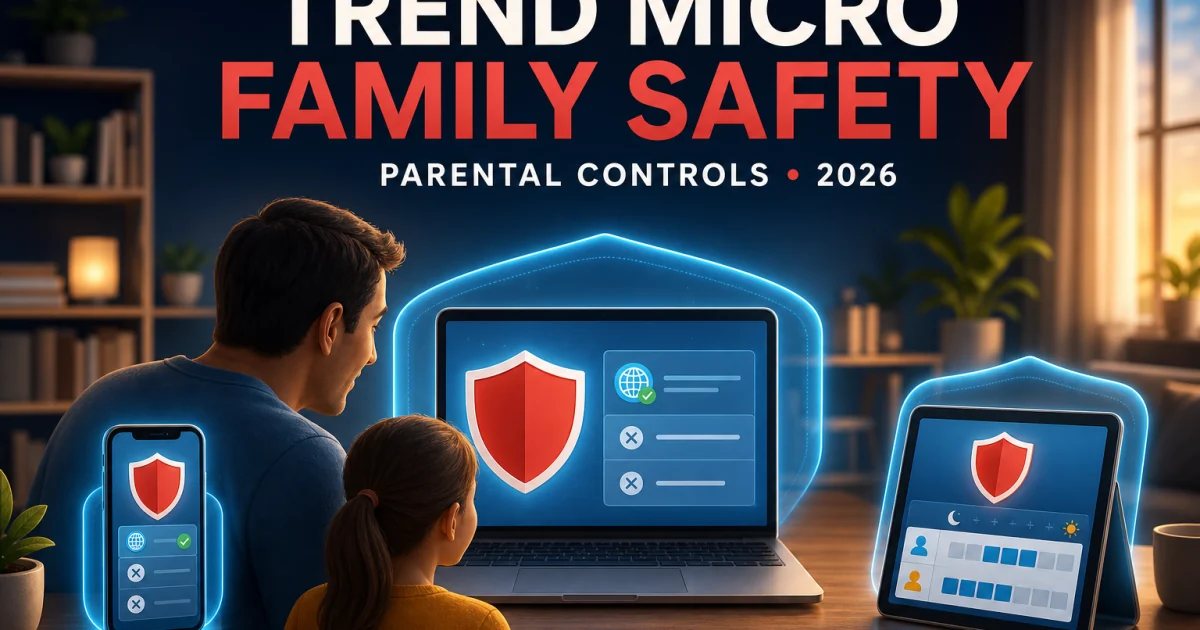
Family safety also has multiple owners. The Windows Family wizard can filter websites and set Internet-time and program rules, while mobile products and the operating systems control different surfaces. Broader account, app and device-time rules belong with Microsoft Family Safety, Google Family Link or Android controls, and Apple Screen Time. Home Network Security is a separate router product approaching end of life, not a menu inside the current Windows suite.
Judge every feature and companion app on its own evidence
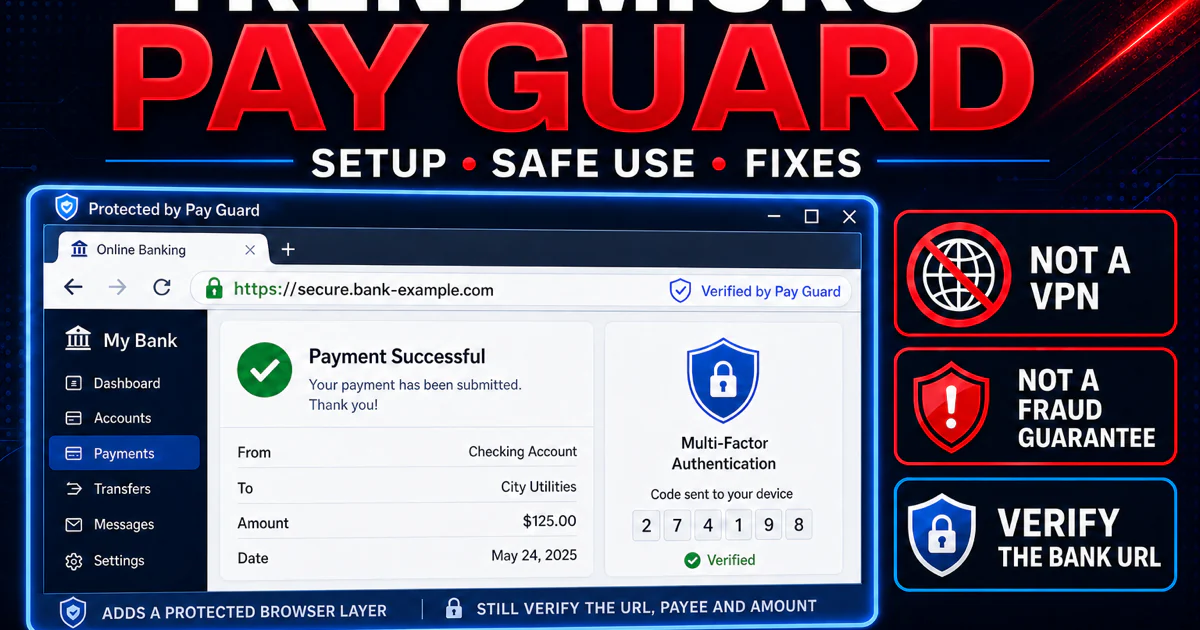
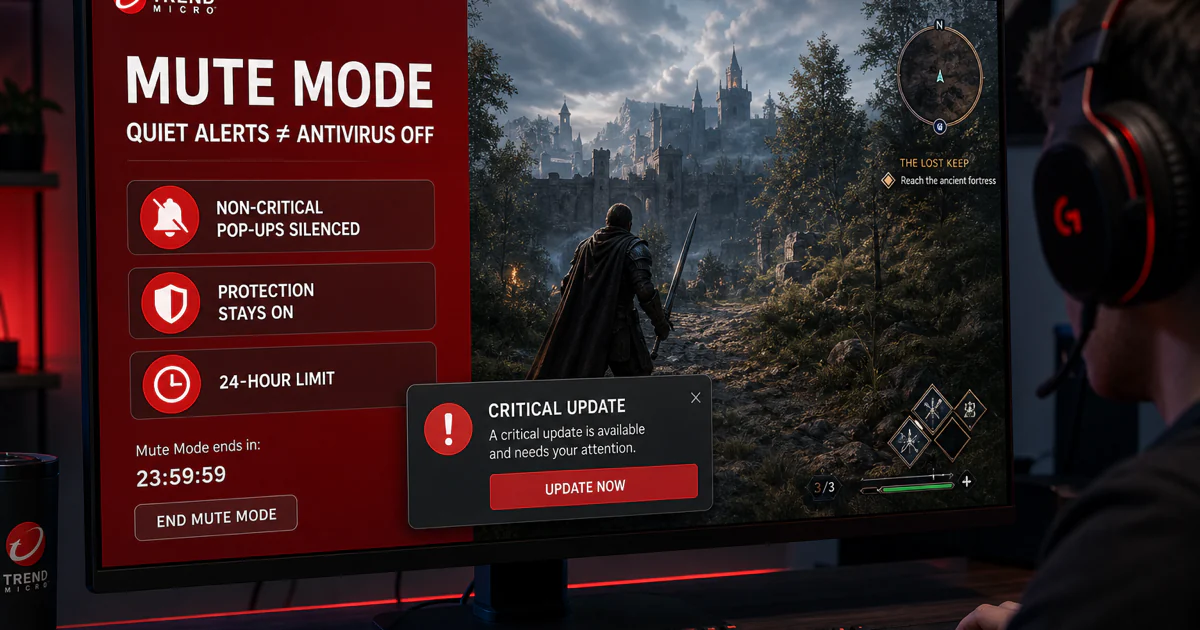
Pay Guard, Folder Shield and Mute Mode live close to the Windows antivirus, but they solve different jobs. Pay Guard isolates a banking or shopping route; it does not make a fraudulent merchant legitimate. Mute Mode reduces interruptions; it should not disable malware protection. A feature label is useful only when the exact build, trigger and boundary are clear.
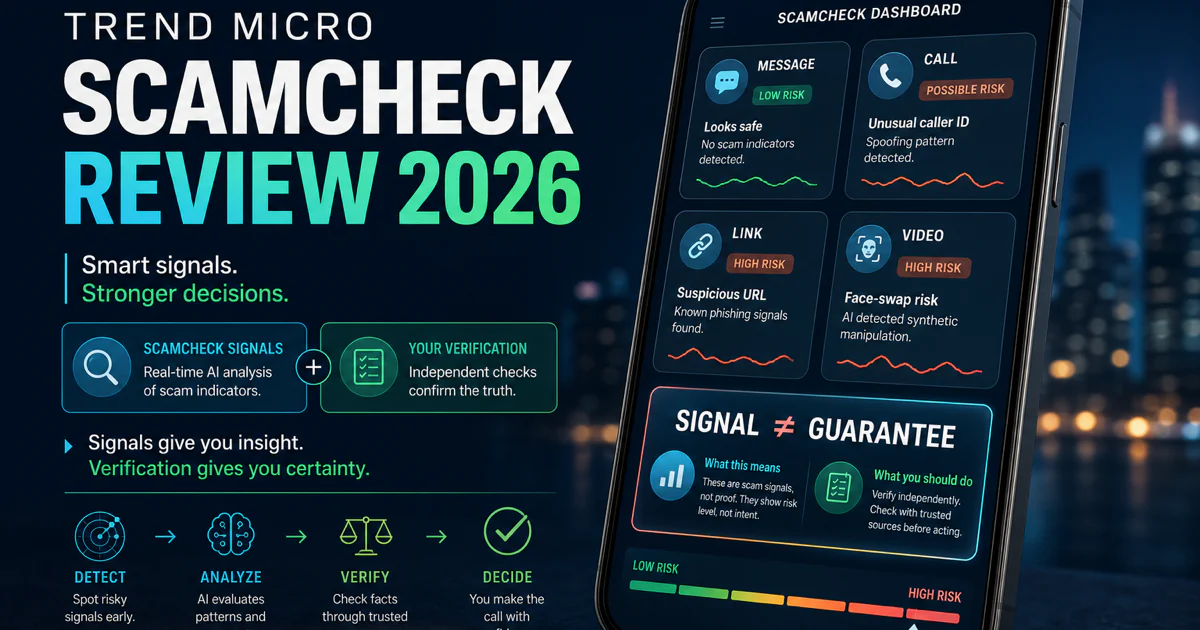
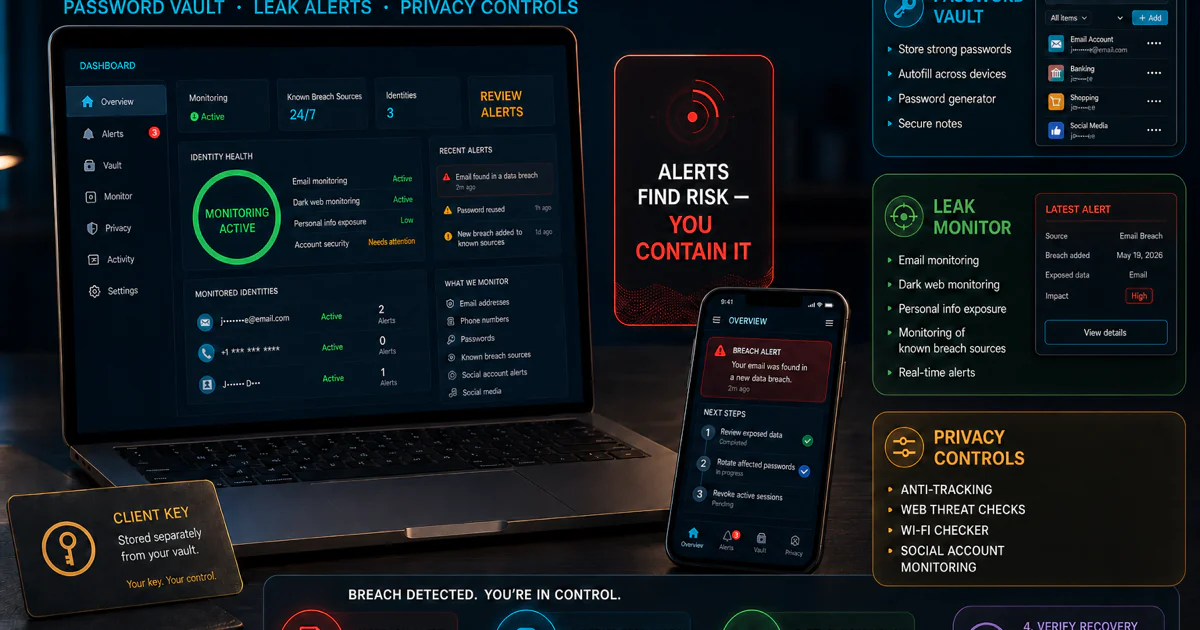
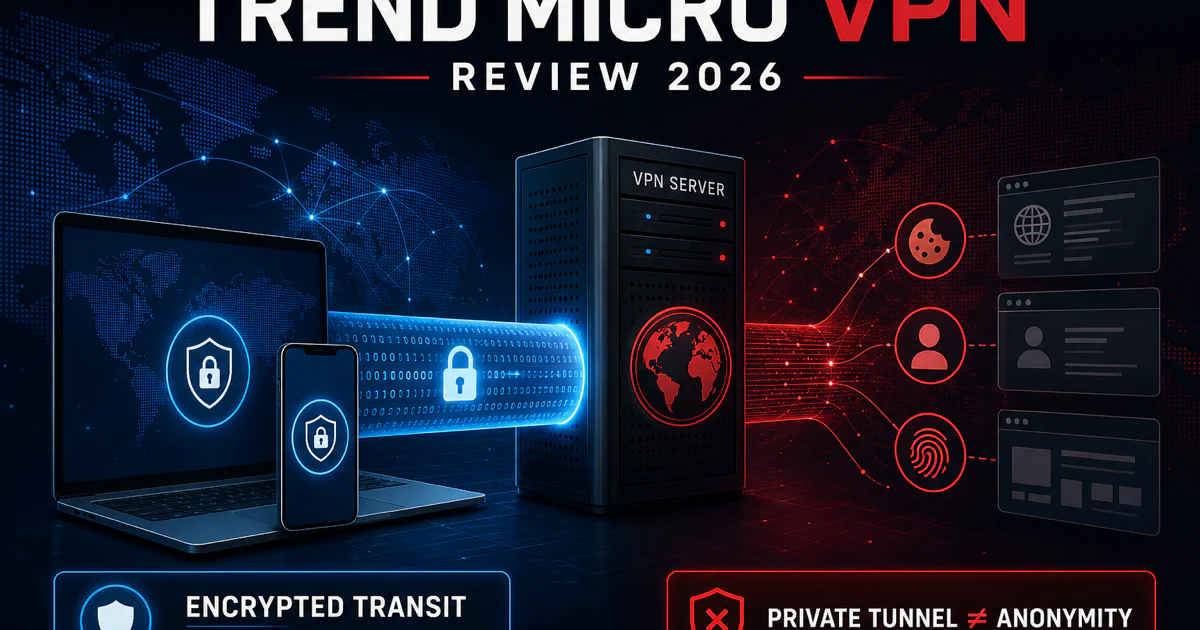
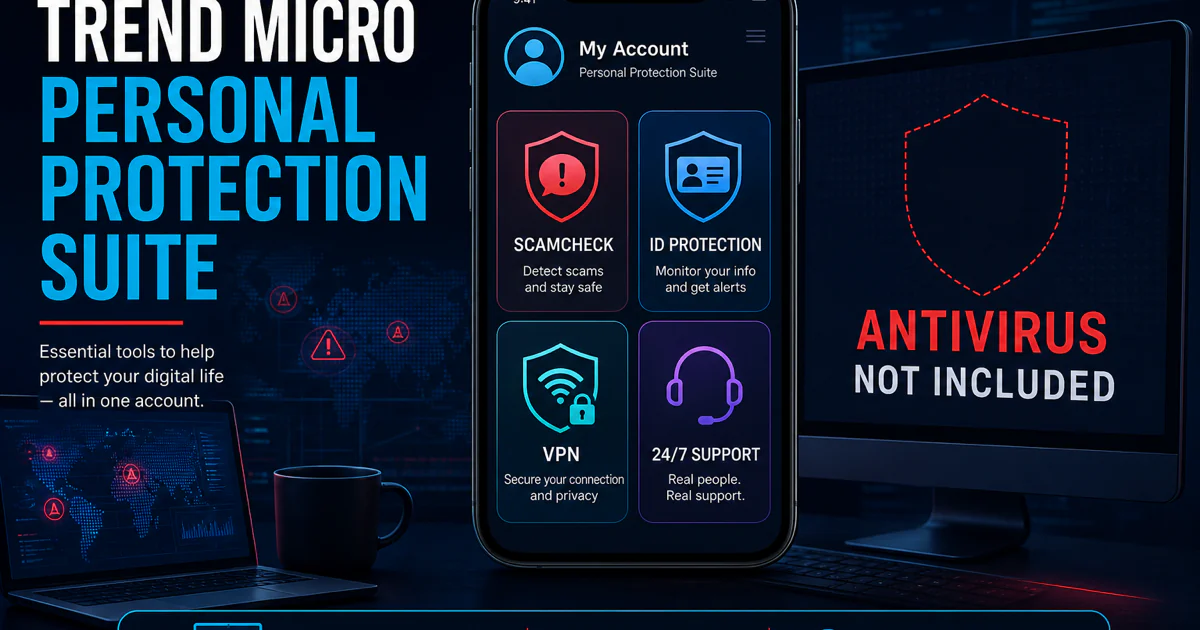
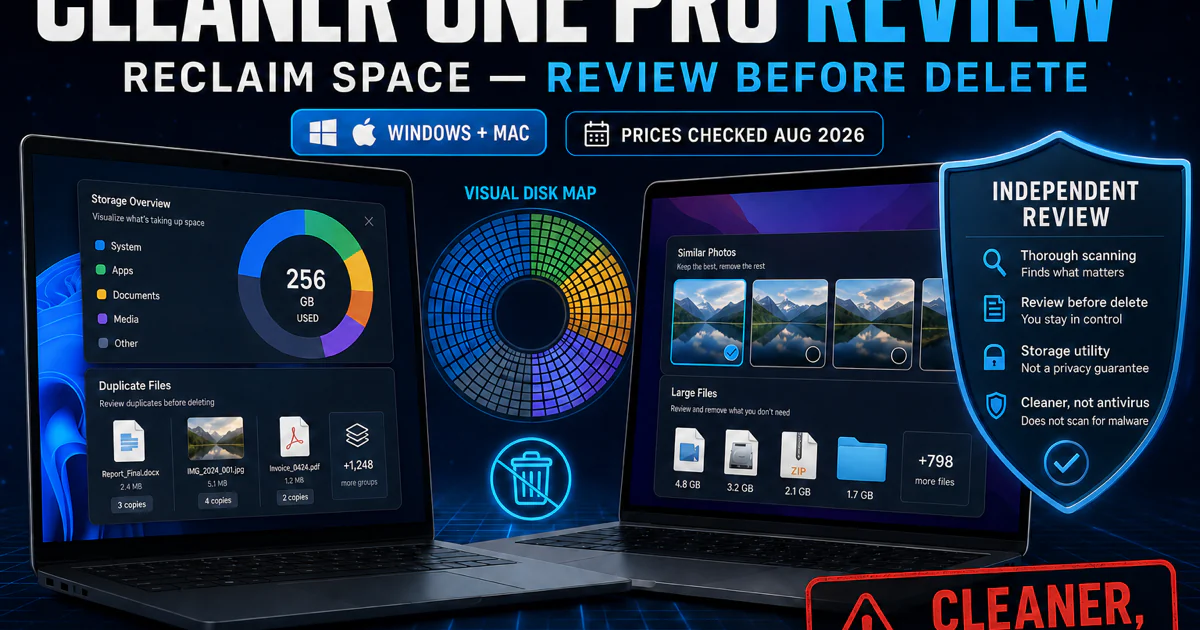
ScamCheck, ID Protection, Trend Micro VPN, Cleaner One Pro and Personal Protection Suite introduce their own apps, permissions, data flows and possible subscription lines. Antivirus lab results cannot be borrowed to certify VPN logging, password-vault recovery, identity-monitoring coverage or cleaner safety. Open the dedicated review before granting broad phone, browser, storage or account access.
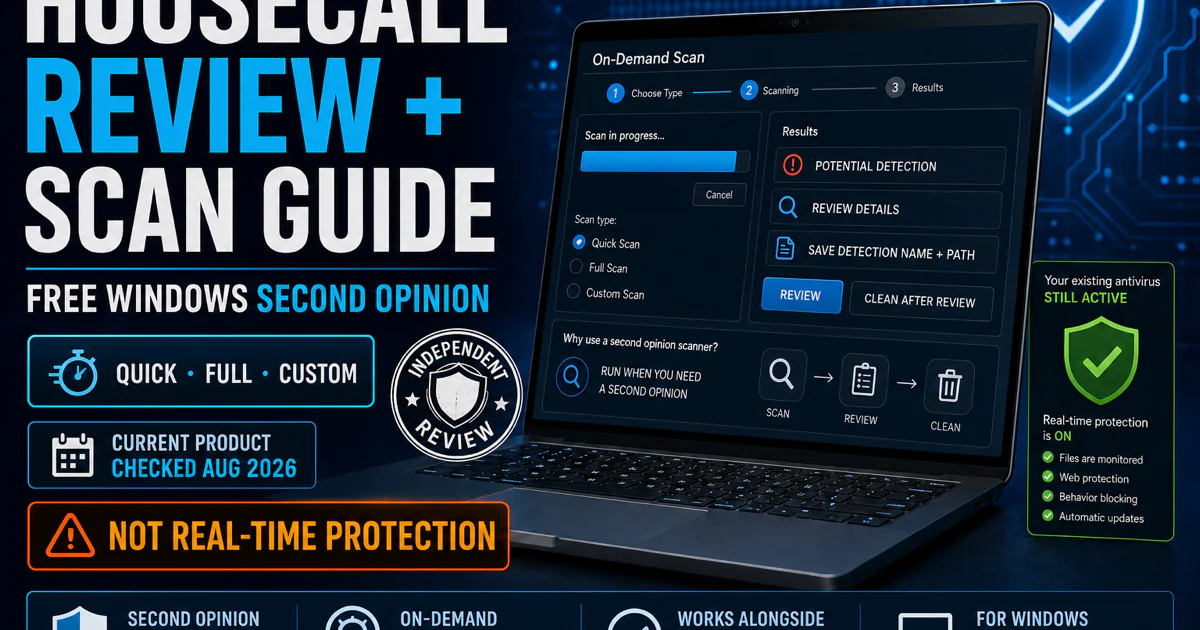
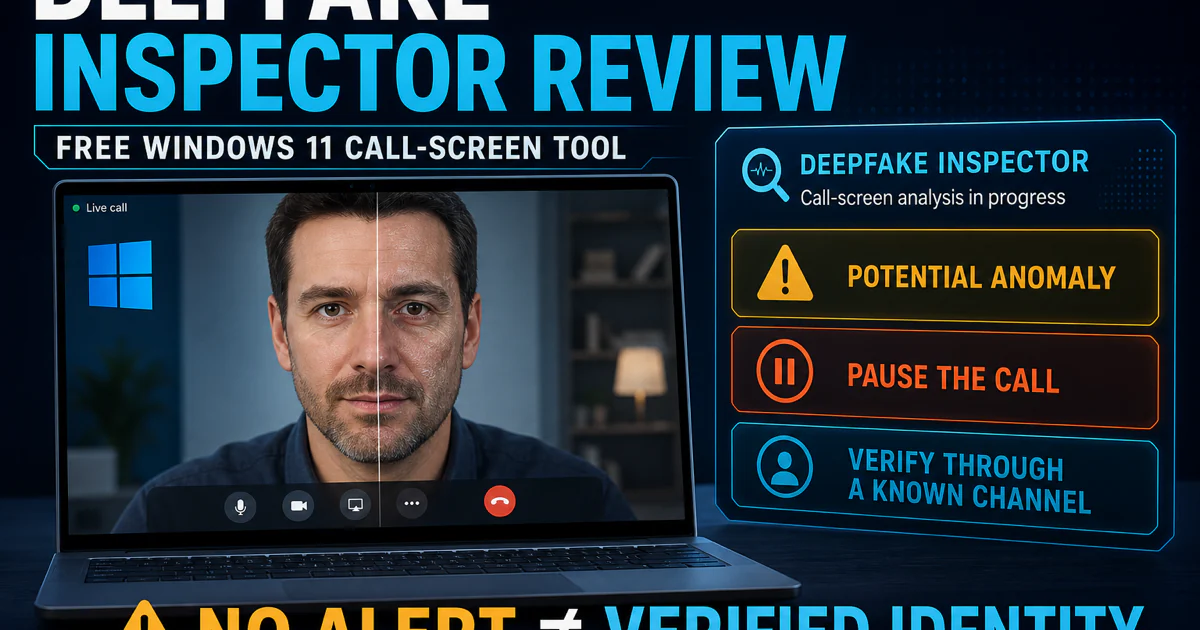
HouseCall is a useful second-opinion scanner because it can run without replacing the installed antivirus. It is not a real-time security provider. Deepfake Inspector is also an investigation tool rather than an oracle: preserve the original media, source and context, treat the output as one signal, and do not convert a confidence result into an accusation.
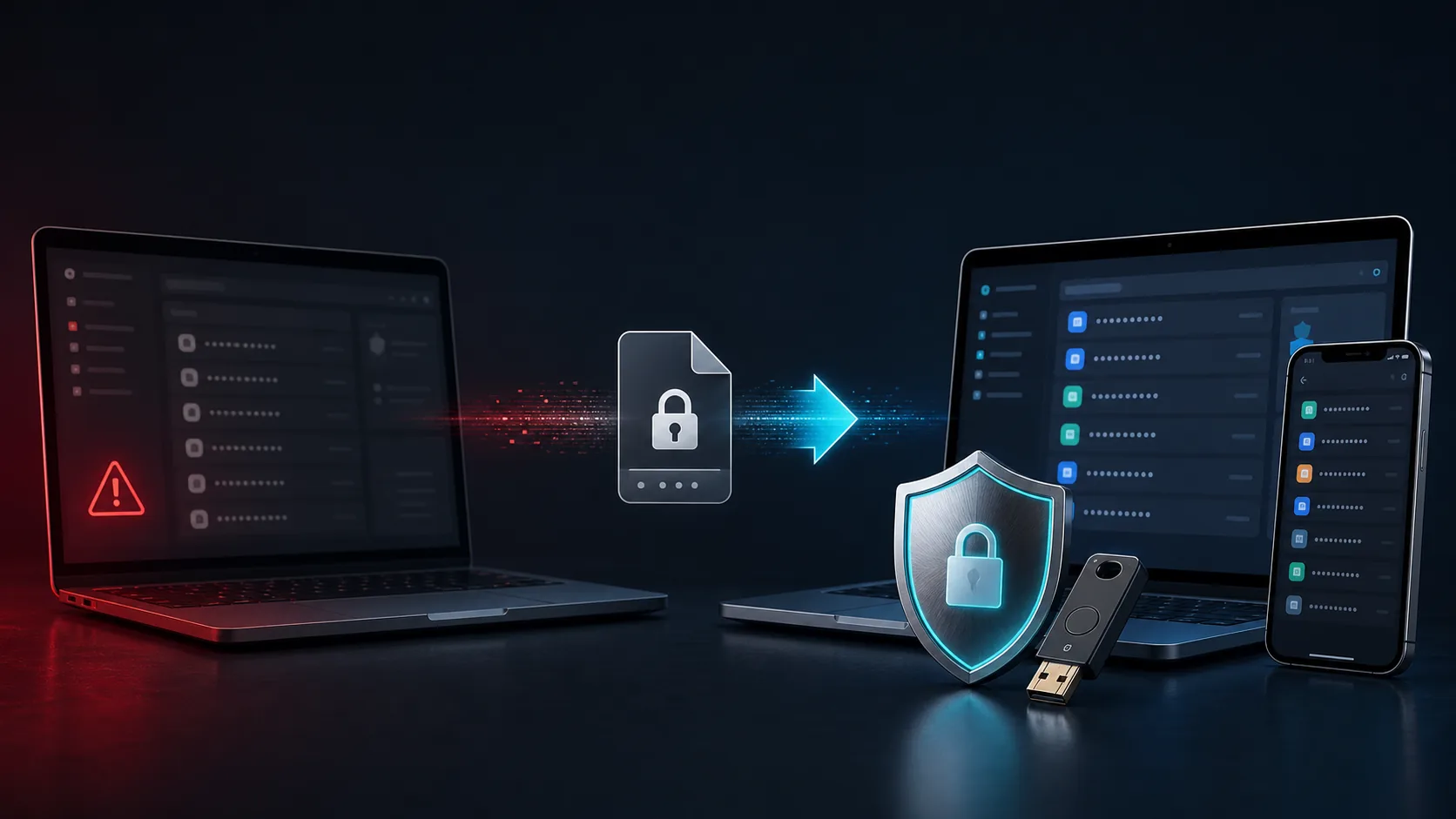
Lifecycle evidence can outweigh feature quality. Trend Micro's Password Manager notice says service ended November 16, 2025. The correct 2026 task is migration: export on a trusted device, import into a supported vault, verify passwords, passkeys and recovery, then remove the readable export. A polished old review cannot reverse an end-of-service notice.
Repair one layer, or leave in two separate control planes
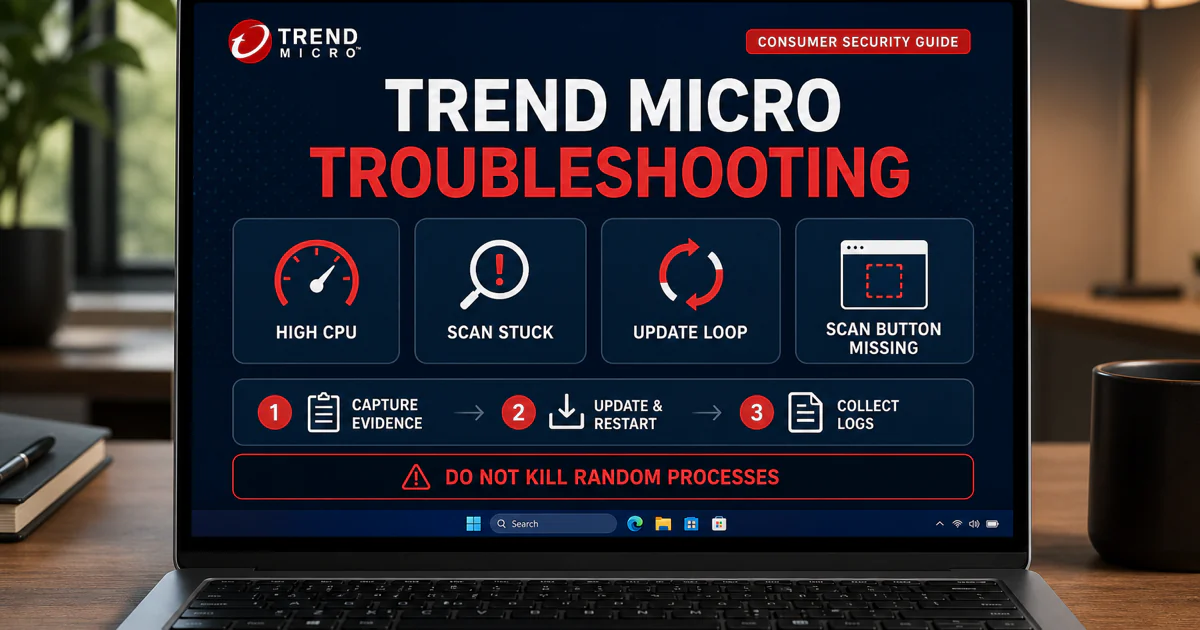
“Trend Micro is not working” can mean a stopped service, stale component, failed update, stuck scan, activation mismatch, browser conflict or high CPU during a legitimate first scan. Record the signed process, exact error, active task and reproducible trigger. Update the operating system and app, restart, let a named scan finish and reproduce once before reinstalling or adding exclusions.
Performance complaints need a baseline. Trend Micro's current independent performance result is relatively strong, but that does not invalidate a real local slowdown. Compare idle and active CPU, memory and disk use, note whether an update or scan owns the load, and isolate browser, VPN or competing-security layers. Reinstalling without that evidence can erase the symptom without explaining it.
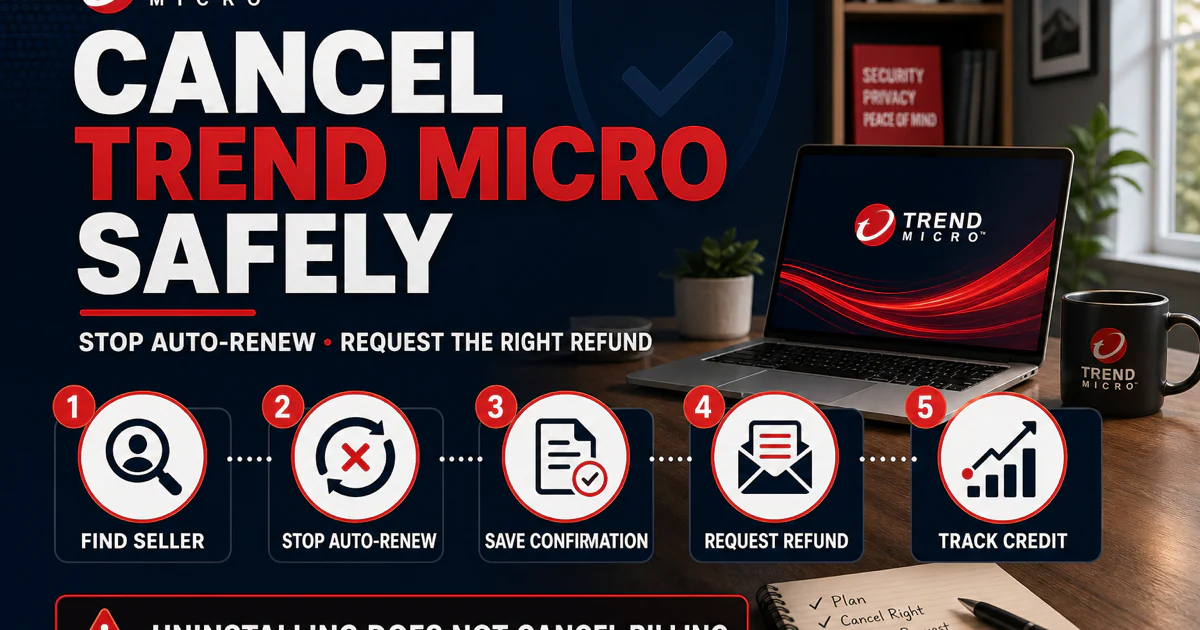
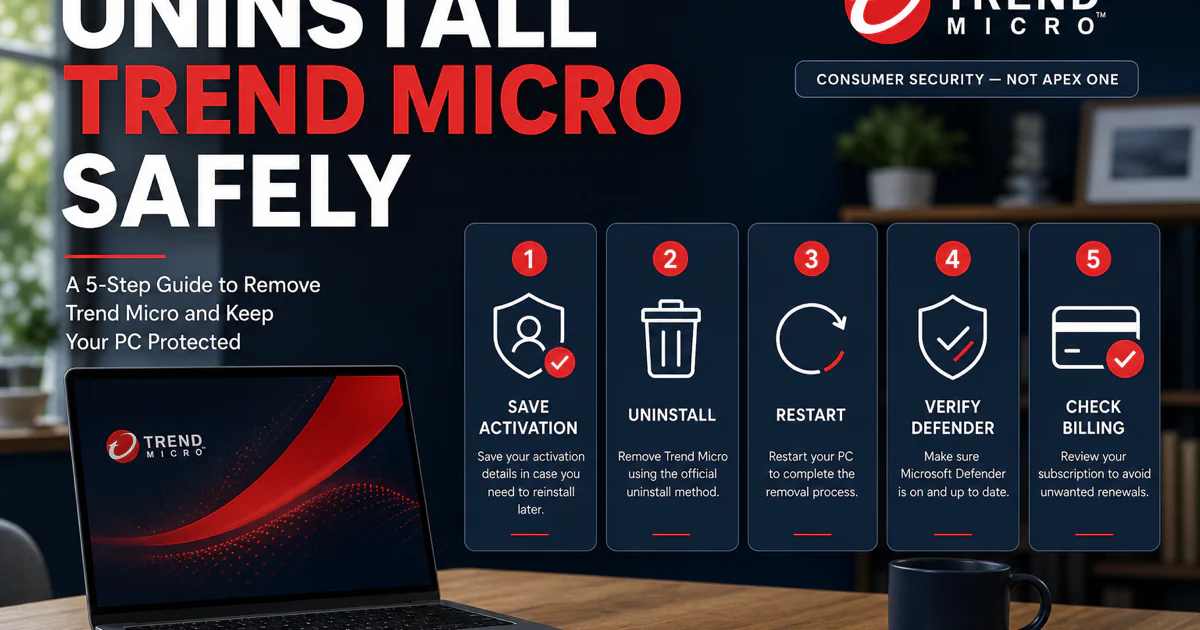
Leaving always has two control planes. Cancellation changes future billing; uninstall removes software from one device. Stop renewal through the verified Trend Micro account, Apple, Google or the merchant on the receipt, save confirmation, then uninstall and verify another supported real-time provider is active. Reversing the order can destroy useful account evidence while leaving the subscription untouched.
A refund has a third owner: the terms and seller on the transaction. Preserve the invoice, account email, renewal disclosure, transaction date and cancellation confirmation before deleting the app or account. The alternatives guide then helps choose a replacement around the problem that caused the exit.
Keep consumer antivirus separate from similarly named Trend Micro products
| Name in the search result | What it owns here | What not to assume |
|---|---|---|
| Trend Micro Windows Security | Real-time antivirus, scans, Pay Guard, Folder Shield, Family and related PC features | Not the same interface or feature set as Mac, mobile or enterprise products |
| Antivirus for Mac | macOS malware and web protection under Apple's permission model | Windows menus, scores and troubleshooting do not transfer automatically |
| Mobile Security | Android and iOS-specific protection surfaces | iOS does not permit a conventional Windows-style full-system antivirus scan |
| ScamCheck / ID Protection / VPN | Separate scam, identity, privacy or network jobs | One antivirus score does not validate their privacy or effectiveness claims |
| HouseCall / Deepfake Inspector | On-demand investigation tools | They are not permanent full-time replacement antivirus engines |
| Home Network Security / Password Manager | Legacy lifecycle and migration questions | Old manuals do not prove current availability or support |
| Trend Vision One and business products | Enterprise administration outside this consumer hub | Do not apply corporate console instructions to a home subscription |
Product boundaries are not editorial fussiness. They prevent harmful fixes. Uninstalling the Windows antivirus will not remove a browser extension or mobile VPN profile on another device; changing a family rule in Windows will not rewrite Apple Screen Time; and an enterprise knowledge-base command can damage a home installation if the service name and policy model differ.
Use verified support routes and ignore frightening shortcuts
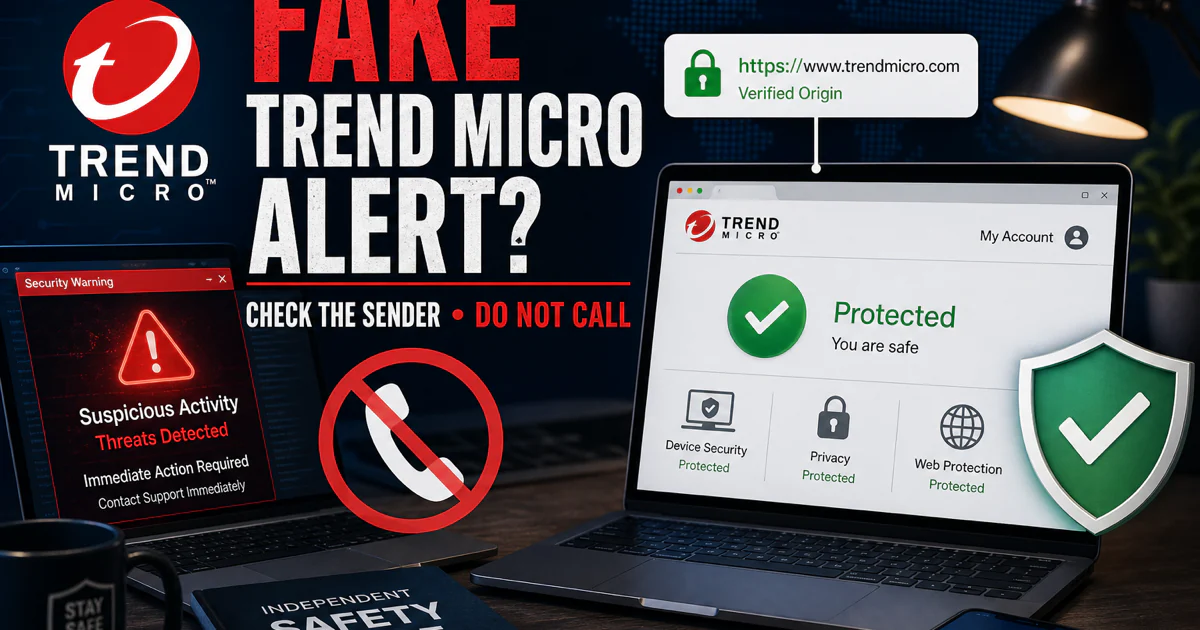
Fake Trend Micro pop-ups often begin as browser-notification abuse or an impersonation page. They may appear on a device where Trend Micro is not installed, then instruct the reader to call, install remote-access software or pay for a repair. Close the message, inspect browser notification permissions and open the verified account or Help Center independently. Do not use the link, number or download offered by the warning.
Community discussions are useful for discovering confusion, not for proving product behavior. A Trend Micro community question about a missing browser extension shows why browser and platform names must be checked before troubleshooting. A renewal-support complaint shows why customers should preserve receipts and written replies. Neither thread establishes how often the issue occurs or what another build will do.
Use the source that can answer the exact question
| Your question | Open this route | Evidence that controls the answer |
|---|---|---|
| Is Trend Micro good? | Review | Current named lab builds, false alarms, performance, features, limitations and value |
| Which plan should I buy? | Pricing | Live cart, devices, operating systems, seller, term and regular renewal |
| How do I install or transfer it? | Setup + account/device | Verified installer, publisher, activation account, seat and provider state |
| Why was something blocked? | Web, scan or Folder Shield guide | Exact alert, owner, URL/path, signature, source, behavior and false-positive process |
| Is a companion app worth it? | Dedicated feature review | Permissions, platform, policy, independent evidence, price and actual use |
| Can a recovery tool fix ransomware? | Ransomware guide | Family identification, preserved samples, tested backups and vendor tool scope |
| Why is the computer slow? | Repair guide | Signed process, active task, baseline, reproducible trigger and logs |
| How do I stop paying and remove it? | Cancellation + uninstall | Merchant, written confirmation, local removal and active replacement protection |
Official documentation controls current menus, system requirements, account actions, product lifecycle and downloads. Independent laboratories measure named builds under controlled threat and performance workloads. Operating-system vendors and app stores control platform permissions and purchase management. Community posts identify failure states and confusing wording, but they cannot establish causation or prevalence by themselves.
Every page linked here was researched as its own search job, fact-checked against current primary sources, given human-readable visuals where they improve the task, and tested locally on desktop and mobile. The final cluster check will verify every hub link and every return path before any file reaches production.
Trend Micro guide hub FAQ
Where should I start with Trend Micro?
Start with the full review if you are deciding whether to buy or keep Trend Micro. Open the pricing guide before checkout, the exact feature or platform guide for a current task, and the cancellation and uninstall guides as separate steps when leaving.
Is this the official Trend Micro support site?
No. Antivirus-Review.com is an independent editorial publication. We research products and explain safe routes, but downloads, account recovery, activation, billing changes, false-positive submissions and support cases must continue on a verified Trend Micro domain or the store that processed the purchase.
Which Trend Micro product should I install?
Match the product to the operating system, device count and features you will actually use. Windows, Mac, Android, iPhone/iPad and Chromebook do not expose identical protection layers, so check the platform guide and current official system requirements before buying or transferring a seat.
Does Trend Micro have a free antivirus?
Trend Micro does not offer a general full-time free consumer antivirus tier comparable with Microsoft Defender or Avast Free. HouseCall is a useful free on-demand scanner, but it does not replace one supported real-time antivirus.
Why is Trend Micro blocking a website?
Record the exact warning and URL, then identify whether the owner is Web Threat Protection, a browser toolbar, Pay Guard, Mobile Security, DNS/VPN filtering or the browser itself. Verify the domain independently and submit a false positive before creating a narrow temporary exception.
Can I use two antivirus programs with Trend Micro?
Do not run two full real-time antivirus engines unless both vendors explicitly document that configuration. Keep one primary provider, use HouseCall or another compatible scanner on demand, and verify the registered provider in the operating system after installation or removal.
Is Trend Micro Password Manager still supported?
No. Trend Micro says Password Manager reached end of service on November 16, 2025. Use the migration guide to export only on a trusted device, import into a supported vault, verify entries and then remove the unencrypted export safely.
Does Trend Micro include parental controls on every device?
No. The Windows security suite has a Family wizard, while mobile products lean toward web and device-specific safety controls. Microsoft Family Safety, Google Family Link or Android controls, and Apple Screen Time should own broader account, app and device-time rules.
Does uninstalling Trend Micro cancel the subscription?
No. Uninstalling changes software on a device; cancellation changes future billing. Stop renewal through the verified Trend Micro account or the app store that processed the purchase, save confirmation, then uninstall and verify another supported real-time antivirus is active.
What is the best alternative to Trend Micro?
Bitdefender is our strongest paid all-round replacement, Norton fits family bundles, Microsoft Defender is the cleanest free Windows default, ESET suits low-impact control, McAfee favors broad household identity features and Avast is the free third-party route. Choose the product that solves the specific reason you are leaving.
Bottom line: one brand, 28 different jobs
Trend Micro's antivirus, platform apps, account, family controls, security tools and retired products should not be forced into one giant article. This hub is the map: choose and pay, set up a platform, protect and investigate, evaluate a companion product, or fix and leave. Each card opens the page that owns that task.
Use current independent evidence for the product, the live cart and receipt for money, and verified official domains for downloads, activation and support. If a result mixes products or skips the exact version, step back and name the owner before changing anything.