
Antivirus & Security Blog: Practical Guides for 2026
Use this library to solve a security problem, understand a product or choose the next control—not to collect generic “cyber tips.” Start with the situation in front of you: a suspected infection, a Windows protection decision, a browser or email risk, a password-manager question, or an antivirus utility that may no longer deserve a place on your computer.
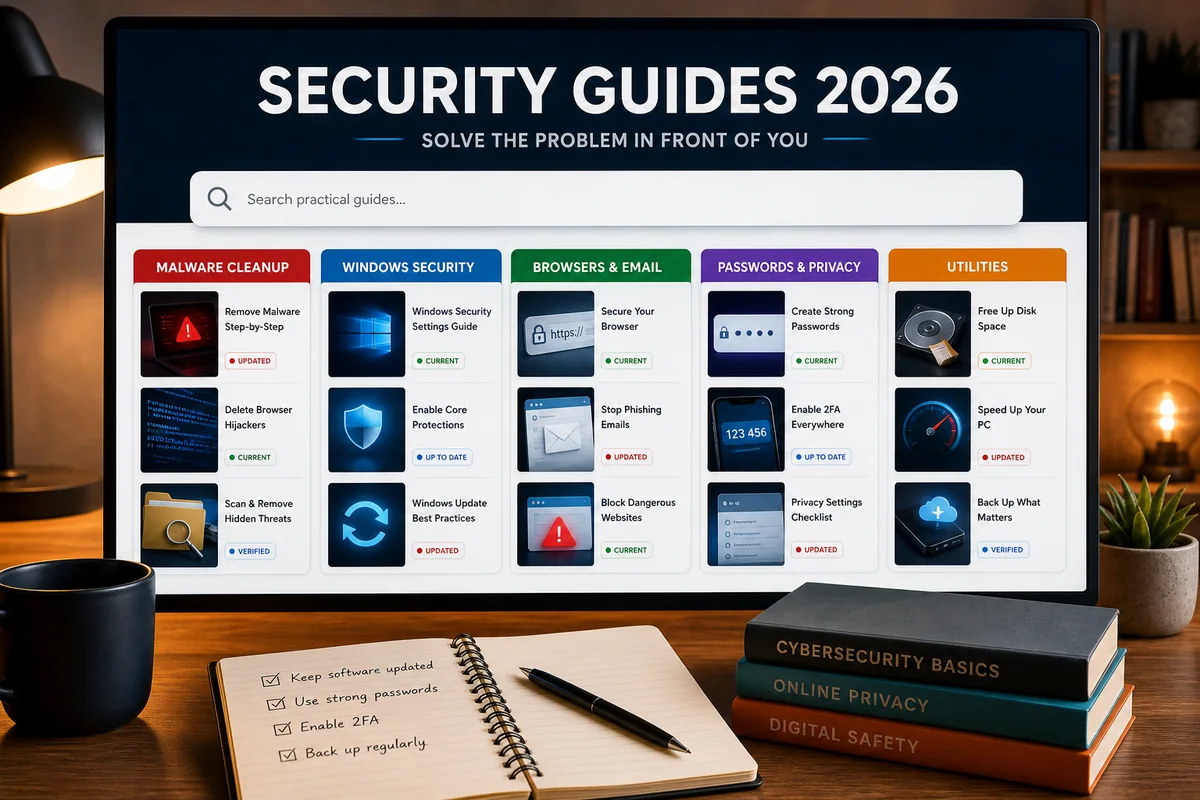
Start here: if the computer may be infected, disconnect it from sensitive accounts and use our malware-removal decision guide. If you're choosing protection, compare the current antivirus shortlist or the free-antivirus guide. For a narrower question, jump to Windows and malware, browser and email security, passwords and privacy, or security utilities.
Choose the guide that matches what is happening now
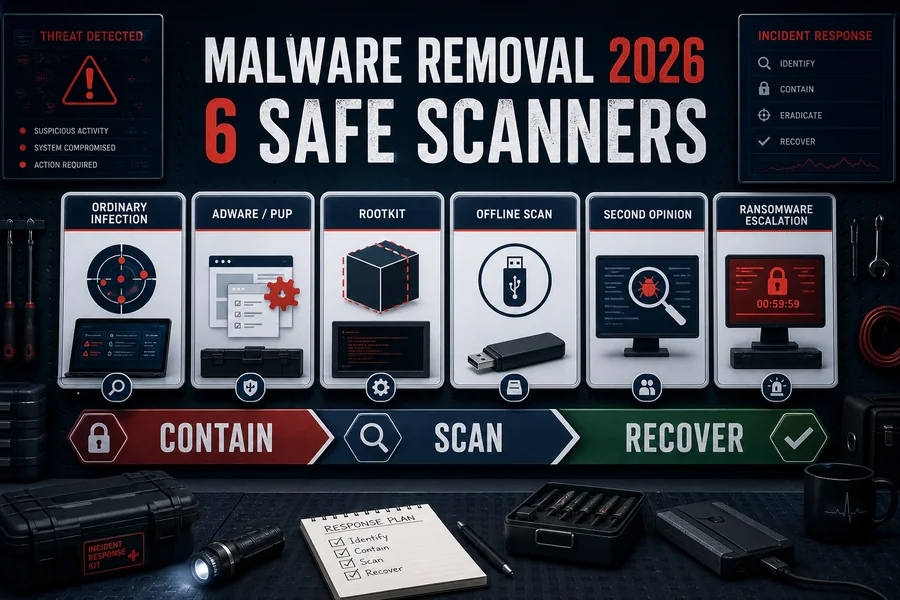
I think the PC is infected
Contain first. Don't keep logging into banking, email or work accounts from a machine that may be stealing credentials or sessions. Use the malware-removal hub to choose between an ordinary scan, an offline or second-opinion scan, specialist cleanup and a clean reinstall.
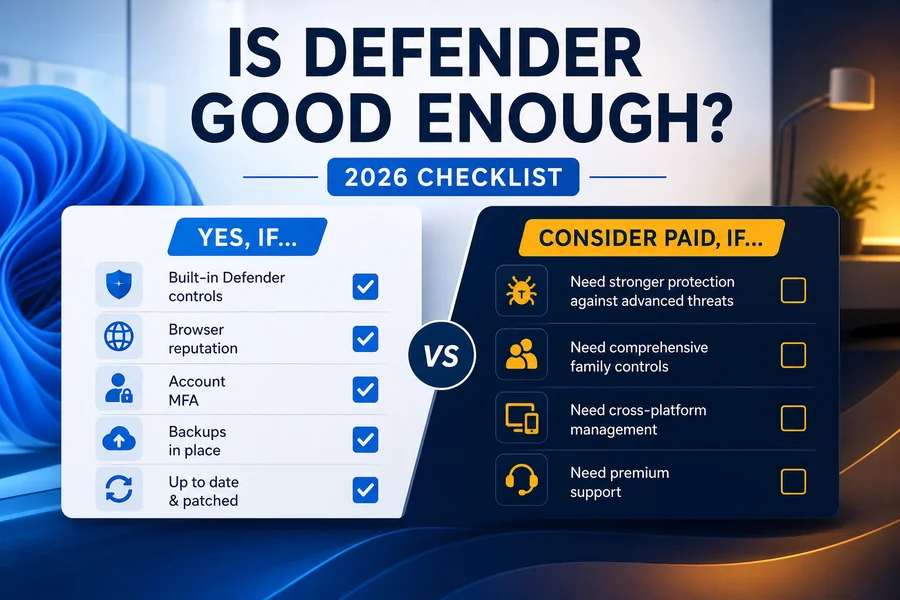
I am deciding whether Defender is enough
Read Is Microsoft Defender Good Enough?, then compare the built-in stack with a paid alternative on Defender vs Bitdefender. The answer depends on Windows version, web habits, family devices and whether you need VPN, identity or support extras.
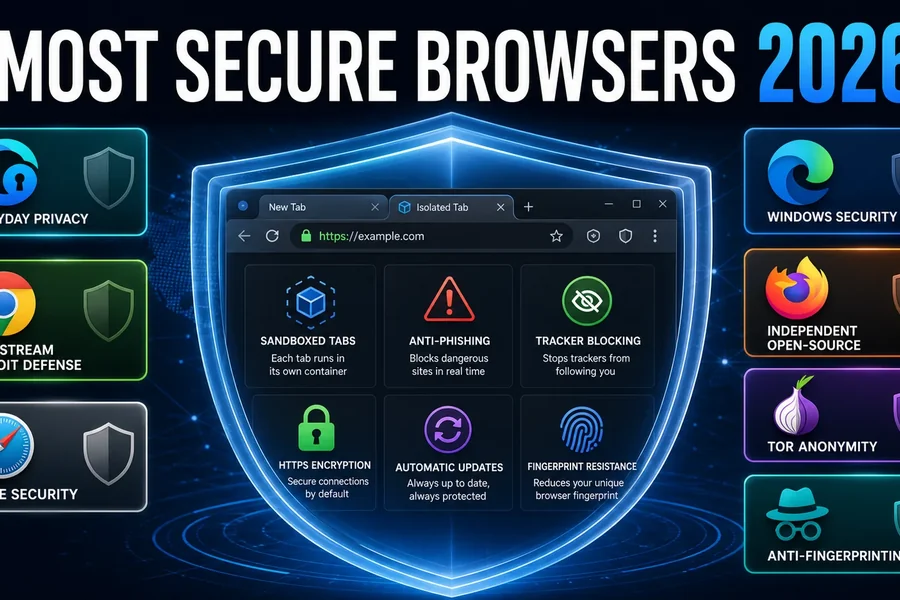
I need safer browsing or email
Start with the secure-browser guide and email-security guide. A browser label doesn't replace updates, phishing-resistant login, careful extension permissions and a recovery plan.
I am evaluating a utility or add-on
Driver updaters, tune-up tools, cleanup apps and browser bundles can overlap with operating-system features or introduce more privilege than value. Use our utility reviews to identify the exact job, the safer built-in route and the point at which uninstalling is the better decision.
Complete Norton 360 guide cluster
Start with the hub, then open only the job you need. The cluster separates buying, setup, features, operational failures, performance, billing and removal so a fix never becomes an accidental purchase or security gap.
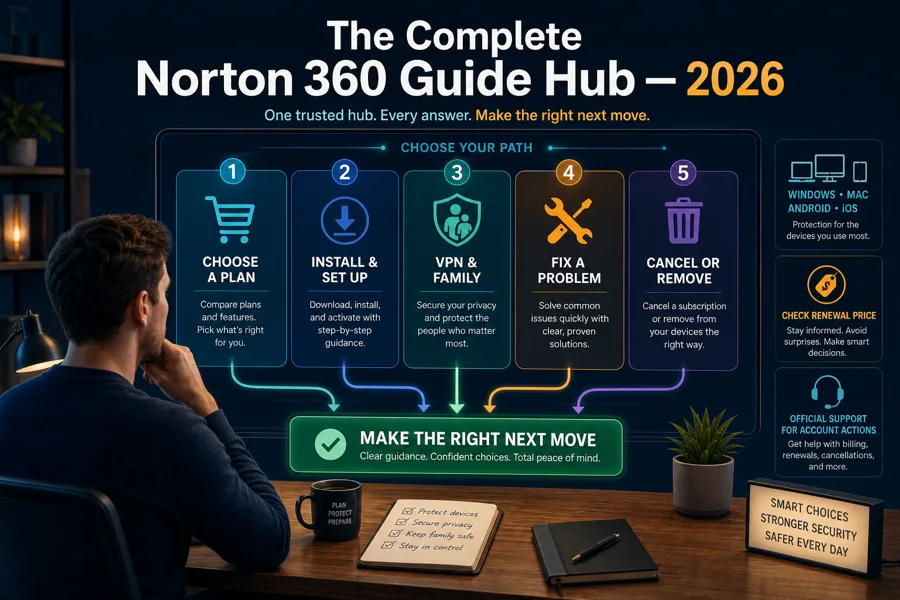
Complete Norton 360 guide hub
Choose a plan, install, understand features, fix a problem, cancel or remove Norton from one clear starting point.
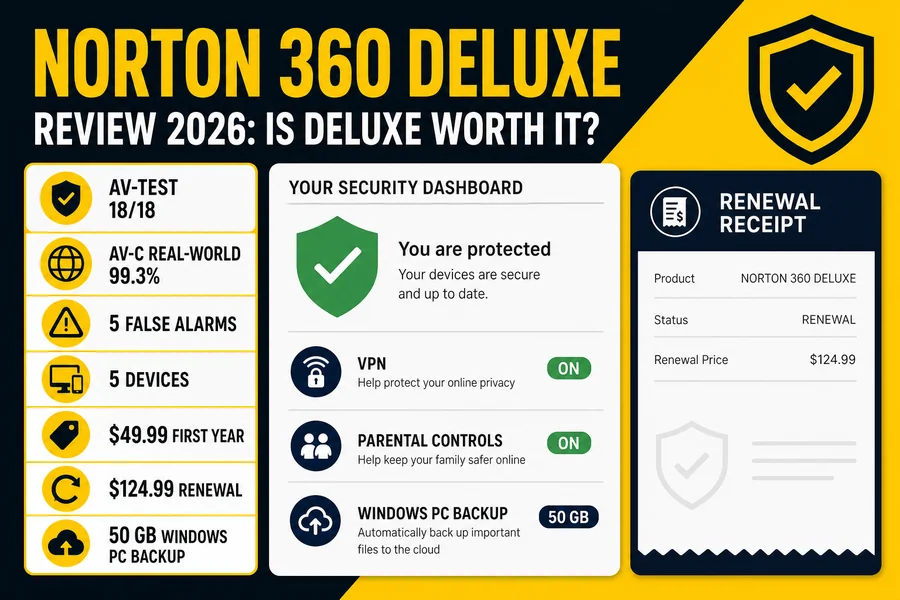

Norton VPN review
Plans, privacy, protocols, streaming, torrenting and when a dedicated VPN is the better tool.
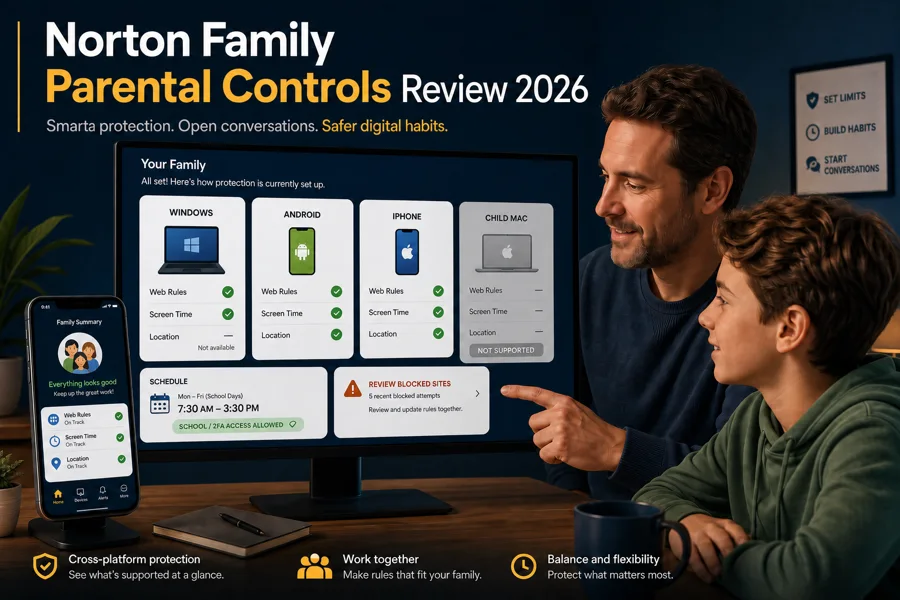
Norton Family review
What really works on Windows, Android and iPhone, plus the child-Mac and message-monitoring gaps.
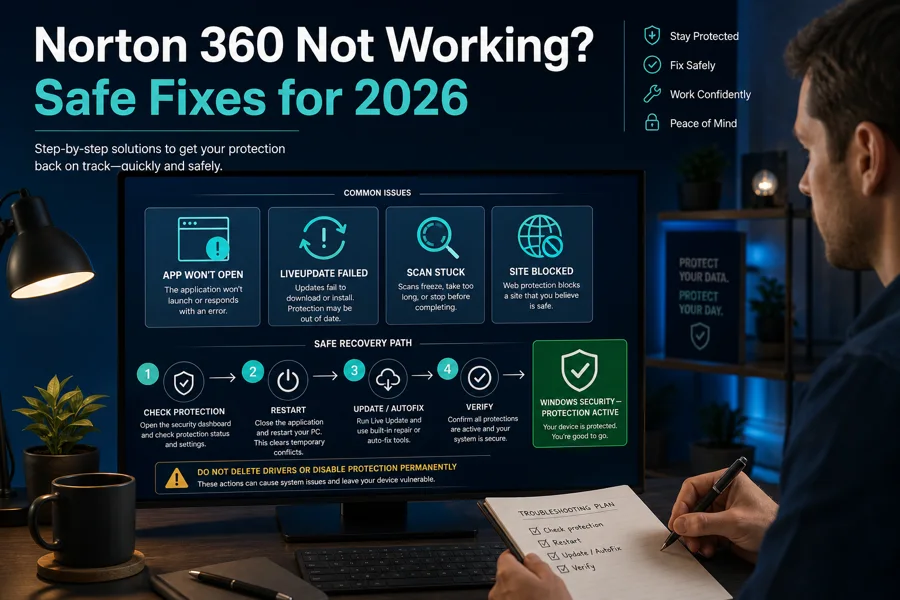
Norton 360 troubleshooting
Fix an app that won't open, LiveUpdate, stalled scans, blocked sites and stale protection status.
Complete Bitdefender guide cluster
Start with the hub, then open the narrow guide for the job. The cluster separates buying, setup, VPN, operational failures, performance, billing and removal so a repair never becomes an accidental security gap.
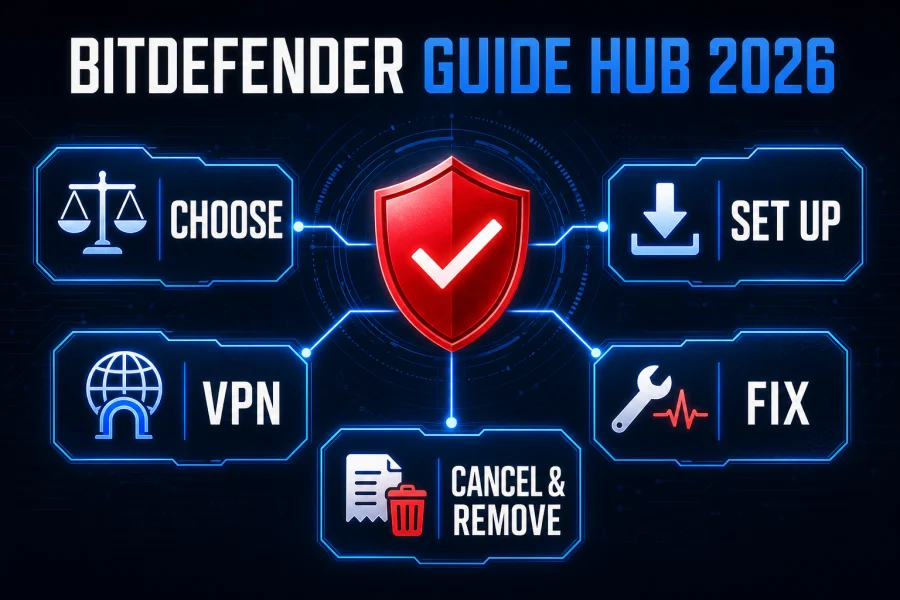
Complete Bitdefender guide hub
Choose a plan, install, understand VPN, fix a problem, cancel or remove Bitdefender from one clear starting point.
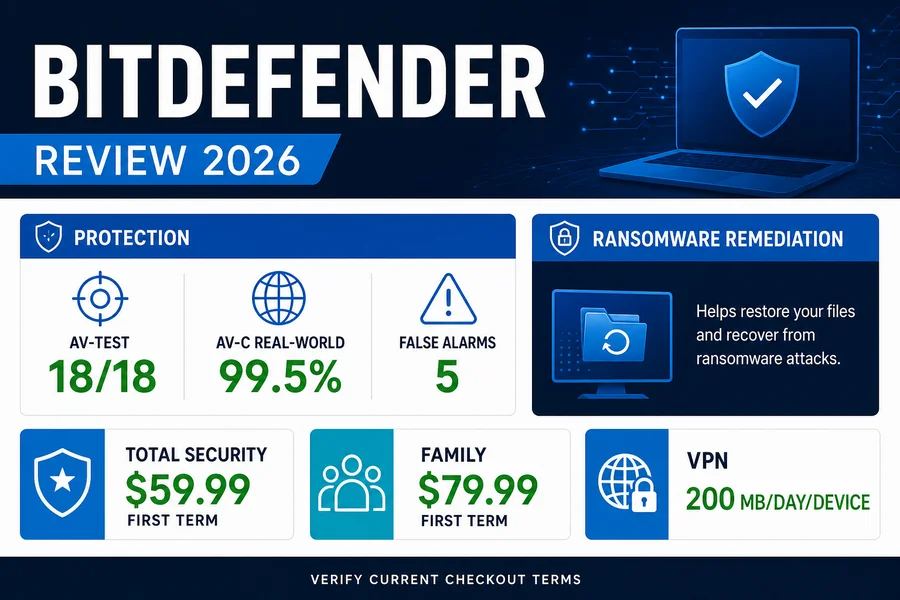
Bitdefender review
Current protection evidence, useful features, performance trade-offs and platform limits.
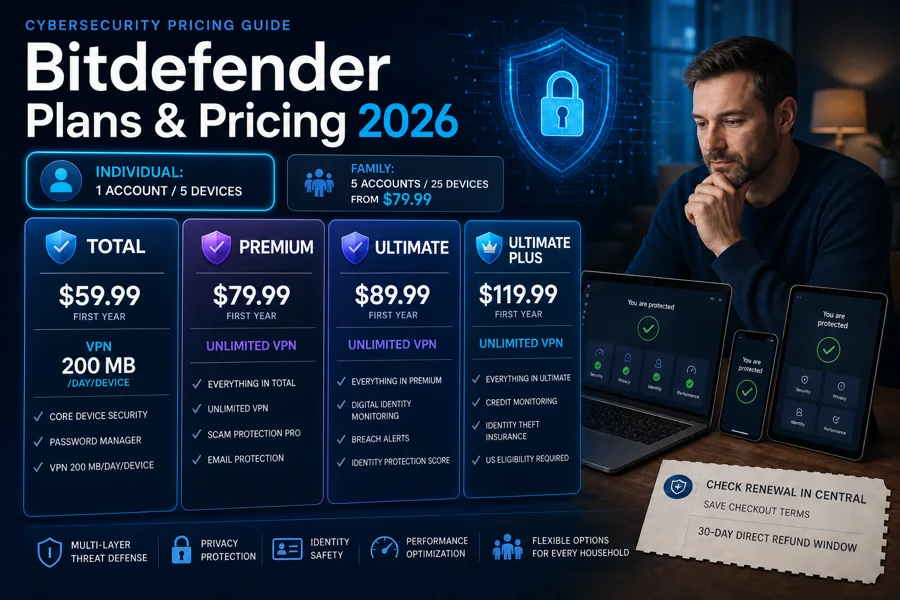
Bitdefender plans and pricing
Compare Individual and Family tiers, first-term cost, renewal terms and the VPN upgrade.
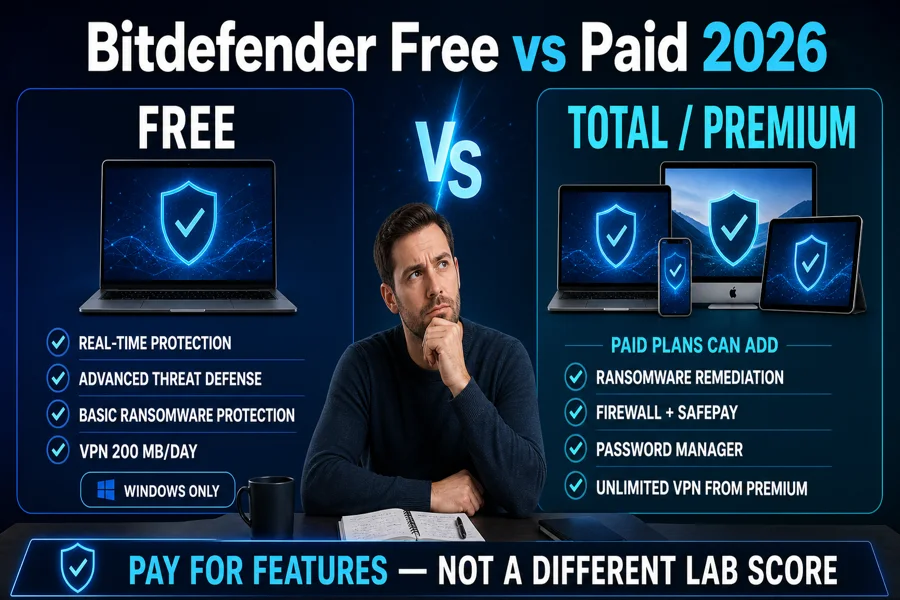
Bitdefender Free vs paid
Decide whether the free Windows product is enough or paid protection solves a real gap.
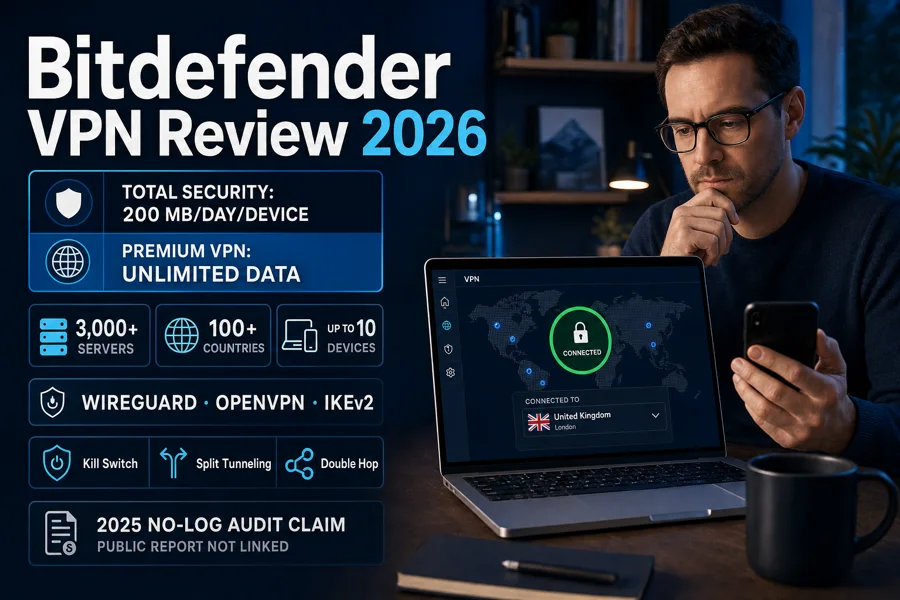
Bitdefender VPN review
The 200 MB daily allowance, unlimited plans, protocols, privacy evidence and alternatives.
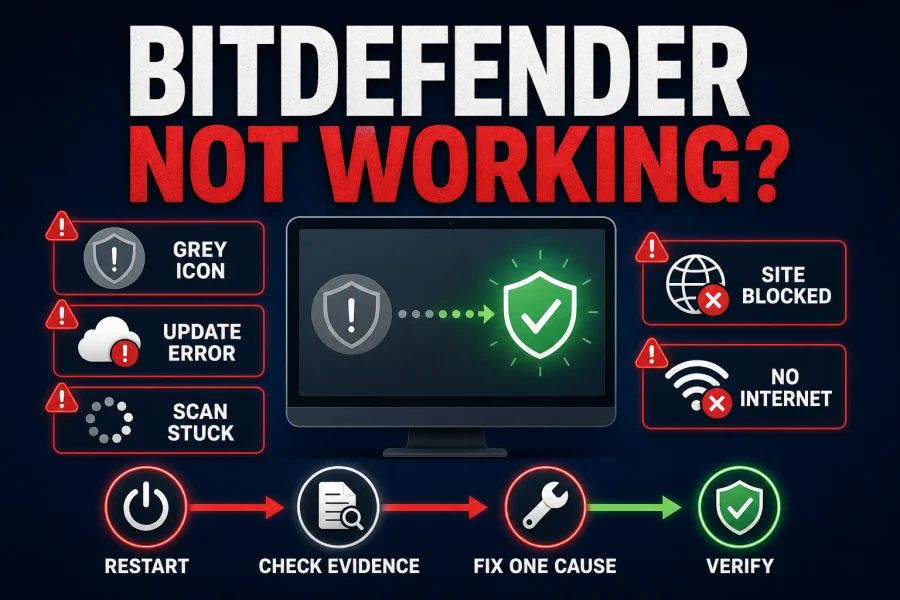
Bitdefender troubleshooting
Fix service, update, scan, website and connectivity failures without creating broad exclusions.
Complete Microsoft Defender guide cluster
Use the hub as the front door, then open the narrow page for the job. The cluster separates product evaluation, scanning, configuration, layer diagnosis, repair and replacement so one warning doesn't become a machine-wide security teardown.
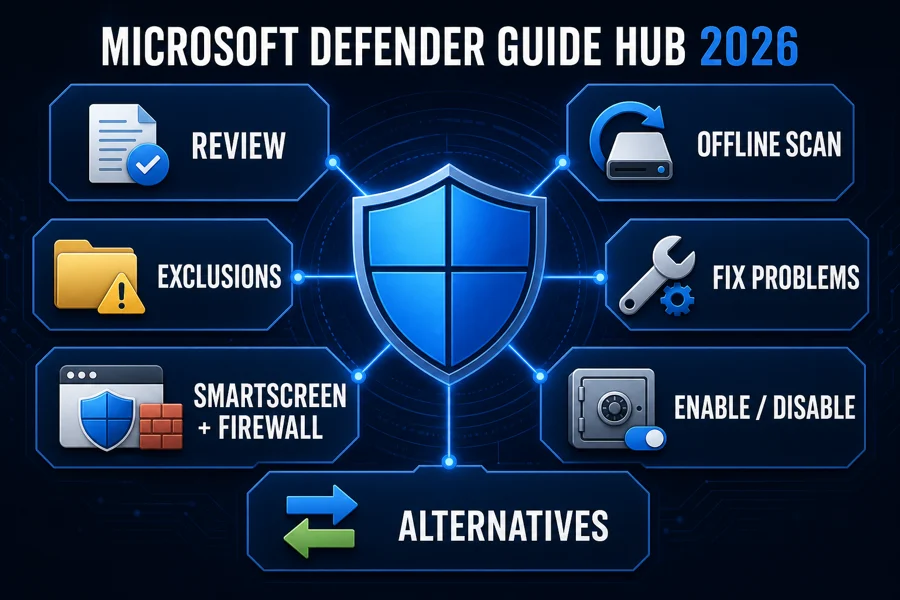
Complete Microsoft Defender guide hub
Check the current evidence, choose a scan, configure the right layer, fix a problem or switch safely.
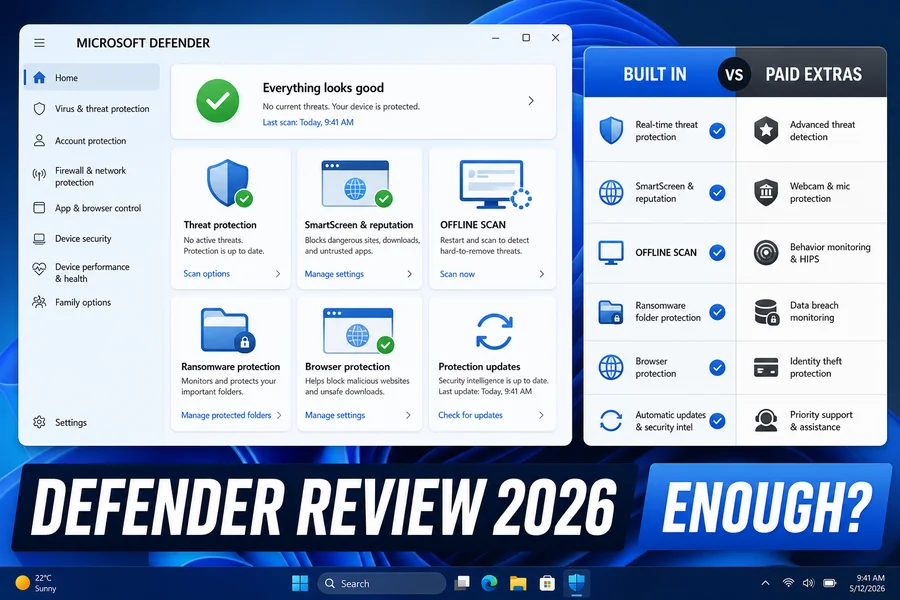
Microsoft Defender review
Current protection evidence, Windows integration, performance and the limitations that matter.
Is Microsoft Defender good enough?
Use five practical questions to decide whether the built-in baseline fits your PC and habits.
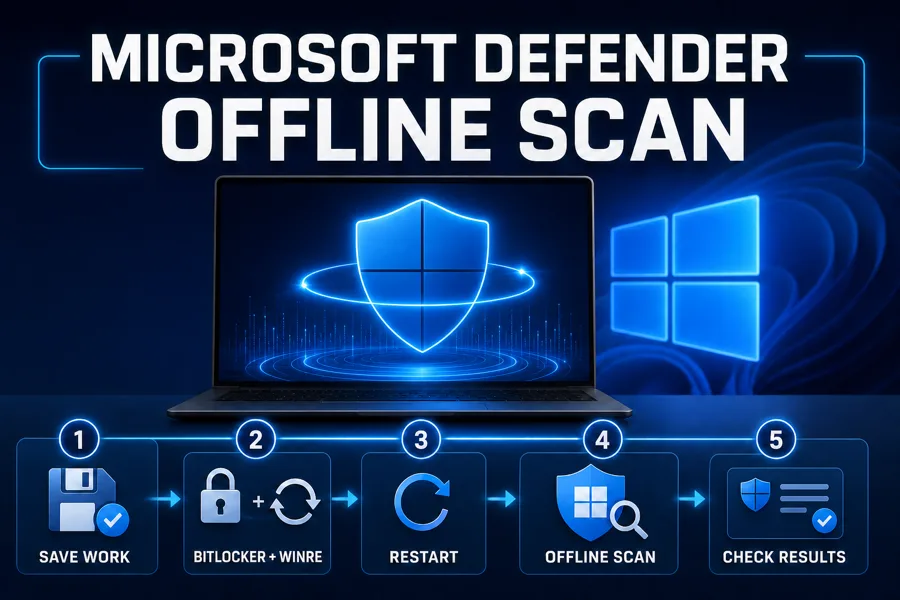
Run Microsoft Defender Offline
Prepare recovery access, restart into the offline scanner and interpret the result.
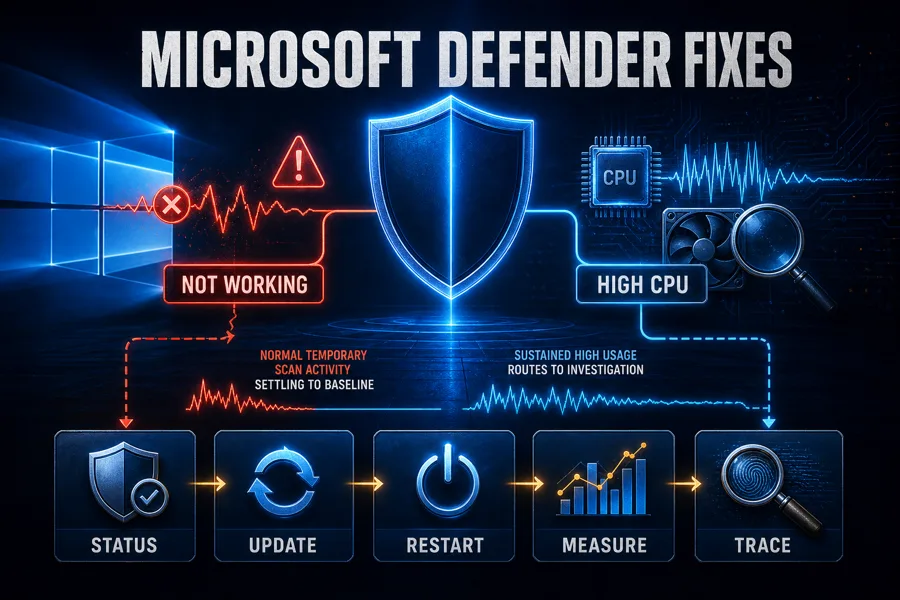
Defender troubleshooting
Fix provider, update, scan, service and sustained CPU problems without blind exclusions.
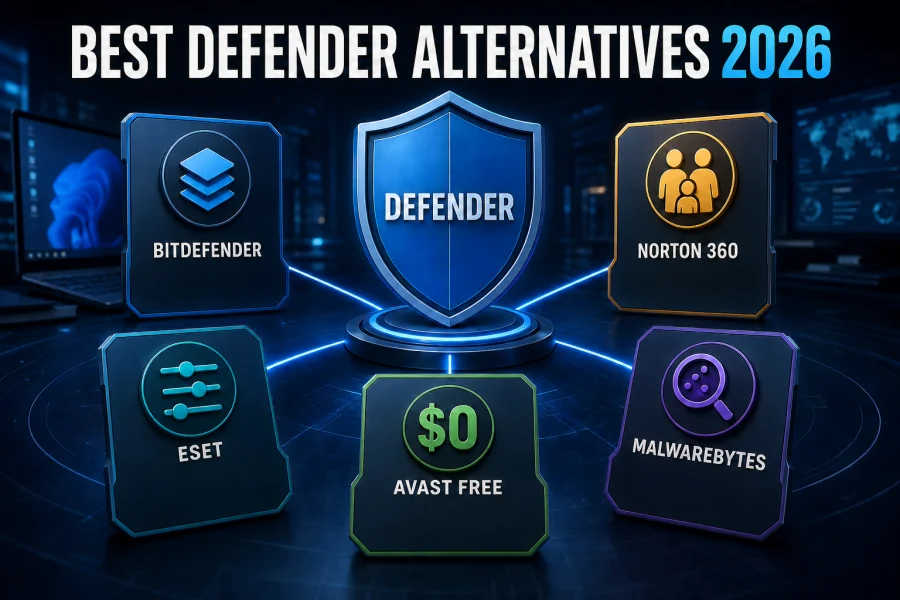
Best Microsoft Defender alternatives
Compare five replacements by current labs, price, system impact and the reason for switching.
Complete Avast guide cluster
Start with the hub, then open the narrow guide for the job. The cluster separates choosing, setup, performance, privacy, feature decisions, billing and removal so one problem never turns into an unnecessary security gap.
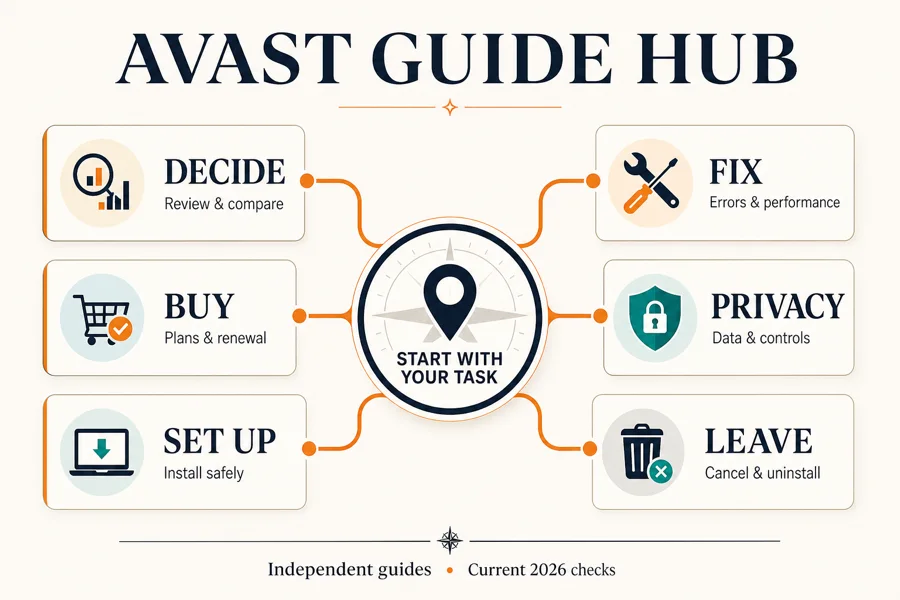
Complete Avast guide hub
Decide, compare plans, install, diagnose, control privacy, cancel or remove Avast from one clear starting point.
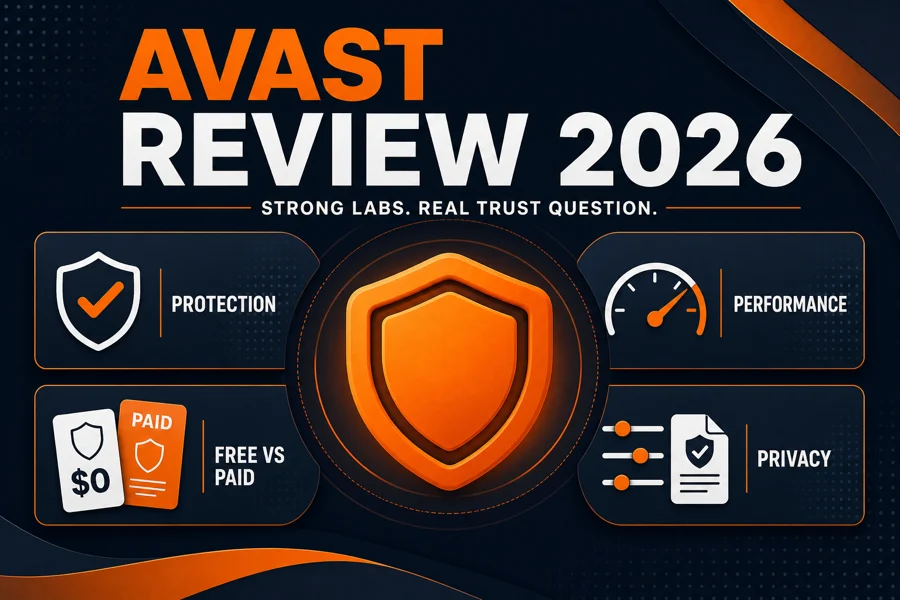
Avast antivirus review
Current protection evidence, performance, privacy history, product boundaries and our verdict.
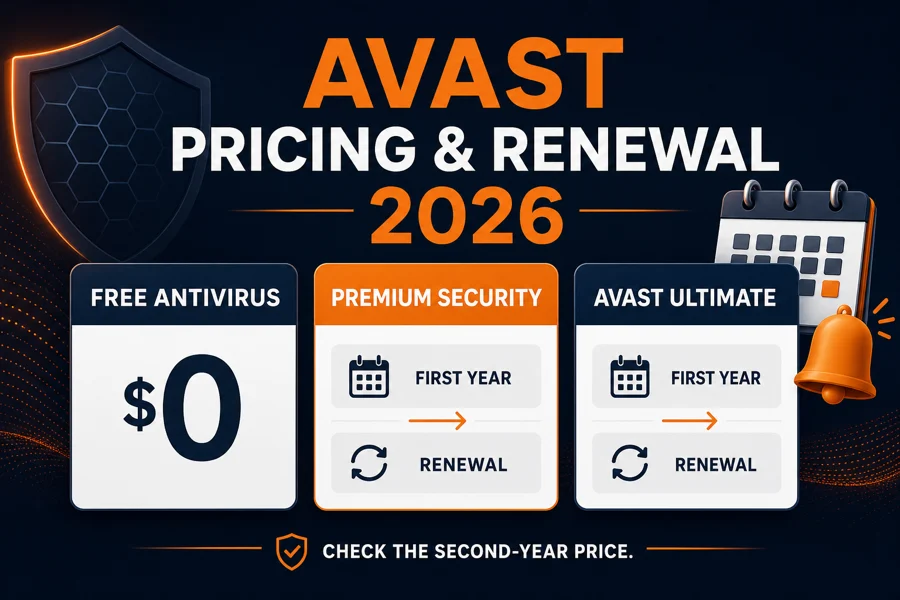
Avast plans and pricing
Compare Premium Security, Ultimate and Avast One offers, renewal timing and merchants.
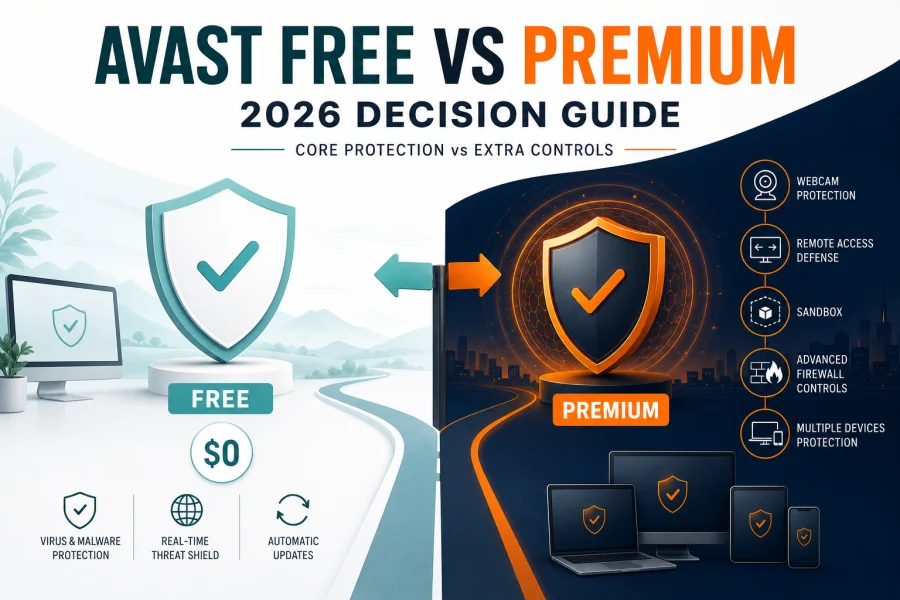
Avast Free vs Premium
Decide whether the free protection core is enough or a paid feature solves a real need.
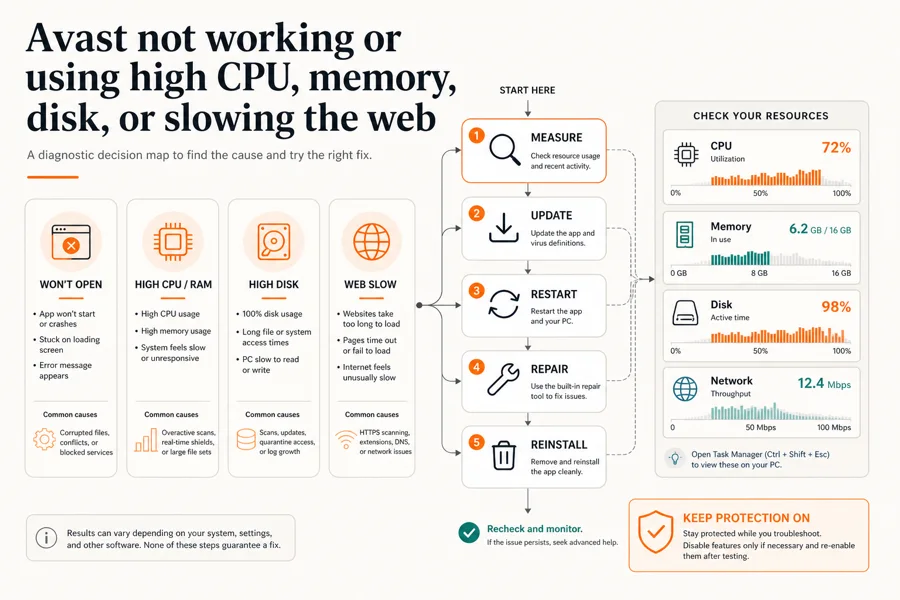
Avast troubleshooting
Fix crashes, updates, scans, sustained CPU or disk load, and Web Guard problems safely.
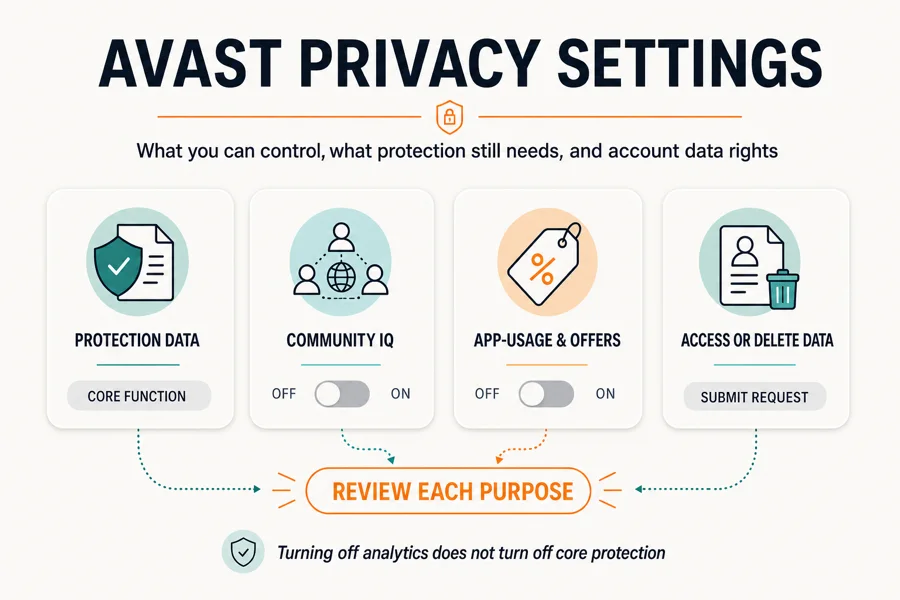
Avast privacy settings
Review Community IQ, analytics, offers, feature data, FTC context and account rights.
Complete AVG guide cluster
Start with the hub, then open the narrow guide for the job. The cluster separates choosing, setup, performance, Web Shield, privacy, companion tools, billing and removal so one problem never creates an accidental security gap.
Complete AVG guide hub
Review, compare, install, diagnose, control privacy, assess tools, cancel or remove AVG from one clear starting point.
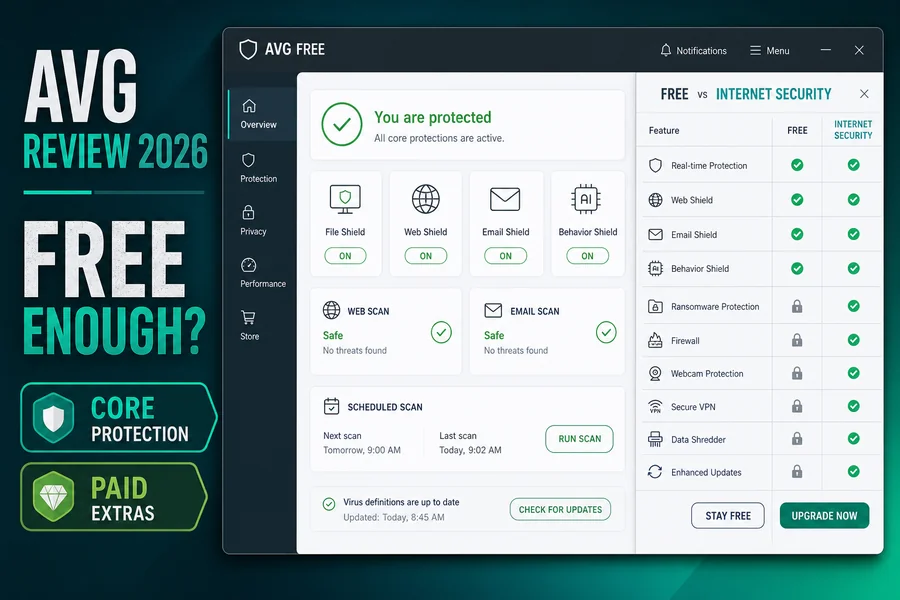
AVG antivirus review
Current protection evidence, performance, privacy, product boundaries and our verdict.
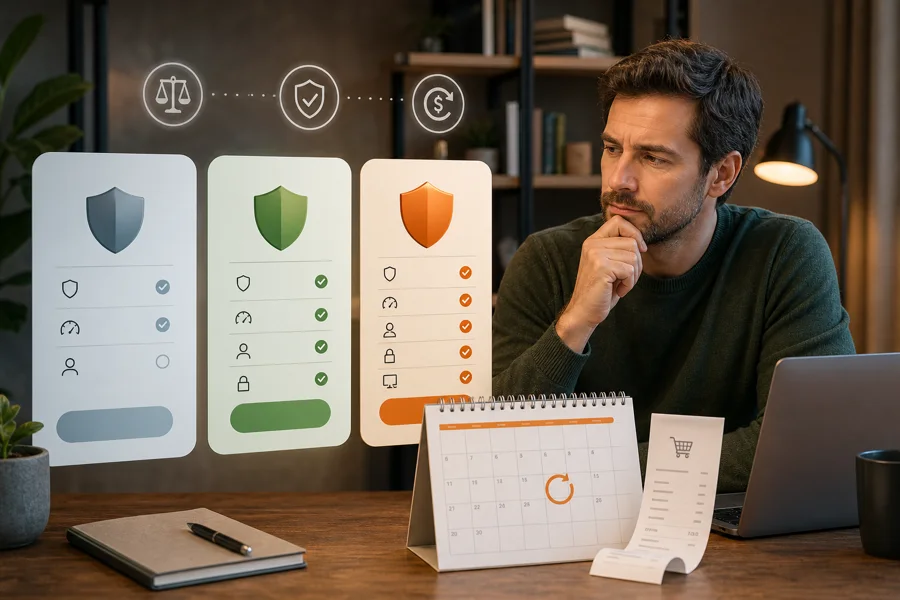
AVG plans and pricing
Compare Free, Internet Security and Ultimate offers, device limits and renewal timing.

AVG troubleshooting
Fix opening, update, scan, sustained CPU, memory and disk problems using the safest order.

AVG Antivirus for Android
Compare 2026 lab protection, Play Protect, ads, Pro features, permissions and battery.
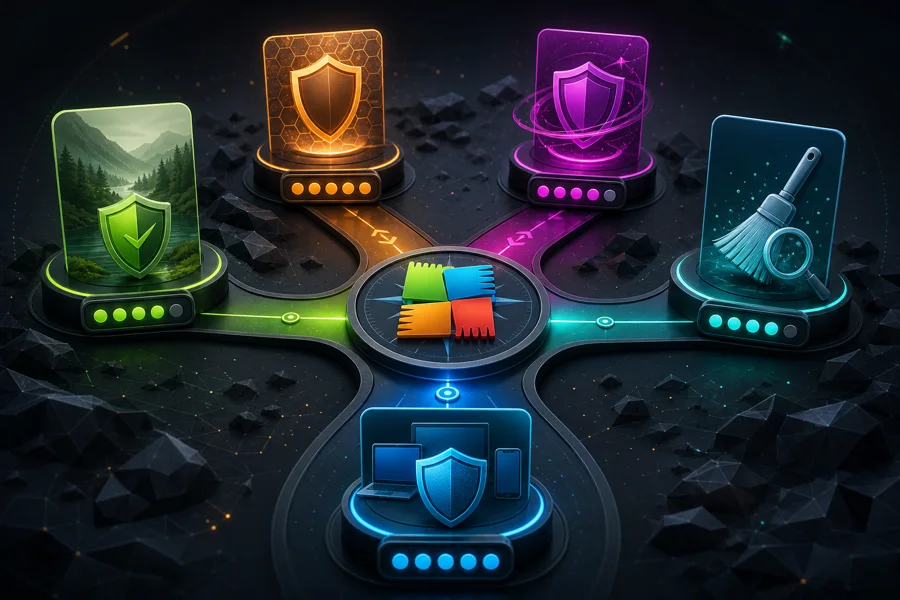
Best AVG alternatives
Choose another product by prompts, renewal, privacy, performance, support or bundle.
Complete ESET guide cluster
Start with the hub, then open the narrow resource for the job. The cluster separates choosing, plan price, setup, banking, performance, firewall and HTTPS, Android, VPN, password migration, billing and removal so a fix never creates a new risk.

Complete ESET guide hub
Review, choose, install, diagnose, secure banking, assess mobile and VPN, migrate, cancel or remove ESET.
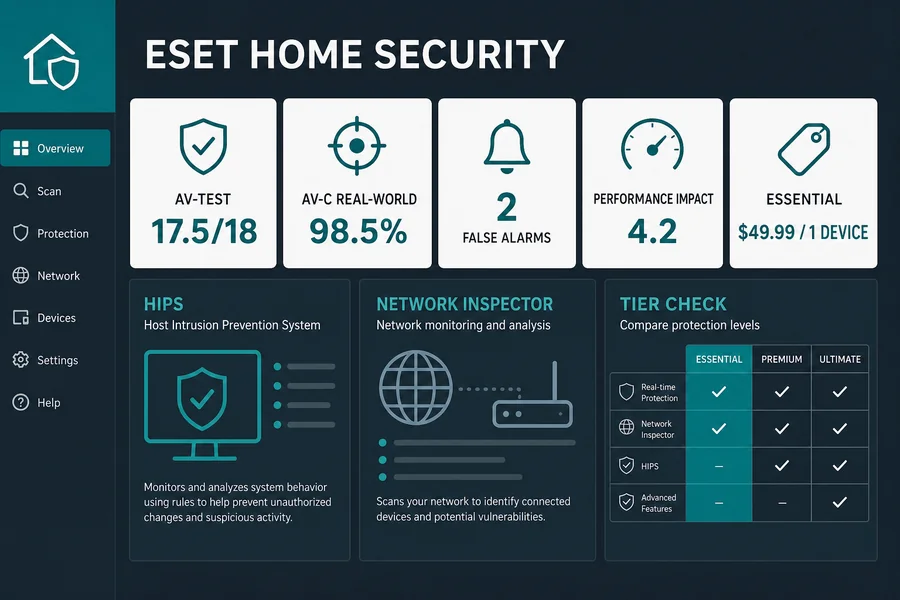
ESET antivirus review
Current Windows protection, performance, false positives, plans, privacy and our independent verdict.

ESET plans and pricing
Compare current first-term prices, device seats, separate VPN limits and automatic renewal.

ESET troubleshooting
Fix opening, updates, stuck scans and sustained CPU, memory or disk activity in a safe order.

ESET Mobile Security
Compare Free and Premium, permissions, Anti-Theft, Payment Protection and the current lab gap.

Best ESET alternatives
Choose another product only when it improves a named protection, performance, family or bundle need.
Complete Kaspersky guide cluster
Start with country and product fit, then open the narrow route for the job. The cluster keeps price, setup, US migration, performance, website and SSL faults, banking, VPN, mobile, family controls, billing and removal from competing for one intent.
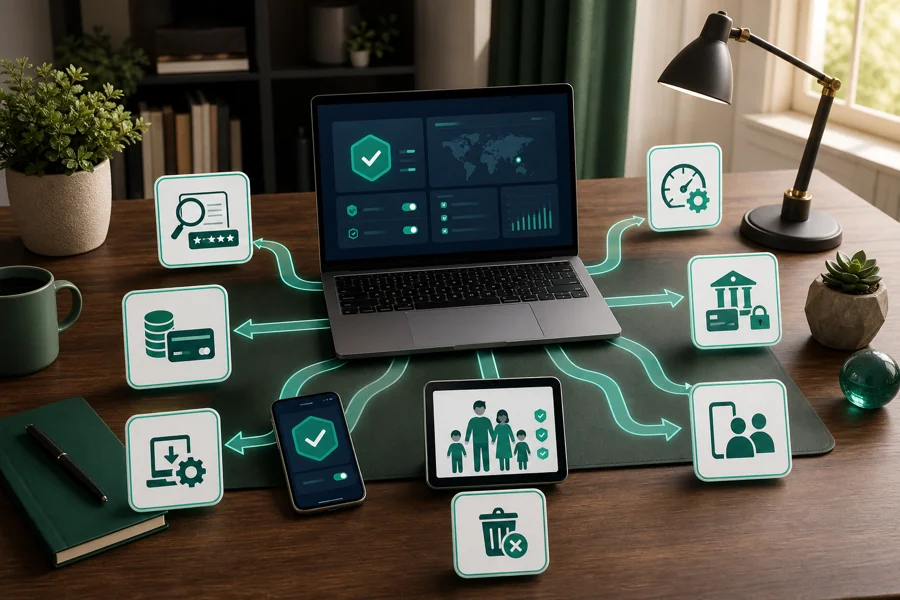
Complete Kaspersky guide hub
Review, choose, install, diagnose, assess companion tools, migrate, cancel or remove Kaspersky.
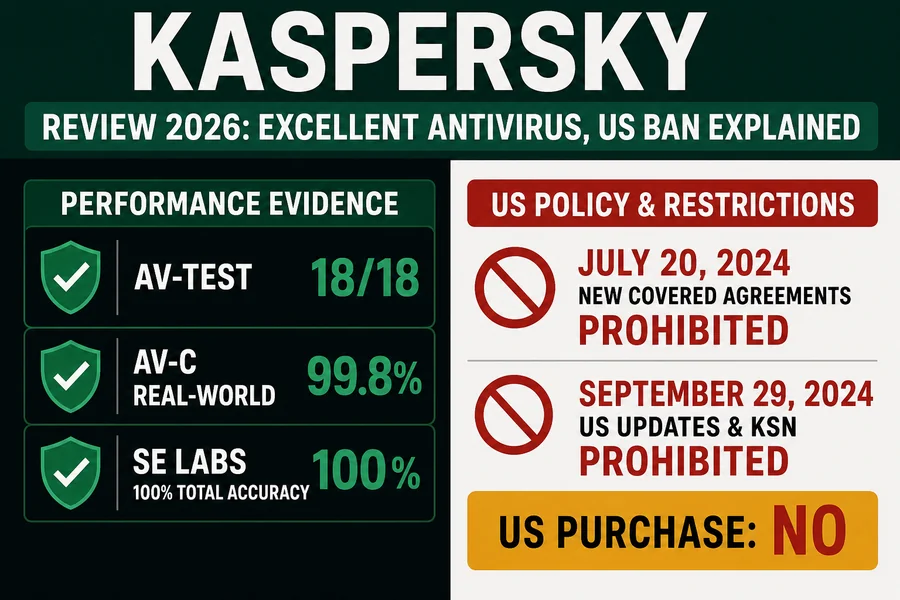
Kaspersky antivirus review
Current lab evidence, performance, plans, privacy, regional availability and the US prohibition.
Kaspersky plans and pricing
Compare Standard, Plus and Premium, supported-market prices, devices and renewal costs.
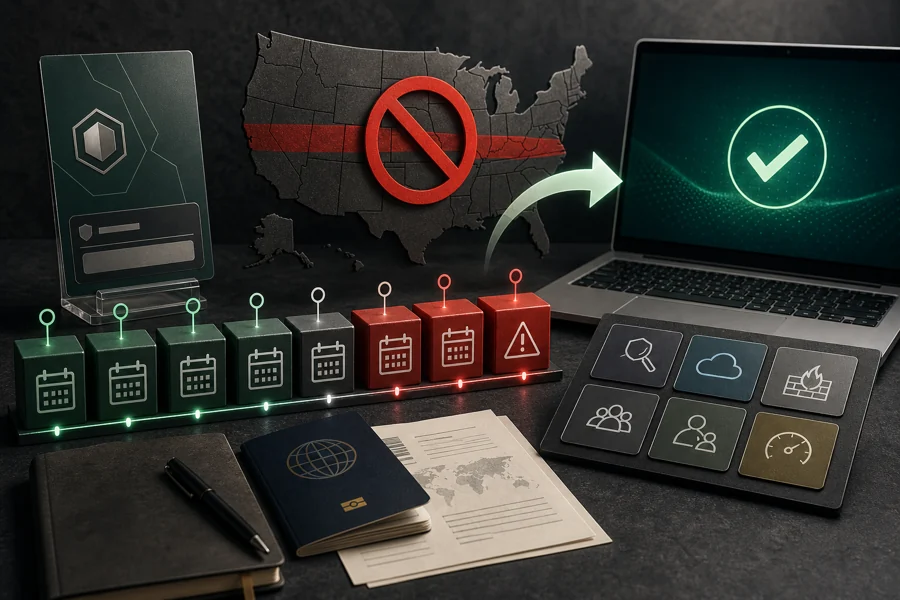
Kaspersky US ban and migration
Understand the legal dates, UltraAV transition and a supported no-gap replacement sequence.
Kaspersky troubleshooting
Fix opening, updates, stuck scans and sustained CPU, memory or disk activity safely.

Best Kaspersky alternatives
Choose another product by region, supplier trust, performance, family needs or bundle tools.
New and rebuilt 2026 security guides
These guides were researched again from the query up: current search intent, official platform documentation, independent lab evidence and account-recovery consequences. Start with the narrowest problem.

Norton 360 Plans and Pricing
Compare current US plans, renewal prices and three-year costs, then check cancellation and refund terms before Norton bills again.
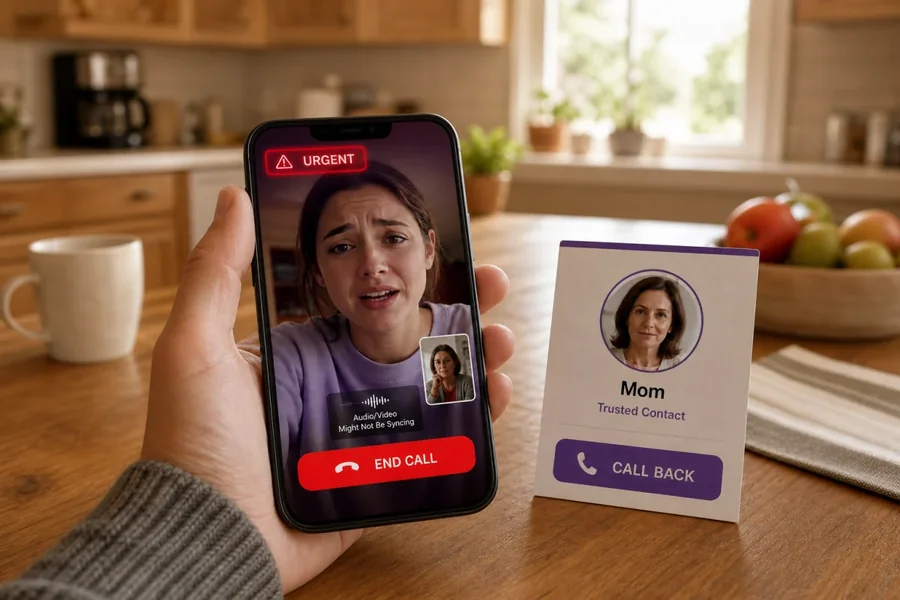
What Is a Deepfake Scam?
Recognize cloned-voice and synthetic-video fraud, verify the request through a clean channel, and protect money and identity.
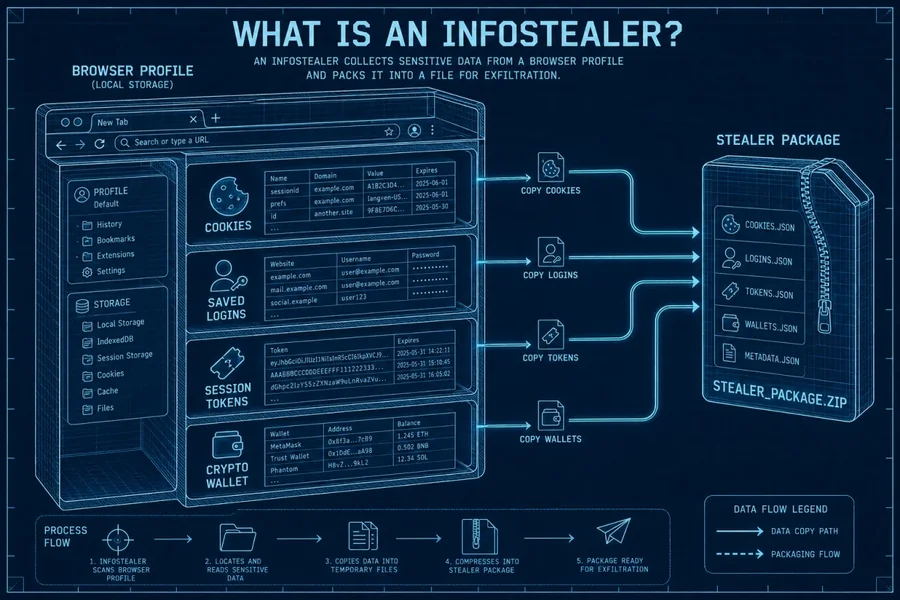
What Is an Infostealer?
Understand password, cookie and wallet theft, then recover accounts in the order that closes active sessions first.
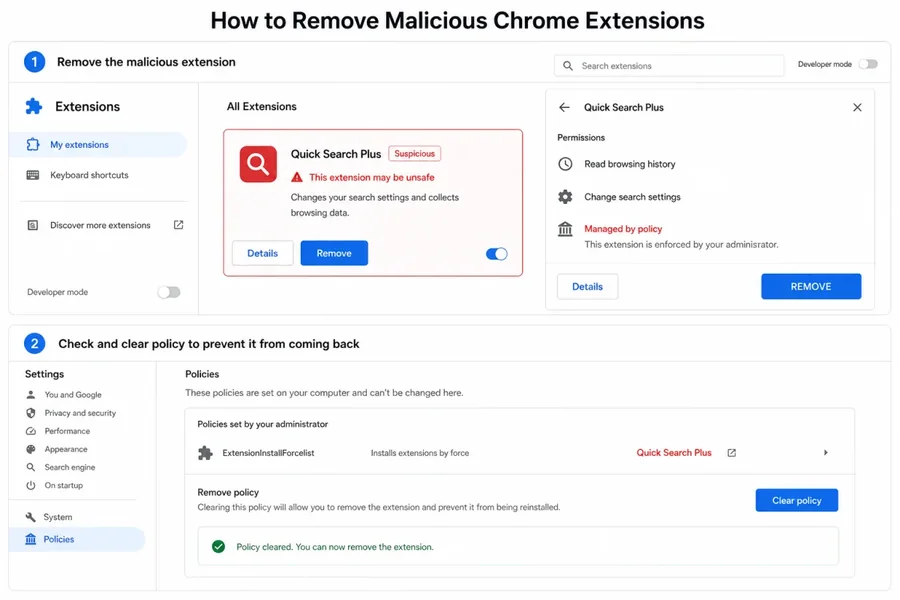
Remove Malicious Chrome Extensions
Remove the add-on, revoke account access, reset forced browser settings and check whether sync restored the threat.
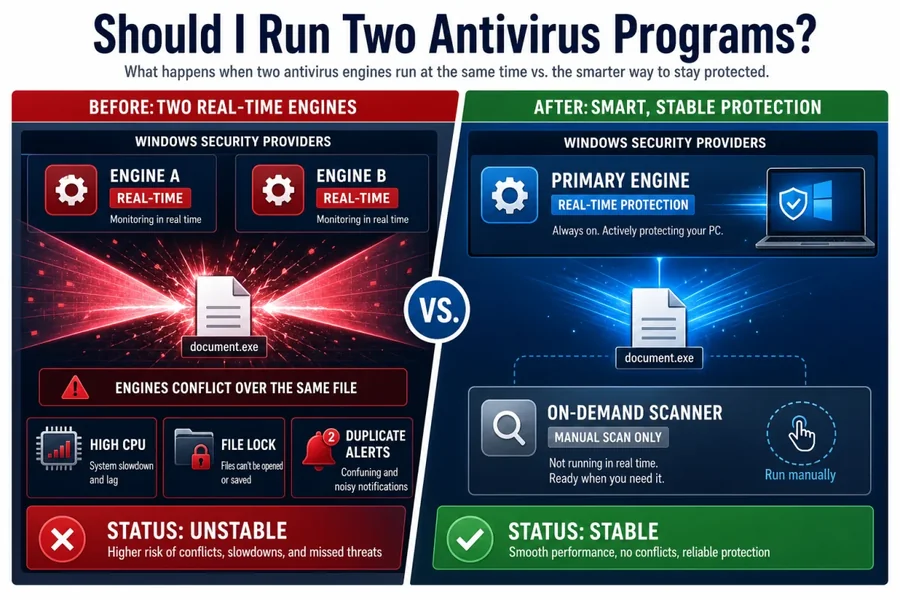
Should I Run Two Antivirus Programs?
Why two real-time engines can conflict and how to use an on-demand second opinion without leaving a protection gap.
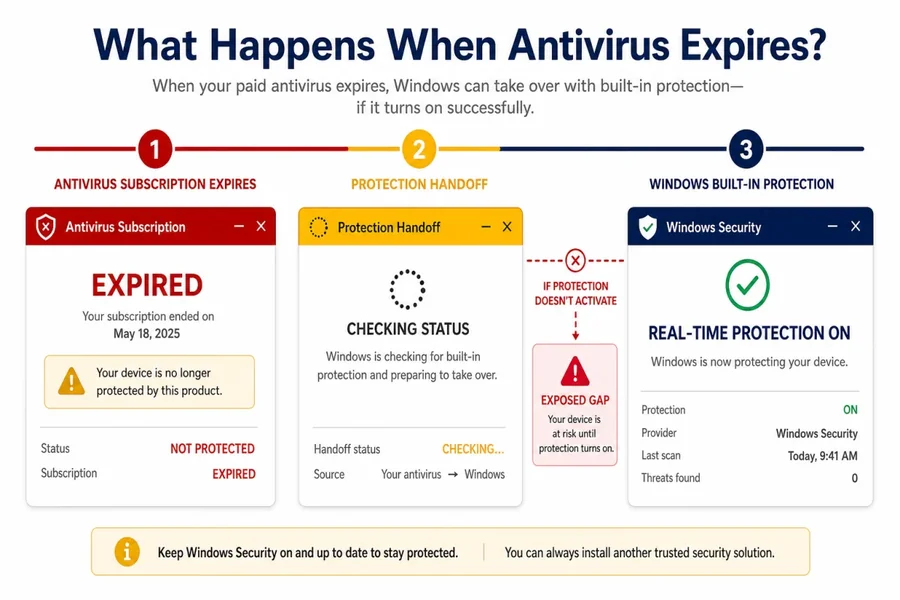
What If My Antivirus Expires?
Compare protection stop, free fallback and Windows handoff outcomes before the subscription ends.
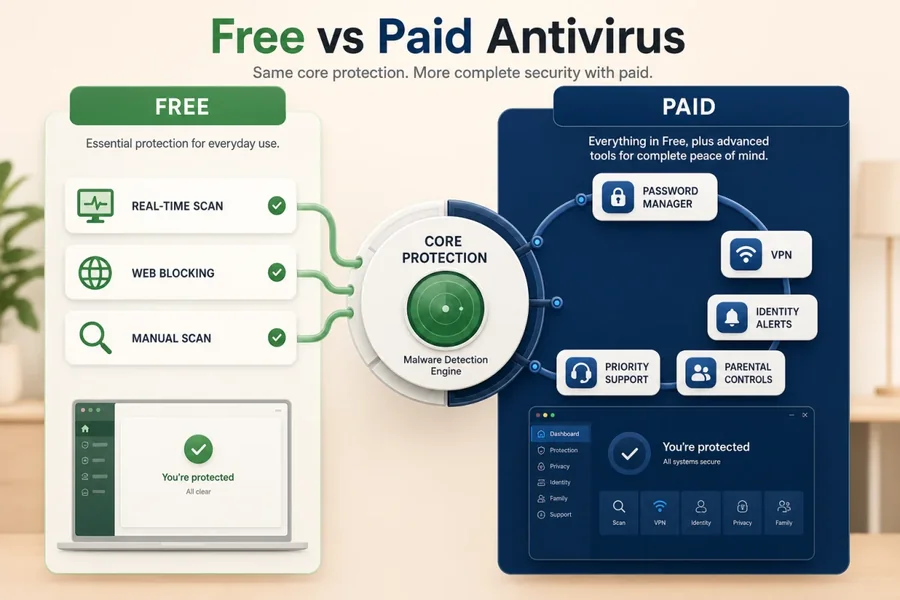
Free vs Paid Antivirus
Use current lab evidence and the feature gaps around the engine to decide whether a subscription earns its renewal.
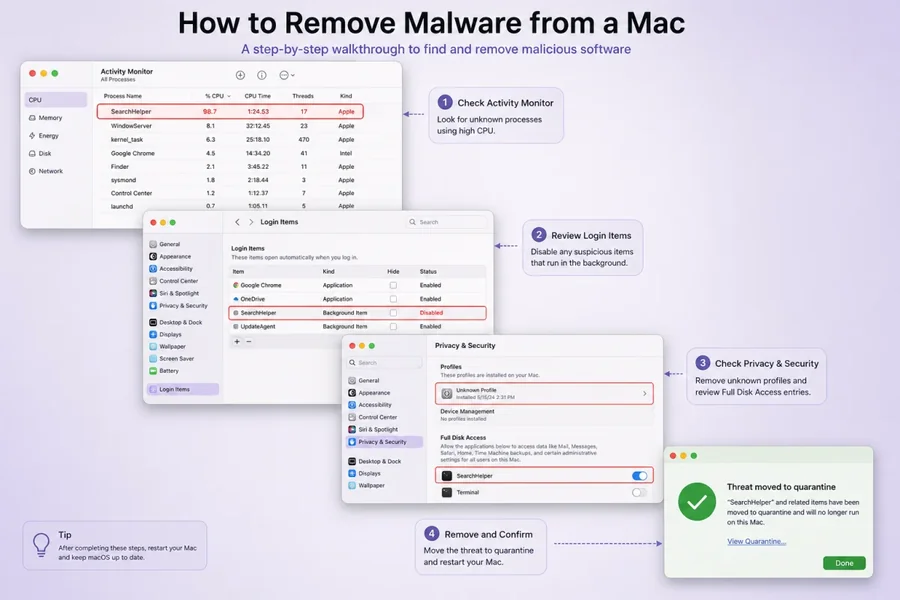
Remove Malware From a Mac
Contain account theft, remove apps and persistence, clean browsers and know when erasing macOS is the safer path.
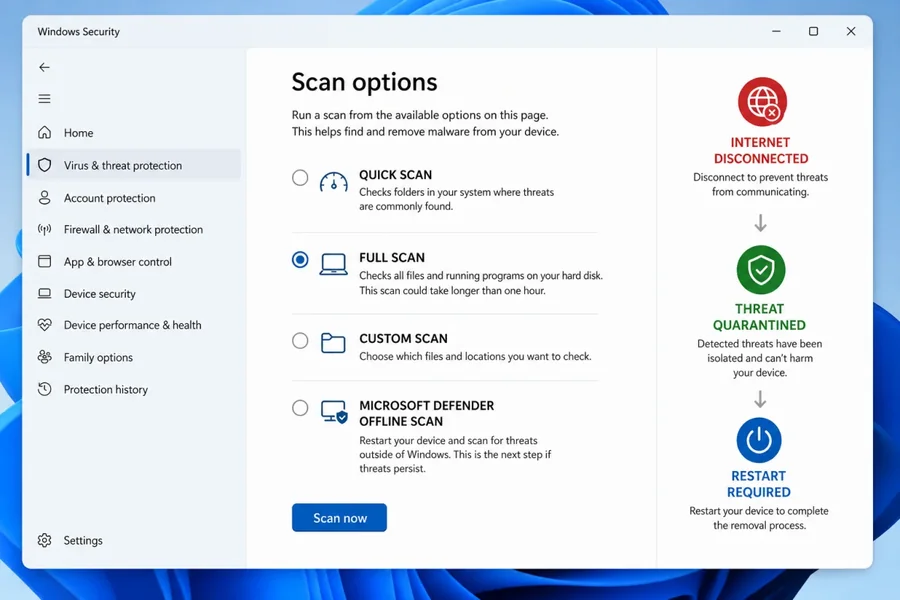
Remove Malware From Windows 11
Use full and offline scans, persistence checks, account recovery and a clear reset-or-reinstall threshold.
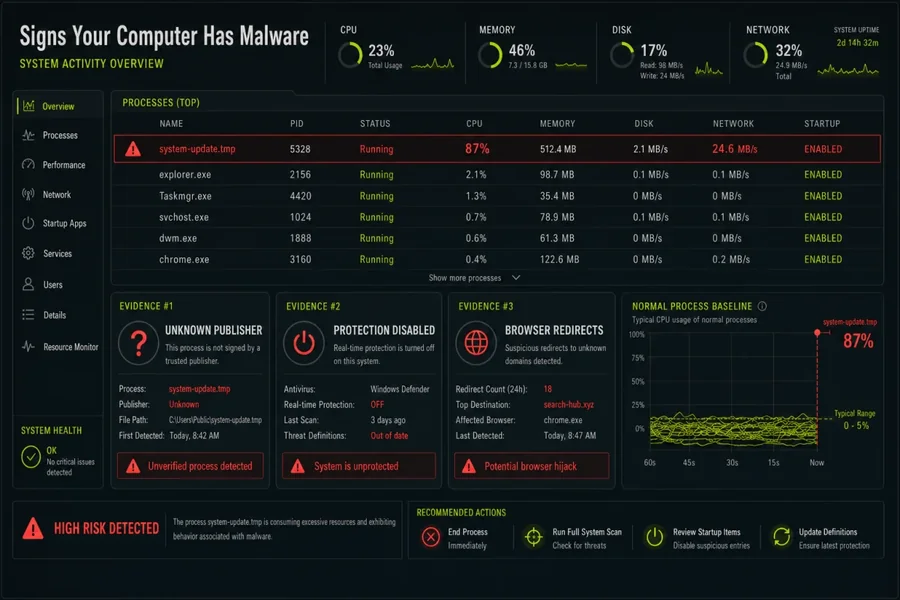
12 Signs Your Computer May Have Malware
Separate unauthorized security, browser and account changes from ordinary slowdowns and crashes.
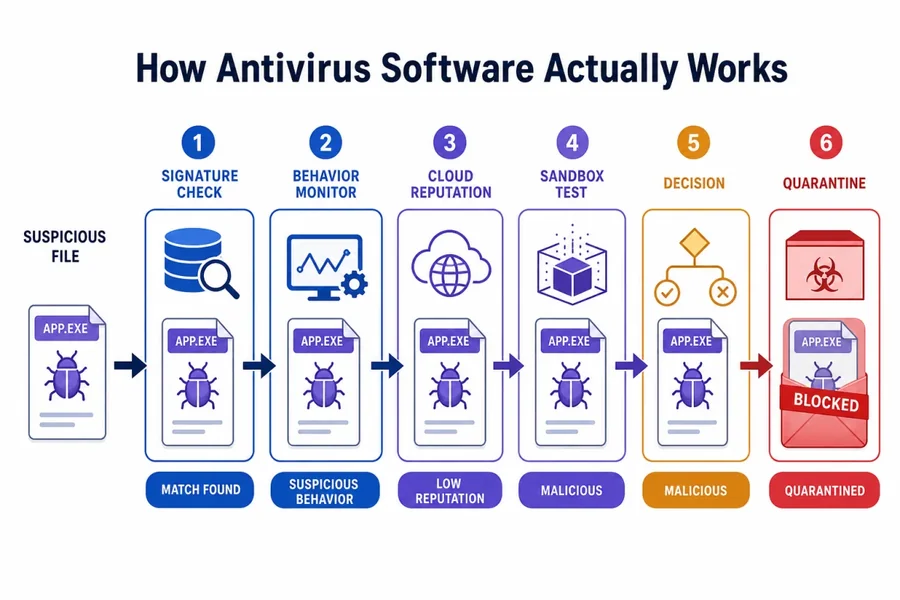
How Antivirus Software Actually Works
A plain-language map of signatures, reputation, heuristics, behavior, cloud verdicts, false positives and remediation.
Windows protection and malware cleanup
These guides address the questions that surface after an alert, a slow machine or a security-software decision. The Microsoft Defender Offline procedure explains when a restart-based scan is useful, while the CISA StopRansomware Guide treats ransomware as an incident that also requires containment, recovery and credential decisions. That's why our cleanup coverage doesn't stop at “run a scan.”
Is Microsoft Defender good enough?
What the built-in Windows security stack covers, what current independent tests measure, and when another paid or specialist layer adds practical value.
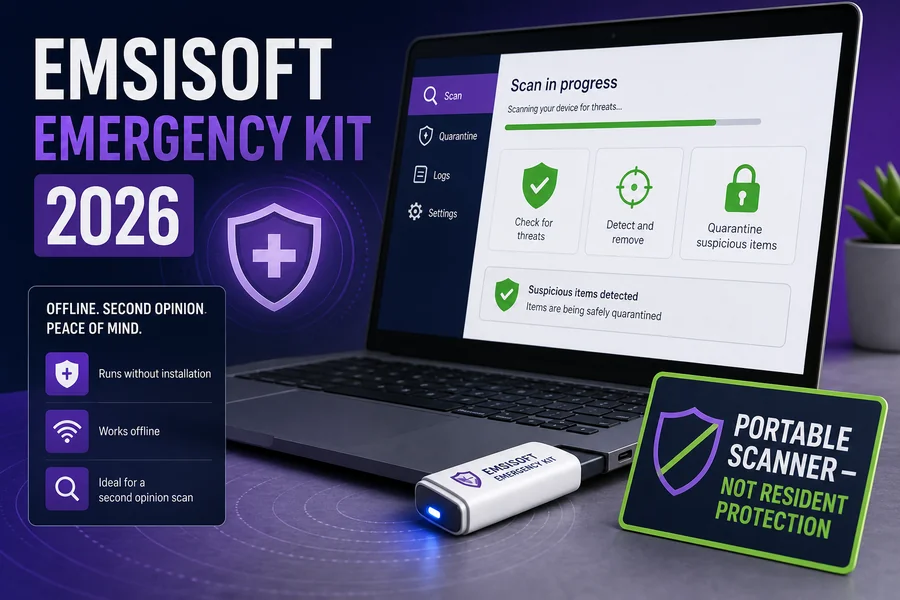
Emsisoft Emergency Kit review
A portable second-opinion scanner: where it fits, what “portable” does and doesn't mean, and why it shouldn't be mistaken for a full incident-response platform.
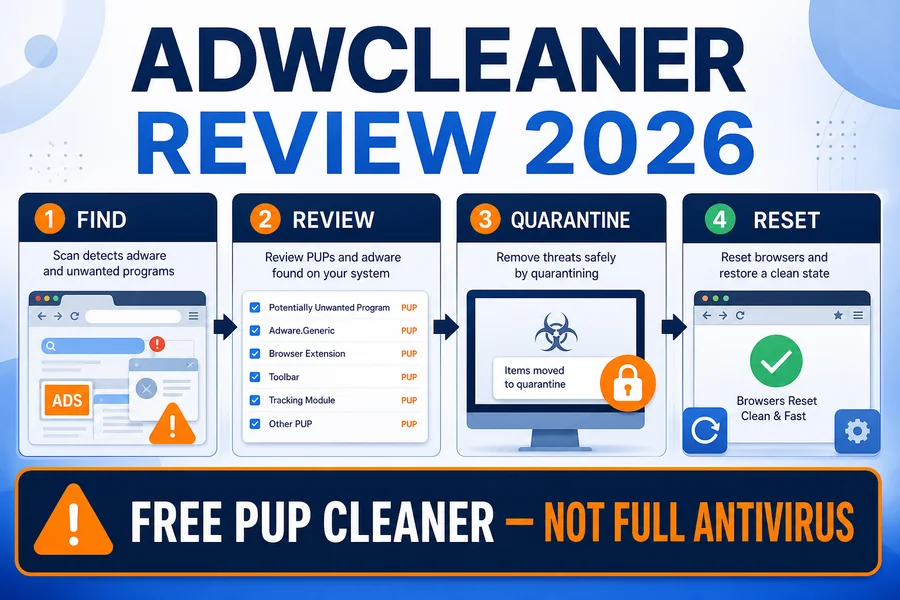
Malwarebytes AdwCleaner review
A narrow cleanup tool for adware, potentially unwanted programs and browser changes—not a replacement for a resident antivirus or a full forensic investigation.
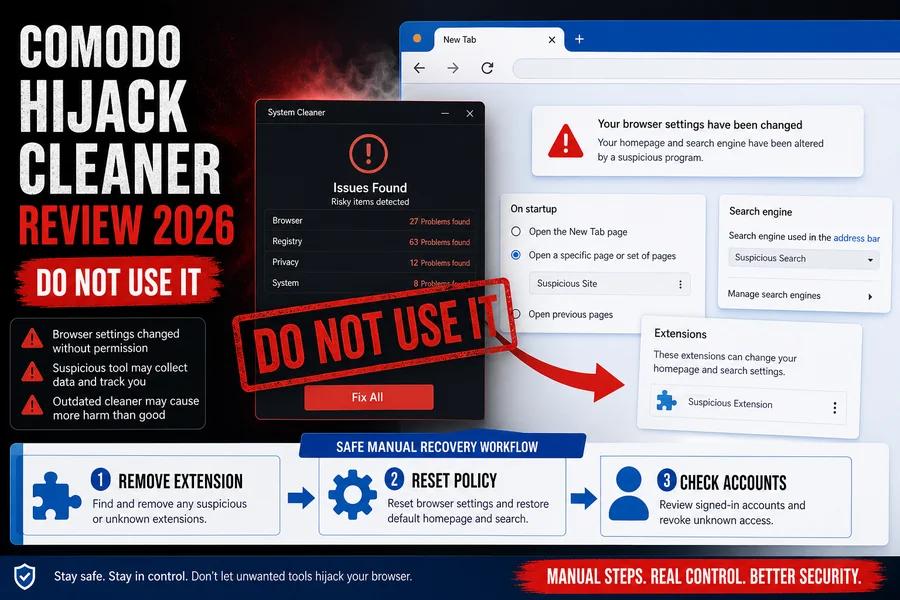
Comodo Hijack Cleaner review
How browser hijack cleanup differs from malware prevention, which changes require manual verification and when browser reset is the cleaner route.
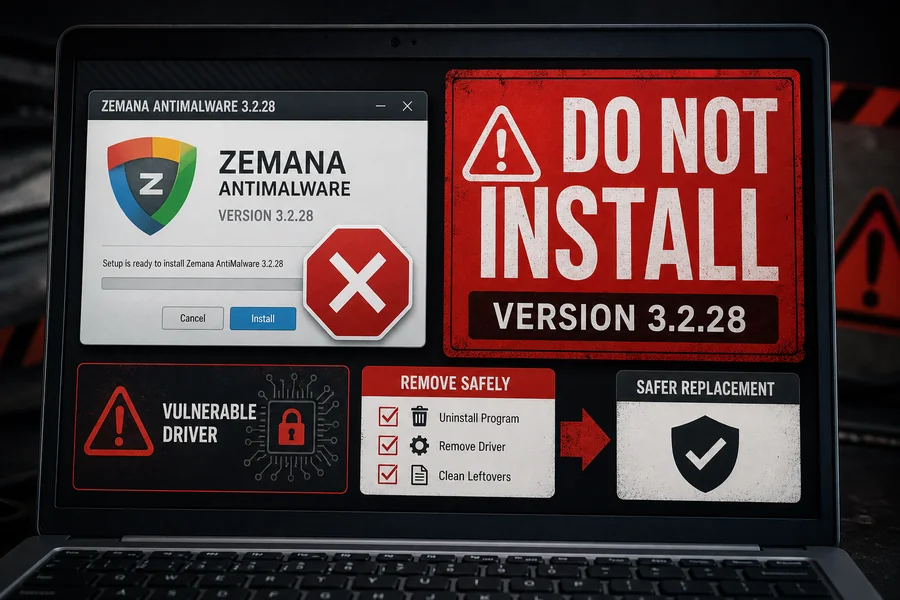
Zemana AntiMalware status review
The canonical lifecycle and safety review: frozen releases, vulnerable-driver evidence, subscription risk, safe removal and maintained replacements.
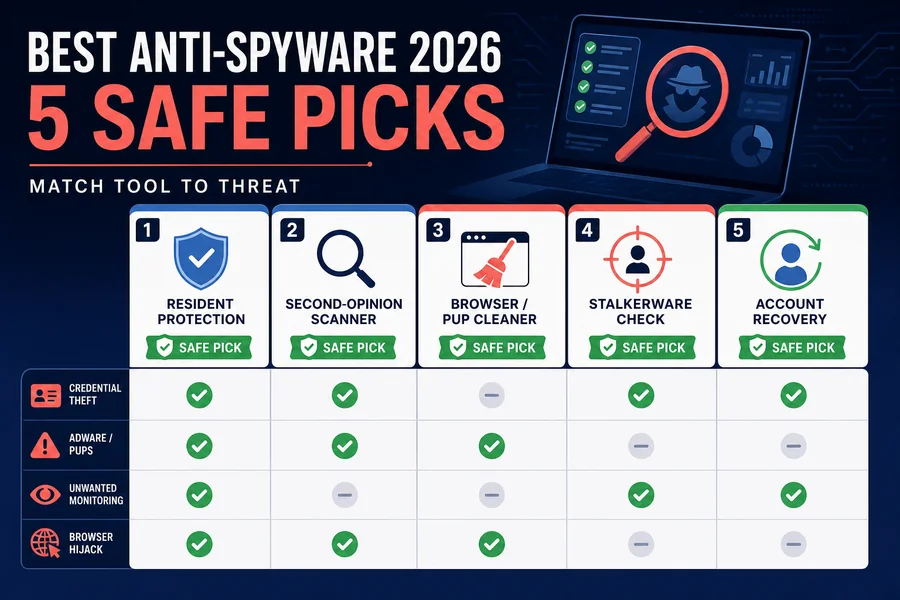
Best anti-spyware tools
A current shortlist for credential theft, stalkerware, unwanted monitoring and privacy problems, with separate routes for prevention and removal.
Browser, email and phishing security
Most everyday account compromises begin before an antivirus file detector has anything useful to scan: a fake sign-in page, a malicious extension, an OAuth consent prompt, a reused password or a convincing message. The FTC phishing guidance recommends verifying requests through a known channel rather than the contact path supplied in the message. Our browser and email guides use that same decision-first approach.
Most secure internet browsers
Compare update delivery, site isolation, sandboxing, anti-phishing, extension exposure, privacy defaults and platform support rather than relying on a single “private” label.
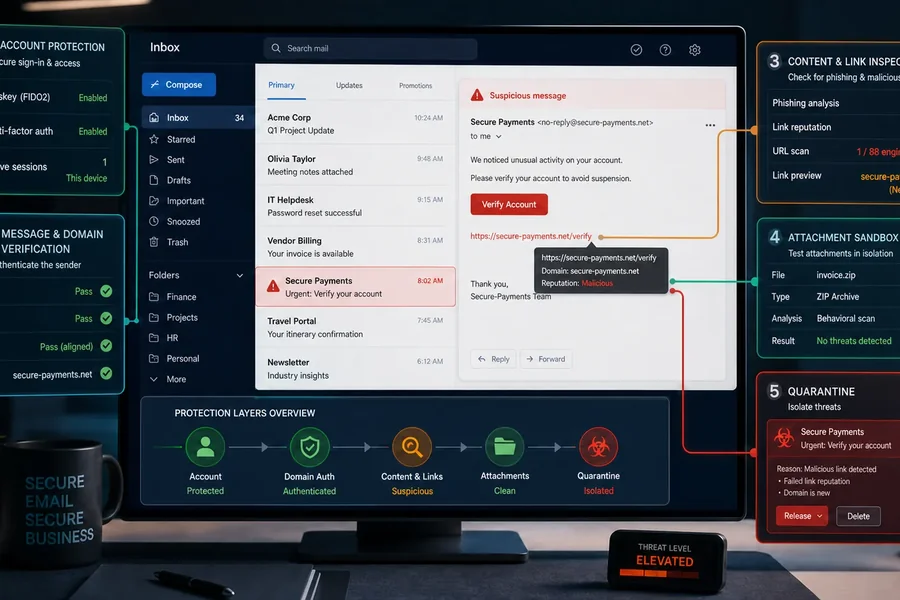
Email security that actually changes risk
Practical controls for home and small-business mail: account recovery, MFA or passkeys, attachment handling, forwarding-rule checks and suspicious-message verification.
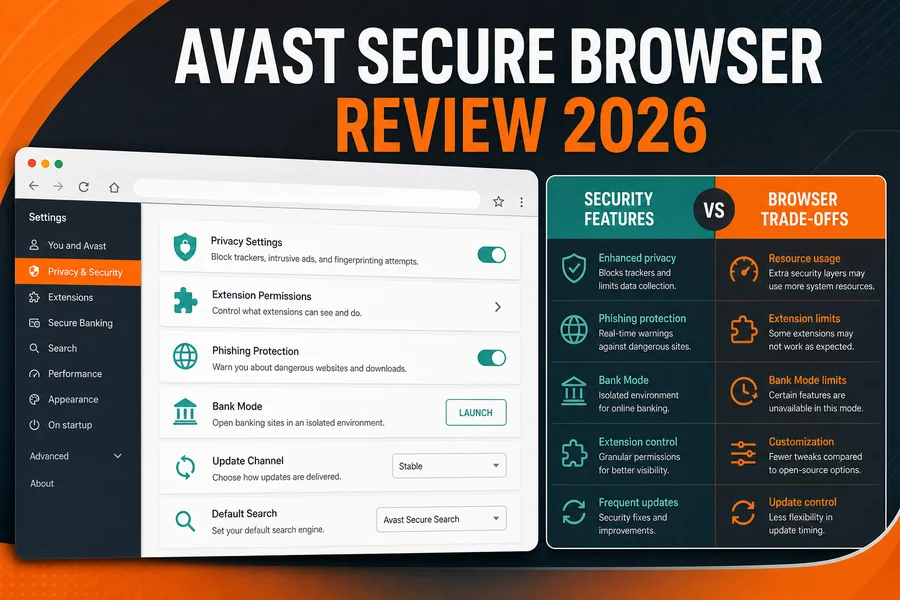
Is Avast Secure Browser good?
Which features are built into the browser, which rely on another Avast product or paid service, and what you trade against mainstream Chrome, Edge, Firefox or Safari.
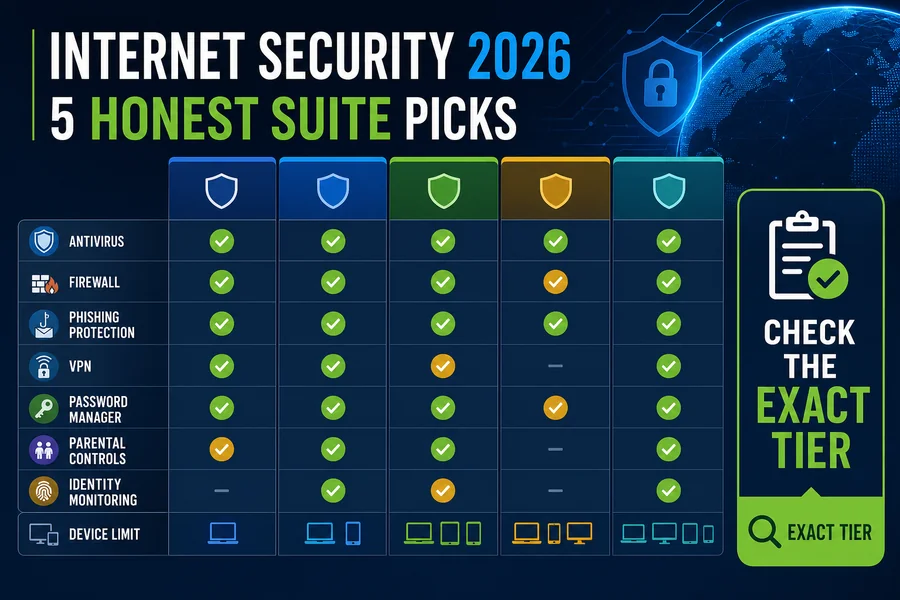
Best internet security suites
Compare web filtering, VPN, password, identity and parental features at the exact tier in the cart—without treating every bundle component as equivalent.
Password managers, privacy and vendor trust
A password manager should be judged by its security architecture, supported platforms, export and recovery model, passkey support, independent audit record and what happens if the vendor or subscription changes. The current NIST digital-identity guidance treats password length, compromised-password screening and phishing-resistant authenticators as distinct controls; a strength meter alone isn't a security model.
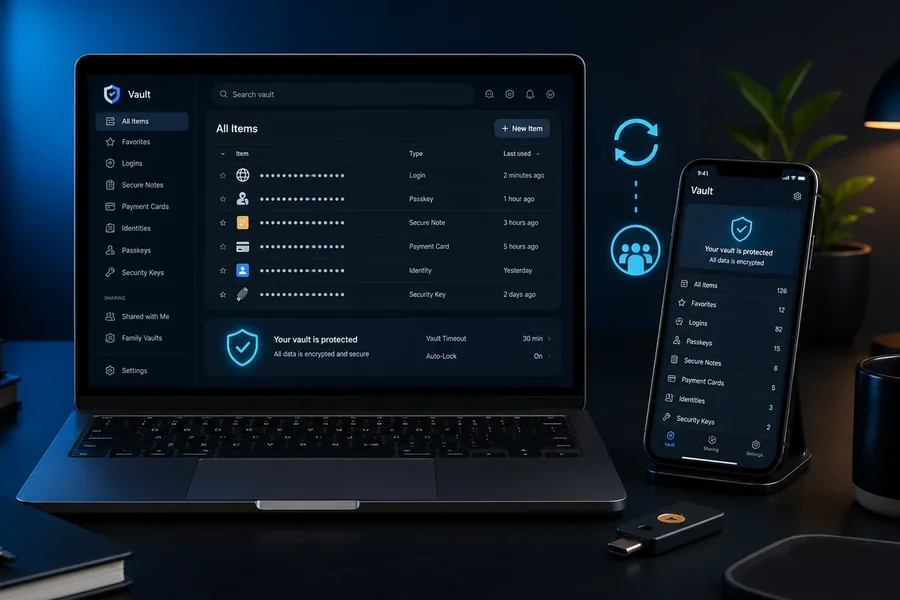
Best password manager
How to compare encryption design, recovery, passkeys, sharing, cross-platform behavior, emergency access and a safe exit path before importing your vault.
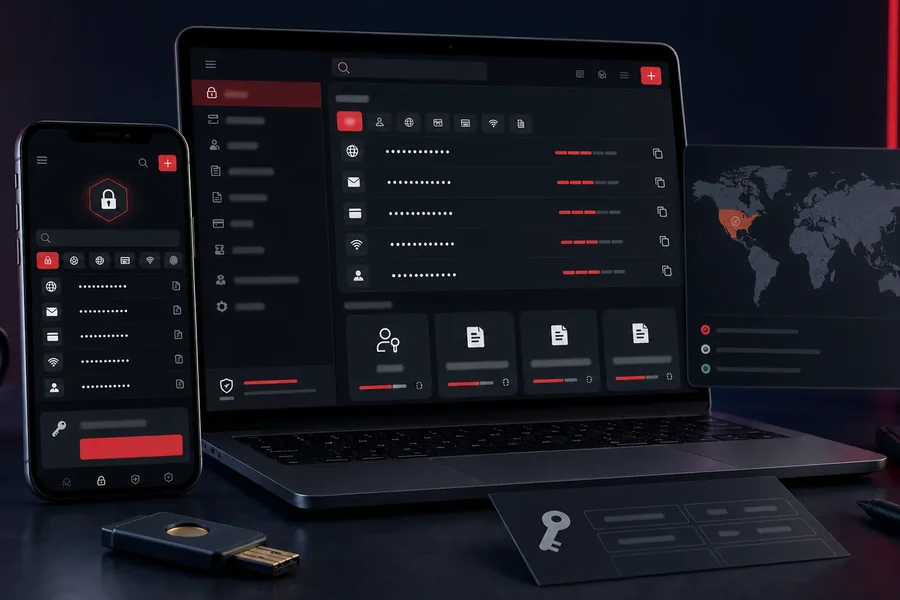
Kaspersky Password Manager review
Product capability plus the separate US availability and update-policy boundary. Region and procurement rules can decide the outcome before features do.
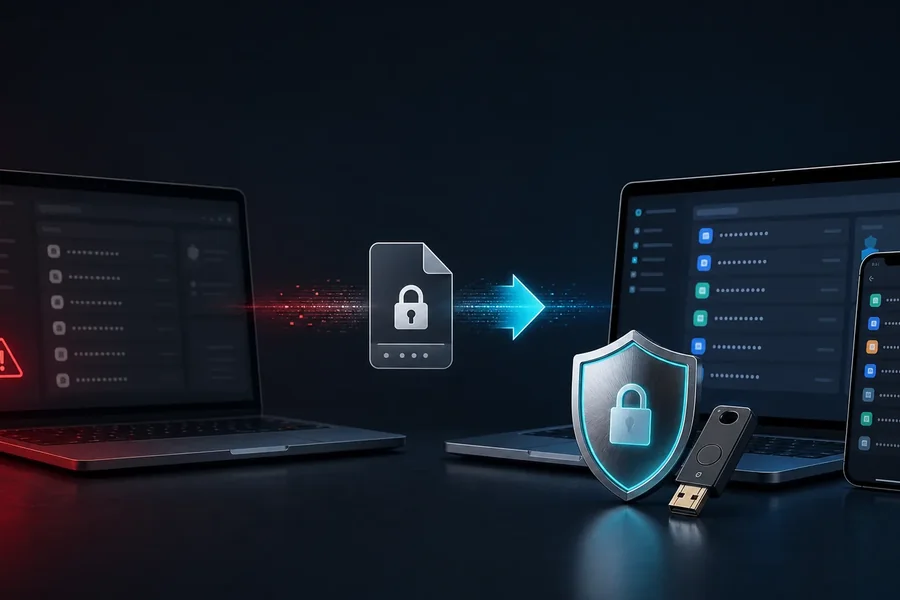
Trend Micro Password Manager review
Whether the add-on justifies adopting another vault, how it fits the wider suite and which portability or recovery questions to answer first.

Is Avast Passwords safe?
A lifecycle-aware guide to a discontinued password product: migration and data export matter more than an old feature list or download link.

Avast, Jumpshot and the FTC settlement
What was alleged, what the US regulator required, what changed and how to separate a documented privacy history from unsupported present-tense claims.
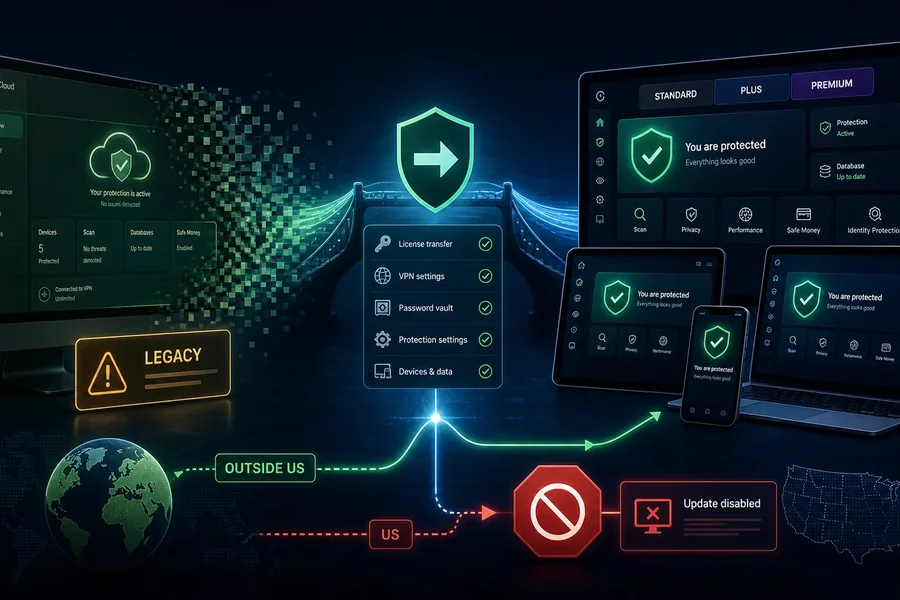
Kaspersky Security Cloud guide
A product-name and availability check for readers encountering older downloads or articles, with a route to the vendor's current consumer lineup.
Cleanup, tune-up and driver utilities
Utilities often market a long list of “issues” because visible counts make an upgrade feel urgent. Before installing one, name the problem in plain language: a missing driver, a nearly full disk, a broken startup item or a specific application error. Use Windows Update, Device Manager, the PC or component manufacturer's support page and built-in storage tools first. Never use a registry-cleaner score as proof of malware or system damage.
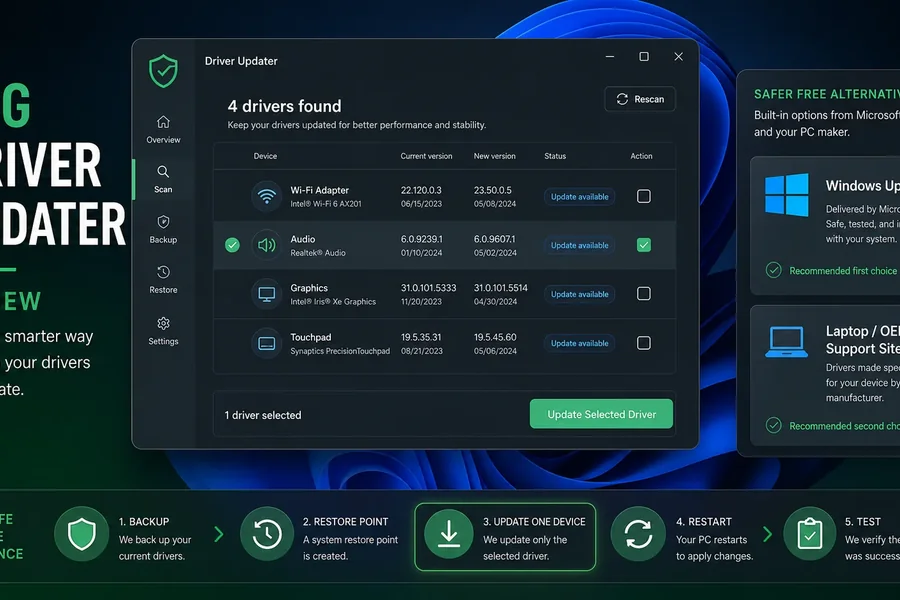
AVG Driver Updater review
When a driver tool may save time, why OEM and component-vendor channels remain the safer baseline, and how to preserve rollback before changing hardware drivers.
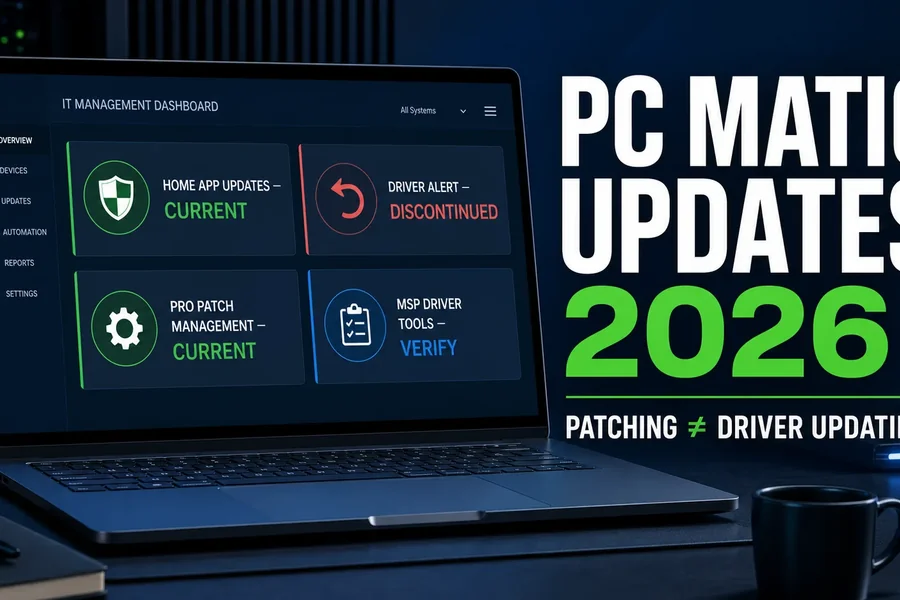
PC Matic patch and driver tools
Patch management, application updates and hardware drivers solve different problems. This guide separates them before comparing a paid utility with built-in workflows.
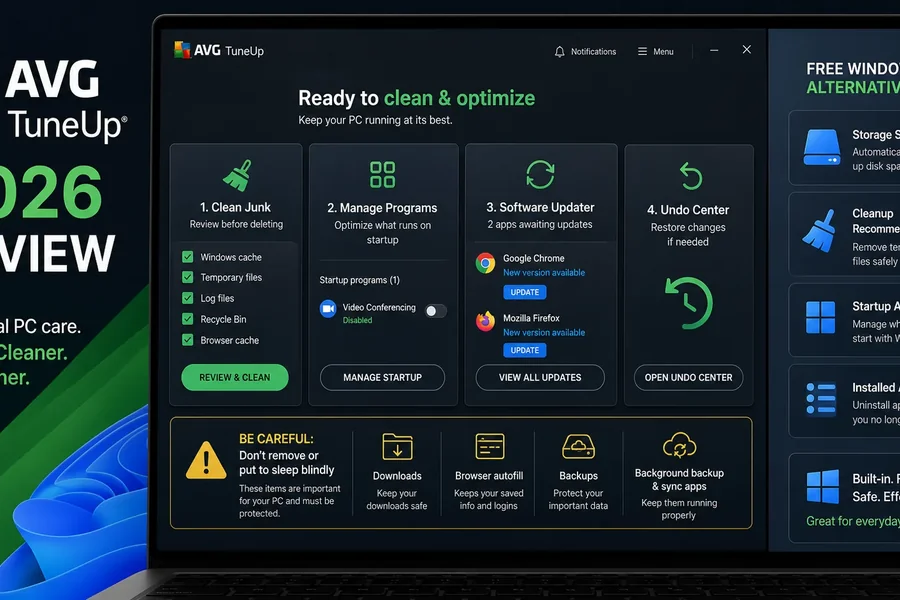
AVG TuneUp review
Which cleanup and startup tasks are reversible, which already exist in the operating system and which “optimizations” can make troubleshooting harder.
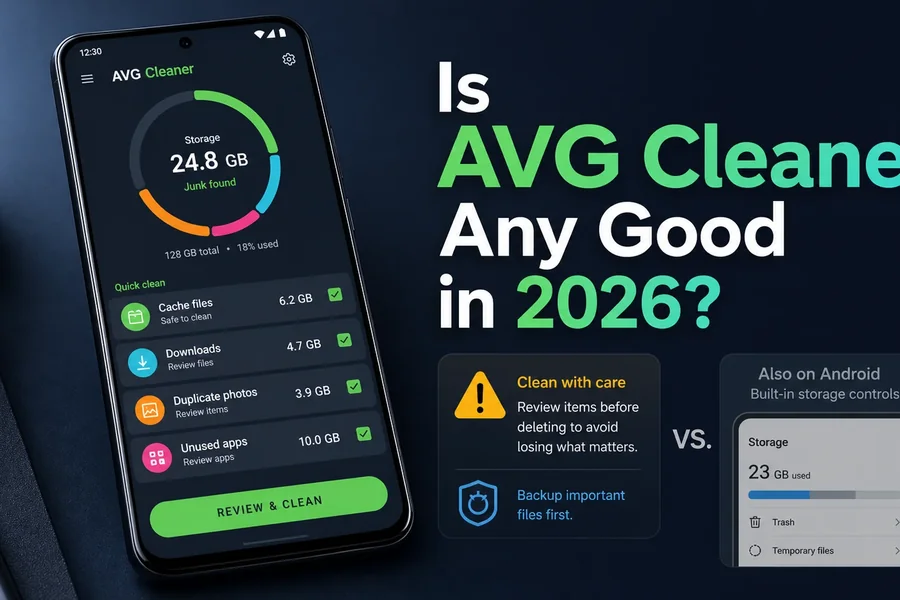
Is AVG Cleaner any good?
Storage cleanup and app management on mobile devices, with permission, subscription and platform-limit questions made explicit.

Is Avast Cleanup worth it?
A job-by-job comparison of cleanup, sleep mode and maintenance claims against Windows and macOS features you may already have.
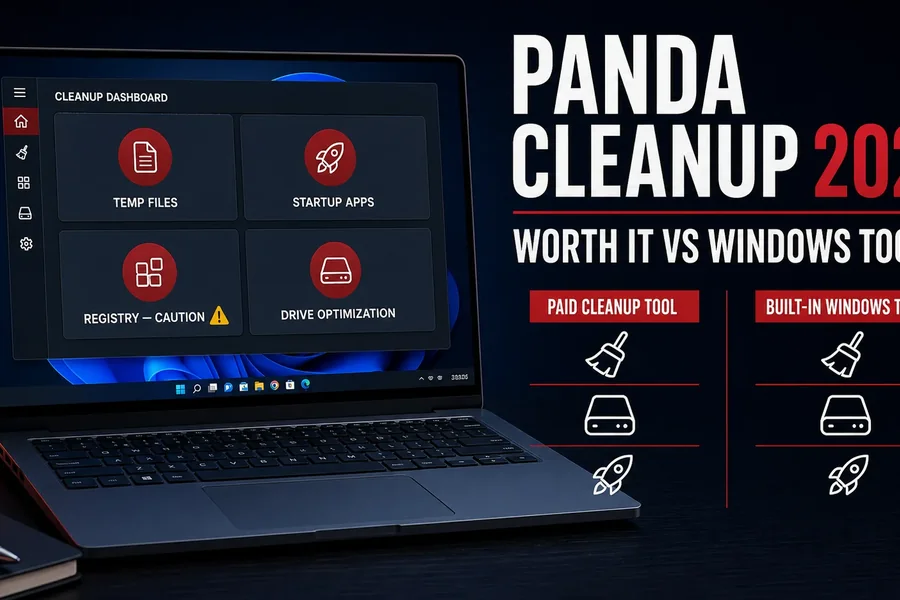
Panda Cleanup review
What belongs to cleanup versus antivirus, which tasks can be reversed and why a suite extra shouldn't be valued as a standalone product without checking the tier.
Antivirus buying research and alternatives
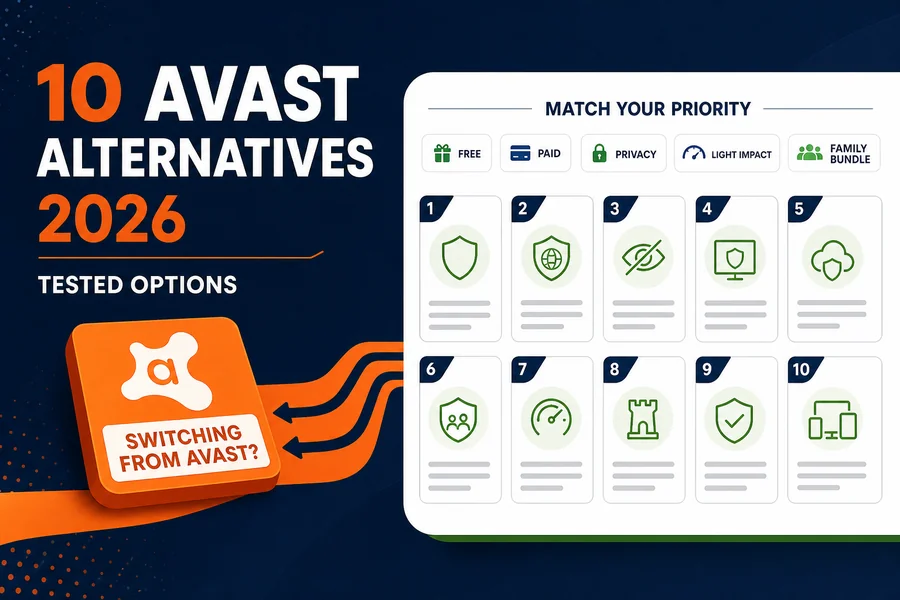
Best Avast alternatives
Alternatives mapped to the reason for leaving: fewer prompts, different privacy posture, lower renewal, lighter operation, stronger bundle or a free built-in route.
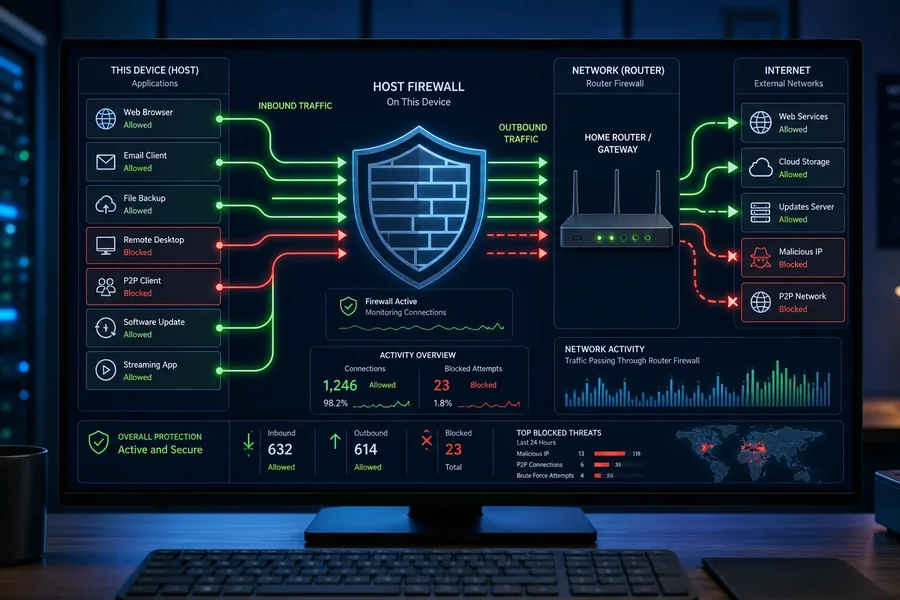
Best firewall software
When the operating-system firewall is enough, what outbound controls and network monitoring add, and why two filtering stacks can create more problems than protection.
McAfee LiveSafe review
How the older LiveSafe name relates to the current McAfee lineup and which device, identity, VPN and renewal terms need live verification.
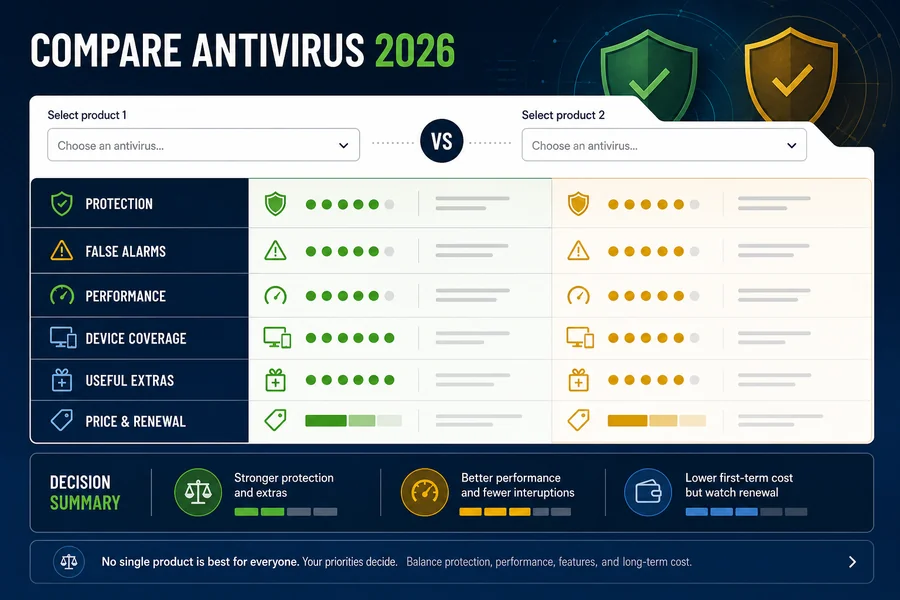
Antivirus comparison hub
Ten current products compared by protection, false alarms, impact, exact tier and use case, plus focused head-to-head pages for a two-product shortlist.
How these guides are researched and refreshed
- We identify the decision. A cleanup query needs a safe sequence; a product review needs exact tier, lifecycle and limits; a comparison needs a common evidence window.
- We check current search intent. We review the pages search engines reward, the questions they answer and the dangerous gaps they leave—then build a clearer path rather than copy their outline.
- We verify load-bearing facts. Product availability, price, supported systems and feature boundaries come from current vendor documentation. Independent protection claims come from labs such as AV-TEST and AV-Comparatives, with the month, platform and exact tested product attached.
- We use community reports as signals. Repeated reports can reveal renewal, support, false-positive or uninstall pain worth investigating; they don't become statistics or invented quotations.
- We test the page as a page. One H1, descriptive title and meta, visible FAQ matched to JSON-LD, contextual internal links, useful anchors, accessible mobile tables and no hidden source dump.
- We preserve uncertainty. If an old product has been renamed, retired or region-limited, the guide says so. A historical positive review isn't a current recommendation.
Antivirus and security guide FAQ
Where should I start if I think my computer has malware?
Disconnect it from sensitive accounts and unnecessary networks, note what happened, then use a trusted built-in, offline or second-opinion scan appropriate to the symptoms. If files are being encrypted, business data is involved or accounts were accessed, treat it as an incident: preserve evidence, revoke sessions and credentials from a clean device, and follow a tested recovery plan.
Is Microsoft Defender enough for Windows 11?
It can be enough for many careful Windows 11 users when Windows, browser protections, reputation controls, MFA and backups are maintained. A paid suite can add cross-platform management, VPN, identity, parental controls or support. Compare the current lab evidence and exact features rather than installing a second resident antivirus by default.
Can I trust an old antivirus or utility review?
Only after checking the product's current name, availability, update status, supported operating systems, tier and vendor documentation. Security products change quickly, and discontinued password managers, browsers or cleanup tools should be treated as migration or lifecycle topics—not recommended from an old score.
Should I use a driver updater?
Use Windows Update and the computer or component manufacturer's support channel first. A driver updater can save time in a narrow case, but a wrong or unnecessary driver can break hardware or stability. Create a rollback point and never treat a large “outdated driver” count as proof that the machine is unsafe.
What makes a browser secure?
Fast security updates, strong sandbox and site isolation, anti-phishing/reputation controls, safe extension permissions, supported operating systems and sensible privacy defaults all matter. No browser prevents every credential theft, malicious extension, OAuth-consent trick or user-approved download.
How do you use antivirus lab results?
We attach the lab, test period, operating system, protocol and exact tested product to the claim. We compare sustained protection, false alarms and performance without combining them into a fictional magic score. Results for Windows don't automatically validate the Mac, Android or iPhone app.
Do community posts count as evidence?
They're directional evidence for issues worth checking, such as false positives, billing, support or uninstall problems. We don't turn forum anecdotes into prevalence statistics, invent named quotes or let one post override current primary documentation and reproducible independent tests.
Why are some older year-specific article URLs not listed here?
When several URLs cover the same continuing question, this hub links to the current canonical version so readers and search engines don't have to choose between duplicated 2019, 2020 and undated pages. Historical variants are preserved only where they add distinct context and should otherwise redirect or be excluded from indexing after content is consolidated.
Use the narrowest useful next step
If you have an active symptom, use the cleanup route before shopping. If you have no incident and only need protection, form a two-product shortlist from the comparison hub, verify the exact live tier and renewal, then test it on your real device. If the question is about browsing, passwords, email or a utility, open the focused guide instead of installing another security suite for a problem it wasn't designed to solve.