We review products independently, but we may earn commissions if you make a purchase using affiliate links on our website. Also note that we are not antivirus software; we only provide information about some products.

Independent MacKeeper help hub · Product, evidence and support checks updated August 10, 2026

MacKeeper guides: choose, set up, fix or leave by the shortest route

Twenty-five focused pages cover the job in front of you: plans, setup, scans, Mac permissions, cleanup, VPN, StopAd, identity tools, performance, billing, removal, comparisons and alternatives.

25 focused guidesSix clear routesMac-only limits visibleBilling separate from removal
MacKeeper guide hub routes for buying setup scans repairs features billing and alternatives
Editorial help-center scene, not a MacKeeper interface. Each card leads to one focused job and a concrete completion check.

Start with the product state and the job. Use the review and plan pages before buying; setup, account and permissions after purchase; scans or one symptom-specific repair while using the product; tool guides before deleting files or changing network behavior; and cancellation before uninstalling if you're leaving. MacKeeper 7.7 is the current major build covered here. Its older public lab result, Premium Services terms and seller-controlled billing each follow different evidence.

Start with the job, not a dashboard recommendation

MacKeeper can mean a resident antivirus, a cleanup tool, VPN, browser extension, identity monitor, account subscription or paid human-support service. Two people asking “How do I stop MacKeeper?” may need completely different actions: disable one browser extension, repair a network filter, cancel renewal with a seller, or uninstall the Mac client. A catch-all answer can turn a reversible problem into lost files or an unprotected Mac.

Choose one of the six routes below. Buying belongs with current plans, renewal math and versioned evidence. Installation belongs with the official download, account, permissions and proof after restart. A detection belongs with scan history and the exact file. Performance or connectivity belongs with a symptom router. Cleanup and feature changes need preview and reversal. Leaving begins with billing ownership—not dragging an icon to Trash.

Six-route MacKeeper question map for renewal setup scanning troubleshooting tools and switching
Editorial question router, not a vendor interface. Make one safe change and verify the original job before opening another route.
Your jobOpen firstCompletion proof
Buy or renewReview, pricing, free versus paidSeller, devices, first payment and year two recorded
Install or activateSetup, account, compatibilityEngine, definitions and required permissions healthy
Scan or restoreScans, quarantine, false positivesHistory records the result and exact file decision
Fix a problemHigh CPU, VPN or StopAd routeOriginal task works after restart
Use a featureCleanup, performance, identity or support guideAction previewed and reversal understood
Cancel or switchBilling, uninstall, comparison or alternativesRenewal stopped and one resident engine active

Use official channels for downloads, accounts and support

This hub is independent. Use it to understand a claim, choose a safe route and verify completion; use MacKeeper's official systems for installers, account recovery, activation and support tickets. Begin with the official MacKeeper download and the current account guide. A search ad, download mirror or copied phone number isn't an equivalent source.

MacKeeper's own help center separates antivirus, cleanup, VPN, StopAd, identity and account procedures. That separation is useful because privileged modules do different work. Full Disk Access can be appropriate for file inspection; a content filter can be appropriate for network protection; a browser extension can be appropriate for StopAd. None of those permissions should be granted because an unrelated pop-up says the Mac is at risk.

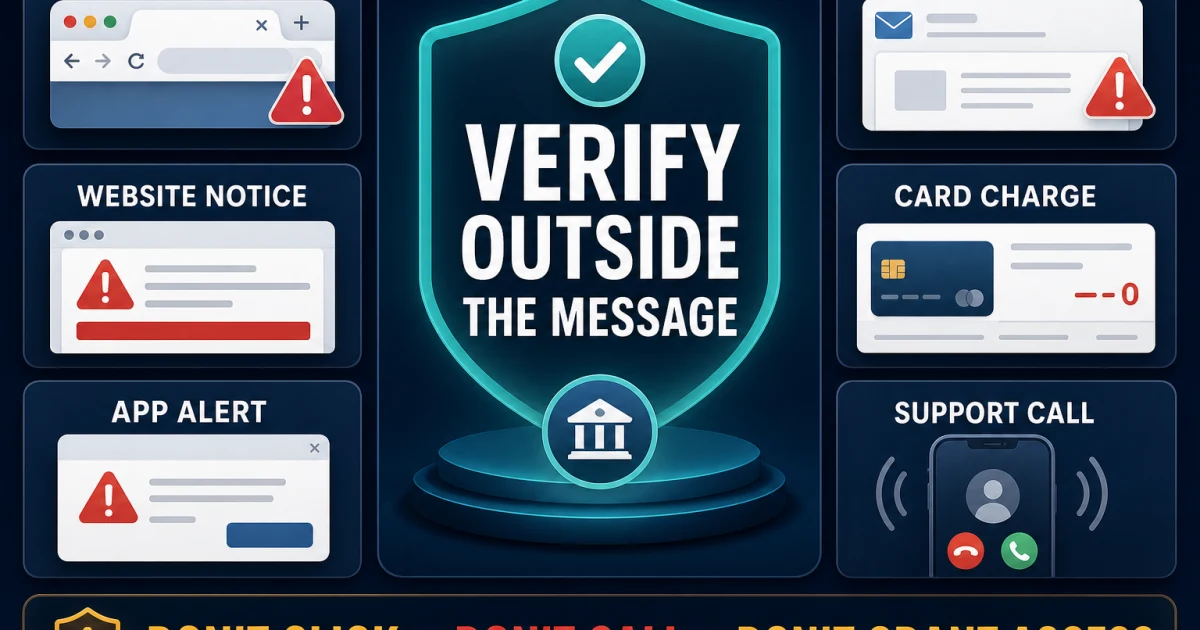
Ignore remote-support numbers found in comments, pop-ups or scraped directories. Premium Services has its own contract boundary, and unexpected callers don't become legitimate because they know the brand name. Open the official account from a saved address, compare the charge there and use our fake pop-up and support scam guide when urgency, gift cards, crypto or unrequested remote control appears.

Choose the product, plan and evidence standard

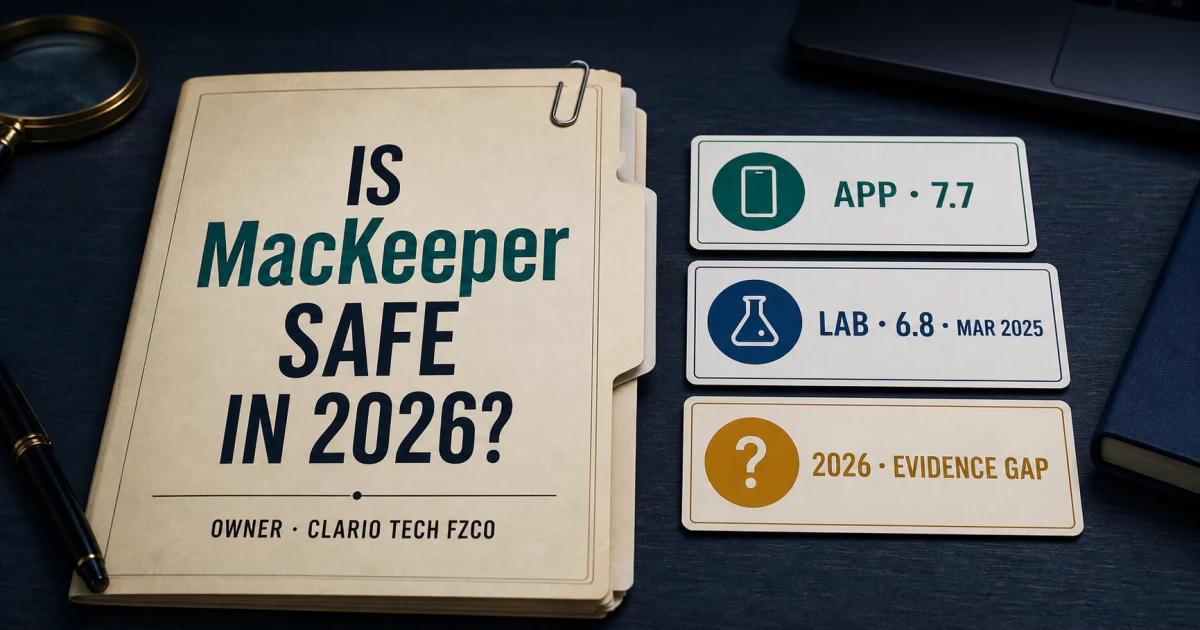
Begin with our MacKeeper review. It covers the current 7.7 feature set while keeping the latest public AV-TEST result—18/18 for version 6.8 in March 2025—on its actual date and build. That result remains evidence, but it isn't a 2026 certification for the current application. A buyer who prioritizes current public testing should compare the 2026 Mac cohorts used in our direct comparisons and alternatives page.

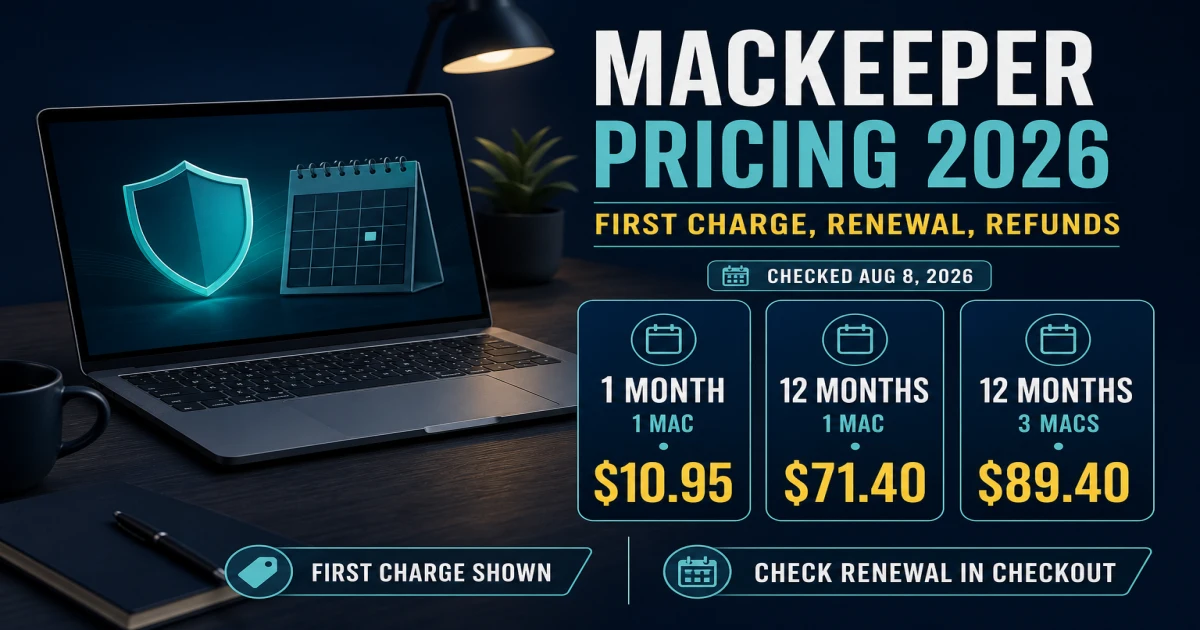
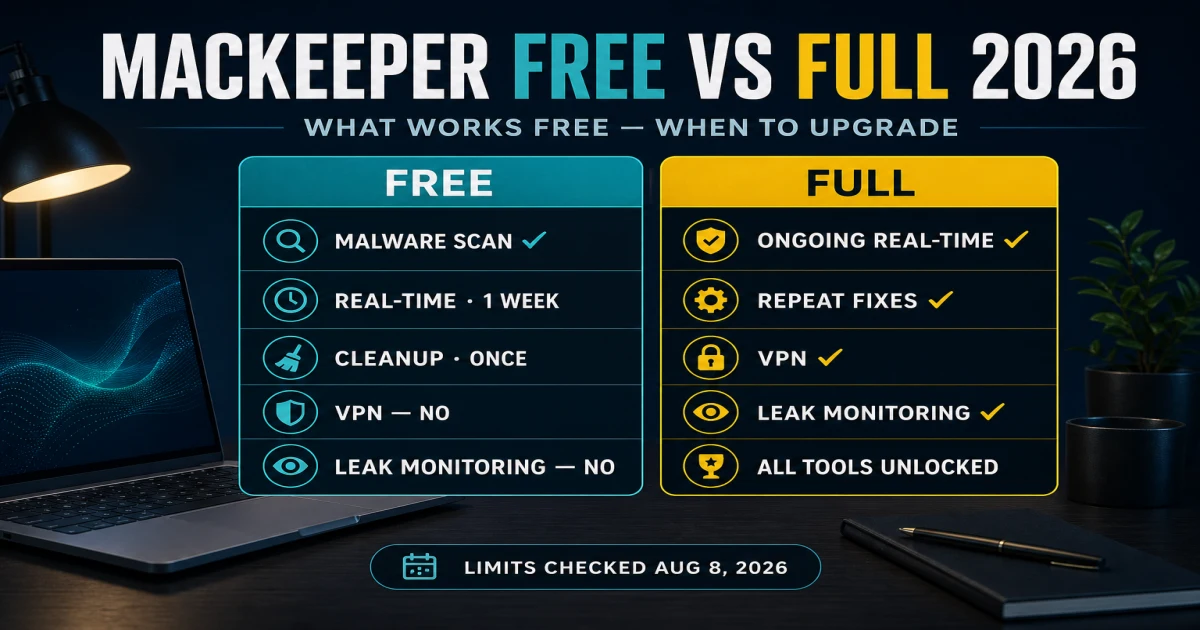
The pricing and renewal guide maps the dated public cards and seller boundaries. The free-versus-premium guide explains what a free Find & Fix result can identify versus what requires paid protection or cleanup. Record the checkout currency, term, Mac count, renewal disclosure and refund route instead of saving only the promotional headline.

DecisionBest routeWhat it resolves
Buy, renew or keepMain review + pricingCurrent scope, evidence age, payment and renewal
Free result or paid actionFree versus premiumScan, fix, trial and subscription boundary
Mac-only householdReview + compatibilitySupported macOS, hardware and permissions
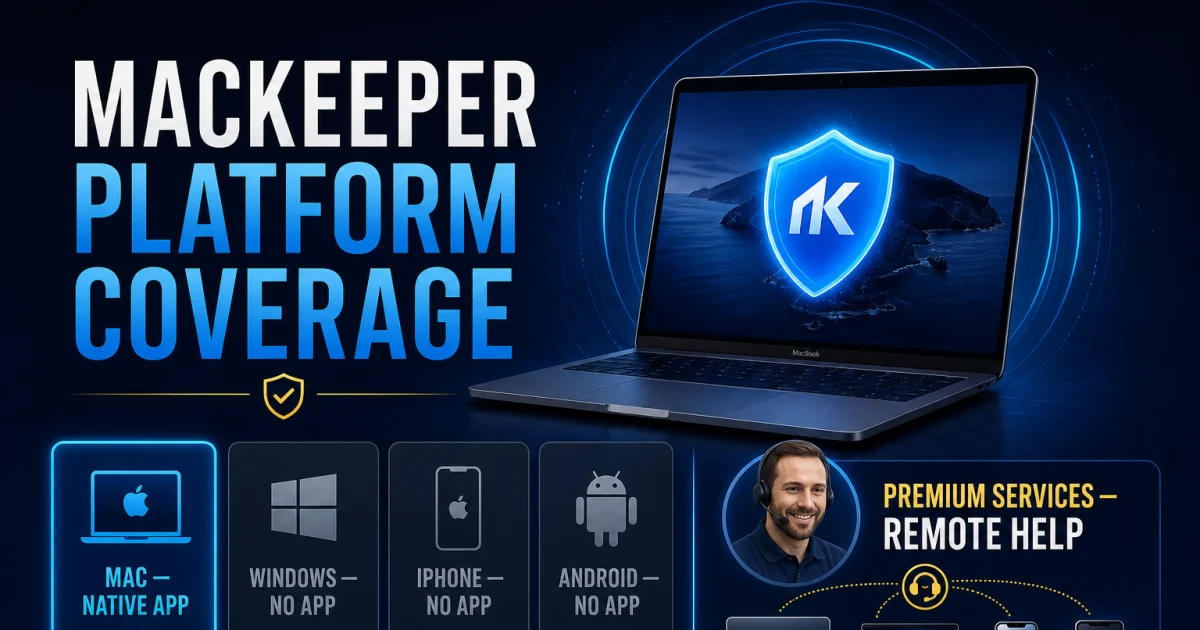
Mixed devicesPlatform coverageNo resident MacKeeper engine on Windows or mobile
Human help packagePremium Services reviewContract, remote access, scope and value
Different jobAlternatives guideSecurity, family, cleanup, free or built-in route

Install, activate and prove protection

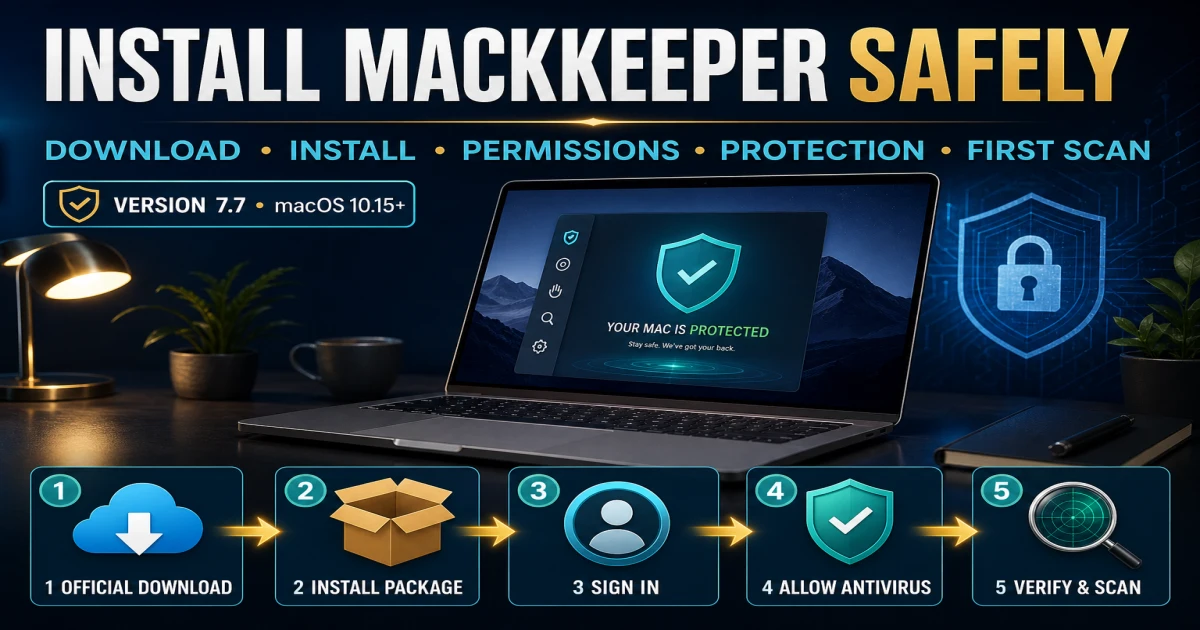
Use the installation guide for the authenticated download, current installer, activation, permissions, updates, first scan and post-restart proof. An app that opens isn't yet a completed security setup. The account must recognize the Mac, definitions must be current, real-time protection must be on, and scan history must record a finished task.

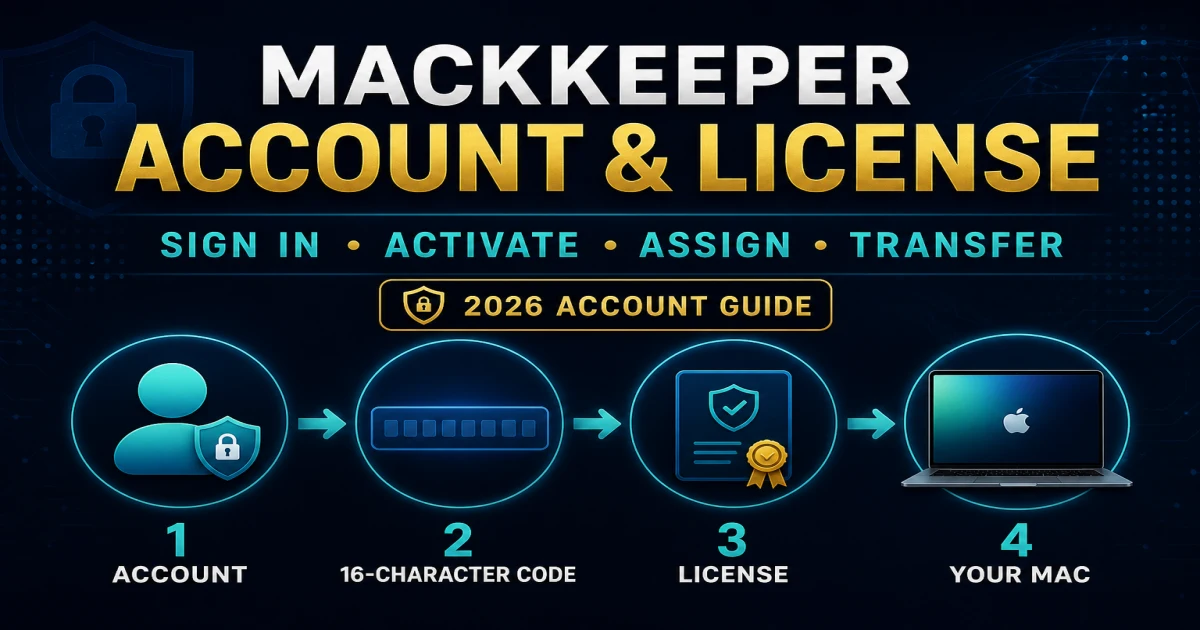
If the email, activation code or device list is wrong, use the account and device transfer guide. Moving files with Migration Assistant doesn't prove that a privileged endpoint or network component is installed correctly on the new Mac. Release an old device only after the new entitlement and protection state are understood.

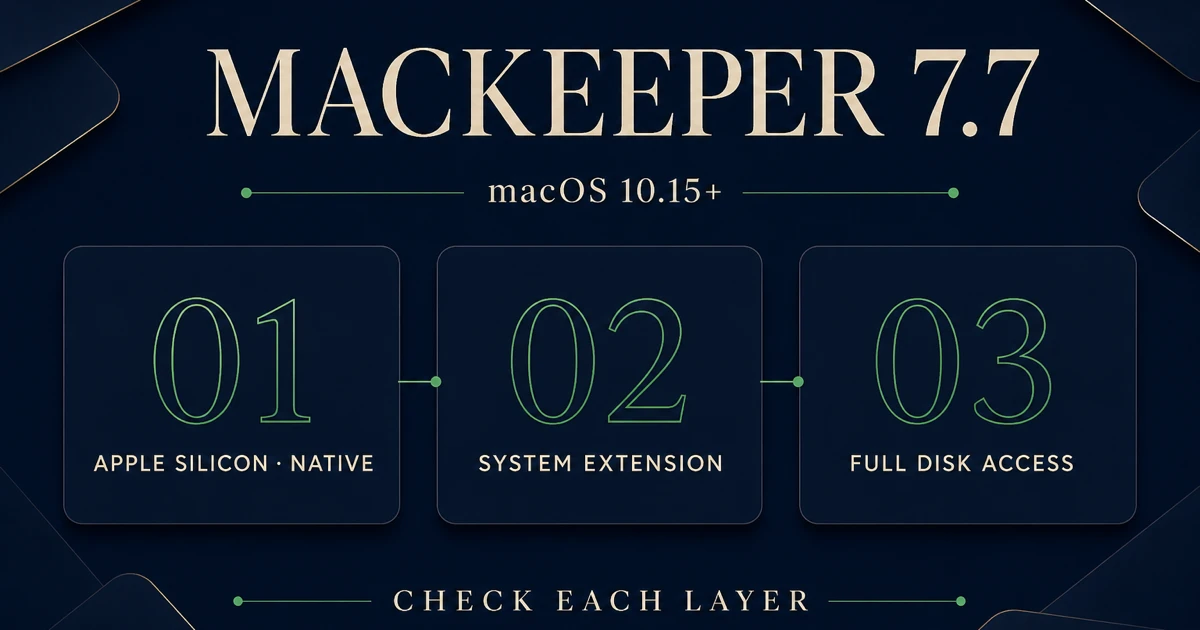
Use the macOS compatibility guide when Tahoe, Sequoia, Apple silicon or a blocked privacy approval is involved. Grant only the current documented components. Apple's macOS malware-protection architecture explains why Gatekeeper and XProtect remain part of the baseline after a third-party install. Broad privacy resets and manual deletion of system extensions are escalation steps, not setup shortcuts.

StageEvidence to keepProof before moving on
IdentifyVersion, seller, account email, macOS and chipOfficial account recognizes the entitlement
DownloadOfficial source and installer nameCurrent signed app opens once
ActivateAccount/device stateCorrect plan and Mac appear
PermitNamed Full Disk, browser or network requestOnly required components enabled
UpdateApp and definition versionsNo pending security update
VerifyCompleted scan and restartEngine remains healthy after restart

Scan, quarantine and restore without creating a blind spot

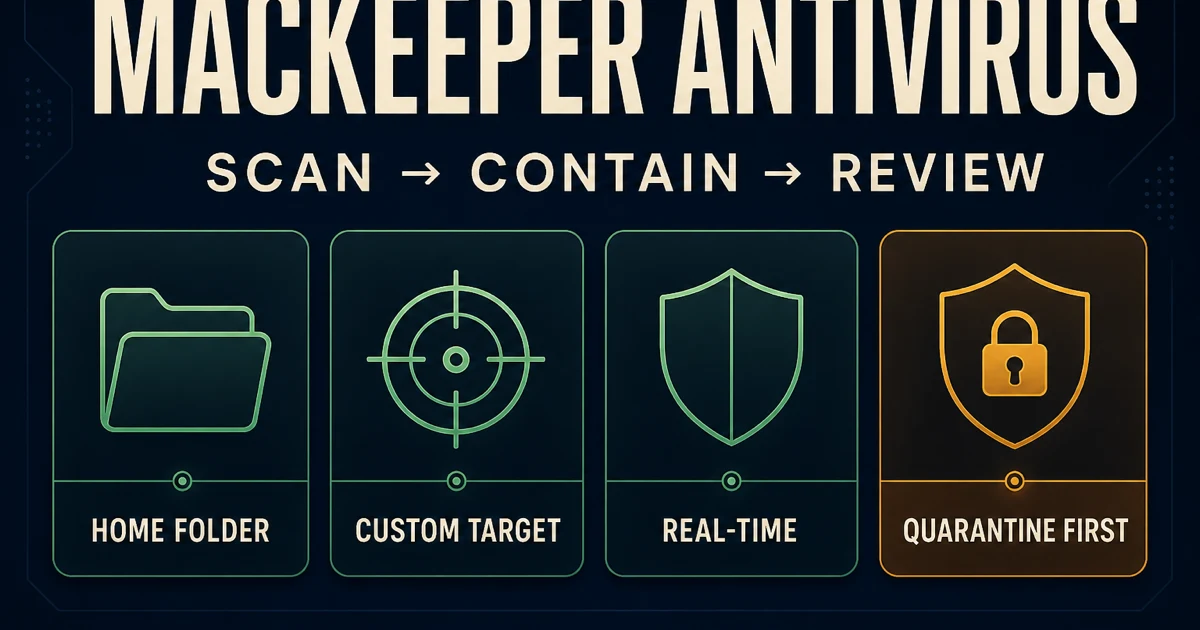
The scan and quarantine guide separates antivirus, adware and scan-type decisions. Begin with the alert source, date, scan type, path and action. A threat name without the file path isn't enough evidence to delete a project, restore a file or exclude a folder.

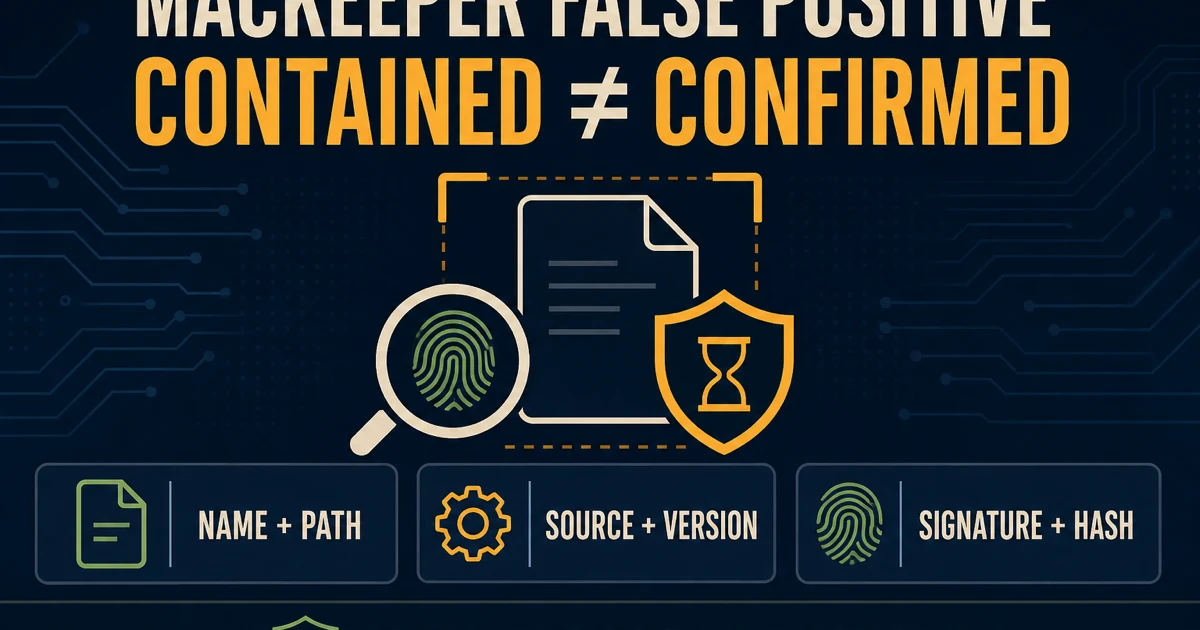
If a trusted item is detected, use the false-positive guide. Verify the source, code signature, notarization and hash where appropriate, then use a reputable second opinion. Restore or trust only the exact file when the evidence supports it. An exception is temporary technical debt and should be removed after definitions change.

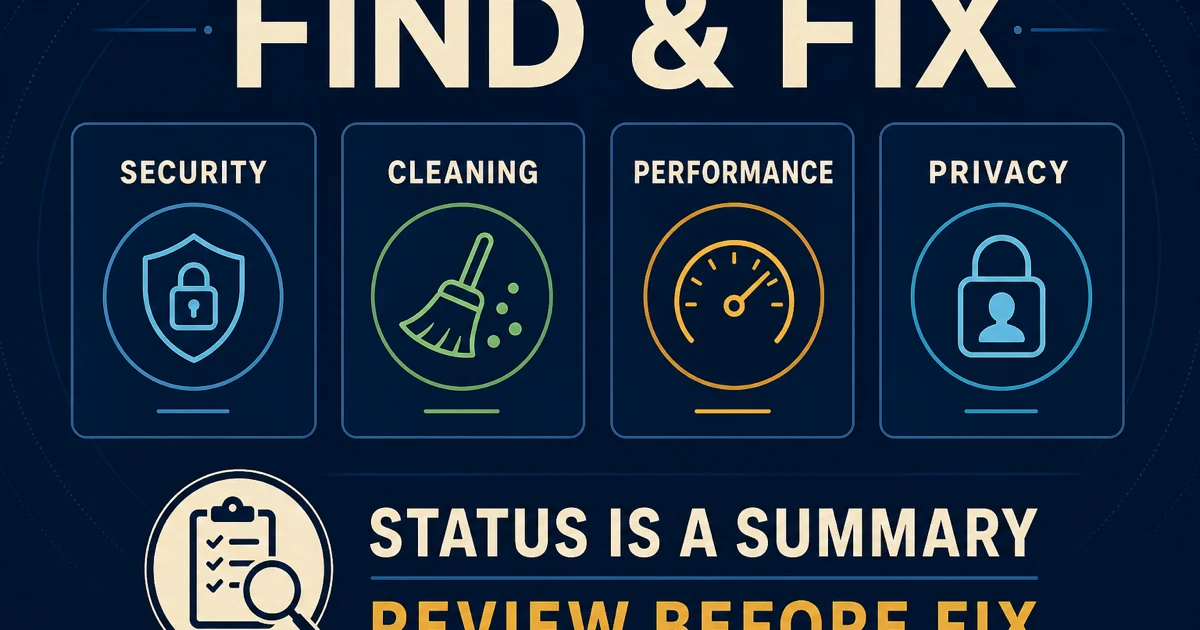
The Find & Fix guide explains status cards and recurring checks. Treat a dashboard recommendation as a route suggestion, not an order to delete, subscribe or grant access. A completed scan, understood finding and reversible action are stronger proof than a green score.

Use cleanup, performance and protection tools by risk

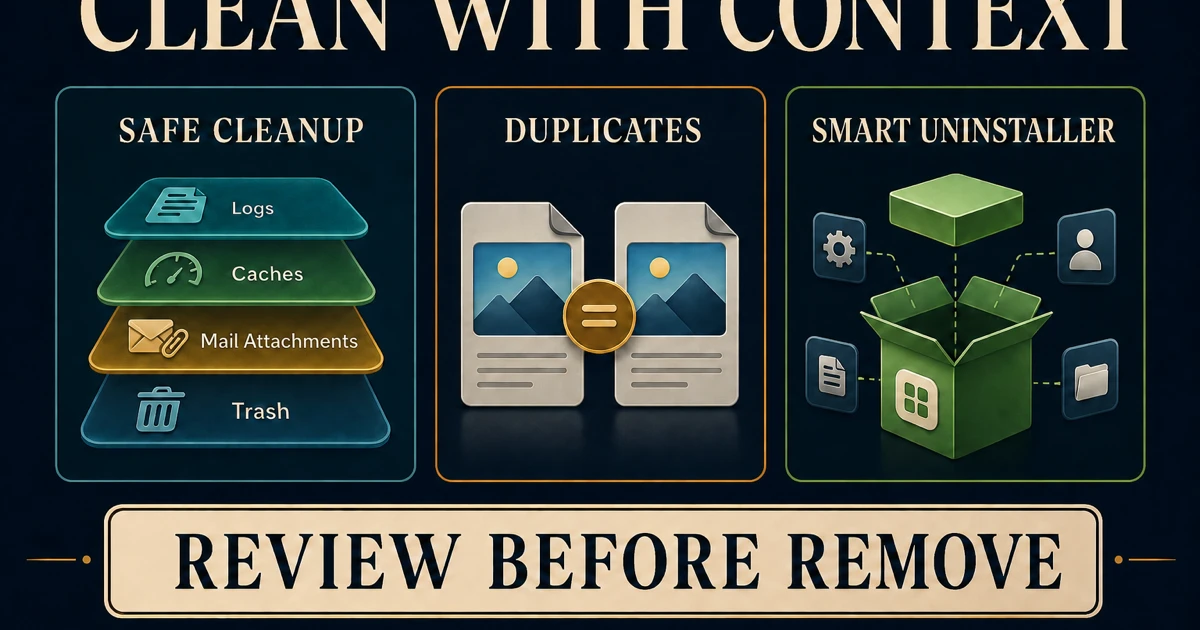
File deletion has a different failure mode from antivirus. The cleanup, duplicates and uninstaller guide starts with preview, backup and original-file ownership. Don't approve a large result merely because the category is called junk. Cloud-synced files, photo libraries, development caches and application support data can have consequences that a size total doesn't explain.

The performance tools guide replaces “free RAM is always better” with measurement. Memory pressure, swap, repeatable app behavior and restart persistence matter more than a momentary number. Update Tracker and Login Items can solve real maintenance jobs, but every disabled startup component needs an owner and a rollback.

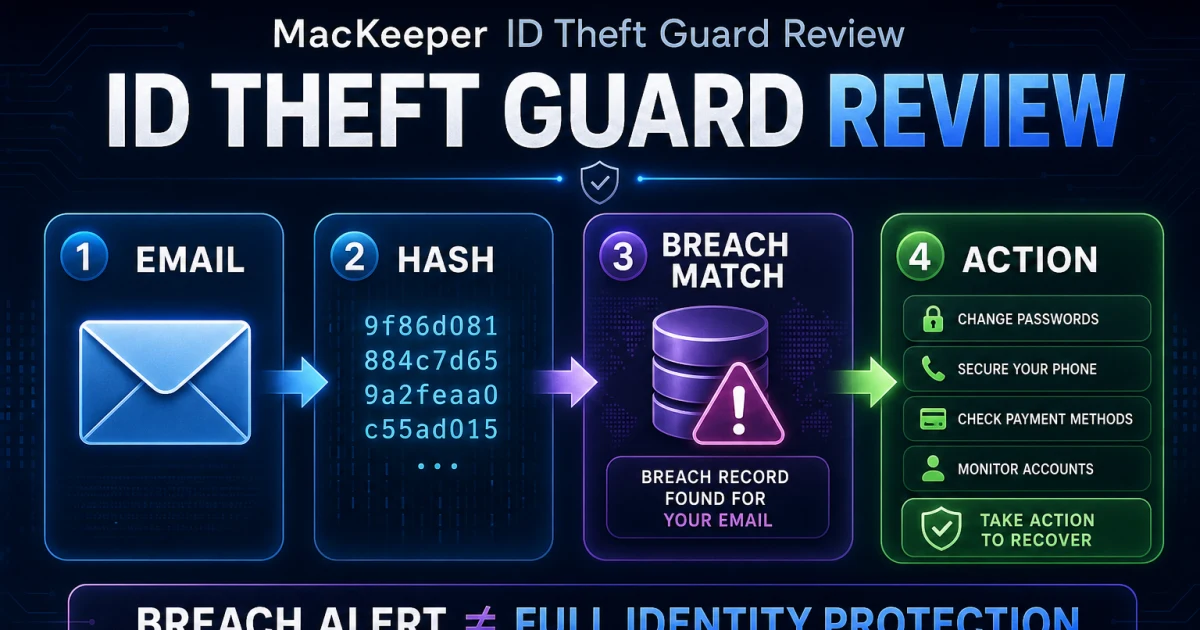
Network and account tools deserve their own evidence. Use the VPN guide for Private Connect, the StopAd guide for browser coverage, the ID Theft Guard guide for breach response and the Premium Services review before granting remote access or paying for human help.

Fix one symptom at a time

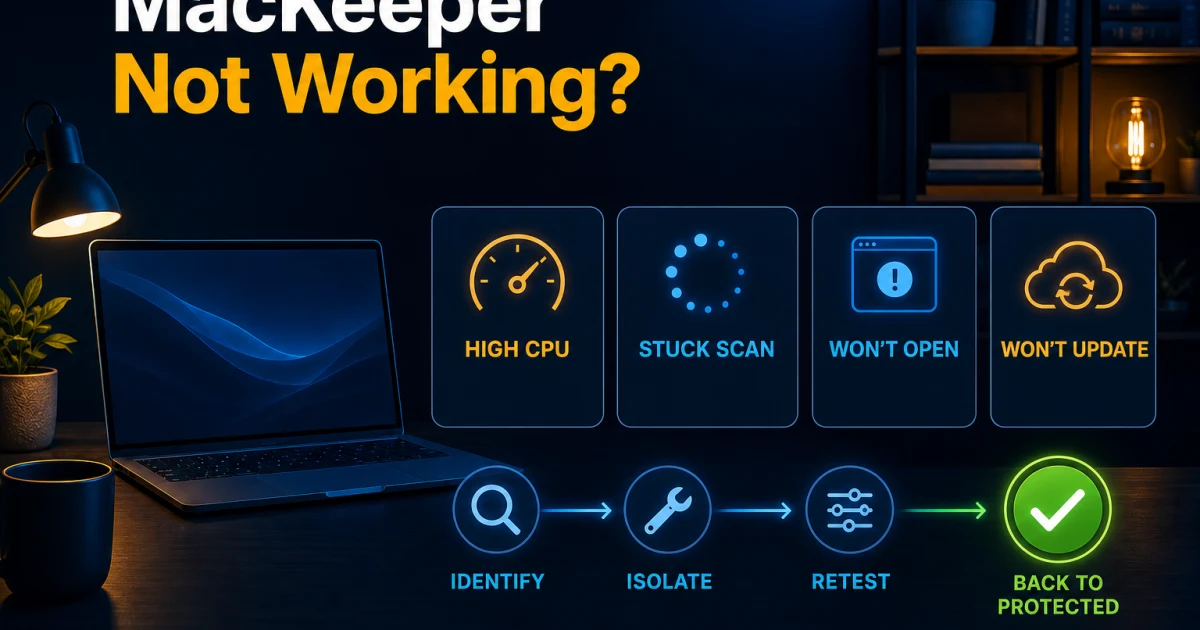
Use the high-CPU and stuck-scan guide when the main app, helper, definitions, startup or scan is failing. Record the exact symptom and whether it survives a restart. Update first, isolate one path or conflict and preserve logs before reinstalling. A symptom that disappears while protection is disabled isn't a successful repair.

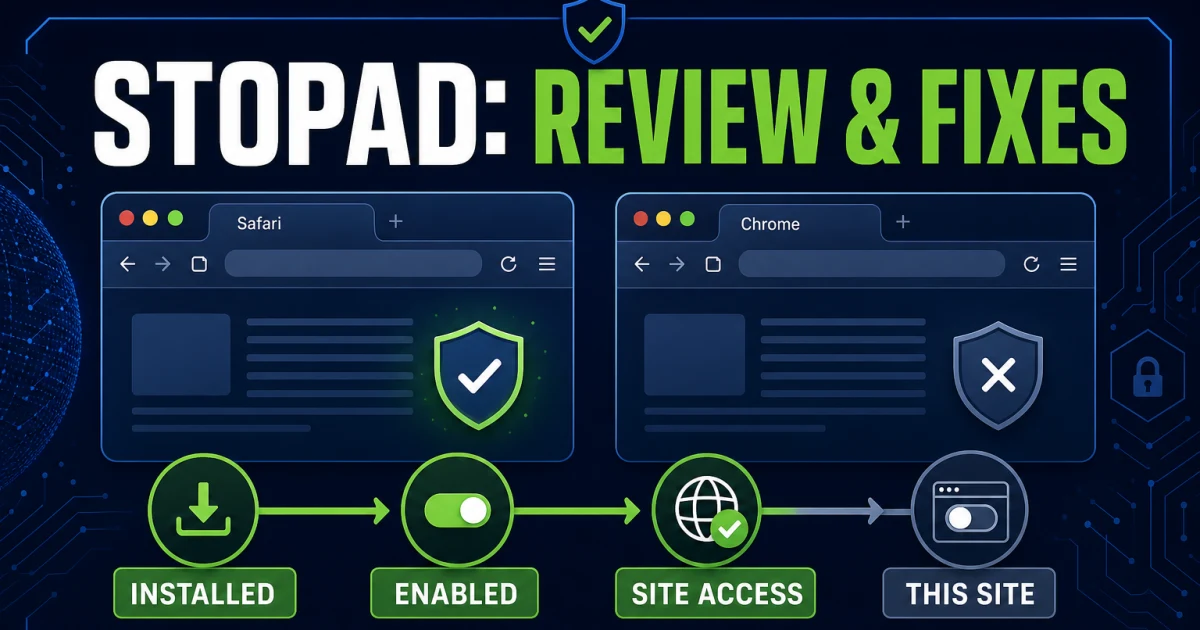
VPN and StopAd failures belong in their dedicated guides because network filters and browser extensions have their own states. Test basic internet before the VPN, then connection after the VPN. Test one supported browser and one page before changing every extension. The table keeps repair scope narrow.

SymptomFirst routeDon't do first
Scan stuckScan type, path, updates, conflicting engineDon't delete endpoint components
High CPUProcess, duration, active job and restartDon't force-quit shared helpers repeatedly
No VPN connectionBase internet, server, filter and protocolDon't reset every network service
Pages break with StopAdBrowser support, extension, one site testDon't allow every site permanently
Protection unavailableAccount, definitions and permissionsDon't assume a green account means active engine
Fake warningClose page, inspect account independentlyDon't call the displayed number

Cancel billing before uninstalling, then verify one replacement

The cancellation and refund guide begins with the seller, invoice, renewal date and current refund terms. MacKeeper's official subscription termination route and refund policy govern direct purchases; a different seller may control the charge. Save confirmation and redact personal details before sharing evidence.

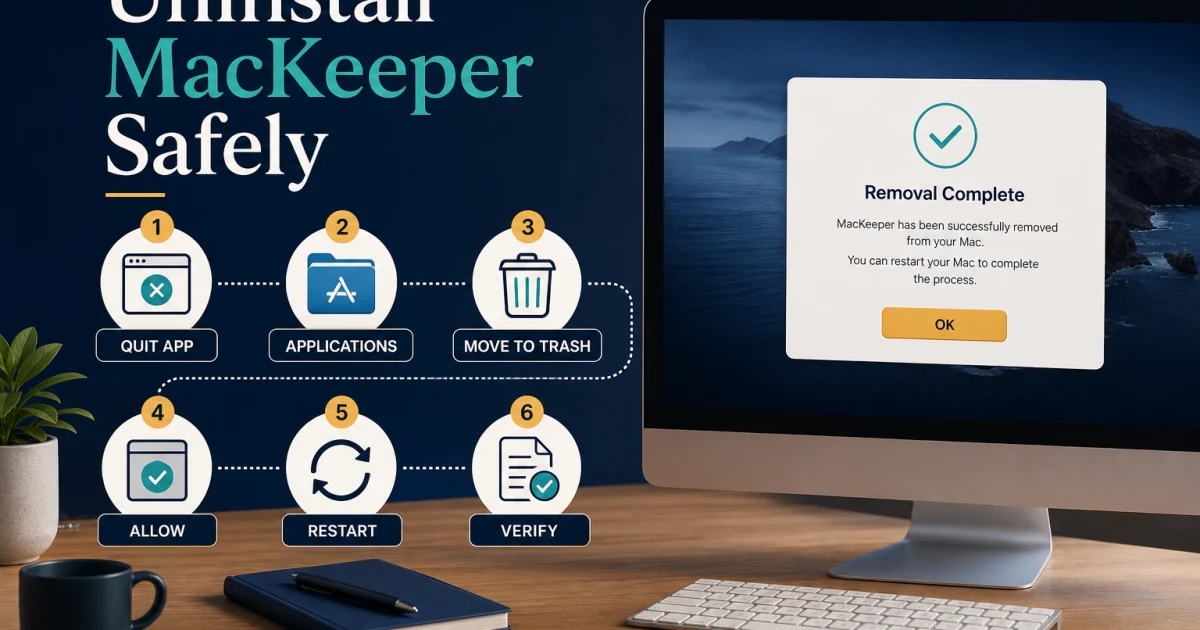
Then use the complete uninstall guide and the current official removal instructions. Restart and inspect Login Items, Full Disk Access, browser extensions and network filters. Don't activate another resident antivirus until MacKeeper's persistent protection has been removed.

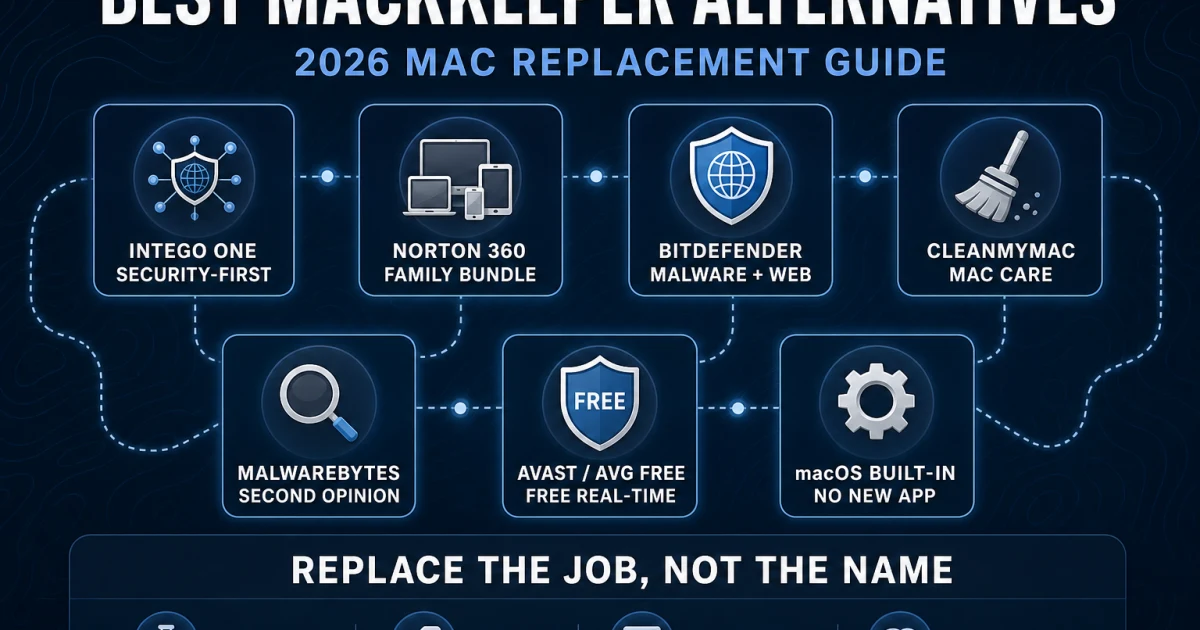
If you're replacing it, compare the exact job. Intego is the Mac-security and firewall decision, Malwarebytes separates simple paid protection from free manual scanning, and CleanMyMac is the security-bundle versus maintenance comparison. The alternatives guide adds Norton, Bitdefender, free resident products and macOS built-ins.

Use comparisons to settle one trade-off, not restart research

Each comparison owns a narrow decision. Intego asks whether current public Mac evidence and application-aware firewall control matter more than MacKeeper's combined cleanup and identity modules. Malwarebytes asks whether you need a broad bundle, a simpler paid resident app or only a manual second opinion. CleanMyMac asks whether maintenance depth is the main job and keeps public certification separate from a private engine check.

Don't combine their winners into a three-product stack. Choose one resident security engine. Add a separate maintenance or browser tool only when its job is clear, its developer and permissions are trusted, and its removal path is known. More security icons can create more overlapping extensions and less clarity about which product handled an event.

All 25 MacKeeper guides by job

Every completed cluster page appears below and in the structured ItemList. The directory is finite: the hub owns navigation, while each spoke owns its detailed query and links readers to adjacent work only when needed.

JobGuideUse it when
DecideMacKeeper Review 2026Independent verdict, current 7.7 scope, public lab boundary, features, limits and ownership fit.
DecideMacKeeper Plans, Pricing and RenewalDated plan cards, seller and renewal boundaries before checkout.
DecideMacKeeper Free vs PremiumFind & Fix, trial prompts, free actions and paid protection boundaries.
Set upInstall and Set Up MacKeeperOfficial download, activation, permissions, updates, first scan and proof.
Set upMacKeeper Account and Device TransferAccount recovery, activation code, seats and moving to another Mac.
VerifyIs MacKeeper Safe and Legit?Current ownership, notarization, lab evidence, permissions and reputation history.
Set upmacOS Compatibility and Full Disk AccessTahoe and Sequoia scope, Apple silicon, permissions and restart verification.
ProtectAntivirus Scans, Quarantine and AdwareChoose a scan, read results and handle quarantine or adware safely.
ProtectFalse Positives and File RestoreVerify, restore and temporarily trust only an exact safe item.
UseFind & Fix and Daily ScanRead dashboard status, scheduled checks and next-action recommendations.
MaintainSafe Cleanup, Duplicates and UninstallerPreview deletion, protect originals and remove app leftovers safely.
MaintainMemory Cleaner, Updates and Login ItemsMeasure pressure, update software and trim startup without folklore.
FeatureMacKeeper VPN Review and FixesPrivate Connect scope, privacy, speed and layered connection repair.
FeatureStopAd Review and FixesBrowser coverage, permissions, acceptable ads and breakage testing.
FeatureID Theft Guard ReviewEmail monitoring, breach context, response priorities and limits.
FeaturePremium Services ReviewHuman support scope, remote access boundaries, terms and value.
PlatformWindows, Android, iPhone and iPad CoverageMac-only engine boundaries and mixed-device alternatives.
RepairMacKeeper Not Working or High CPUEvidence-first repair for processes, scans, updates and startup failures.
LeaveCancel MacKeeper and Request a RefundFind the seller, stop renewal, preserve proof and check refund terms.
LeaveUninstall MacKeeper CompletelyUse the supported removal route and verify old components are gone.
FraudFake Pop-ups, Renewal and Support ScamsSeparate account notices from scareware, fake billing and remote-access fraud.
CompareIntego vs MacKeeperMac lab evidence, firewall, cleanup, VPN and subscription trade-offs.
CompareMacKeeper vs MalwarebytesBundle, paid protection and free manual second-opinion roles.
CompareMacKeeper vs CleanMyMacSecurity bundle versus maintenance depth, editions and license terms.
SwitchBest MacKeeper AlternativesSeven replacement jobs, current Mac evidence and safe migration.

Escalate with a small, useful evidence packet

Official support can act faster when the case identifies MacKeeper version, macOS version, Mac model or chip, exact error, time, repeatable trigger and the one safe repair already attempted. Add a screenshot with account details and paths redacted. For a scan, include scan type and path. For VPN, include the connection state before and after disconnecting. For billing, include seller and invoice date but never a full payment number.

Don't publish activation codes, recovery links, full email addresses, card data, private logs or sensitive detected files in a forum. Community discussion can reveal a pattern; it can't change the official entitlement, cancellation record or controlled lab result. Send logs only through the current official ticket route after checking what they contain.

A repair is complete only when the original task works after restart and the security state remains healthy. A disappeared warning isn't enough if real-time protection is off. A cancelled renewal isn't enough if the app remains active and the Mac has no chosen protection baseline.

MacKeeper help FAQ

Where should I start with MacKeeper?

Start with the main review if you're deciding whether to buy or keep MacKeeper. Use the pricing and free-versus-paid guides before checkout, installation and account guides after purchase, and a symptom-specific guide only when a named feature is failing. The six-route map near the top sends each job to the shortest useful page.

Is this the official MacKeeper support website?

No. Antivirus-Review.com is an independent editorial publication. We explain products, evidence and procedures, but downloads, account recovery, activation, subscription changes, refunds and support tickets should begin on MacKeeper's official domain or with the seller shown on your receipt.

What is the current MacKeeper version?

The current major application covered by this hub is MacKeeper 7.7. Version-sensitive instructions and evidence remain labeled. MacKeeper's latest public AV-TEST result covers version 6.8 from March 2025, so it's historical evidence rather than a current-version certification.

Does MacKeeper work on Windows, Android, iPhone or iPad?

The MacKeeper desktop application is for macOS. Some account, identity, support or browser-related benefits may involve another device, but that doesn't create a resident MacKeeper antivirus engine for Windows, Android, iPhone or iPad. Use the platform coverage guide before buying seats for a mixed household.

Why does MacKeeper need Full Disk Access?

Real-time antivirus and scans need access to protected locations. Other modules may request browser or network permissions for their own jobs. Grant only the permissions named by current official instructions, restart when required, then verify the engine, definitions and a completed scan instead of trusting a green dashboard alone.

What should I do if MacKeeper is slow or a scan is stuck?

Record the MacKeeper version, macOS version, process name, scan type, path and whether the load continues after the scan. Update the app and definitions, isolate one conflict or path at a time and preserve evidence before reinstalling. Don't broadly reset privacy permissions or delete system extensions first.

How do I restore a safe file detected by MacKeeper?

Verify the source, file hash, signing and notarization where applicable, and use a reputable second opinion. Restore or trust only the exact item after the evidence supports it. Remove the exception and rescan after the vendor fixes the detection; never exclude an entire Downloads or Applications folder.

Does uninstalling MacKeeper cancel the subscription?

No. Billing cancellation, refund requests and local removal are separate actions. Stop renewal with the actual seller and save confirmation, then use the supported MacKeeper uninstaller and verify old login items, extensions, browser components and network filters are gone.

Can I run MacKeeper with another antivirus on the same Mac?

Don't keep two full real-time Mac security suites active. Their endpoint extensions, file monitors and network filters can conflict. One resident product plus a genuinely on-demand second opinion can be reasonable only when the second tool's trial and persistent real-time modules remain off.

When should I replace MacKeeper instead of troubleshooting it?

Replace it when one bounded evidence-led repair doesn't stop a recurring protection, performance, connection or billing problem, or when a Mac-only product no longer fits a mixed-device household. Use the direct comparisons or alternatives guide to replace the missing job rather than every module by default.

The shortest safe route is one job, one change, one proof

Keep purchases with current evidence and renewal math, installations with account and permission proof, detections with exact-file verification, cleanup with preview and backup, and repairs with one isolated variable. This discipline prevents a browser-extension problem from becoming a system-wide privacy reset or a billing question from becoming an incomplete uninstall.

If one bounded repair fails, compare replacements by the missing job. If you leave, cancel through the actual seller, preserve proof, remove MacKeeper cleanly and verify one active replacement. If you stay, keep version 7.7 and definitions current, test the workflows you depend on and return to this hub only when the next question is genuinely different.