
McAfee Guides: Buy, Set Up, Fix or Leave
Every McAfee guide we publish — setup and activation, plans and renewal pricing, cancellation and refunds, feature reviews, fixes and clean removal and alternatives — grouped by task below.

What do you need today?
Shortcuts to the most common jobs — the full catalog of every guide is right below.
Choose your route: deciding whether McAfee fits? Start with the review, pricing or alternatives. Already own it? Use the exact install, billing, platform, feature or troubleshooting guide. Old product name? Open the legacy map before downloading anything. Leaving? Cancel the subscription first, preserve proof, then uninstall and verify replacement protection.
Guides in this hub
Each card opens one focused guide. The same article isn't repeated in a table or a second link list.
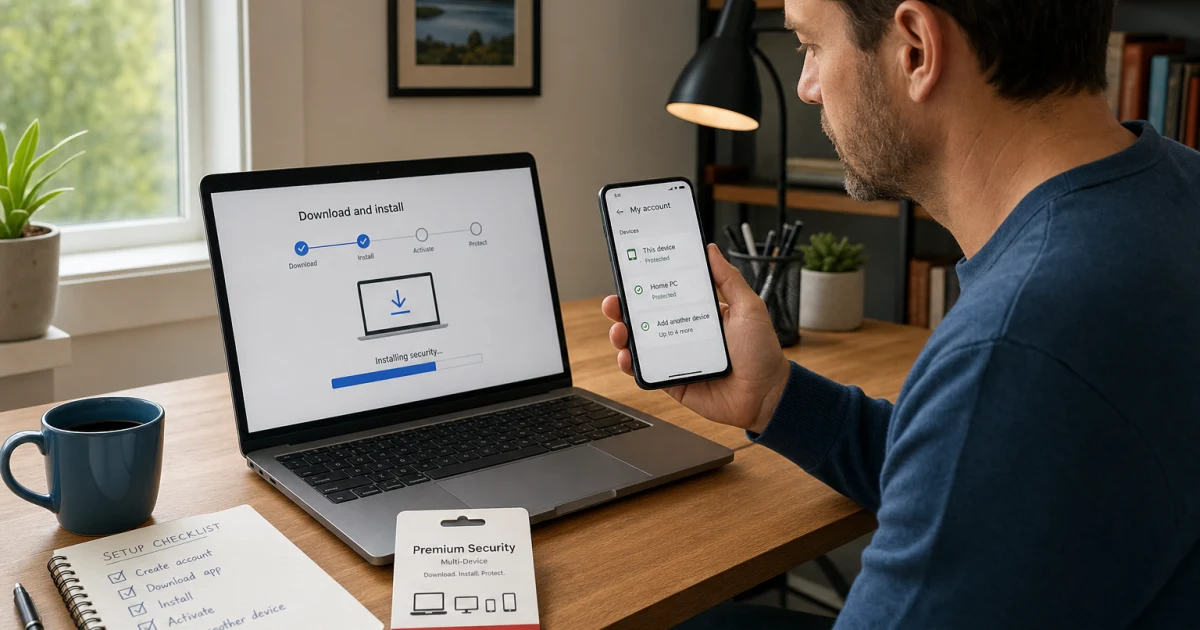
Set up and activate McAfee
Clean first install, activation and account access, and moving McAfee to another computer without buying again.
McAfee pricing, renewal and cancellation
What McAfee really costs at renewal — and how to cancel auto-renewal or claim a refund the documented way.

McAfee Pricing 2026: Plans and Renewal Costs
Compare McAfee Basic, Essential, Premium, Advanced and Ultimate prices, renewal costs, device limits, family plans and our best-value picks.

Should You Uninstall McAfee on a New PC? (2026)
Decide whether to keep or remove a preinstalled McAfee trial, check billing and license status, switch safely to Defender, and avoid renewal traps.

Cancel McAfee and Get a Refund in 2026
Cancel McAfee or stop auto-renewal safely. Find the billing owner, request a refund after purchase or renewal, and avoid fake support numbers.
McAfee features and platform apps
What each McAfee tool actually does — and whether you need it — across the platforms it genuinely supports.

McAfee Secure VPN Review and Fixes (2026)
Is McAfee Secure VPN worth using? Check privacy, speed, servers, streaming and data limits, then fix connection drops or no-internet errors.

McAfee WebAdvisor Review: Safe or Remove It? (2026)
Is McAfee WebAdvisor safe and useful? See what it checks, why Secure Search uses Yahoo, privacy tradeoffs, and how to disable or remove it cleanly.

McAfee Identity Theft Protection Review 2026
McAfee identity protection reviewed: plan differences, credit monitoring, insurance limits, privacy tradeoffs, setup and what to do after an alert.

McAfee Personal Data Cleanup Review 2026
McAfee Personal Data Cleanup reviewed: plan limits, broker removal, account cleanup, privacy tradeoffs, setup, proof and safer alternatives.

McAfee Scam Detector Review 2026
McAfee Scam Detector reviewed: text, email, QR and deepfake coverage, Android and iPhone limits, accuracy claims, privacy and recovery steps.

McAfee Safe Family 2026: What Replaced the Old App?
McAfee Safe Family reviewed in 2026: current Companion app, eligible plans, Android and iPhone limits, setup fixes, safe migration and alternatives.

McAfee True Key Review 2026: Keep or Migrate?
McAfee True Key reviewed in 2026: current status, browser and mobile support, encryption limits, autofill fixes, vault export and safer alternatives.

McAfee for Mac Review 2026: Good, but Prove It
McAfee for Mac reviewed: scans, firewall, permissions, Apple silicon, XProtect, missing 2026 Mac lab results, common fixes and who should buy it.

McAfee Mobile Security Android Review 2026
McAfee Android reviewed: current features, free vs paid plans, 2026 lab results, Play Protect, permissions, battery, privacy and practical fixes.

McAfee iPhone Security Review 2026
McAfee for iPhone reviewed: what it can scan, current plans, VPN, Safe Browsing, scam tools, privacy, iOS support and practical 2026 fixes explained.

McAfee for Chromebook Review 2026
McAfee Chromebook reviewed: what it can scan, ChromeOS limits, VPN, Safe Browsing, scams, install issues, privacy and practical 2026 fixes explained.

McAfee LiveSafe Review 2026: Renew, Switch or Uninstall?
McAfee LiveSafe is still sold in 2026. Compare protection, renewal terms, device coverage and alternatives before you renew, switch or uninstall.

McAfee Free Scanners 2026: Which Tool Do You Need?
Compare McAfee Stinger, GetSusp, Security Scan Plus and Malware Cleaner: what each tool does, safe downloads, scan limits and removal steps.
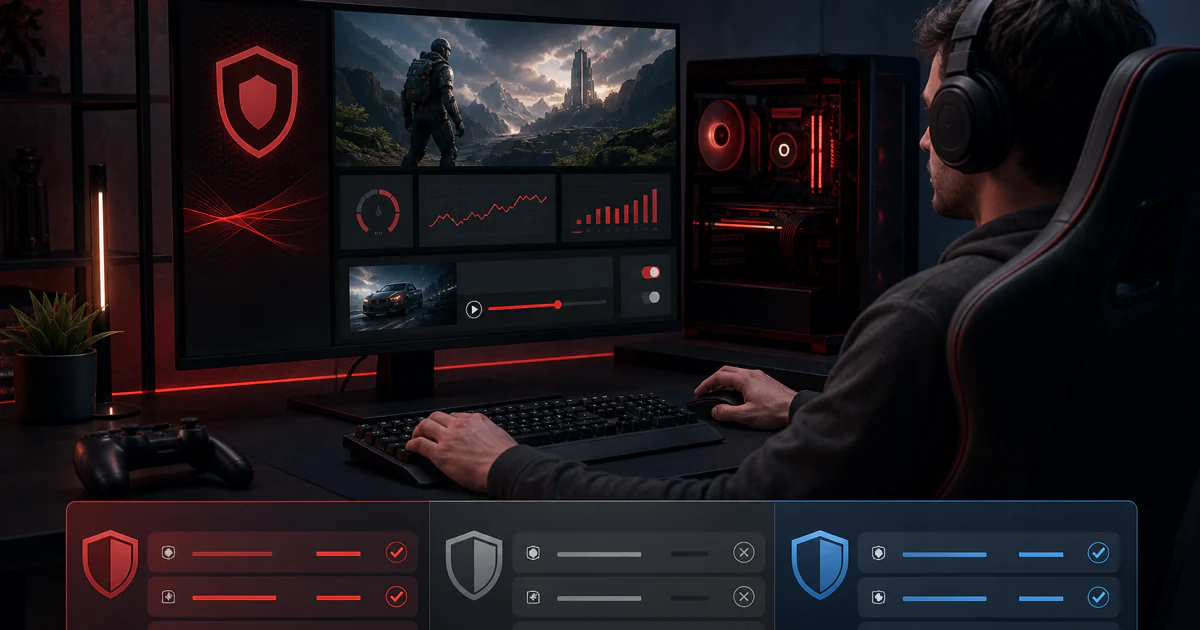
McAfee Gamer Security, App Boost & Web Boost 2026
McAfee Gamer Security, App Boost and Web Boost status in 2026: what still works, safe removal, gaming fixes, current replacements and buying advice.

McAfee vs Trellix 2026: What Happened to Enterprise?
McAfee vs Trellix explained: the 2021 enterprise sale, FireEye merger, Skyhigh split, product-name map, support routes and safe migration steps.
McAfee problems and fixes
Scans and quarantine, high CPU, errors and fake McAfee pop-up scams — what is a real fault and what is normal behavior.

McAfee Not Working? Fix Updates, Scans & Protection
McAfee will not open, update, scan or keep real-time protection on? Diagnose the exact failure, repair it safely and verify your PC is protected.

McAfee High CPU, Memory or Disk Usage: Fixes
McAfee Scanner Service using high CPU, RAM or disk? Measure the load, find the active task, repair persistent usage and keep protection enabled.

McAfee Blocking a Website, App or Game: Fixes
McAfee blocking a website, app, game or internet access? Find the responsible layer, allow only the trusted connection and keep protection on.
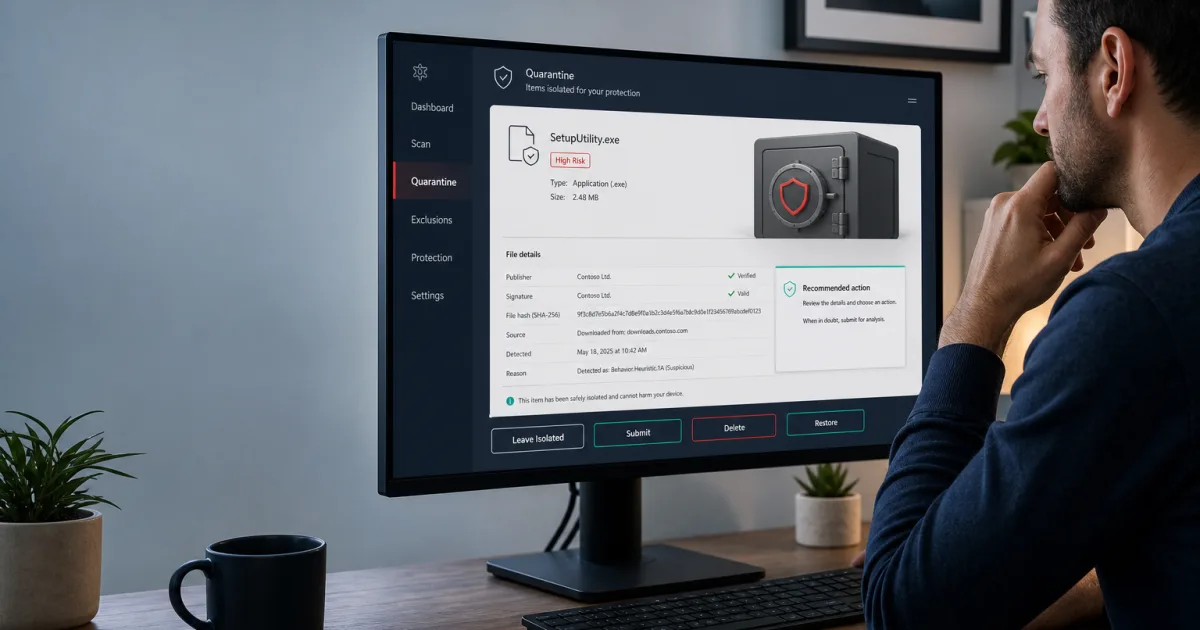
McAfee Scan, Quarantine and Exclusions Guide
Choose the right McAfee scan, inspect quarantine safely, verify a false positive, restore a clean file and avoid dangerous broad exclusions.

Fake McAfee Pop-Ups: Remove Alerts Safely (2026)
Fake McAfee virus warnings keep appearing? Identify the browser or app sending them, block notification access, scan safely, and recover after a click.
Uninstall McAfee or switch to an alternative
Uninstall McAfee completely, and pick a tested alternative if you're leaving.

Best McAfee Alternatives 2026: Choose by Reason
Compare McAfee alternatives for protection, family bundles, free Windows security, granular controls and a safe switch without a coverage gap.
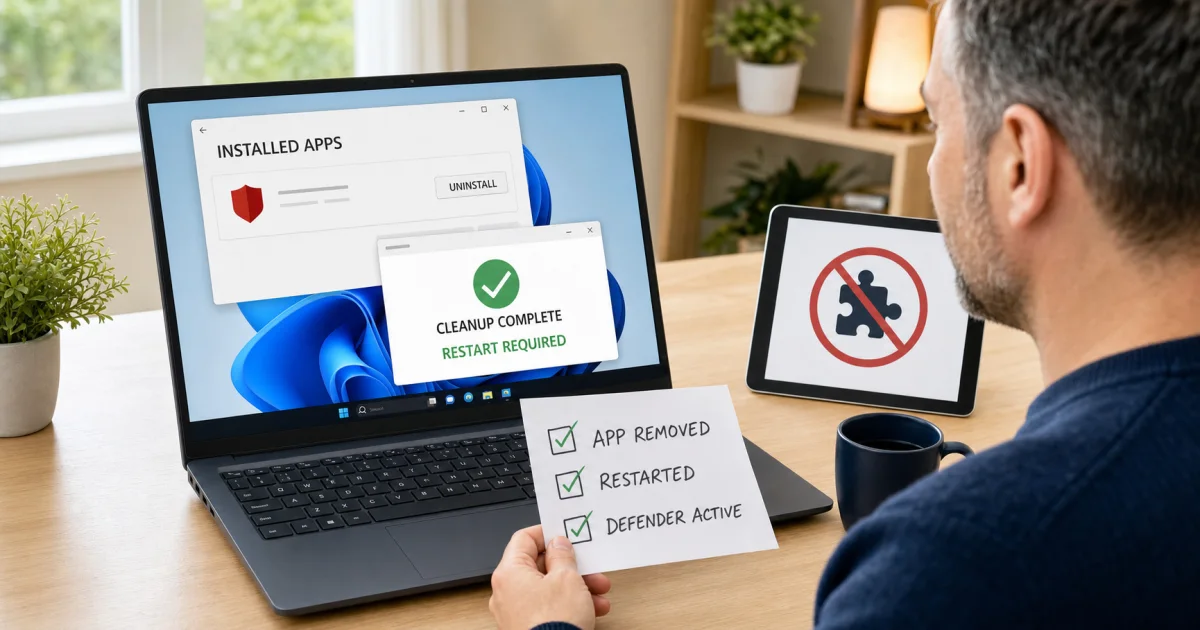
Uninstall McAfee Completely with MCPR (2026)
Remove McAfee safely from Windows 11 or Mac. Use normal uninstall first, run the official MCPR tool when needed, and verify Defender is active.
McAfee guide hub FAQ
Where should I start with McAfee?
Start with the full review if you are deciding whether to buy or keep McAfee. Open pricing before checkout, the exact setup or troubleshooting guide for a current task, and the cancellation and uninstall guides as two separate jobs when leaving.
Is this the official McAfee support site?
No. Antivirus-Review.com is an independent editorial publication. We explain current evidence and safe paths, but downloads, account changes, refunds, privacy requests and support tickets should start on a verified McAfee, Apple, Google, Trellix or Skyhigh domain.
Is McAfee good in 2026?
McAfee remains a capable multi-device security suite with strong current lab results and broad identity, privacy and scam features. Whether it is good for one household depends on renewal price, device mix, performance, prompts and which extra services will actually be used.
Which McAfee plan should I buy?
Buy the smallest current plan that covers the required people, devices and features after you record both first-term and renewal prices. Essential covers core security for five devices; broader Premium, Advanced and Ultimate plans add different privacy, identity, credit and recovery services.
More on McAfee
- Full McAfee review — current lab results, pricing and our buy / skip verdict.
- Head-to-head comparisons — McAfee against the other products we test.
- All vendor guide hubs — the same task-based libraries for the other products we cover.