Sophos Home Guides: Choose, Install, Protect, Fix or Leave
A search for Sophos help can mix a current Home article, a business Endpoint manual, a firewall forum, an old Free-tier page or a fake support listing. Start with the job in front of you. This hub routes buying, setup, devices, protection, platforms, repairs, scams, billing and removal to sixteen deep guides.

Start here: read the current Sophos Home review before buying or renewing, the setup guide when installing, and the exact task card below when something is already happening. Sophos Home is the consumer product; a Central-managed Endpoint belongs to an organization and its administrator.
Choose the route before opening another search result
The official getting-started guide updated July 23, 2026 covers installation, dashboard settings, mobile separation and scans. Search engines do not preserve all of those boundaries. “Sophos dashboard” can mean the personal Home account or Sophos Central; “Sophos Home” can be confused with Firewall Home Edition; an uninstall answer can target a managed work agent rather than the family product.
This page is the map, not a compressed copy of sixteen articles. Price needs the live Home account and Cleverbridge order. A detection needs the exact alert and file. A high-CPU symptom needs a reproducible timeline. A refund needs the merchant and deadline. Avoid support-number shortcuts, choose the route first, then return when the task changes.

Buy, keep or replace Sophos Home with the evidence visible
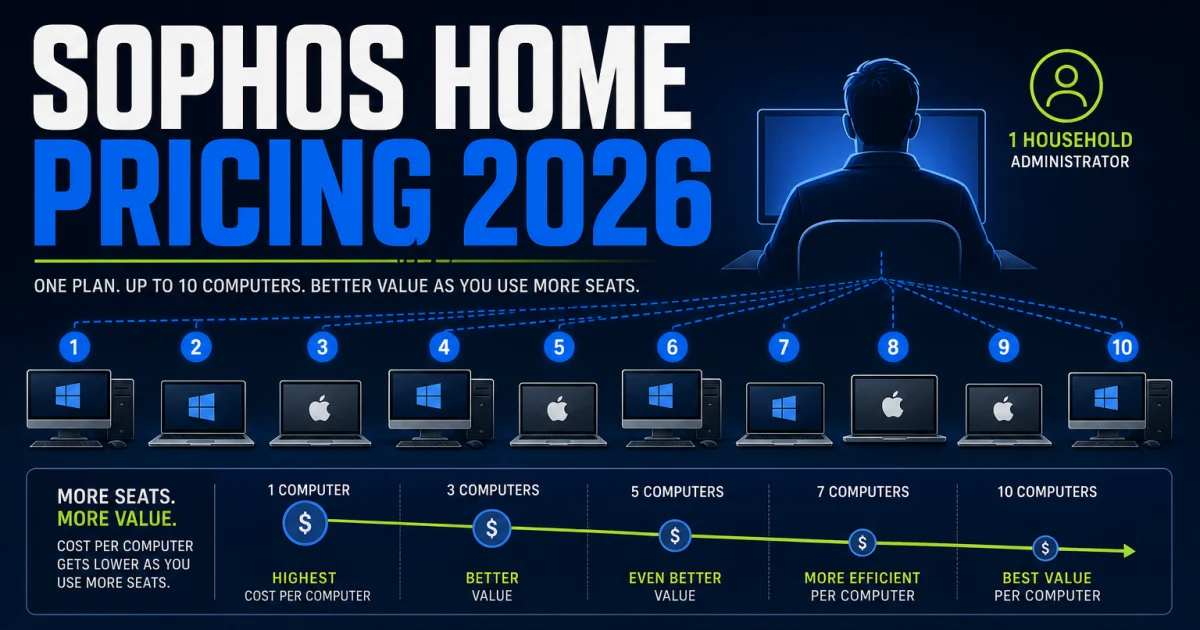
The review owns the overall verdict. It holds the current AV-Comparatives Windows protection and performance evidence, plan context, community signals, feature boundaries and a clear “who should choose it” decision. The pricing page owns live promotion versus MSRP, the ten-computer license, the 30-day trial, grandfathered Free status, renewal, coupons, refund and expiry. Keeping those jobs separate prevents a changing price from corrupting the product verdict.
The alternatives page begins with the capability you cannot lose. Bitdefender is the protection-led default, Norton the family bundle, ESET the lighter-control route, Defender the built-in Windows choice, Avast the free cross-platform start, Intego the Mac specialist and Malwarebytes the scam-and-cleanup workflow. It uses the same 2026 test cycles where comparison is valid and avoids making one product a universal winner.
The Home-versus-Endpoint page draws the legal and operational line. Home is personal and non-commercial. Central is an organization platform; Endpoint, EDR, XDR and MDR assign different prevention, investigation and response jobs. Do not buy a business tier merely because it looks stronger, and do not install Home on commercial devices because the count is small.
Install, activate and manage the intended computers
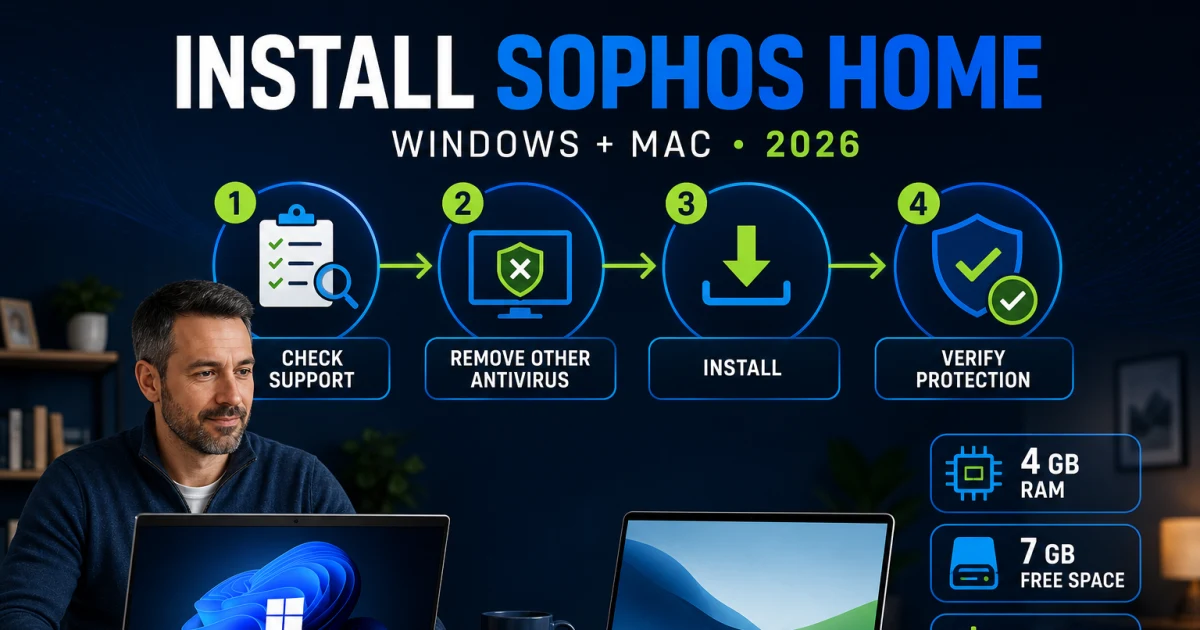
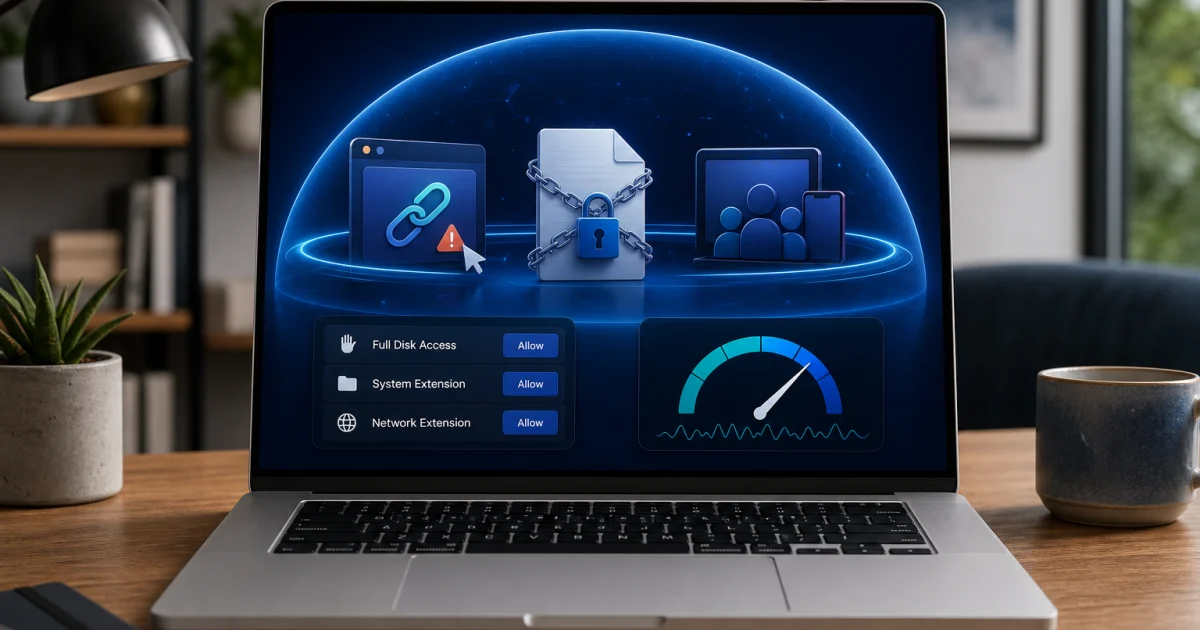
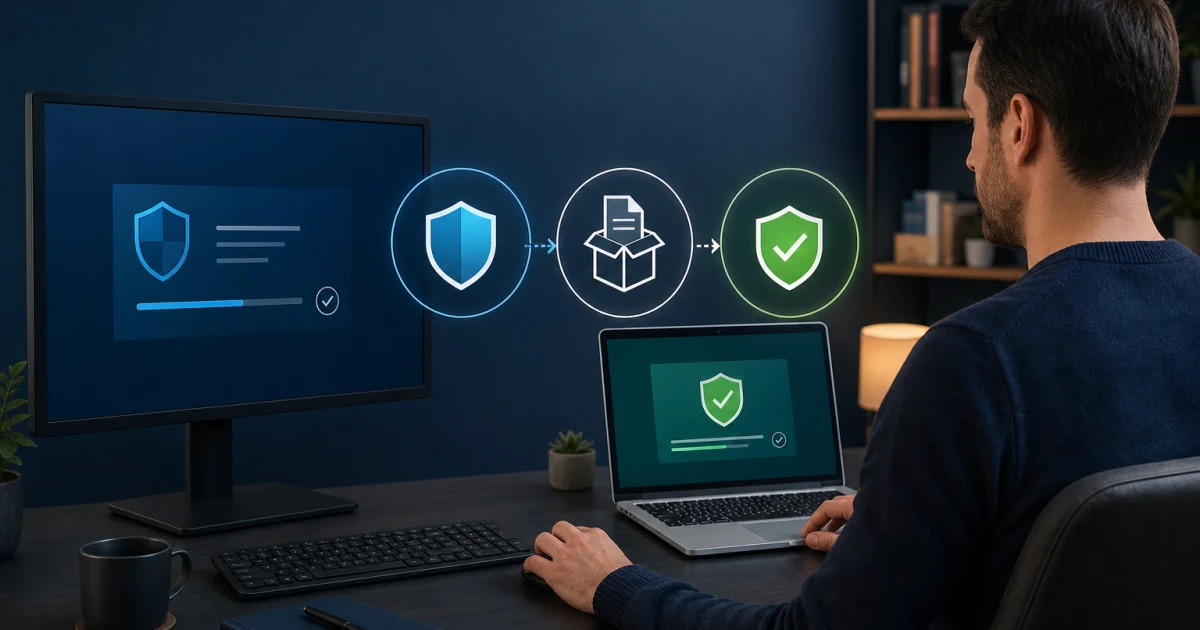
A clean setup starts before the installer. Check the current Windows or macOS requirement, update the operating system, remove another real-time antivirus and sign in with the Home account that will own the computer. Use Add Device from that account for an existing subscription. A generic trial download can create an account or attach the installation differently, which explains many “computer not in dashboard” searches.
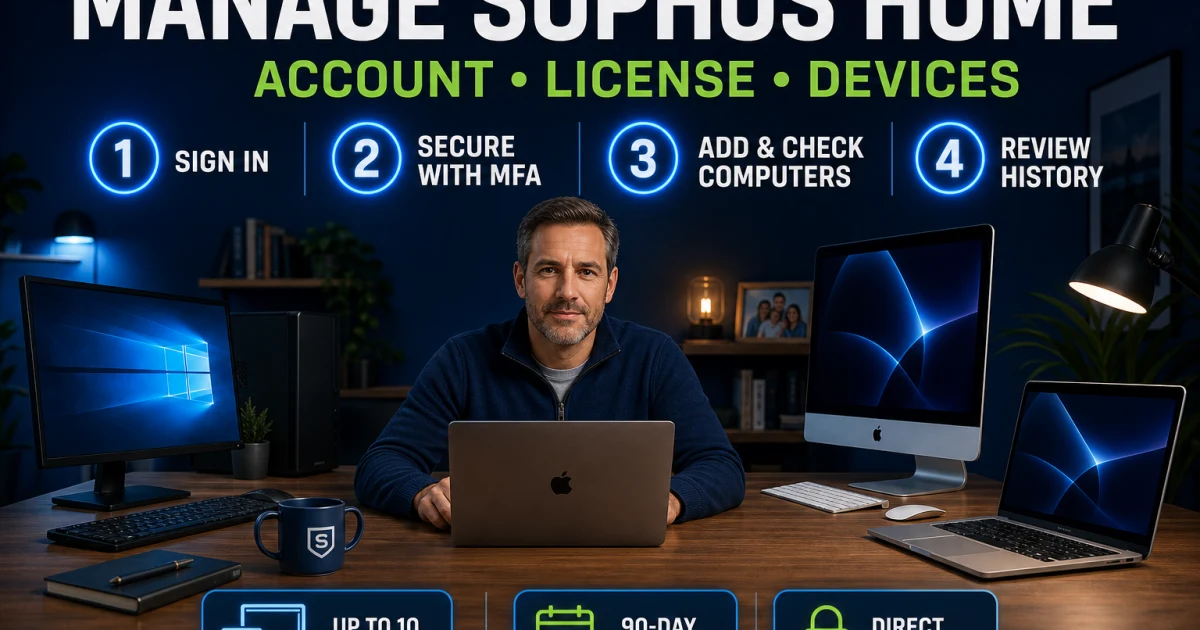
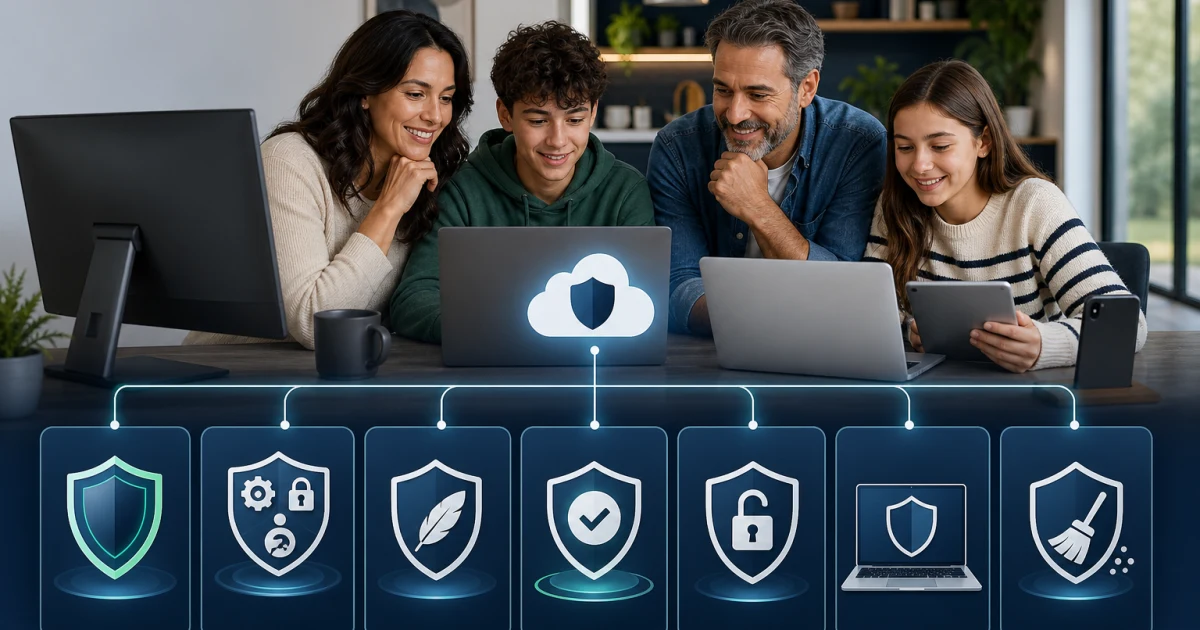
The dashboard is more than a license counter. It owns MFA, Direct Access, device names, settings, history, subscription state and the distinction between removing a device card and uninstalling software locally. Up to ten supported Windows and Mac computers can belong to one Premium account. Buying another license does not expand that same dashboard; Sophos requires a separate account/email.
Activation, local installation, dashboard ownership and billing are four proof layers. A key can be valid while a computer belongs to the wrong account; a dashboard record can disappear while the offline agent remains; the local agent can be removed while renewal continues. The setup and dashboard guides keep those outcomes separate.
Use the protection layer that owns the event
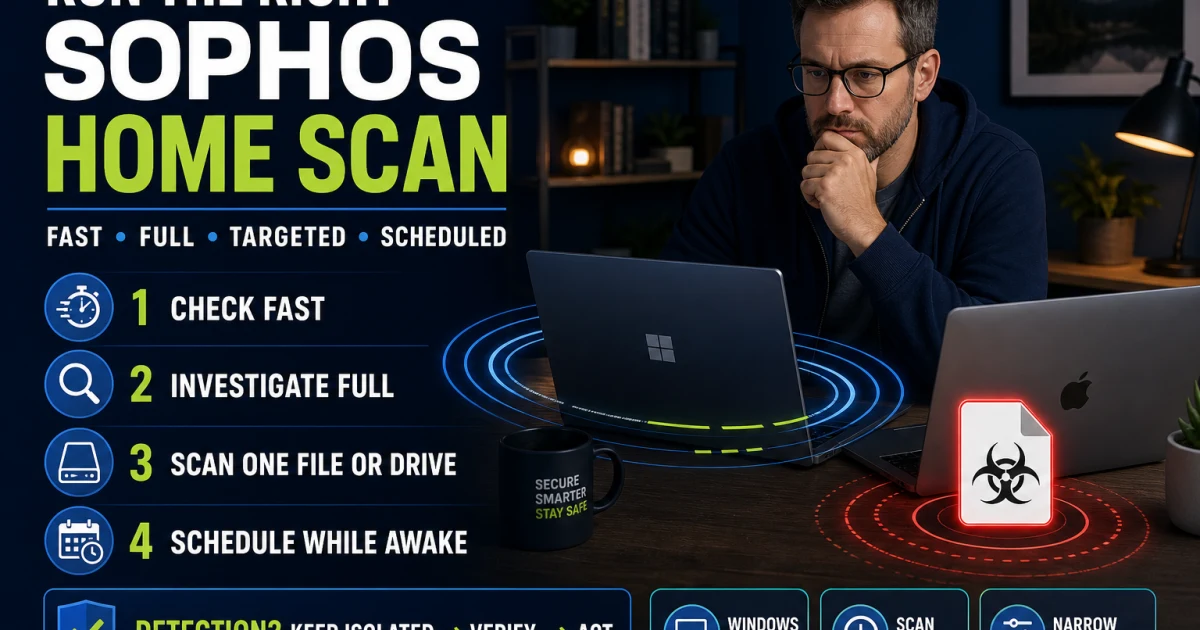
A Fast Scan, Full Scan, targeted scan and scheduled scan answer different questions. Quarantine is reversible containment, not proof that a file should be deleted or restored. Record the detection name, original path, publisher, signature and source, then verify the object independently. If a false-positive exception is justified, keep it as narrow and temporary as possible.
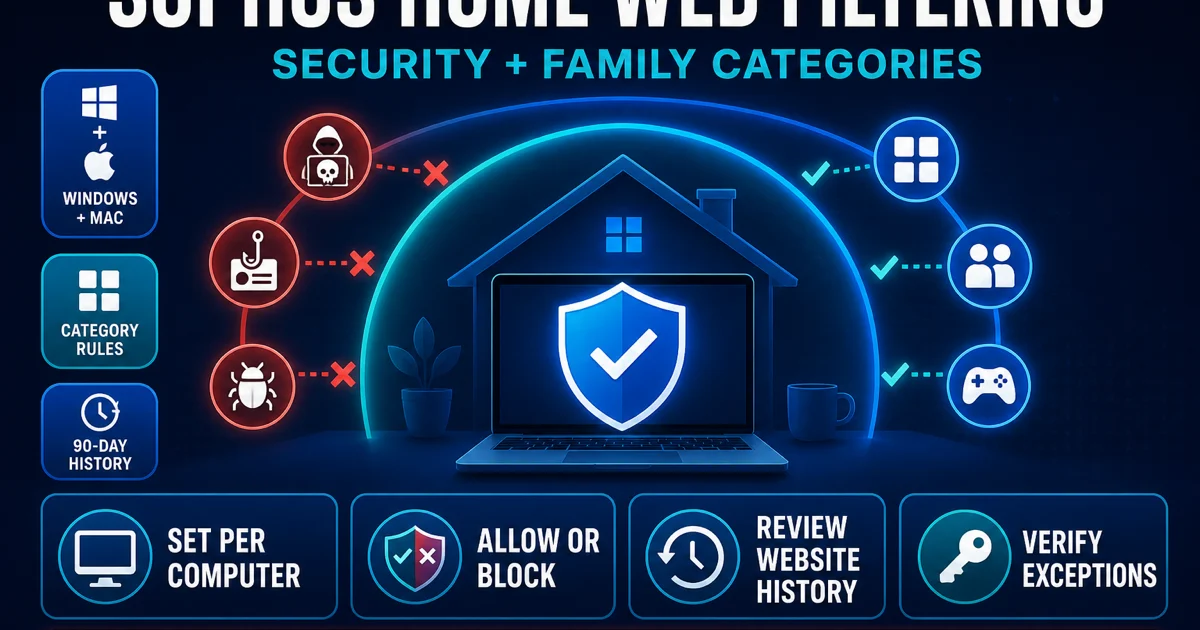
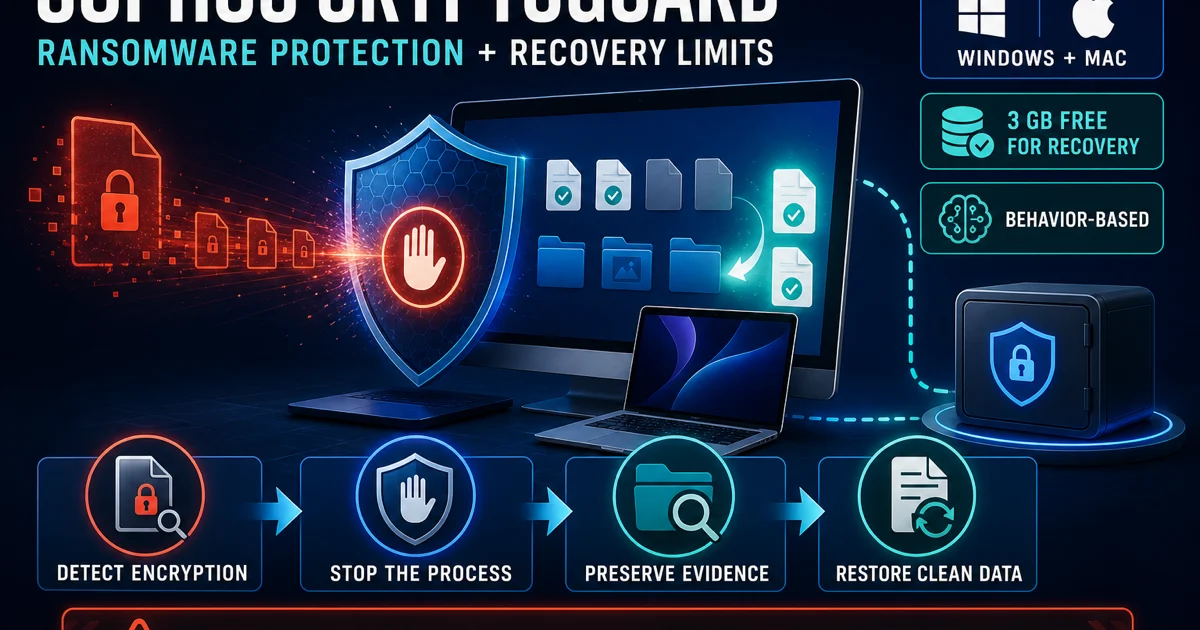
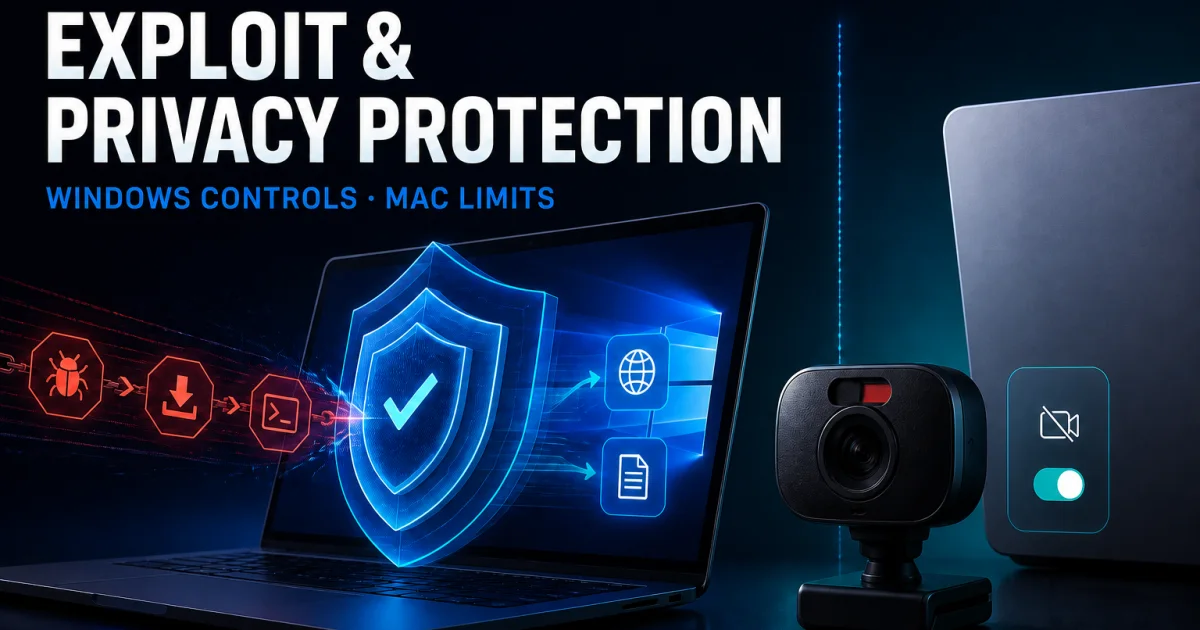
Web Protection blocks malicious destinations; Web Filtering applies household categories and exceptions. CryptoGuard watches encryption behavior and can provide conditional rollback when its recovery requirement is met, but it is not a backup. Exploit and privacy controls also differ by platform and release. The four guides preserve those boundaries rather than advertising one undifferentiated “advanced protection” layer.
Do not turn off everything to make one alert disappear. Reproduce the exact event, identify its owner and change one reversible control. A real Sophos block, browser Safe Browsing warning, router filter, Private Relay interaction and site notification can display at the same moment while requiring completely different actions.
Use the Windows, Mac or mobile guide—not a copied feature list
Windows and Mac share the Home license but not an identical implementation. macOS requires current extensions and privacy permissions, and supported versions change. Current consumer Mac lab coverage for Sophos is limited, so the Mac review says where evidence is absent rather than importing the Windows result. Private Relay, HTTPS inspection and operating-system changes also create platform-specific behavior.
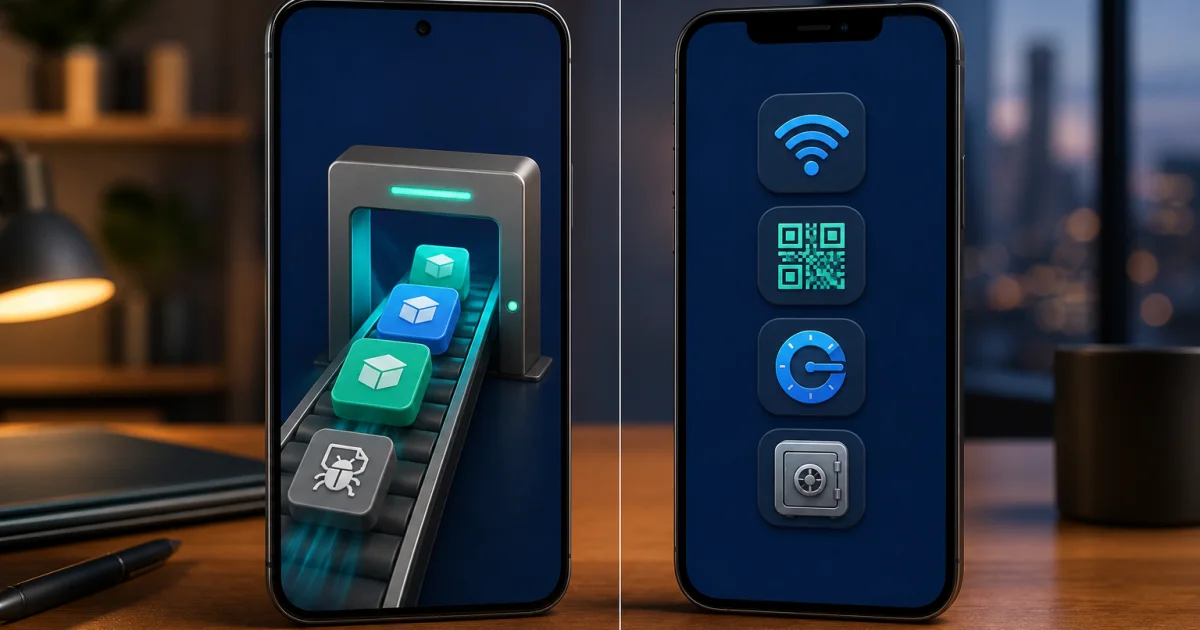
Mobile is a separate product. Intercept X for Mobile is free and does not consume Home computer seats or join the Home dashboard. Android can scan installed applications and expose broader device-security checks; iOS prevents desktop-style antivirus scanning, so the iPhone app emphasizes malicious-site, network, privacy and account checks. A phone “protected” badge must be read in that platform context.
Windows ARM, Linux and ChromeOS are not normal Sophos Home targets. A work-managed device belongs to its administrator. If a screen asks for a distinct Tamper Protection password, stop using a Home guide and identify the Central-managed product before changing anything.
Fix a real symptom or recover from a fake warning
The troubleshooting route begins with classification. An update state, “vulnerable” status, service failure, scan spike, browser slowdown and sustained idle CPU use need different evidence. Capture the operating system, Home version, process name, timing and the action that reproduces the symptom. Restart and supported repair steps come before cleanup tools, broad exclusions or service deletion.
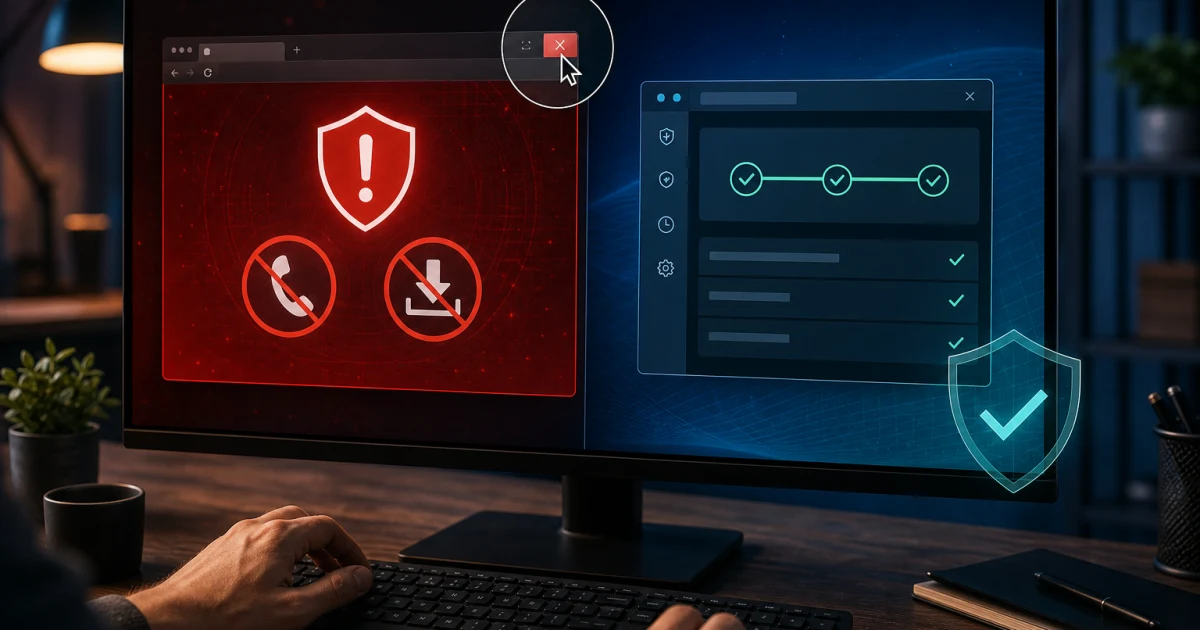
A frightening pop-up may not come from Sophos at all. The scam guide separates a trapped browser tab, abusive site notification, fake renewal, genuine web block and remote-access incident. Do not call a number shown in the warning, install a “support” tool or share a one-time code. Recovery follows exposure: seeing, clicking, downloading, installing, granting remote access or paying are six different situations.
Community reports are useful for finding confusing failure modes but cannot prove that every high-CPU event has one cause. The guides use them directionally and anchor actions to current official support. If the evidence stops matching the screen, stop and re-identify the product rather than escalating aggression.
Cancel, refund, uninstall and switch in the right order
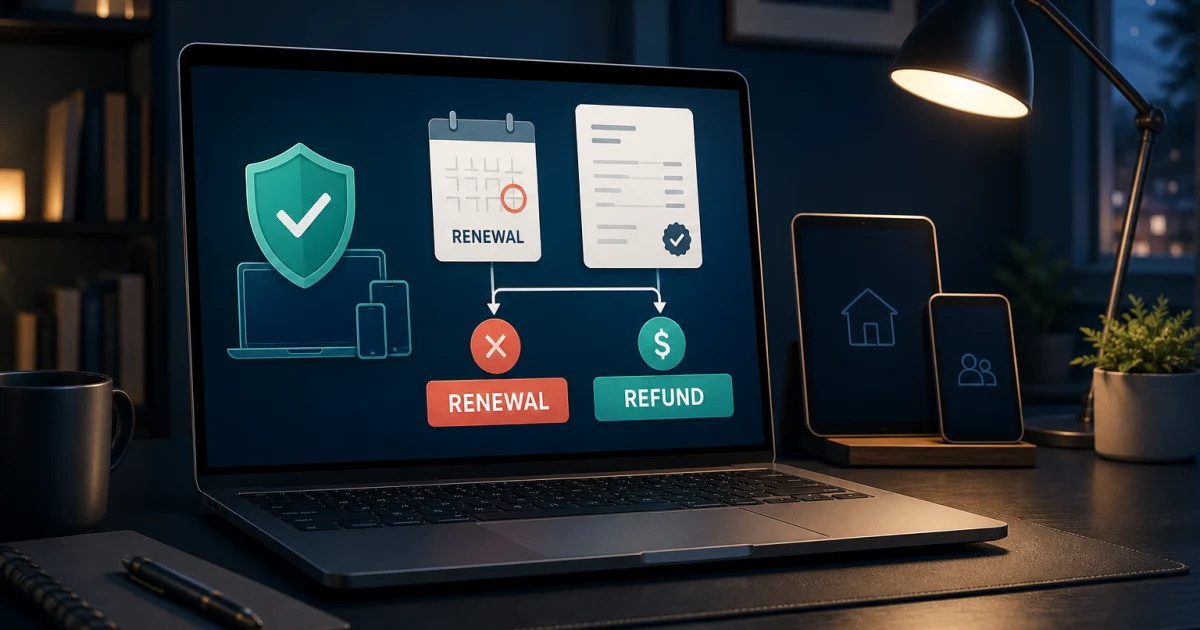
Uninstalling does not cancel a Sophos Home subscription. Turn off renewal in the account and verify that the subscription says Expires rather than Renews. Identify the Cleverbridge order and preserve confirmation. An eligible refund request is another separate action and can change entitlement for other family computers, so schedule the local migration before assuming everyone remains protected.
On Windows, use the normal installed-app removal first, restart and verify Windows Security or the chosen replacement. SophosZap is a last-resort official cleanup tool after standard removal fails. On Mac, use Remove Sophos Home rather than dragging the app to Trash; the current Sophos Home removal script is an advanced recovery route. Managed Endpoint removal belongs to the organization, not this consumer cluster.
Move one computer at a time. Remove Home, restart, verify the intended protection provider, install the replacement when needed and observe normal work. Only then move the next device, release stale dashboard records and close the account if that is still the goal.
Keep eight Sophos Home boundaries visible
Home versus Central: personal and organization ownership are not interchangeable. Home versus Firewall Home Edition: endpoint and network-appliance products are separate. Computer versus mobile: the free mobile app is outside the Home entitlement. Windows versus Mac: permissions, features and evidence differ. Detection versus diagnosis: an alert is evidence, not a complete incident narrative. Rollback versus backup: CryptoGuard recovery is conditional and does not replace offline copies. Dashboard versus local agent: removing a card does not uninstall an offline computer. Software versus billing: uninstall, renewal, refund and account deletion are different actions.
Those boundaries prevent the expensive mistakes: buying the wrong product, exposing credentials, restoring malware, weakening web protection, trusting a fake support number, deleting managed components, leaving a computer unprotected or assuming a removed app ended renewal. When the guide and screen disagree, identify the exact product, platform, owner and desired outcome before continuing.
Use the evidence source that owns the question
Official Sophos Home pages control current names, downloads, support routes, account actions, menus, system requirements and advertised feature limits. The Accounts and Licensing collection owns subscription and sign-in procedures. Independent laboratories control the results for their named build, samples and date. A live cart and original order control what one purchase costs and who processed it.
Every spoke in this cluster was researched one article at a time against current search intent, official material, independent evidence and credible community signals where useful. Version-sensitive claims carry a checked date. The pages use contextual source anchors rather than an end-of-article dump, visible FAQs mirrored in JSON-LD, and independent desktop/mobile visuals that help the task.
The cluster separates fact from editorial judgment. A license limit, protection result, false-positive count, performance score or removal step can be verified. Whether the tradeoff suits a remote family, older PC, Mac household or reader leaving after a billing problem requires a decision rule. Our job is to expose both instead of hiding an affiliate order behind a generic ranking.
The hub and its sixteen spokes work as one system
Each card opens one page that owns a distinct search intent. The spokes return to this hub so a reader can move from price to installation, from a false positive to safe exclusions, from a suspicious renewal to scam recovery, or from cancellation to uninstall without beginning another unsafe search. The hub does not compete with the review for “Sophos Home review,” and the review does not pretend to be a complete troubleshooting manual.
The cluster audit checks all seventeen routes, unique titles and canonicals, single H1s, visible/schema FAQ parity, all responsive image assets, every card target, reciprocal hub links and broken internal URLs. Each page has already passed its own content, source, schema, image and desktop/mobile gate. The cluster becomes publishable only when it also passes as a connected system.
Production remains unchanged during that work. The finished Sophos cluster joins the other completed local clusters in one scoped, immutable and rollback-ready release after global technical, sitemap and visual QA. A locally green page is not treated as live merely because its URL already looks final.
Sophos Home guide hub FAQ
Where should I start with Sophos Home?
Start with the full Sophos Home review if you are deciding whether to buy, keep or replace it. Open the pricing guide before checkout, the installation guide for a new computer, and the card whose verb matches the task when something is already happening. This hub is the map; each of the 16 linked guides owns its detailed evidence and completion test.
Is this the official Sophos Home support site?
No. Antivirus-Review.com is an independent editorial publication. We research current product behavior, laboratory evidence, plans and support routes, but downloads, activation, account recovery, payment changes and support conversations should continue only through a verified Sophos Home or Cleverbridge domain. Sophos Home currently provides web and chat support rather than a consumer phone line.
Is Sophos Home a good antivirus in 2026?
It is a conditional household choice rather than our default recommendation. Its browser-based remote management and ten-computer allowance remain useful, but Sophos recorded 97.8% protection in AV-Comparatives' February–May 2026 real-world test and the highest impact score among 19 products in the April low-end performance test. Read the review for the complete test and false-positive context.
How many computers does Sophos Home protect?
Sophos Home Premium protects up to ten supported Windows and Mac computers in one account. Mobile devices use the separate free Intercept X for Mobile app and do not consume Home computer seats. Buying another Home license does not merge more seats into the same account; Sophos says a separate license needs a separate email account.
Is Sophos Home Free still available?
Not as a permanent tier for new users. New accounts receive a 30-day Premium trial for up to three computers. Permanent Free is limited to qualifying installations grandfathered before November 11, 2021, and a reinstall can affect that old machine-level state. Do not remove a grandfathered installation until the current account and support implications are understood.
Does Sophos Home work the same on Windows, Mac, Android and iPhone?
No. Home itself covers Windows and Mac, and their permissions and feature sets differ. Intercept X for Mobile is a separate free app: Android can scan applications and expose more device-security tools, while iOS restrictions mean the iPhone app focuses on web, network, privacy and account checks rather than desktop-style antivirus scanning.
What should I do when Sophos quarantines a file I trust?
Do not restore it only because the name looks familiar. Record the detection, path, source, publisher and signature; update Sophos; verify the file independently; and use the official false-positive submission route when appropriate. If an exception is justified, exclude the smallest verified object and document why so it can be removed later.
Is every Sophos warning or renewal pop-up real?
No. A genuine local event, a Home web-protection block, a browser tab, an abusive site notification and a fake renewal are different layers. A page that displays a support number, demands payment or asks for remote access is a scam signal. Close it without restoring the tab and use the scam guide to match recovery to what was viewed, clicked, installed, shared or paid.
Does uninstalling Sophos Home cancel the subscription?
No. Uninstall changes software on one computer; device removal changes a dashboard record; cancellation changes future billing; a refund request changes the order outcome; and account deletion is separate again. Stop renewal and save the Cleverbridge evidence before uninstalling, then verify that one intended protection provider is active after restart.
Should a small business use Sophos Home or Sophos Central?
Sophos Home is only for private, personal and non-commercial use. A business, nonprofit, religious organization or government body should evaluate Sophos Endpoint through Central or another commercial product, even with only one or two computers. Endpoint, EDR, XDR and MDR add different policy, investigation and response jobs; the dedicated boundary guide explains which one fits.
Bottom line: one brand, sixteen different jobs
Sophos Home review, price, setup, dashboard, scans, web controls, ransomware protection, privacy, platforms, repair, scams, billing and removal should not be forced into one oversized answer. This hub is the map. Each card opens a human-readable guide with the evidence, boundaries and completion test for that job.
Use independent labs for comparative performance, current official pages for product actions, the original seller record for money and a verified domain for support. If a result mixes Home with Central, mobile with desktop, a dashboard card with local software or uninstall with cancellation, step back and select the correct route here.