
Best Antivirus for Windows 11 in 2026: 6 Top Picks
Bitdefender is our best all-round Windows 11 pick, while Microsoft Defender is the sensible free baseline. The right upgrade depends on what you need beyond the engine: lower interruption, scam protection, family controls, identity services or a clean fit with an ARM-based PC.
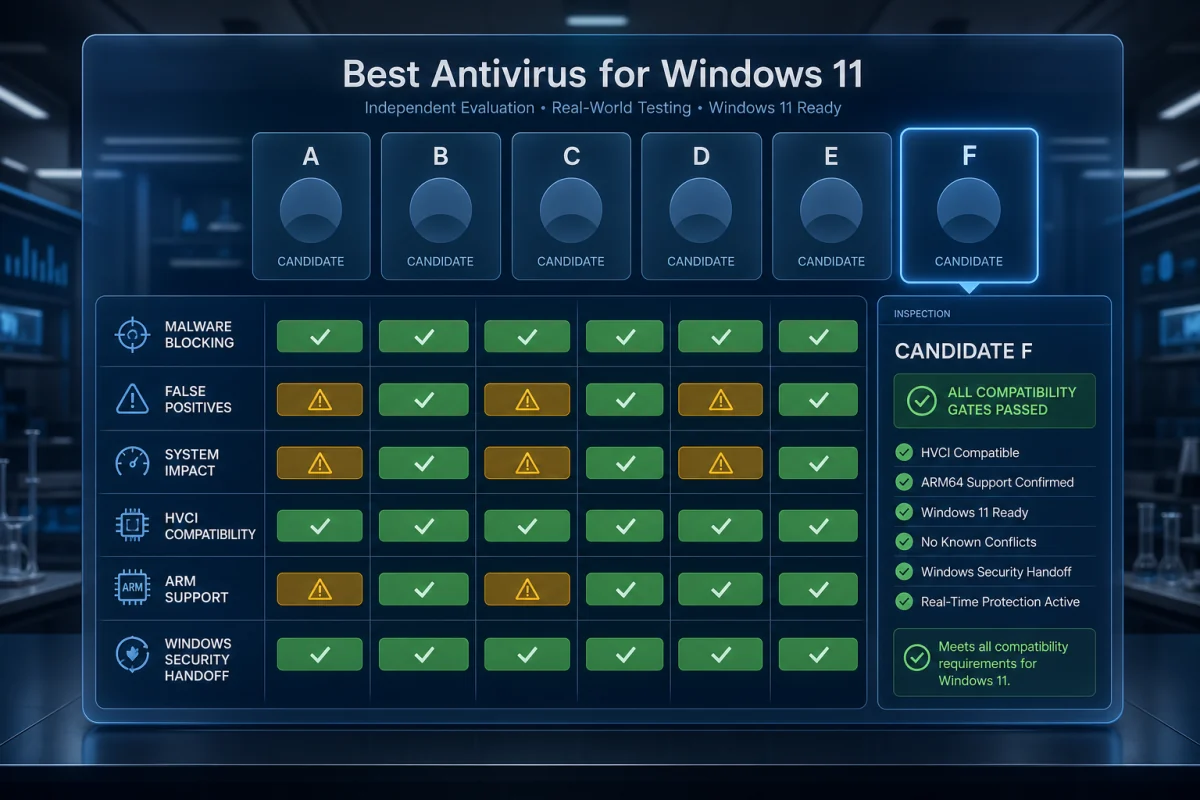
Quick answer: choose Bitdefender Total Security for the best balance of independent protection, ransomware and web defenses. Choose Microsoft Defender if you want a capable no-cost baseline with no extra suite. Norton is strongest for a broad consumer bundle; ESET suits users who want granular control.
Best Windows 11 antivirus: the shortlist
| Rank | Product | Best for | Main trade-off |
|---|---|---|---|
| 1 | Bitdefender Total Security | Best overall protection-to-effort balance | Full VPN requires a different bundle |
| 2 | Norton 360 Deluxe | Families wanting security, VPN and identity features | Renewal price needs close attention |
| 3 | ESET HOME Security Premium | Advanced users and quiet, configurable protection | Fewer bundled identity extras |
| 4 | McAfee+ | Multi-device households and guided scam protection | Plan names and benefits vary by market |
| 5 | Avast Premium Security | Clear web, ransomware and network controls | Frequent cross-selling in the wider ecosystem |
| 6 | Microsoft Defender | Best free, built-in baseline | Less unified cross-platform and human support |
We rank the exact consumer configurations, not vendor reputation. Plan inclusions, identity services and even device limits change by country. Verify the checkout page and the documented renewal price before paying.
What the latest Windows 11 lab cycle says
AV-TEST evaluated 14 home-user products on Windows 11 during March and April 2026. Twelve earned at least 17.5 of 18 points and the Top Product label. Microsoft Defender reached 17.5/18 and kept its Top Product award; a high-scoring paid suite therefore needs to justify itself through a better fit, features or support rather than claiming the built-in engine is useless.
Use the live AV-TEST Windows 11 table and read protection, performance and usability separately. AV-Comparatives' March 2026 Malware Protection Test and February–May real-world series add different sample paths, online dependencies and false-positive data. No single lab cycle is a permanent league table.
1. Bitdefender Total Security — best overall
Bitdefender pairs a consistently strong Windows engine with layered web, ransomware and network protection that works without demanding constant decisions. It's the cleanest upgrade for someone who accepts Defender's competence but wants more control around suspicious pages, application behaviour and protected files.
- Choose it for: balanced protection, multi-platform coverage and low-maintenance settings.
- Skip it if: the included VPN allowance is central; compare Premium Security rather than assuming Total Security includes unlimited traffic.
- Compatibility: Bitdefender's current system requirements list Windows 11 and 2 GB RAM for the consumer security stack.
Read our Bitdefender review for plan and feature detail.
2. Norton 360 Deluxe — best broad household bundle
Norton makes sense when the buyer will actually use device security, VPN, password tools, parental control and the identity benefits sold in that market. Windows 11 compatibility is explicit, including current x86/x64 and selected Snapdragon/ARM support, but some features differ on ARM and S mode.
- Choose it for: one guided account for family devices and broad scam/identity coverage.
- Watch: first-year discounts and the next-term amount. Norton publishes a US renewal-price list.
- Verify: Norton documents Windows version compatibility and feature exceptions.
See the full Norton 360 review.
3. ESET HOME Security Premium — best for control without clutter
ESET is our advanced-user pick because its configuration and diagnostic tools expose more control than many one-click suites. That can be valuable on a development or power-user PC, provided the user doesn't create broad exclusions that weaken the engine.
- Choose it for: granular settings, exploit and network controls, and a restrained interface.
- Skip it if: you primarily want bundled identity restoration or an all-in-one family service.
- Best practice: leave protection defaults intact, then change one documented setting at a time.
See our ESET review.
4. McAfee+ — best for a large mixed-device household
McAfee's consumer plans emphasize cross-device management, web/scam protection and identity services. It's more compelling for a household that wants guided protection than for a single Windows PC already well served by Defender.
- Choose it for: household coverage and security prompts designed for non-specialists.
- Watch: product names, identity benefits and device wording vary between US, UK and other markets.
- Check: the exact renewal amount and whether every advertised service is available at your address.
See our McAfee review.
5. Avast Premium Security — best clear network and ransomware controls
Avast gives home users understandable network, ransomware and web controls, and its free lineage makes the interface familiar. Premium is justified only when its paid modules replace something you'd otherwise buy or configure.
- Choose it for: accessible controls across one or several PCs.
- Watch: offers for adjacent Avast products and a renewal price above the first-term discount.
- Alternative: compare Avast Free and Defender if core malware protection is all you need.
See our Avast review.
6. Microsoft Defender — best free baseline
Defender is integrated with Windows Security, SmartScreen, Firewall, cloud-delivered protection and Tamper Protection. It updates through the supported Windows platform and avoids a third-party subscription. In the March–April AV-TEST cycle it earned 6/6 in every category.
- Choose it for: a careful user who patches promptly, uses a modern browser, MFA and backups.
- Add: a dedicated password manager and, where needed, a reputable on-demand scanner.
- Don't add: a second simultaneous real-time engine.
Read the Microsoft Defender review.
Is Microsoft Defender enough for Windows 11?
Yes for many home users. It isn't a placeholder, and current lab results support using it as a primary engine. The case for paid antivirus is strongest where human behaviour and account risk sit outside a file scan: scam messages, identity monitoring, parental control, cross-device management and support during a confusing incident.
Defender is less attractive if someone routinely overrides SmartScreen, runs unknown installers as administrator, stores high-value secrets on the PC or needs a family member to interpret every warning remotely. No paid suite makes those habits safe, but better guardrails can reduce mistakes.
Windows 11 compatibility checks people miss
- S mode: traditional desktop antivirus installation is restricted; verify the exact product route and Microsoft Store support.
- ARM PCs: “Windows 11 compatible” doesn't guarantee every VPN, parental-control or optimization module runs on Snapdragon hardware.
- Core isolation and Memory integrity: old drivers can conflict. Keep the suite current instead of disabling a Windows security feature to preserve an obsolete component.
- Insider builds: vendors may not support preview versions.
- Existing antivirus: uninstall it and restart before installing the replacement.
- Work PCs: company endpoint protection and policy take priority over a consumer subscription.
How we rank Windows 11 antivirus
We require a current official Windows 11 support statement, then compare recent independent protection, performance and false-positive results. We review ransomware and web controls, default configuration, alert quality, plan limits, renewal transparency, uninstall behaviour and the usefulness of bundle extras. We don't award points for a feature that's unavailable on Windows 11 ARM, limited by market or duplicated by the OS without a clear improvement.
Frequently asked questions
What is the best antivirus for Windows 11 in 2026?
Bitdefender Total Security is our best overall pick. Microsoft Defender is the strongest no-cost baseline for many careful home users.
Does Windows 11 need third-party antivirus?
No. Windows 11 includes Microsoft Defender. A paid suite is an optional upgrade for features, management or support that fit your risk.
Can I run Defender and another antivirus together?
Windows normally makes the registered third-party product primary. Don't force two consumer engines to scan in real time.
Which antivirus works on Windows 11 ARM?
Support is product- and feature-specific. Check the current vendor requirements for the antivirus, VPN, parental control and other modules separately.
Does antivirus slow down Windows 11?
Every engine has some impact. Current independent performance tests, your hardware and scan settings are more useful than a universal “lightest” claim.
Is free antivirus enough for gaming?
Often yes. Defender or another reputable free engine can protect a gaming PC; avoid overlapping overlays, optimizers and scheduled scans during play.
Should I disable Memory integrity for antivirus?
Don't weaken Windows security to preserve an outdated component. Update the product or ask the vendor for a compatible driver and documented fix.
Final verdict
Bitdefender is the most balanced paid choice, but Defender makes “do I need to buy antivirus?” a real decision, not a foregone conclusion. Upgrade for a specific Windows 11 risk and verify that the exact feature works on your hardware.