HitmanPro guides: choose the right product, task and finish line
Nine focused pages cover the full consumer journey without turning every question into one giant article: review and pricing, scanner versus Alert, setup, safe scanning, repairs, billing, removal and current alternatives.

Identify the product first. Ordinary HitmanPro is the small on-demand scanner; HitmanPro.Alert is the installed resident protection product that includes the scanner; a managed Sophos endpoint belongs to an administrator. Then choose one route: review and price before buying, setup after download, scan guidance for one security question, symptom-specific repair when something fails, billing before removal, or alternatives when the missing capability no longer fits.
Start with the job, not the loudest search result
“HitmanPro help” can mean at least six different outcomes. One reader needs to decide whether a second-opinion scanner adds value beside Microsoft Defender. Another has bought Alert but downloaded the ordinary scanner. A third sees high CPU during an active scan. Someone else only wants renewal stopped. Sending all four people through the same sequence is how safe, reversible work turns into lost evidence, duplicate protection or another charge.
Use the table and question map to select the shortest route. The detailed pages own their queries; this hub owns classification. A reader shouldn't need to scroll through pricing to repair a frozen scan, nor follow an uninstall guide to solve a billing problem. Finish one task, verify the result, then open a second guide only if the next question is genuinely different.

| Your job | Open first | Finish line |
|---|---|---|
| Decide or renew | Review, pricing, scanner versus Alert | Product, seller, term and protection role recorded |
| Install or activate | Setup guide | Correct executable, architecture, license and first scan verified |
| Run a second opinion | Safe scan guide | One defined result, log and stopping decision |
| Fix a failure | Troubleshooting guide | Original symptom gone without weakening protection |
| Stop a charge | Cancellation and refund guide | Seller confirmation and refund state preserved |
| Remove or replace | Uninstall or alternatives guide | Correct product gone and one resident provider active |
Separate HitmanPro, HitmanPro.Alert and managed Sophos before acting
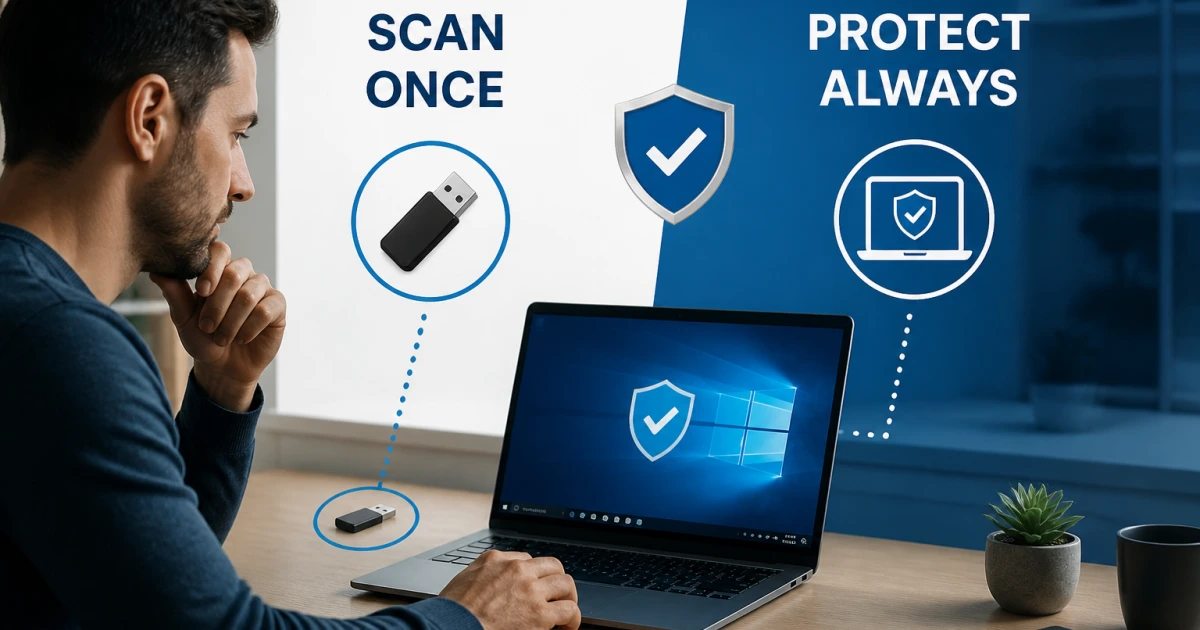
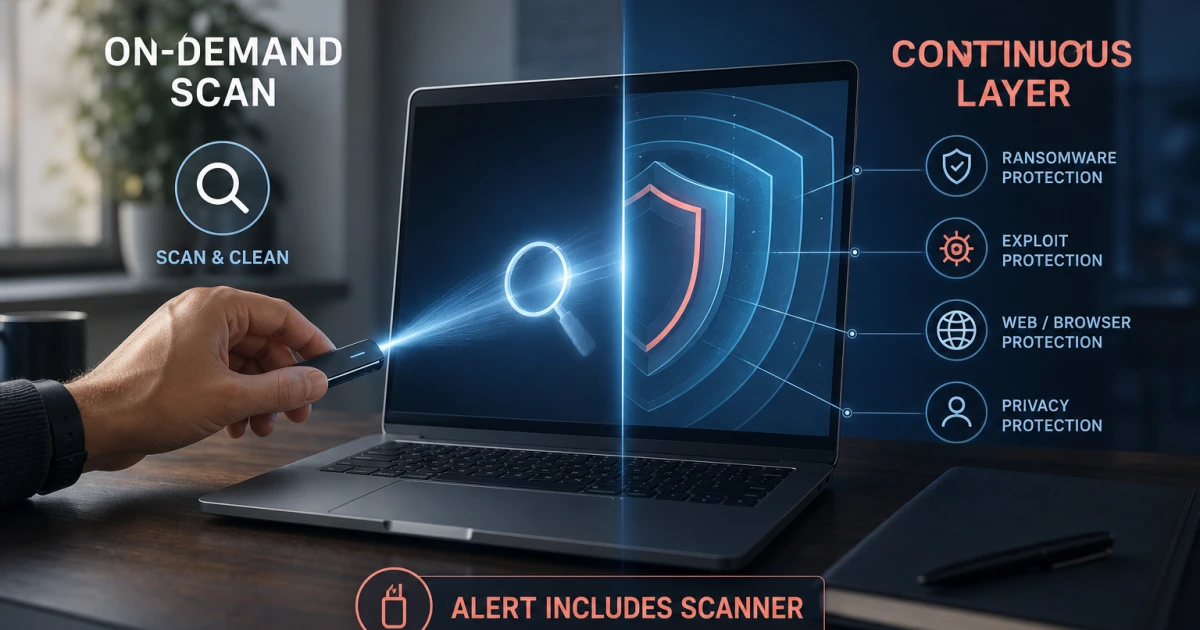
The scanner-versus-Alert guide is the fastest route when the product name is unclear. Ordinary HitmanPro is a small on-demand Windows scanner and cleanup tool. It can be launched for a second opinion and doesn't become the continuous gatekeeper for every file simply because a license was activated. Alert is a separate installed product with exploit, ransomware, web and privacy protections, and it includes the HitmanPro scan path.
A managed Sophos Endpoint installation is a third ownership model. Similar technology or process names don't authorize an employee to stop services, delete drivers or work around policy. If the device belongs to an employer, school or service provider, record the product and error, then involve the administrator. Consumer cleanup advice isn't a substitute for an organization’s response plan.
Version context matters too. The current editorial baseline is ordinary HitmanPro build 346 from February 5, 2026 and Alert build 2059 from May 11, 2026. Build 346 included ARM scan/upload fixes; build 2059 fixed a particular Alert “Scan Failed” route. Those notes help classify a problem but don't make every failure identical.
| What you see | Actual role | Correct next guide | Wrong shortcut |
|---|---|---|---|
| Small HitmanPro scanner | On-demand second opinion and cleanup | Setup, use or scanner troubleshooting | Assume it replaced the resident antivirus |
| HitmanPro.Alert | Installed continuous protection plus scanner | Comparison, Alert setup/repair or uninstall section | Delete the portable scanner and call Alert removed |
| Sophos-managed endpoint | Administrator-owned resident protection | Organization support path | Disable policy or remove services locally |
| Receipt or renewal notice | Billing record, not device state | Cancellation/refund guide | Uninstall and assume renewal stopped |
Use official channels for downloads, activation and support
This website is independent. Use our guides to understand claims, choose a safe sequence and verify completion; use the official HitmanPro product site for the product identity, the official downloads page for current executables and the official support center for activation, sample submission and tickets. A download mirror, copied phone number or “support” domain isn't equivalent evidence.
The support center itself separates HitmanPro Product Info, HitmanPro Support, Alert Product Info and Alert Support. Keep that separation when searching. The current scanner version history and Alert version history should settle build-specific questions before a forum recipe does.
Never publish a product key, order lookup link, full receipt, email address, username-containing log or suspicious confidential file in a public thread. Redact screenshots and inspect logs before sending them even through an official channel. Community discussion can reveal a pattern; it can't change the license state or prove that an executable is current.
Decide whether HitmanPro fills a real gap before paying
Begin with the current HitmanPro review. It explains the scanner’s second-opinion role, the boundary around direct major-lab evidence, hands-on workflow, community fit and the difference between useful cleanup evidence and a full prevention claim. If you already have a strong resident antivirus, the buying question isn't “Is HitmanPro also an antivirus?” but “Will a separate on-demand classification and cleanup route improve my incident workflow?”
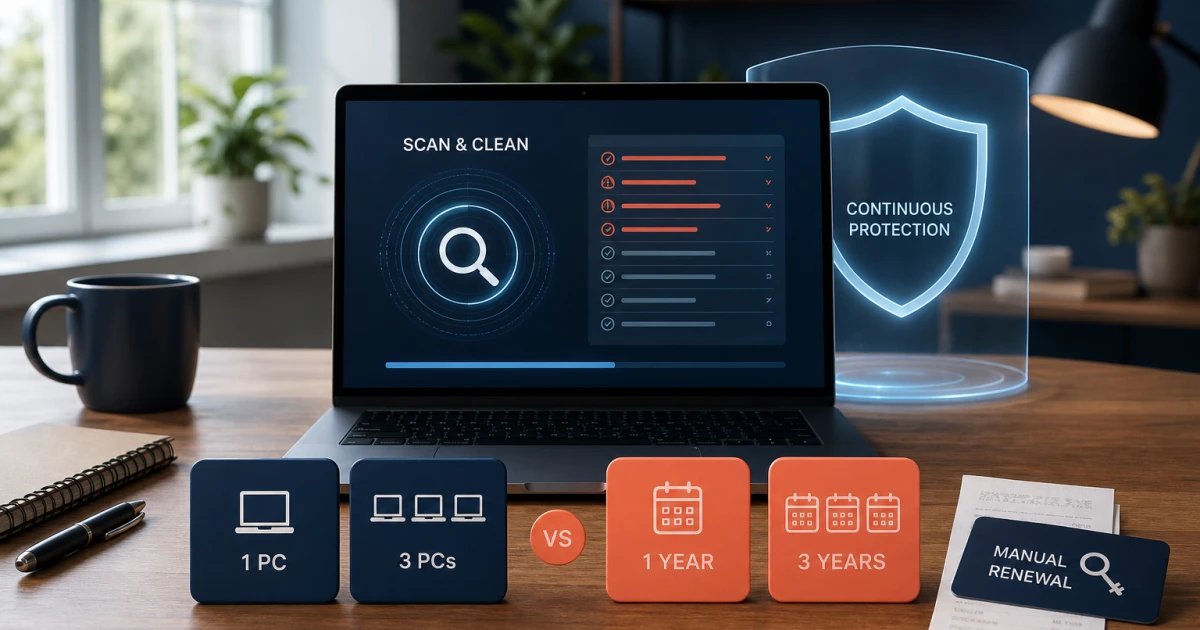
Then use the plans, pricing and renewal guide. The ordinary scanner and Alert are different products with different feature value. Record the product name, device count, term, first charge, renewal disclosure, reseller and refund route before paying. A promotional button isn't the complete contract.
The official comparison and buy page is useful for current feature boundaries: scan-and-clean appears in both product paths, while continuous exploit, ransomware, web, banking and privacy protection belongs to Alert. Read it beside the independent review because vendor pages explain what is sold, not whether the package is the best fit for your existing protection.
Install the correct executable and prove the first working state
Use the installation and setup guide for the official download, architecture choice, portable-versus-local state, license activation, update path and first verification scan. The downloads page currently exposes separate 64-bit and 32-bit HitmanPro files plus one Alert installer. Choose from the actual Windows architecture and product role—not an old filename in Downloads.
Activation is product state, not proof of protection. The official HitmanPro activation procedure warns that remaining days on an active older license aren't added when a new key is activated. Preserve the existing key/expiry state before entering another code. If the purchase came through a reseller, the receipt is also the map back to billing support.
A complete setup ends with evidence: the intended product opens, the version and architecture are correct, the license state matches the purchase, the primary antivirus is still in the intended state, a bounded first scan completes and the result/log is understood. For Alert, verify the resident protection components after restart. “The installer finished” is only one checkpoint.
Run one second-opinion scan for one defined question
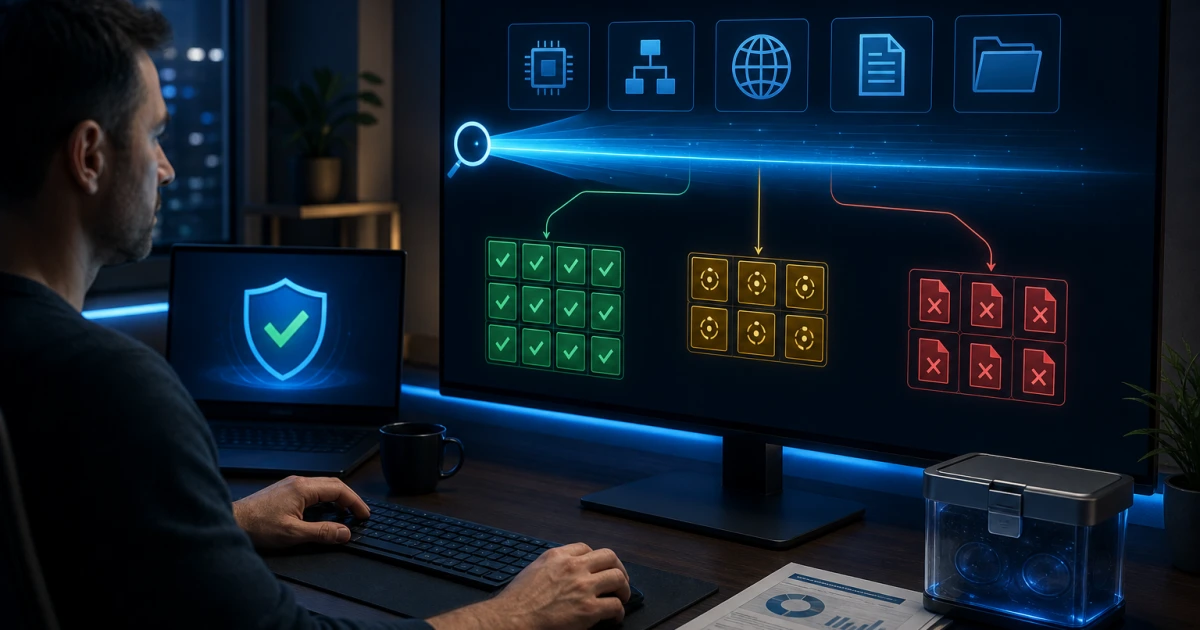
The safe HitmanPro scan guide owns scan modes, cloud-assisted behavior, result interpretation, quarantine, logs and the stopping rule. Begin with a trigger: a file your primary provider flagged, a suspicious redirect, an unexplained executable or a post-remediation check. Save the original alert and path before the evidence is changed.
Keep the primary antivirus active unless a current official procedure for the exact conflict says otherwise. Run one on-demand scanner at a time. Review the classification, path, signature/source and action; prefer reversible quarantine when certainty is incomplete. A PUP or trace isn't automatically an active credential stealer, and a clean result can't prove browser sessions, cloud accounts or firmware trustworthy.
Finish by saving the log, restarting if remediation requires it and repeating one verification check. If the primary product and one current second opinion are clean, the symptom doesn't recur and no account or business impact exists, stop. Anxiety-driven scanner stacking produces more conflicting detections without creating a stronger chain of evidence.
| Evidence | Safe next action | Stop or escalate |
|---|---|---|
| One disputed file | Record path/source, rescan, save log, verify exact item | Stop after sufficient agreement; submit exact false positive if needed |
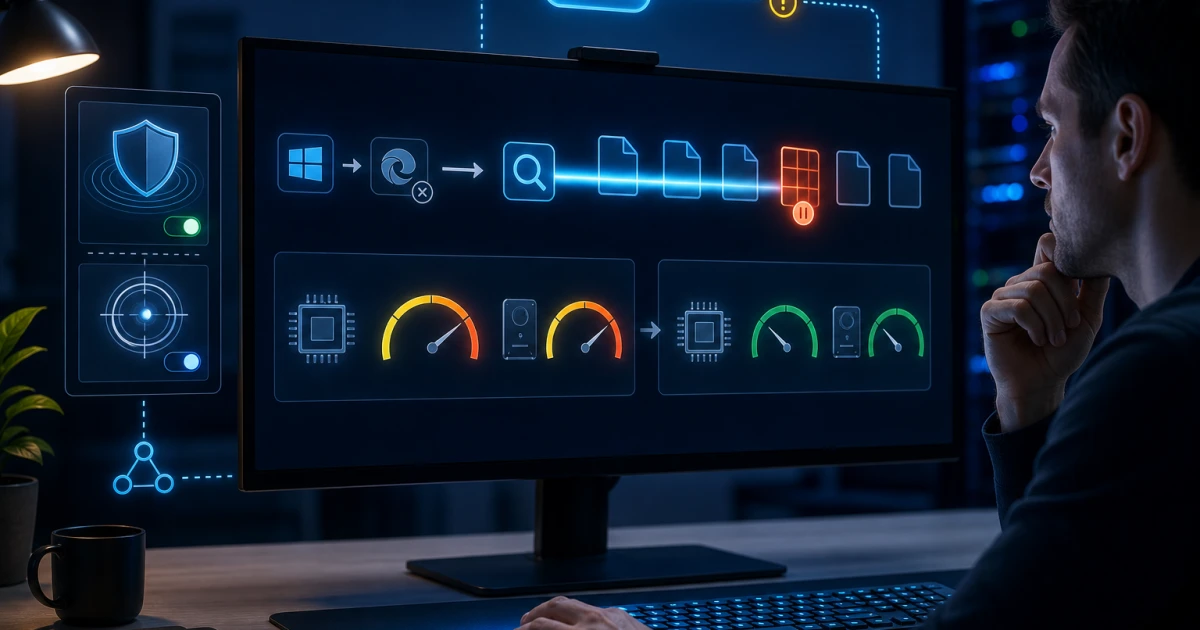
| Temporary CPU/disk during active scan | Observe process, duration, scan state and temperature | Stop if load falls normally; troubleshoot if it persists after exit |
| True scan freeze | Preserve data and follow the documented disk/system sequence | Escalate on disk errors, repeated freezes or data risk |
| Unauthorized account activity | Contain and revoke sessions from a trusted device | Incident response; another scanner isn't the finish line |
| Active ransomware or work data | Protect backups, isolate appropriately, preserve timestamps/logs | Administrator or qualified responder |
Fix the symptom without turning protection off blindly
Use the troubleshooting guide when the scanner or Alert won't start, freezes, uses sustained resources, closes a Chromium browser, can't reach the cloud, reports Scan Failed, rejects activation or repeatedly finds traces. It begins with the product, process, version, time and repeatable trigger because those details decide which layer is actually failing.
The current official scanner-freeze guidance places disk and system-file checks before switching from Direct to Compatible disk access. That's a bounded sequence with a visibility trade-off, not permission to run random cleanup scripts or delete security drivers. Back up important data before disk repair.
Similarly, a browser closing during a verified official scan can belong to current cookie-access behavior; save work and inspect the prompt instead of calling it proof of malware. High CPU during active scanning can be normal, but sustained load after completion or exit, overheating or an unknown process needs separate diagnosis. A successful fix restores the original task while the intended protection remains active.
Cancel the actual seller before removing software
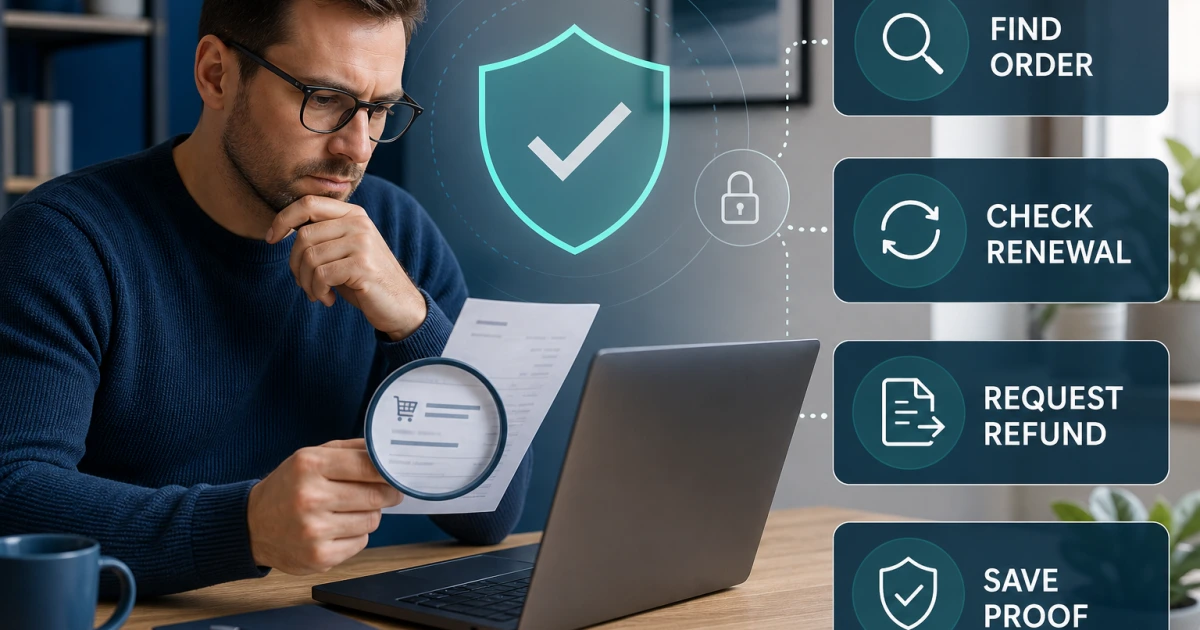
The cancellation and refund guide begins with the receipt. Identify the seller, product, order number, charge date, renewal date and payment route. Cancellation prevents a future renewal; a refund request addresses money already charged; deleting an executable changes neither record.
Use only the contact and order route opened from the official purchase record or current vendor site. Save a timestamped confirmation and the final renewal state. Redact payment and personal details before sharing proof. If a bank dispute becomes necessary, preserve the seller conversation and terms rather than relying on a screenshot of an uninstalled app.
Don't let billing urgency push you into remote access from an unsolicited caller or a number copied from a search result. Open the account or seller portal independently. If the receipt names a reseller, that's evidence about who can change the order even when the product itself carries HitmanPro branding.
Uninstall the correct product, then verify the protection handoff
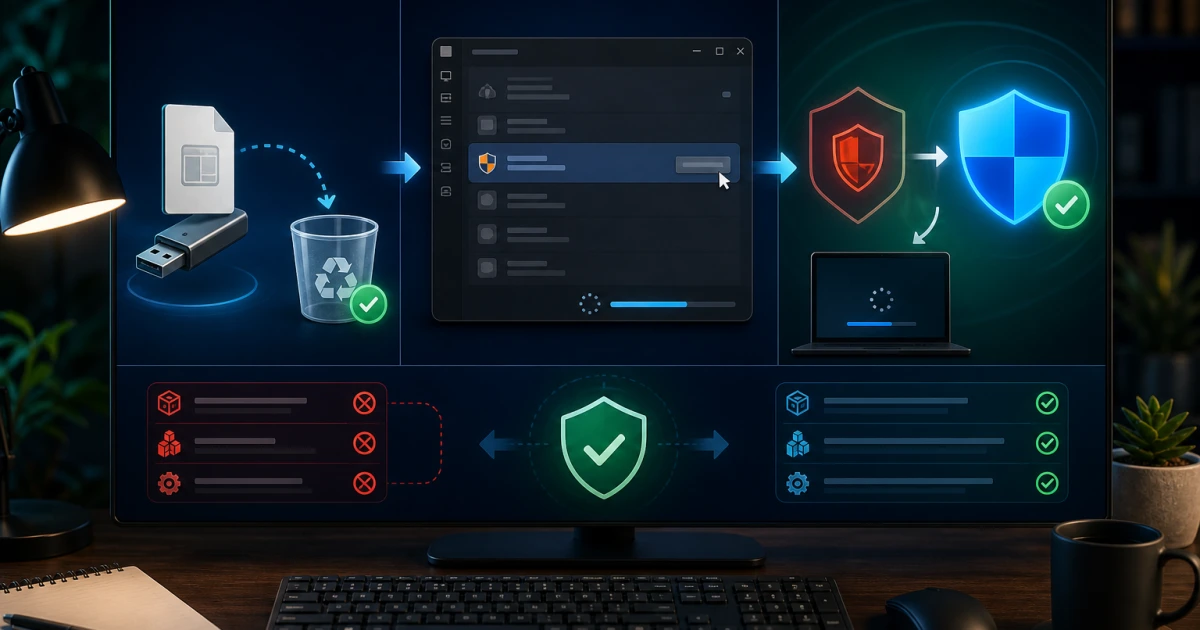
Use the complete uninstall guide because ordinary HitmanPro and Alert don't leave through the same door. A run-on-demand scanner may be a portable executable with optional local state; Alert is an installed resident product. Deleting the small scanner doesn't remove Alert’s services, and hunting drivers manually isn't a replacement for the supported removal path.
Restart after removing resident protection and verify Windows Security or the chosen replacement shows one healthy active provider. Check that the original HitmanPro or Alert process no longer returns and that the intended browser/network behavior works. Keep the billing confirmation separately; a clean device state can't prove renewal stopped.
If removal is part of a reinstall, download a fresh current package only after the old resident state is understood. If the device is managed, stop and involve the administrator. Reinstall loops can erase useful failure evidence while policy simply reinstalls the endpoint again.
Replace the missing capability, not every logo
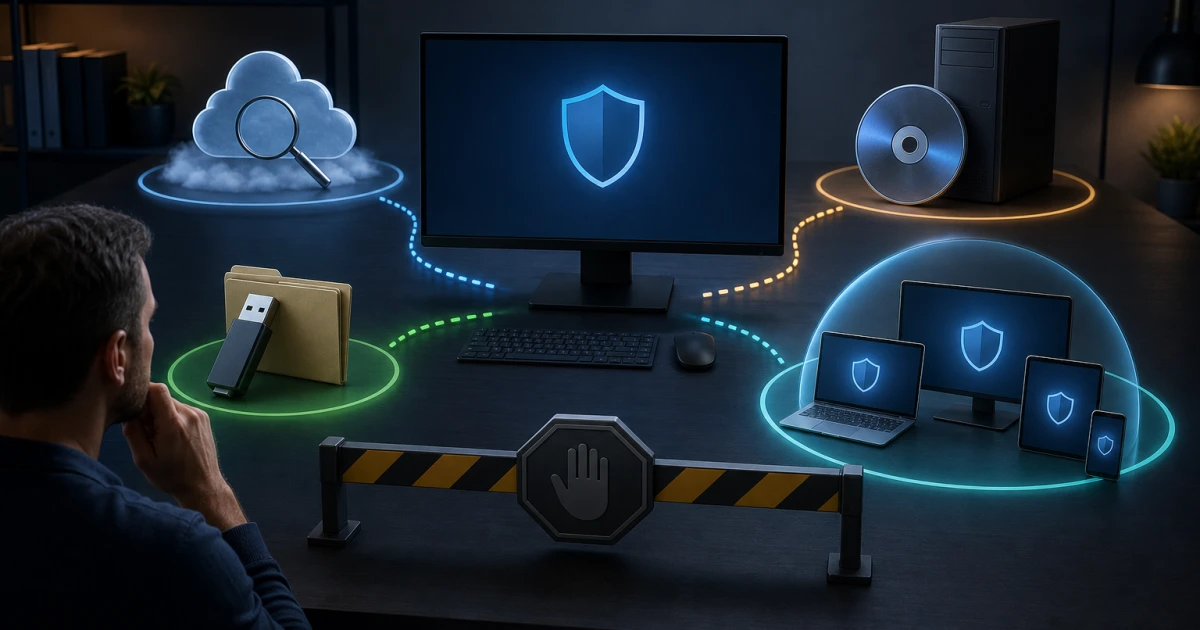
The current alternatives guide chooses by security job. ESET Online Scanner is the default connected second opinion, Emsisoft Emergency Kit is the portable private-use response kit, Malwarebytes Free is the familiar cleanup/PUP route, F-Secure offers a simple current scan with explicit supported ARM64 coverage, Defender Offline changes the Windows trust boundary and Microsoft Safety Scanner is a dated executable that expires after ten days.
Those are alternatives to the ordinary scanner role. If you're replacing Alert or a primary antivirus, choose one current resident product using evidence for the exact tested suite and platform. Don't transfer a resident vendor’s laboratory score to its separate free scanner, and don't install multiple full suites just to combine their names.
Scanner choice also stops being the main problem when accounts are stolen, ransomware is active, work systems are involved or trust can't be restored. Containment, session revocation, evidence preservation and a known-good rebuild can be the right replacement for another scan.
All nine HitmanPro guides by job
Every completed page in the cluster appears below and in the structured ItemList. The directory is deliberately finite: this hub routes the question, while each spoke owns its detailed intent and links to adjacent work only when it helps the next decision.
| Job | Guide | Use it when |
|---|---|---|
| Decide | HitmanPro Review 2026 | Independent verdict, current product boundary, evidence, features, performance and fit. |
| Decide | HitmanPro Plans, Pricing and Renewal | Dated scanner and Alert prices, first charge, renewal, seller and license boundary. |
| Decide | HitmanPro vs HitmanPro.Alert | On-demand scan-and-clean versus resident exploit, ransomware, web and privacy protection. |
| Set up | Install and Set Up HitmanPro | Official download, correct architecture, portable versus local state, activation and first verification. |
| Scan | Use HitmanPro Safely | One defined second-opinion scan, result interpretation, quarantine, logs and a stopping rule. |
| Fix | HitmanPro Not Working or High CPU | Evidence-first fixes for scan load, freezes, browser closure, cloud, activation and false positives. |
| Billing | Cancel HitmanPro and Request a Refund | Identify the seller, stop renewal, preserve proof and separate refund from cancellation. |
| Remove | Uninstall HitmanPro Completely | Remove the correct scanner or Alert product and verify one active protection provider. |
| Switch | Best HitmanPro Alternatives | Choose a connected, portable, cleanup, offline, resident or incident-response route. |
Escalate with a small evidence packet, not a folder dump
Official support can act faster when the case identifies the exact product, version/build, Windows version and architecture, primary antivirus, error text, timestamp, repeatable trigger and the one safe repair already attempted. For a scan, include the scan type, path and saved log. For activation or billing, include seller and order timing but never a full product key or payment number.
Before sending logs or screenshots, inspect them for usernames, folder names, email addresses and private files. Don't upload confidential binaries to a public multi-scanner service merely to settle a disagreement. Use the official sample or support route after understanding what is transmitted.
A repair is complete only when the original task works after restart and the intended protection state remains healthy. A disappeared warning isn't enough if the primary antivirus or Alert was left disabled. A cancelled renewal isn't enough if a resident product still conflicts with its replacement. A clean scan isn't enough when accounts or business data remain exposed.
HitmanPro help FAQ
Where should I start with HitmanPro?
Start with the main review if you're deciding whether to download, buy or keep the product. Open the scanner-versus-Alert guide if you're unsure which product you have. After that, use one task-specific page for setup, scanning, troubleshooting, billing, removal or alternatives rather than combining several procedures.
Is this the official HitmanPro support website?
No. Antivirus-Review.com is an independent editorial publication. Use this hub to classify the question and verify a procedure, but use HitmanPro's official domain and support center for downloads, activation, account or license changes, product keys, sample submission and support tickets.
Is HitmanPro a full-time antivirus?
Ordinary HitmanPro is an on-demand second-opinion scanner and cleanup tool, not the resident layer that inspects every new file continuously. HitmanPro.Alert is the separate installed product with continuous exploit, ransomware, web and privacy defenses and includes HitmanPro. Keep one primary resident antivirus unless Alert is deliberately filling that role.
What are the current HitmanPro versions covered here?
The version-sensitive checks in this hub use ordinary HitmanPro build 346 from February 5, 2026 and HitmanPro.Alert build 2059 from May 11, 2026. Always recheck the official version-history pages before applying a build-specific fix because downloads and behavior can change after this editorial date.
Can I run HitmanPro with Microsoft Defender or another antivirus?
The ordinary scanner is designed as a second opinion and can normally run beside an existing primary antivirus. Don't run several full resident security suites together. If HitmanPro.Alert is installed, verify which product owns real-time protection and whether the combination is supported rather than assuming every layer is on-demand.
How often should I scan with HitmanPro?
Run a scan for a defined trigger—such as a suspicious download, a primary-antivirus disagreement or a post-remediation check—or on a modest personal schedule. Record what question the scan must answer and stop after sufficient evidence. Repeatedly running many scanners after clean results doesn't prove a device or online account trustworthy.
Why did HitmanPro close my browser or use a lot of CPU?
An active scan can temporarily use CPU and disk, and current scanner behavior may request closure of Chromium browsers when accessing browser data. Save work and inspect the exact process, duration and scan state. Persistent load after exit, a true freeze or an unexplained browser termination belongs in the troubleshooting guide.
Does uninstalling HitmanPro cancel the subscription?
No. Cancellation, refund and local removal are separate records. Find the seller on the receipt, stop future renewal and save confirmation, request any eligible refund through the correct seller route, then remove the ordinary scanner or Alert using the product-specific instructions.
What is the best free replacement for HitmanPro?
ESET Online Scanner is the strongest default connected Windows second opinion in our current alternatives guide. Emsisoft Emergency Kit is better for a portable private-use kit, Defender Offline changes the trust boundary, and Malwarebytes Free is the familiar cleanup route. None is automatically a resident replacement for Alert.
When should I stop scanning and escalate?
Escalate when accounts are compromised, ransomware is active, work or regulated data is involved, backups are affected, the scanner is repeatedly terminated or trust can't be restored efficiently. Containment, session revocation, evidence preservation and a known-good rebuild can matter more than another clean scan.
The best hub answer is the shortest safe route
Keep product choice with the review and current prices, setup with the official executable and proof, scanning with one defined question, repair with one isolated symptom, billing with the actual seller, and removal with a verified protection handoff. That separation prevents an ordinary scanner question from becoming an Alert driver change or an uninstall from masquerading as cancellation.
If one bounded repair fails, preserve the evidence and escalate. If HitmanPro no longer fills the missing job, switch by capability rather than popularity. If it remains useful, keep the current build, use it as the intended second opinion and stop scanning when the evidence is sufficient.