Webroot guides: choose, set up, fix or leave without guessing
Twenty-six focused guides cover the job in front of you: pricing, installation, keycodes, scans, shields, billing, platform limits, extras and safer alternatives. Start with the question, not the menu.

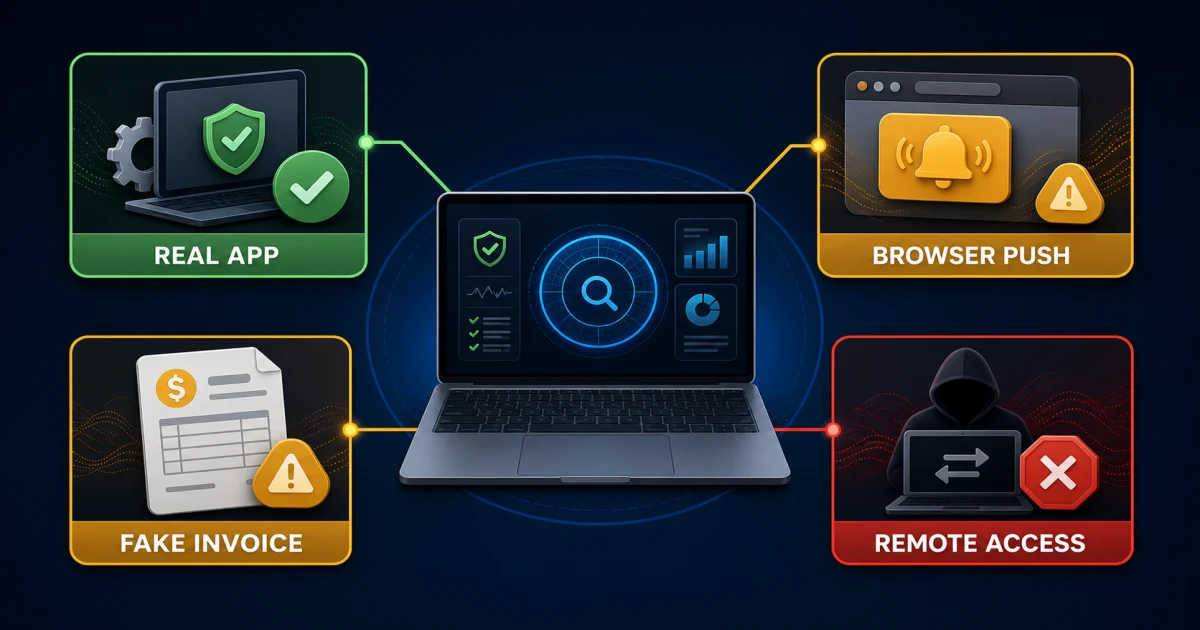
If a pop-up, email or caller claims to be Webroot: don't use the contact details inside the message, pay an unexpected invoice or grant remote access. Close the prompt, open the Webroot scam-verification guide, then reach the official Webroot support page or the seller shown on your original receipt from an address you type or saved yourself.
Start with the question you need answered
Webroot isn't one product in one account. A legacy SecureAnywhere keycode, a newer subscription entitlement, a Best Buy purchase, a mobile app-store subscription and a Total Protection bundle can create different screens and cancellation routes. That is why a generic “Webroot help” page often makes a simple problem harder: it starts giving steps before it identifies what you own.
Use the six routes below. If you're shopping or checking a renewal, stay in the first route. If the app already runs but one protection layer fails, use the scan, shield or repair route. If you're leaving, deal with billing before removal. The order matters because deleting an app doesn't cancel a contract, and cancelling a contract doesn't remove an active security provider from a device.

| Your question | Open first | Don't do yet |
|---|---|---|
| Should I buy or renew? | Review, plans and tiers | Don't compare promotional prices without renewal and device limits. |
| How do I install or move it? | Setup, account and keycode | Don't reuse business-console instructions for a home account. |
| How do I scan, restore or unblock? | Scans, quarantine, shields and firewall | Don't disable every protection layer or create a broad exclusion. |
| Why is Webroot broken or slow? | Symptom-specific repair guide | Don't reinstall until you preserve the entitlement and exact error. |
| Is an extra worth using? | VPN, identity, optimizer or backup guide | Don't assume every plan and platform has the same entitlement. |
| Should I switch? | Direct comparison or alternatives | Don't leave two resident antivirus engines fighting for control. |
Choose, price and compare Webroot
Start with our independent Webroot review when the basic question is whether the product still earns a place on your devices. It separates Webroot's small footprint and Chromebook positioning from its narrower current independent-test coverage. The current SE Labs January–March 2026 home endpoint cycle recorded 95 protected attacks from 100, five compromises, 89% Protection Accuracy, 98% Legitimate Accuracy and an AAA award. Those results are useful, but they don't become comparable to another lab's 400-case test by changing the denominator.
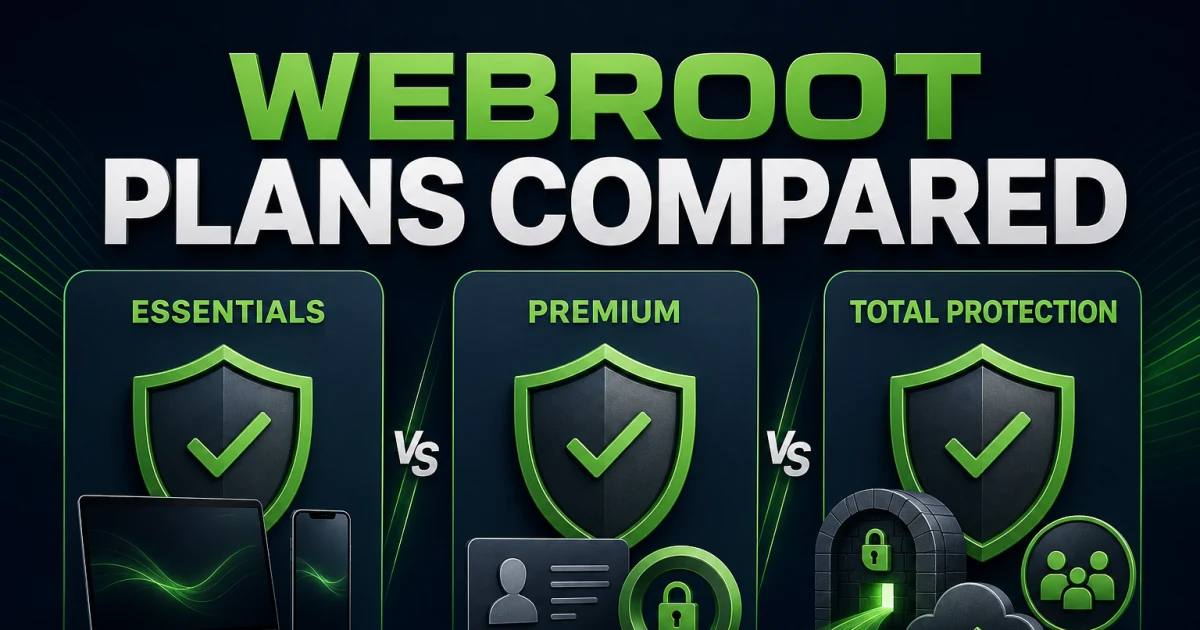
Price decisions need two more layers. The Webroot plans, pricing and renewal guide records the dated official US prices, device counts, seller boundaries and renewal terms. The Essentials, Premium and Total Protection comparison maps actual entitlements. A tier name isn't proof that a VPN is unlimited, a password manager is native to Webroot or backup works identically on every platform.
| Decision | Best guide | What it resolves |
|---|---|---|
| Keep or leave Webroot | Independent review | Protection evidence, footprint, features, support and platform fit |
| Buy or renew | Pricing and renewal | Introductory versus regular price, devices, seller and refund boundary |
| Pick a tier | Essentials vs Premium vs Total Protection | Antivirus, identity, VPN, backup and password-manager entitlement |
| Need a family suite | Webroot vs Norton | Small client versus VPN, parental tools, monitoring and cloud backup |
| Want broader lab coverage | Webroot vs Bitdefender | Footprint trade-off, current evidence and protection tooling |
| The problem isn't one rival | Six Webroot alternatives | Low impact, stronger suite, free protection, no-install and cleanup routes |
For the primary record, see the SE Labs 2026 home endpoint report. We treat commissioned performance comparisons as vendor evidence, label them accordingly and don't use a small install size as a substitute for attack protection. A product can be light, stable and convenient while still needing a broader evidence discussion.
Install, recover the account, handle billing, then remove
Installation begins with entitlement, not a random download result. Use our Webroot installation and setup guide to identify the product generation, remove an incompatible resident antivirus, download from a verified route, grant the correct platform permissions, update and run the first verification. The official Webroot re-download page is the safe starting point for consumer download and keycode recovery; a search ad or third-party setup domain isn't.
If the seat, email or keycode is the problem, open the account, keycode and device-transfer guide. It distinguishes a SecureAnywhere keycode from a newer account entitlement and prevents a common mistake: following business/MSP console documentation because the screen happens to contain the same word. Webroot's official consumer keycode activation article notes product-generation differences, while the consumer account documentation explains device and keycode handling.
Leaving has two independent jobs. Follow the cancellation and refund guide to identify whether Webroot, Best Buy, an app store or another merchant bills you. Save the cancellation confirmation and refund case before changing the device. Then use the complete Webroot removal guide, reboot and verify that Windows Security or your chosen replacement reports active protection. Uninstalling first can remove useful account clues without stopping the next charge.
| Sequence | Proof to keep | Completion check |
|---|---|---|
| 1. Identify entitlement | Receipt, seller, account email, product name and keycode if present | The official account or installer recognizes the subscription |
| 2. Install or transfer | Installer source and device-seat state | Protection, update and first scan complete without conflict |
| 3. Cancel renewal if leaving | Merchant confirmation, date, case and refund terms | Account shows renewal off or subscription cancelled |
| 4. Remove software | List of Webroot and partner components | App is gone and the device has one known active provider |
Scan, restore, unblock or repair the exact symptom
A security product touches files, browsers, network decisions and identity-sensitive applications, so “Webroot is not working” isn't a diagnosis. Record what failed, when it began and whether protection is actually off. A scan that runs longer after a large software update is different from a service that never starts; a browser extension disabled by the browser is different from Webroot blocking a dangerous page.
| Symptom or job | Focused guide | Safe first boundary |
|---|---|---|
| Choose a scan, read quarantine or change schedule | Scans, quarantine and schedules | Use the shortest scan that answers the question; preserve detections before cleanup. |
| A trusted file was detected | False positive, allowlist and restore | Validate the exact file before restoring; never exclude a whole drive. |
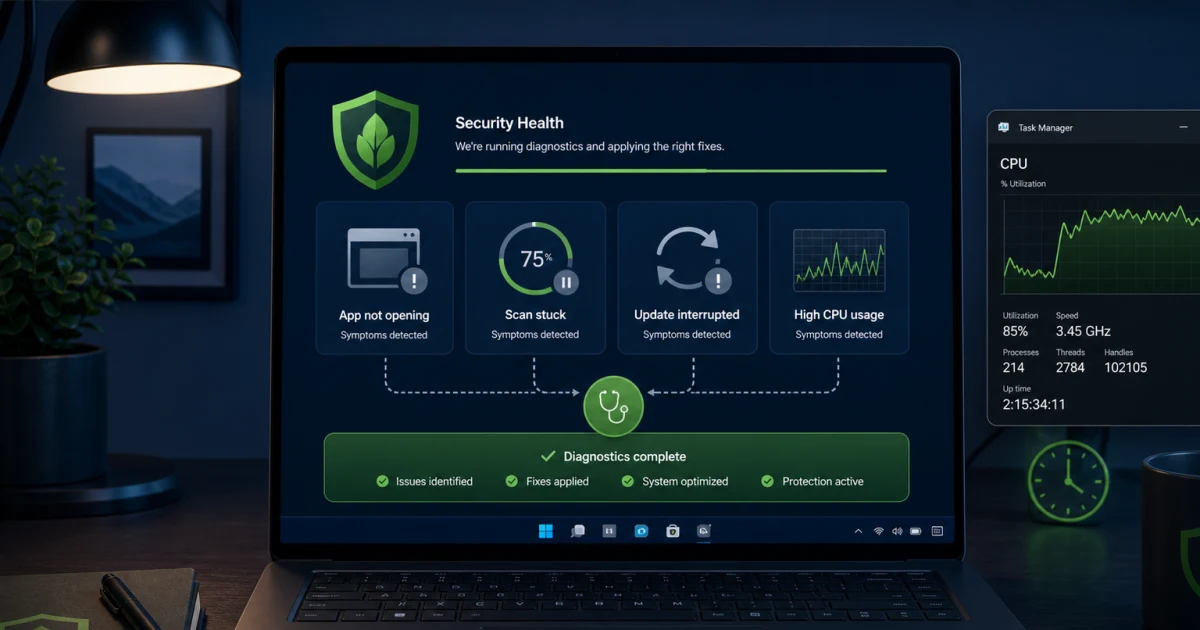
| Service failure, stuck scan or sustained load | Not working, high CPU and scan-stuck fixes | Measure idle and scan behavior, update and restart once before repair. |
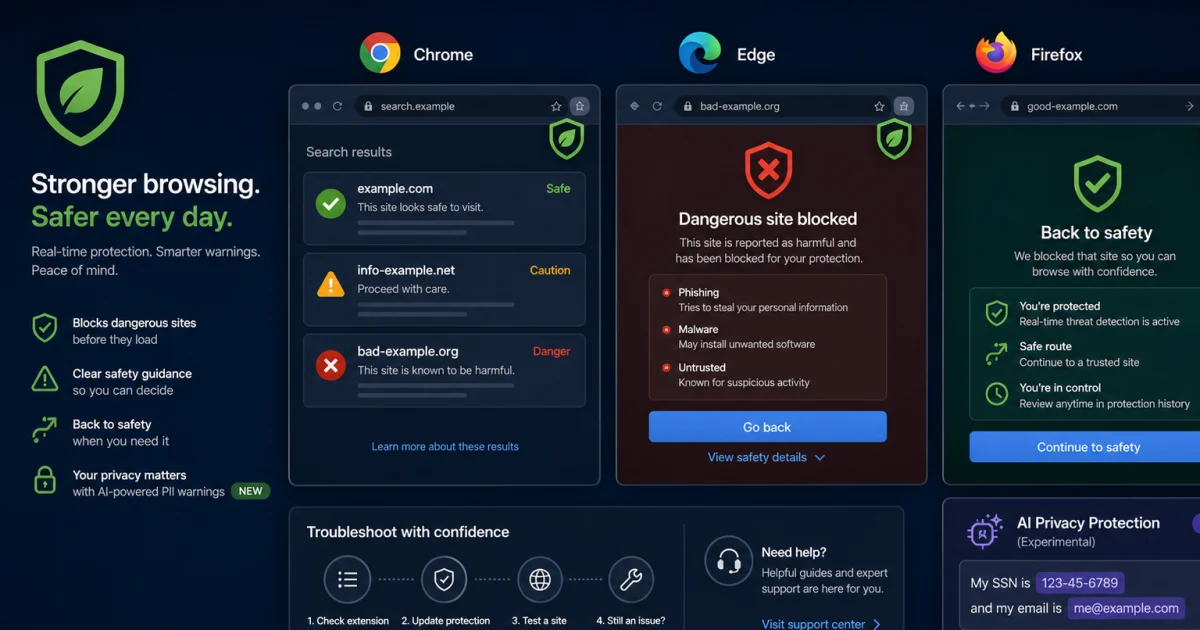
| Unsafe sites aren't blocked or extension is missing | Web Threat Shield review and fixes | Confirm browser support and extension state before weakening web protection. |
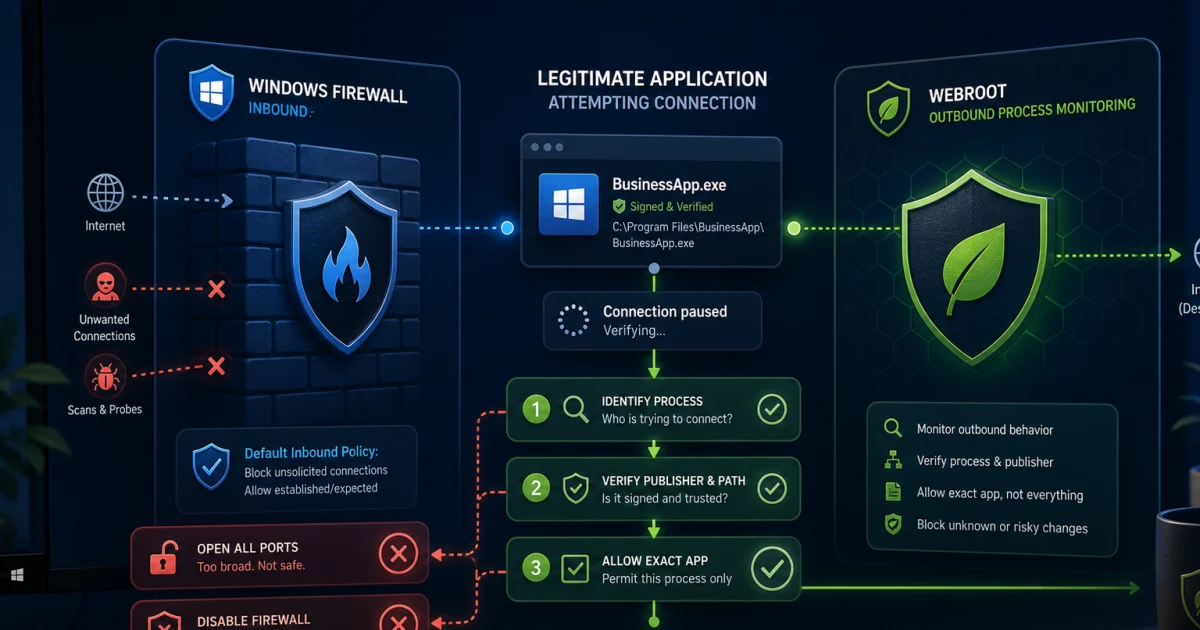
| An app or connection is blocked | Firewall, app and connection fixes | Separate Webroot monitoring from Windows firewall enforcement. |
| Protected app or browser behaves strangely | Identity Shield guide | Change one protected-application rule at a time and retest the task. |
The official Webroot scan guidance explains consumer scan controls, and the shield-management article warns that disabling Realtime Shield leaves the device vulnerable. We don't recommend turning off all shields as a generic test. If a temporary change is genuinely required, keep it narrow, time-limited and reversible, then verify that protection returns.
Judge Webroot's extras one component at a time
A bundle can be good value without every component being best in class. Identity monitoring can alert after exposed data appears, but it can't make a breached password safe. A VPN can hide traffic from the local network, but it doesn't clean malware or make an account anonymous. An optimizer can remove selected clutter, but it can't turn failing storage into healthy hardware. Backup and password management have export, recovery and partner-account consequences that outlast the antivirus subscription.
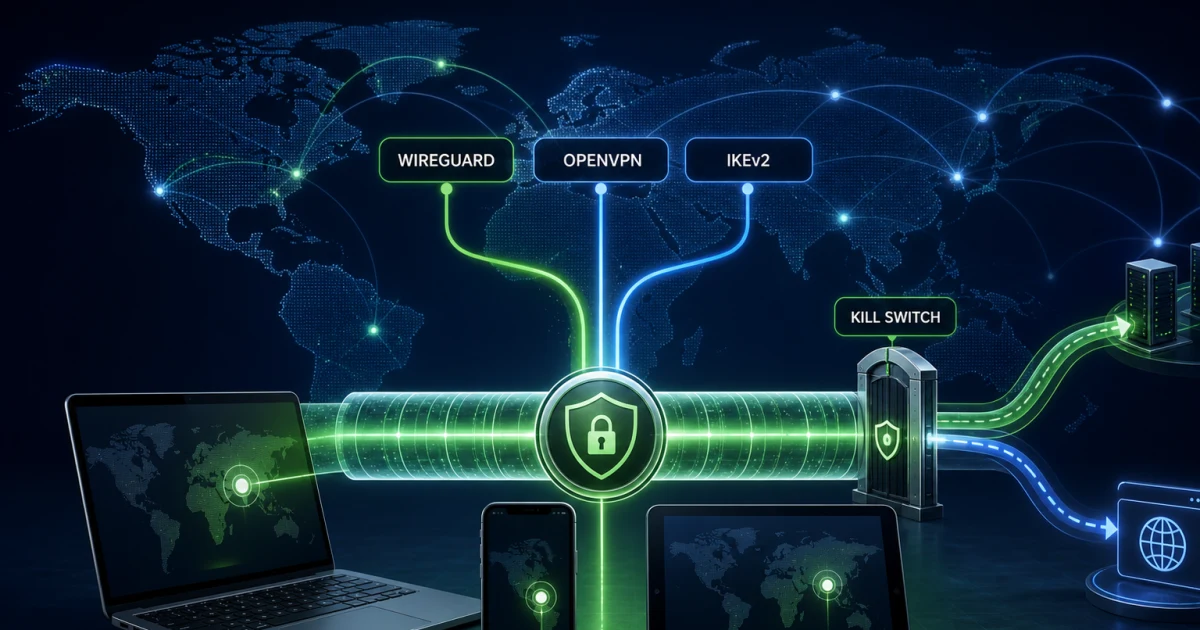
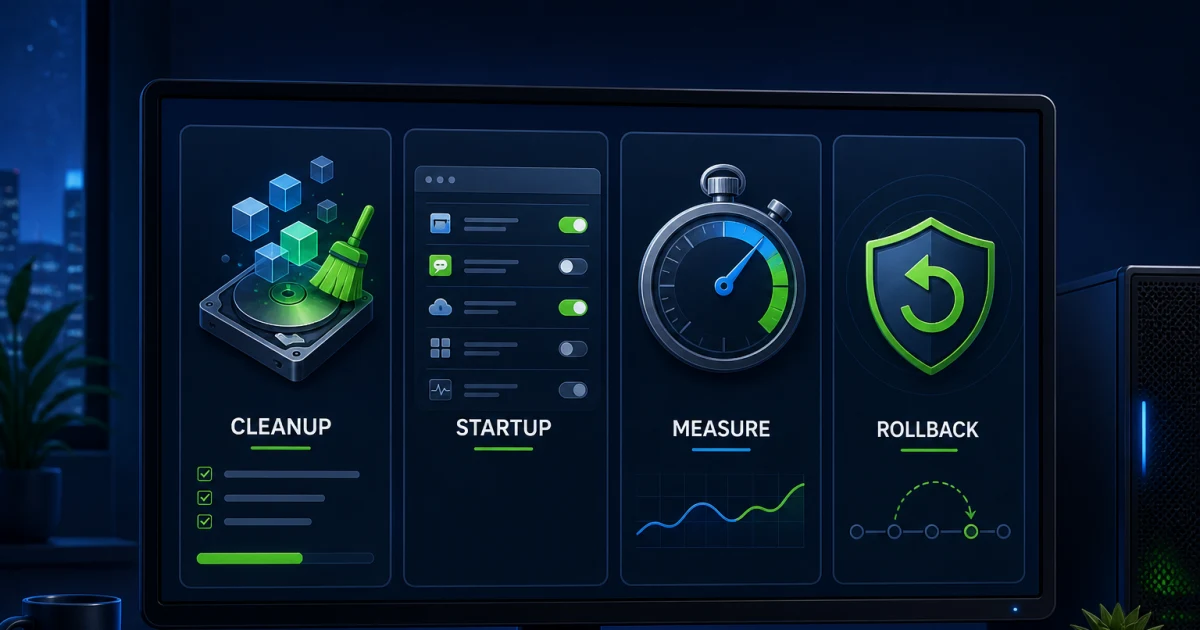
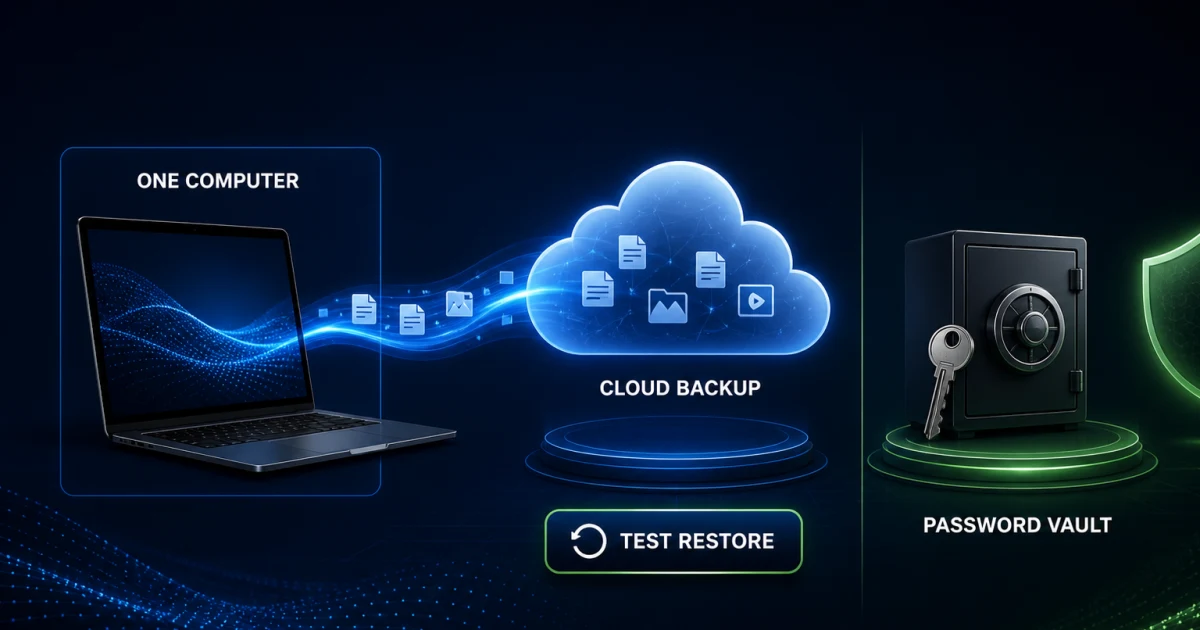
Use the identity protection and dark-web monitoring review to decide what data to enroll and how to respond to an alert. The Webroot Secure VPN review covers entitlement, connection behavior, privacy claims and whether a separate VPN fits better. The PC Optimizer review defines safe cleanup and rollback boundaries. For bundled Carbonite and LastPass relationships, activation and migration, use the Total Protection backup and password-manager guide.
| Extra | What it can do | Question before relying on it |
|---|---|---|
| Identity and dark-web monitoring | Monitor enrolled identifiers and guide response | Which data, region, restoration service and family members are covered? |
| VPN | Encrypt traffic between the device and VPN service | Is it included, limited or separately billed on this plan and platform? |
| PC Optimizer | Remove selected traces and temporary data | Are exclusions, backups and a measurable cleanup goal in place? |
| Backup and password manager | Store files or credentials through partner services | Who owns the account, recovery method, export and post-cancellation access? |
One subscription doesn't mean one feature set on every device
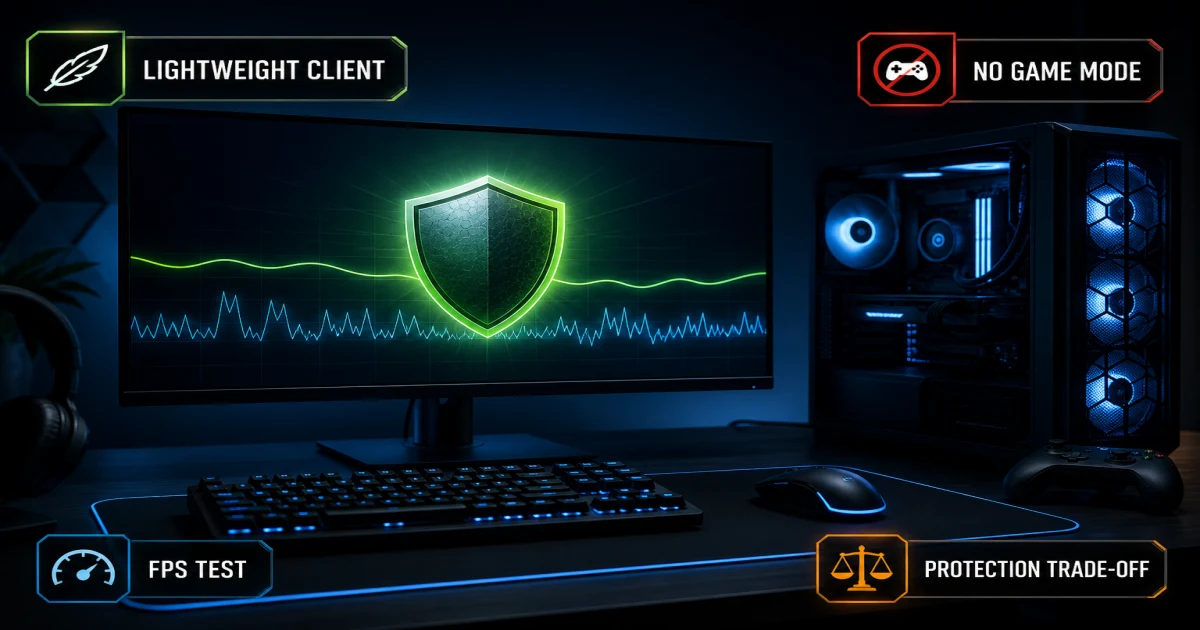
Windows remains the fullest consumer antivirus context. On a gaming PC, the important questions are scheduled activity, alert behavior, game-file false positives and actual frame-time stability rather than a marketing “game mode.” Our Webroot for PC gamers review gives a repeatable trial protocol and shows when the small client helps—and when a detection interruption matters more than idle memory.
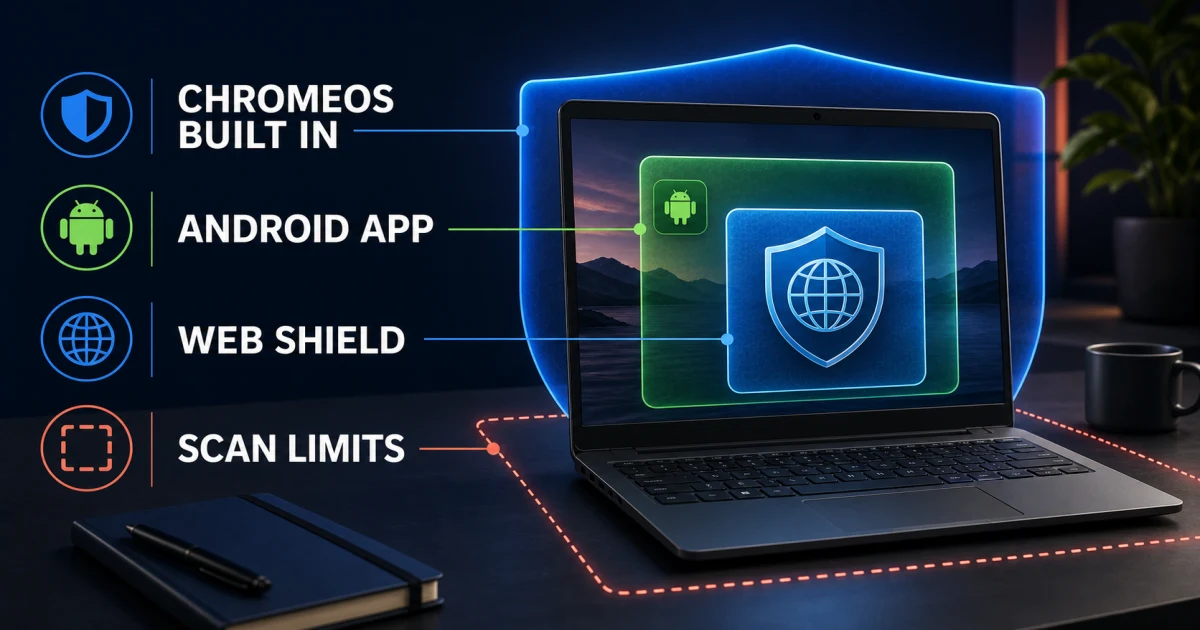
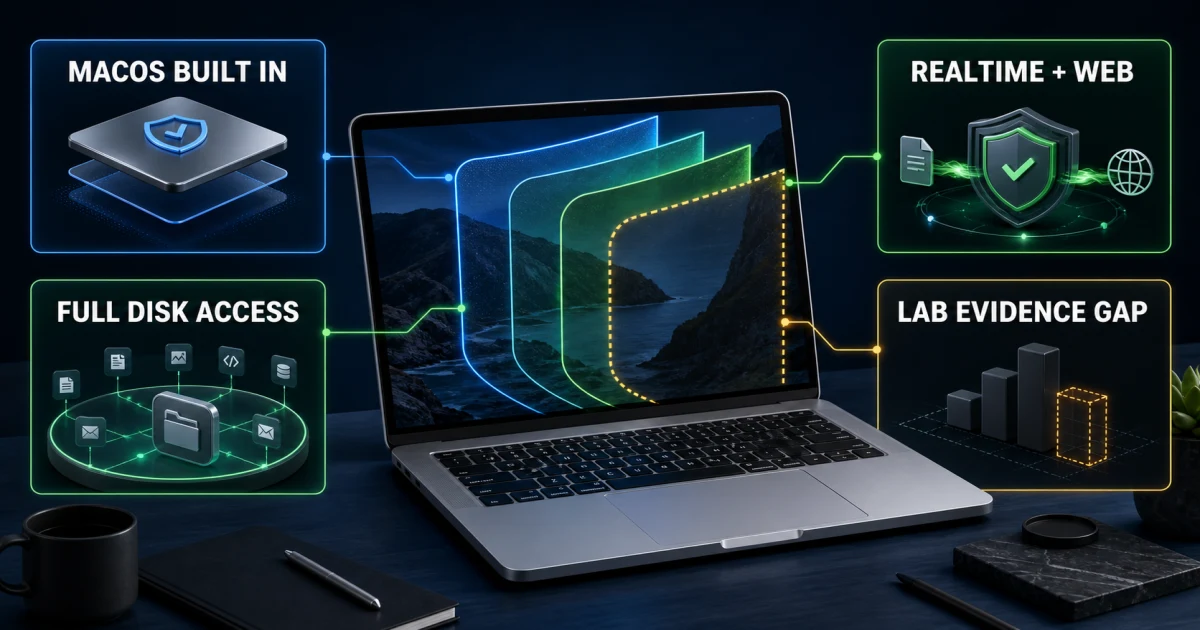
Chromebook needs a different mental model because ChromeOS already uses sandboxing, verified boot and managed updates. The Webroot Chromebook guide explains the browser, web and account-security value without pretending it's a Windows engine transplanted into ChromeOS. On Apple hardware, use the Webroot for Mac setup and review to check current macOS permissions, scanning and missing Windows features.
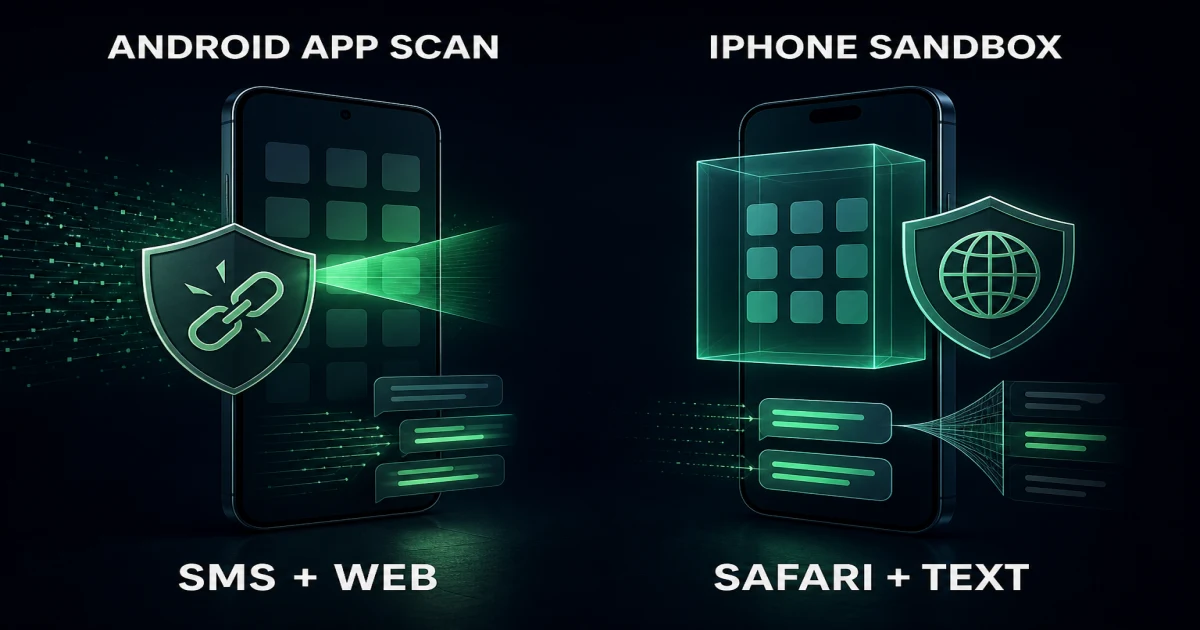
Mobile also splits. Android can expose apps and storage to antivirus-style checks under platform permissions; iOS security apps mainly contribute web, identity, account and network layers because Apple doesn't let them scan the operating system like a Windows antivirus. The Webroot Android and iOS review keeps those products separate and helps prevent paying for assumed feature parity.
Coexistence and scam safety are protection decisions, not footnotes
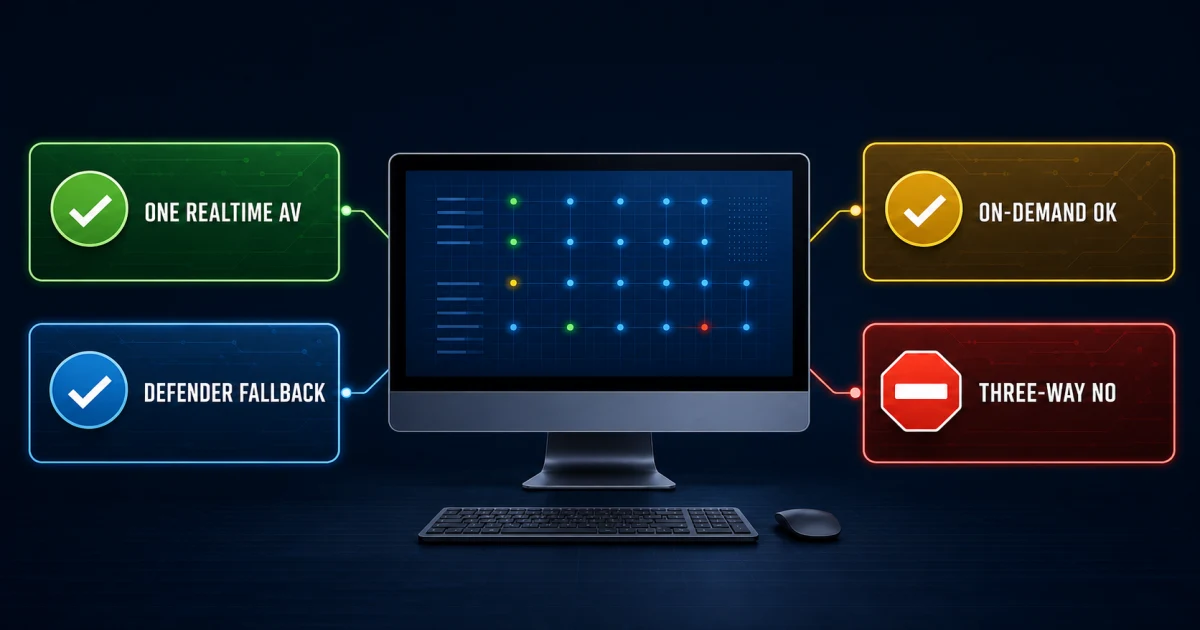
Webroot has historically positioned compatibility as a strength, but the safe default is still one known primary real-time provider. Our Webroot with Microsoft Defender and Malwarebytes guide explains Windows provider registration, Defender's passive or periodic roles and how to use an on-demand second opinion without accidentally enabling a second resident trial. After any install or removal, open Windows Security and verify the provider rather than guessing from tray icons.
Support scams deserve equal weight because search results can contain old forum posts, uploaded PDFs and promotional pages with invented contact details. A green shield image doesn't verify a domain, and a caller knowing your name doesn't prove access to a Webroot account. The official consumer how-to portal and official support page are the source boundary. If money, credentials or remote access were already shared, disconnect the remote session, contact the payment provider through a verified channel, change exposed passwords from a clean device and review the scam guide's recovery sequence.
How these guides are researched and kept useful
We begin with the current search results to identify the job Google is actually trying to answer, then check Webroot's consumer support, account, product and legal pages. Version-sensitive claims—prices, plan names, operating systems, keycode behavior, refund windows and partner entitlements—must have a current official basis. Lab results stay attached to the lab, date, population and denominator that produced them.
Community reports from places such as r/antivirus and vendor forums help surface real language and recurring friction: scheduled scans that appear unexpected, allowlisting confusion, renewal ownership, browser extension state and unofficial support outreach. They're directional evidence, not proof that every installation behaves the same way. We don't invent users, quotes or support experiences, and we exclude spam posts that exist mainly to publish a contact number.
Each spoke is intentionally narrower than this hub. It can explain the relevant official route, evidence and edge cases without forcing someone with a billing question through a 7,000-word product manual. The hub is checked for intent overlap so the review owns the buy/keep verdict, comparison pages own two-product decisions, troubleshooting pages own symptoms and this page owns navigation.
Webroot help FAQ
Where should I start with Webroot?
Start with the review if you're deciding whether to buy or keep Webroot. Use the pricing and tier guides before checkout, installation and account guides after purchase, and a symptom-specific page only when something is failing. The question router near the top of this hub sends each job to the shortest useful route.
Is this the official Webroot support website?
No. Antivirus-Review.com is an independent editorial publication. We explain current consumer products and verified procedures, but downloads, account recovery, keycodes, subscription changes and support requests should begin on Webroot's official domains or with the seller named on your receipt.
How do I know whether a Webroot support message is real?
Don't trust a phone number, payment request or remote-access instruction simply because it appears in a pop-up, search result, email or uploaded document. Close the message, open Webroot or the seller account from a saved or typed address, and compare the alert with the official support page. Never grant remote access to an unverified caller.
Where can I find my Webroot keycode?
Use the purchase email, retail card or the official re-download and keycode recovery route for the product generation you own. A legacy SecureAnywhere keycode and a current account entitlement aren't always handled in the same screen, so identify the product and seller before following instructions.
Does uninstalling Webroot cancel the subscription?
No. Removing the app changes one device; it doesn't reliably stop automatic renewal, request a refund or close a reseller subscription. Cancel with Webroot, Best Buy, an app store or the merchant on the receipt, save the confirmation, then uninstall and verify replacement protection separately.
Can I run Webroot with Microsoft Defender or Malwarebytes?
Windows may keep Defender in passive or periodic-scanning roles while a registered antivirus is active, and Malwarebytes can be used as an on-demand second opinion. Avoid keeping two full real-time antivirus engines active without a documented compatibility reason. Verify the active provider in Windows Security after any change.
What should I do if a Webroot scan is stuck?
Record the scan stage and duration, restart once, check updates and confirm whether the service is actually protecting the device. Use the stuck-scan guide before reinstalling. Don't disable every shield, delete quarantine or install another resident antivirus as a first reaction.
How do I restore a safe file Webroot quarantined?
Confirm the file's source, hash or signature and scan it with another reputable service before restoring it. Restore only the exact item, add the narrowest necessary allow rule and report the detection to Webroot. A broad folder exclusion can hide future malware and isn't a safe shortcut.
Does every Webroot plan include the same VPN, identity and backup tools?
No. Entitlements vary by plan, product generation, platform, region and whether a partner such as Carbonite or LastPass supplies the component. Verify the cart and account dashboard instead of assuming that a feature named on one Webroot page is installed or unlimited on every device.
When should I replace Webroot instead of troubleshooting it?
Replace it when the same protection, browser, performance, billing or support problem returns after one bounded repair attempt, or when the product no longer fits your devices and evidence standard. Compare Bitdefender or Norton for broader suites and use the alternatives guide when low impact, free protection or Chromebook support changes the answer.
The shortest safe route is usually the best route
Identify the product, seller, platform and symptom before changing anything. Use official domains for downloads, accounts and support; use the focused guide for interpretation and completion checks. If one bounded repair doesn't solve a recurring problem, compare replacements by the need Webroot is failing—not by the number of boxes on another suite's sales page.
For a fresh ownership decision, begin with the review and plan guides. For an active failure, open the exact symptom row. For departure, cancel with the billing merchant, remove the software, then verify one active replacement. That sequence preserves evidence, avoids surprise renewal and leaves the device protected.
Before changing anything: preserve the evidence and a way back
Capture four details before opening a guide: the exact product name shown in the app or receipt, the operating system and version, the seller that took payment, and the full error or alert without personal data. That record prevents three expensive detours. It stops a home user from landing in an MSP policy manual, stops an app-store subscriber from looking for a Webroot renewal switch that doesn't control the charge, and gives troubleshooting a reproducible starting point. If the device might be infected, photograph the message with another device instead of copying unknown links or calling contact details displayed inside it.
For a repair, note what was working immediately before the failure and what changed: browser update, Windows or macOS update, new VPN, game patch, restored file, account renewal or another security product. Change one variable at a time. A repair is complete only when the original task works and protection still reports healthy. Opening one previously blocked site isn't enough if the browser extension remains disabled; restoring one file isn't enough if an entire downloads folder was excluded; ending a busy process isn't enough if the same load returns after every restart.
For an account, billing or removal change, preserve the receipt, merchant name, renewal date, subscription state, device list and any cancellation case. Never publish a full keycode, password, recovery code or payment-card detail in a forum post. If reinstalling may be necessary, confirm the official download and account-recovery route first. If switching products, download the replacement from its official site but don't keep both real-time engines active simply to avoid a brief handoff. Finish by confirming one active provider, current updates and a successful scan.
This evidence-first habit is deliberately boring. It makes a failed experiment reversible, gives official support a concise case, and separates “the warning disappeared” from “the device and subscription are now in a known good state.”