
Most Secure Internet Browsers in 2026
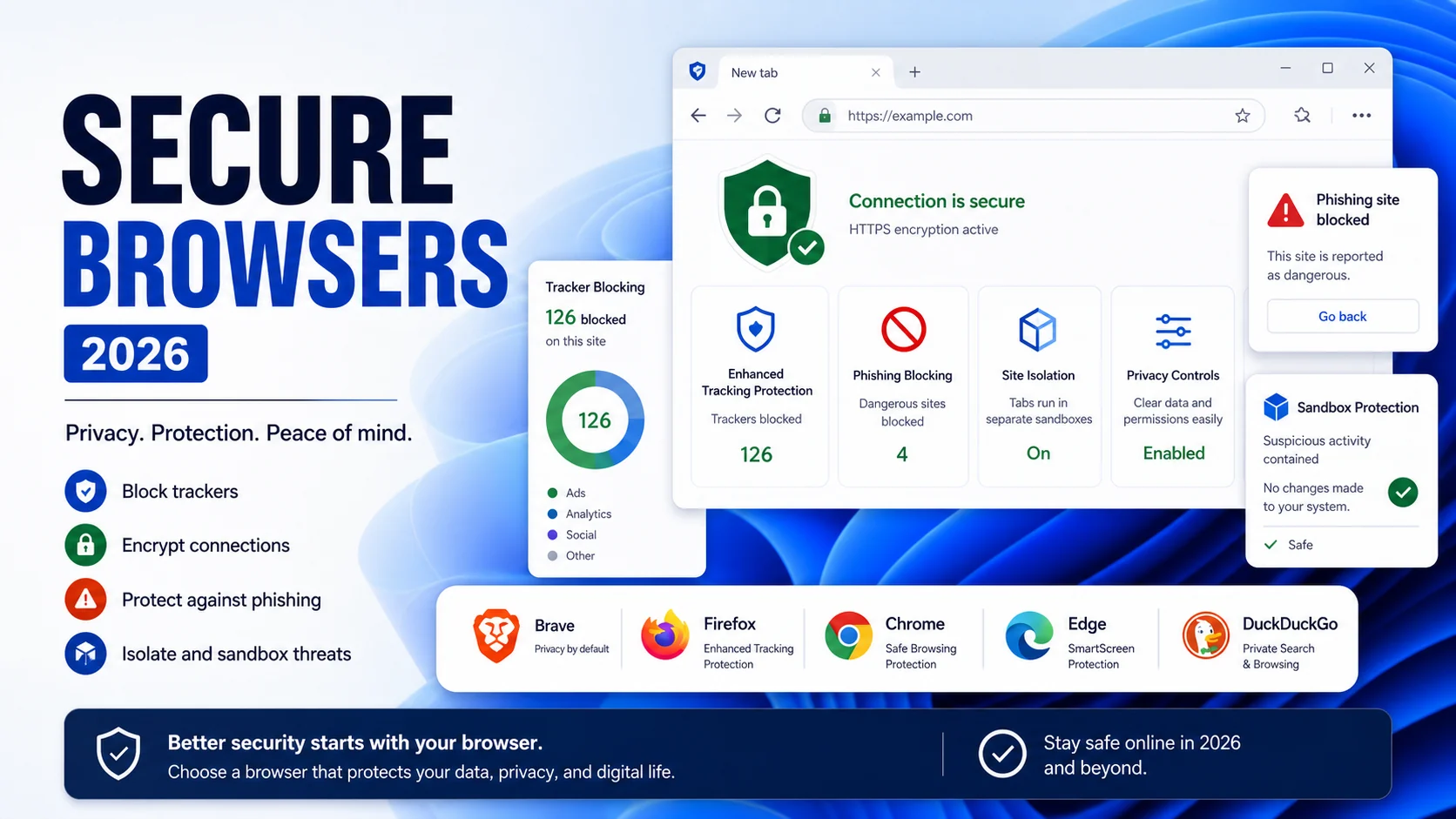
The browser is perhaps one of the most popular programs among all users, regardless of age, profession, social status. Since the introduction of the first browser, many programs of this kind have been designed. The number of only the most popular browsers is measured in dozens.
Experience shows that it is easier to win the heart of the user, giving them the most comfortable working conditions. Users also like the high speed of page loading. In most cases, the browser is selected based on these criteria. And someone takes advantage of the browser that is already available on the device or installs the most popular solution. It is difficult to call this choice conscious because not all browsers are equally safe.
It is advisable to use a reliable antivirus solution while working at home or for business purposes to ensure the additional level of security - read our business antivirus review to know why it is so important.
But if to speak about browsers, the market has some of the most secure options for you in 2022.
How We Ranked Them
"Most secure browser" means different things depending on the threat. This list is ranked against a specific combined criterion for 2026 consumer use: anti-fingerprinting strength, ad/tracker blocking defaults, phishing and malicious-site protection, extension/process sandboxing, vendor trust history, Manifest V3 impact on ad-blocking, and the frequency of security patches. Ranking weight slightly favors daily-driver practicality over maximal lockdown — Tor Browser is the best by pure anonymity, but almost nobody browses their banking there, so it ranks behind the pick that is both strong and usable.
Every browser below gets patches within days of a Chromium or Gecko upstream security release; that table stakes is assumed. The ranking differences come from defaults, vendor history, and features layered on top of the engine.
#1 — Brave (Chromium, Brave Software)
Why it wins the 2026 ranking: Brave ships the strongest set of security and privacy defaults of any mainstream daily-driver browser without requiring configuration. You install it; you are already protected.
Key security features:
- Brave Shields — ad, tracker, fingerprint, and script blocking enabled by default at a "standard" or "aggressive" level the user can toggle per-site.
- Randomized fingerprint per-session — canvas, WebGL, audio context, font enumeration all scrambled; cross-site tracking via fingerprint is broken.
- Tor private window — File > New Private Window with Tor gives you a Chromium-Tor session for sensitive lookups without installing Tor Browser separately.
- HTTPS upgrade — forces HTTPS where available, similar to HTTPS Everywhere.
- IPFS integration — native support for decentralized content addressing.
- Vertical tabs, sidebar, sync — daily-driver polish.
Vendor history: Clean. Brave Software has never been fined for data sale, has never been caught with hidden telemetry, and open-sources the browser on GitHub. There was a 2020 affiliate-link rewriting incident that was corrected within 48 hours; nothing since.
Weaknesses: Still Chromium underneath — same Manifest V3 reality as Chrome. Optional Brave Rewards and crypto wallet features are not security issues but are opt-in and add UI clutter.
Our pick for: daily driver for a security-conscious user who wants strong defaults without the configuration overhead of Firefox.
#2 — Tor Browser (Gecko, The Tor Project)
Why it is #2 not #1: Tor Browser provides the strongest anonymity of any browser available — it routes traffic through the Tor network, it ships with a deliberately uniform fingerprint (everyone on Tor Browser looks identical), it blocks trackers and fingerprinting at the Gecko level. For defeating targeted surveillance and crossing censorship, nothing beats it.
It ranks below Brave only because it is not a realistic daily driver: Tor routing adds 200-1000ms latency per request, streaming video is impractical, banking sites and Cloudflare-fronted services frequently challenge or block Tor exit nodes. Using Tor for everything makes your sessions unusable; using Brave for banking and Tor for sensitive research is the real-world pattern.
Key security features:
- Tor network routing by default — three hops, exit-node origin invisible to destination site.
- letterboxing — window resizing snapped to fixed dimensions so screen-size fingerprinting fails.
- NoScript built in — JavaScript disabled by default on Safest security-slider setting.
- No extensions allowed (other than preinstalled) — deliberate, prevents fingerprinting via installed-extension enumeration.
Vendor history: The Tor Project is a nonprofit; funding history has included US government grants (BBG, State Department, NSF), which is documented and not hidden. No commercial data-collection concerns.
Use for: research that must not be linked to you (journalism, whistleblowing, medical research, threat-intel work), accessing .onion services, crossing censorship.
#3 — LibreWolf (Firefox fork, community-maintained)
Why it ranks high: LibreWolf is Firefox with every privacy preference cranked to paranoid. It removes Firefox's telemetry, Pocket integration, sponsored content, and experiments. It ships with uBlock Origin preinstalled. It disables WebRTC by default (kills a known fingerprint/IP-leak vector). It sets resistFingerprinting to true out of the box.
It ranks below Brave for daily use because it breaks more sites by default — strict fingerprint resistance means some sites misdetect your locale, time zone, or canvas. Power users accept the tradeoff; casual users will not.
Key security features:
- uBlock Origin preinstalled — the full Manifest V2 version, which LibreWolf can keep because Firefox did not deprecate MV2.
- resistFingerprinting enforced — canvas, timing, screen size, user-agent, font enumeration all normalized.
- No Mozilla telemetry — pings and experiments gutted.
- Cookie, site-data, and DNS-over-HTTPS policies hardened.
Vendor history: Clean. Community-maintained, GitHub-hosted, open-source. No commercial conflicts.
Weaknesses: breaks some sites; not available in the Microsoft Store or Mac App Store (install from GitHub); no mobile version — Android users pair it with Fennec F-Droid or Mull.
Use for: privacy-first power users on desktop who want Firefox defaults moved firmly into "no excuses" territory.
#4 — Mullvad Browser (Gecko, Tor Project + Mullvad VPN)
What it is: A collaboration between Mullvad VPN and the Tor Project launched in April 2023, now maintained in 2026. It is Tor Browser with the Tor network routing removed, so it runs at normal speed. The hardened fingerprint-resistance and anti-tracking defaults stay.
The intent: "Tor Browser defaults, but paired with your own VPN (ideally Mullvad) for network-level privacy, and fast enough to use." That is exactly what it delivers. It ranks below LibreWolf only on familiarity — LibreWolf is a Firefox fork with a Firefox UI; Mullvad Browser is recognizably Tor Browser UI with different branding.
Key security features: uniform fingerprint (letterboxing, normalized timezone, standardized fonts), NoScript available, uBlock Origin preinstalled, strict cookie isolation, no accounts or sync by design.
Vendor history: Both Mullvad (Swedish VPN provider) and the Tor Project have clean records. Mullvad famously accepts cash payments by mail for anonymity.
Use for: users who already run Mullvad VPN or another no-logs VPN, and want a Tor-grade browser hardening without Tor latency.
#5 — Mozilla Firefox (Gecko, Mozilla)
Why it still matters: Firefox is the only non-Chromium engine with serious engineering behind it in 2026. Without Firefox, the web would be a Chromium monoculture — that is a security issue in itself. Mozilla ships security patches within days of upstream, maintains its own sandboxing and process isolation work, and — critically — still supports classic Manifest V2 extensions, which means the full uBlock Origin continues to work long after Chrome deprecated it.
Key security features:
- Enhanced Tracking Protection (ETP) — three levels, Strict recommended; blocks trackers, cross-site cookies, fingerprinters.
- Total Cookie Protection — isolates cookies per-site, kills cross-site cookie tracking.
- Manifest V2 extension support — full uBlock Origin, NoScript, Privacy Badger.
- HTTPS-Only Mode — off by default, enable at Settings > Privacy & Security.
- DNS over HTTPS — enabled by default to Cloudflare; configurable to NextDNS, Quad9.
- Facebook Container, Multi-Account Containers — first-party-isolation primitives.
Why it is #5, not higher: out-of-box defaults are less aggressive than Brave's. resistFingerprinting is opt-in. Telemetry is on by default. Pocket and sponsored-tile experiments exist. You need to tune Firefox; Brave is tuned for you.
Vendor history: Mozilla has had minor trust incidents over the years (Mr. Robot addon 2017, sponsored new-tab tiles). None rise to commercial-data-sale level. Clean compared to any major commercial vendor.
Use for: the Firefox+uBlock Origin+NoScript daily driver that remains the power-user standard in 2026.
Safari — Strong on Apple, Not Cross-Platform
Safari (WebKit, Apple) is a legitimate contender for iOS and macOS users. Intelligent Tracking Prevention (ITP) is mature and effective, sandboxing leans on Apple's OS-level hardening, privacy reports surface tracker-blocking counts, and iCloud Private Relay (paid, included with iCloud+) provides a partial VPN-like layer.
Safari is not in the main ranking because it is not cross-platform. If you use Mac and iPhone, Safari plus Firefox (for Linux, Windows work) is a reasonable pairing. On Apple devices alone, Safari's system integration and energy-efficiency advantages on laptops are real. For security posture on iOS specifically, Safari is better than any third-party browser because iOS requires all browsers to use WebKit anyway — "Chrome on iPhone" is Safari's engine with a Chrome UI.
Microsoft Edge — Better Than It Gets Credit For, With Caveats
Edge (Chromium, Microsoft) in 2026 is a capable browser with genuinely useful security integrations on Windows: SmartScreen phishing protection at the OS level, Application Guard that opens untrusted sites in a Hyper-V container, integration with Microsoft Defender's cloud reputation service, hardware-based isolation on supported CPUs.
The caveats:
- Edge ships with sponsored new-tab content, Bing shortcuts, and aggressive "set Edge as default" prompts, which create noise.
- Edge's privacy controls are tunable but less aggressive by default than Brave's.
- It is a Microsoft product reporting telemetry to Microsoft; acceptable for most, disqualifying for users whose threat model excludes Microsoft.
For Windows 11 users who want a browser tightly integrated with the OS security stack (covered in our Windows Defender review), Edge is a defensible pick and materially better than it was in 2020.
Chrome — The Security Standard and Why It Still Ranks Low on Privacy
Google Chrome is, technically, one of the most well-engineered browsers for pure security — site isolation, aggressive sandboxing, rapid patching, a $5M+/year bug bounty program. An attacker with a fresh exploit has a harder time escaping Chrome's sandbox than most competitors'.
Chrome ranks low on privacy for the obvious reason: it is made by Google, synced to a Google account by default, reports to Google for Safe Browsing, and historically has been the primary data pipeline into Google's advertising infrastructure. The Privacy Sandbox initiative (replacing third-party cookies with Topics API and other server-side targeting primitives) is Google reshaping how ad targeting works, not removing it.
For a user whose threat model treats Google as a threat actor: Chrome is disqualifying. For a user who is already in Google Workspace, uses Gmail, stores docs in Google Drive, and accepts the trade: Chrome is fine technically. Add uBlock Origin Lite (Manifest V3) and turn off "Ad privacy" features.
Browsers to Avoid in 2026
Opera / Opera GX — Chinese-consortium-owned since 2016. Ships a "free VPN" with contested privacy policy. Not recommended for security-conscious users.
UC Browser — repeated security-research flags for unencrypted data transmission and tracking. Avoid.
Avast Secure Browser — competent Chromium fork with the Jumpshot history. Acceptable if you already trust Avast; not the top pick. See our Avast Secure Browser review.
Yandex Browser — Russian vendor, telemetry concerns documented by multiple security researchers since 2022. Avoid.
Any "free VPN built in!" browser from an unknown vendor — the VPN is usually an ad-injecting proxy, not a real VPN. Verify the vendor.
Basic Setup Regardless of Which Browser You Pick
The browser itself is one layer. Pair it with the following for baseline 2026 security:
- A real antivirus. Microsoft Defender (free, 18/18 at AV-TEST Feb 2026) is enough for most users — see our is Windows Defender good analysis. For the paid-suite path, our picks are Bitdefender (lightest) and Norton 360 (best identity bundle).
- Malwarebytes Premium for PUP/adware cleanup backing up Defender — see our Malwarebytes review.
- A password manager. 1Password, Bitwarden, or the one bundled with your AV. Not the browser's built-in manager if you can avoid it.
- A VPN for public Wi-Fi. Mullvad, Proton, or the one bundled with Norton 360 or Bitdefender Premium Security.
- Two-factor authentication everywhere. Prefer an authenticator app or hardware key over SMS.
- DNS filtering. NextDNS, Cloudflare 1.1.1.1 for Families, or Quad9 catch phishing domains before your browser even loads them.
The Short Version
- Daily driver, privacy-first, zero config: Brave.
- Daily driver, power user, full customization: Firefox + uBlock Origin + NoScript.
- Daily driver, paranoid power user: LibreWolf or Mullvad Browser + a real VPN.
- Sensitive research, anonymity: Tor Browser.
- Apple ecosystem: Safari.
- Windows ecosystem, deep OS integration: Edge.
- Already in Google Workspace, willing to accept the trade: Chrome + uBlock Origin Lite.
- Avoid: Opera, UC Browser, Yandex, unknown "free VPN" browsers.
For the full context on antivirus pairing — every secure browser is still one layer in a defense stack — see our reviews of Bitdefender, Norton 360, Malwarebytes Premium, and Windows Defender. For the Avast Chromium fork specifically, our Avast Secure Browser review covers the Bank Mode and Jumpshot context.
Frequently Asked Questions
What is the most secure web browser in 2026?
For daily use, Brave ranks first in our 2026 analysis — strongest privacy defaults without configuration, clean vendor history, Tor integration for sensitive lookups. For maximum anonymity regardless of usability, Tor Browser remains the standard. For power users wanting full customization on a non-Chromium engine, Firefox with uBlock Origin and NoScript.
Is Brave really more secure than Firefox?
Out of the box, yes — Brave Shields block ads, trackers, and fingerprints by default at a level Firefox requires tuning to match. Properly configured Firefox (Strict ETP, uBlock Origin, resistFingerprinting enabled, telemetry off) reaches parity, but that takes work. Brave is tuned for you at install time.
Is Chrome safe to use in 2026?
Technically yes — Chrome's sandbox, site isolation, and patch cadence are excellent. The concern is privacy, not security: Chrome is a Google product that reports telemetry to Google and synced data to your Google account. If you are already in Google Workspace and accept the trade, Chrome is fine. If your threat model includes Google, it is disqualifying.
Should I use Tor Browser for everything?
No. Tor routing adds 200-1000ms latency, breaks video streaming, and triggers Cloudflare challenges on many sites. Use Tor Browser for specific sensitive research and a faster browser (Brave, Firefox) for daily work. The Tor Project itself recommends exactly this split.
Does a secure browser replace antivirus?
No. Browsers protect the web surface; antivirus protects the file system, email attachments, removable media, and post-download execution. The secure-browser + antivirus + password manager + VPN + 2FA + DNS filtering stack is the consensus 2026 layered defense. See our Windows Defender review and Malwarebytes review for the antivirus layer.